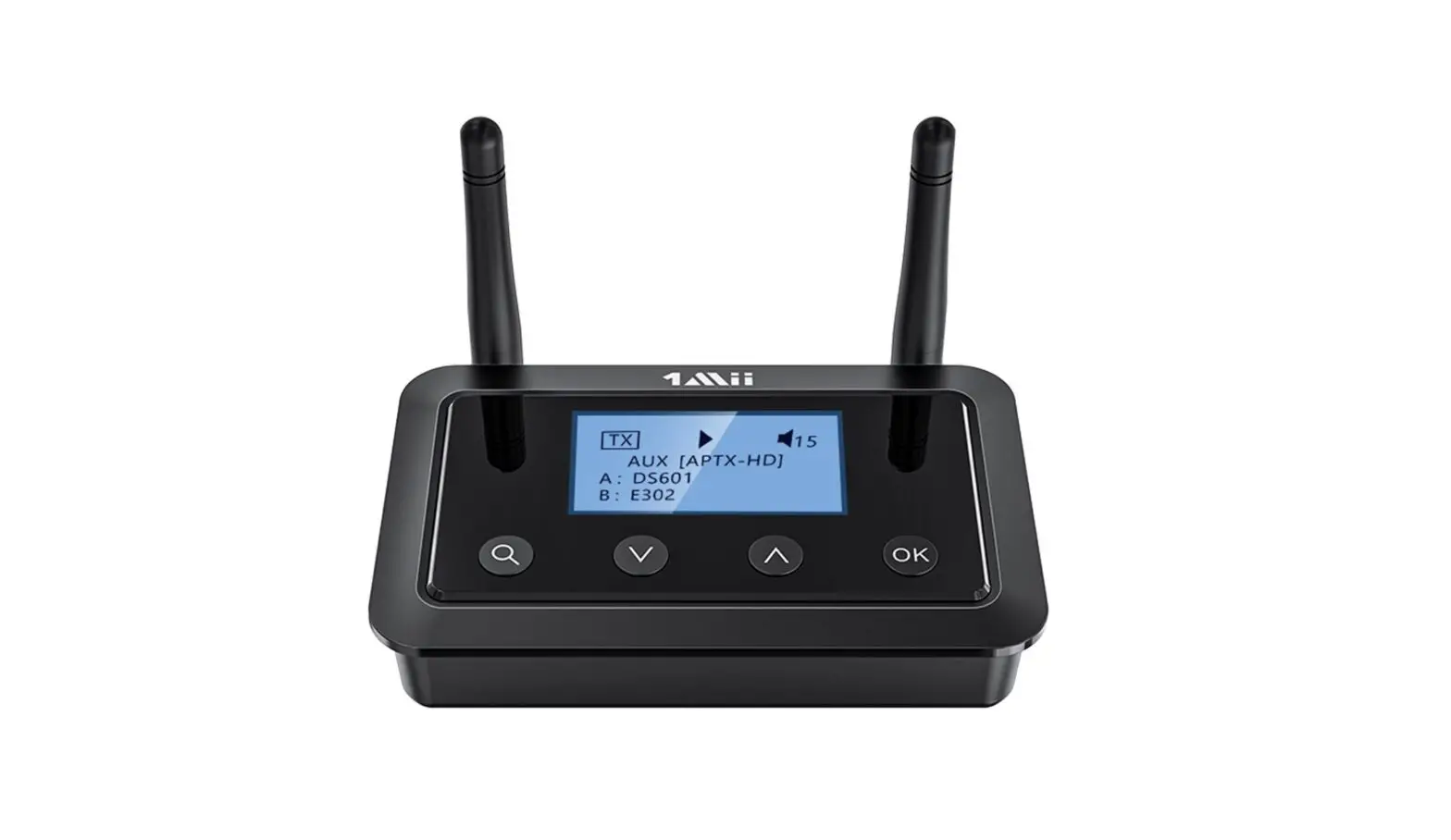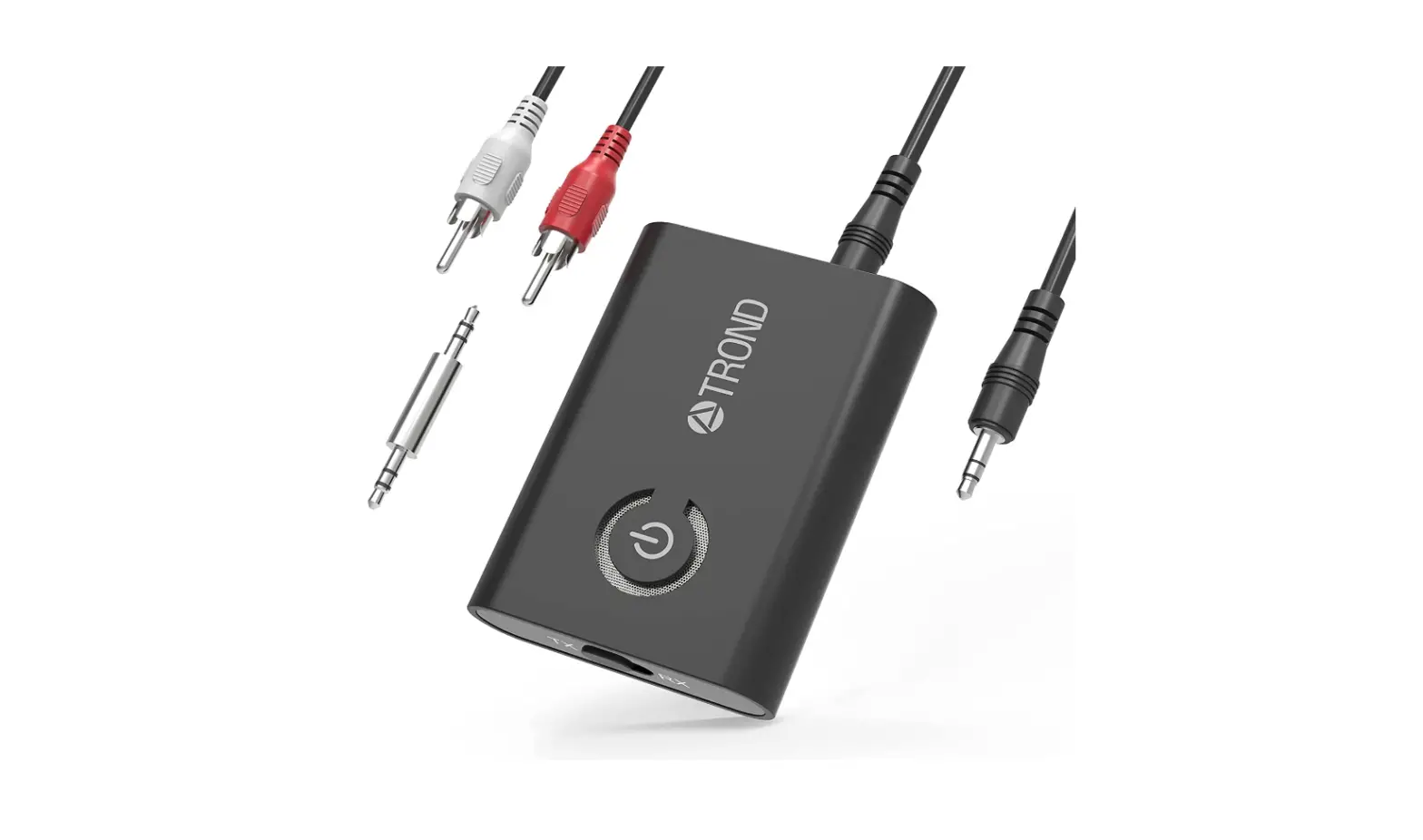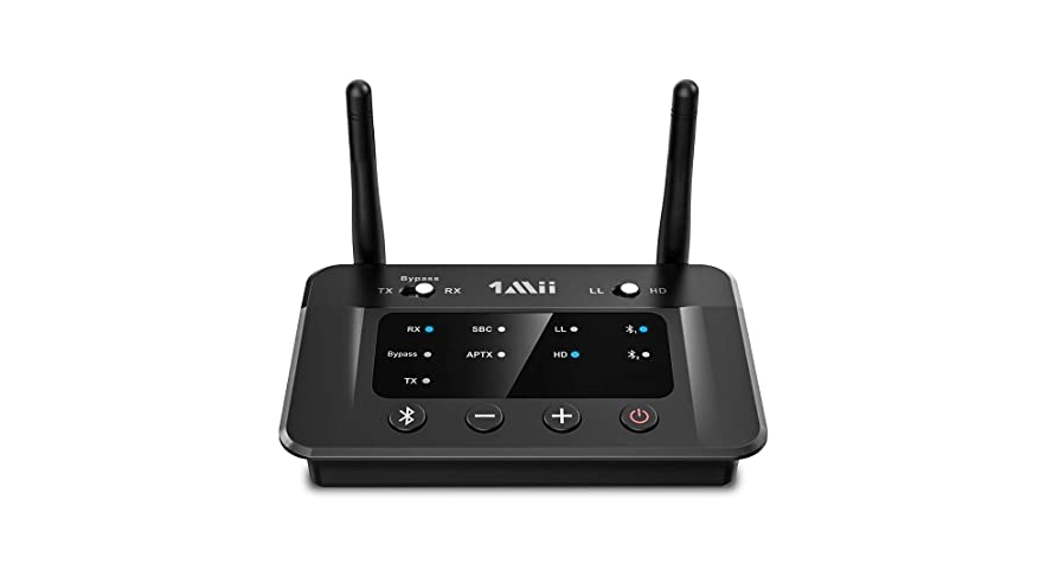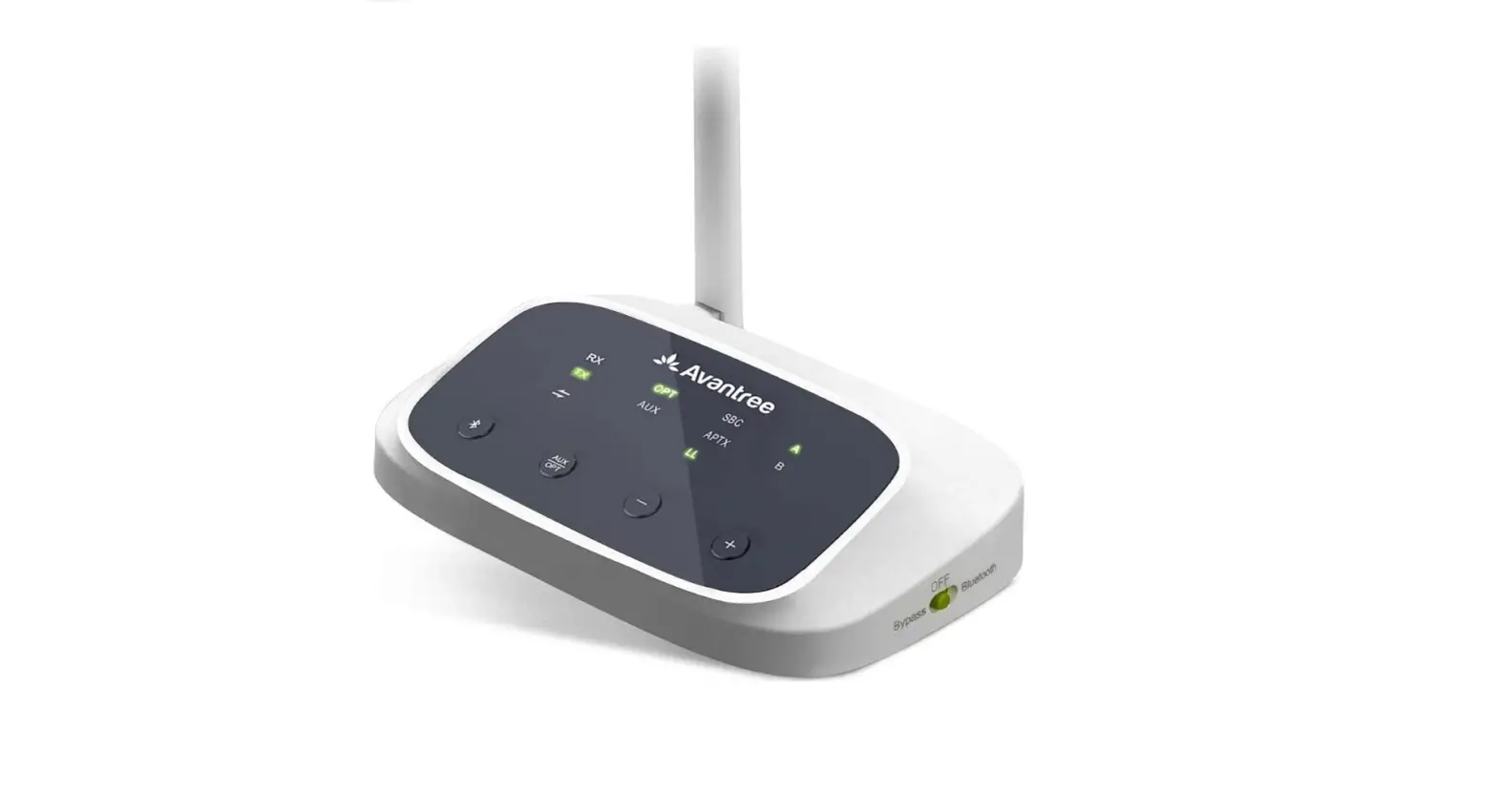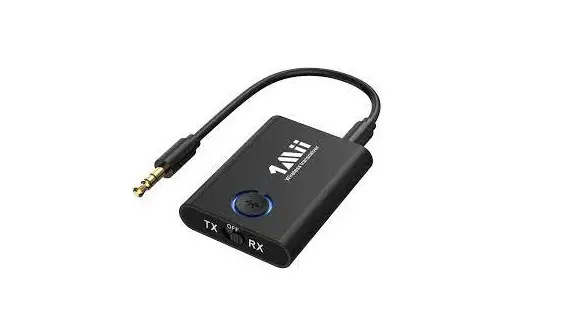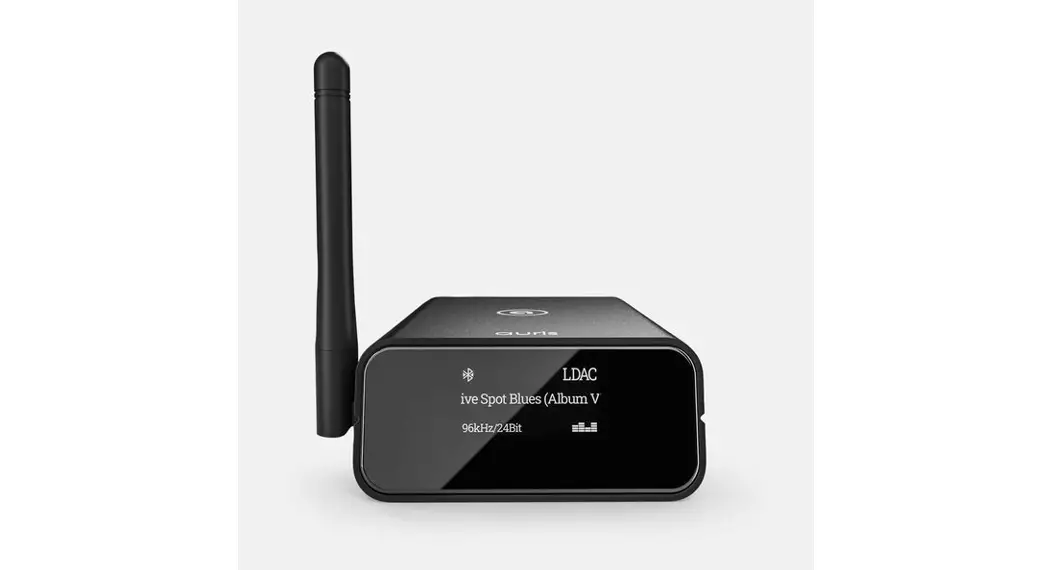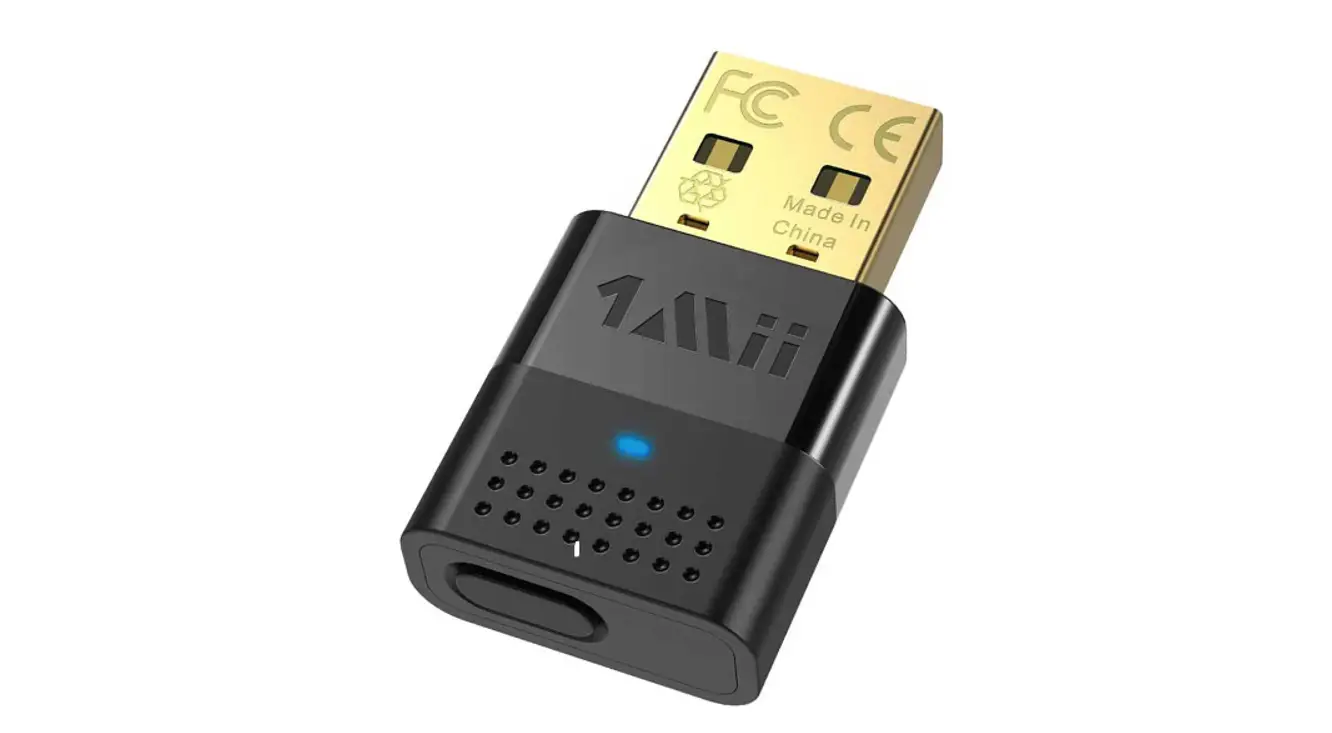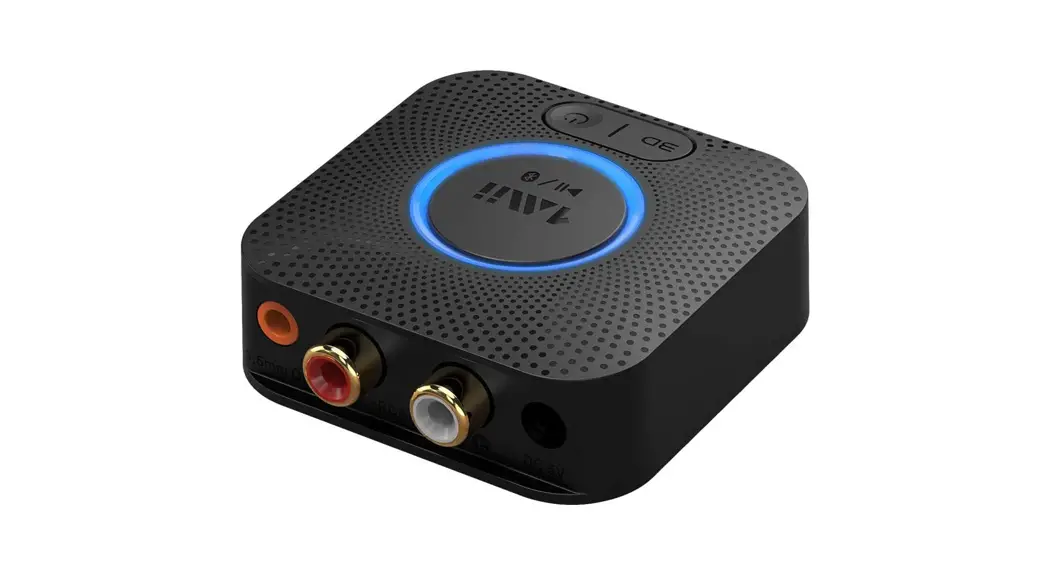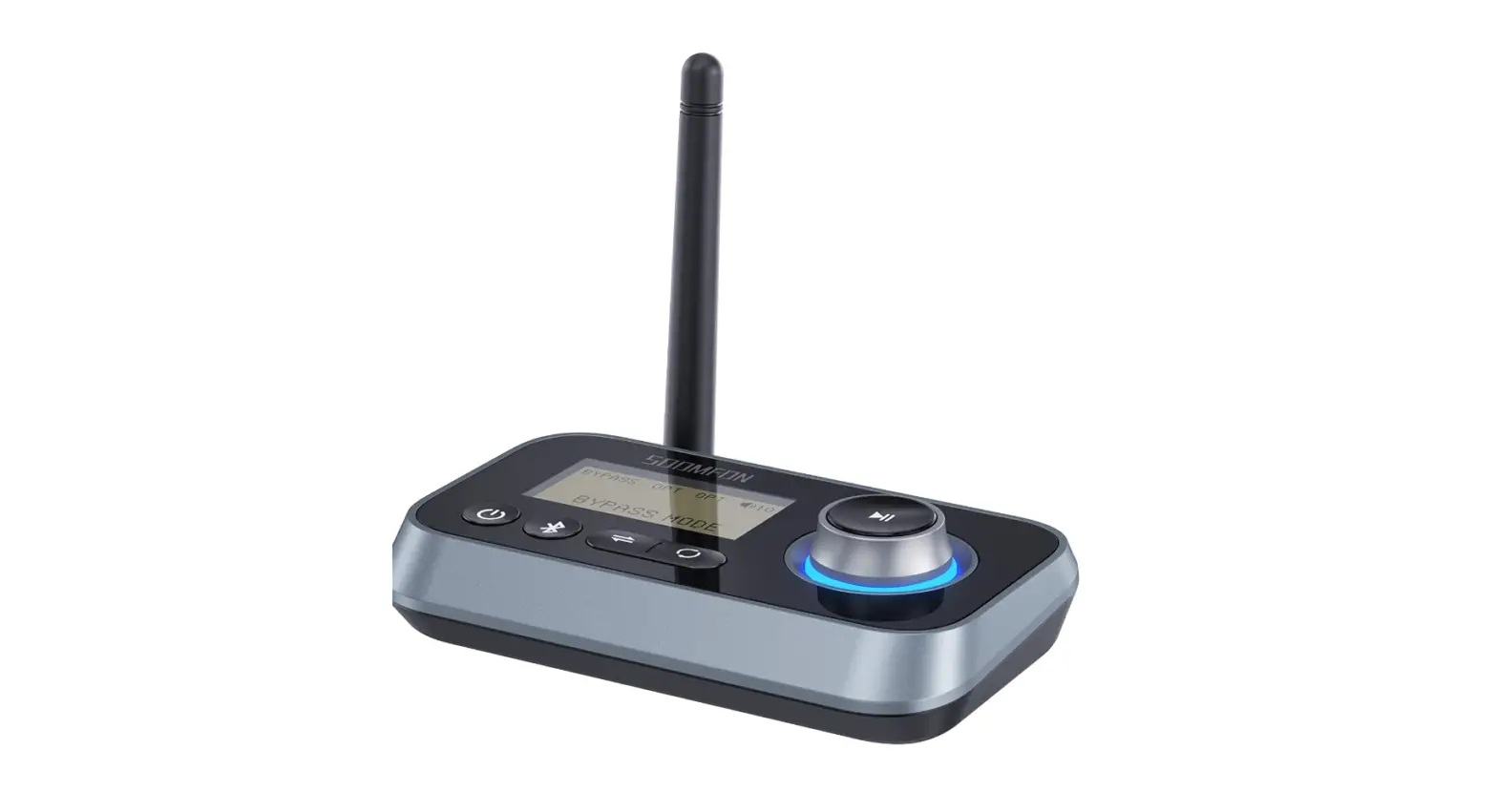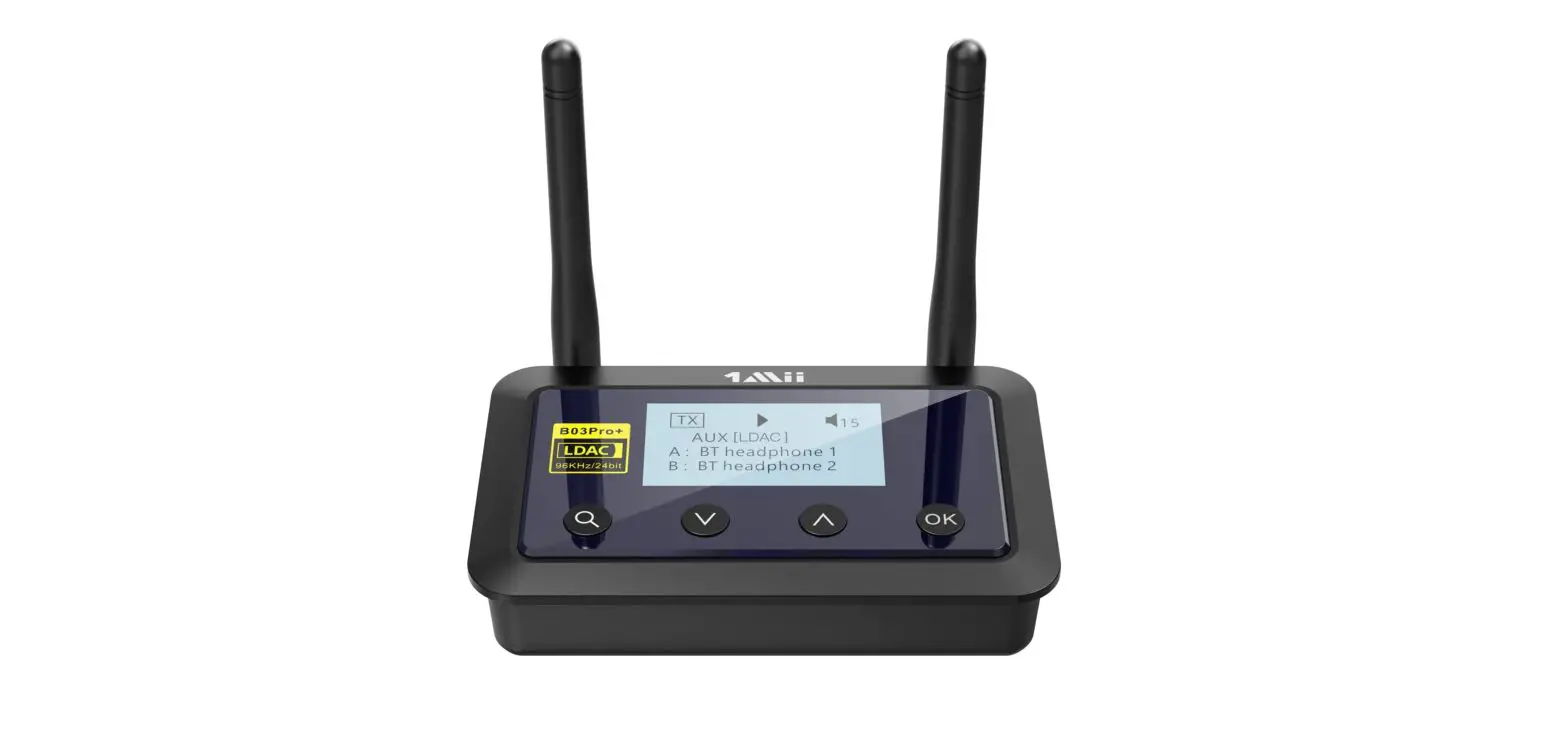

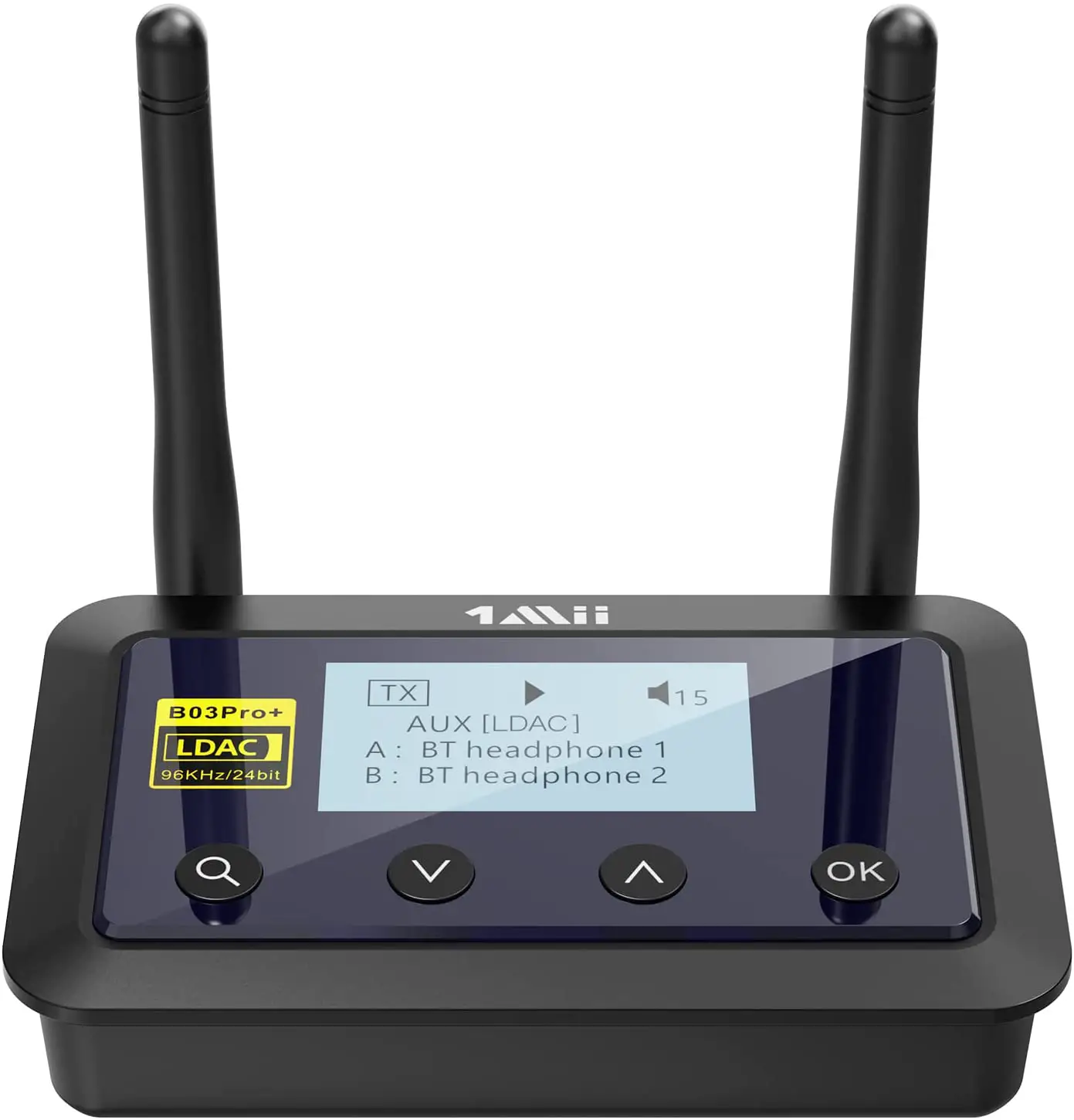
1Mii B03Pro+ Bluetooth 5.0 Transmitter Receiver Certified LDAC for TV Home Stereo
Specifications
- BT VERSION:2
- SUPPORTS PROFILES: A2DP, AVRCP
- AUDIO CODEC: Aptx, AptX-LL, SBC
- OPERATIONAL RANGE: Class l, up to 70 meters
- INPUT VOLTAGE/ CURRENT: Micro USB DC5.0V- 500mA
- OPERATING TEMPERATURE:-100C — 450C
- STORAGE TEMPERATURE: -200C — 600C
- SUPPORT SAMPLING RATE IN OPTICAL MODE: S48KHz
- PRODUCT SIZE: 126x94x29mm
- PRODUCT WEIGHT: 124g
Introduction
1 mii B03 is a wireless long range audio transmitter & receiver incorporating the latest “AptX low-latency’ technology for CD-like quality sound with virtually no delay. Multifunctional, supporting optical, bypass and voice prompts. Providing the best solution to enable your TV or home audio system to wirelessly stream hi-fi audio directly to any wireless headphones or speakers.
To take advantage of the better performance of the APTX Low Latency Codec, the other side device must support the same codec. If the other side device only supports the normal AptX codec, or the SBC one, those codecs will be used instead.
Package Contents
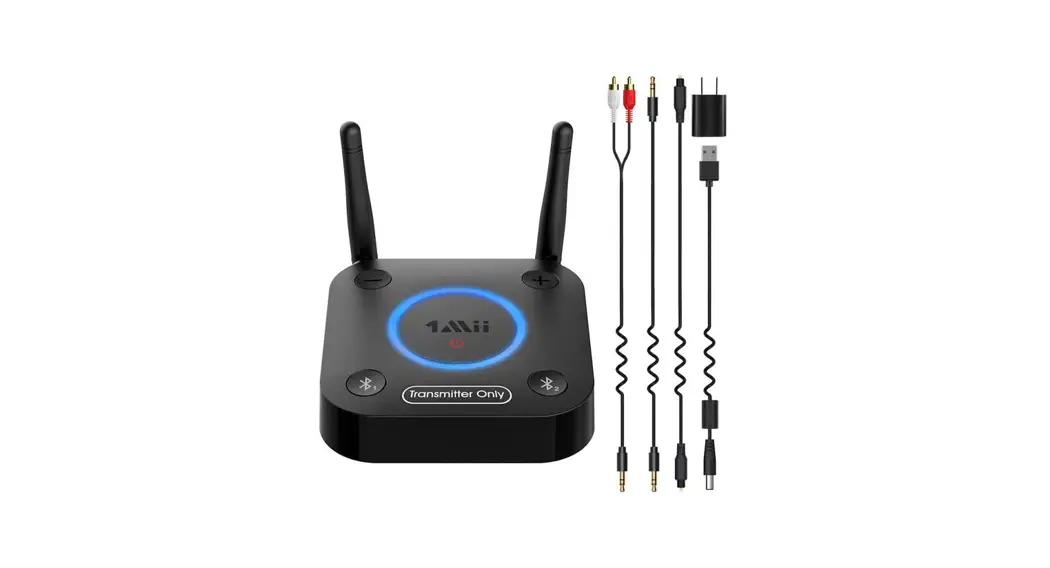
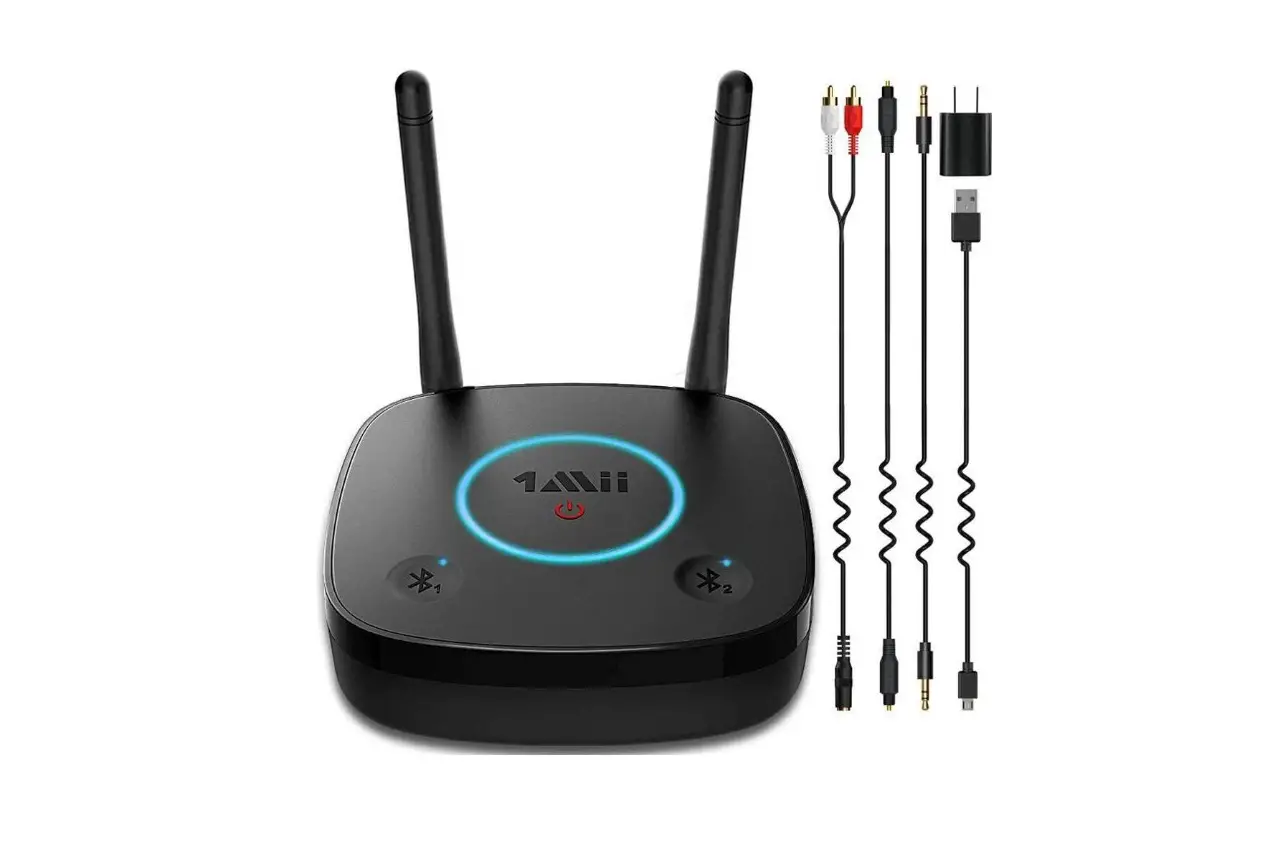
- 1Mii B03 Hi-Fi Bluetooth Transceiver
- Power adapter
- 5V Power Cable
- Optical cable
- 5mm audio cable
- 5mm female to RCA male cable
- User manual
- Quick User Guide
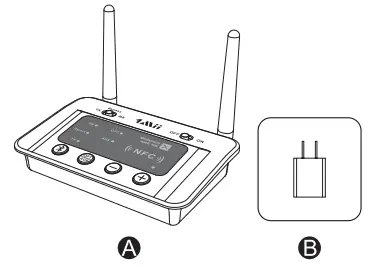
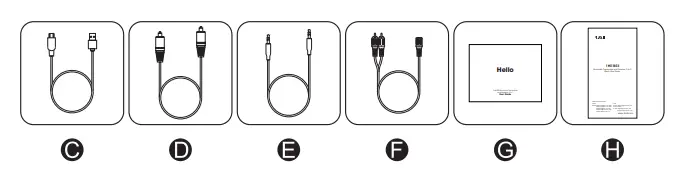
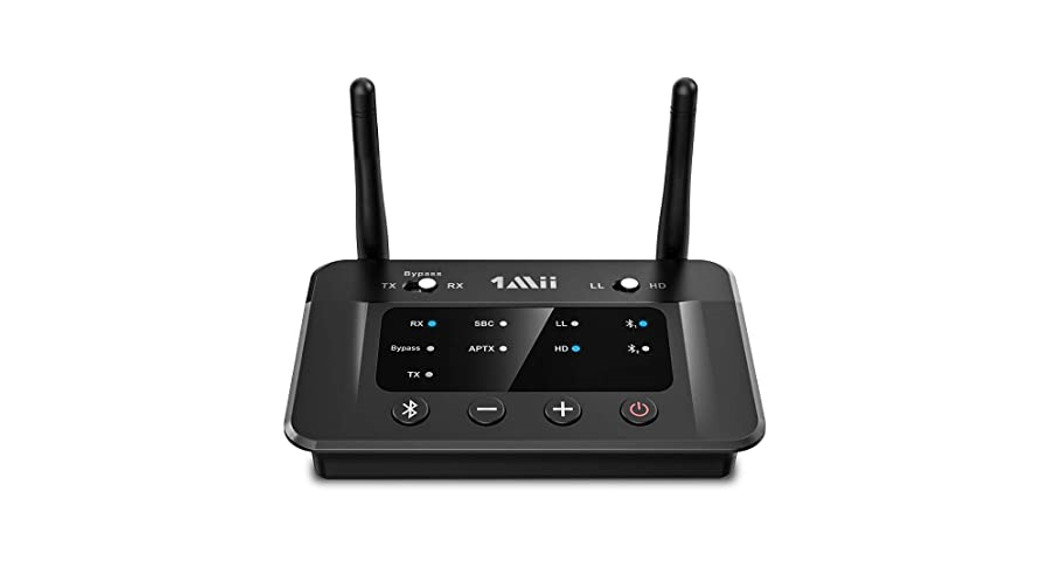
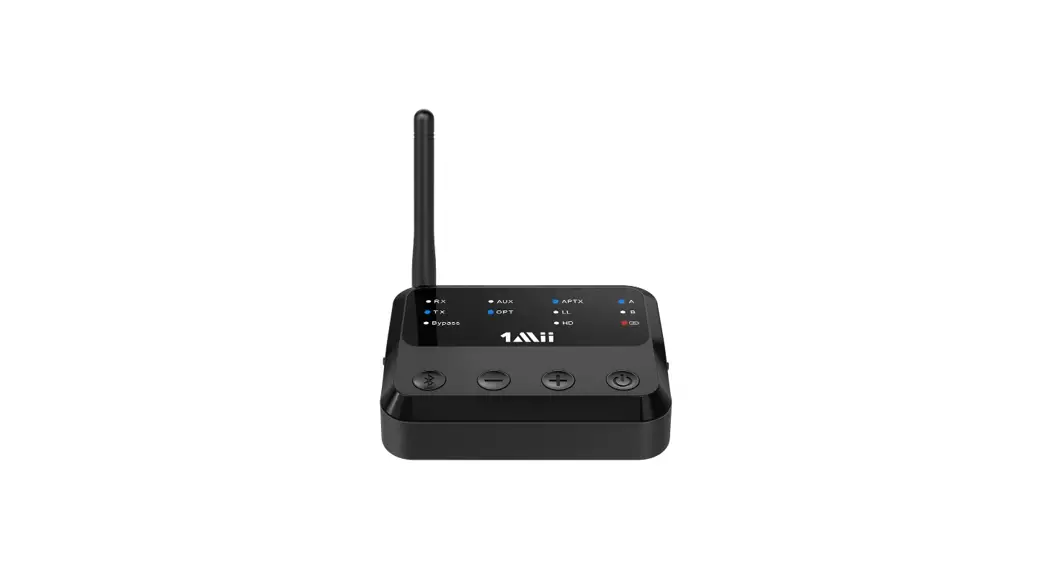
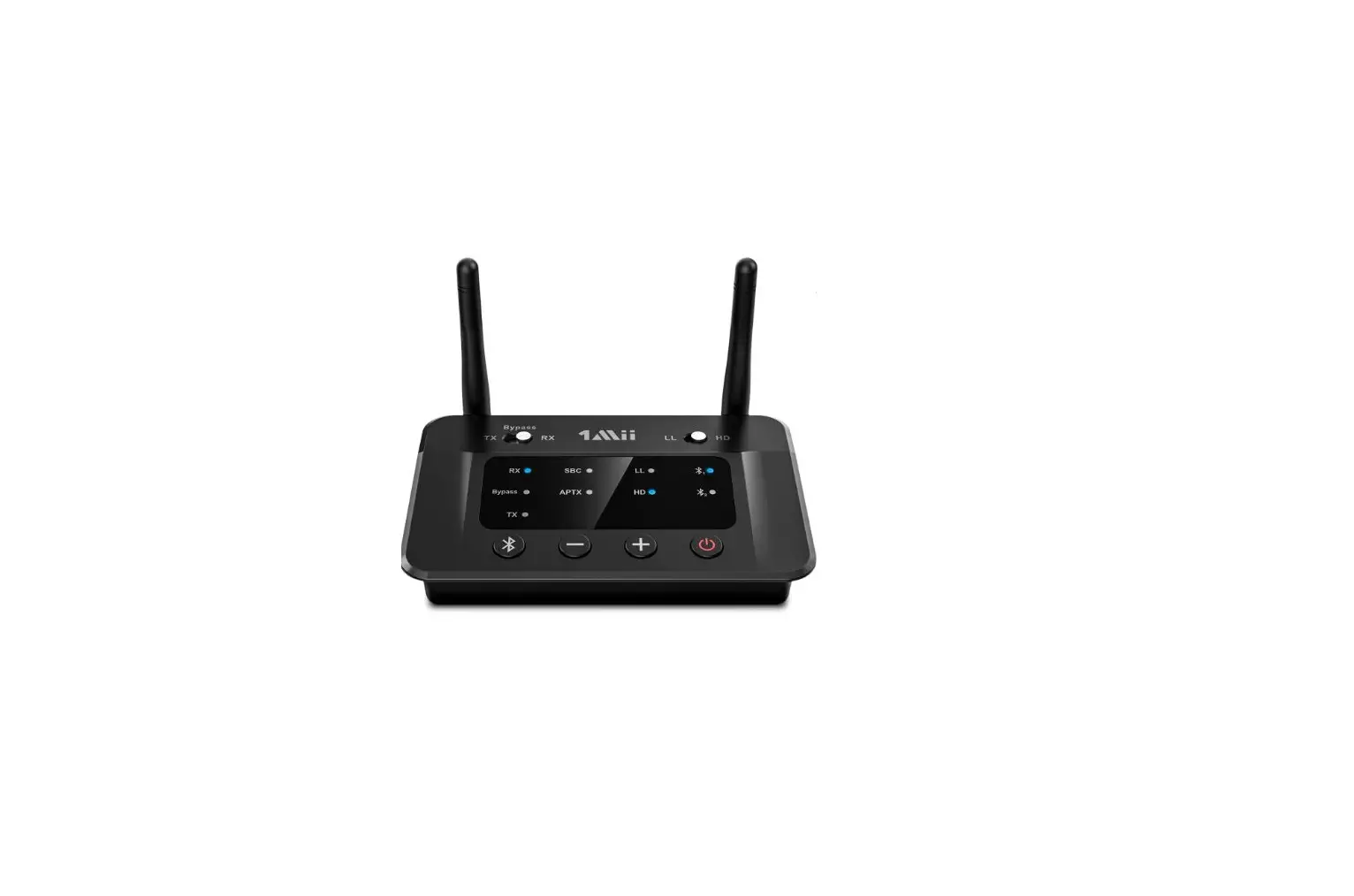
Product Overview & Control Functions
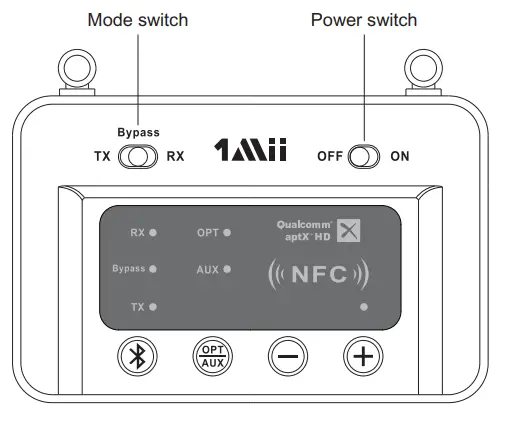
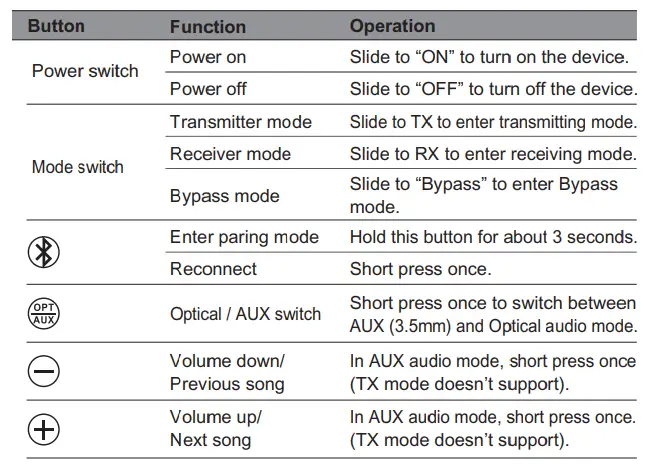
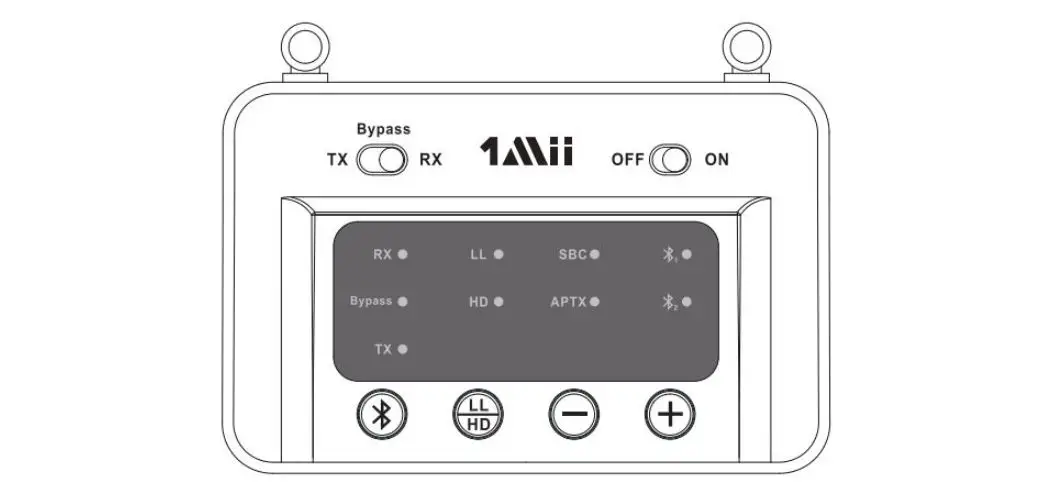
LED Indicators
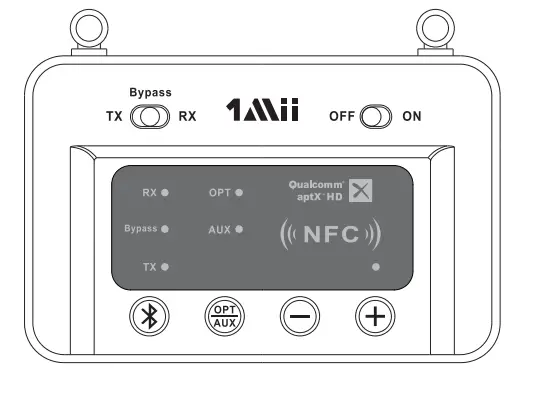
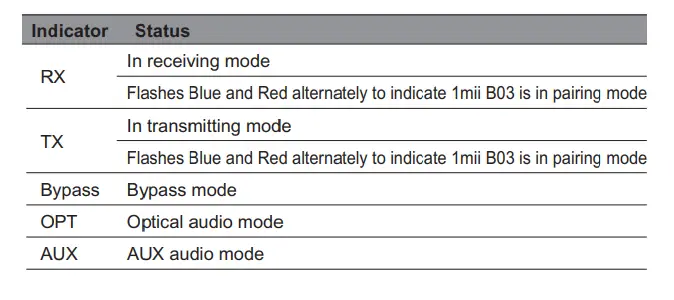
Use as a transmitter (TX mode) Installation diagram
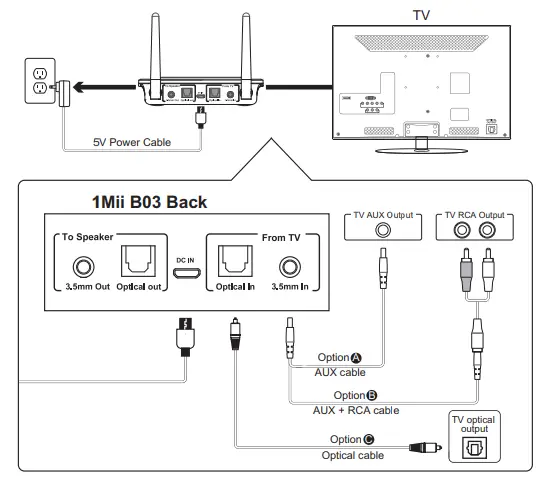
- Connect audio source (TV, DVD etc.) to 1Mii B03 ‘From TV” port with the audio cables provided (optical or AUX/RCA).
- Connect 1mii B03 to a power source (TV, PC USB socket or power adapter) with a USB cable.
- Slide Power switch to the “ON” position.
- Slide Mode switch to the “TX” position.
- Select the correct audio input mode (AUX/OPT) by short pressing the AUX button (Very Important)
- Pairing – Pair 1Mii B03 with your Bluetooth-enabled headsets/speakers.
- Set 1Mii B03 into pairing mode, TX LED flash Blue / Red alternately fast.
- First-time use: 1Mii B03 will auto enter pairing mode (with clear memory).
- Afterward: press (9 button for 3 seconds.
- Set your headsets/speakers to pairing mode refer to its user manual.
- Wait until connected (For quick pairing, better keep them within 1 meter when pairing)
Use as a Receiver (RX mode) Installation diagram
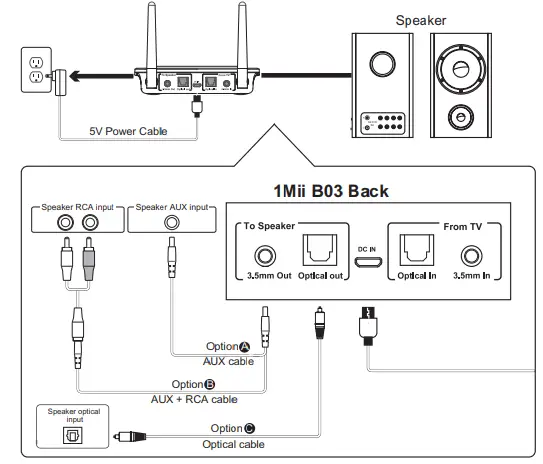
- Connect your speaker to 1 mii B03 “To Speaker” port with the audio cable provided (optical or AUX/RCA).
- Connect 1Mii B03 to a power source with USB cable and adapter.
- Slide Power switch to the “ON” position.
- Slide Mode switch to the “RX” position.
- Select the correct audio input mode (AUX/OPT) by short pressing the button (Very Important)
- Pairing – Pair 1Mii B03 with your Bluetooth-enabled phone/PC/tablet.
- Set 1Mii B03 into pairing mode, RX LED flash Blue / Red alternately fast.
- First-time use: 1Mii B03 will auto enter pairing mode (with clear memory).
- Afterward: press button for 3 seconds to enter.
- Active Bluetooth on your phone or another device to find “1Mii B03” to connect.
- Wait and connected (For quick pairing, better keep them within 1 meter when pairing).
- NFC enabled phones can connect this device easily with Near Field Communication (NFC) function.
Bypass mode (Non-Bluetooth) Installation diagram
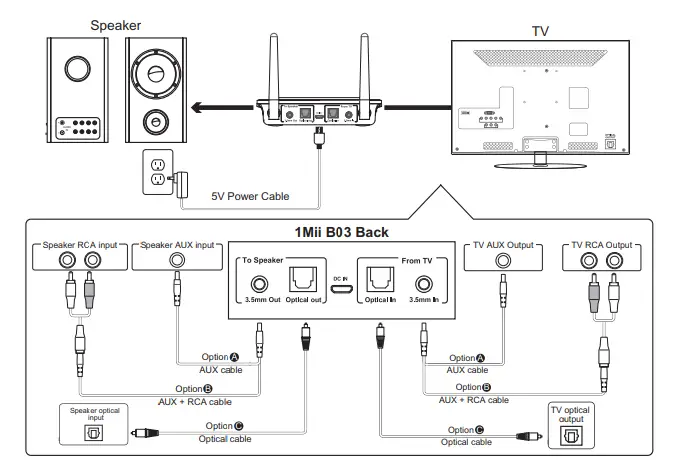
Bypassing means using 1Mii 303 as a non-Bluetooth device which connects the TV and speaker via wires directly. This design enables you to switch between wired (Bypass mode) and wireless (Bluetooth mode) with just one switch without the need to disconnect any cables.
- Connect audio source (TV, DVD etc.) to 1Mii B03 “From TV” port with the audio cables provided (optical or AUX/ RCA).
- Connect your speaker to 1Mii B03 “To Speaker” port with your own audio cable (optical or AUX/RCA).
- Connect 1Mii B03 to a power source with USB cable and adapter.
- Slide Power switch to the “ON” position.
- Slide the Mode switch to the “Bypass” position.
- Press the red button (OPT!AUX) to choose the right connection from 4 modes.
- Aux in/Aux out: Aux LED on.
- opt in/opt out: opt LED on.
- Aux in/Opt out: Aux LED on first and then Opt LED on.
- Opt in/Aux out: Opt LED on first and then Aux LED on
- Ready for use.
Pair and Connect two Devices Simultaneously
In TX mode
- Pair with the first device by following the previous instructions in the “Use as a Transmitter (TX mode)” section.
- Pair with the second device
- Set second headphones/speaker to pairing mode.
- Set 1Mii B03 to pairing mode again, press the button for 3s until the TX LED flashes Blue and Red.
Wait until connected.
Notes:
- For improved compatibility and sound quality, we suggest that you use Bluetooth devices with CSR chipset.
- When using dual-link, 1Mii B03 doesn’t support aptX low latency.
In RX mode
- Pair with the first device by following the previous instructions in the “Use as a Receiver (RX mode)” section.
- Pair with the second device
- Set 1Mii B03 to pairing mode again, press the button for 3s until the RX LED flashes Blue and Red.
- Active Bluetooth on the second device to find “1Mii B03” to connect.
- Wait until connected.
Note: Only one device can play music at any time. You must stop the music on one device to play on the other.
Restore Factory Default Settings
You may need to reset 1Mii B03 if it is not working as expected. When 1Mii B03 is reset to factory default settings, all the paired device information will be cleared.
- Press and hold the buttons 5s until the RX/TX LED flashes Blue and Red.
Troubleshooting
I am having trouble pairing and connecting to my Bluetooth device. Please check the following:
- Your wireless device supports the wireless profiles listed in the specifications.
- 1Mii B03 and your device are next to each other or within 3 feet / 1 meter.
- Make sure both 1Mii B03 and the wireless device are in pairing mode.
After connecting and pairing with my wireless device, I cannot hear any music from my sound system.
- Make sure you select the correct audio input mode (AUX/OPT) by short pressing the e button.
- Make sure to remove the protective head on optical cable.
- In Optical mode, 1Mii B03 support device with sampling rate under 48kHz.
Warnings
Warranty service is limited to normal use. Any man-made damages such as from connecting to an unsuitable power source, using an unsuitable device, or not following the instructions, as well as damages that did not occur during shipping, repairs and adjustments not approved by the company, damages from misuse, inattention, or improper installation may cause the warranty to be ineffective immediately. This warranty does not include shipping fees.
Disposal
Always dispose of the used appliance at a recycling centre. Do not dispose the used appliance together with household waste.
FCC Notice
This device complies with Part 15 of the FCC Rules. Operation is subject to the following two conditions:
(1) This device may not cause harmful interference, and (2) this device must accept any interference received, including interference that may cause undesired operation.
NOTE 1: This equipment has been tested and found to comply with the limits for a Class B digital device, pursuant to part 15 of the FCC Rules. These limits are designed to provide reasonable protection against harmful interference in a residential installation. This equipment generates, uses and can radiate radio frequency energy and, if not installed and used in accordance with the instructions, may cause harmful interference to radio communications. However, there is no guarantee that interference will not occur in a particular installation. If this equipment does cause harmful interference to radio or television reception, which can be determined by turning the equipment off and on, the user is encouraged to try to correct the interference by one or more of the following measures:
- Reorient or relocate the receiving antenna.
- Increase the separation between the equipment and receiver.
- Connect the equipment into an outlet on a circuit different from that to which the receiver is connected.
- Consult the dealer or an experienced radio/TV technician for help.
NOTE 2: Any changes or modifications to this unit not expressly approved by the party responsible for compliance could void the user’s authority to operate the equipment.
FREQUENTLY ASKED QUESTIONS
- What bit rate does the analog input convert to? if i connect an analog source does it use the full 96/24 of ldac?
Yes, if both are supported by the output device, then it will input completely. - Does this device pair easily with apple AirPods pro? (i may be an engineer but i just want it to work.)
This match couldn’t be easier. With this Bluetooth transmitter receiver, an LCD screen is included. You won’t have to use “blind pairing” anymore because you’ll be able to read and choose the correct Bluetooth device to pair with. browsing makes the audio format, codec, and volume much more obvious. - How do I connect to 1Mii?
One by one, press the Bluetooth button on the 1Mii Bluetooth adapter to link with your Bluetooth headphones or speakers since it is already in pairing mode when powered on. - How do I reset my 1Mii?
Push the Bluetooth button for 5 seconds to reset the B03Pro to factory settings. The TX and RX LEDs will both flash purple twice. and then automatically enter pairing mode once more. - Who is 1Mii?
1Mii is a technology firm that was established in 2018 and is focused on the creation and global distribution of a long-range line of audio products, including wireless high-quality audio transmitters, lossless music players, headsets, and earphones. - How do I connect to B06?
A USB power adaptor is included with this revised model. Connect with a 3.5 mm or RCA wire to computer speakers, home stereo systems, or other speaker systems, and then link with Bluetooth audio devices like smartphones or tablets. You can then listen to the song. - Do Bluetooth transmitters really work?
TVs are able to send high-quality audio to speakers using a Bluetooth transmitter. A Bluetooth signal is broadcast by the transmitter, connecting it to an appropriate device. The transmitter connects to the analogue or digital output of the object you want to control and transmits a signal there.