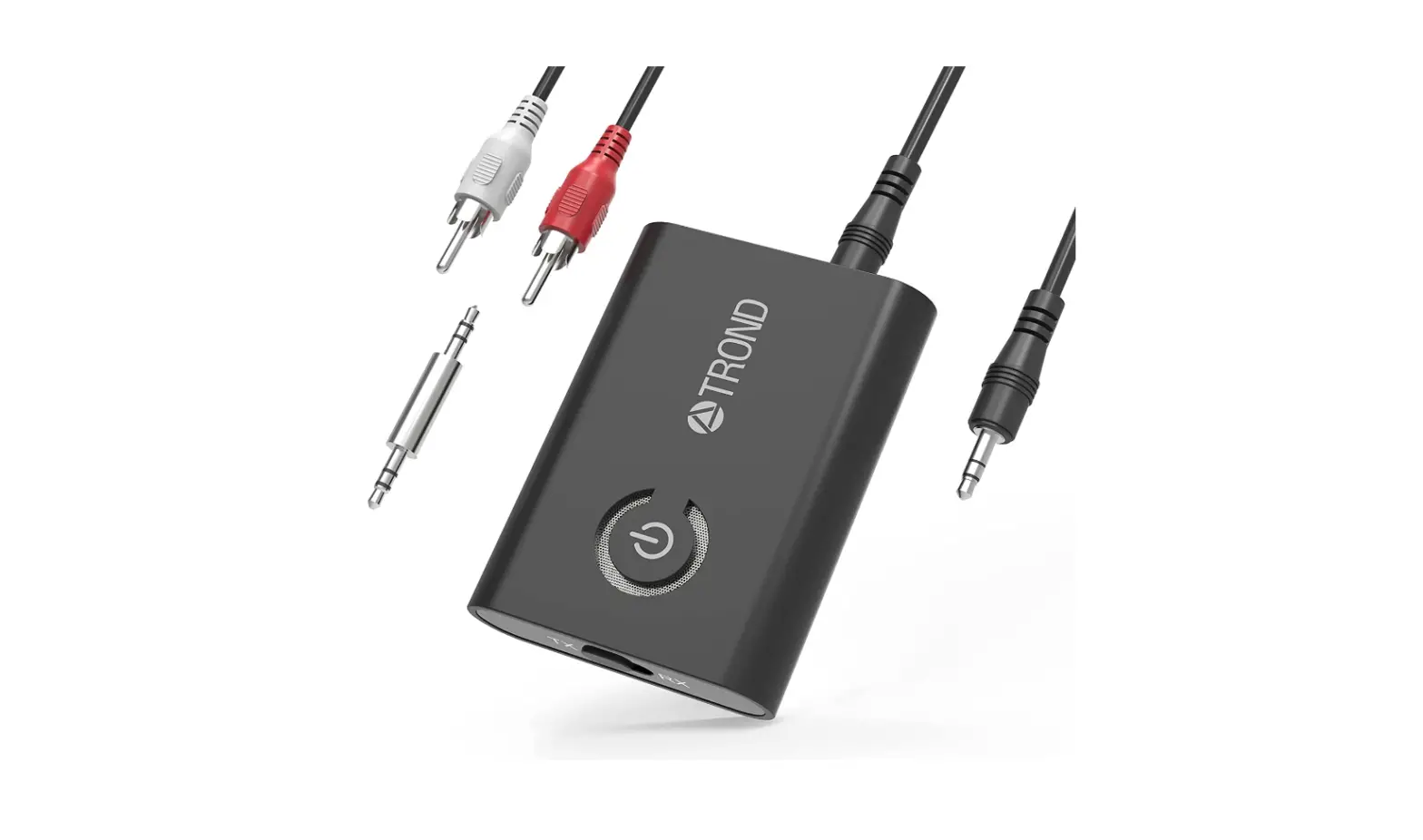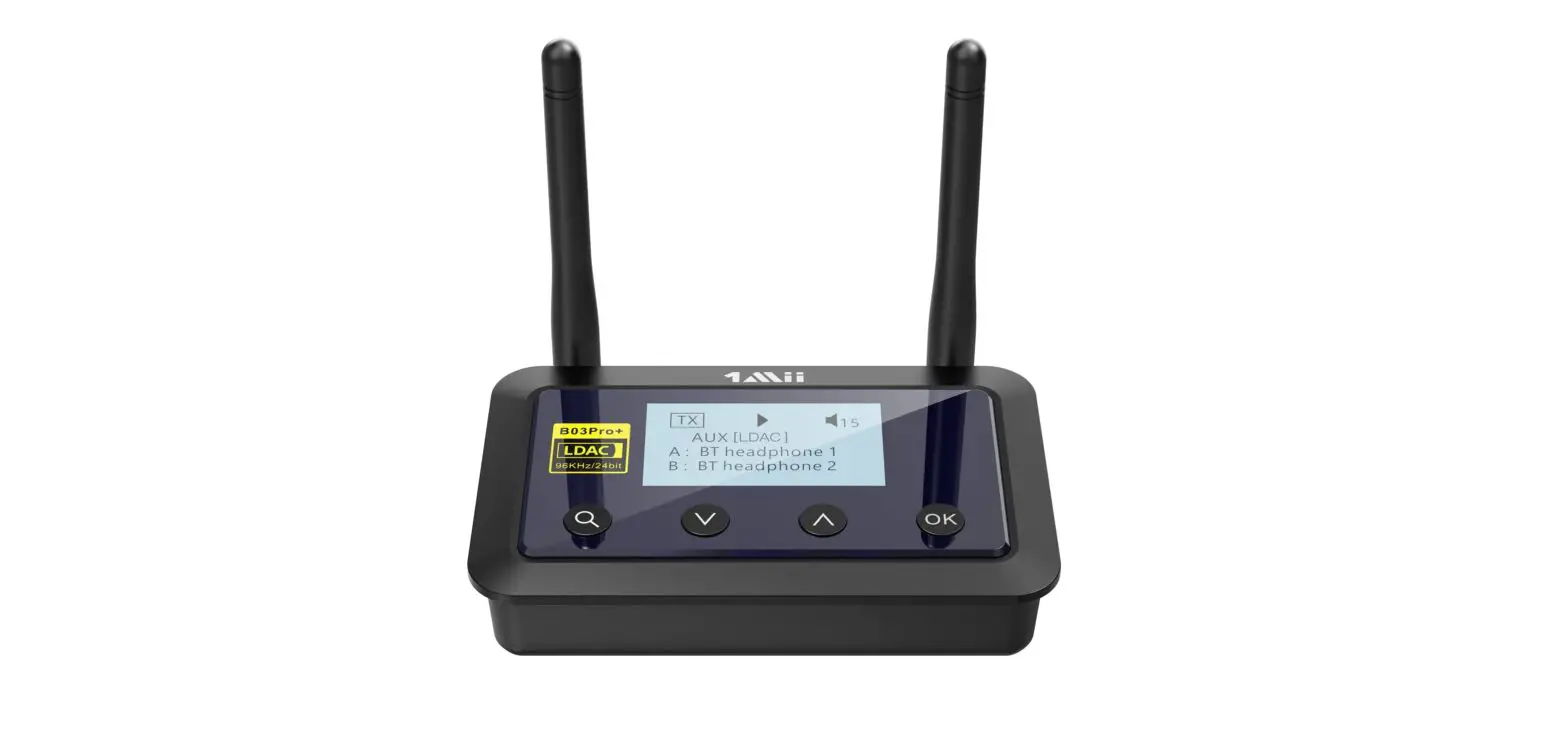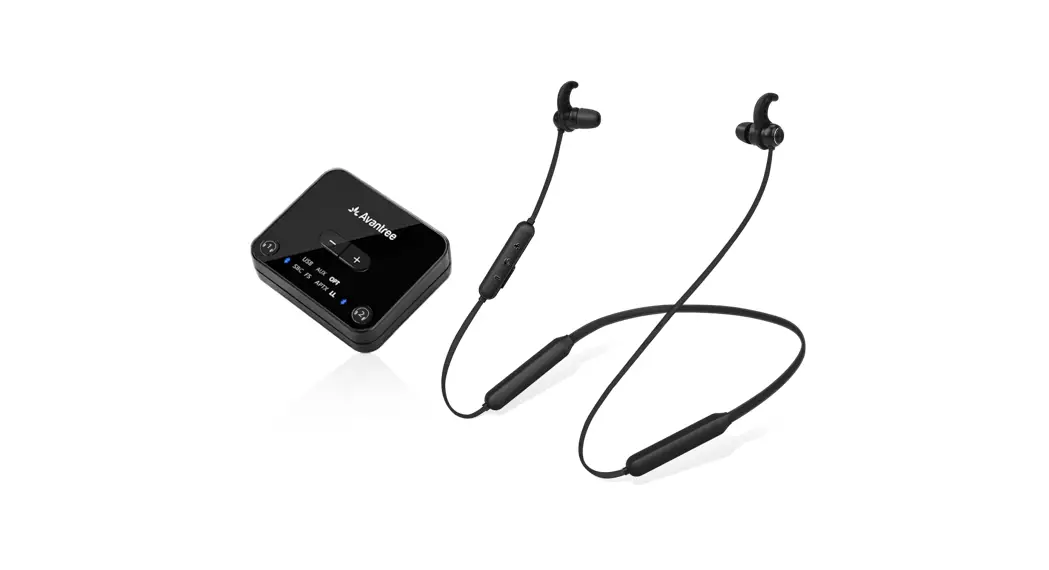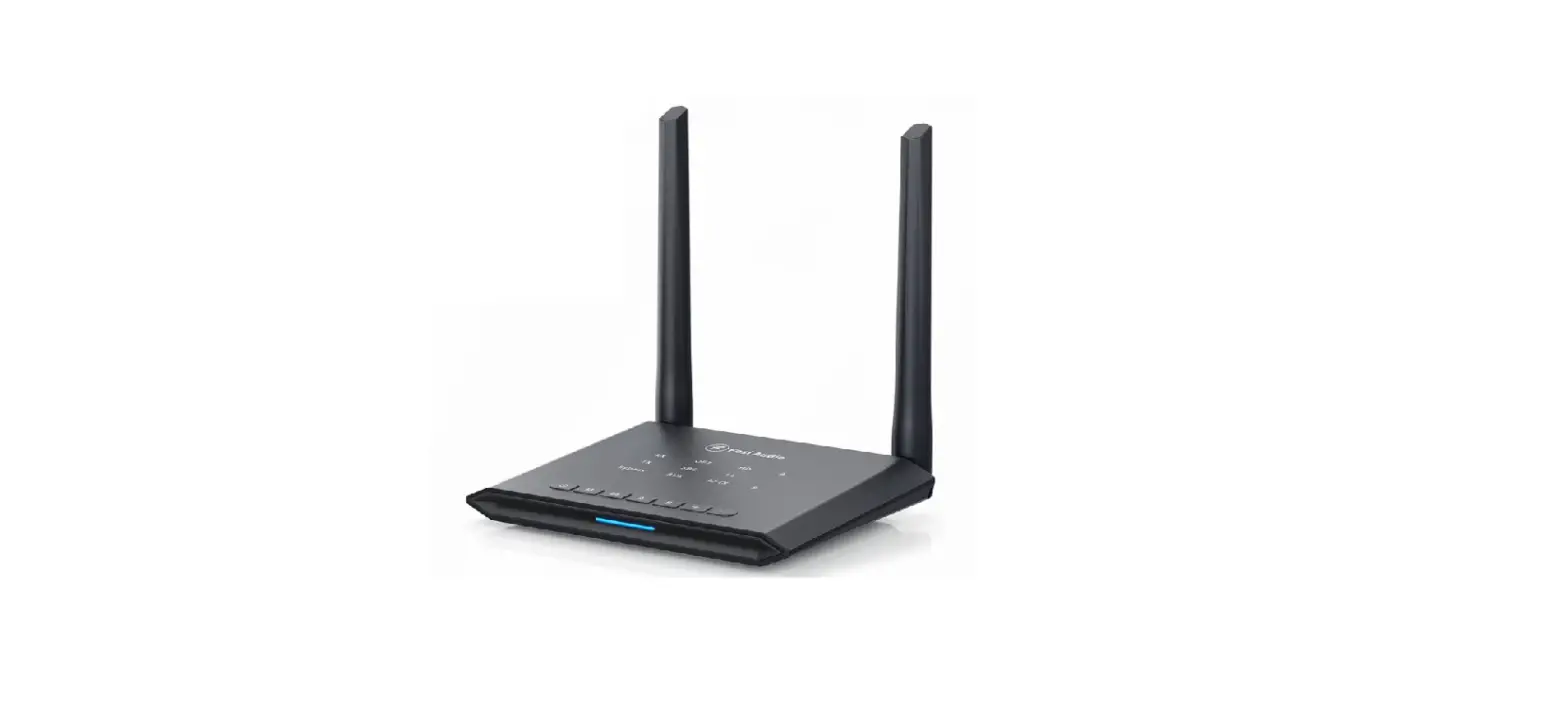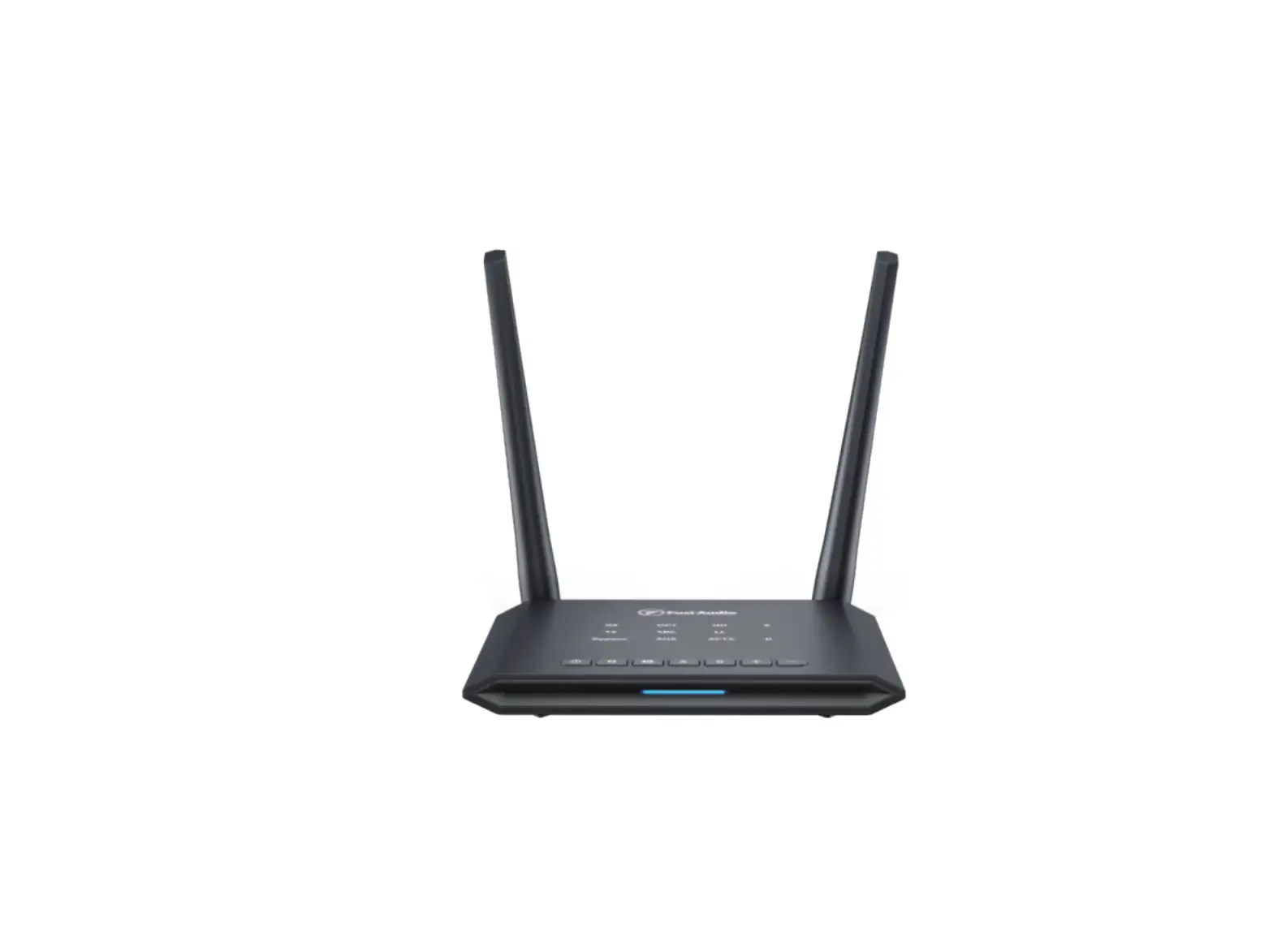

Avantree Oasis B Bluetooth 5.0 Transmitter Receiver for TV, Home Stereo Speakers
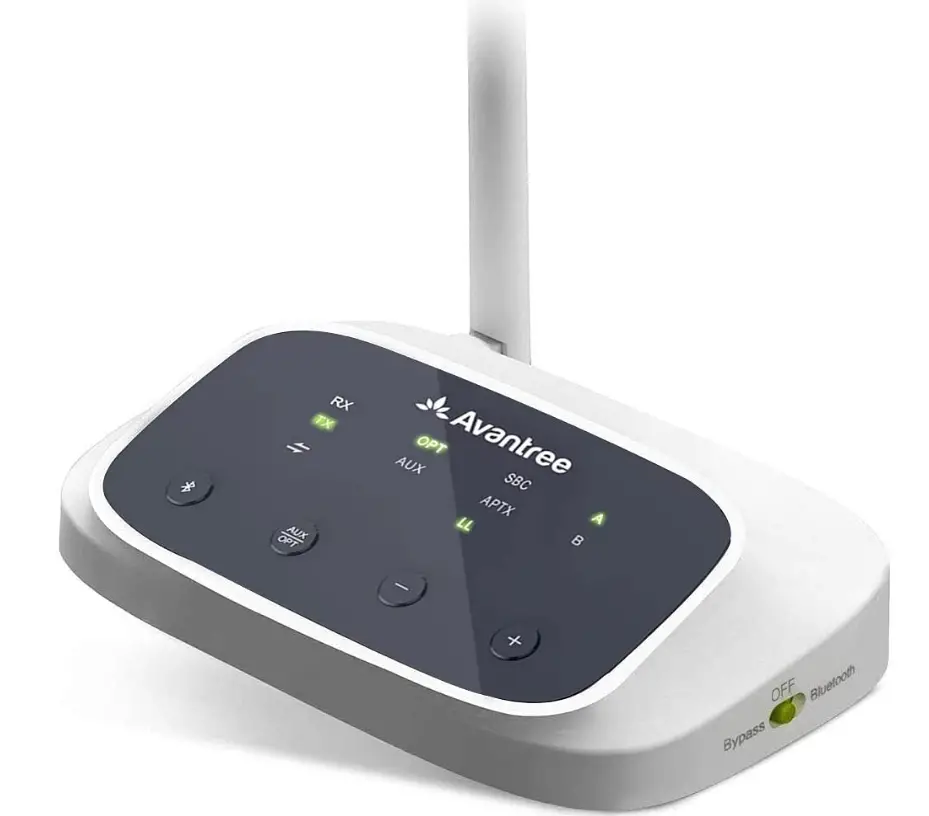
Specifications
- DIMENSIONS: 49″x 2.95″x 1.18″
- WEIGHT: 20 lb.
- BLUETOOTH: V5.0
- SUPPORTED BLUETOOTH PROFILES: A2DP v1.3, AVRCP v1.6
- OPERATING RANGE: 164 ft
- SUPPORTED SAMPLING RATE IN OPTICAL MODE: ≤48KHz, 16bit
- INPUT VOLTAGE/CURRENT:0V / 500mA
- FREQUENCY RESPONSE: 20Hz-20KHz
- POWER SUPPLY: 5V/500mA-2A
- POWER PORT: USB-A
Introduction
Avantree Oasis B is a 2-in-1 unit that has a transmitter as well as a receiver, which uses Bluetooth to enable of the audio devices at your house virtually. The Oasis B can be used as a transmitter to stream audio from a TV/Computer to a pair of Bluetooth headphones. It can also be used as a receiver which will allow your home speakers to stream music from your cellphone. It features Bluetooth Class I technology which extends the transmitter’s signal to reach up to a length of 164 ft in the open air and about 50 to 70 ft. indoors. It can support dual Bluetooth devices at a time.
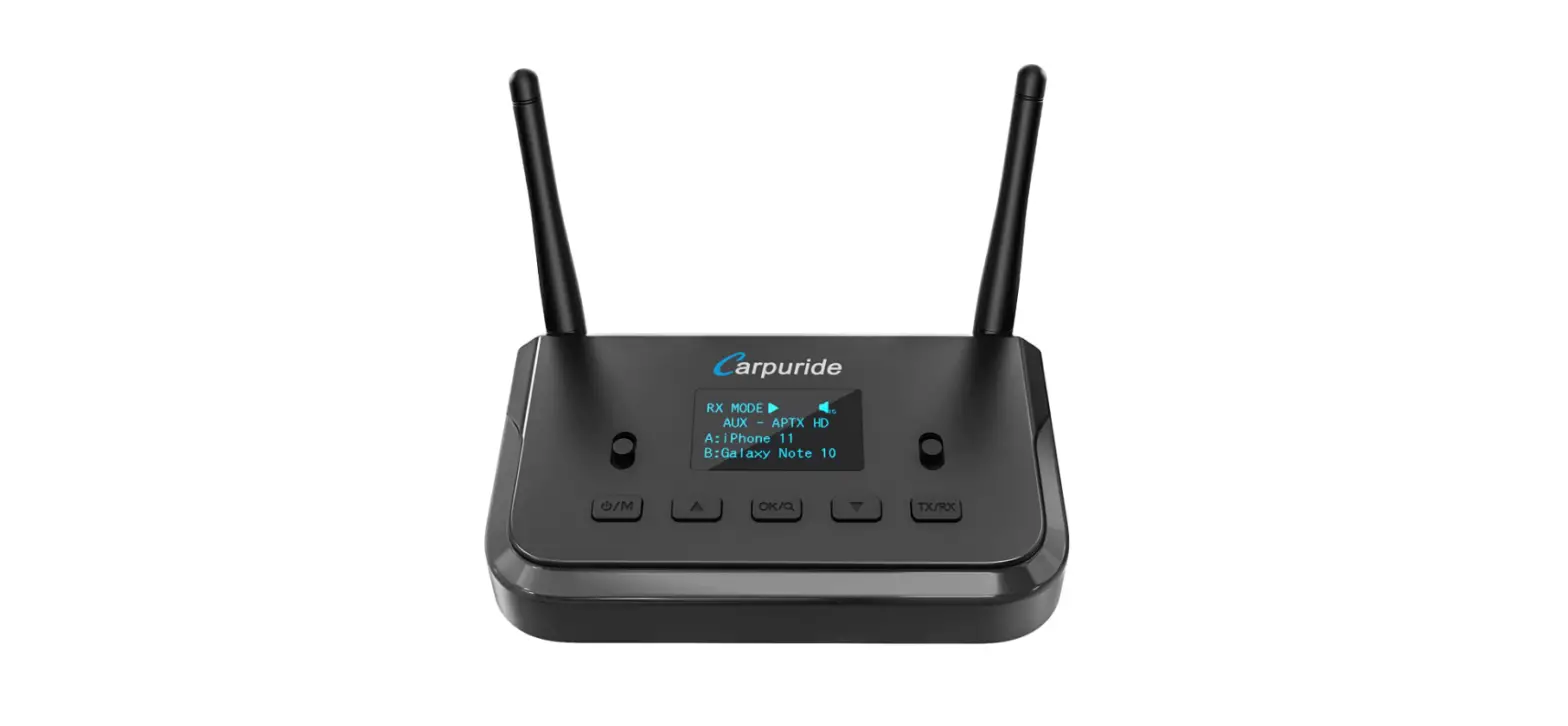
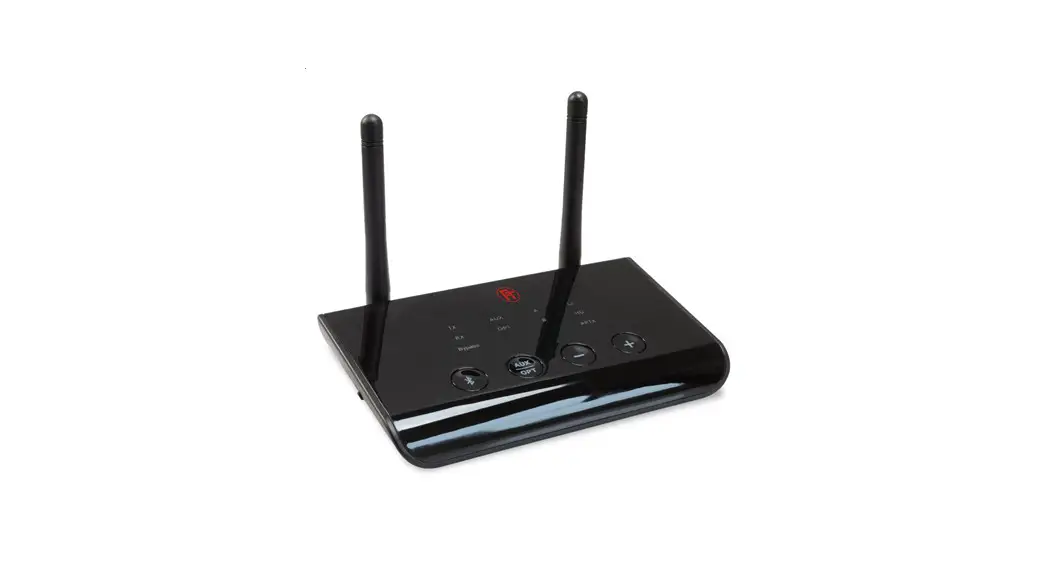
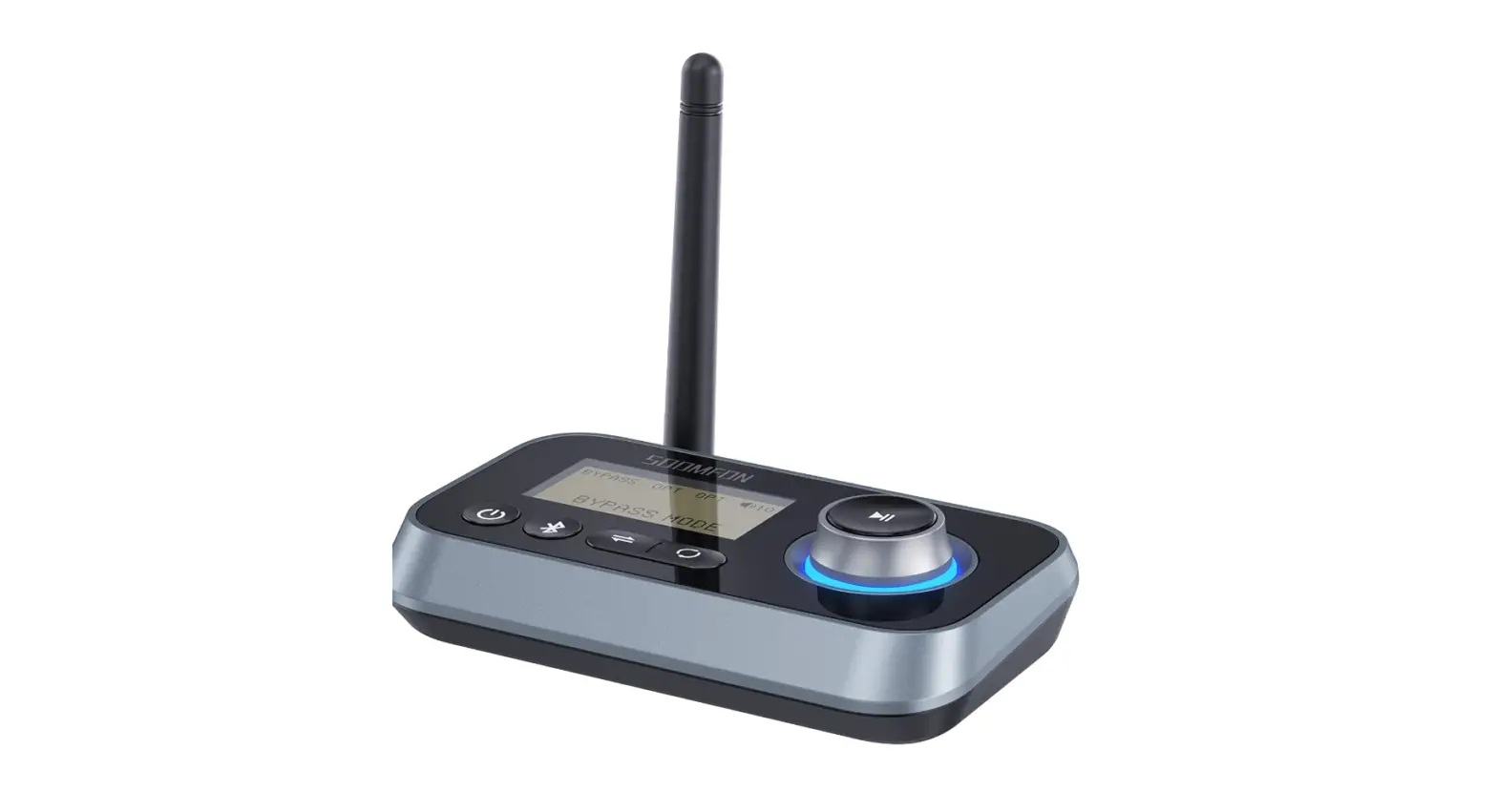
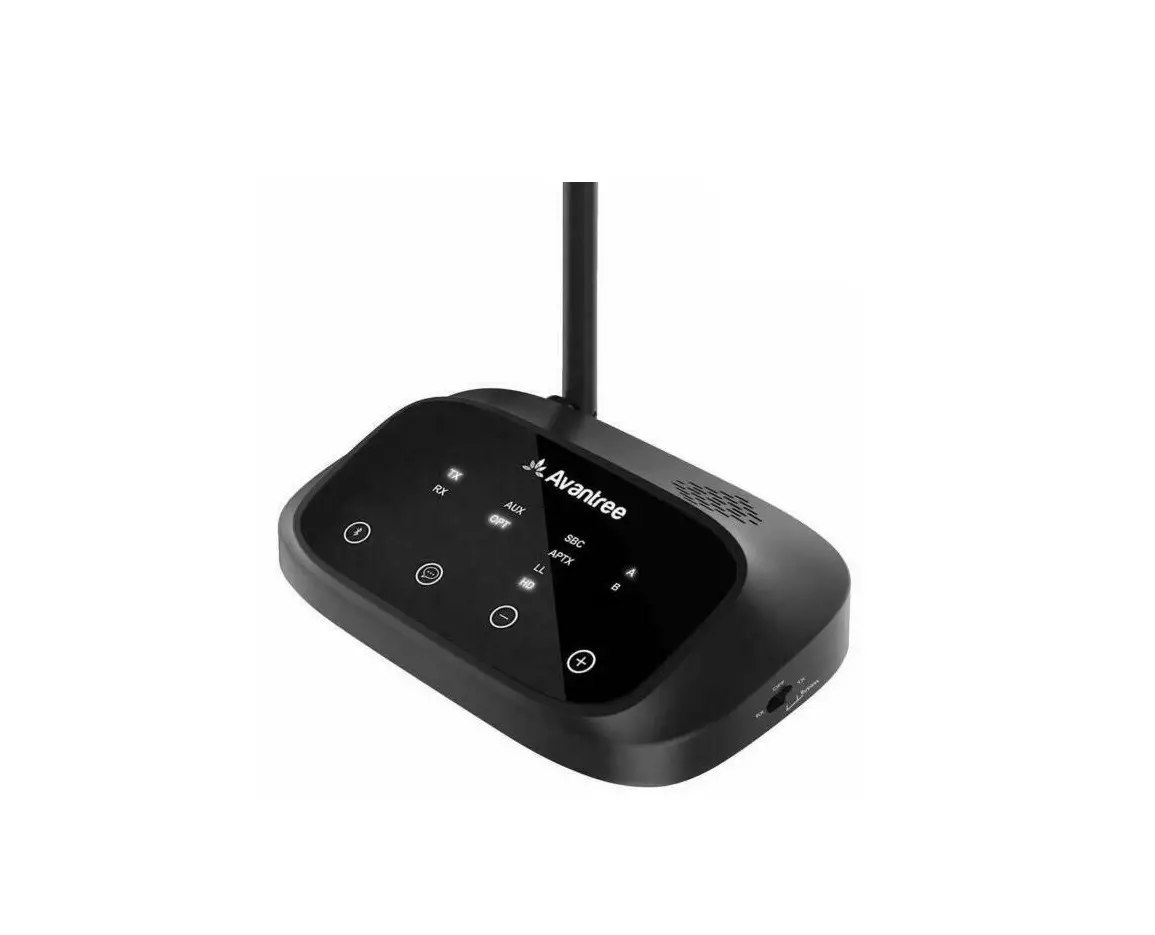
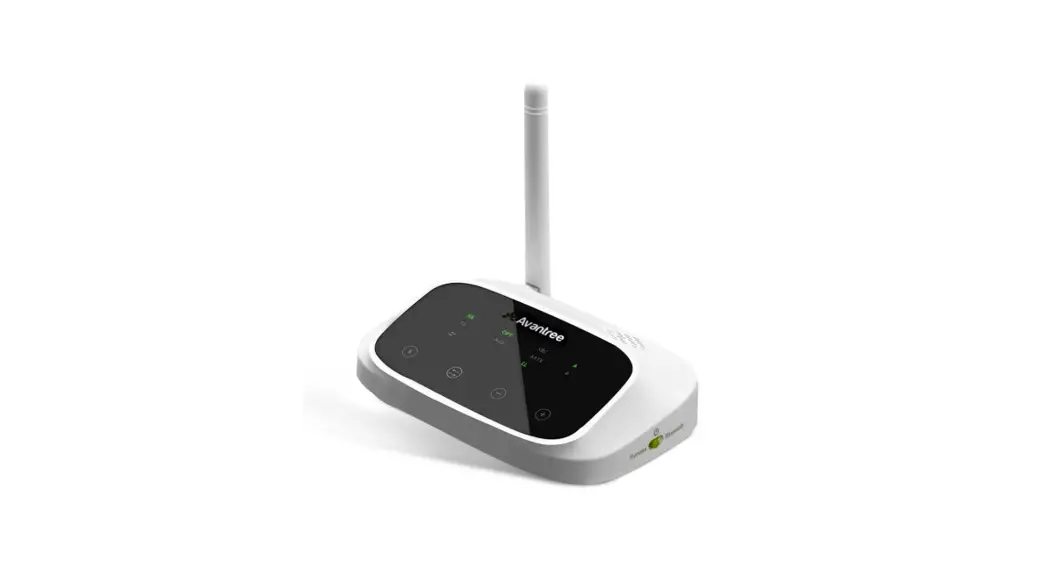
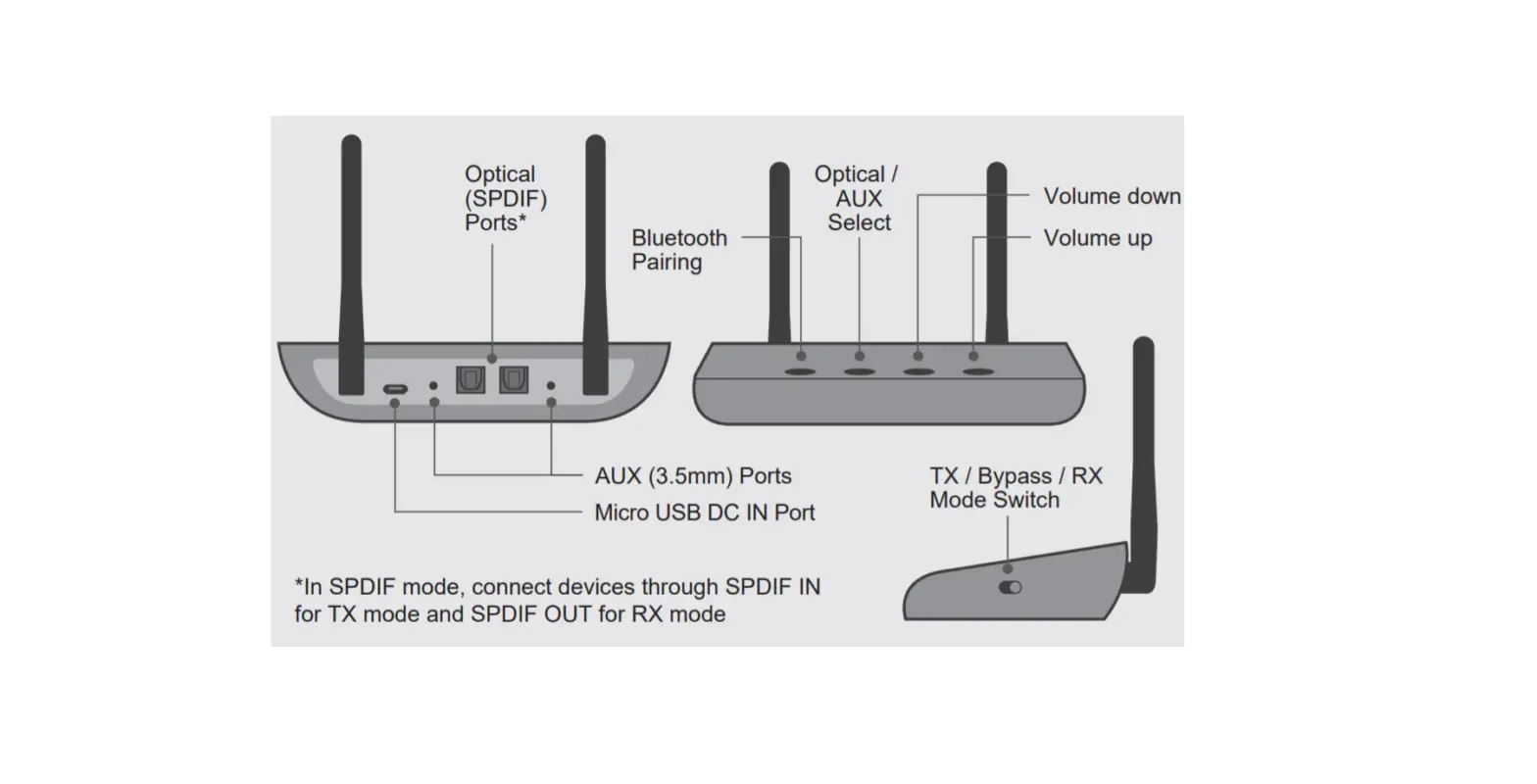
Product overview
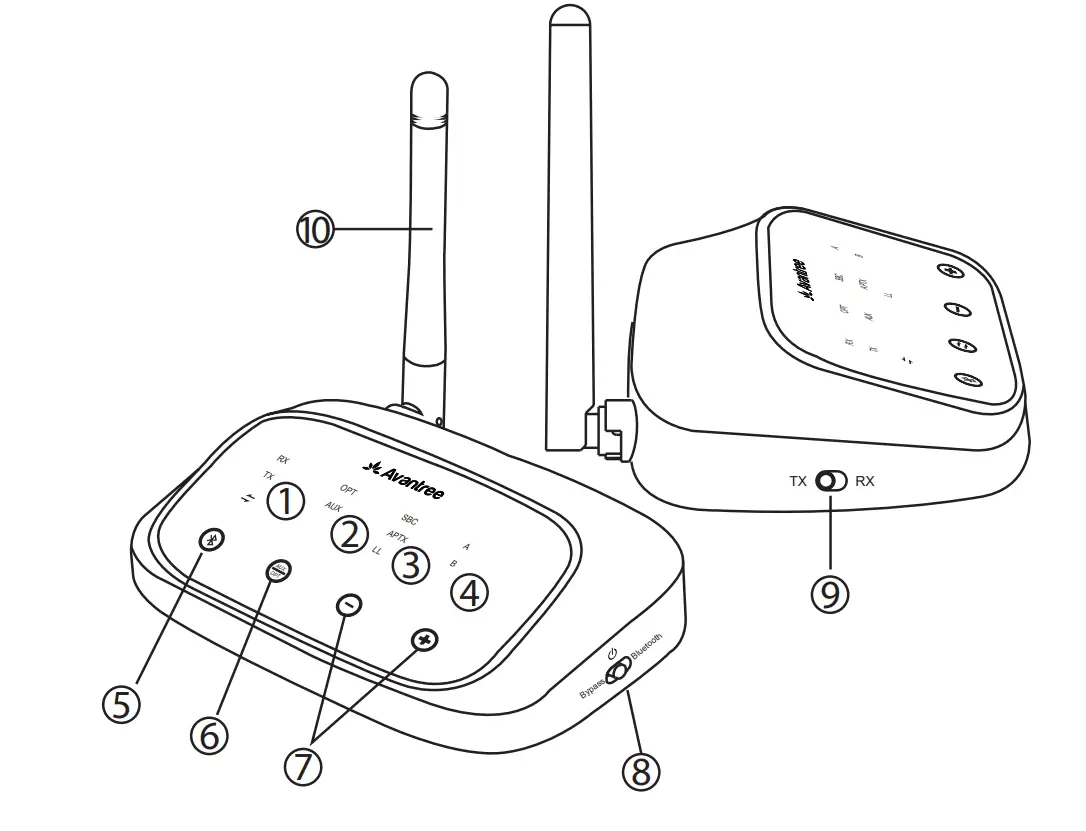
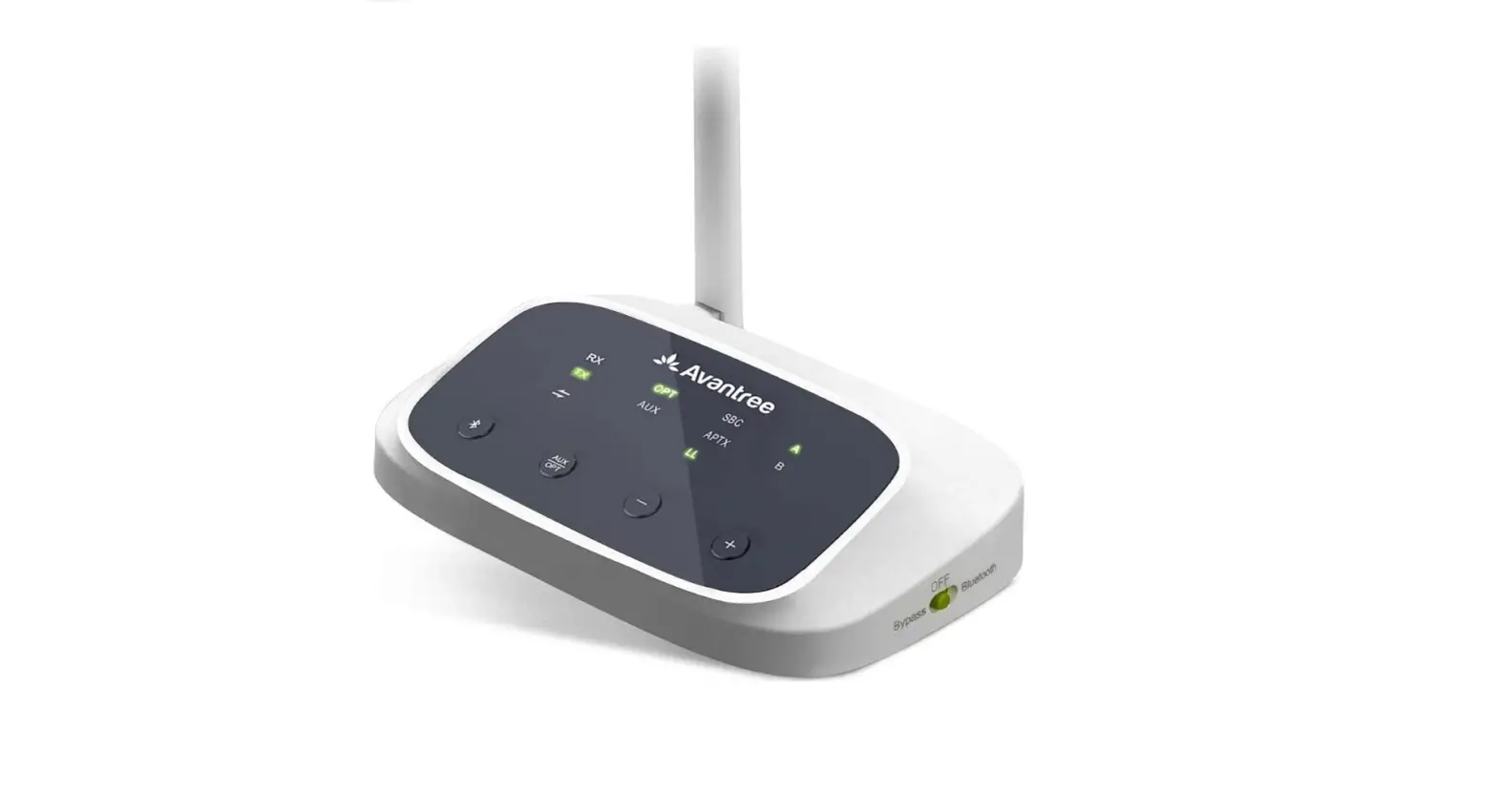
- Working modes
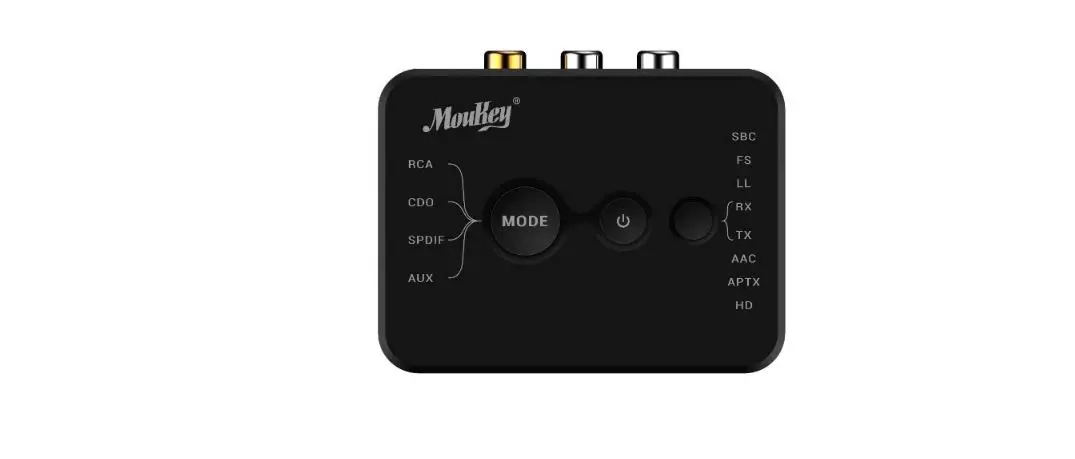
- Audio input/output indicators
- Codec indicators
- Connecting devices
- Bluetooth button (Hold for 2S)
- AUX/OPT switch (Press once)
- Volume/Track/Reset button
- Mode (Bluetooth/OFF/Bypass) switch
- Transmitter/Receiver mode switch
- Antenna
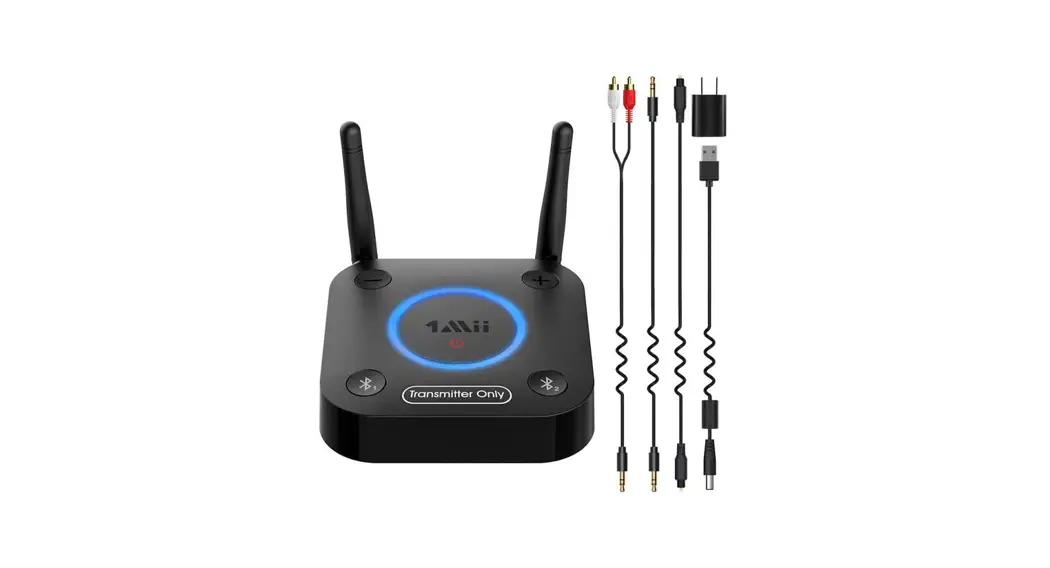
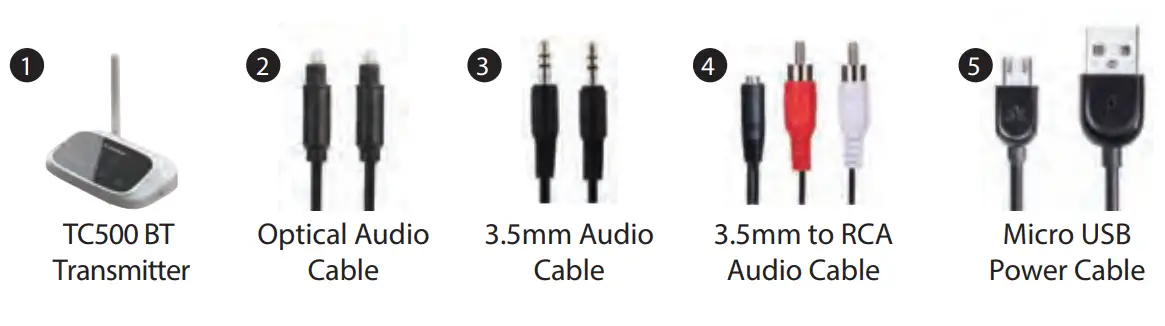
What’s in the box?
Powering up
Power up the transmitter with the USB cable provided. Connect it to a TV USB port (TV needs to be turned on) or any other USB charger that supports 5V/500mA-2A.
Preparation before set up
- If you are using the TC500 as a transmitter to stream TV audio through your Bluetooth headphone/receiver, please refer to Section 1.
- If you are using the TC500 as a receiver to stream music into your home stereo or speakers from your cellphone/laptop, please refer to Section 2.
Section 1 Use as a Bluetooth Transmitter (TX mode)
Make sure the Mode switch is in Bluetooth mode, TX/RX mode in the “TX” position.
Pair and connect to Bluetooth headphone/receiver
- For the first time use, the transmitter will enter pairing mode automatically – the “TX” LED will flash GREEN & WHITE alternately.
For non-first-time use, hold the Bluetooth button for 2s to enter pairing mode. - Enter your headphones into PAIRING MODE – please refer to its user manual.
- Keep them close together and wait. Once connected, the “TX” LED will stop flashing and “A” will light up.
NOTE:
Add a 2nd pair of Bluetooth headphones – Repeat the above step 1)~3) to connect 2 headphones. Once connected, both “A” and “B” LED indicators will light up.
Reconnect
The transmitter will reconnect to the most recently connected 2 devices once that device has been switched ON. Alternatively, reboot the transmitter and wait 5-10 seconds for them to reconnect.
Connect the Transmitter to your TV or another audio source
Check your audio source output options before connecting
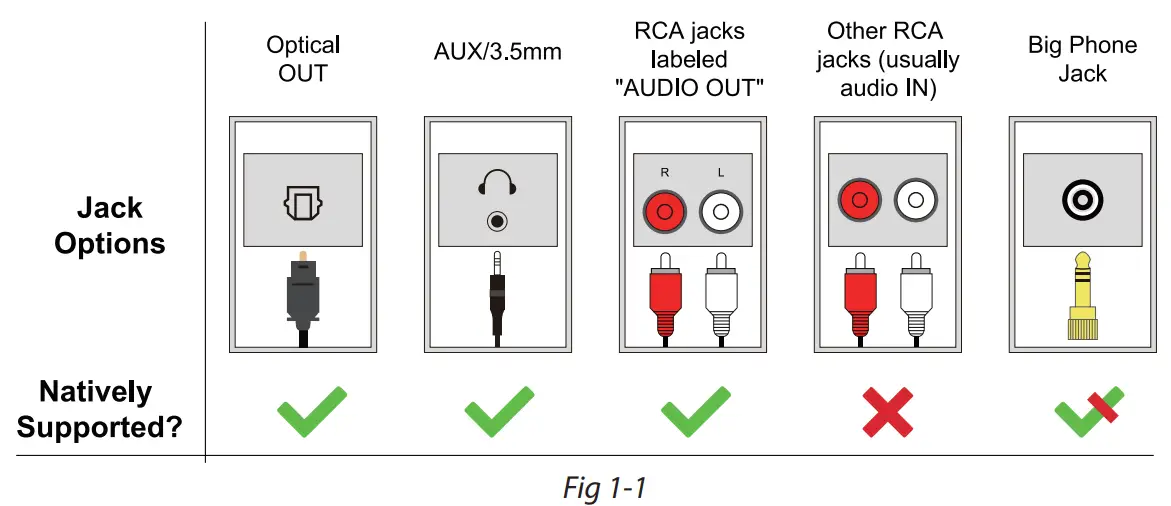
If your TV has Optical Out>
- Please use the Optical cable to connect the transmitter to TV.
- Ensure that the “OPT” LED on the transmitter is lit. If not, tap AUX / OPT once.
- Set your TV’s Sound Out / Speaker setting to “External Speaker” or “Optical audio out.””e.g.: Samsung > Audio Out/Optical;
LG > Optical Out. Various on other TV brands. - Set your TV’s Audio Format / Digital Sound Out to “PCM” or and set the Dolby / DTS Digital to “OFF”.
Now you can stream audio from your TV.
NOTE
If you don’t know how to change the settings on your TV, or if you cannot hear anything through your headphone after changing the settings, please contact your TV manufacturer for support.
If your TV has Headphone Out or Red/White Audio Out (RCA- only for TV)>
- Please use the AUX cable / RCA cable to connect the transmitter and TV.
- Ensure the “AUX” LED on the transmitter is on. If not, tap AUX/OPT once. Now you can stream audio from your TV.
Note
If there is no sound playing from your headphone, please:
For Headphone out
set the Sound Out / Speaker setting on your TV to “Wired headphone” or “Headset”. For Red / White Audio Out – set the Sound Out / Speaker setting on your TV to “External Speaker”.
If your device is an AV Receiver, please use its 6.35mm “Phones” Jack
Please purchase a 6.35mm to 3.5mm converter separately. Make sure that the “AUX” LED is on; if not, tap AUX / OPT once to select AUX audio.
NOTE
- Please do NOT use the Red / White ports on the back of your AV receiver; they may permanently damage the transmitter.
- If no sound, please test the port with wired headphones.
To “Bypass” the TC500
If you want to use your sound system for TV watching, you can connect your sound system to the “RX Output” port of TC500. And slide the mode switch to the “Bypass” position. No need to plug/unplug any cable. (Switch back to the “TX” position to stream audio through headphones.)
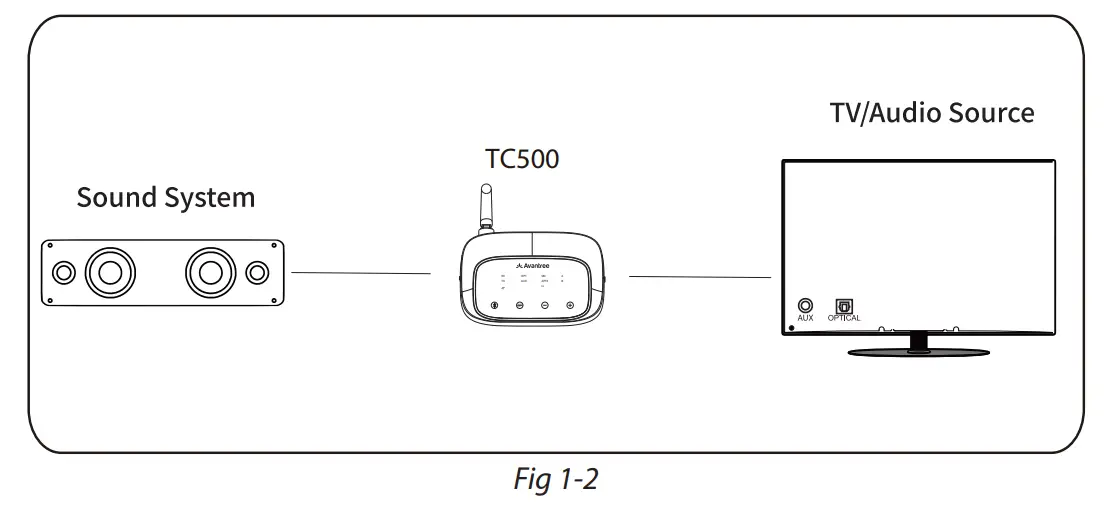
- If you are using an AUX/RCA cable with your TV, please use an AUX /RCA cable to connect the TC500 to your sound system.
- If you are using an OPTICAL cable with your TV, please use an OPTICAL or AUX / RCA cable to connect the TC500 to your sound system.
Section 2:Use as a Bluetooth Receiver (RX mode)
Make sure the Mode switch is in Bluetooth mode, TX / RX mode in the “RX” position.
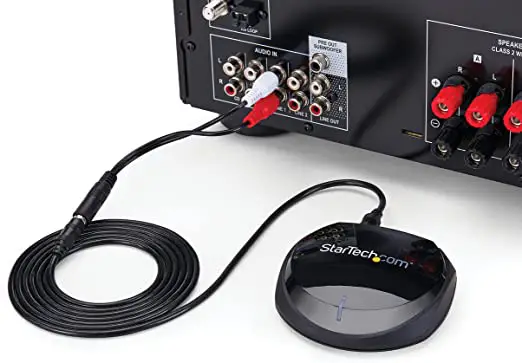
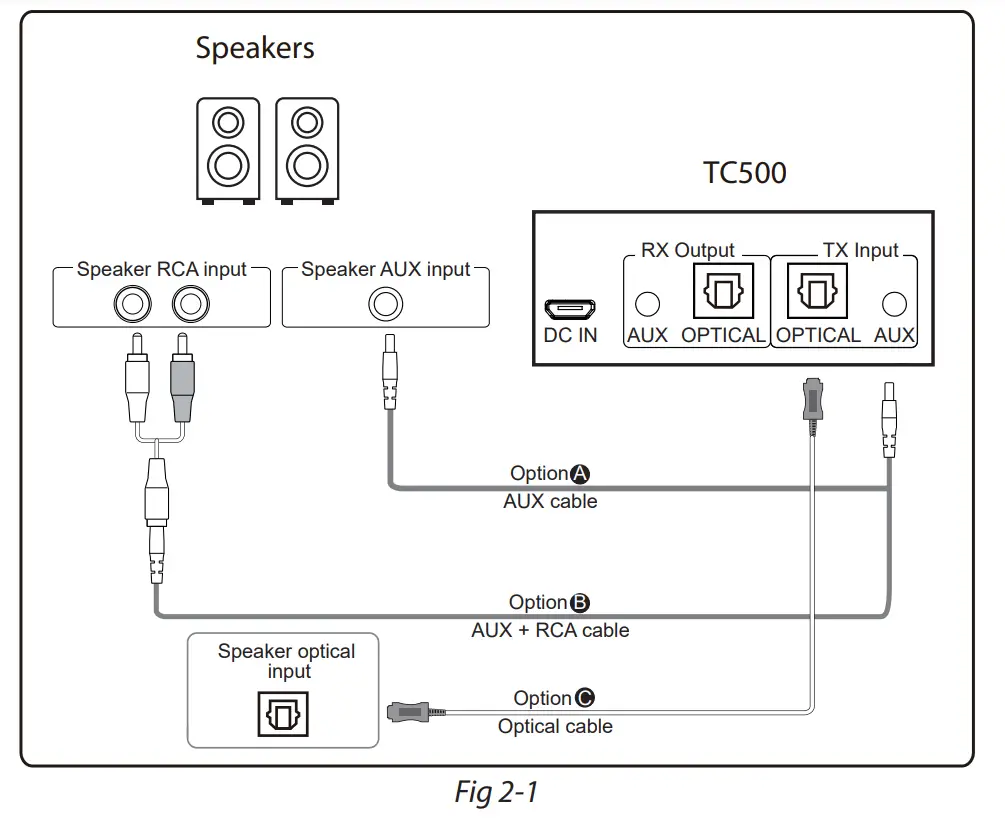
- Connect the TC500 to a power supply &connect a suitable cable to the speaker, refer to Fig 2-1
- Pair the TC500 with your Bluetooth-enabled phone/pc/tablet.
The TC500 should enter pairing mode automatically, or you can hold the Bluetooth button for 2s – the “RX” LED will flash GREEN & WHITE alternately. Turn on Bluetooth on your device, search& select “Avantree TC500” to connect. Once connected, the “RX” LED will stop flashing and “A” will light up.
Safety and Warnings
The Bluetooth® word mark and logos are owned by the Bluetooth SIG, Inc. and any use of such marks by Avantronics Ltd. is under license. Other trademarks and trade names are those of their respective owners.
FCC
This device complies with part 15 of the FCC rules. Operation is subject to the following two conditions: (1) This device may not cause harmful interference, and (2) This device must accept any interference. Changes or modifications not expressly approved by Avantronics Ltd. will void the user’s authority to operate the equipment. This equipment has been tested and found to comply with the limits for a Class B digital device, pursuant to part 15 of the FCC Rules. These limits are designed to provide reasonable protection against harmful interference in a residential installation. This equipment generates, uses and can radiate radio frequency energy and, if not installed and used in accordance with the instructions, may cause harmful interference to radio communications. However, there is no guarantee that interference will not occur in a particular installation. If this equipment does cause harmful interference to radio or television reception, which can be determined by turning the equipment off and on, the user is encouraged to try to correct the interference by one or more of the following measures:
- Reorient or relocate the receiving antenna.
- Increase the separation between the equipment and receiver.
- Connect the equipment to an electrical outlet on a different circuit to that which the receiver is connected.
- Consult the manufacturer or an experienced radio/TV technician for help.
This product, like other radio devices, emits radio frequency electromagnetic energy and operates within the guidelines found in radio frequency safety standards and recommendations. These standards and recommendations reflect the consensus of the scientific community and result from deliberations of panels and committees of scientists who continually review and interpret the extensive research literature.
CE
Avantronics Ltd. hereby declares that this product is in compliance with the essential requirements and other relevant provisions of Directive 2014/53/EU. The full test of the EU declaration of conformity is available at the following internet address: www.avantree.com In accordance with Article 10(2) and Article 10(10), this product is allowed to be used in all EU member states. Plantronics Limited
- Luohu District, Shenzhen 518000 China
- EU Importer:
- Avantree Limited
- Watford, WD180 0HQ UK
- US Importer:
- Avantree Corporation
- San Jose, California 95119 USA
FREQUENTLY ASKED QUESTIONS
- If I connect two different audio sources simultaneously in RX mode, is there a way to switch what device it receives audio from?
No, can’t be switched on Oasis. - Will this device work with your Avantree clear dialogue wireless earbuds for tv watching?
Yes, it will work with the Avantree clear dialogue wireless earbuds for watching TV. - Can this device be used with tv and have volume control independent of the tv?
Yes. - Can this work simultaneously with two pairs of earbuds? It says something about over-the-ear earphones.
Yes, it supports dual-link. - What is the chipset?
It uses the Qualcomm Chipset 8670. - Will it work with two noise Bluetooth canceling headsets?
Yes, it will work with two Bluetooth noise-canceling headsets. - Is there LDAC support?
No, it doesn’t support LDAC. - Is Bluetooth APTX-HD?
Yes, until the device is capable of playing it back in the same format. - Will this work with a Bluetooth keyboard or mouse?
No, it won’t work as it is an audio unit. - Does the device support APTX ll in receiver mode?
No, it doesn’t support APTX II in receiver mode.