 Audio Connecting Expert

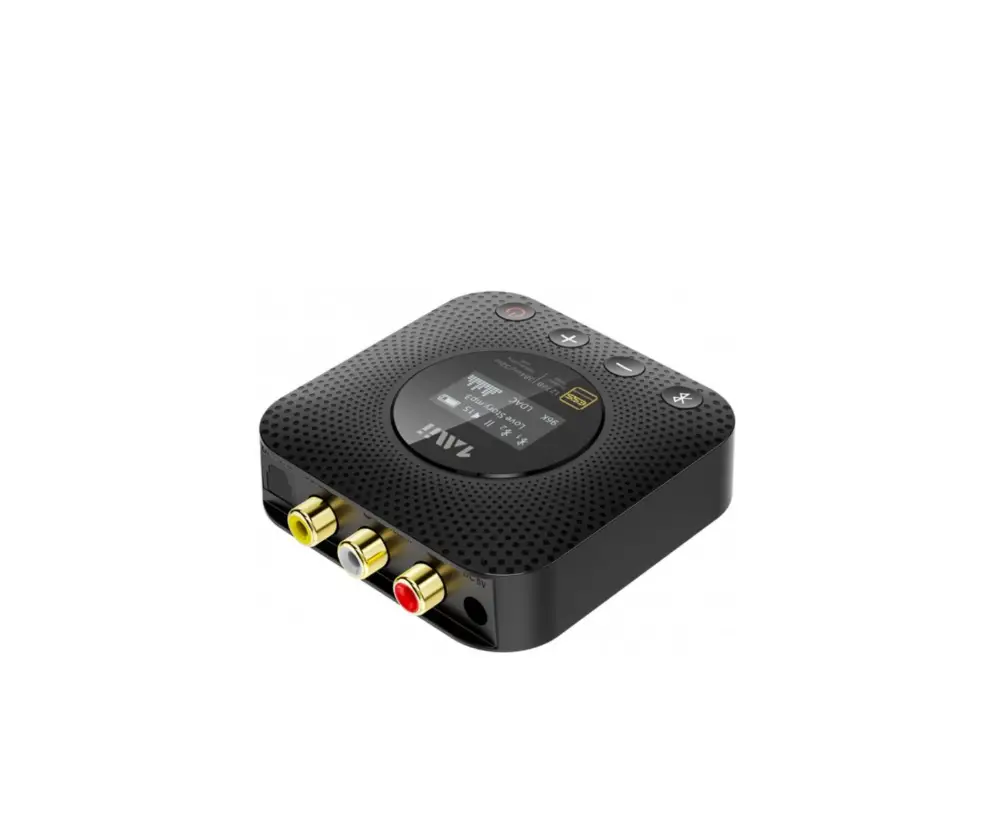
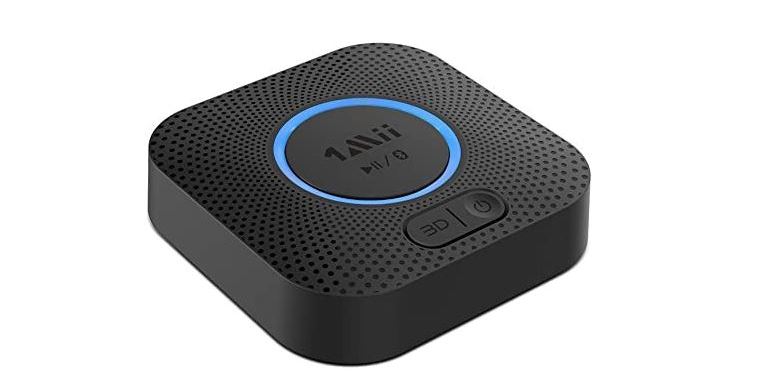
Wireless Audio Receiver
806HD User Manual
User Manual
Model B06HD
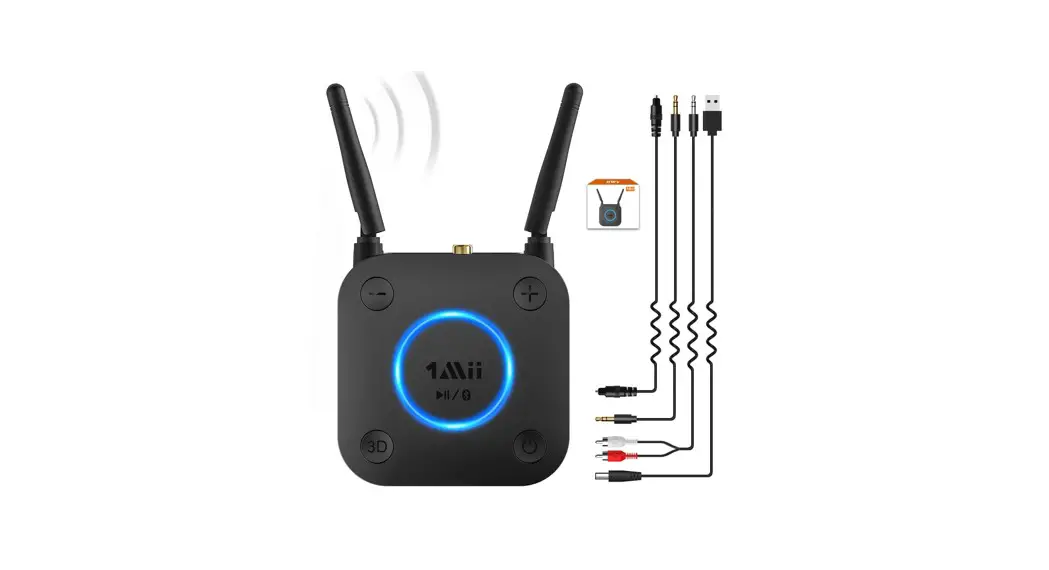
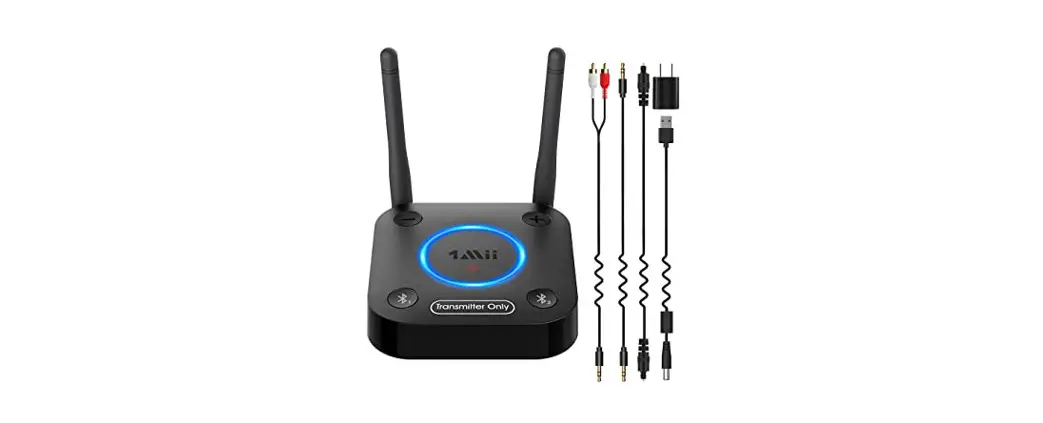
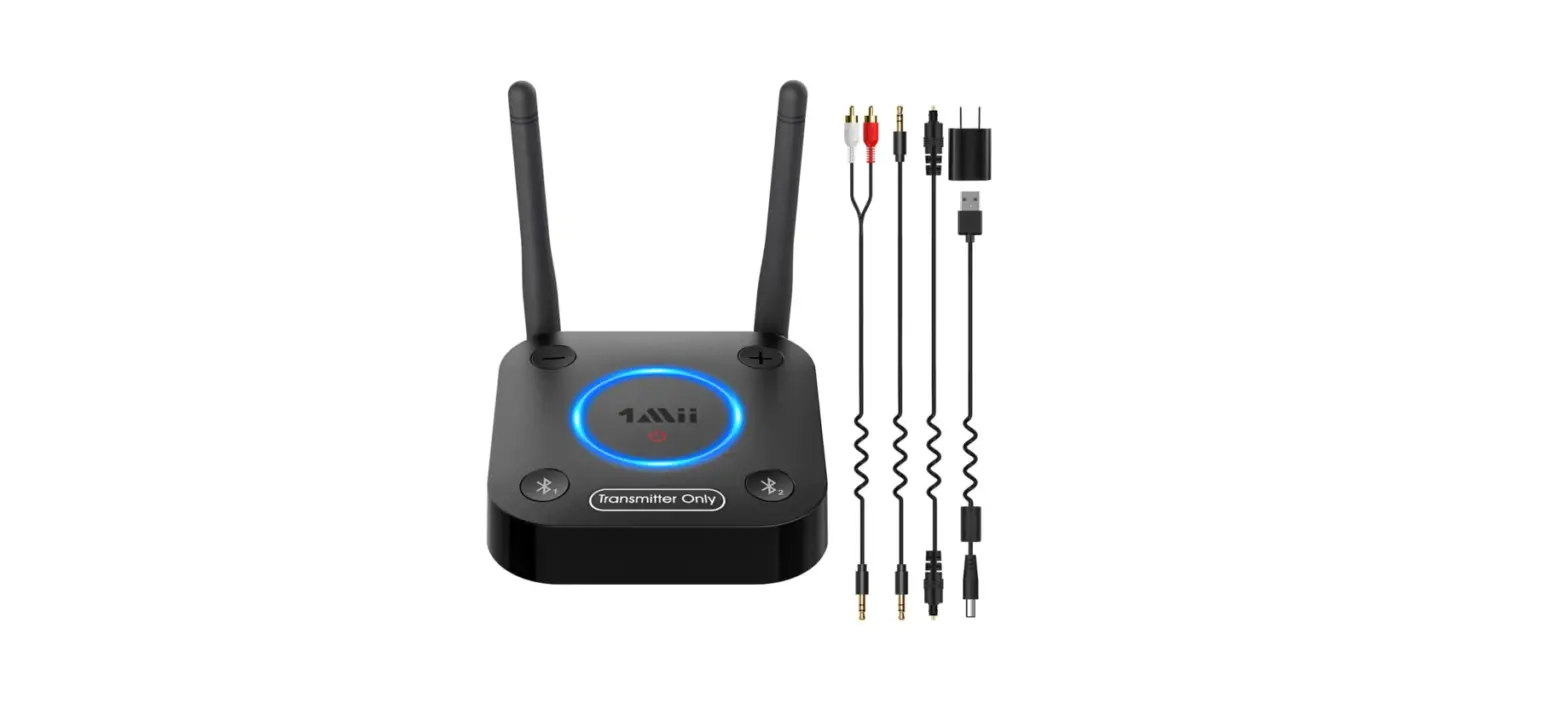
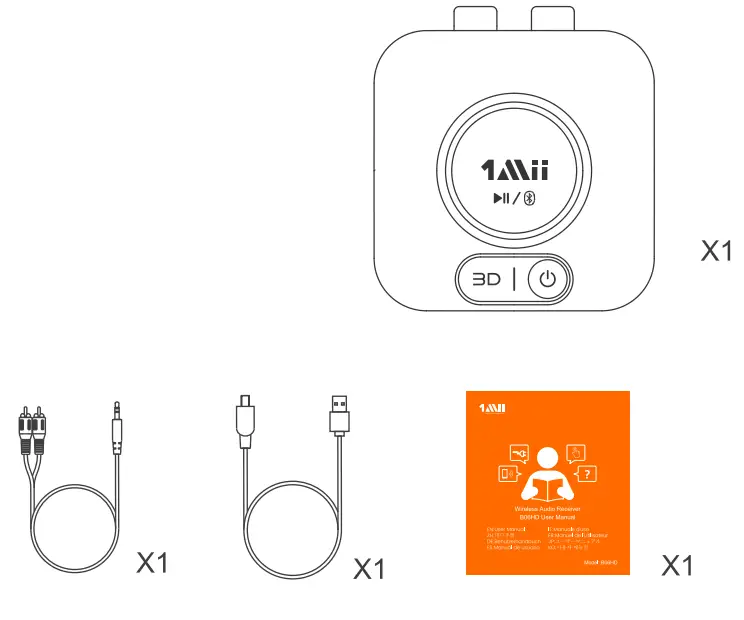
 In the box
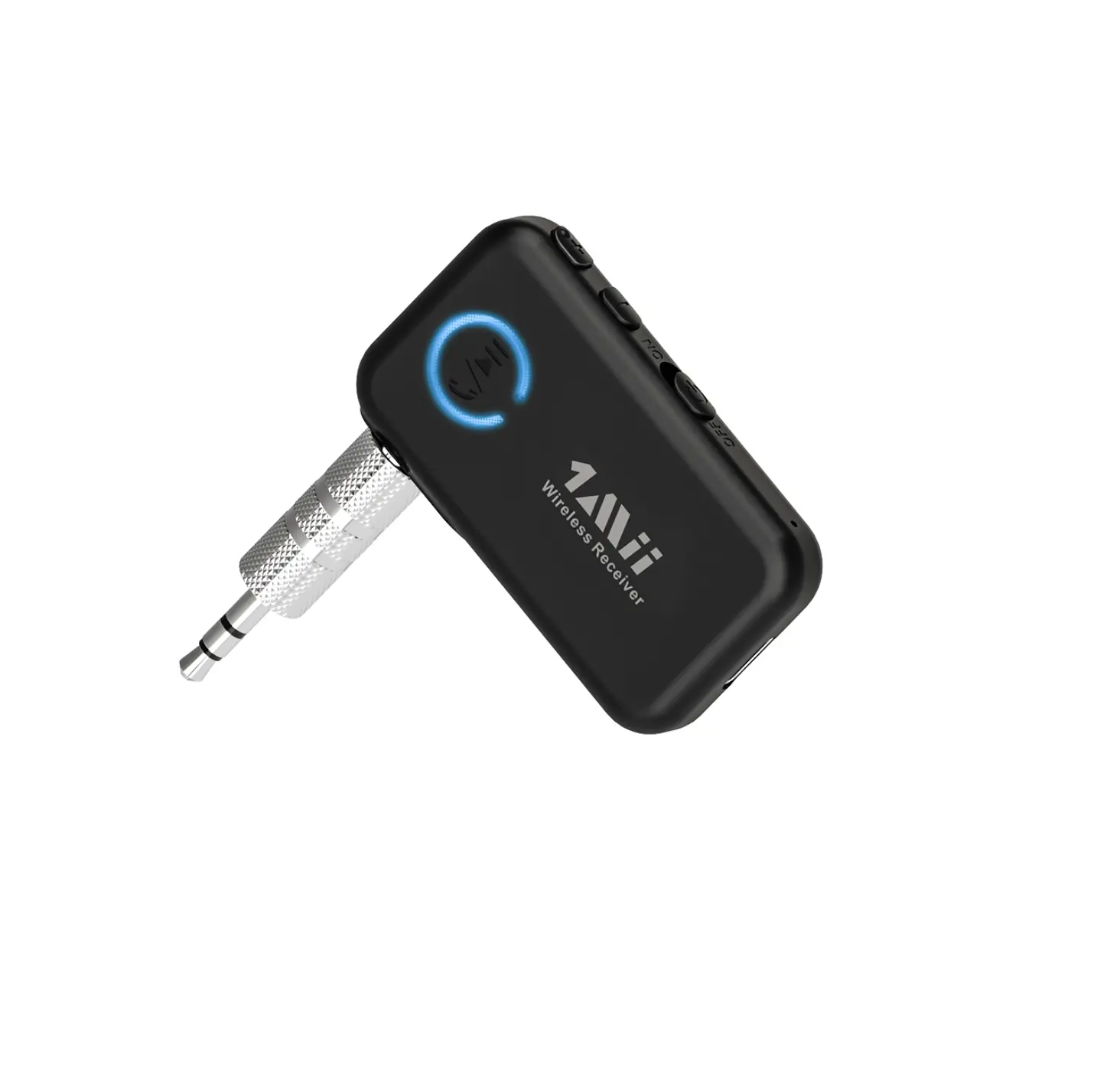
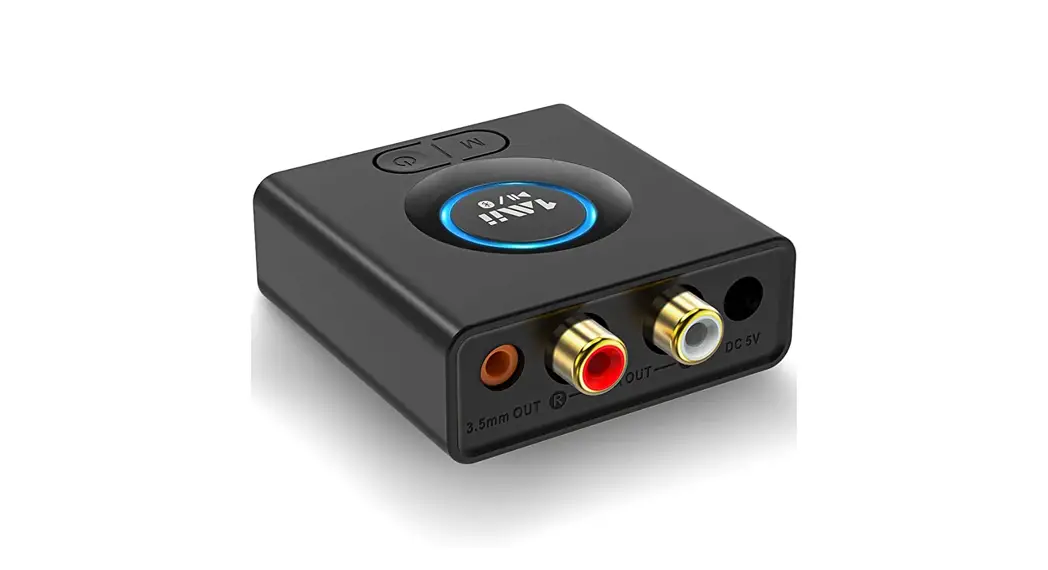
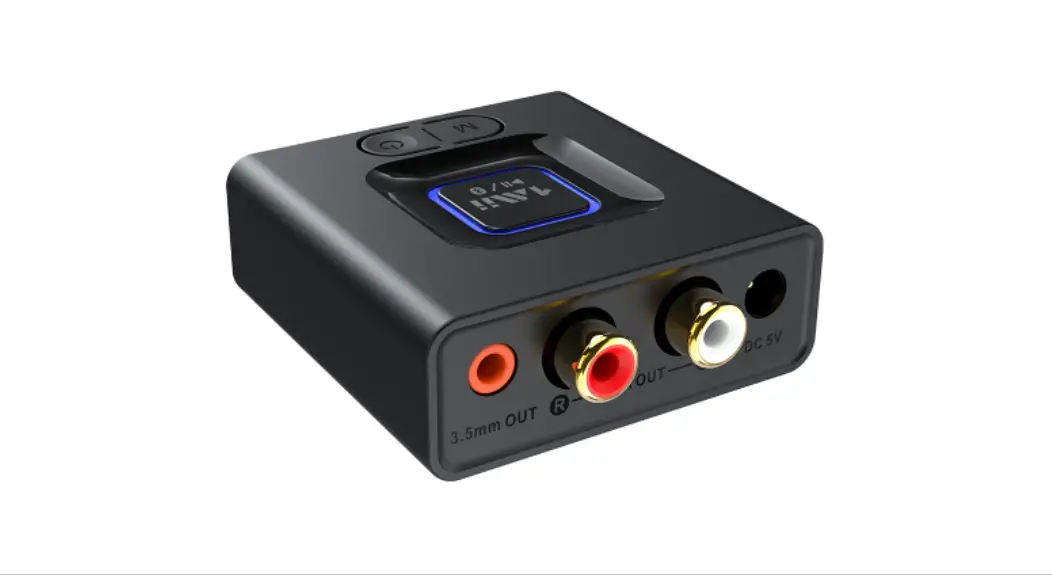
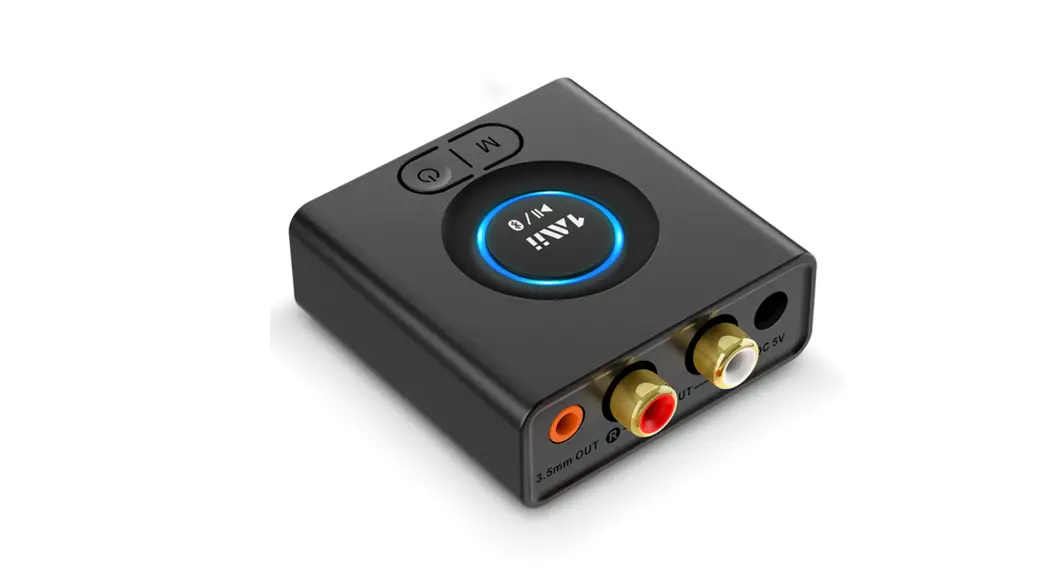
 Product overview
 Product overview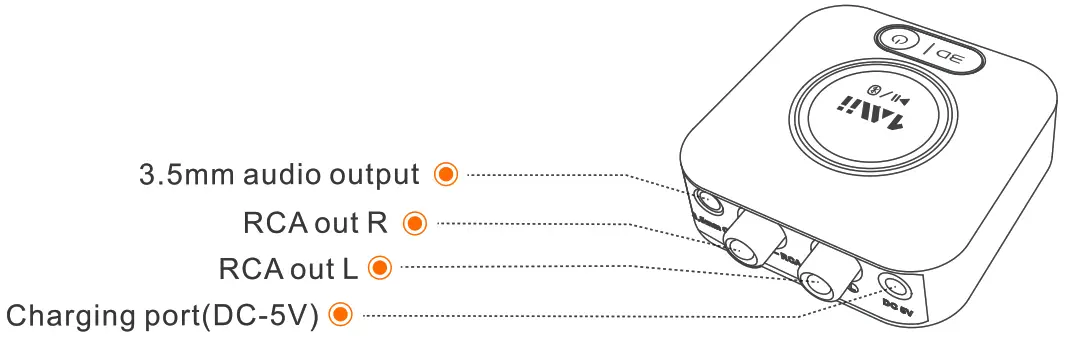
| Button | Function |
 | Power ON/OFF |
 | Multi -function button |
 | Sound effects select |
| LED Indicator | Status | LED Indicator | Status |
 | Pairing mode |  | Charging |
 | Connected |  | 3D sound effects |
 | aptX-HD mode |  | Disconnected |
 | aptX – LL mode |  | Restored factory default settings |
 Control functions
 Control functions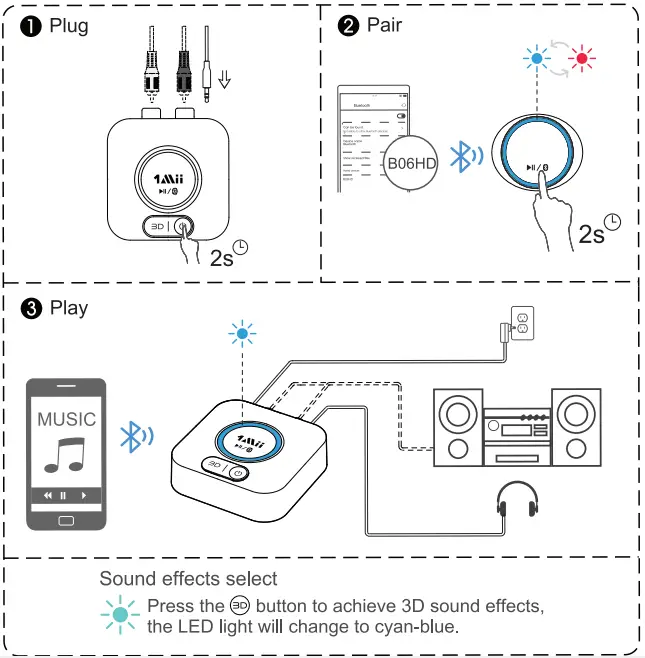
Pair and connect
- Connect your spooler to 906HD Guo Out port with the audio cable provided (3.5mm/RCA coble)
- tong Press
 button to power on
 - Pining – Poir B0OHO with your Bluetooth-eooboied phone/PC/tablet + Set Bo6D into the pairing mode, the LED flashes blue / Red alternately fost
-first-tire usee BO6HD ll to enter the pairing more (with clear memory)
– Afterward, tong press the button to enter the pairing mode
(he LED flashes Blue / Rod olternotel tiost)
Activate Bluetooth on your phone or another device one-piece BO6ND’ to Connect +woit tor the connected (for quick pairing better keep both devices within1meter when poising) - Enjoy your music
pair and connect two devices simultaneously
- Pair with the first device by following the previous instructions in the
installation diagram, section - Poir with the second device tong press button to enter pairing mode again, the LED will flash blue a red
Activate Bluetooth on the second device and like B06HD’ to pair.
Note: You 0an only ply Dusi On one device attire, therefore, if you want to play music on the second device, you need to pause the music on your first device before you play it
Changing method
– plug in the charging cable to charge the receiver, the LED runs in steady red LED will turn off after full charge
Reset device
If the receiver Cannot be bonneted or work properly, po¢ refer to the following method to reset the device
Press on hold thee button tor 5 seconds, the lights fish white 3 times then restart the device
Qualcomm apt&is a product of Qualcomm Techne inc. and/or its subsidiaries
 button tor 5 seconds, the lights fish white 3 times then restart the device
The Bluetooth8 wordmark on logos ore owned by the Bluetooth SIG, and any use of such marks by Mi Ltd is under license. Other trader arks and trade names are those of their respective owners
FOC:
This device complies with the port IS of the FCC rules. Operation is subject to the following two conditions (1) This device may not cause harmful interference, and(2) This device must accept any interference. Changes or modifications not expressly approved b Iii Ltd will void the user’s authority to operate the equipment This equipment has been tested on found to comply with the limits for a Class B digital device, pursuant to port lb of the FCC Rules. These limits are designed to provide reasonable protection against harmful interference in a residential installation This equipment generates, uses, and can radiate radio frequency energy and if not installed and used in accordance with the instructions, may Couse harmful interference to radio communications However, there is no guarantee that interference will not occur in a particular installation.#f this equipment does cause harmful interference to radio or television reception, which can be determined by turning the equipment off and on, the user is e0oouroged to try to correct the interference by one or more of the following measures
- Reorient or relocate the receiving antenna
- increase the separation between the equipment and receiver
- Connect the equipment to an electrical outlet on a different circuit to thot which the receiver is connected
- Consult the manufacturer or an experienced radio/TV technician for help
This product, like other radio devices, emits radio frequency electrorog netic energy and operates within the guidelines found in radio frequency safety st0ndords 0nd recommendations reflect the consensus of the scientific community and recommend emotions These st0ndords and result from deliberations of panels and committees of scientists who continually review and interpret the extensive research literature
CE
1Mii Ltd. hereby declares that this product is in compliance with the essential requirements and other relevant provisions of Directive 2014/53/EU.
The full text of the EU declaration of conformity is available at the following internet address: www.lmii.com
In accordance with Article 10(2) and Article 10(10), this product is allowed to be used in all EU member states.
Shenzhen 1Mii Technologies Limited
Baoan District, Shenzhen 518100 China
EU Importer:
eVatmaster Consulting GmbH
Bettinastr. 30,60325 Frankfurt am Main, Germany
Warranty
Warranty service is limited to normal use. Any man-made damages such as from connecting to an unsuitable power source, using an unsuitable device, or not following the instructions, as well as damages that did not occur during shipping, repairs, and adjustments not approved by the company, damages from misuse, inattention, or improper installation may cause the warranty to be ineffective immediately. This warranty does not include shipping fees. Disposal
Always disposes of the used appliance at a recycling center. Do not dispose of the used appliance together with household waste.
Audio Connecting Expert

eVatmaster Consulting GmbH
Bettinastr. 30
60325 Frankfurt am Main, Germany
[email protected]
Scan the code to get more information.
 https://1mii.com/download-2/
Manufacturer: Shenzhen Ankit Electronics Limited
Address: Runfeng Industrial Park, No. 4197 Baoan Blvd., Xixiang St., Baoan Dist.,
Shenzhen, China
Operator: ShenZhen 1Mii Technologies Limited
Address: Qianhai Complex A201, Qianwan Road 1, Qianhai Shenzhen-Hong
Kong Cooperation Zone, Shenzhen, China
We hope you never have the need, but if you do,
our service is friendly and hassle-free. [email protected]
 web: www.1mii.com
FCC ID: 2AUFR-RT216