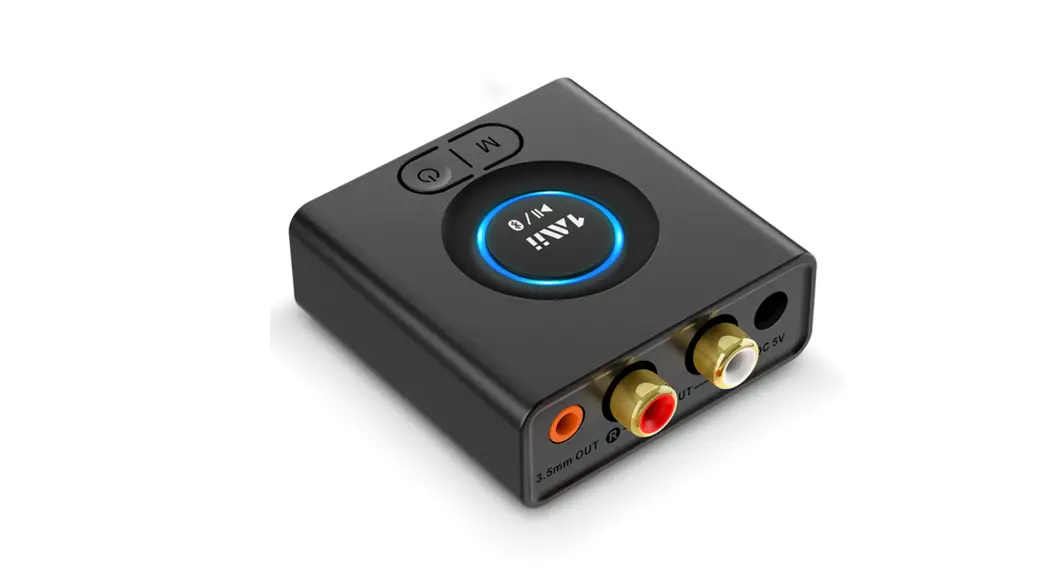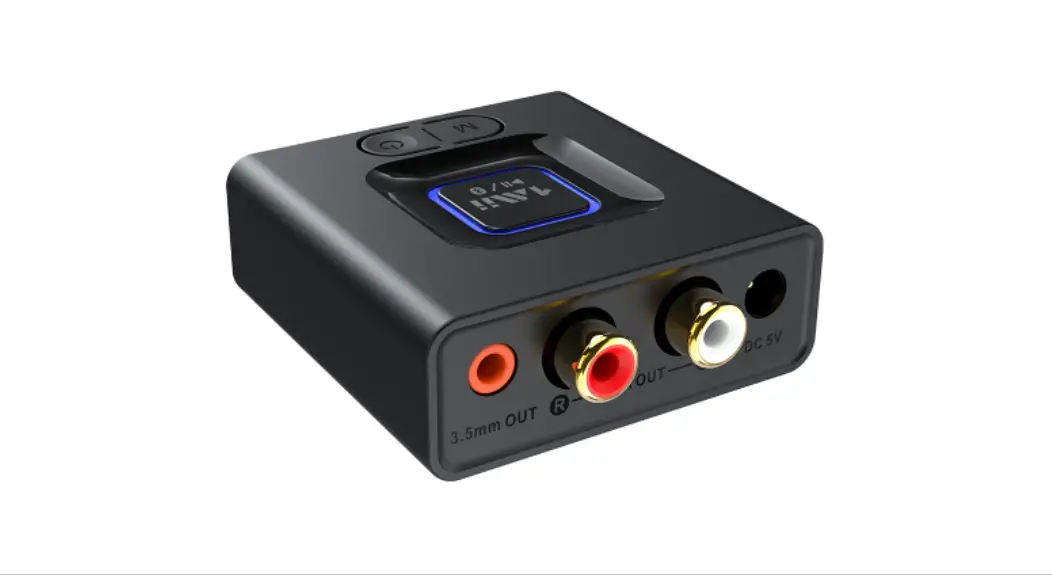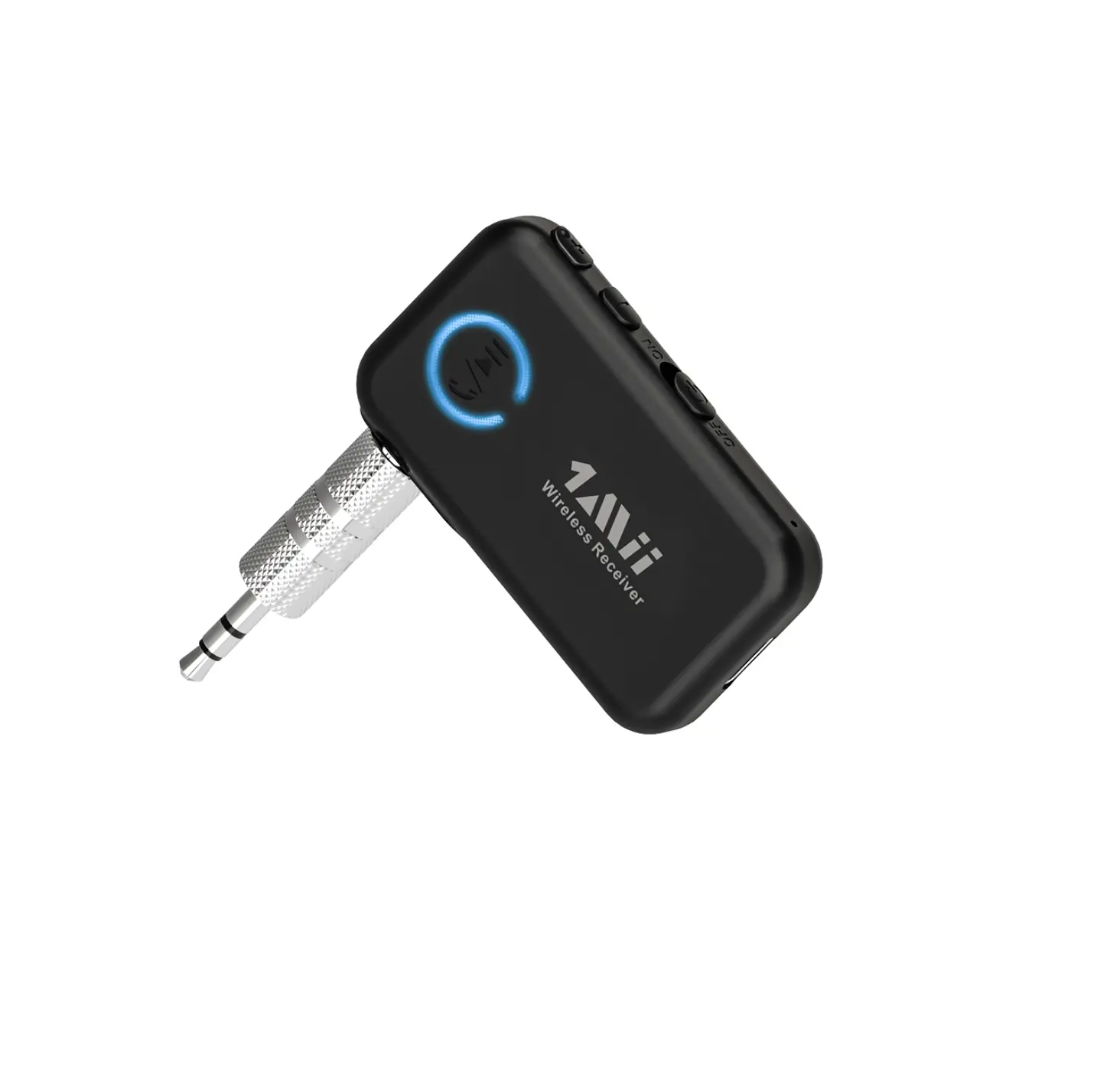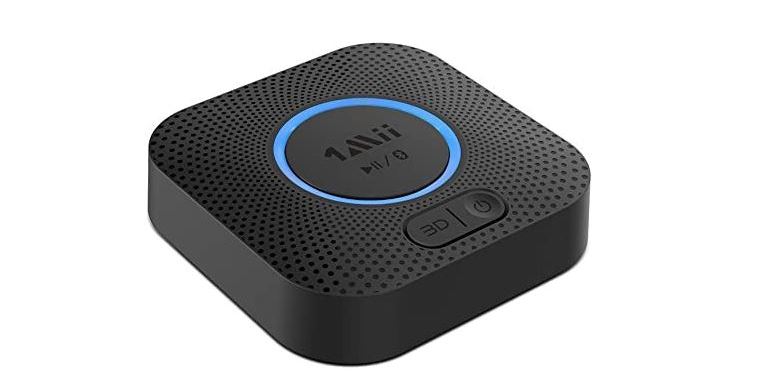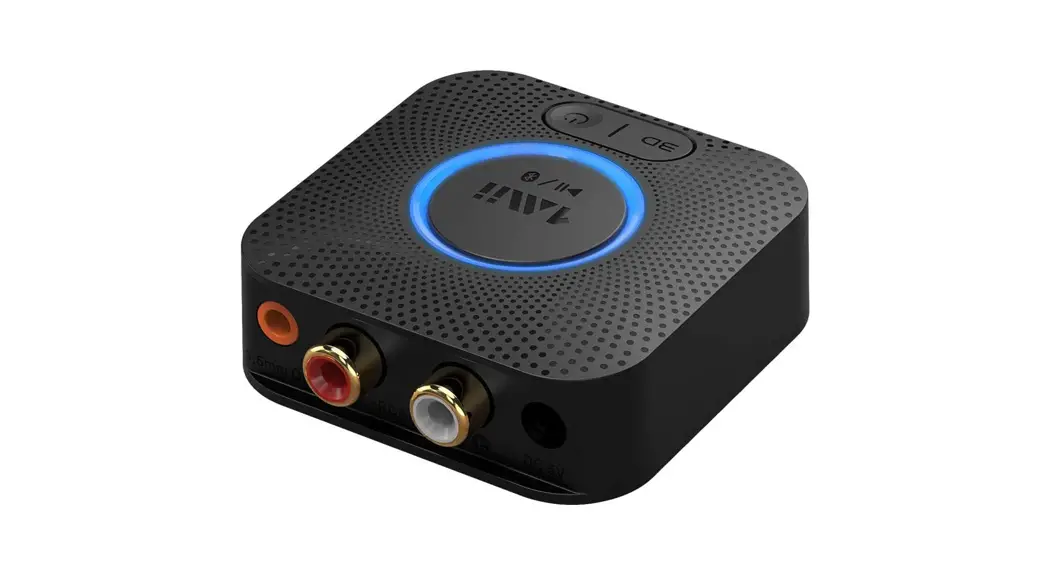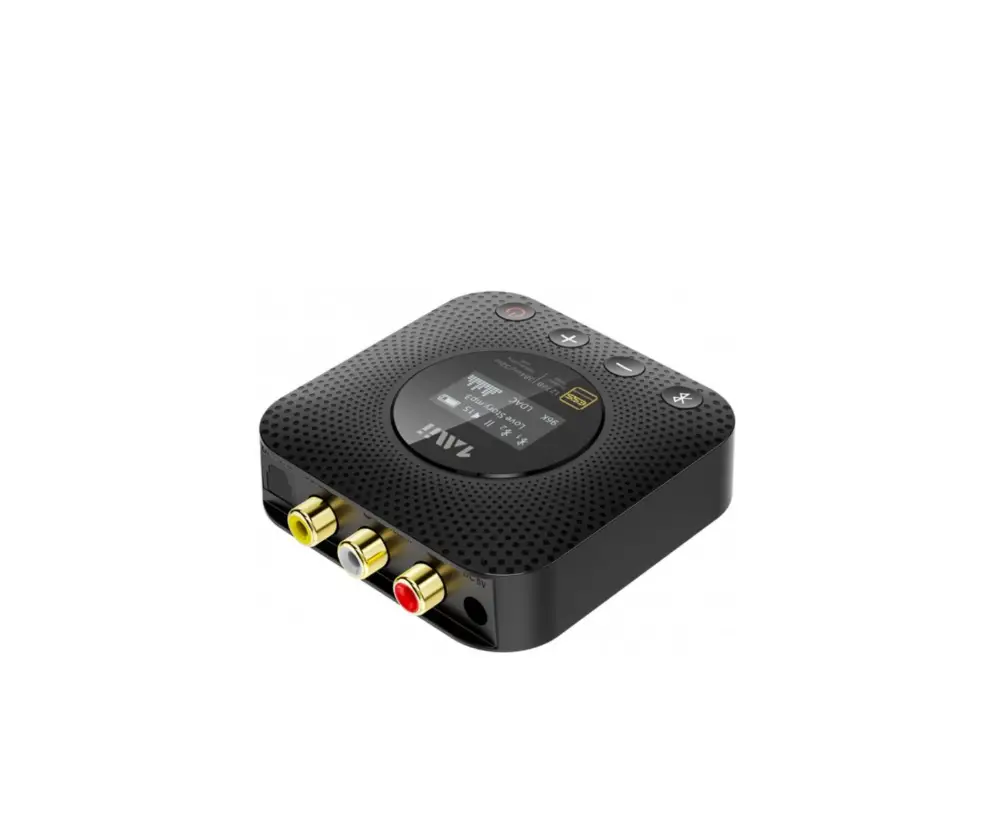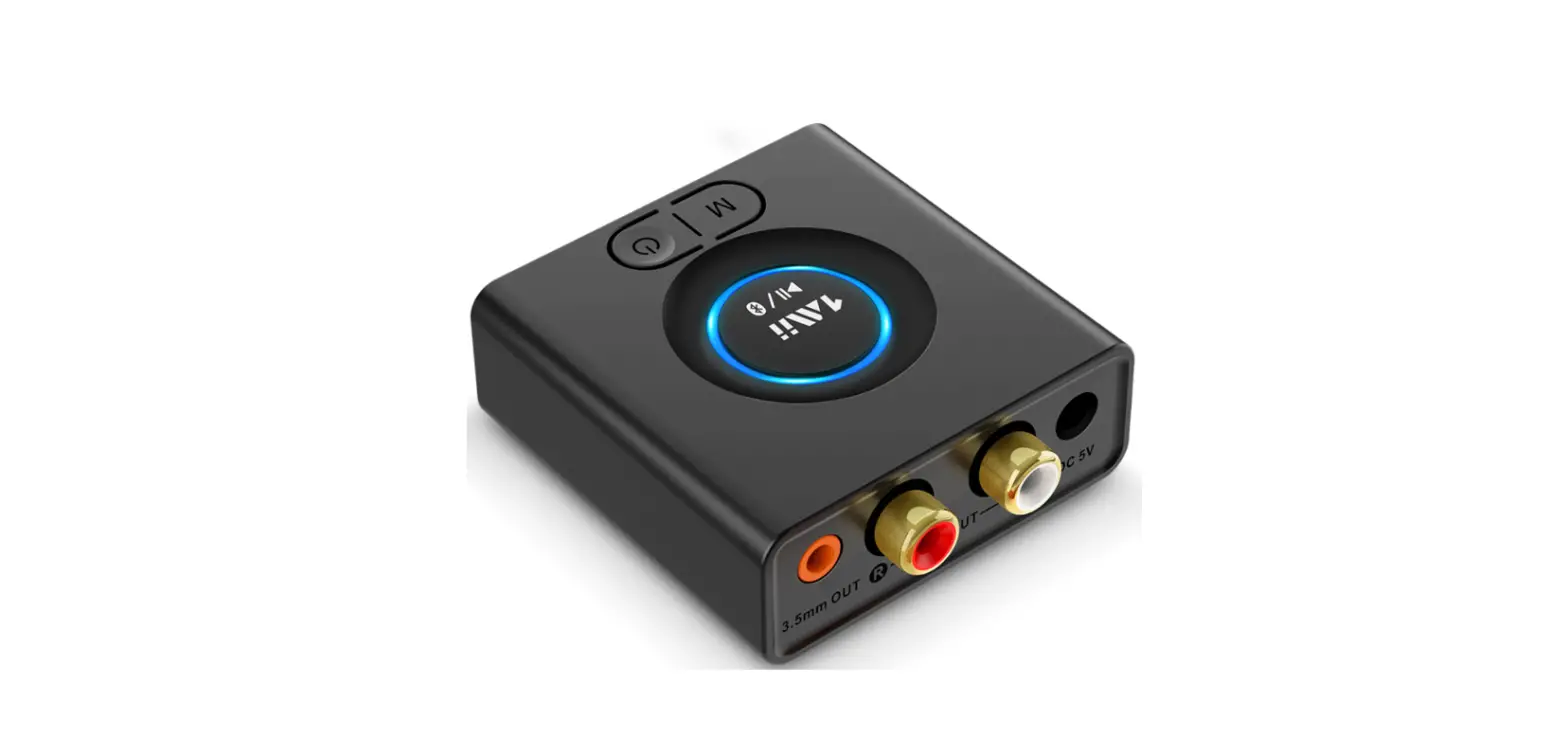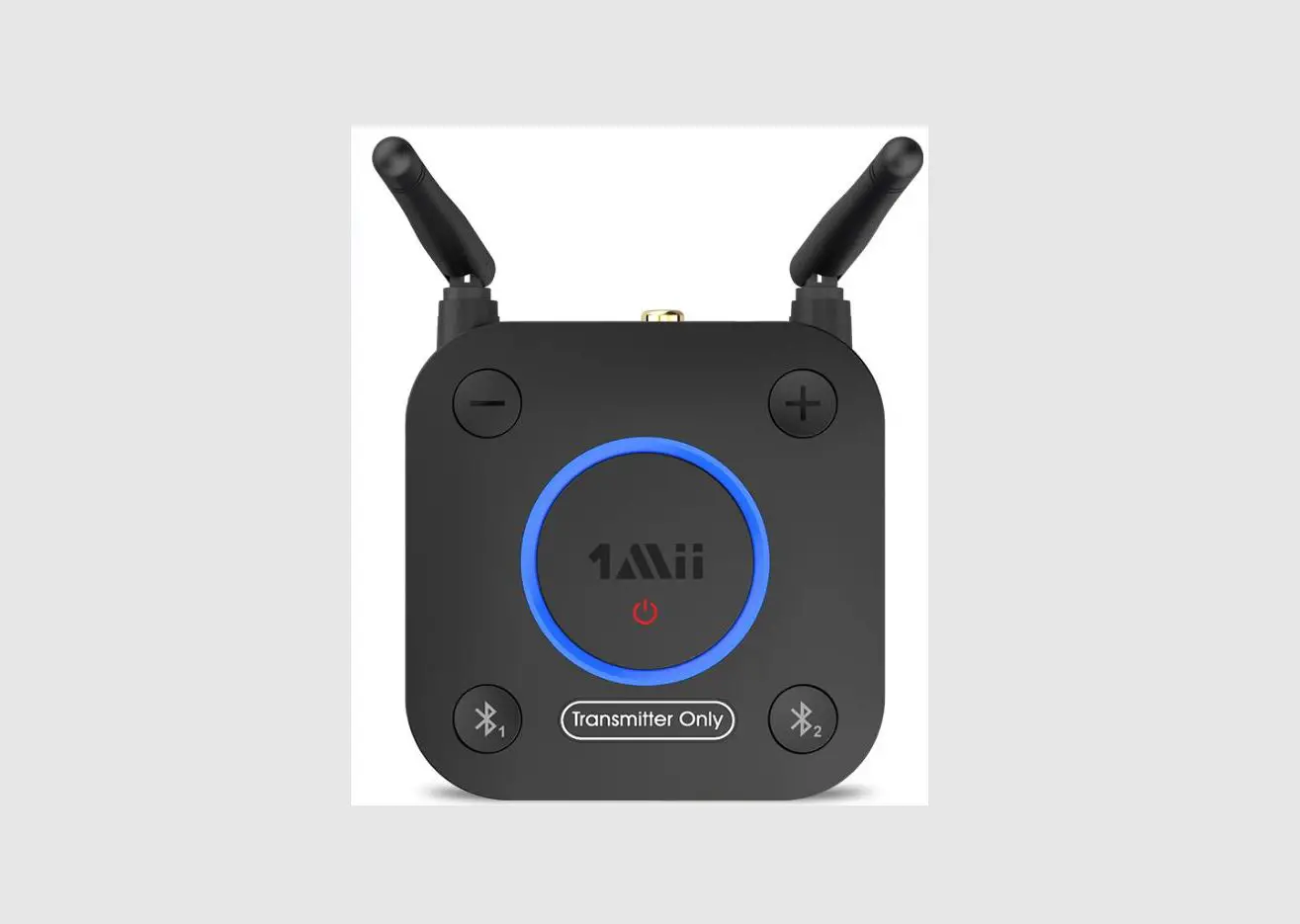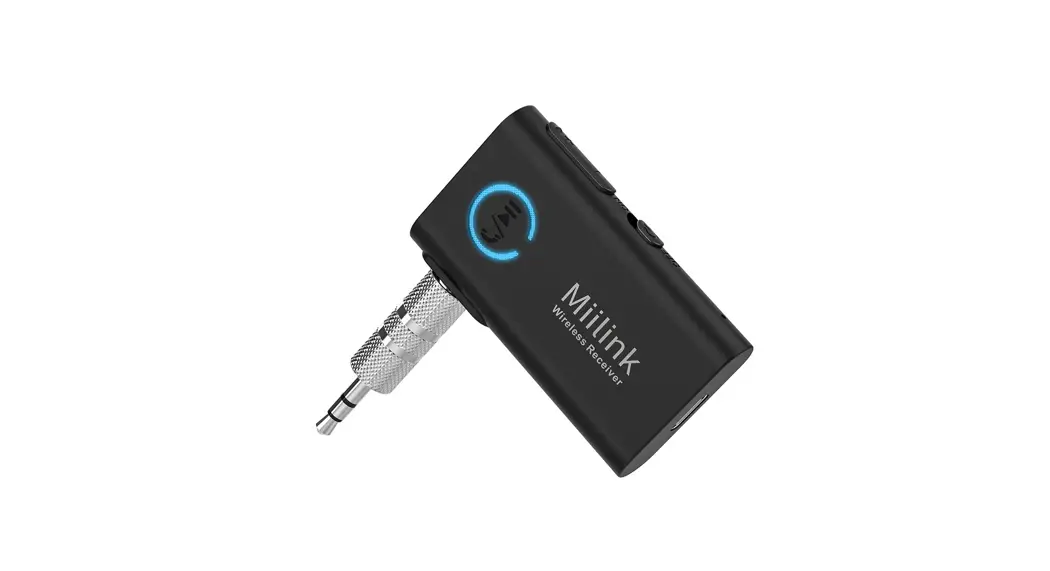

Wireless Audio Receiver ML101
User Manual
Model: ML101
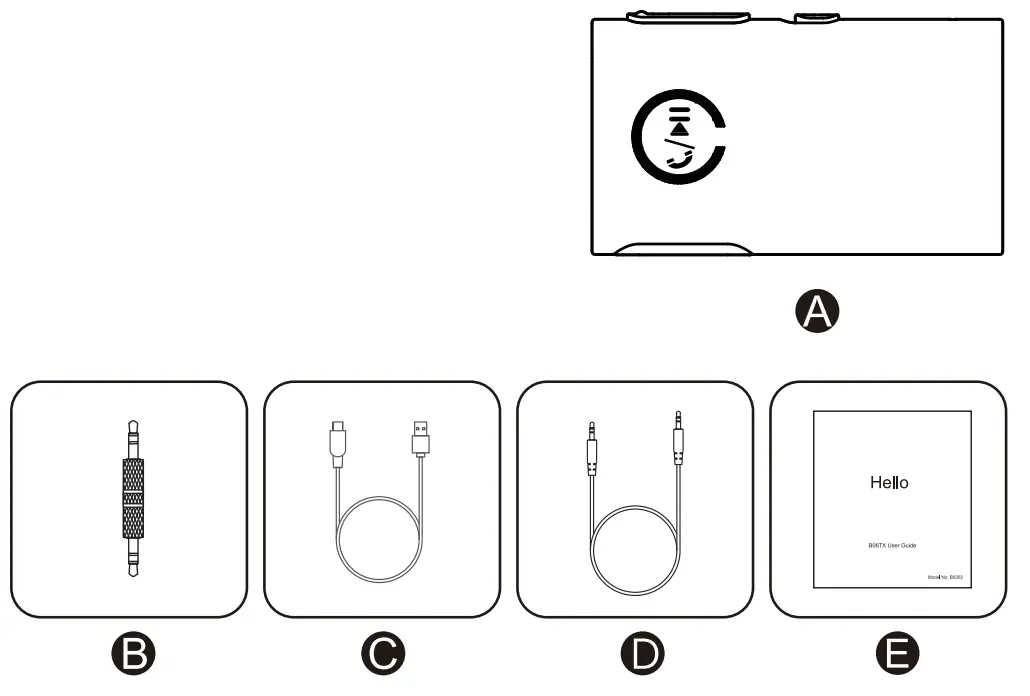
In the Box
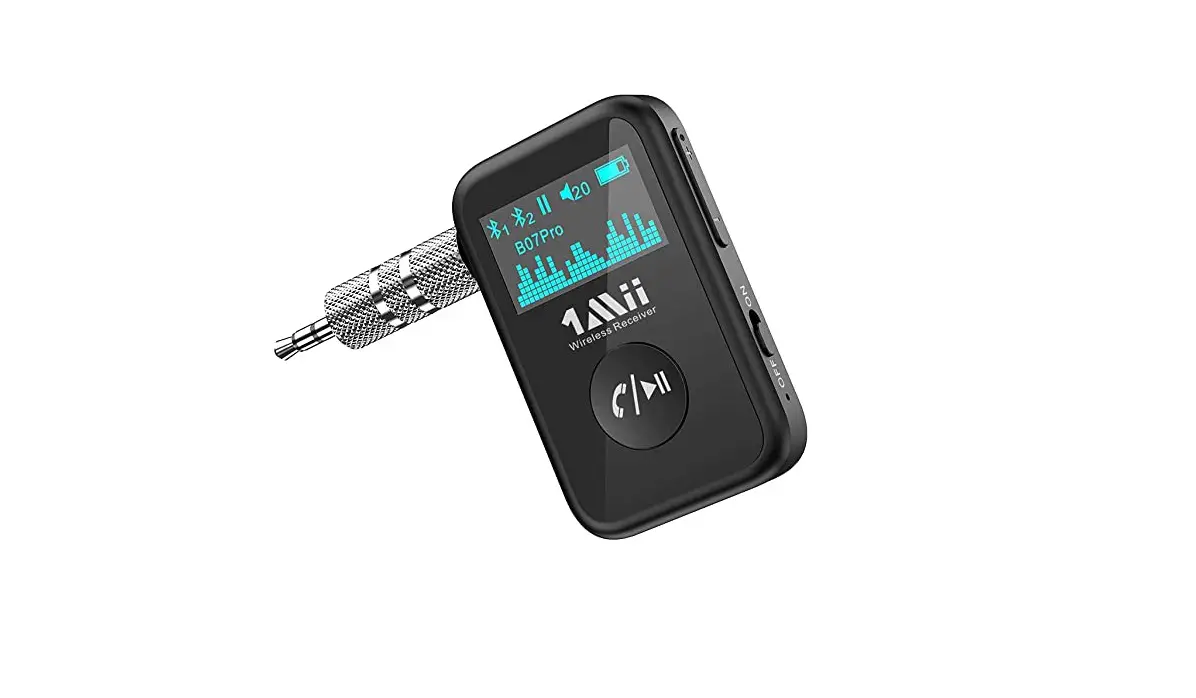
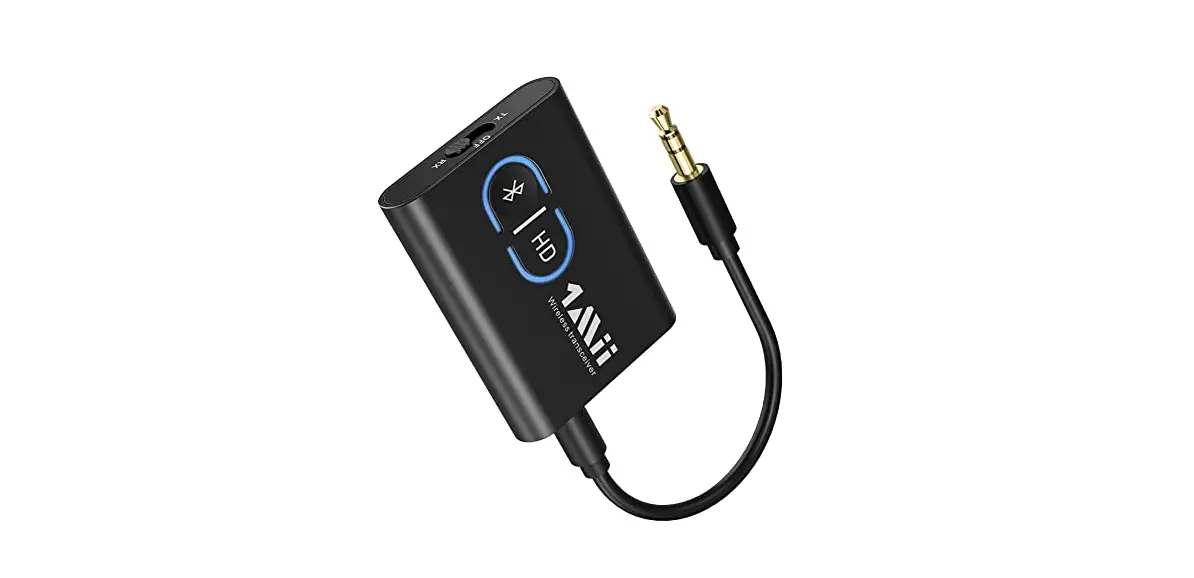
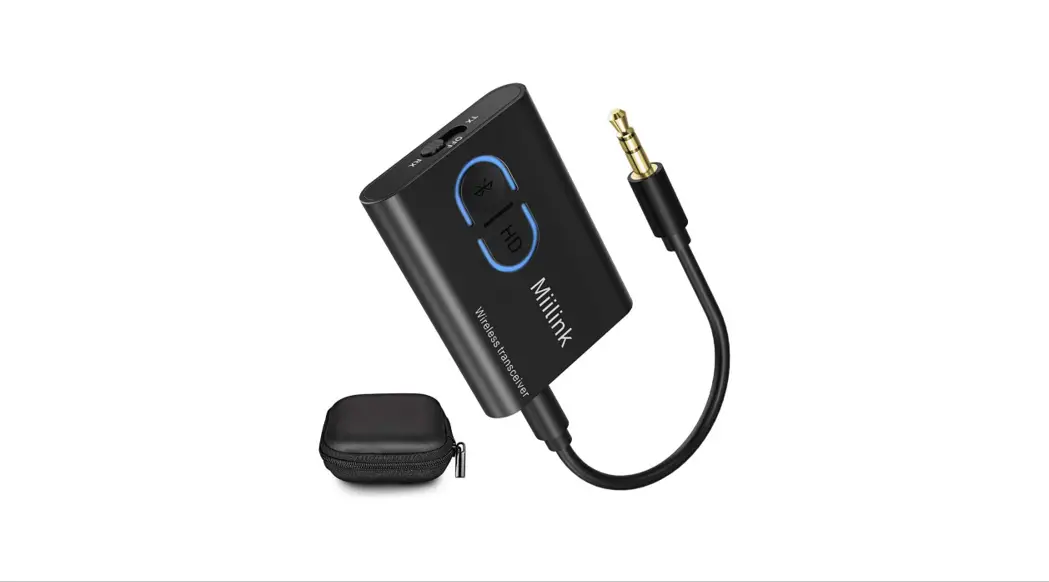
A. Wireless Audio Receiver
B. 3.5mm to 3.5mm Audio Male Adapter
C. Type-C Charging Cable
D. 3.5mm Audio Cable
E. User Manual
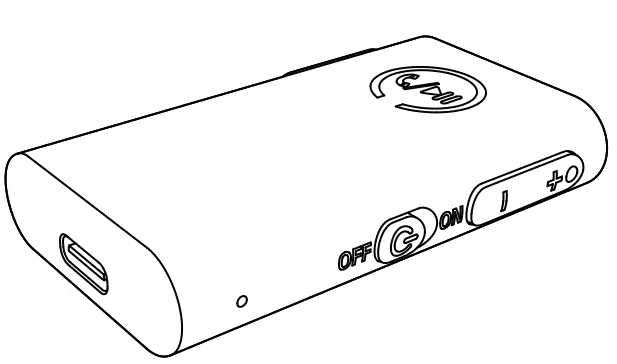
Product overview and control features

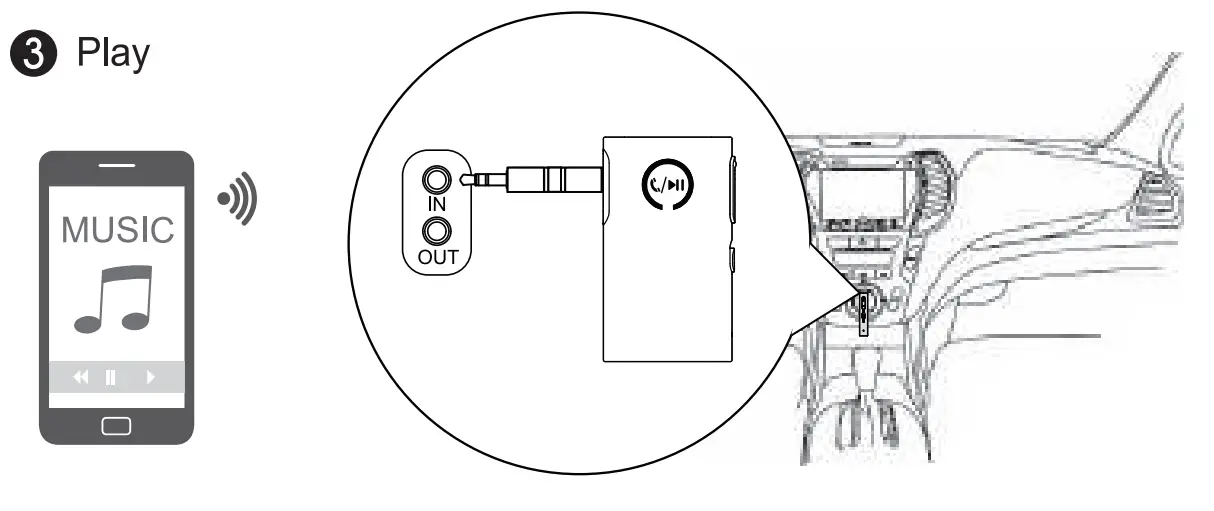
Connect with phone
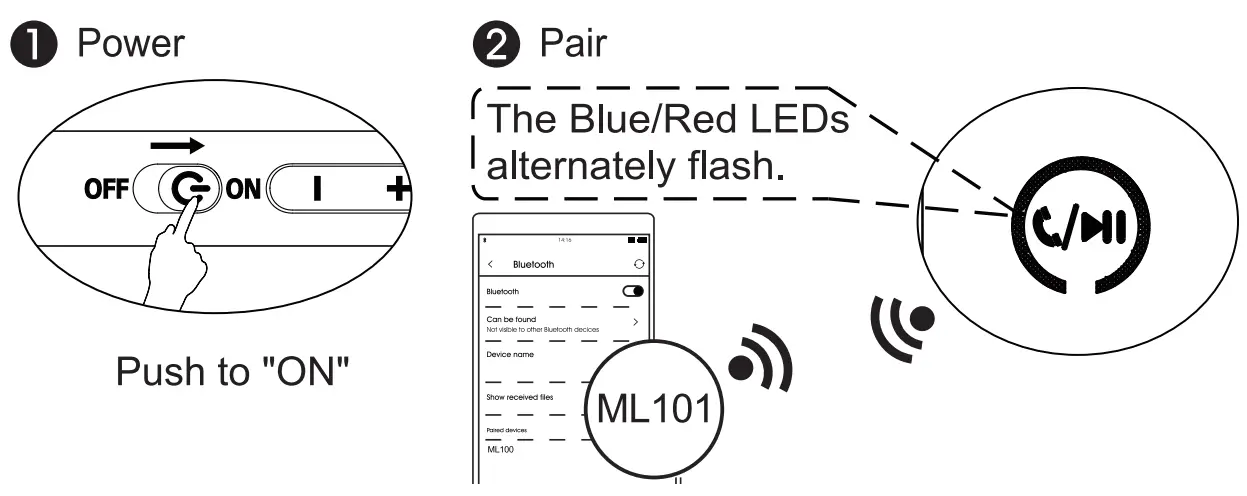
Long press the  button for 2 seconds to enter pairing mode. (On first use, the ML101 will enter pairing mode automatically)The blue and red LED will flash.
Activate Bluetooth on your phone and click “ML101” to pair.
LED INDICATORS
| Indicator Light Display | System status |
| Flashing blue and red alternately | Power on & In pairing mode |
| Flashing red | Low Battery |
| Solid red | Charging in Process |
| Solid red then OFF | Charging completed |
| Flashing blue slowly | Paired |
Use the receiver
| Task | Button | Operation |
| Power | ON  OFF OFF | Press “ON” |
| Pairing |
| Press and hold for 2 seconds |
| Volume up / Previous |
| Press once / Press and hold |
| Volume down / Next |
| Press once / Press and hold |
| Activate Google Assistant or Ski |  | Press and hold for 1 second |
| Pick up /hang up a call | | Press once |
| Reject an incoming call | | Press and hold for 1 second |
| Last number redial | | Double press |
| Clear the pairing list |
| Press and hold for 10 seconds |
Specification
- Bluetooth version: Bluetooth 5.0
- Bluetooth Profile: A2DP v1.3.1, AVRCP v1.6, HFP v1.7, HSP v1.2
- Operational range: indoors: up to 30-50ft (without obstacles)
- Frequency Response: 20Hz-20KHz
- Playtime: about 14 hours
- Charging Time: about 2 hours
- Dimension(L × W × H): 58*34*11mm
- Weight: 16.5g
Warning:
Warranty service is limited to normal use only. Any man-made damages such as connecting to an unsuitable power source, using an unsuitable device, or not following the instructions, damages by misusing the product, careless use of the equipment, or improper installation, repairs and adjustments not approved by the company as well as damages that did not occur during shipping may cause the warranty to be ineffective immediately.
This warranty does not include shipping fees.
FCC Notice
This device complies with Part 15 of the FCC Rules. Operation is subject to the following two conditions:
(1) This device may not cause harmful interference, and(2) this device must accept any interference received, including interference that may cause undesired operation.
NOTE 1: This equipment has been tested and found to comply with the limits for a Class B digital device, pursuant to part 15 of the FCC Rules.
These limits are designed to provide reasonable protection against harmful interference in a residential installation.
This equipment generates uses and can radiate radio frequency energy and, if not installed and used in accordance with the instructions, may cause harmful interference to radio communications.
However, there is no guarantee that interference will not occur in a particular installation.
If this equipment does cause harmful interference to radio or television reception, which can be determined by turning the equipment off and on, the user is encouraged to try to correct the interference by one or more of the following measures:
– Reorient or relocate the receiving antenna.
– Increase the separation between the equipment and receiver.
– Connect the equipment into an outlet on a circuit different from that to which the receiver is connected.
– Consult the dealer or an experienced radio/P/ technician for help.
NOTE 2: Any changes or modifications to this unit not expressly approved by the party responsible for compliance could void the user’s authority to operate the equipment.
The device has been evaluated to meet general RF exposure requirements.
The device can be used in portable exposure conditions without restriction.
Scan the code to get more language instructions.
Scannen Sie den Code, um weitere Sprachanweisungen zu erhalten. Escanee el codigo pars obtener mss instrucciones de idioms. Scannez le code pour obtenir plus d’instructions linguistiques.
Any questions? Contact:
[email protected]
(Response Time:4-24h,excl. holidays)
MANUFACTURER
Shenzhen 1Mii Technologies Limited.
FCC ID: 2AUFR-RT236

MADE IN CHINA