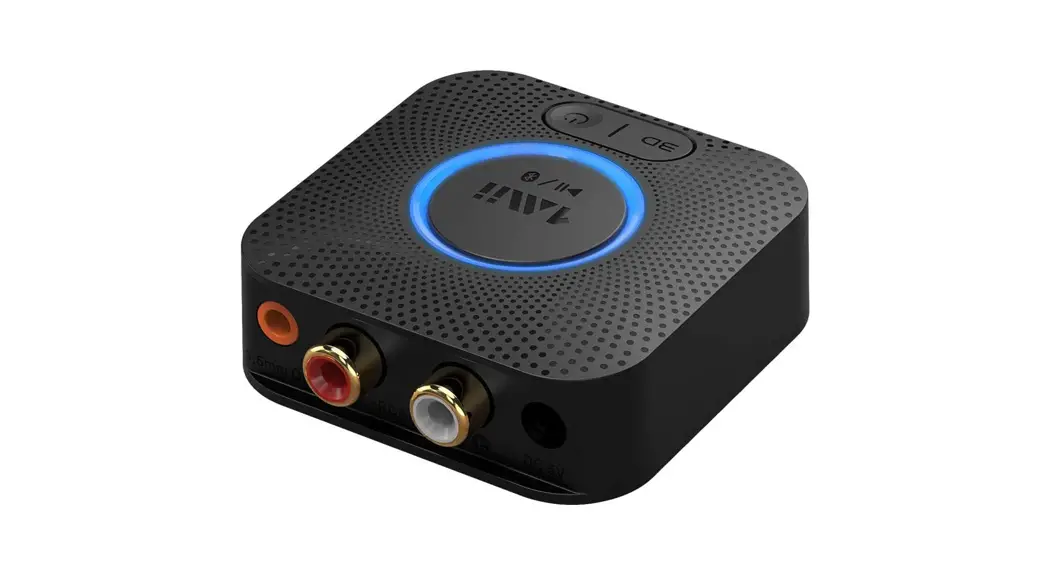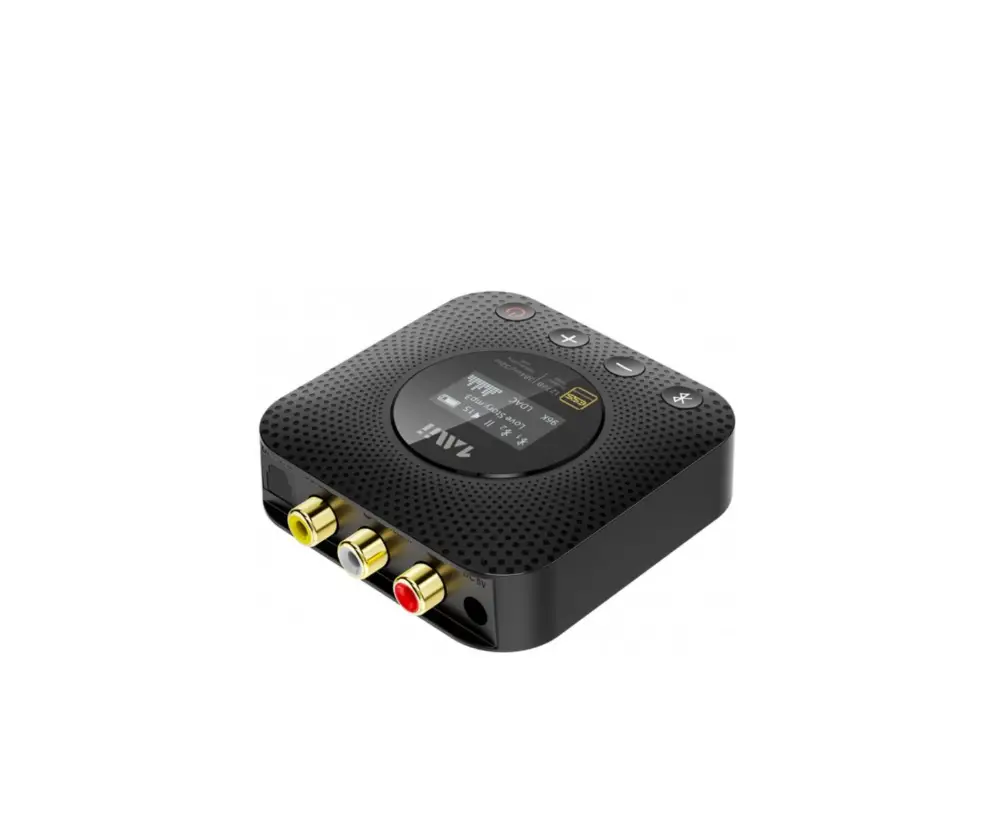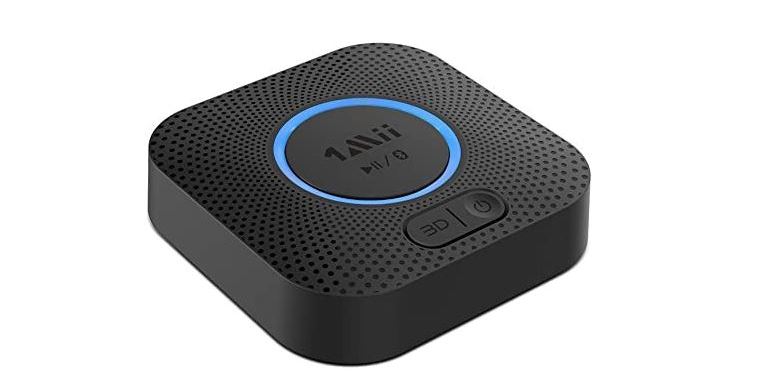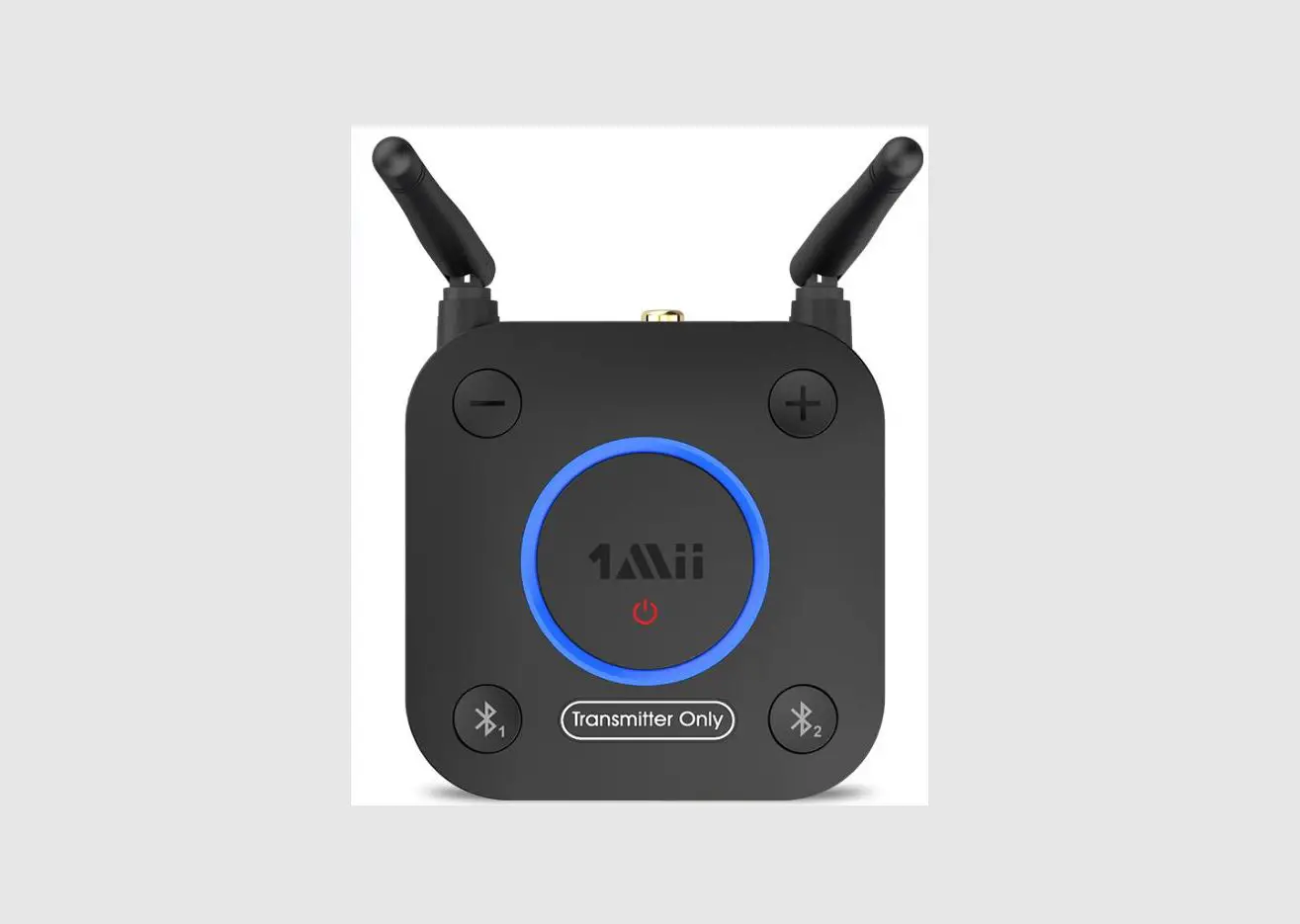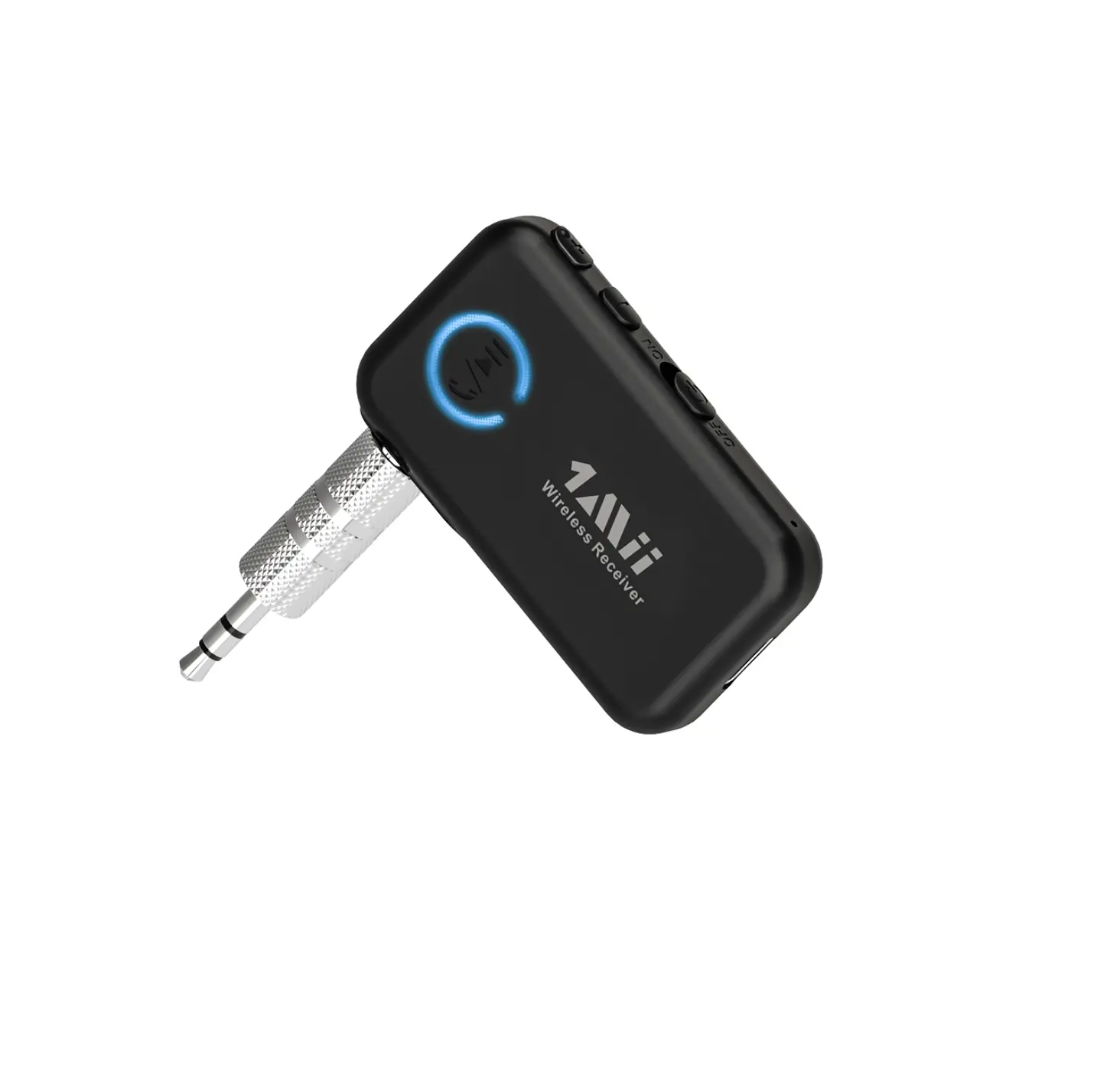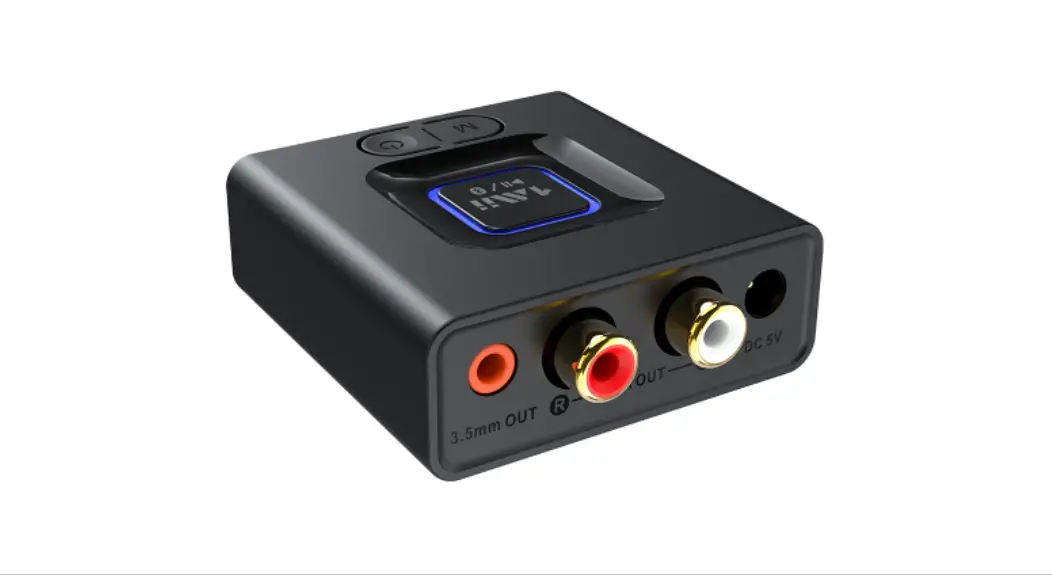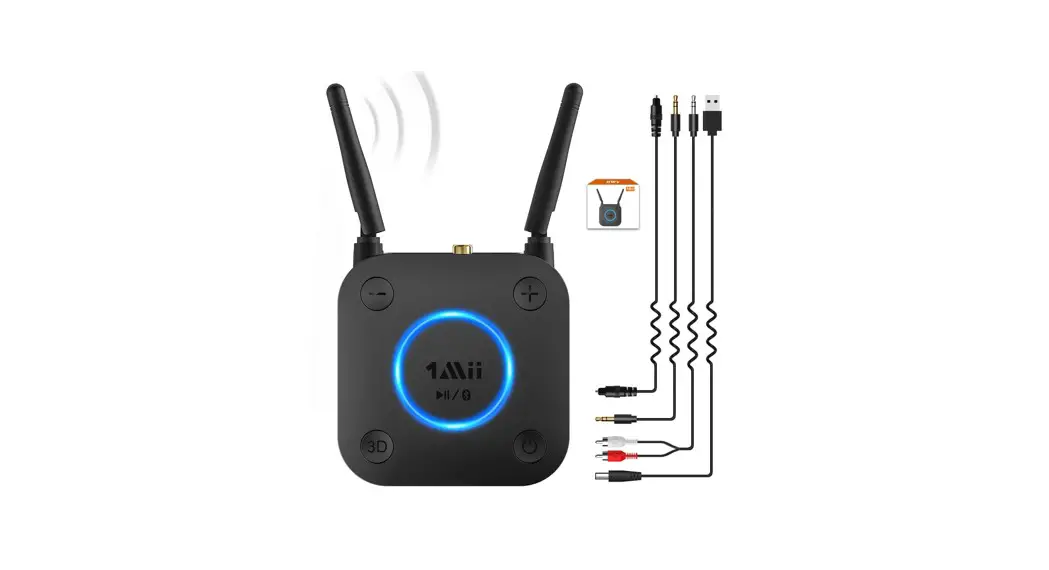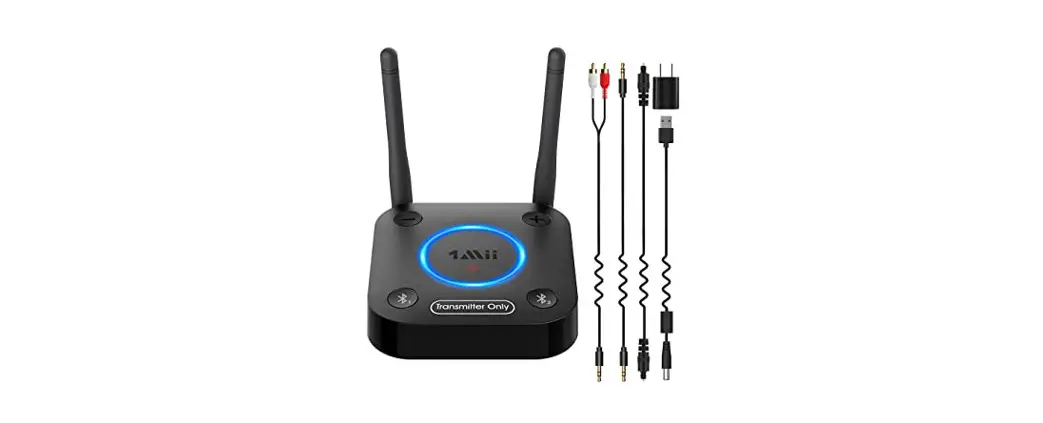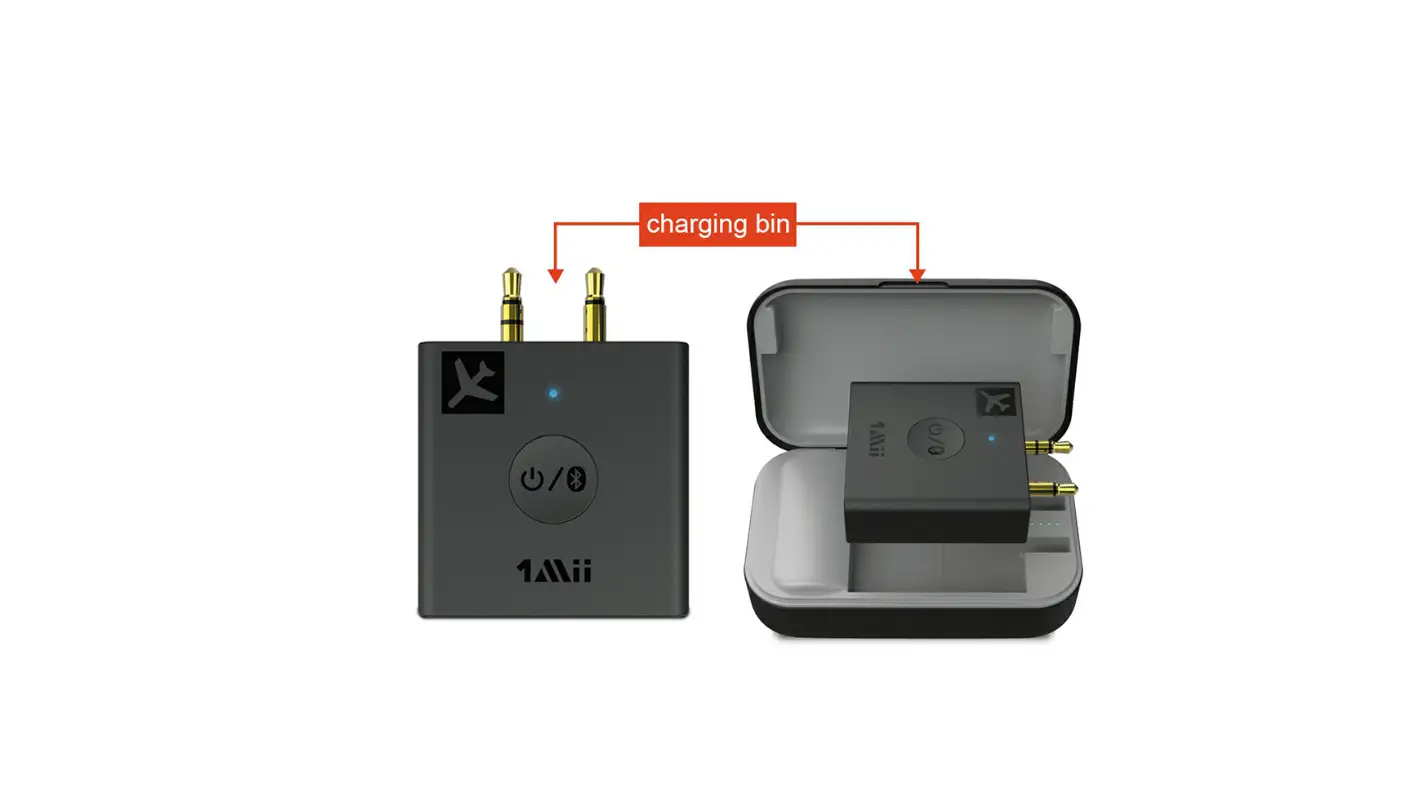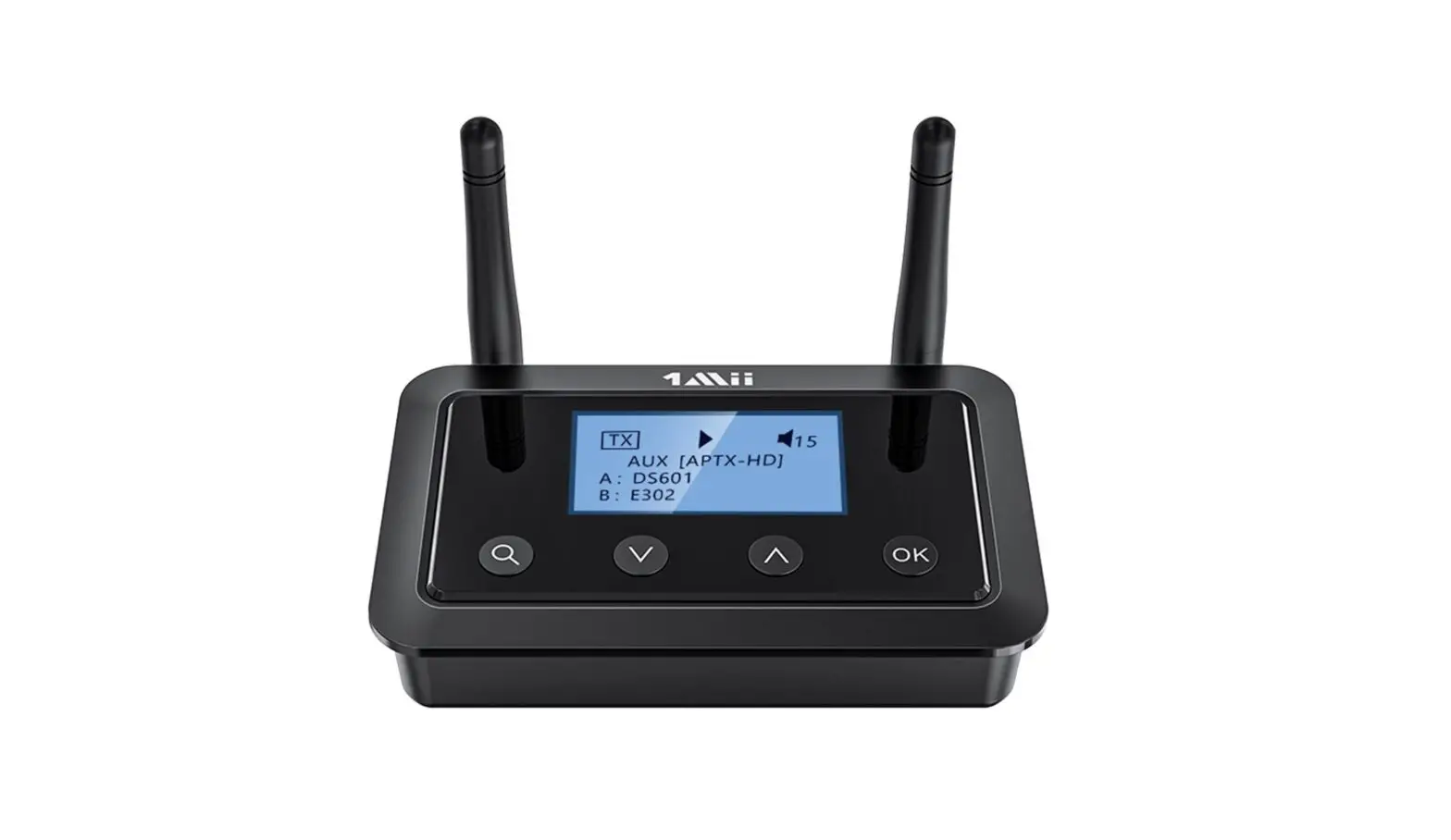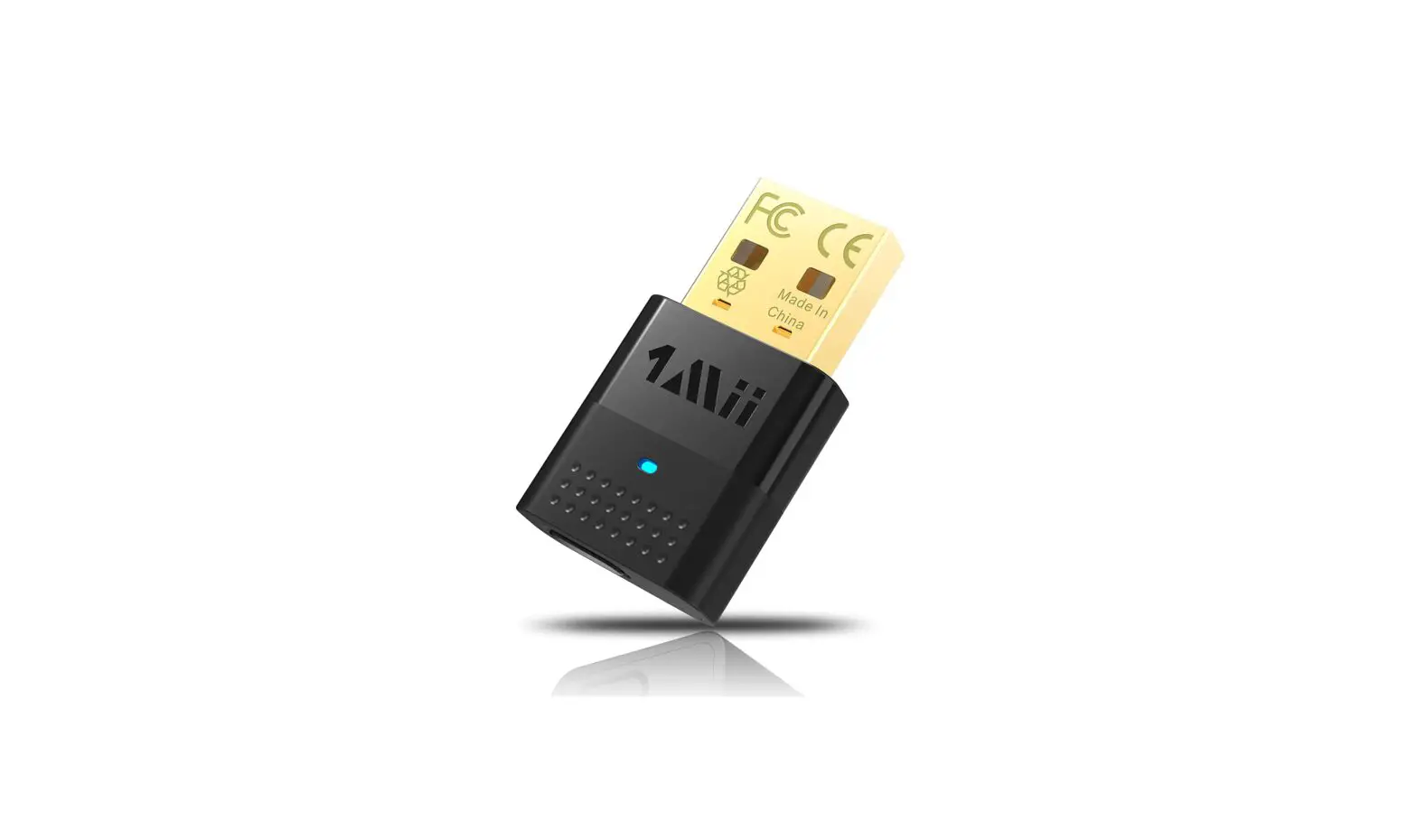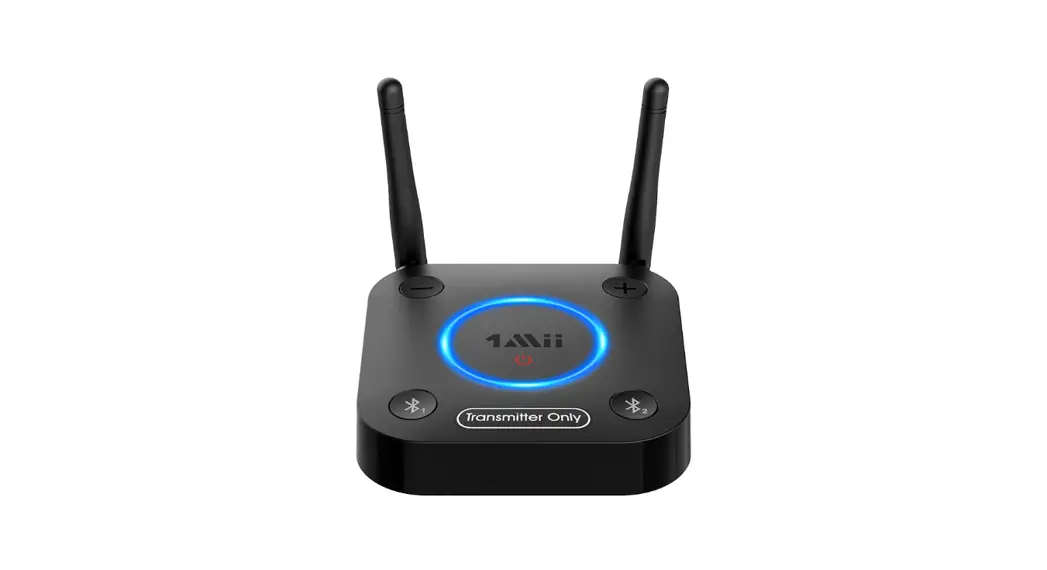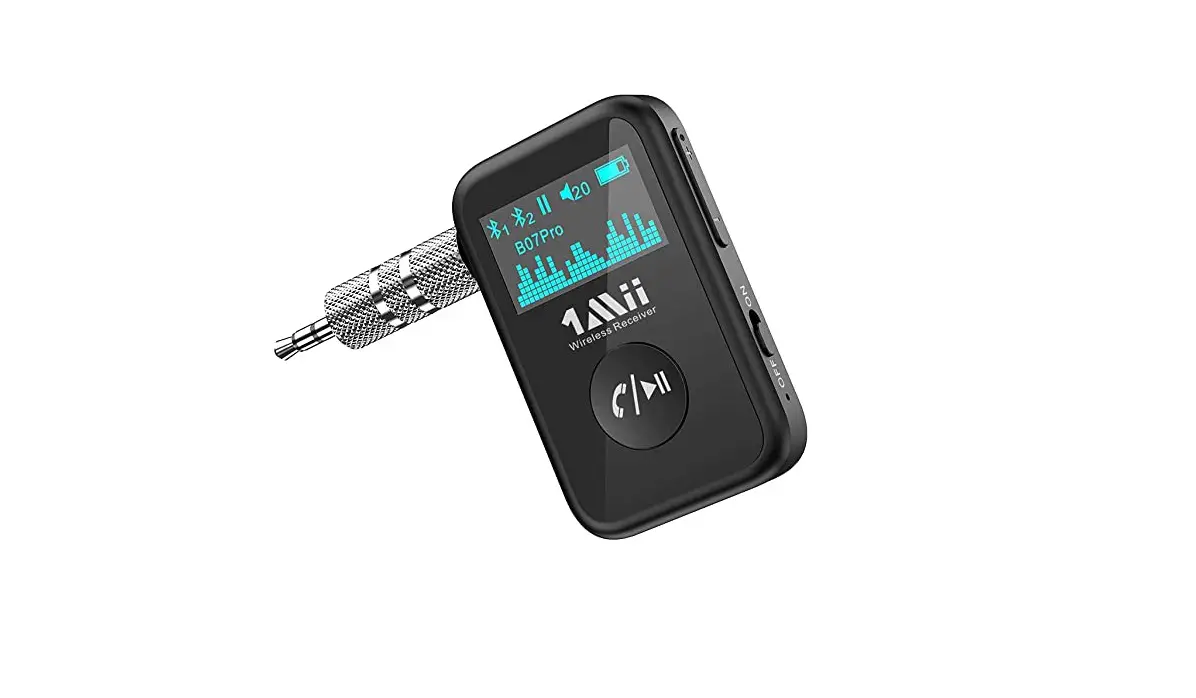
1Mii B07Pro Wireless Audio Receiver User Guide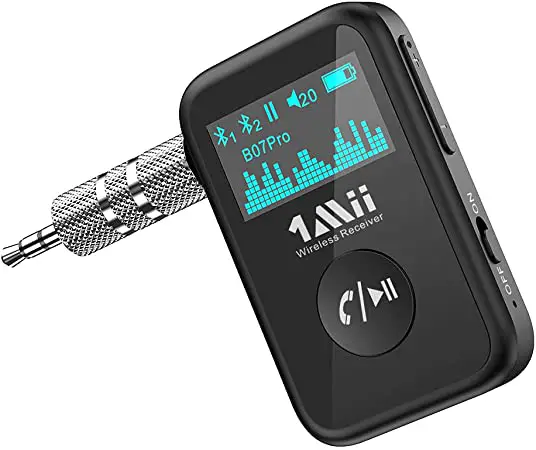
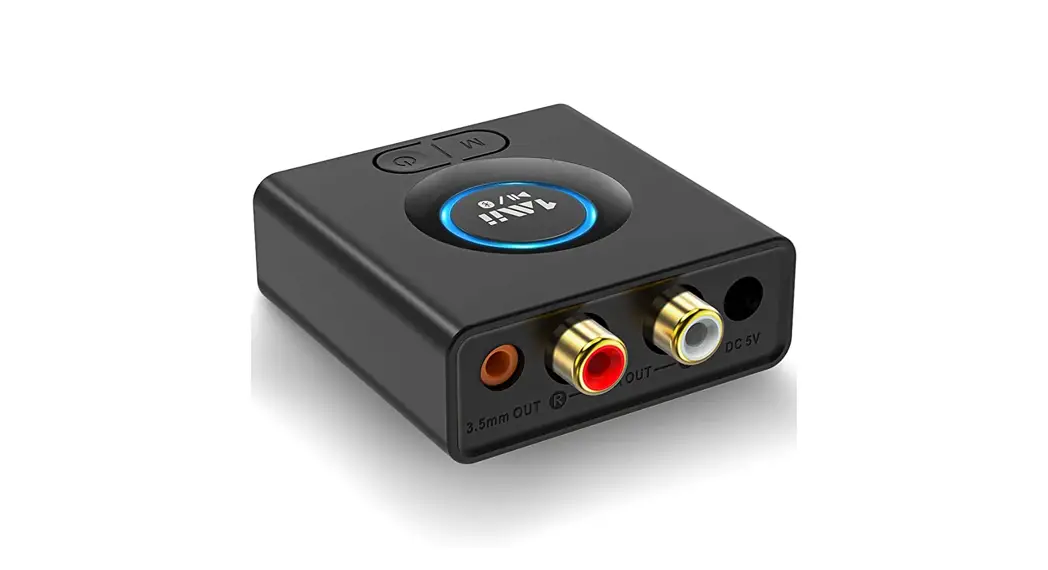
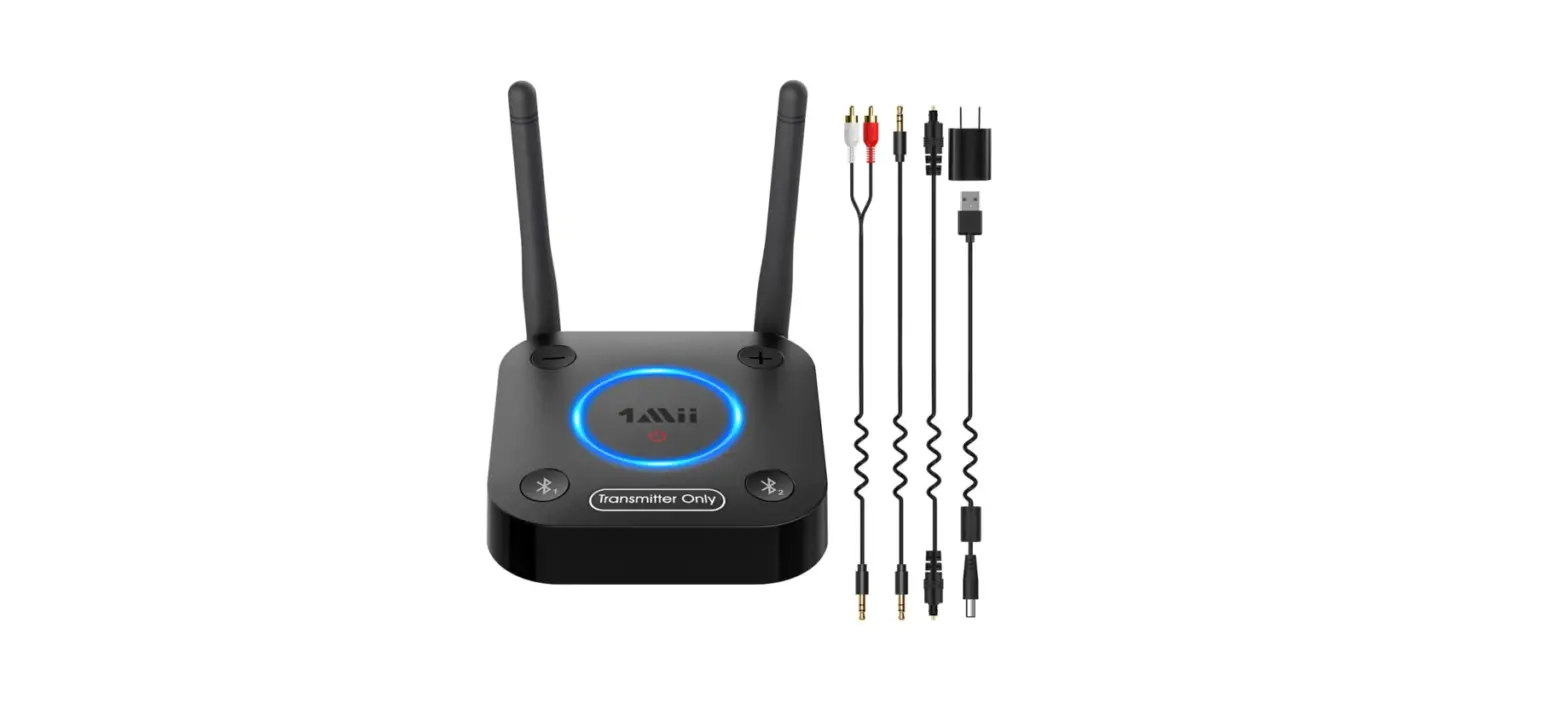
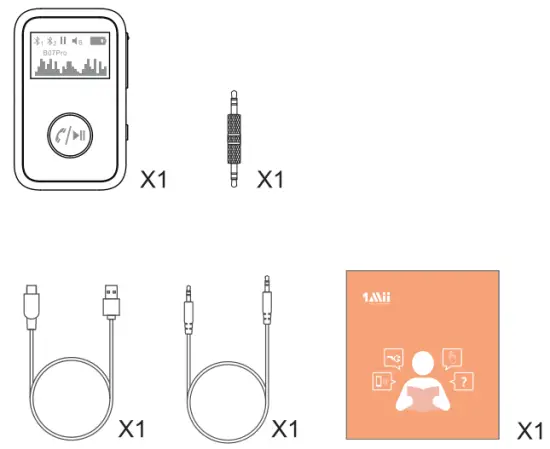
In the Box
Quick Guide
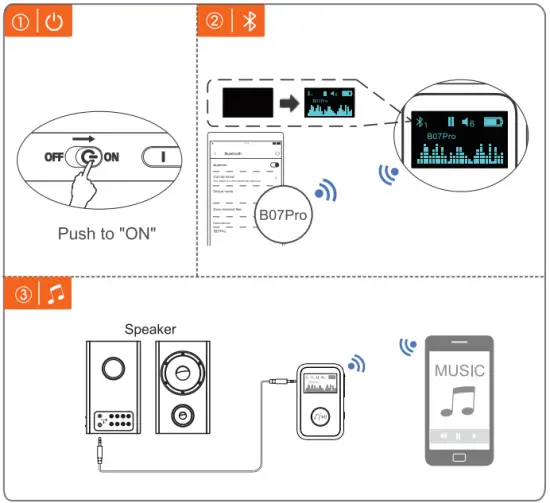
Instructions for operation
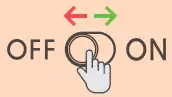
- Push
 button to power “ON”.
 - Adapter will auto-enter pairing mode. Active Bluetooth on your phone or other device & Find “BO7Pro” to connect.
- Pair with the second device.
Set BO7Pro to pairing mode again, hold the button for 3s. Activate Bluetooth on your phone and click “BO7Pro” to pair.
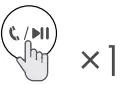
 button to power “ON”.
 button for 3s. Activate Bluetooth on your phone and click “BO7Pro” to pair.
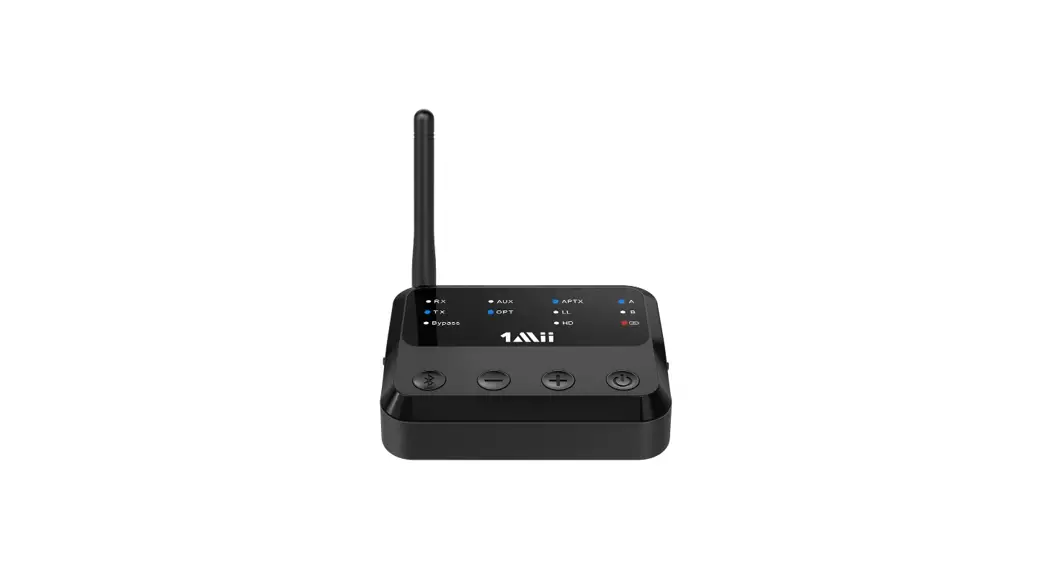
Product Overview
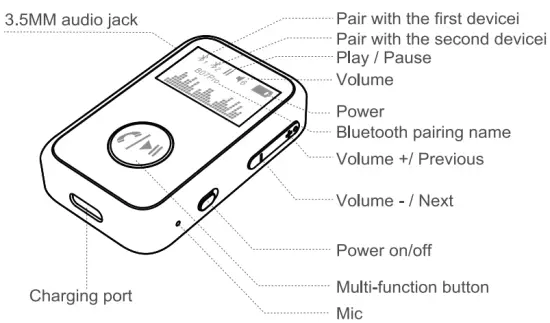
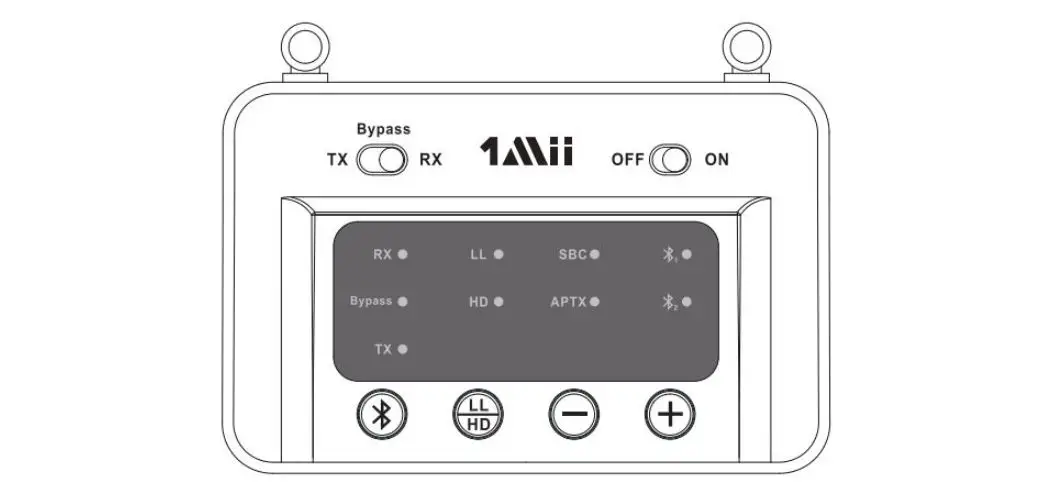
Button | Operation |
| Power ON / OFF |
| Pick up / Hang up a call |
| Last number redial |
| Reject an incoming call |
| Pairing second device |
| Previous |
| Volume up |
| Next |
| Volume down |
| Activate Siri |
| Clear the pairing list |









Warnings
Warranty service is limited to normal use only.
Any man-made damages such as connecting to an unsuitable power source, using an unsuitable device, or not following the instructions, damages by misusing the product careless use of the equipment, or improper installation, repairs and adjustments not approved by the company as well as damages that did not occur during shipping may cause the warranty to be ineffective immediately. This warranty does not include shipping fees.
Disposal Always dispose of the used appliance at a recycling centre. Do not dispose the used appliance together with household waste.
Scan the code to get more information.
AMU Technologies Limited.
We hope you never have the need, but if you do, our service is friendly and hassle-free.
 [email protected]
 web: www.1mii.com
FCC ID: 2AUFR-RT235