MIILINK ML400 Wireless Audio Transmitter User Manual
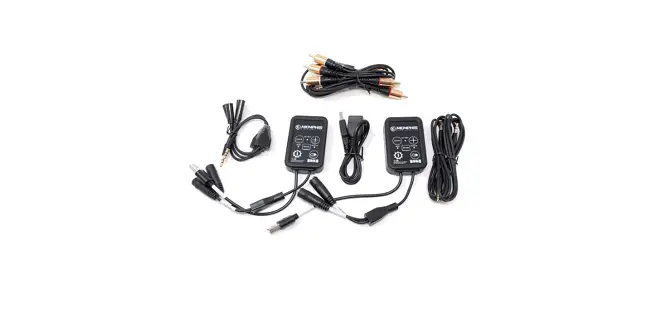
Package contents
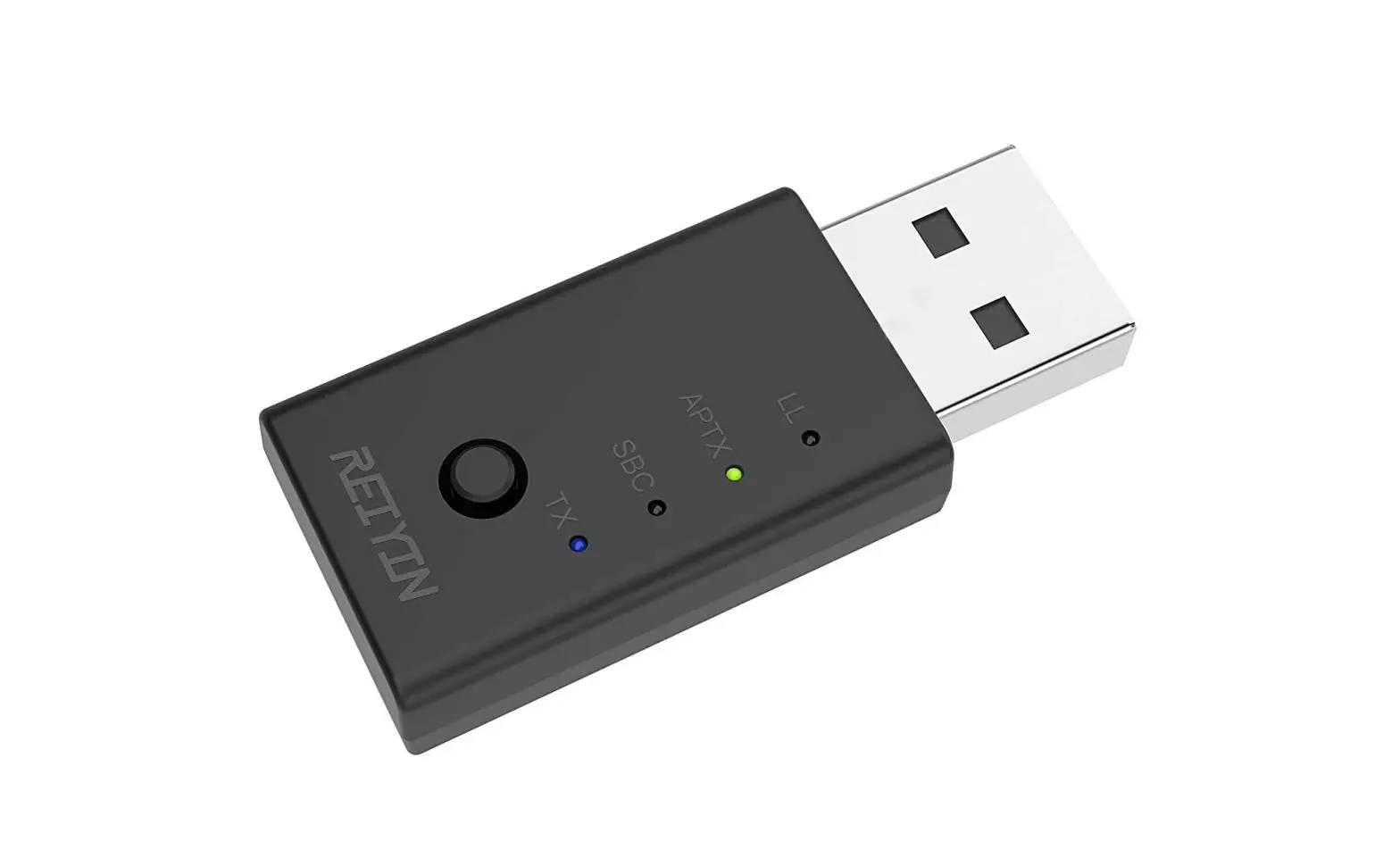
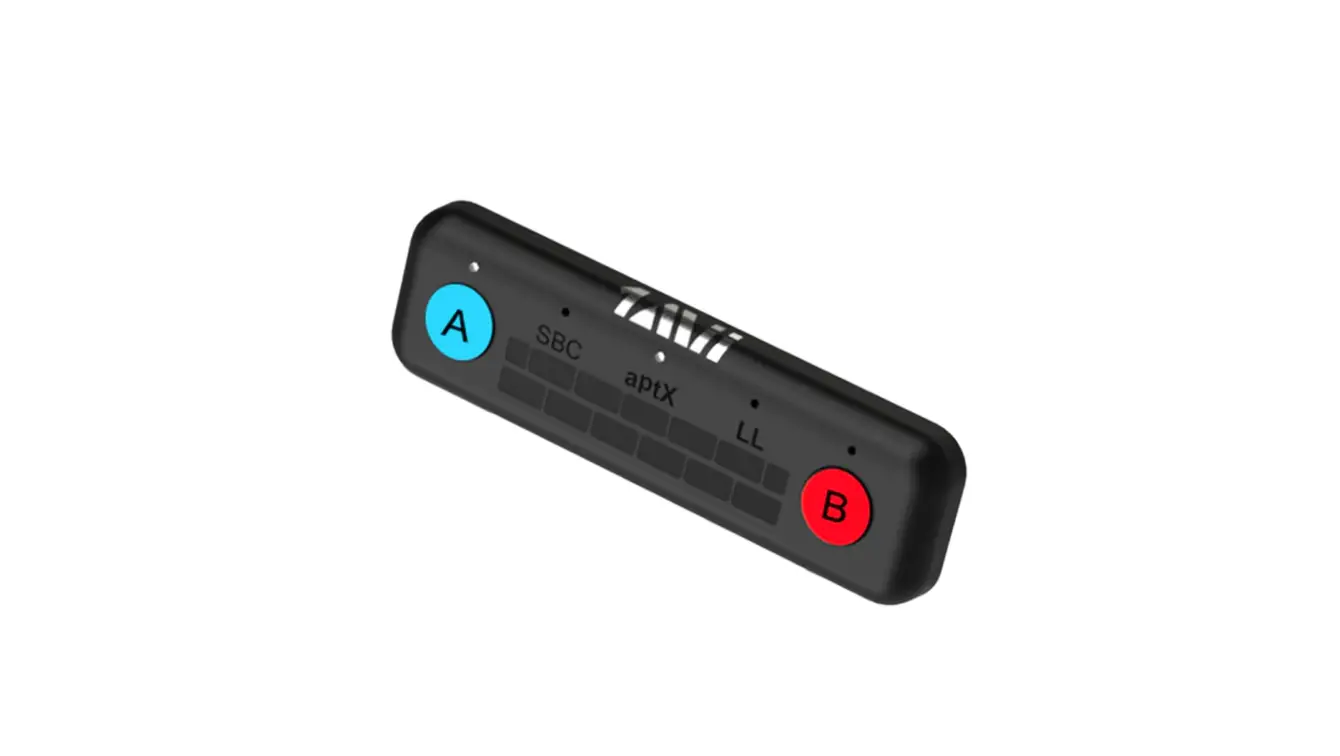
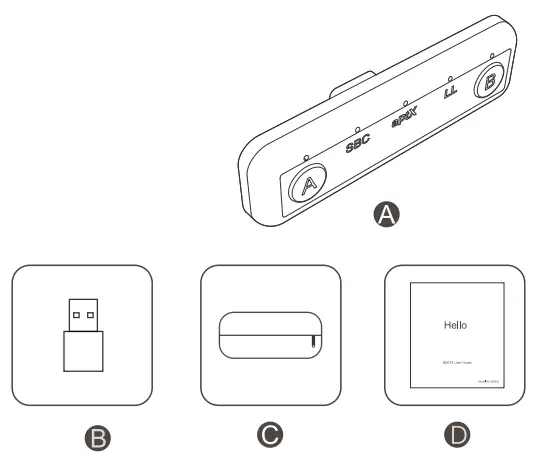
A. Wireless audio transmitter
B. USB-A male to USB-C female adapter
C. Travel Case
D. User manual
Product Overview and Control Feature
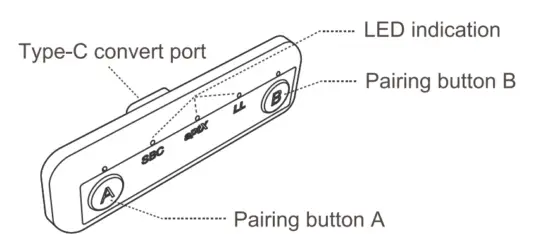
| Button/Function | Operation |
| ® Pairing | Short press to pair with device A |
| 0 Pairing | Short press to pair with device B |
| Restored factory default settings | Press and hold 0 and 0 5 seconds |
| / | / |
| Status | led indicator |
| Pairing mode | LED NB flashes fast white |
| Connected 1 device | LED A stays white |
| Connected 2 device | LED B stays white |
| Disconnected | LED flash white once every 3 seconds |
| Restored factory default settings | All Leds flash 1 time |
| Connected with SBC/aptx/aptx LL codec | LED stays white on SBC/aptX/LL |
| Connected with aptx HD | SBC+aptX stays white together |
Connect to Bluetooth headphone/speaker
- Set your Bluetooth earphone to Bluetooth pairing status.

- Plug ML400 and short press the pairing button(A or B) into pairing mode with blinking white LED light.

- Pairing is successful once the LED turns to constant light.

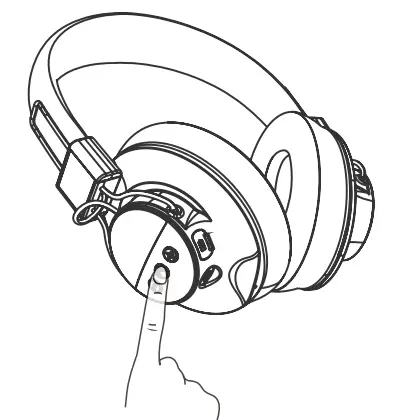
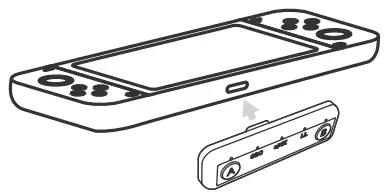
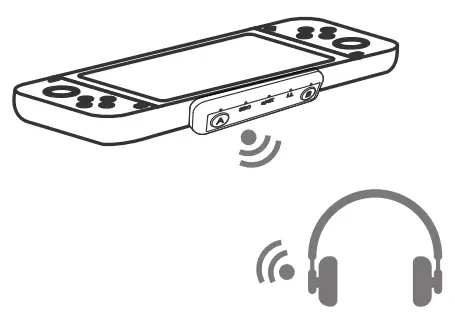
It supports dual connections at the same time with the same way to pair both two Bluetooth headsets with A and B connections one by one on ML400 .
Note:
- To realize low delay transmission by aptX or aptX LL protocol Bluetooth headset and Bluetooth adapter need to be equipped with aptX or aptx LL technology.
- Due to the particularity of Bluetooth signal transmission and size limitation, TWS earbuds normally have weaker signal strength and anti-interference ability compared with ordinary Bluetooth headphones.
- Due to the nature of wireless technology itself on Bluetooth headset, there might be issues of disconnection or delay caused by telectromagnetic interferences in air sometimes.
Qualcomm aptX is a product of Qualcomm Technologies, Inc. and/or its subsidiaries.
FCC Notice
This device complies with Part 15 of the FCC Rules. Operation is subject to the following two conditions: (1) This device may not cause harmful interference and(2) this device must accept any interference received, including interference that may cause undesired operation. NOTE 1: This equipment has been tested and found to comply with the limits for a Class B digital device, pursuant to part 15 of the FCC Rules. These limits are designed to provide reasonable protection against harmful interference in a residential installation. This equipment generates, uses and can radiate radio frequency energy and, if not installed and used in accordance with the instructions, may cause harmful interference to radio communications. However, there is no guarantee that interference will not occur in a particular installation. If this equipment does cause harmful interference to radio or television reception, which can be determined by turning the equipment off and on, the user is encouraged to try to correct the interference by one or more of the following measures:
- Reorient or relocate the receiving antenna.
- Increase the separation between the equipment and receiver.
- Connect the equipment into an outlet on a circuit different from that to which the receiver is connected.
- Consult the dealer or an experienced radio/TV technician for help.
NOTE 2: Any changes or modifications to this unit not expressly approved by the party responsible for compliance could void the user’s authority to operate the equipment.
Any questions?
Contact: [email protected] (Response Time:4-24h,excl. holidays)
MANUFACTURER ShenZhen 1Mii Technologies Limited. Address: 4th Fl, Bldg B, Runfeng Industrial Park, No. 4197 Baoan Blvd., Gushu Community, Xixiang St., Baoan Dist., Shenzhen, China.
FCC ID: 2AUFR-RT201