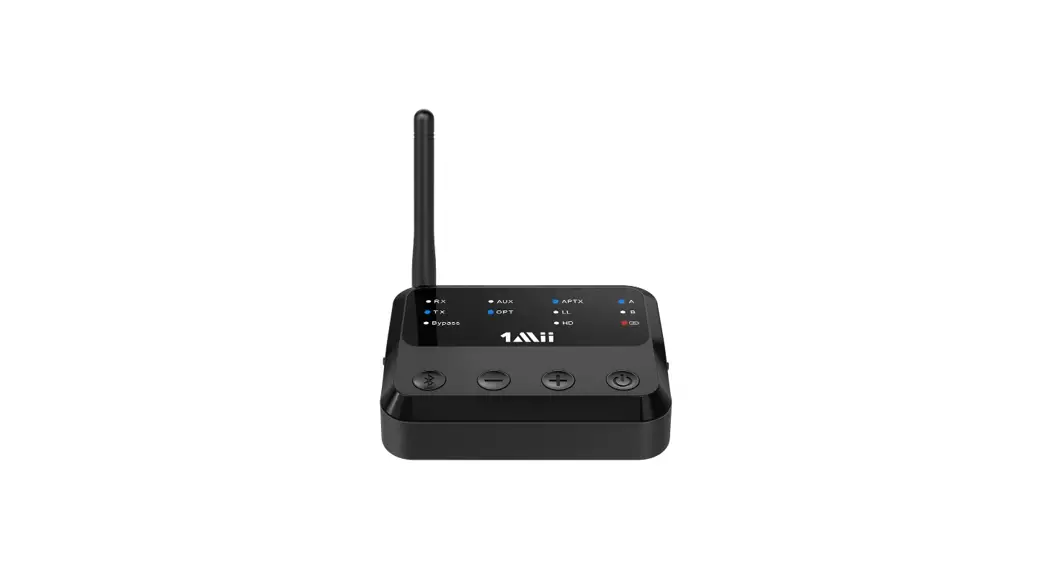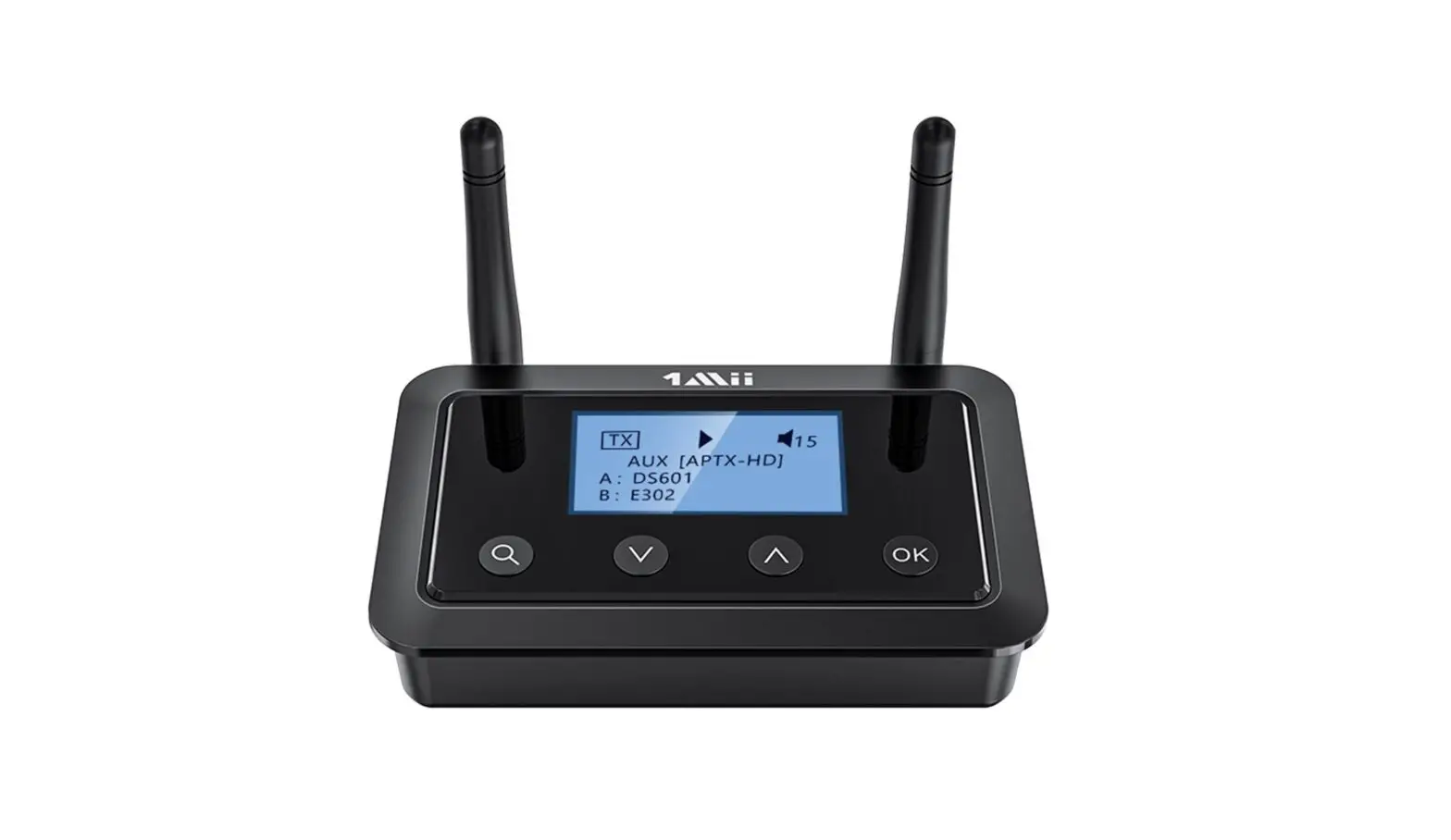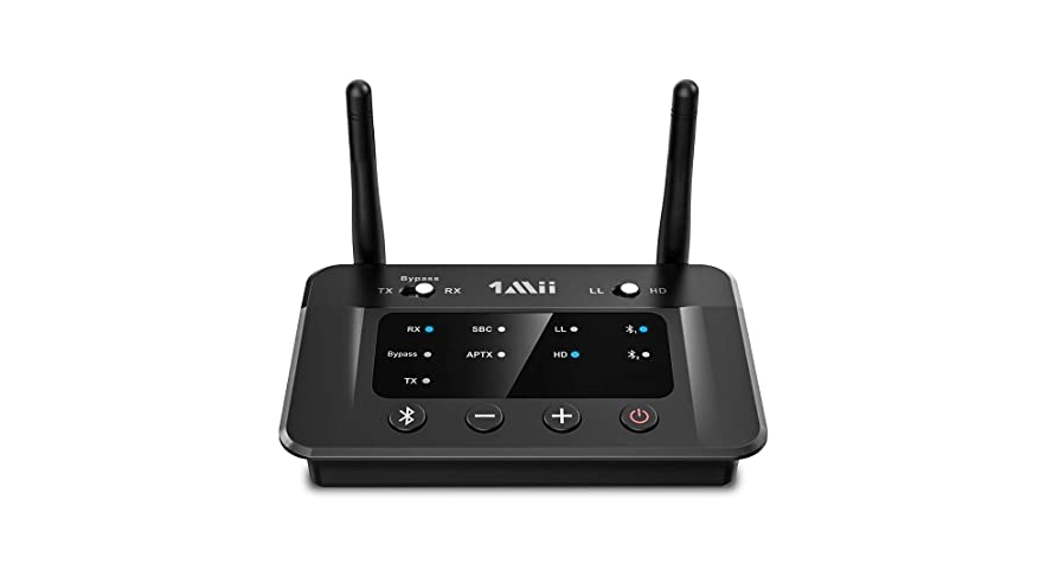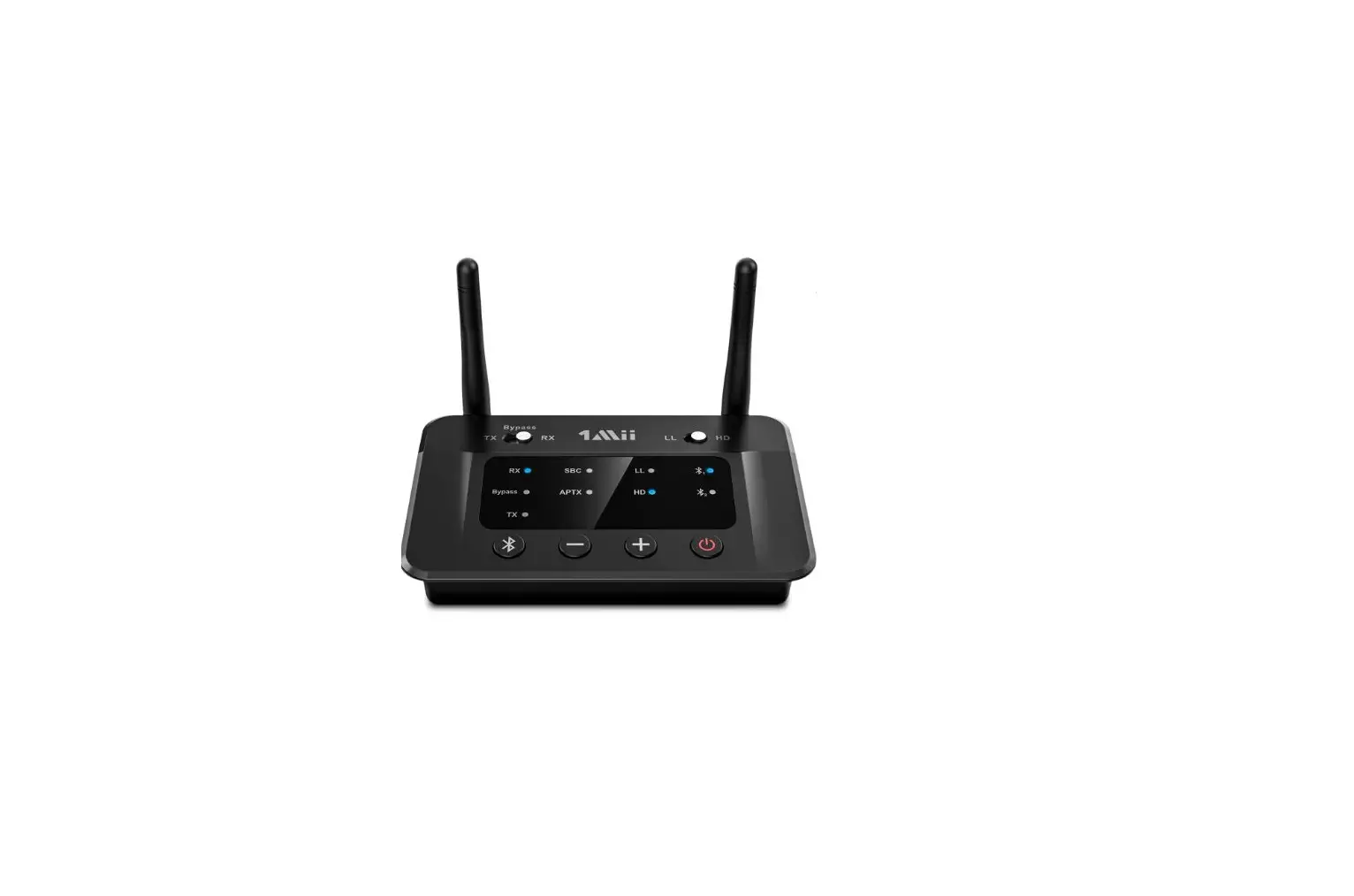
1Mii B0302 Expert Bluetooth Transmitter User Guide
Product specifications
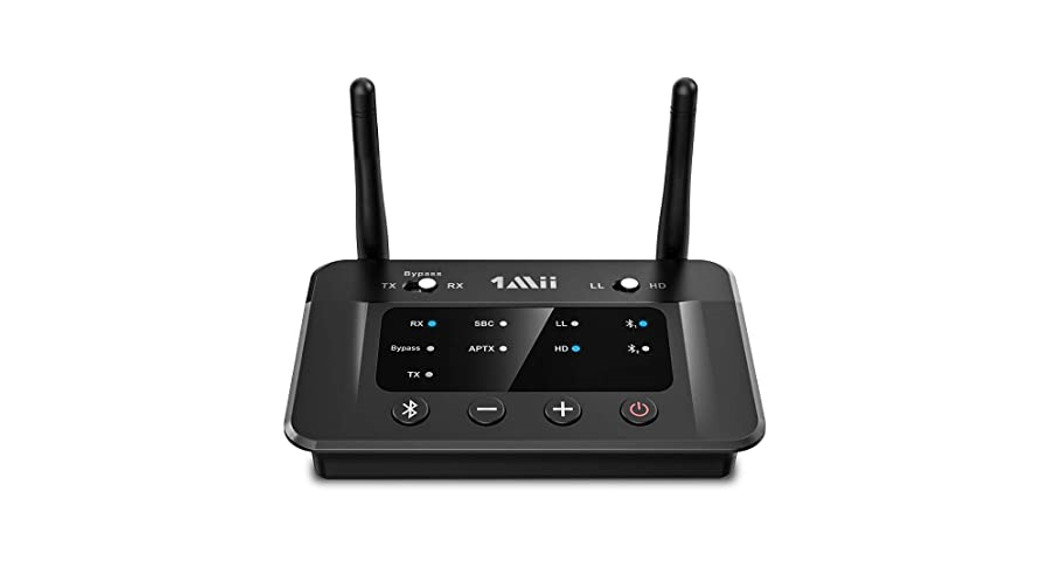
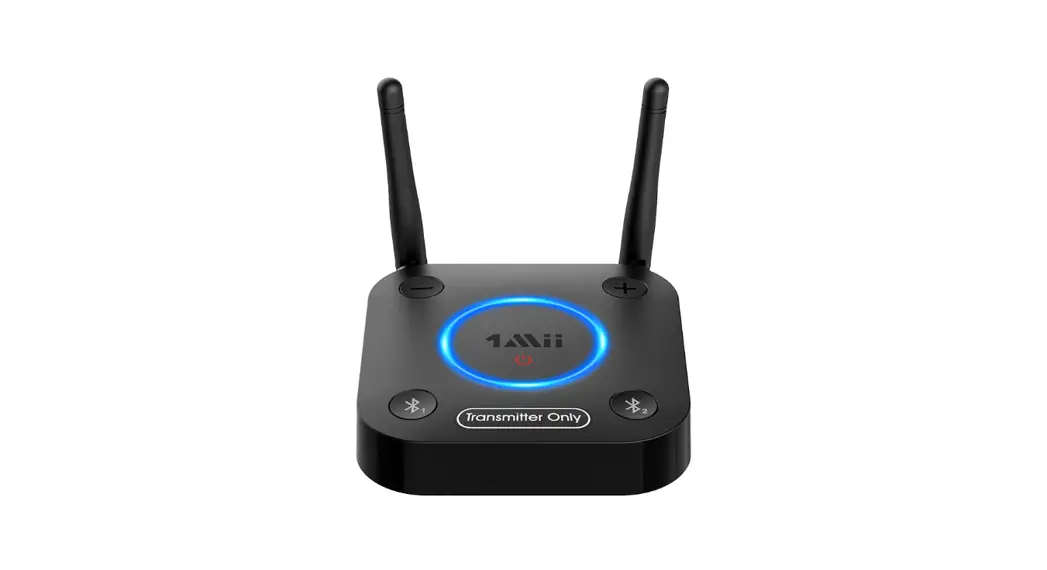
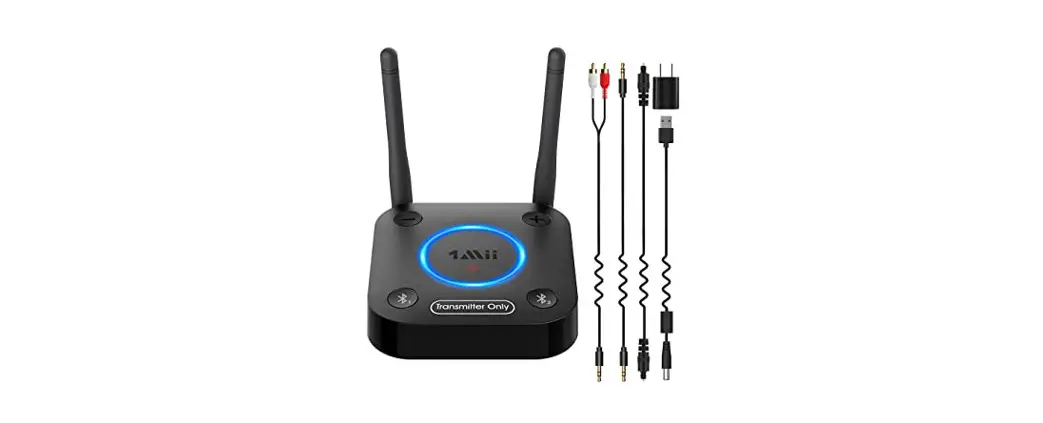
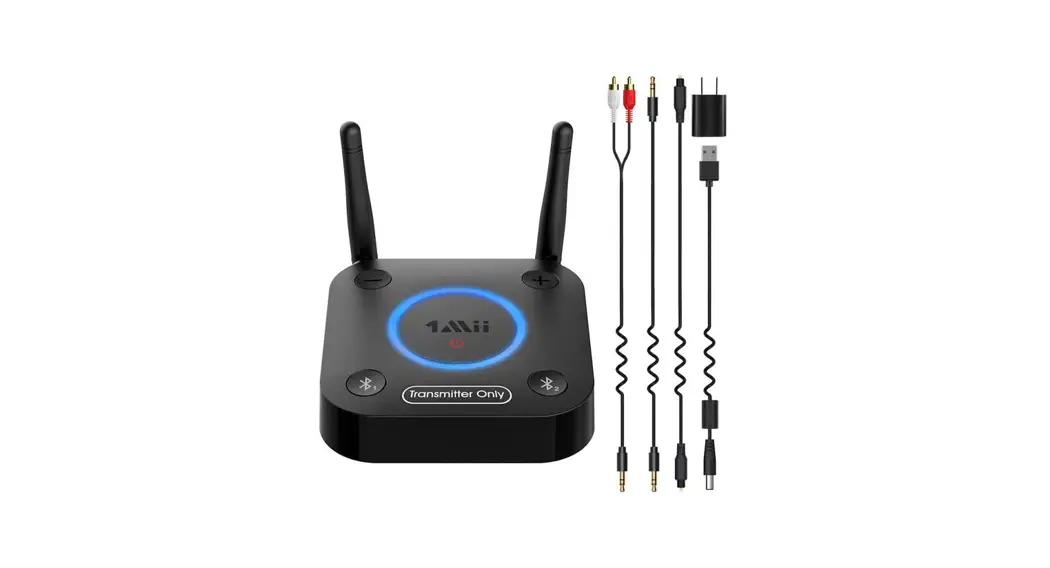
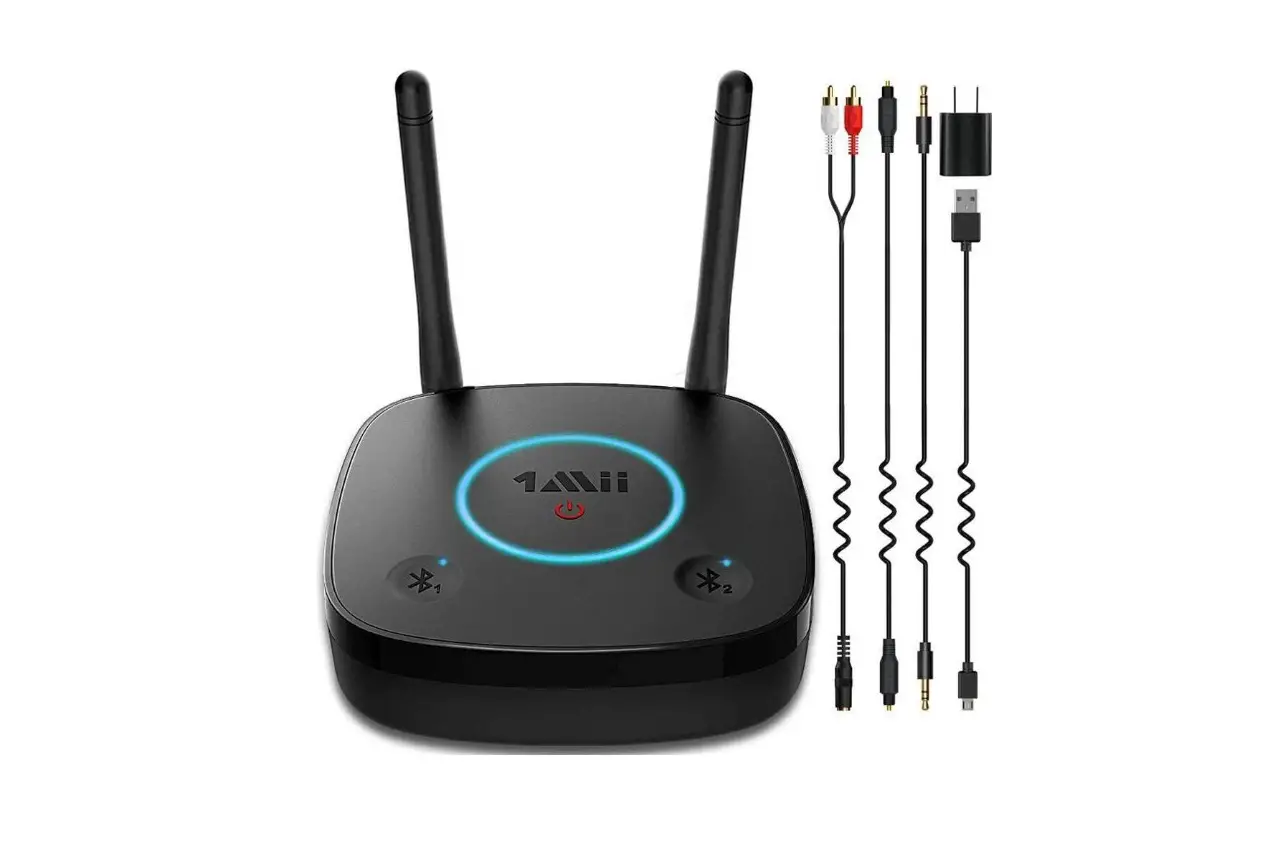
BO6TX is a wireless long range audio transmitter incorporating the latest “aptX low-latency” technology for CD-like quality sound with virtually no delay. Compatible with devices with optical, RCA and AUX audio outputs. make your TV, PC, Radio and other home audio devices to stream music to your bluetooth headphones or speakers.
- Supports profiles: A2DP, AVRCP
- Audio codec: aptX, aptX-LL, aptX-HD,SBC
- Operational range: indoors: up to 50-70ft (without obstacles) outdoors: up to 197ft (without obstacles)
- Input voltage/ current: DC5V
 500mA
500mA - Operating temperature: -10°C — 45°C
- Storage temperature: -20°C — 60°C
- Support sampling rate in optical mode: <48KHz
- Product size: 111x95x27mm • Product weight: 126g
 500mA
500mAQualcomm aptX is a product of Qualcomm Technologies, Inc. and/or its subsidiaries.
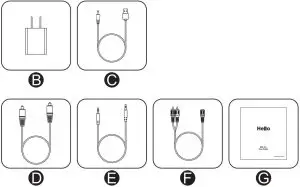
Package contents
- (A) B06 TX
- (B) Power adapter (optional)
- (C) 5V power cable
- (D) Optional cable
- (E) 3.5mm audio cable
- (F) 3.5mm to RCA cable
- (G) User manual


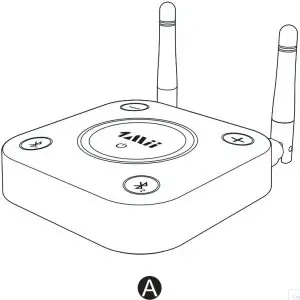
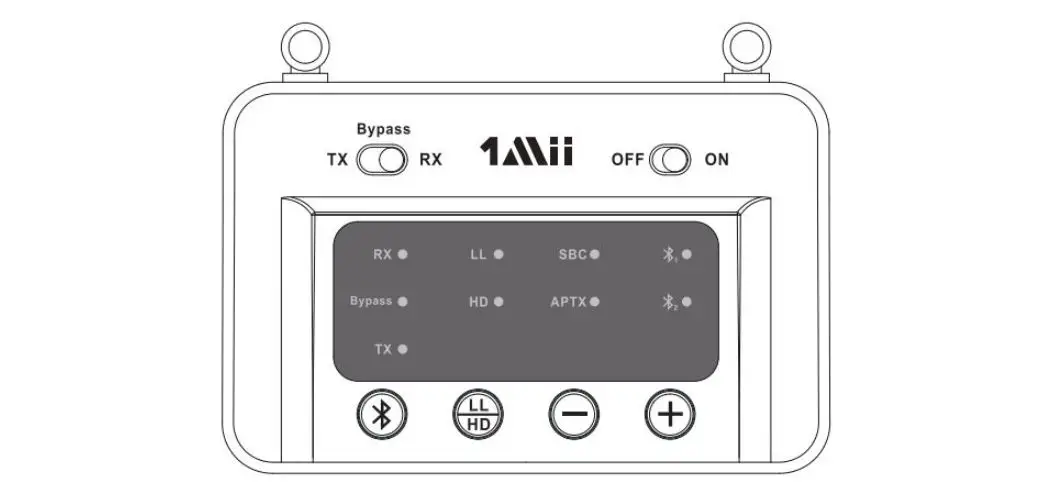
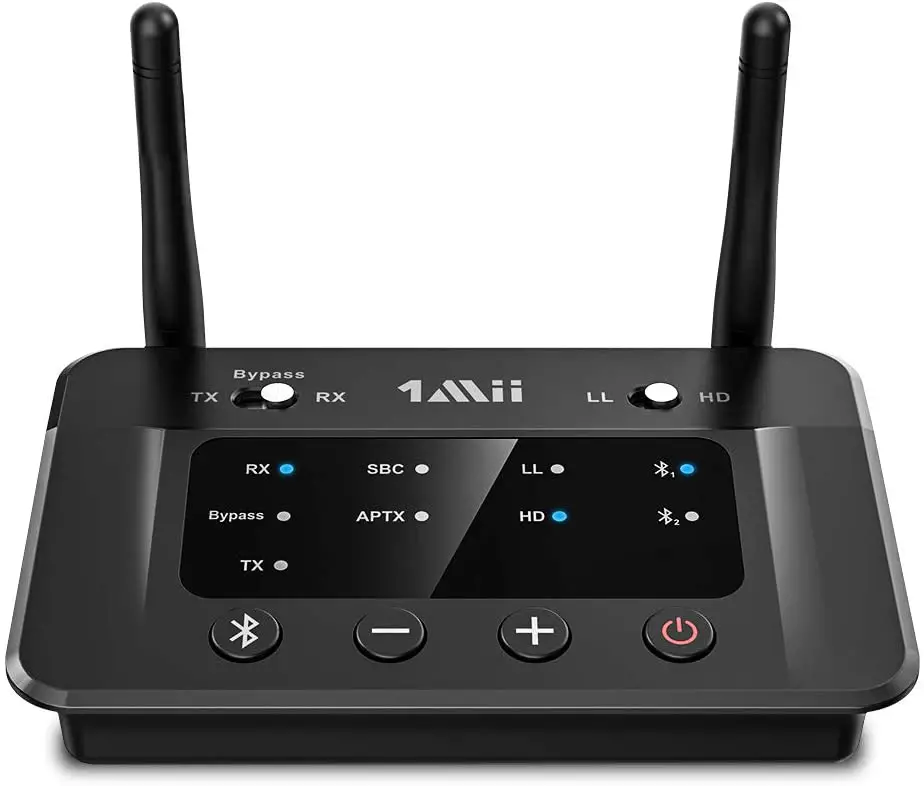
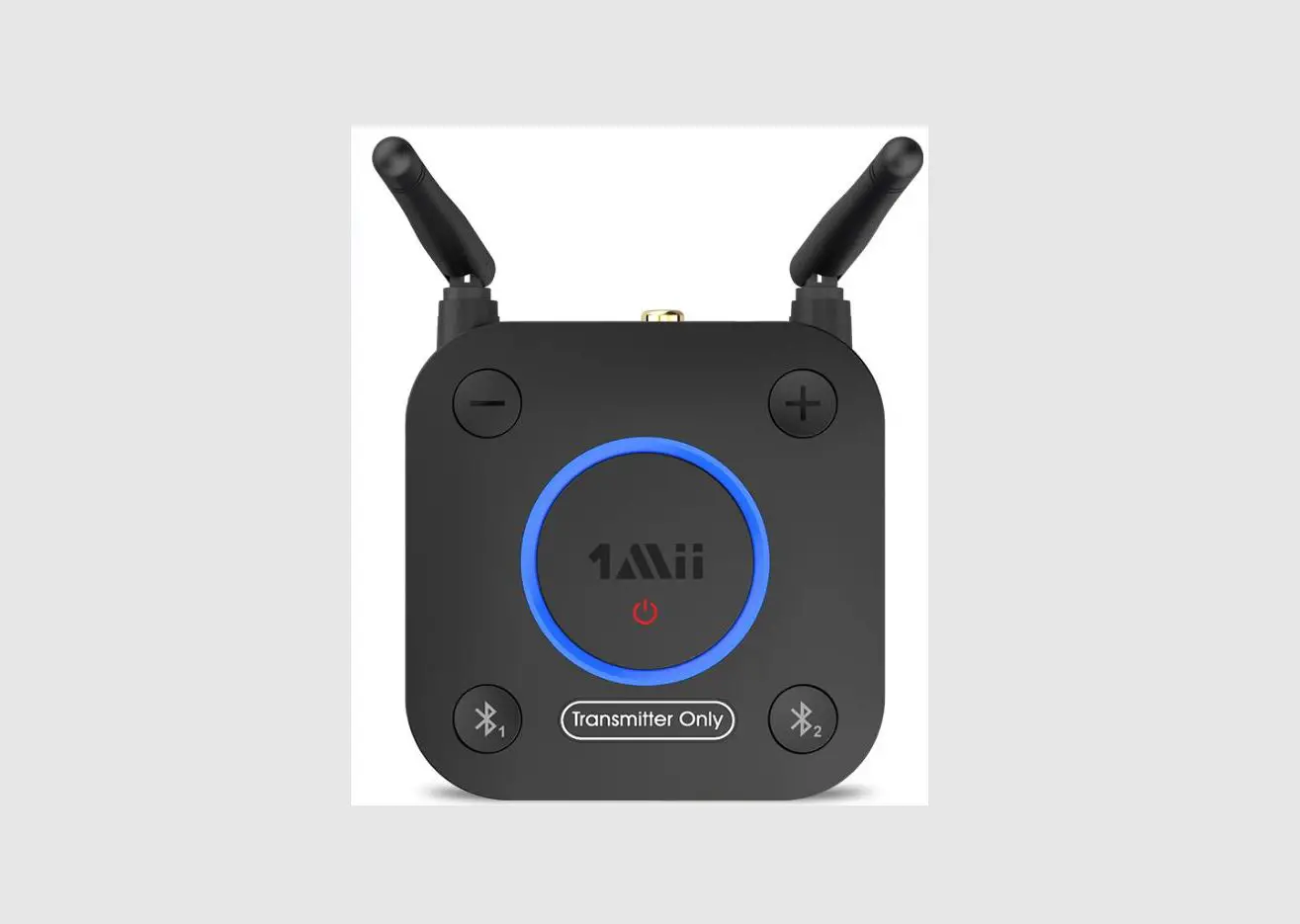
Product overview and control functions
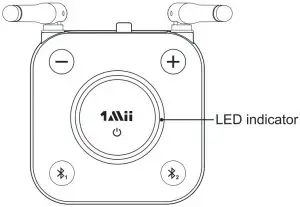
Button/Function | Operation |
| Press and hold 1 Second to Power ON/OFF |
| Short Press to Pair the first Bluetooth device |
| Short Press to Pair the second Bluetooth device |
| Short Press to volume up |
| Short press to volume down |
Restored factory default settings | Press and hold and 5 second |
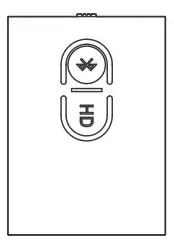
Switched to HD mode | Double click to Switched to HD mode |
 Power ON/OFF
 Volume up
 Volume down
Status | Led indicator |
Pairing mode | LED flashes blue an red alternately |
Connected 1 device | LED Stay blue+red (HD mode stays green) |
Connected 2 device | LED Stay blue+red (HD mode stays green+red |
Disconnected | LED flshes blue once every 3 seconds |
Restored factory default settings | LED flashes white together 2 times |
Installation diagram
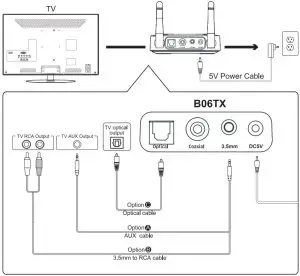
- Connect audio source (TV, DVD etc.) to BO6TX “AUX/Optical” port with the audio cables provided (optical or AUX/RCA).
- Connect BO6TX to a power source (TV, PC USB socket or power adapter) with a USB cable.
- Press
 button to power on.
 - Pairing – Pair BO6TX with your bluetooth-enabled headsets /speakers.
- Set BO6TX into pairing mode, The LED flash Blue / Red alternately fast.
- First-time use: BO6TX will auto enter pairing mode (with clear memory).
- Afterward: Short press
 button to enter pairing mode.
- Set your headsets/speakers to pairing mode refer to its user manual.
- Wait until connected (For quick pairing, better keep them within 1 meter when pairing)

- Set BO6TX into pairing mode, The LED flash Blue / Red alternately fast.
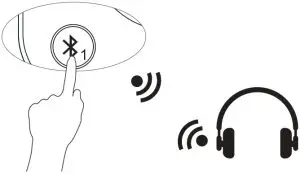
Short press the  button to set BO6TX to pairing mode, V Set your headphones to pairing mode. Wait, they will be paired and connected.
Pair and connect two devices simultaneously
- Pair with the first device by following the previous instructions in the “Installation diagram” section.
- Pair with the second device
- Set second headphones/speaker to pairing mode.
- Short press the button to set BO6TX to pairing mode again, the LED will flash Blue and Red.
- Wait until connected.

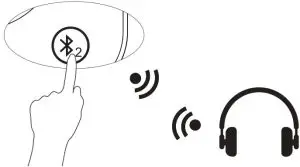
Short press  the button to set BO6TX to pairing mode again, Set second headphones to pairing mode. Wait, they will be paired and connected.
Notes:
For improved compatibility and sound quality, we suggest that you use bluetooth devices with CSR chipset.
Restore factory default settings
You may need to reset BO6TX if it is not working as expected. When BO6TX is reset to factory default settings, all the paired device information will be cleared.
- Hold the and buttons together 5s, the white LED will quickly flashes 2 times.
Troubleshooting
- I am having trouble pairing and connecting to my bluetooth device. Please check the following:
- Your wireless device supports the wireless profiles listed in the specifications.
- Make sure both BO6TX and the wireless device are in pairing mode.
- After connecting and pairing with my wireless device, I cannot hear any music from my sound system.
- Make sure you audio device is not muted.
- Make sure to remove the protective head on optical cable.
- In Optical mode, BO6TX support device with sampling rate under 48kHz.
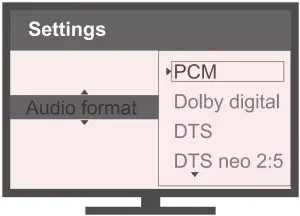
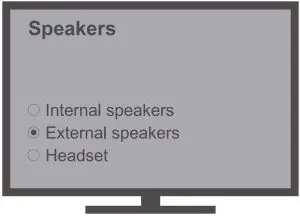
Note: Need to make sure TV audio format is set to PCM(Fig 8-1) and TV sound out as “External speakers”(Fig 8-2)
- Fig 8-1 Set your TV Audio format to “PCM”(IMPORTANT)

- Fig 8-2 Set your TV speaker to “External speaker”
Customer Support
Any questions? Contact:
[email protected]
[email protected]
(Response Time:4-24h,excl. holidays)
MANUFACTURER
ShenZhen Ankbit Electronics Limited Address: 4th Fl, Bldg B, Runfeng Industrial Park, No. 4197 Baoan Blvd., Gushu Community, Xixiang St., Baoan Dist., Shenzhen, China.
FCC ID: 2ARMXBO302