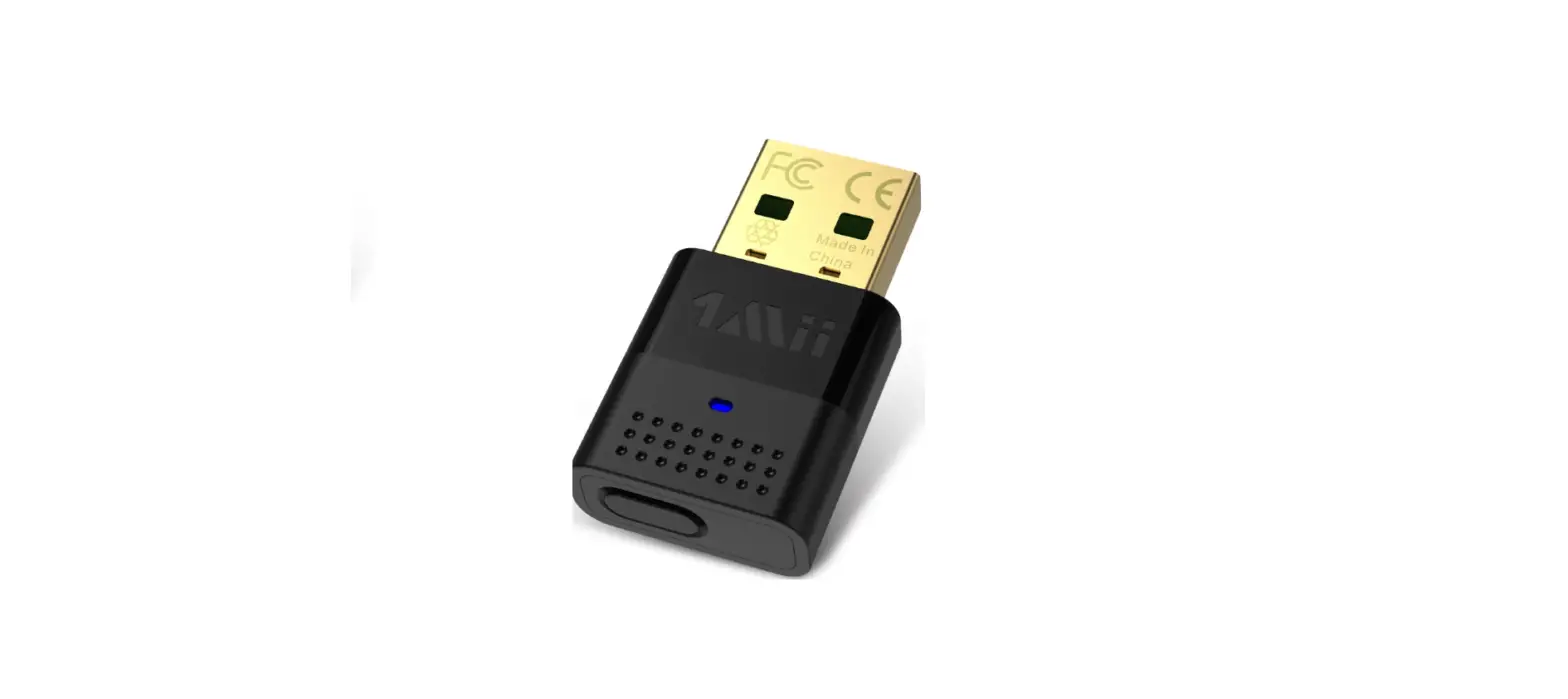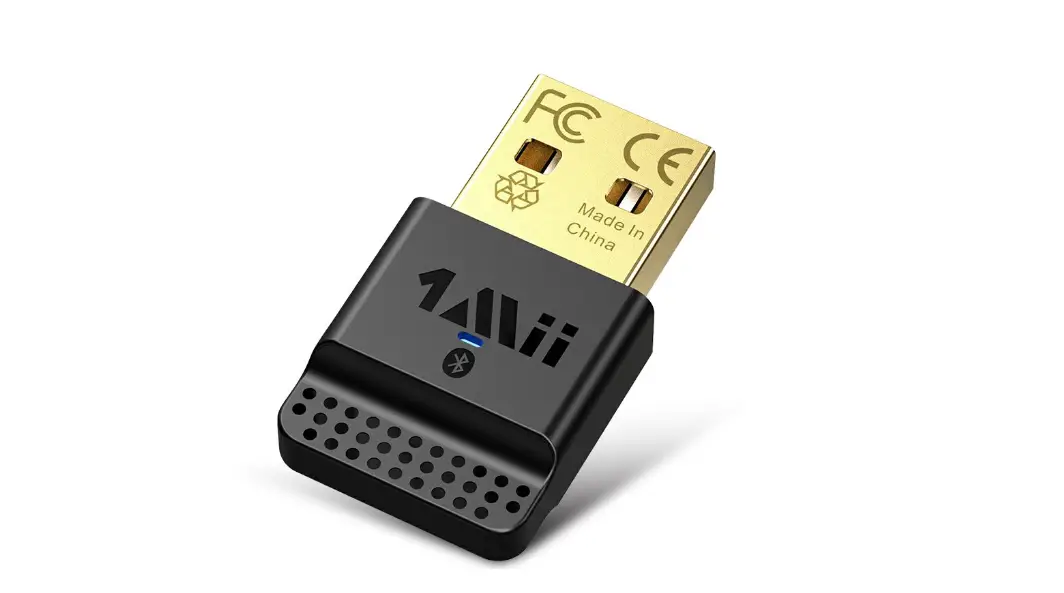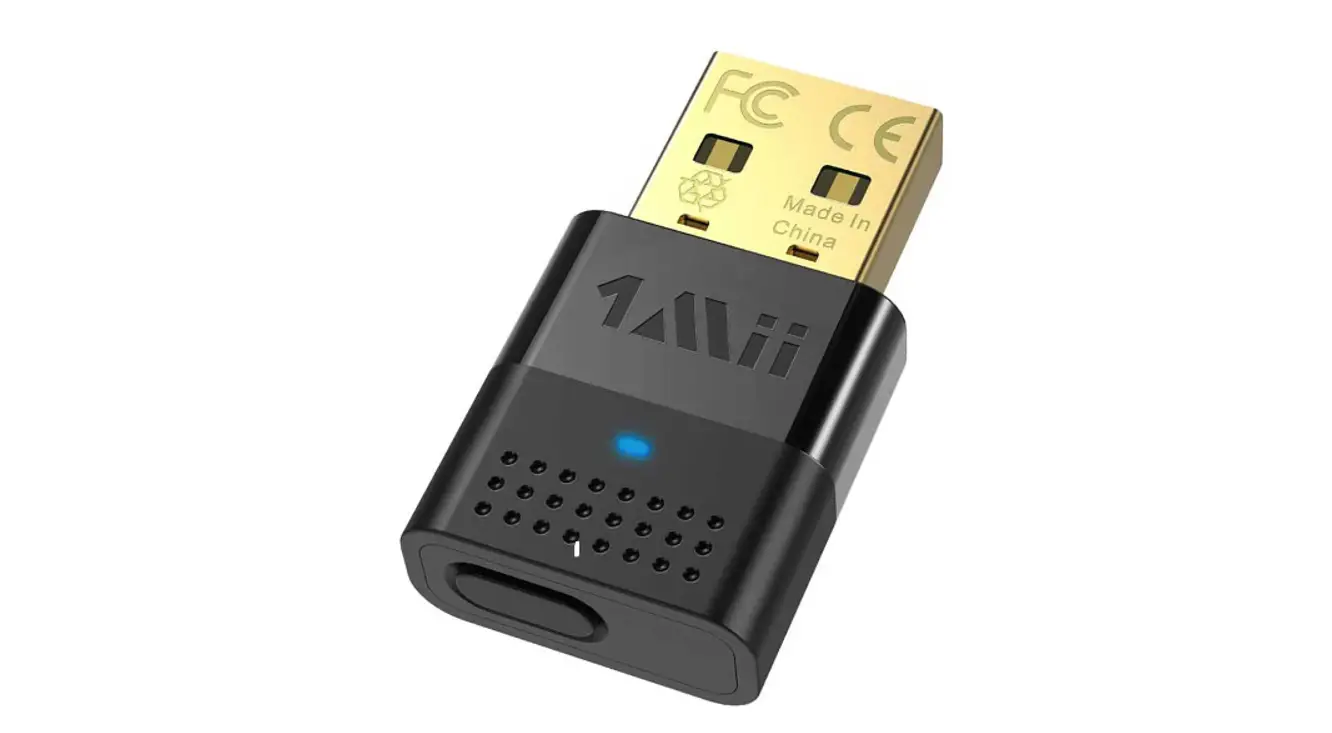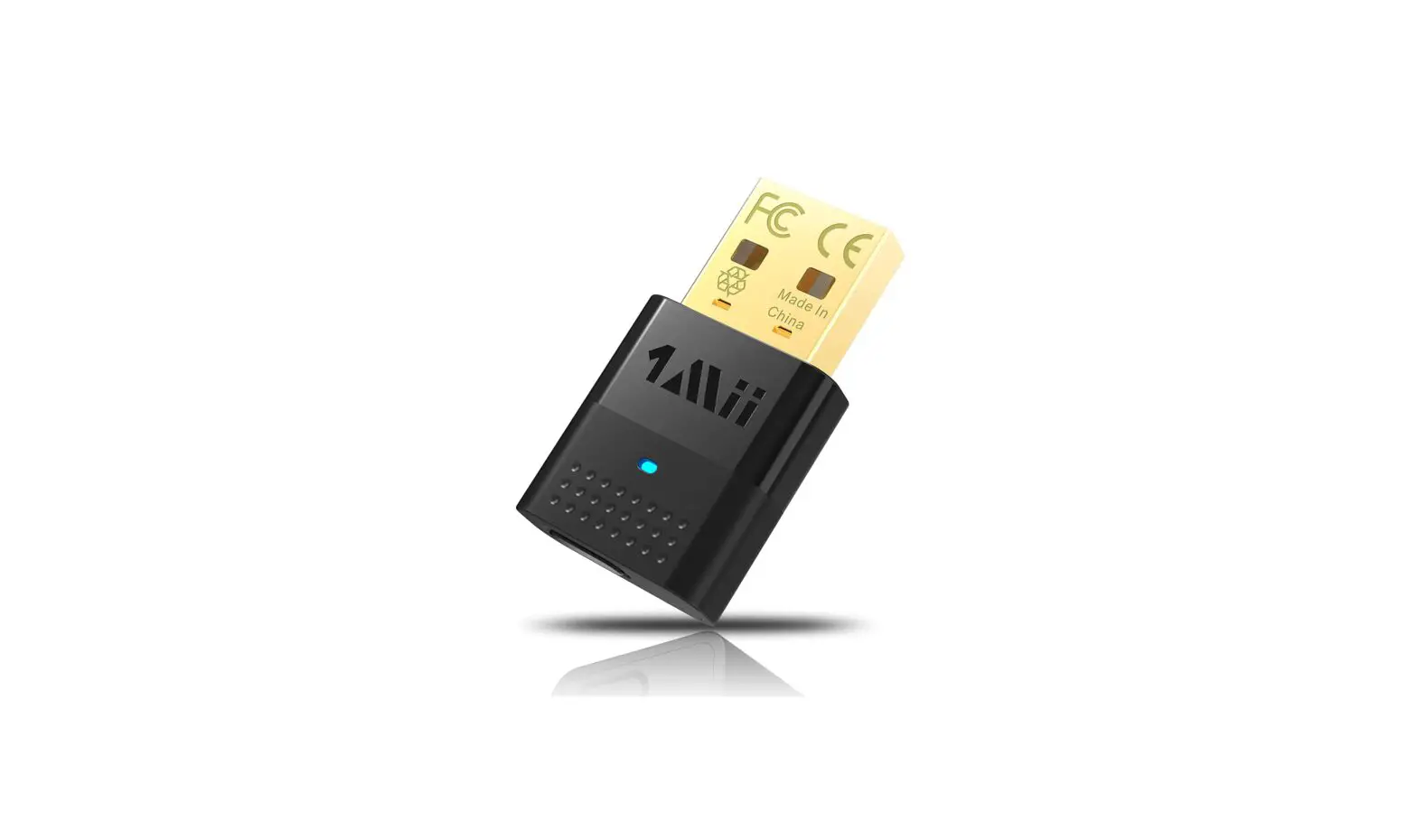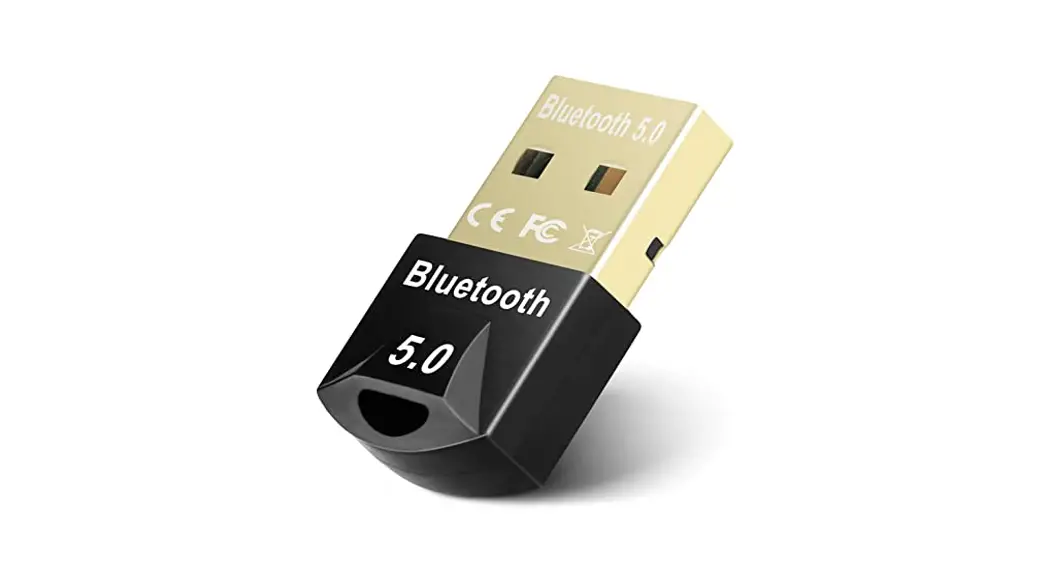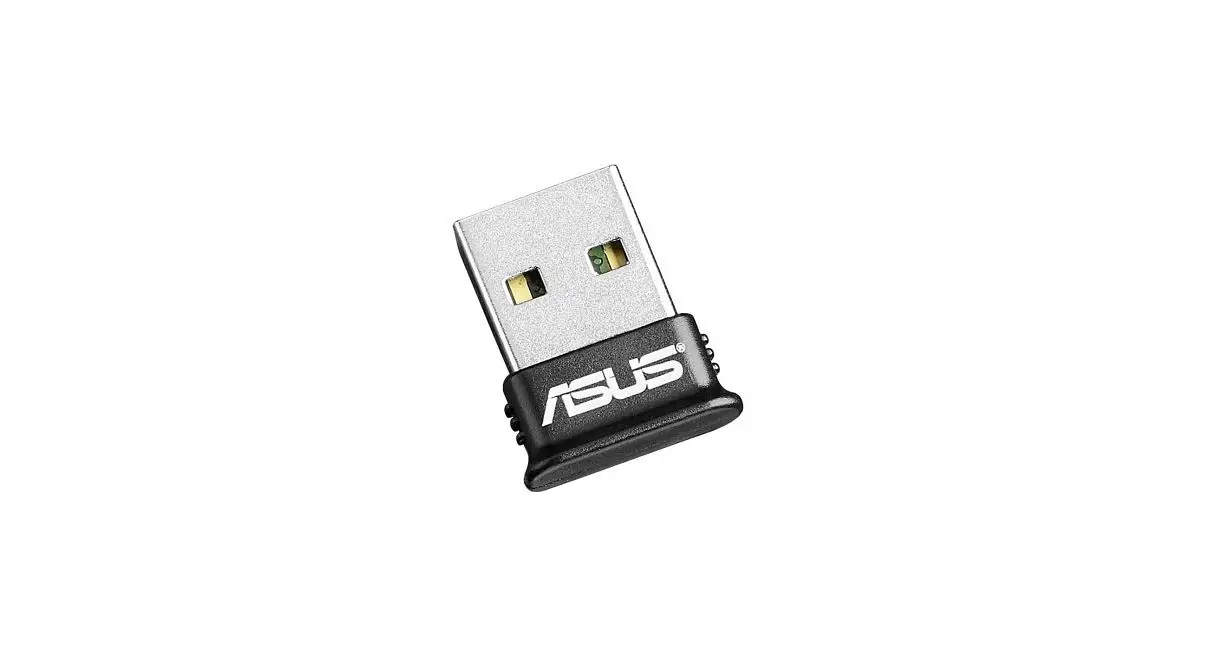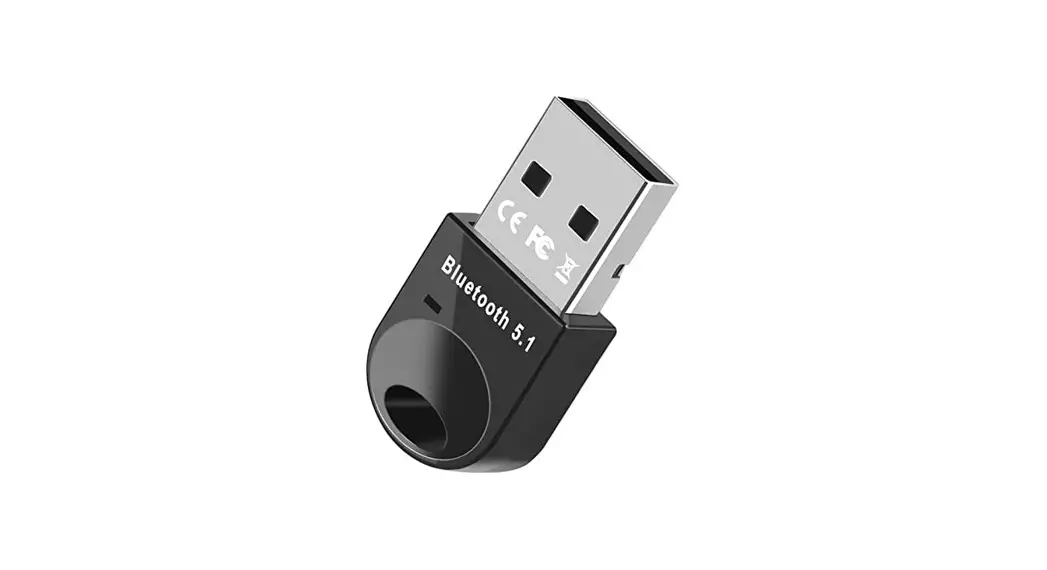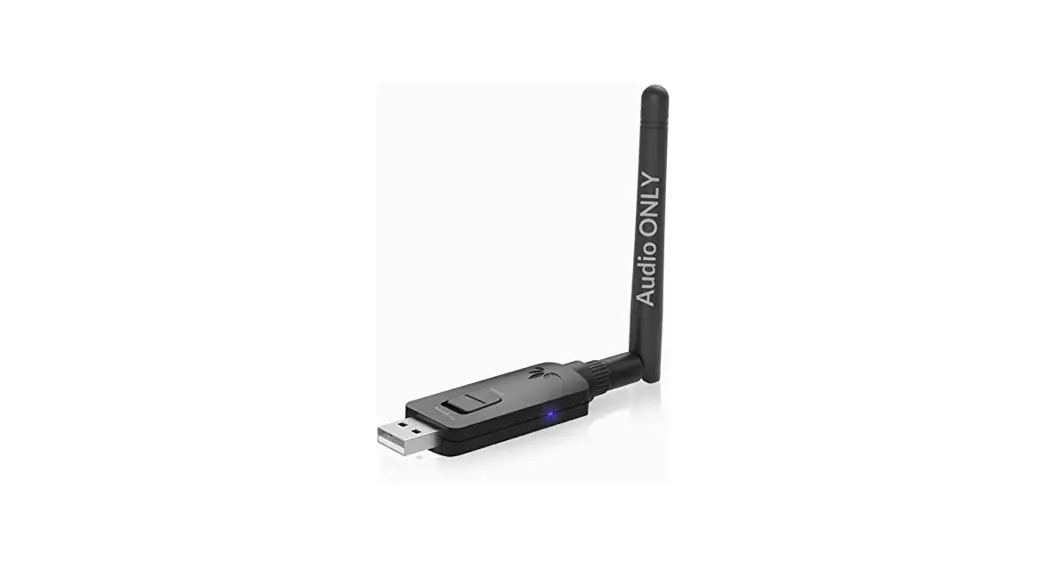
 B10pro USB Bluetooth Adapter
User Guide
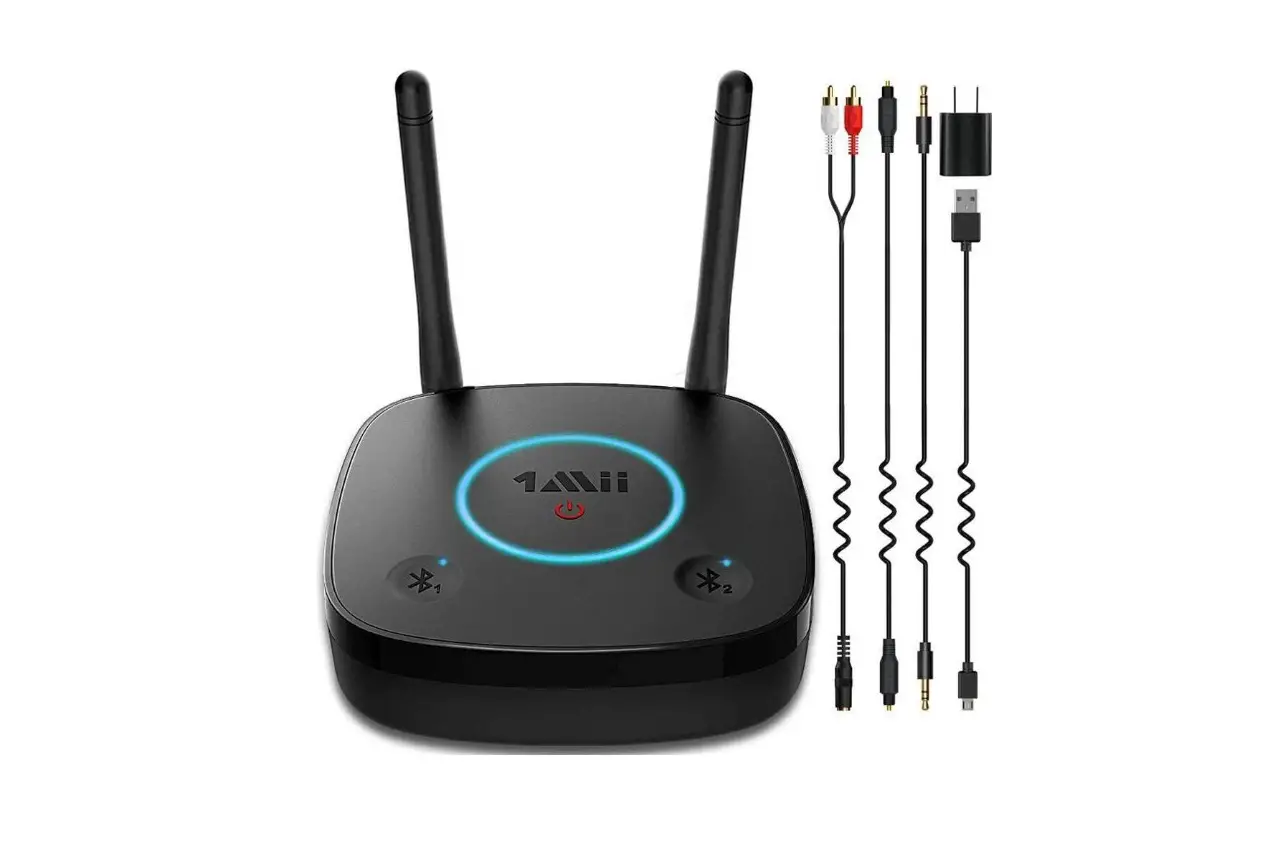
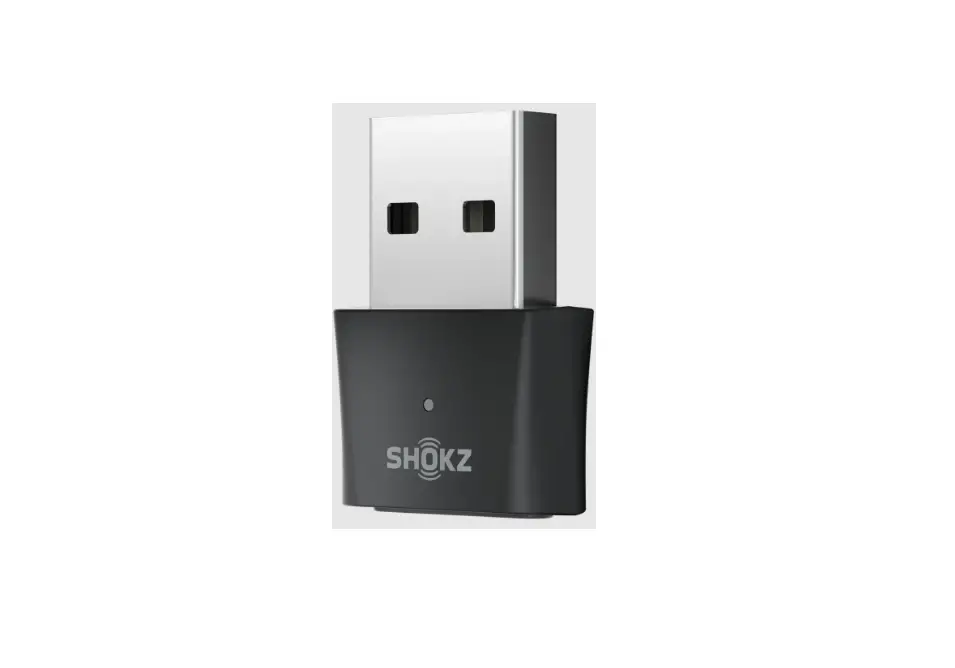
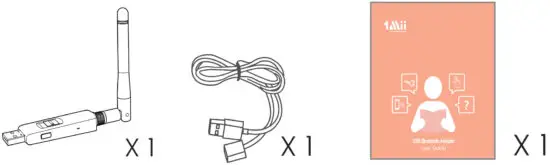
Packing list
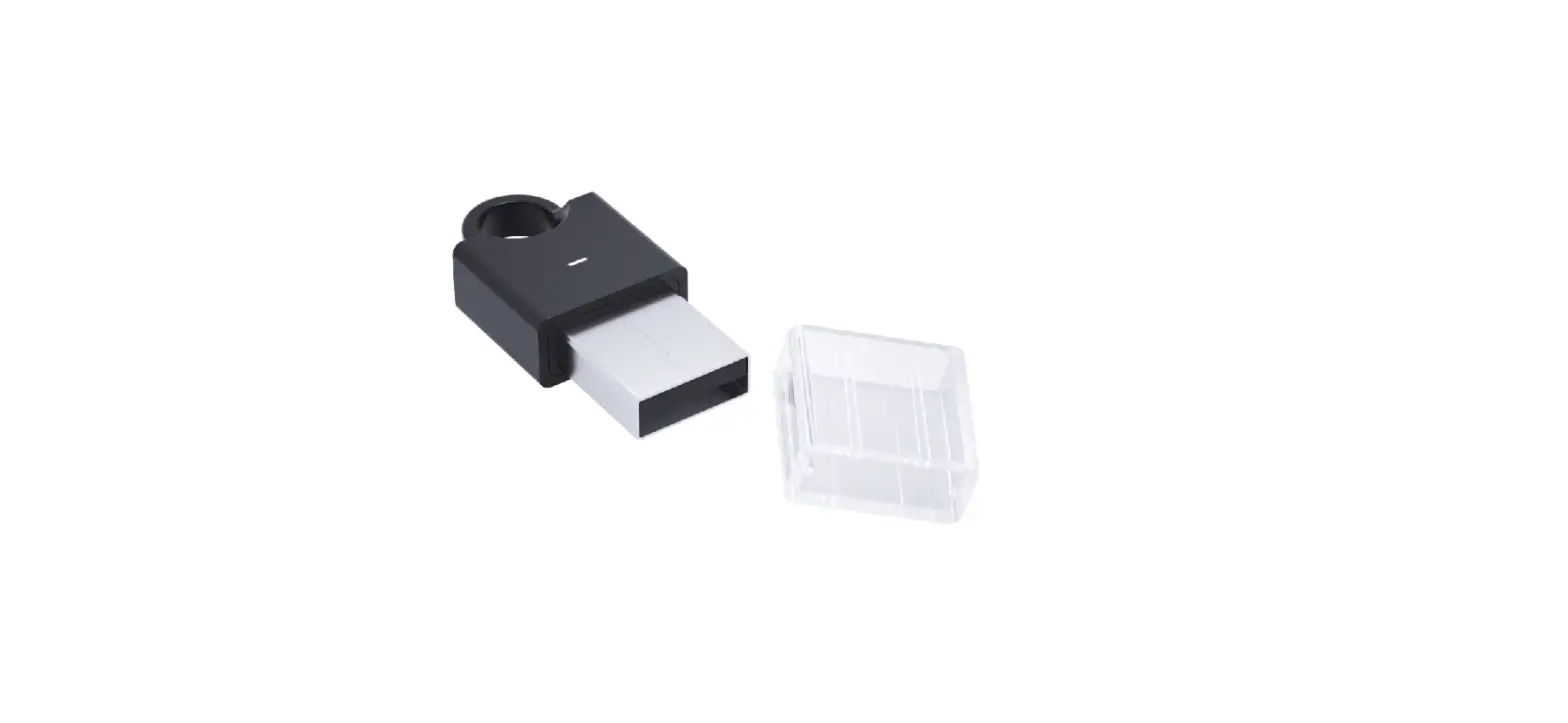
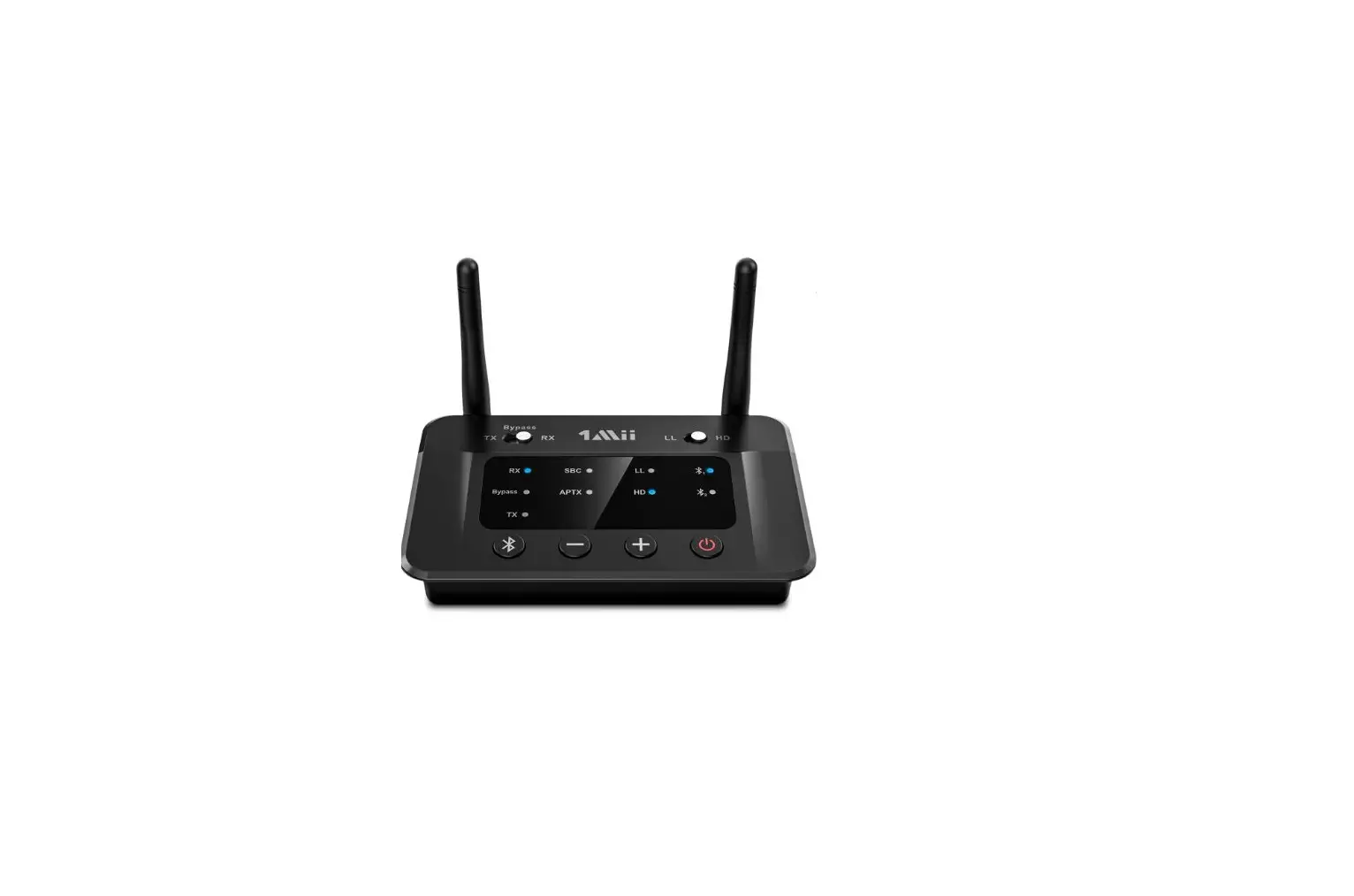
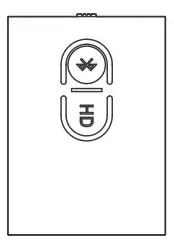
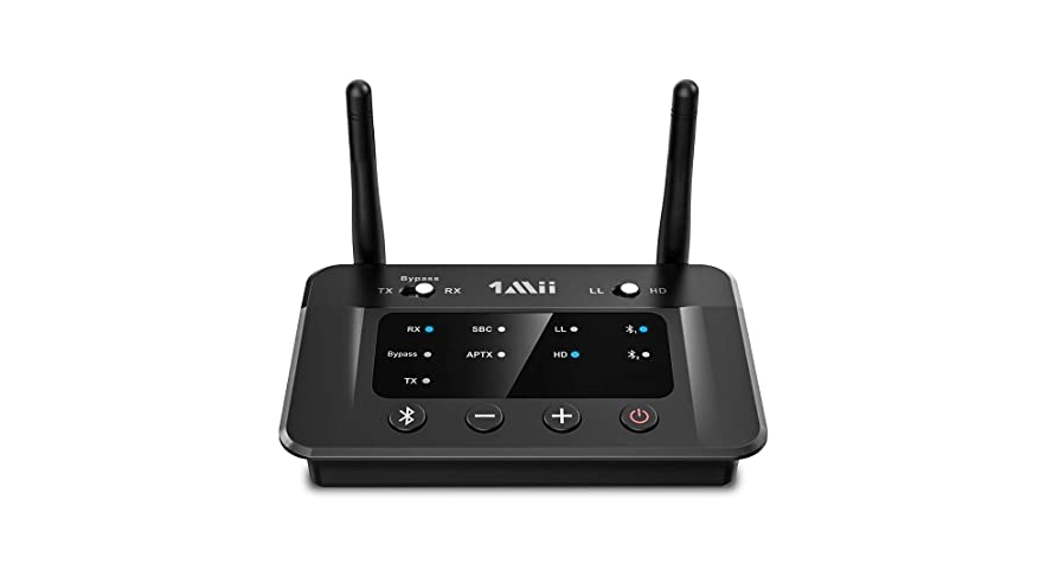
Product overview and control features
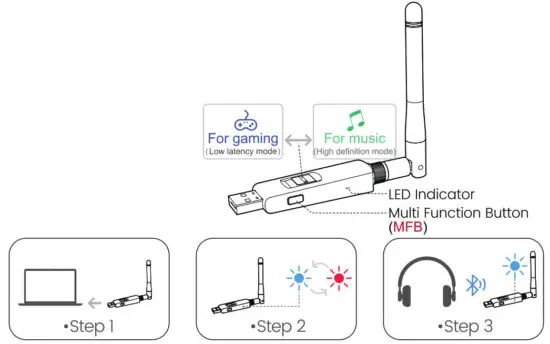
- Step I: The first time you plug BlOPro into Windows/Mac USB port, it will install compatible drivers automatically.
- Step 2: The BIOPro to PAIRING MODE the first time you use it, it should automatically enter pairing mode, the led will flash blue and red alternately. If it doesn’t, please press MFB for 2 seconds.
- Step 3: Enter your headphone or speaker into the PAIRING MODE. Keep the devices in close proximity to each other and wait until pairing has completed the LEDs will stop flashing.
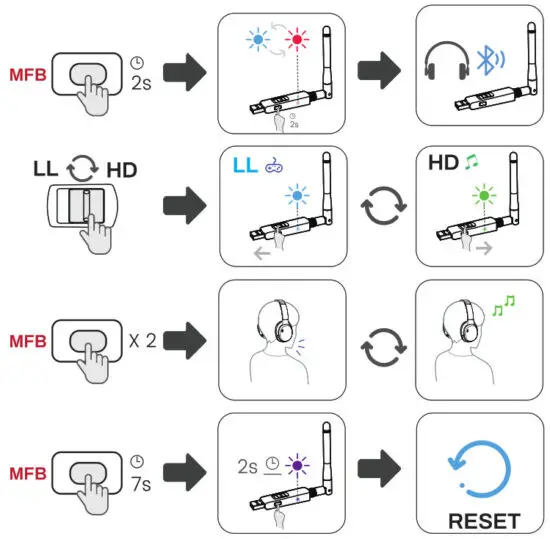
Make a VOIP call-Double click MFB to enable TALK MODE, Blue LED on for 3 seconds and then off for 3 seconds (Once the call has finished, double click MFB again to return to music streaming)
Computer Set
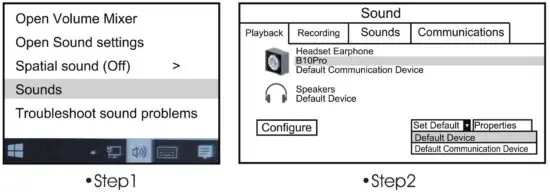
- Step 1. Right-click the speaker icon on the right corner of the screen. And select “playback devices”.
- Step 2. Set “BlOPro- as “default device”.
| LED Indicator | Status |
 | Pairing mode |
 | Connected with aptX-LL codec |
 | Connected with aptX-HD codec |
| Connected with aptX codec |
| Connected with fast stream codec |
| | Connected with SBC codec |
 3s 3s | Disconnected |
  2s 2s | Connected 2 devices |
 2s 2s | Restored factory default settings |
 3s 3s | Call mode |
Important Note:
- The product cannot be used with a TV/Car.
- To get a better operational range, please don’t plug 810Pro into the back of the computer. We suggest using CSR headphones to get the best Bluetooth stability and range.
- An unclean USB port can result in a crackly or static-like sound.
Scan the code to get more information.
 https://1mii.com/download-2/
©1Mii Technologies Limited.
We hope you never have the need, but if you do, our service is friendly and hassle-free. [email protected]
 web: www.lmii.com
FCC ID: 2AUFR-RT973
MADE IN CHINA