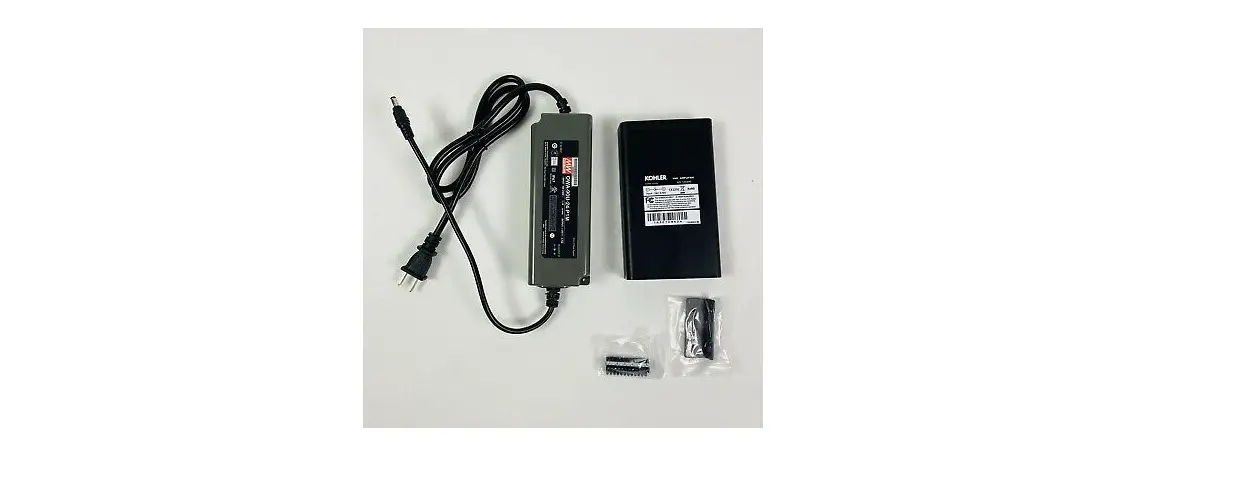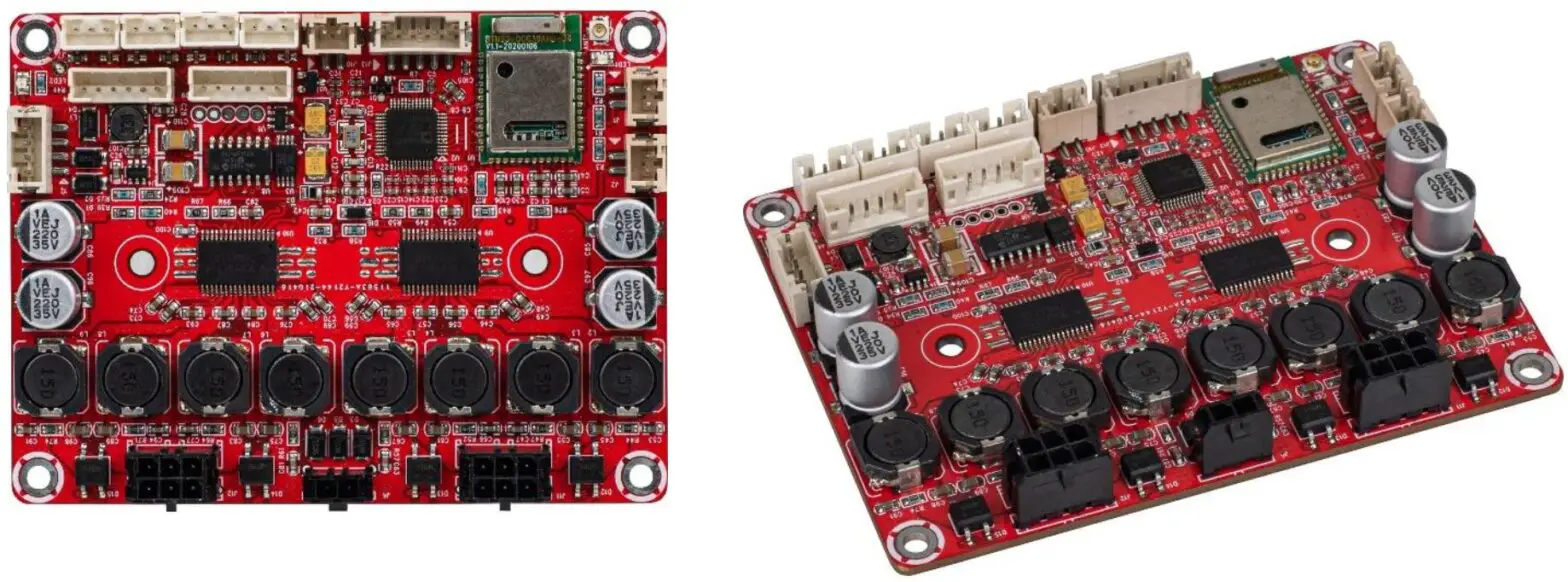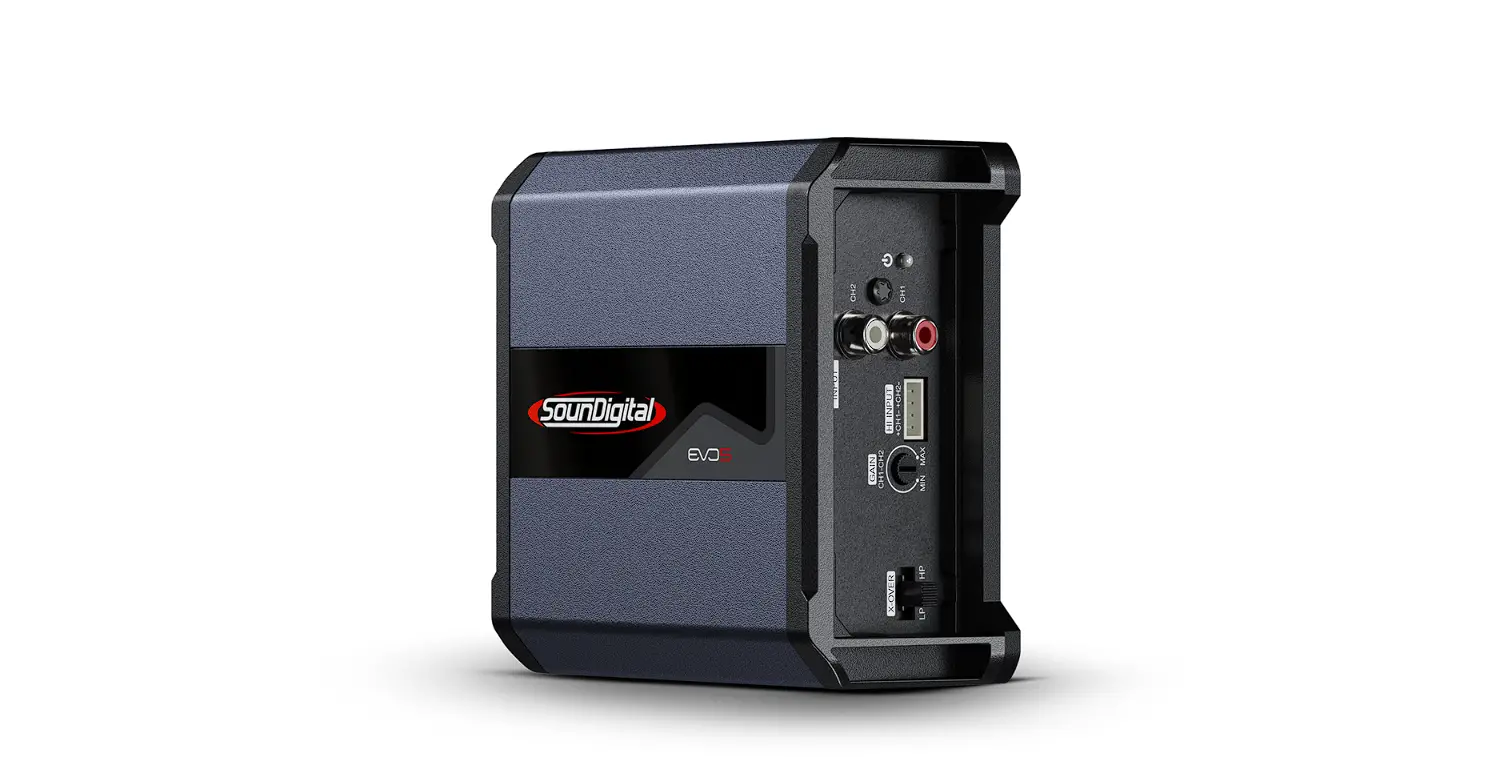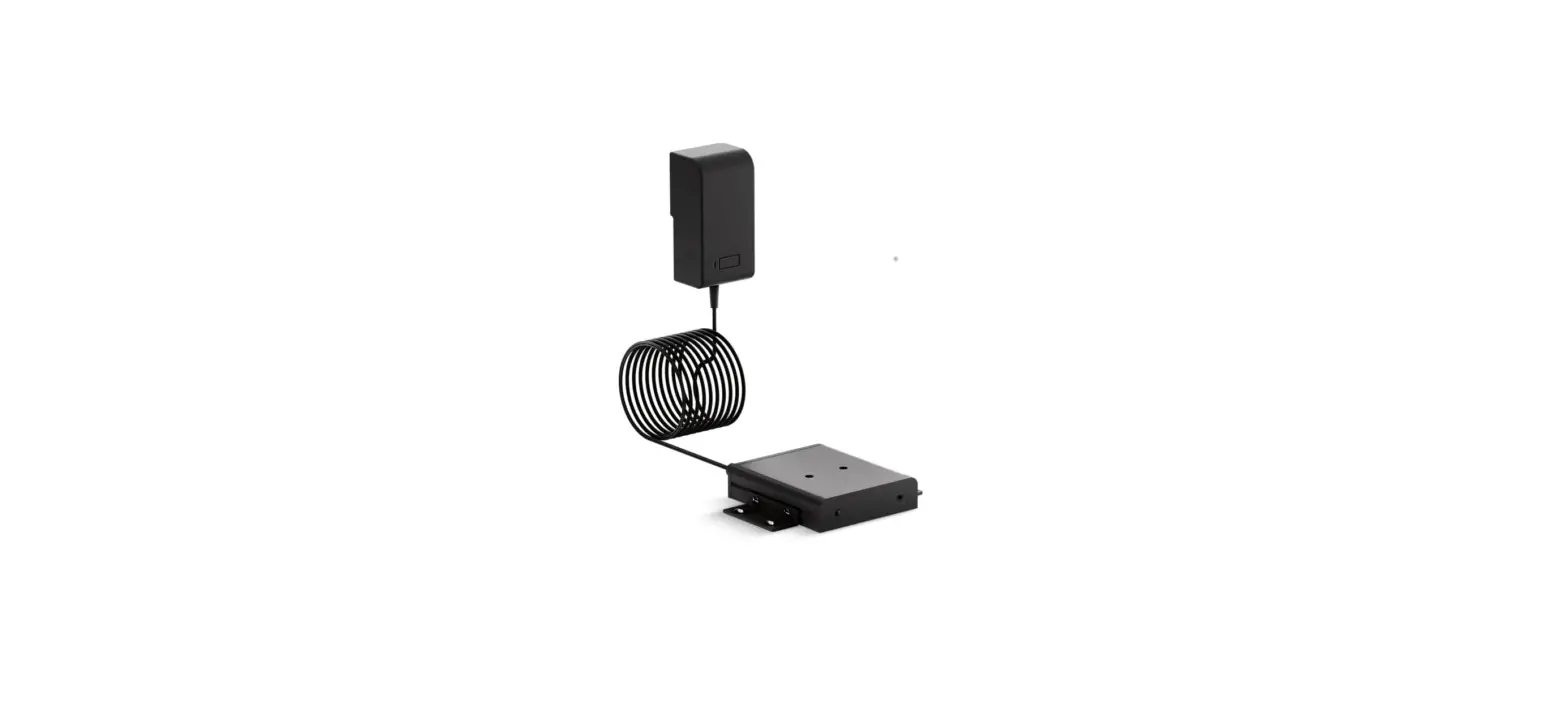
KOHLER K-99696-NA DTV Plus Amplifier Module
IMPORTANT INSTRUCTIONS
- WARNING: When using electrical products, basic precautions should always be followed, including the following:
- WARNING: Risk of electric shock. A qualified electrician should route all electrical wiring.
- WARNING: Risk of electric shock. Disconnect power before servicing.
- CAUTION: Risk of product damage. The amplifier is rated to operate in temperatures up to 104°F (40°C). Do not install near heat sources (such as radiators or heat registers) or in any location where the temperature may exceed 104°F (40°C).
- NOTICE: This product is not water-resistant. Do not install in a location where excessive moisture, high humidity levels, or condensation are present.
- NOTICE: Follow all electrical and building codes.
- NOTICE: Provide unrestricted service access to the amplifier.
- NOTICE: Provide a minimum of 6″ (152 mm) of space around the amplifier for proper air flow.
- NOTE: This amplifier can be operated as a stand-alone unit, or can be installed with the DTV+ showering system.
Operation with DTV+
- To connect the amplifier to the DTV+ system, the K-99695 system controller is required.
- The provided data cable is used to connect the amplifier to the system controller.
- Refer to the ″DTV+ System Layout″ section in this guide.
Before Operating the System For the First Time:
Download and install the latest software for connected components. This may take an hour or more to complete based on system configuration and internet connection speed. Do not disconnect the power from any components during software download and installation.
FCC, IC, and CE Compliance
- Contains: Kohler Company
- Model: K-99696-NA
- FCC ID: N82-KOHLER010
- IC: 4554A-KOHLER010
- CE: CE2200
FCC Interference Statement
This device complies with Part 15 of the FCC Rules. Operation is subject to the following two conditions:
- This device may not cause harmful interference, and
- This device must accept any interference received, including interference that may cause undesired operation.
Changes or modifications not expressly approved by the party responsible for compliance could void the user’s authority to operate the equipment. This equipment has been tested and found to comply with the limits for a Class B digital device, pursuant to Part 15 of the FCC Rules. These limits are designed to provide reasonable protection against harmful interference in a residential installation. This equipment generates, uses, and can radiate radio frequency energy and, if not installed and used in accordance with the instructions, may cause harmful interference to radio communications. However, there is no guarantee that interference will not occur in a particular installation. If this equipment does cause harmful interference to radio or television reception, which can be determined by turning the equipment off and on, the user is encouraged to try to correct the interference by one or more of the following measures:
- Reorient or relocate the receiving antenna.
- Increase the separation between the equipment and the receiver.
- Connect the equipment to an outlet on a circuit different from that to which the receiver is connected.
- Consult the dealer or an experienced radio/TV technician for help.
Industry Canada Statement
This device complies with Industry Canada license-exempt RSS standard(s). Operation is subject to the following two conditions:
- This device may not cause interference, and
- This device must accept any interference, including interference that may cause undesired operation of the device.
FCC, IC, and CE Compliance (cont.)
CAN ICES-3(B)/NMB-3(B)CE2200
Range and Function Disclaimer
BLUETOOTH® is the name for a short-range radio frequency (RF) technology that operates at 2.4 GHz. The effective range of most BLUETOOTH mobile devices is 10 meters. BLUETOOTH is designed for very low-power use. The compatibility of the BLUETOOTH amplifier interface to mobile/portable devices differs according to the various individual devices and, in particular, may vary with different software versions for a device. The normal mobile device BLUETOOTH range can be up to 10 meters, however, placement of your mobile device and the BLUETOOTH amplifier’s installation environment will impact your reception range.
Water and walls can act as blocking agents to the BLUETOOTH signal that your mobile device is using to broadcast to your BLUETOOTH amplifier. Therefore, selecting an installation location that removes these range-blocking obstacles will increase the effective range and performance of your BLUETOOTH amplifier.
You can test your BLUETOOTH reception by performing simple range tests using your mobile device prior to performing a permanent installation. The best way to make use of the short BLUETOOTH range is to make sure your BLUETOOTH amplifier is as close to the BLUETOOTH transmitter (mobile phone, tablet, etc.) as possible. The less distance between the two devices, the greater will be the reliability of your BLUETOOTH audio signal, and the less distance means fewer obstacles in the medium through which the transmission is passing, so there is a reduced chance of audio signal loss.
The compatibility of the BLUETOOTH amplifier to mobile/portable devices differs according to the various individual devices and, in particular, may vary with different software versions for a device. All functions are based on industry-wide communications standards. Compatibility between the BLUETOOTH amplifier and mobile device is therefore largely dependent upon the software version of the mobile device. Other factors (e.g. installation location, walls, distance) mean that in individual cases, sporadic impairment of functions may occur in devices that otherwise function reliably. Not all functions are supported in all countries.
Because of these reasons, Kohler Co. can assume no guarantee for the unlimited compatibility and functionality of your mobile device in conjunction with the BLUETOOTH amplifier.
Range and Function Disclaimer (cont.)
The BLUETOOTH® word mark and logos are registered trademarks owned by Bluetooth SIG, Inc. and any use of such marks by Kohler Co. approved suppliers is under license. Other trademarks and trade names are those of their respective owners.
Specifications
| Ambient Temperature | Max 104°F (40°C) |
| Maximum Relative Humidity | 90% non-condensing |
| Electrical Service | 100-240 VAC, 50-60 Hz, 1.2 A Max |
| Power Cable Length | 69² (1753 mm) |
| Data Cable Length | 6’ (1.83 m) |
| Output Power | 20 Watts x 2 into 4 Ohms |
| Frequency Response | 20 Hz – 18 kHz +/- 3dB |
| Signal/Noise Ratio | >75 dB |
| Total Harmonic Distortion | <0.1% at 1 Watt, <1% at full output power |
Tools and Materials
Before You Begin
- Determine amplifier and speaker locations before beginning installation. Test the BLUETOOTH® range between the amplifier and your wireless device when determining amplifier location.
- The amplifier can be mounted in any orientation. Use the supplied brackets or rubber feet to accommodate your mounting configuration.
- Locate the amplifier within close proximity to a 15 A 120 V electrical outlet. A GFCI outlet may be required in certain applications.
- A qualified electrician should install any electrical outlet.
- If possible, install the electrical outlet prior to installing the amplifier.
- This amplifier complies with CE, FCC, and IC.
Preparation
- Plan the location of the amplifier to allow access to the front and back ports.
- To play your personal music files, you need a wireless BLUETOOTH device or a device with a 3.5 mm stereo cable connection.
- The speaker terminal connections on the amplifier will accept a 12- 24 AWG wire. Follow local codes for speaker wire type and routing.
- Allow adequate reach for wires between the amplifier and speaker locations.
- Make sure the LED light will be visible after installation.
- For DTV+: Allow adequate reach for the data cable between the amplifier and the system controller, or obtain a longer Ethernet-style cable or extension cable.
Installation
CAUTION: Risk of product damage. The amplifier is rated to operate in temperatures up to 104°F (40°C). Do not install near heat sources (such as radiators or heat registers) or in any location where the temperature may exceed 104°F (40°C).
NOTICE: Mount the amplifier in a dry location, and provide a minimum of 6″ (152 mm) of space for proper air flow.
Mounting Options
- Surface-mount: Attach the four rubber feet to the underside of the amplifier to protect against scratching your shelf or countertop surface.
- Cabinet-mount: Install the amplifier using the mounting brackets and short screws.
- Under-mount: Flip the orientation of the brackets on the amplifier to install it in an upright position.
- Wall-mount: Secure the amplifier using the mounting brackets, long screws, and wall anchors (if needed).