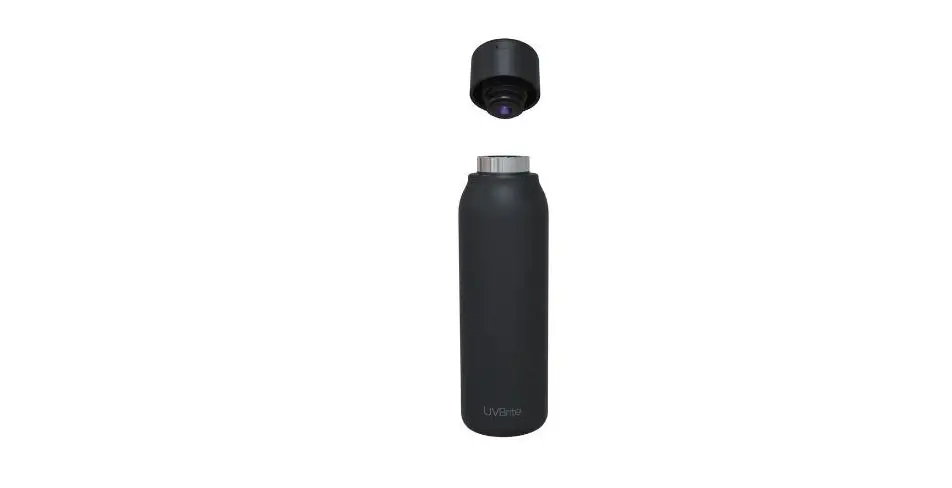
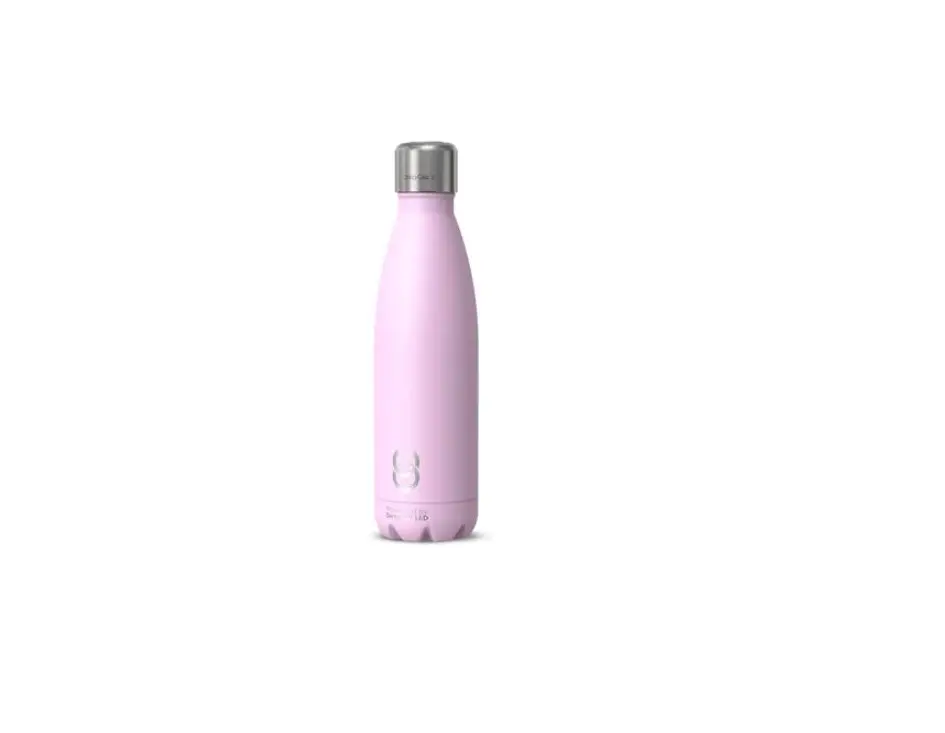
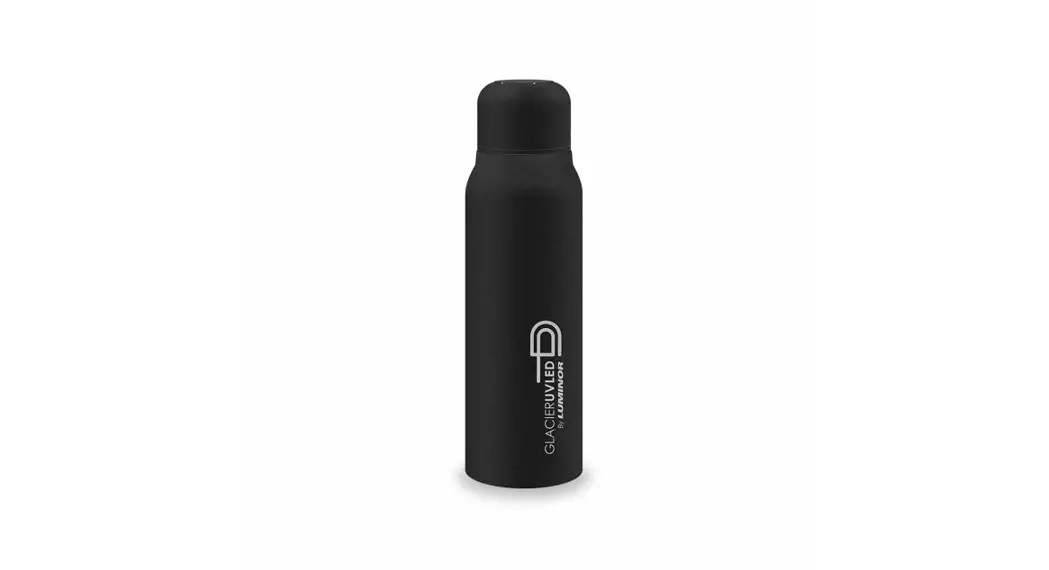
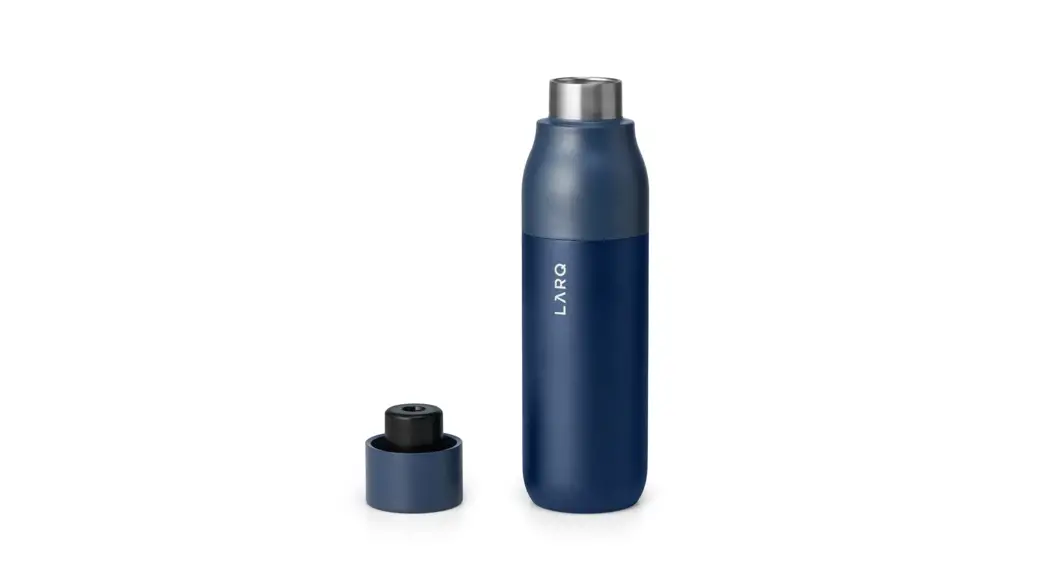
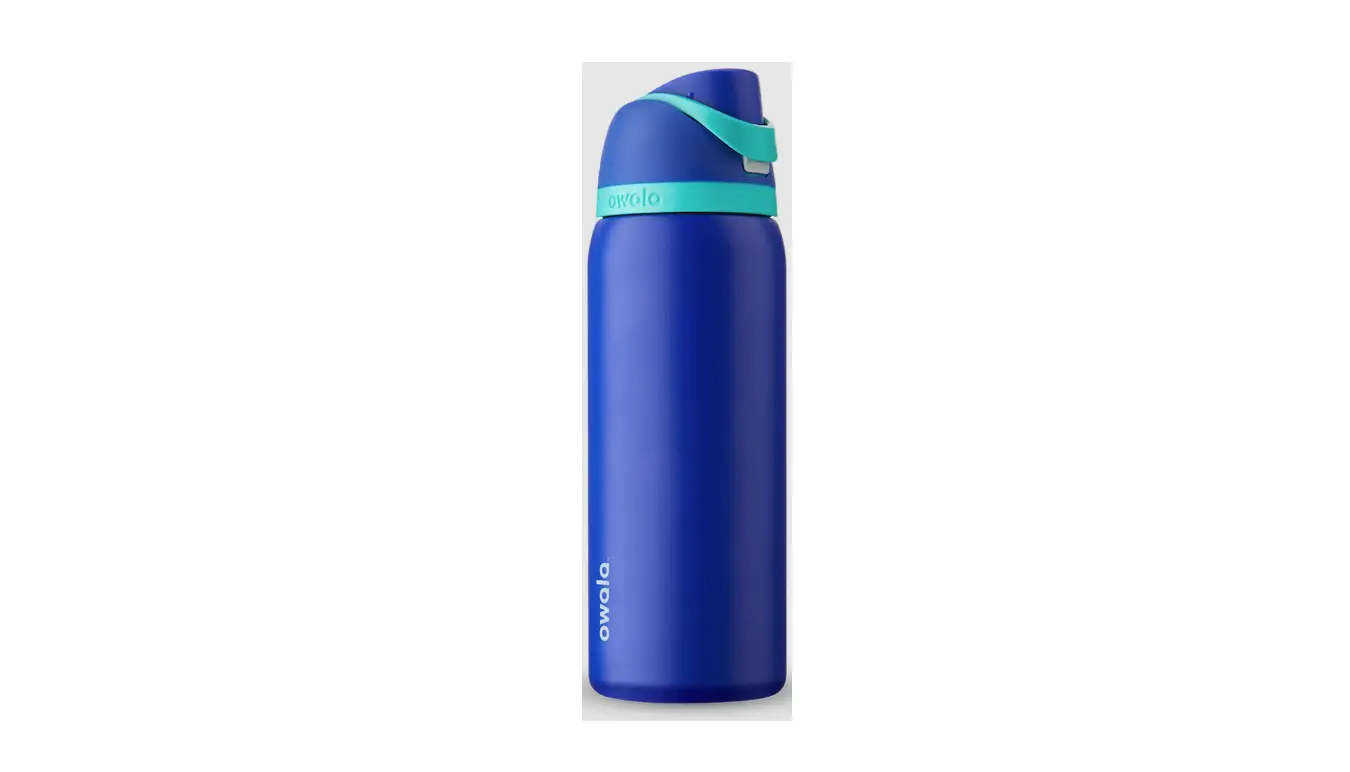
CrazyCap PRO Cleaning Water Bottle
Product Information
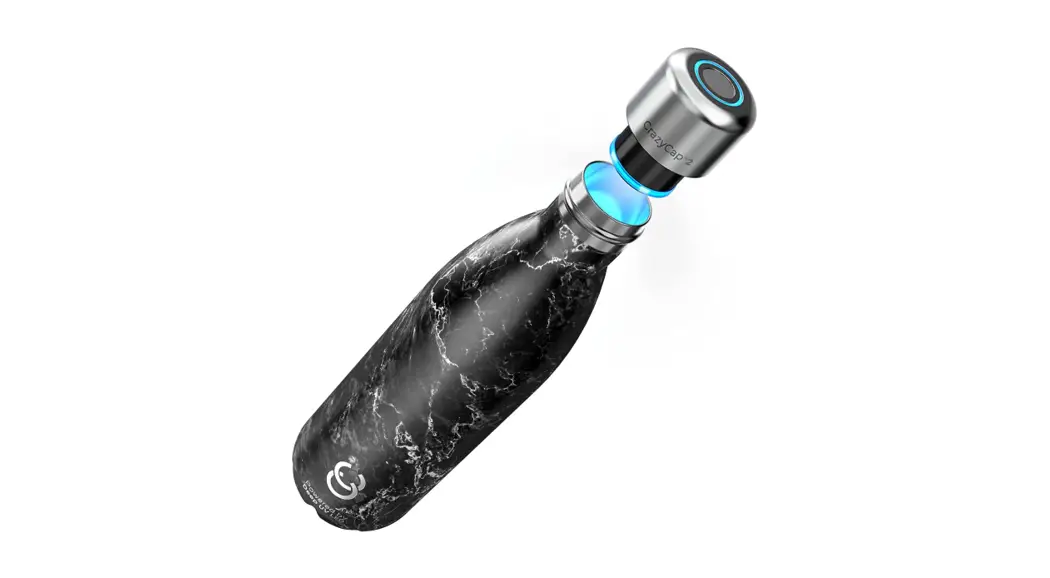
The CrazyCap Pro is a self-cleaning water bottle cap that
purifies water using UV-C LED technology. It is compatible with
several popular brands and sizes of water bottles, including
S’well, Chilly’s, and Simple Modern. The cap has a touch sensor
that can activate different modes, including Normal Mode, Pro Mode,
and Self-Cleaning Mode. The cap also has a drink reminder feature
and a UV-C Smart Safety Sensor that ensures the cap only activates
when it is securely attached to a bottle.
Product Usage Instructions
- To charge the CrazyCap Pro, place the charger on top of the cap
and connect the USB plug to a wall adapter. A full charge takes
about 3-4 hours. The indicator light will breathe ORANGE while
charging and will glow solid GREEN when fully charged. - To check the battery life, tap the touch sensor once. A GREEN
light indicates 40%-100% charge, an ORANGE light indicates 11%-39%
charge, and a RED light indicates 1%-10% charge. - To activate the Self-Cleaning Feature, long press (3 seconds)
the touch sensor until the indicator light blinks GREEN. The cap
will automatically activate once every hour for 15 seconds to keep
the bottle odor-free. To deactivate this feature, long press the
touch sensor for 3 seconds until the indicator light blinks
RED. - To activate Normal Mode purification, double tap the touch
sensor twice. This mode is ideal for regular tap water and will
turn on the UV-C LED for 60 seconds to purify water. The indicator
light will breathe BLUE during the purification process and will
flash GREEN once it is completed. - To activate Pro Mode purification, triple tap the touch sensor
three times. This mode is perfect for water from questionable
sources such as rivers, streams, and lakes and will activate the
UV-C LED for 3 minutes to ultra-purify water. The indicator light
will breathe BLUE during the purification process and will flash
GREEN once it is completed. - To activate the Drink Reminder Feature, tap the activation
button 5 times. The indicator light will blink ORANGE upon
successful activation. The cap will slow blink GREEN 3 times every
30 minutes for up to 2 hours to remind the user to drink water. If
the user does not open the bottle for more than 2 hours, the drink
reminder will go into standby mode until the user reopens the
bottle. To deactivate this feature, tap the touch sensor 5 times
until the indicator light blinks RED. - The UV-C Smart Safety Sensor ensures that the cap only
activates when it is securely attached to a bottle.
Our Vision
We believe in a world where everyone, everywhere, can access clean, safe, drinking water–to elevate their quality of life in the most sustainable way.
Compatible Brands and Sizes
CrazyCap Pro is compatible with all of the brands listed in the table. Please contact our customer service team at [email protected] if you have any issues.
CrazyCap
12, 17, 25 Oz
S’well
12, 17 Oz
S’ip by S’well 10, 15 Oz
Chilly’s
12, 17 Oz
MIRA
12, 17 Oz
Simple Modern 12, 17 Oz
1 Charging
To charge, place the charger on top of the cap and connect, the USB plug to a wall adapter. Full charge takes about 3-4 hrs.
Once charger is connected, indicator light will breathe ORANGE
Once charged fully, indicator light will glow solid GREEN
2 Battery Life
Tap the touch sensor
x1
as shown in the
image to know the
battery life.
GREEN light indicates 40% – 100% charge
ORANGE light indicates 11% – 39% charge
RED light indicates 1% – 10% charge
3 Self-Cleaning Feature
Long press (3 seconds)
To conserve battery, CrazyCap bottles ship from the factory with self-cleaning feature deactivated.
To activate the self-cleaning feature, LONG PRESS the touch sensor for 3 seconds; the indicator light will blink GREEN upon successful activation. To deactivate this feature, LONG PRESS the touch sensor for 3 seconds; the indicator light will blink RED upon successful deactivation.
Once self-cleaning mode is turned ON, CrazyCap will automatically activate once every hour for 15 seconds to keep the bottle odor-free. While self-cleaning is in progress, the indicator light will breathe BLUE.
4 Normal Mode Purification
x2 times
Double tap to activate Normal Mode purification. Ideal for regular tap water. Normal Mode will turn ON the UV-C LED for 60 seconds to purify water. During the purification process, the indicator light will breathe BLUE. Once the purification is completed, the indicator light will flash GREEN.
5 Pro Mode Purification
x3 times
Triple tap to activate Pro Mode purification. Perfect for water from questionable sources such as rivers, streams, lakes, etc. Pro mode will activate UV-C LED for 3 minutes to ultra-purify water. During the purification process, the indicator light will breathe BLUE. Once the purification is completed, the indicator light will flash GREEN.
Note: Water from these sources must be free of debris before treating with UV-C. For questionable water sources, gently shaking the bottle during the purification process will maximize the e ect.
6 Drink Reminder Feature
x5 times
To conserve battery, CrazyCap bottles ship from the factory with the drink reminder feature deactivated.
To activate the drink reminder feature, tap the activation button 5 times; the indicator light will blink ORANGE upon successful activation. To deactivate this feature, tap the touch sensor 5 times; the indicator light will blink RED upon successful deactivation.
Once the drink reminder is turned ON, CrazyCap will slow blink GREEN 3 times every 30 minutes for up to 2 hours. If the user does not open the bottle for more than 2 hours, the drink reminder will go into standby mode until the user reopens the bottle.
7 UV-C Smart Safety Sensor
To protect users from accidental eye exposure, CrazyCap is built-in with a smart safety sensor. This sensor deactivates the UV-C LED once the cap is removed from the bottle. If the user opens the bottle during Normal or Pro Mode or self-cleaning mode is in progress, the indicator LED will blink RED for 3 seconds and then turn OFF the UV-C LED. This prevents user from accidental exposure to the UV-C light.
Safety Precautions
· Do not expose eyes to UV-C light. · NOT DISHWASHER SAFE. Hand wash only. · UV-C purification technology does not remove chemicals or particulates. Only suitable for microbial contaminants such as bacteria, viruses, and pathogens.
www.waa t r . c o m
[email protected] · 1-833-642-7659