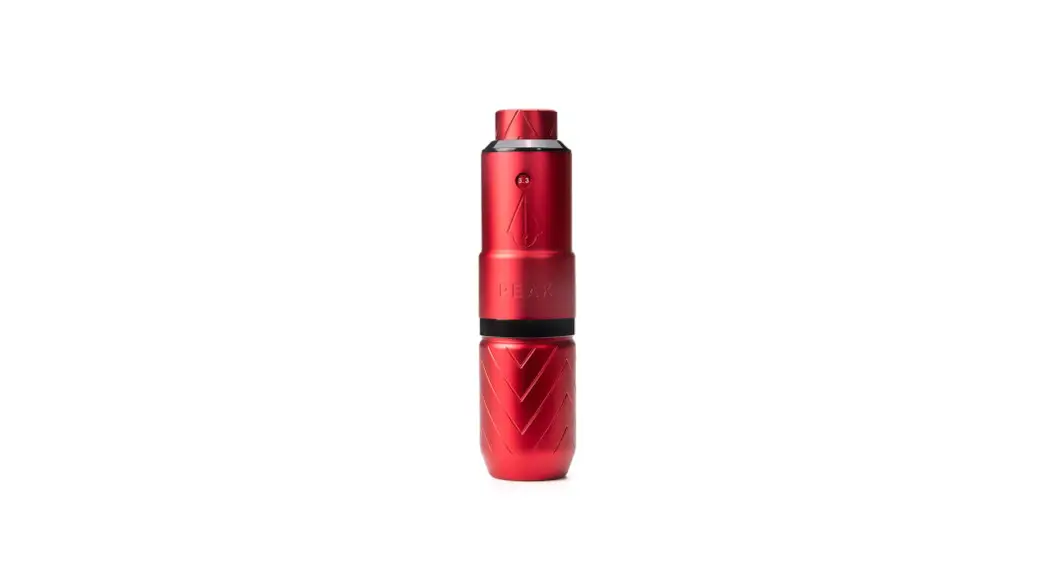
ONE Wireless Tattoo Machine
Product Information
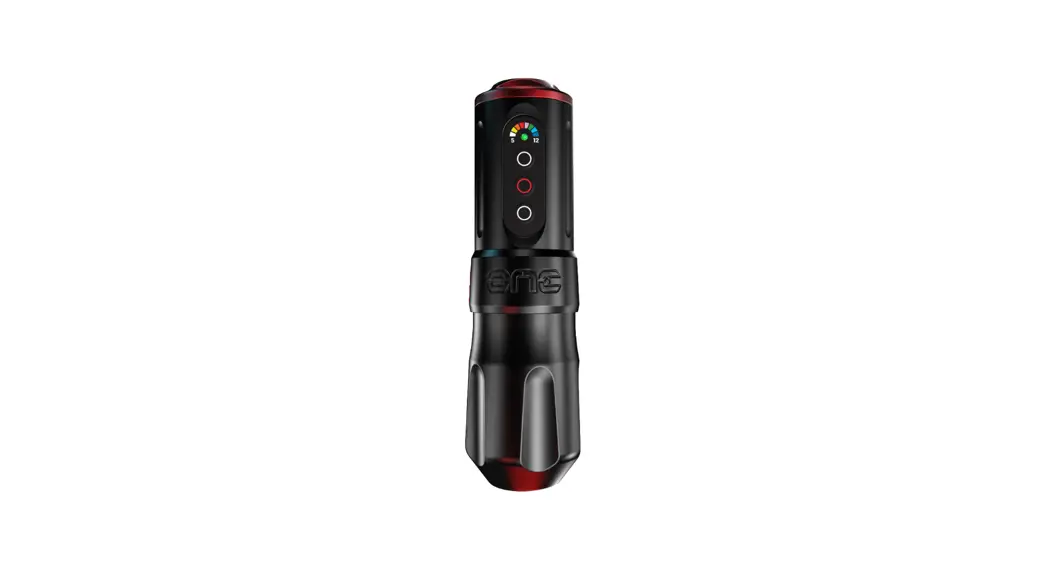
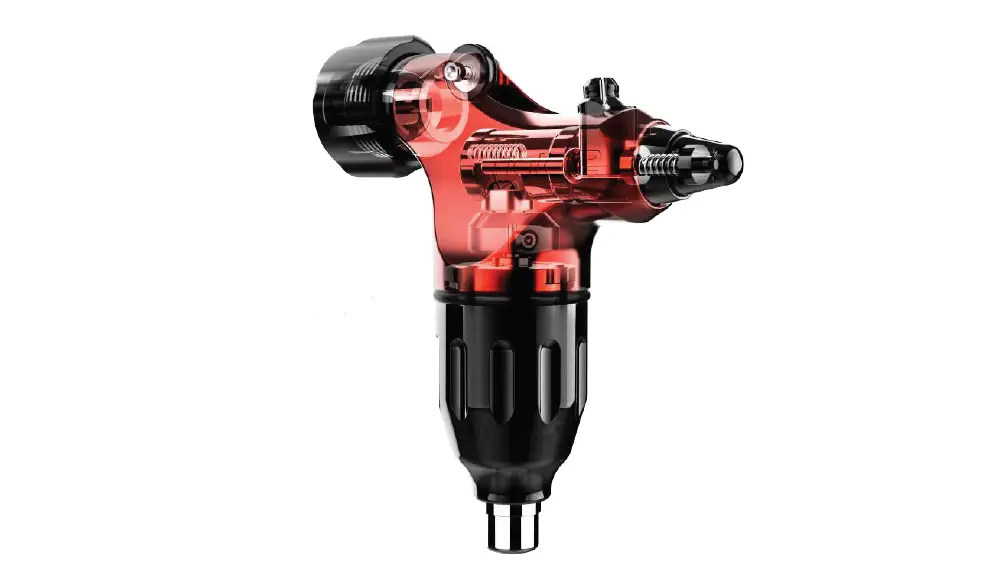
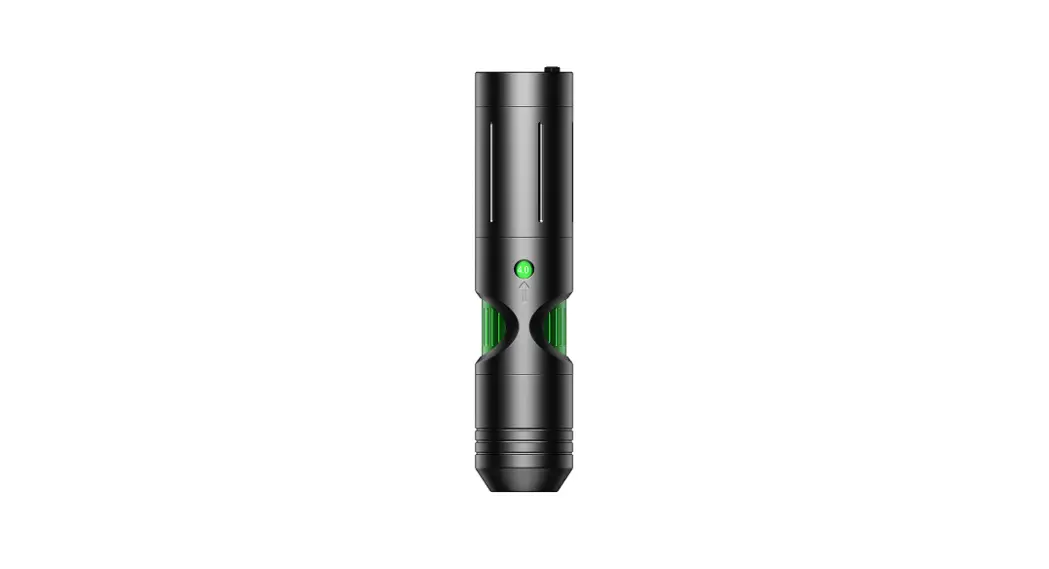
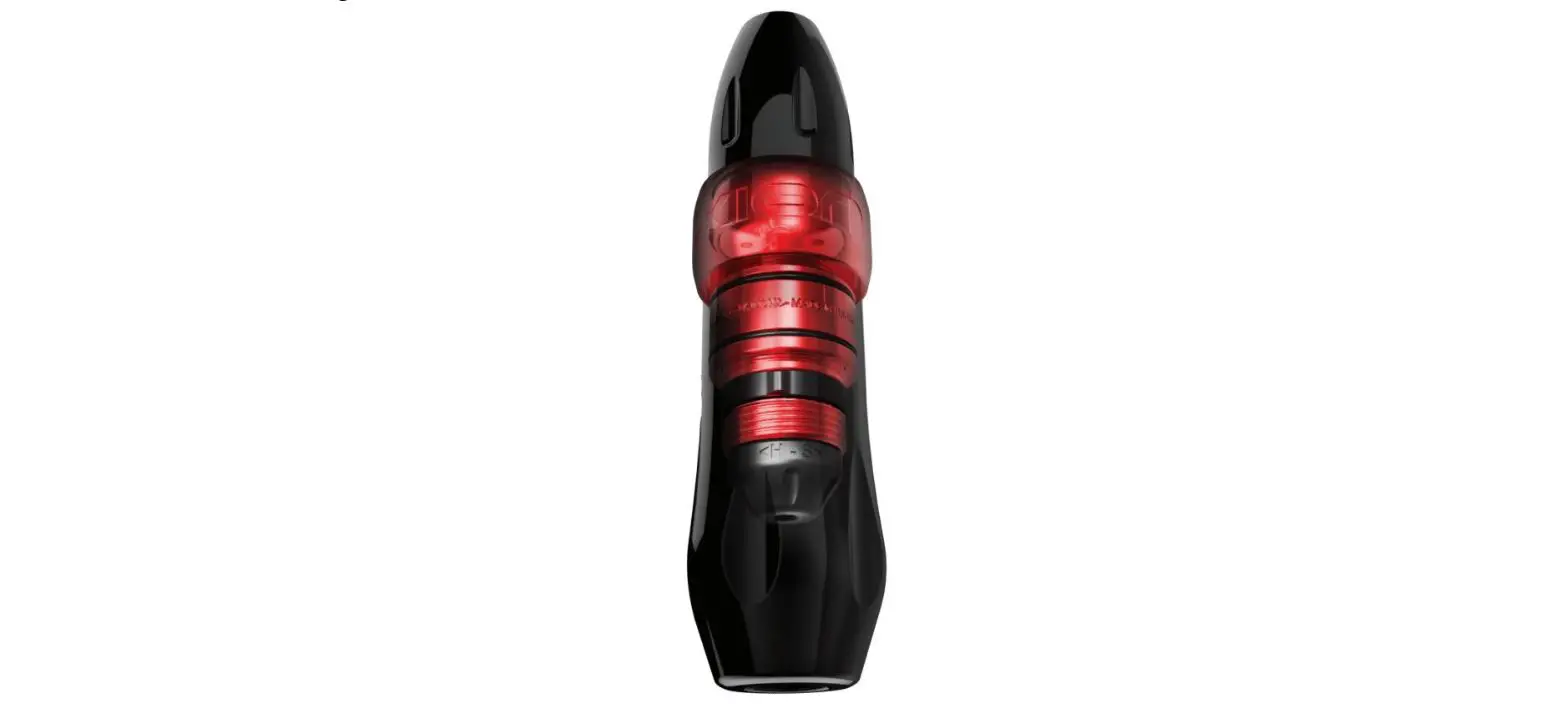
The FK ONE is a premium quality tattoo machine designed for use
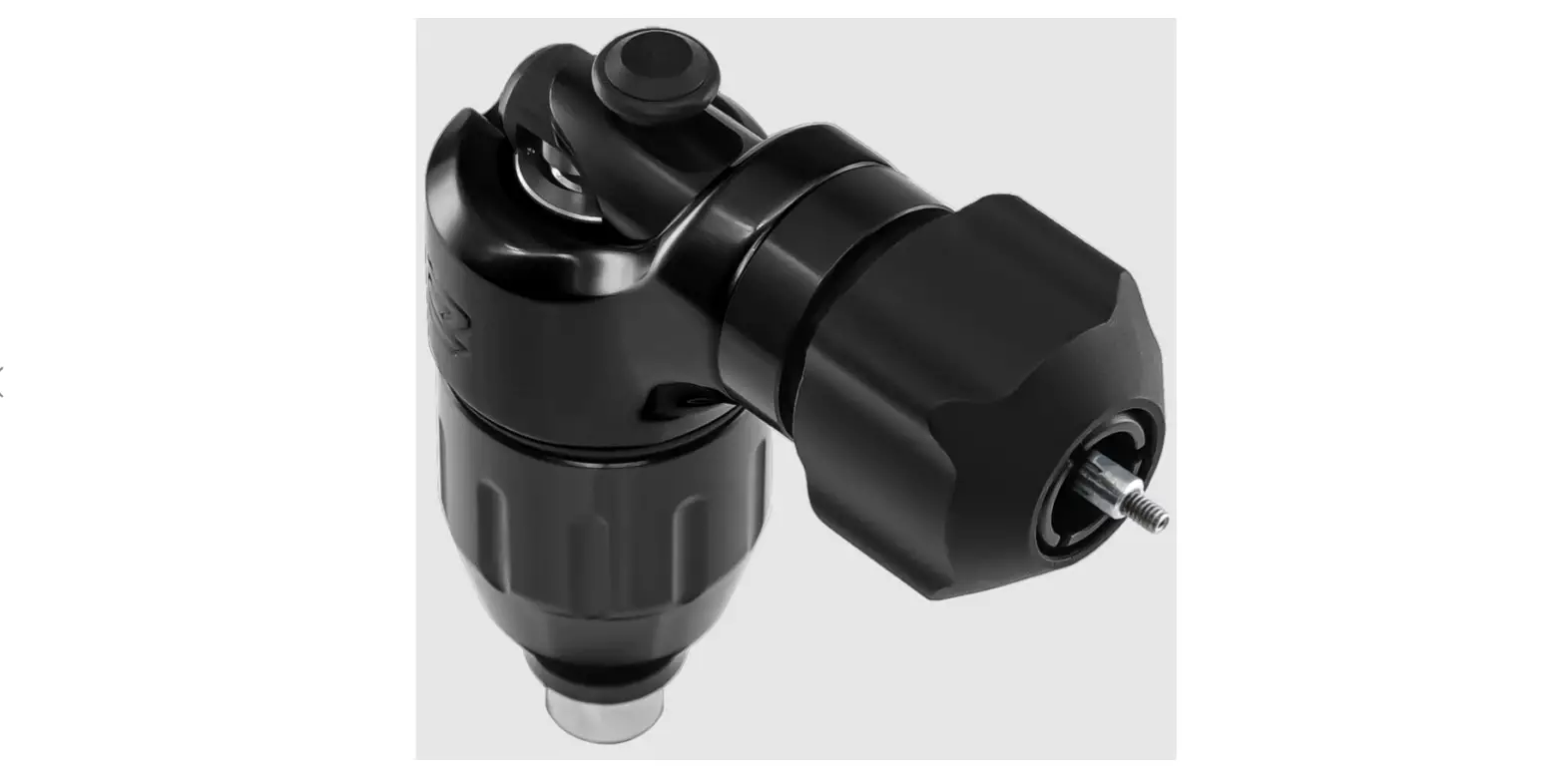
by trained tattoo artists. It features a redesigned, ergonomic grip
for functional comfort and modular grip compatibility. The machine
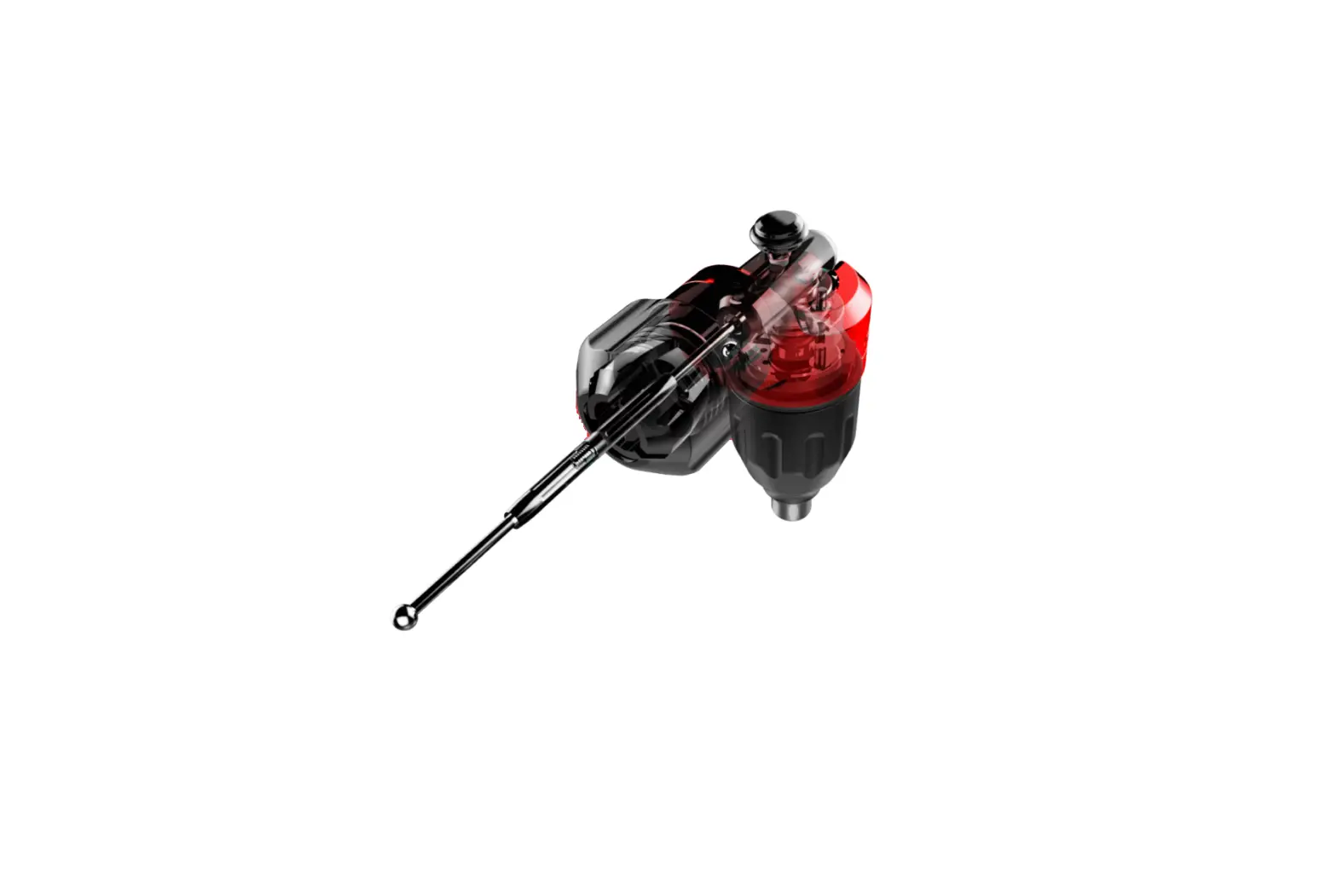
is equipped with a 9-Watt motor and a click-grip needle depth
adjustment mechanism that allows for precision control during
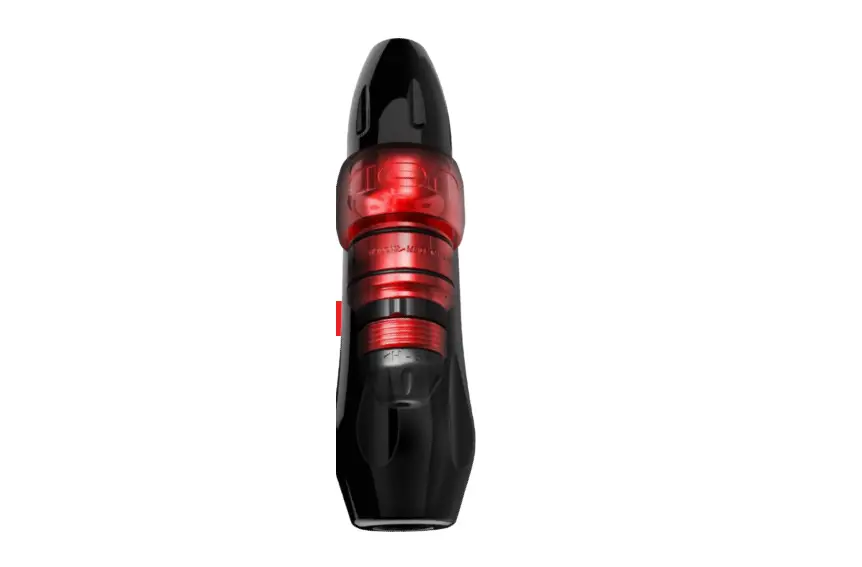
tattooing. The compact battery housing of the FK ONE is powered by
a Panasonic NCR 18500A Flat-Top rechargeable battery that can be
easily removed and replaced as needed. The machine is also equipped
with Bluetooth connectivity that allows for updates via the DarkLab
application.
Specifications
- Battery: Panasonic NCR 18500A Flat-Top Rechargeable
Battery - Motor: 9-Watt
- Needle Depth Adjustment: Click-Grip
- Battery Housing Dimensions: 36.7mm x 124mm
Product Usage Instructions
Safety Notice
It is strongly recommended to use barrier products to protect
the machine during tattooing. The FK Irons YouTube channel provides
visual demonstrations of barrier protection methods. The device is
only intended for use by trained tattoo artists and should not be
used by children or persons with reduced physical, sensory or
mental capabilities.
Battery Usage
To check the battery level, press and hold the power button
until it turns white. A blinking colored light indicates the
remaining charge. The battery can be removed by twisting the cap
counter-clockwise and pulling it away. To deactivate the battery,
push down and continue twisting counter-clockwise. To replace the
battery, slide a new battery into the housing making sure it aligns
correctly with the power electric leads. Ensure that the power is
turned off before removing the battery from the machine.
Battery Charging
The eFest Slim K2 charger is used to charge the Panasonic NCR
18500A Flat-Top rechargeable battery. Plug the charger into a wall
outlet using the included power adapter. Insert the battery into
one of the charging bays with the positive (+) end facing up and
the negative (-) end facing down. The charger will automatically
detect the battery type and display the battery life on the screen.
Once the battery is fully charged, the charger will automatically
stop charging and display a message indicating that the charging
process is complete. The battery can then be removed and used as
needed.
Operating the FK ONE
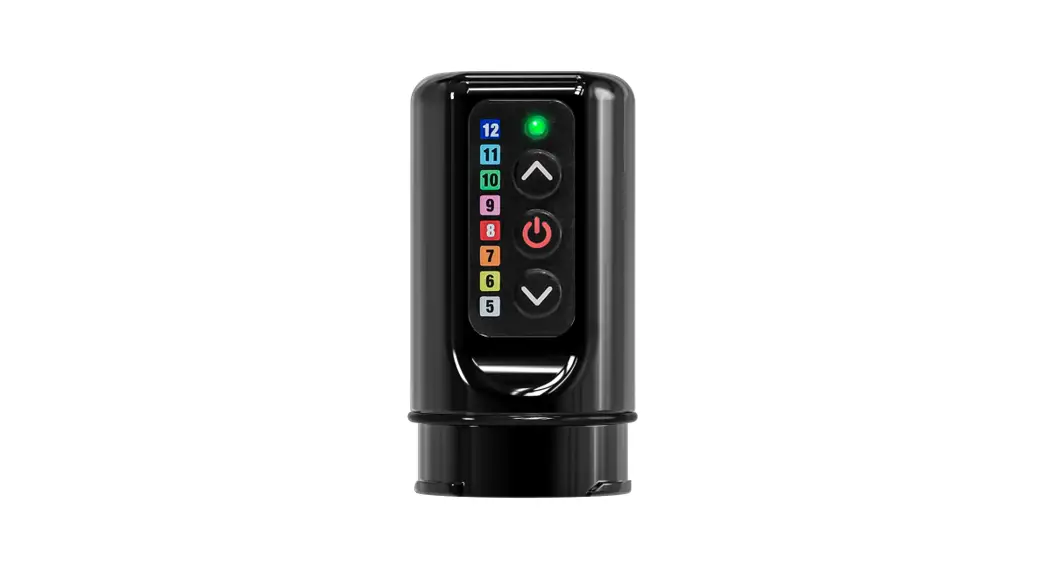
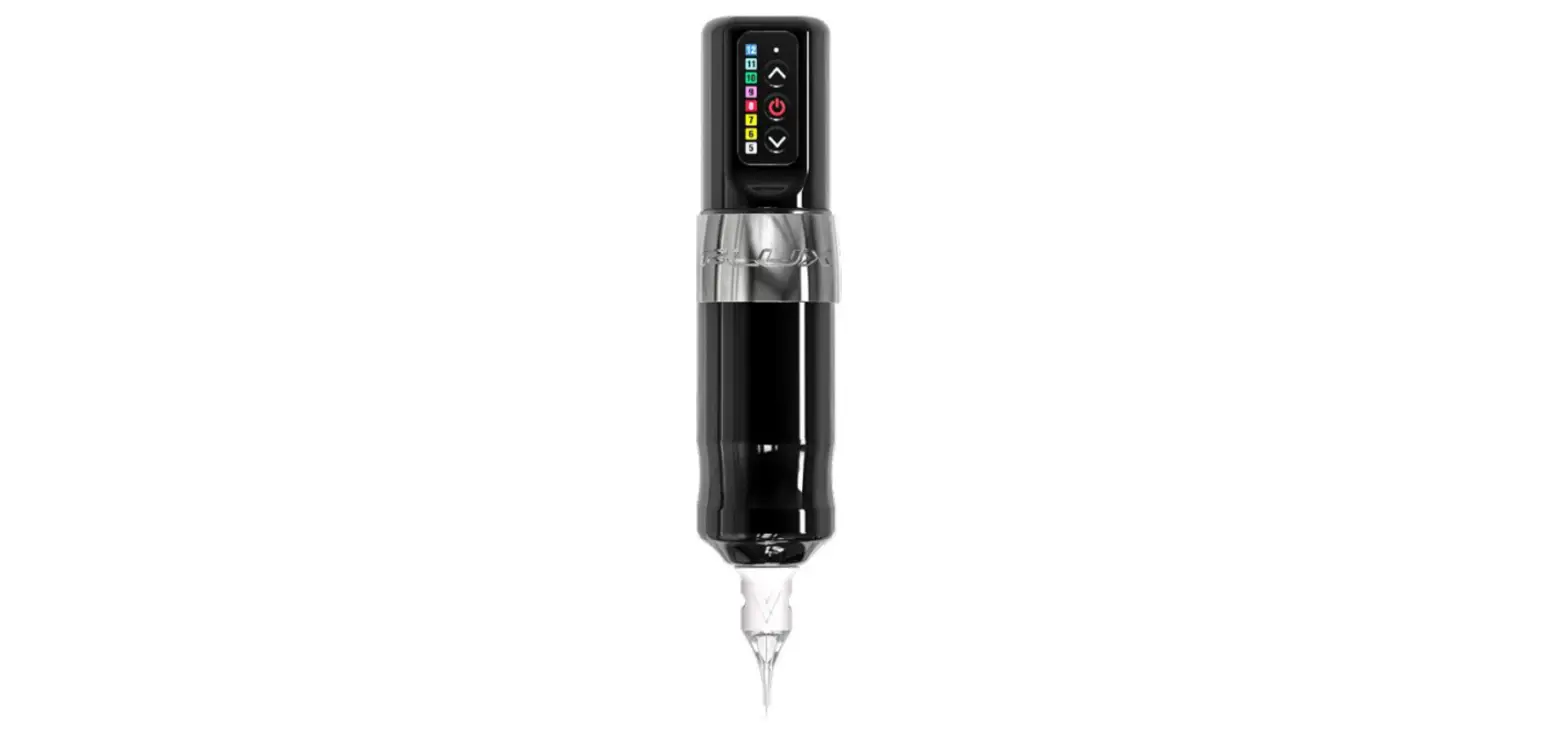
The FK ONE can be turned on and off using the power button. The
voltage can be adjusted using the voltage up and down buttons. A
solid color indicates a whole value while a blinking color
indicates a half increment. The machine can be connected to
Bluetooth for updates via the DarkLab application by pressing the
UP and CENTER buttons simultaneously until the LED turns DARK
BLUE.
and Wireless for All
USER MANUAL
INDEX
Safety Notice
3
Intro
4
Overview
5
Operation
6
Removing the battery
7
Charging the battery
8
Adjusting Needle Depth
9
Additional Information
10
& Troubleshooting
USER MANUAL
SAFETY NOTICE
CLASS III SYMBOL A Class III appliance is designed to be supplied from a separate/safety extra-low voltage (SELV) power source. The voltage from a SELV supply is low enough that, under normal conditions, a person can safely come into contact, without the risk of electrical shock. The extra safety features built into Class I and Class II appliances are, therefore, not required. For medical devices, compliance with Class III is not considered sufficient protection, and further, more-stringent regulations apply to such equipment.
TECHNICAL DATA Operating Voltage: Current: Ambient Temperature: Relative Humidity: Dimensions (Ø X L): Weight: Battery Cell:
5-12V DC UP TO 1.0A +10 to +35 °C 30 to 75% H124 x W36.7 Approx. 227g (8oz) Panasonic NCR 18500A
BARRIER PROTECTING YOUR MACHINE
We strongly suggest the use of barrier products to protect your machine. For a visual demonstration of barrier protection methods, please visit our FK Irons YouTube channel.
This device is only for use by trained tattoo artists and not for use by children or persons of reduced physical, sensory or mental capabilities.
3
USER MANUAL
ONE INTRO
FK ONE
Premium quality. Sophisticatedly simple.
4
USER MANUAL
OVERVIEW
Control Buttons
Compact Battery Housing
Redesigned, ergonomic grip for functional comfort and modular grip compatibility
SPECIFICATIONS
· Output Voltage: 5-12V · Increment/decrement voltage interval: 0.5V* · Maximum output current: 1A · Charger Input: USB-C · Size: H 124mm x W 36.7mm · Weight: Without battery 195g (6.87oz)
with battey 227g (8.00oz) · Battery Life: ~ 6-10 Hours
(based on operating parameters)
5
Quick-Twist Battery Hatch
Panasonic NCR 18500A Flat-Top Rechargable Battery 9-Watt Motor Click-Grip Needle Depth Adjustment
36.7mm
124mm
USER MANUAL
OPERATION
Battery level check: Press and hold power button until white. A blinking colored light indicates remaining charge.
100 – 98% 97 – 60% 59 – 40% 39 – 15% 14 – 0%
LED indicator Voltage up Center button Voltage down
Bluetooth connection for an update for FK ONE:
1. Press UP+CENTER buttons simultaneously to activate the Bluetooth, where the LED will turn DARK BLUE to indicate that the Bluetooth turned on.
2. Use DarkLab application to Update FK ONE.
3. After the update is completed, the Bluetooth is disconnected by DEFAULT.
OPERATING THE ONE
Voltage Selection: Using the Voltage up and Voltage down buttons you can cycle through the diffrent setting. A solid color equals a whole value (Ex. Solid green indicates 10V). Blinking color is a half increment (Ex. Flashing green indicates 10.5V).Use the power button to start and stop the machine.
7V 6V
5V
8V 9V 10V 11V
12V
6
USER MANUAL
REMOVING THE BATTERY
Twist clockwise to close/activate battery.
Twist counter-clockwise to open. Push down & keep twisting counter-clockwise to deactivate battery. NOTE: Cap is shipped in the OFF position.
Twist the cap as shown and remove.
Slide battery out of battery housing.
CHANGING THE BATTERY
The ONE is compatible with the Panasonic NCR 18500A Flat-Top Battery. To detach the cap, ensure you have a firm grip on the body of the ONE and Grip. Turn the cap counter-
clockwise and pull away. Slide the battery out of the battery housing. To replace battery, slide new battery into housing. Battery must sit correctly to ensure power electric leads
align correctly. Avoid contact with the ONE power leads while changing battery.
Turn power off before removing battery from machine.
7
USER MANUAL
CHARGING YOUR BATTERY
HOW TO CHARGE YOUR BATTERY
First, plug the eFest Slim K2 charger into a wall outlet using the included power adapter. Next, insert the Panasonic 18500A battery into one of the charging bays on the eFest Slim K2 charger. Be sure to insert the battery with the positive (+) end facing up, and the negative (-) end facing down.The eFest Slim K2 charger will automatically detect the
type of battery you have inserted and display the battery life on the screen. Once the battery is fully charged, the eFest Slim K2 charger will automatically stop charging and display a message indicating that the charging process is complete. You can then remove the battery from the charger and use it as needed.
8
USER MANUAL
ADJUSTING NEEDLE DEPTH
Increases needle depth
Decreases needle depth
ADJUSTING
NEEDLE
DEPTH
To adjust needle depth, hold the machine body while turning the Grip. A counter-clockwise turn decreases depth, while a clockwise turn increases depth (also known as needle hang). Each time you turn the grip you can feel the tactile feedback of the ratcheting mechanism. Each “click” displaces your needle 0.2 mm and allows you to set your needle precisely without involuntarily turning while tattooing.
Turning the grip as shown increases needle depth.
9
Turning the grip as shown decreases needle depth.
USER MANUAL
ADDITIONAL INFORMATION
VOLTAGE PARAMETERS
While voltage is a parameter that will vary from artist to artist, the ONE has been tested to operate at a minimum voltage of 5 Volts to a maximum voltage of 12 Volts. Depending on the type of needle configuration, or brand you use, feel free to adjust the voltage to obtain the desired performance.
WARRANTY
Darklab warrants that the device will perform efficiently when used as intended. Should this product prove to be defective due to manufacturing issues, Darklab will repair/replace the device free of charge. This warranty will be void if the device shows signs of having been tampered, disassembled, handled roughly, dropped, overexposed to moisture or damage resulting in compromised functionality.
HANDY TIPS
The following tips will help you get the most out of your ONE and avoid potential issues: · Do not exceed the suggested voltage · Use only FDA-approved cold sterilization solutions for disinfection · NOT AUTOCLAVABLE
TROUBLESHOOTING
1.- Machine Manufacturer FK Irons: 1771 NW 79th Avenue, Doral, Florida 33126
2.- Servicing Your Machine As for any mechanical device, FK Irons strongly suggests that you service your device once a year to ensure all working parts are working as expected. This ensures the optimal condition of all working parts, including internal machine clean up and fresh lubrication. Routine servicing will ensure that your machine remains functioning as intended. Service is subject to fees.
3.- Warning Disconnect machine from any power source before making any adjustments.
For service inquiries, please contact [email protected]. For additional tips and tutorials, please visit Youtube.com/FKirons
10