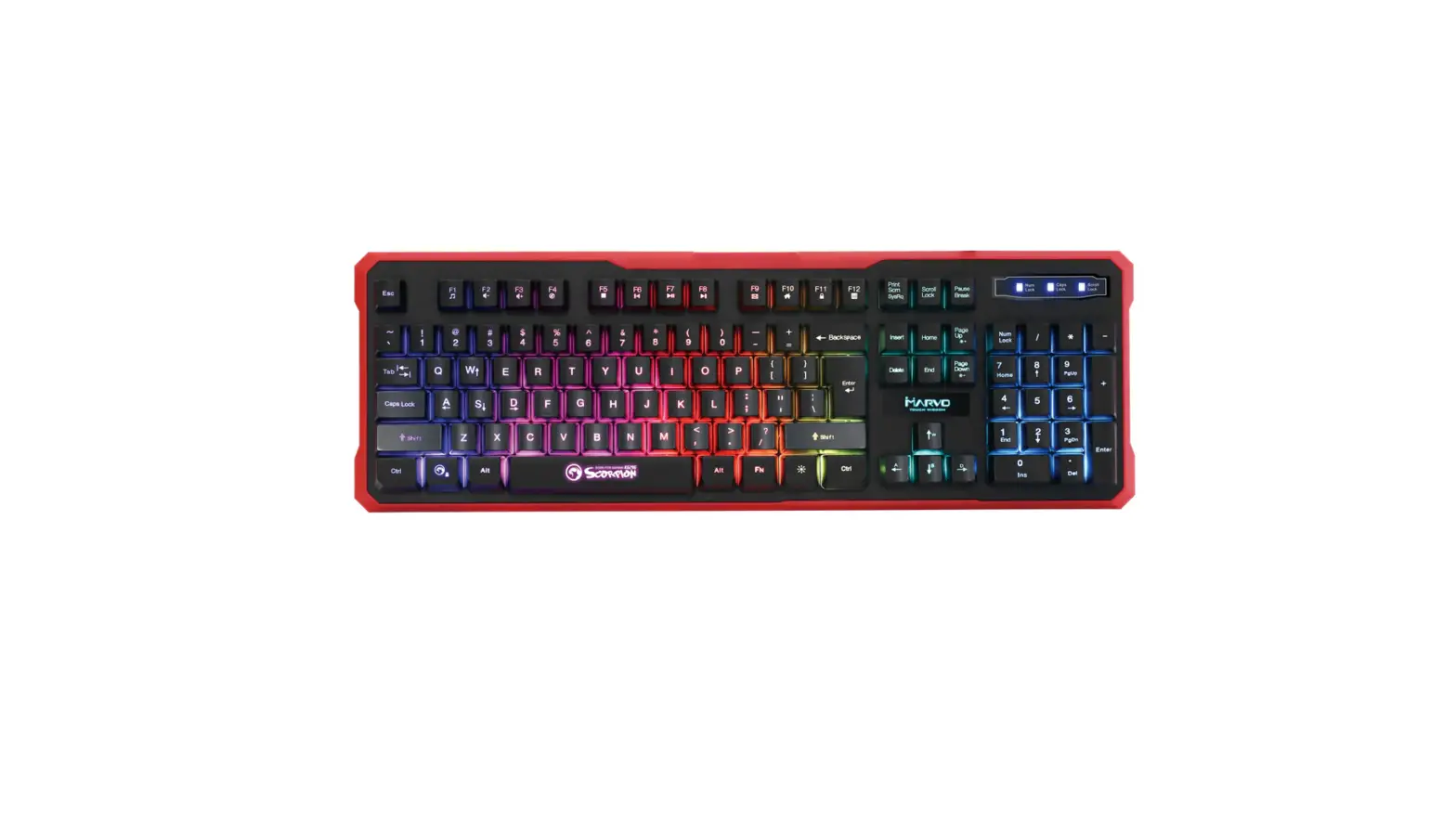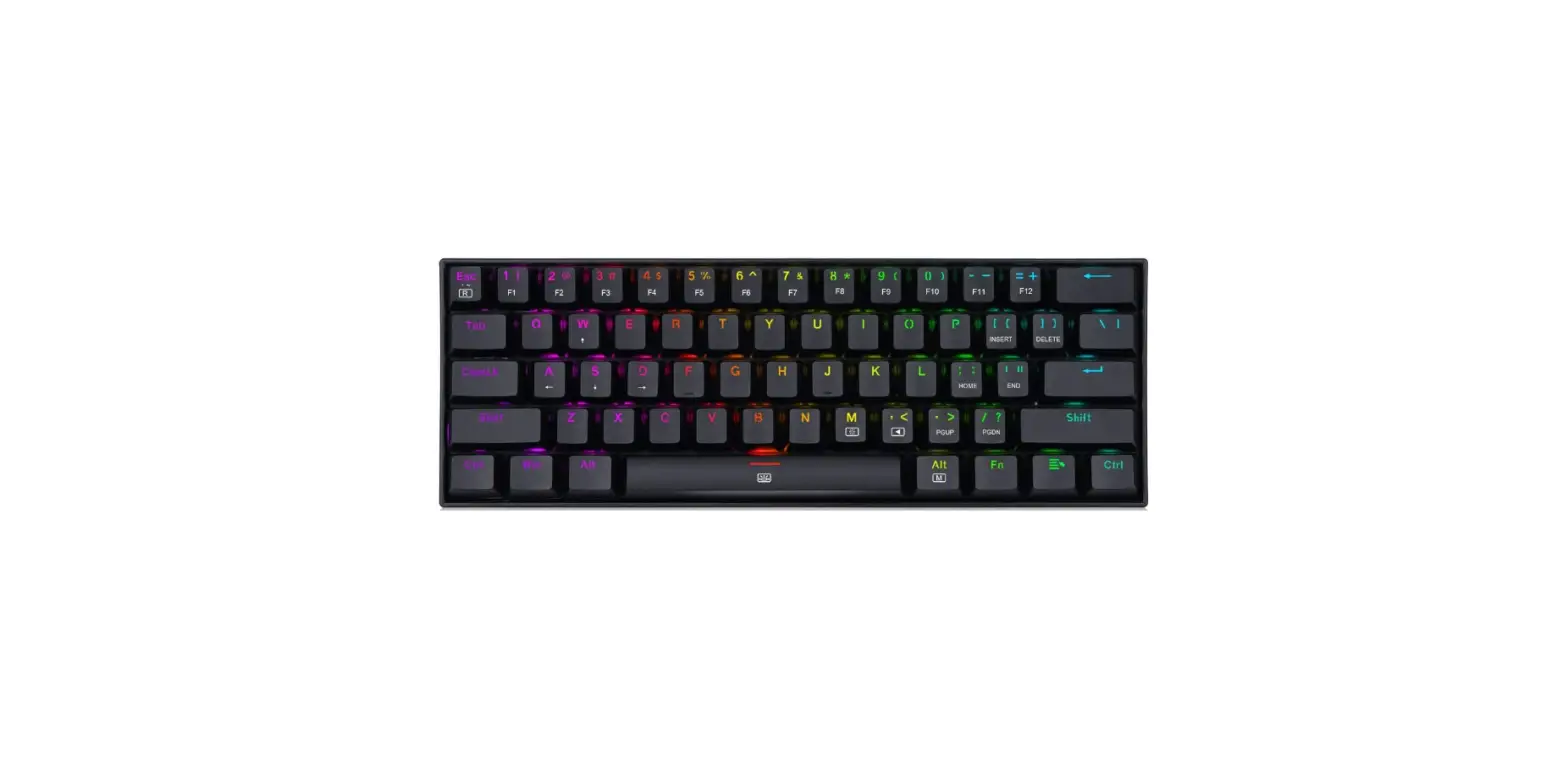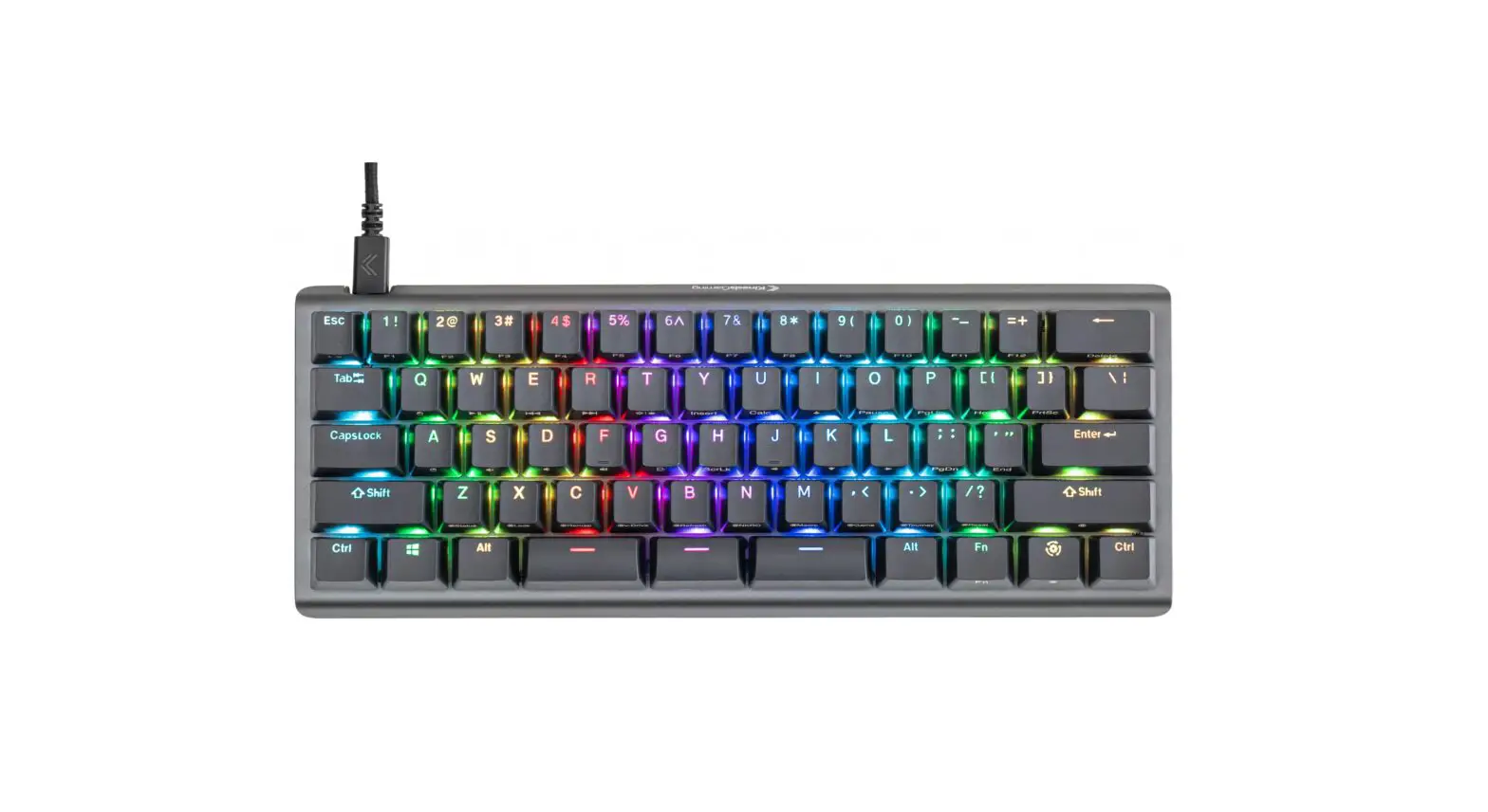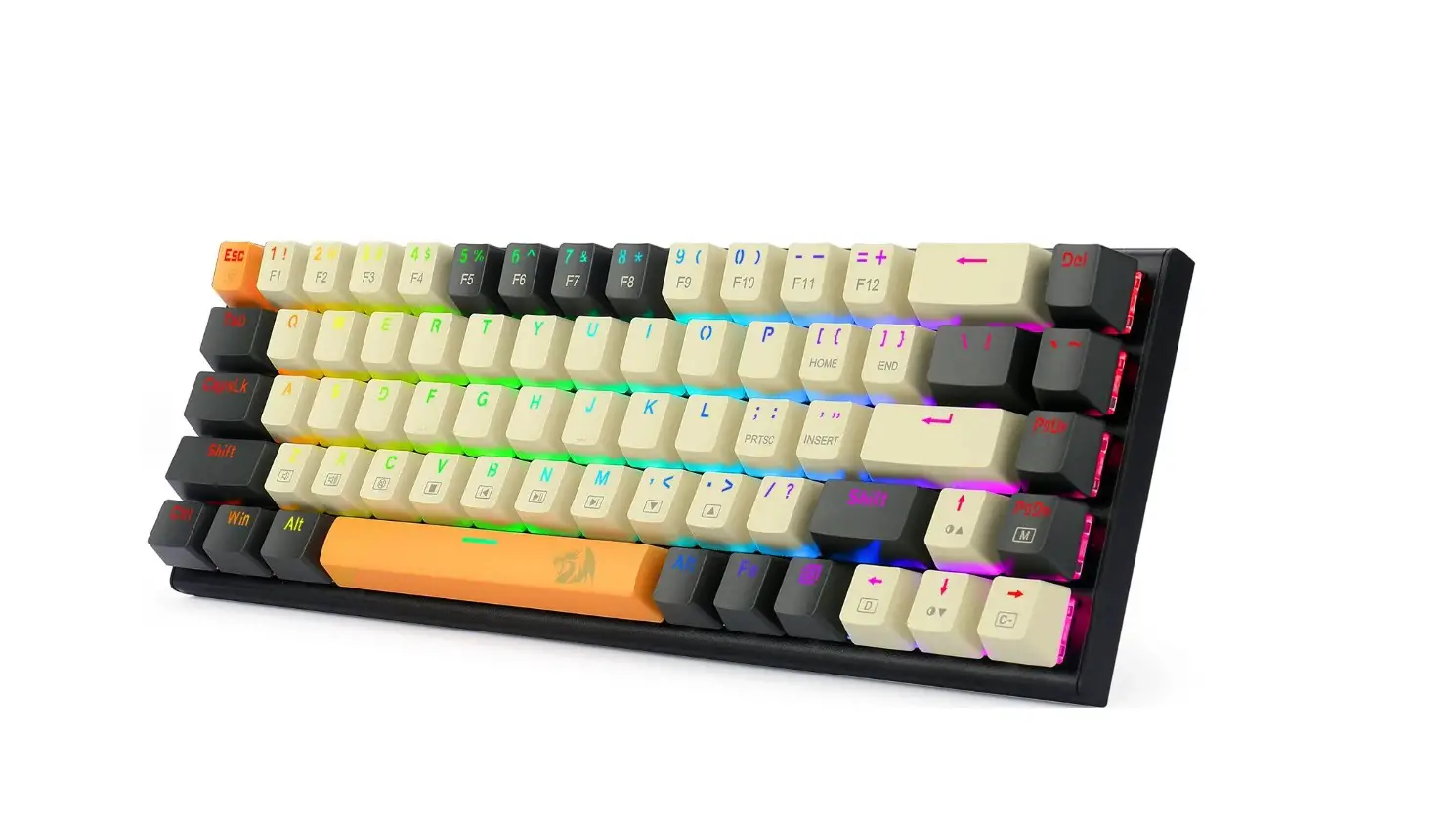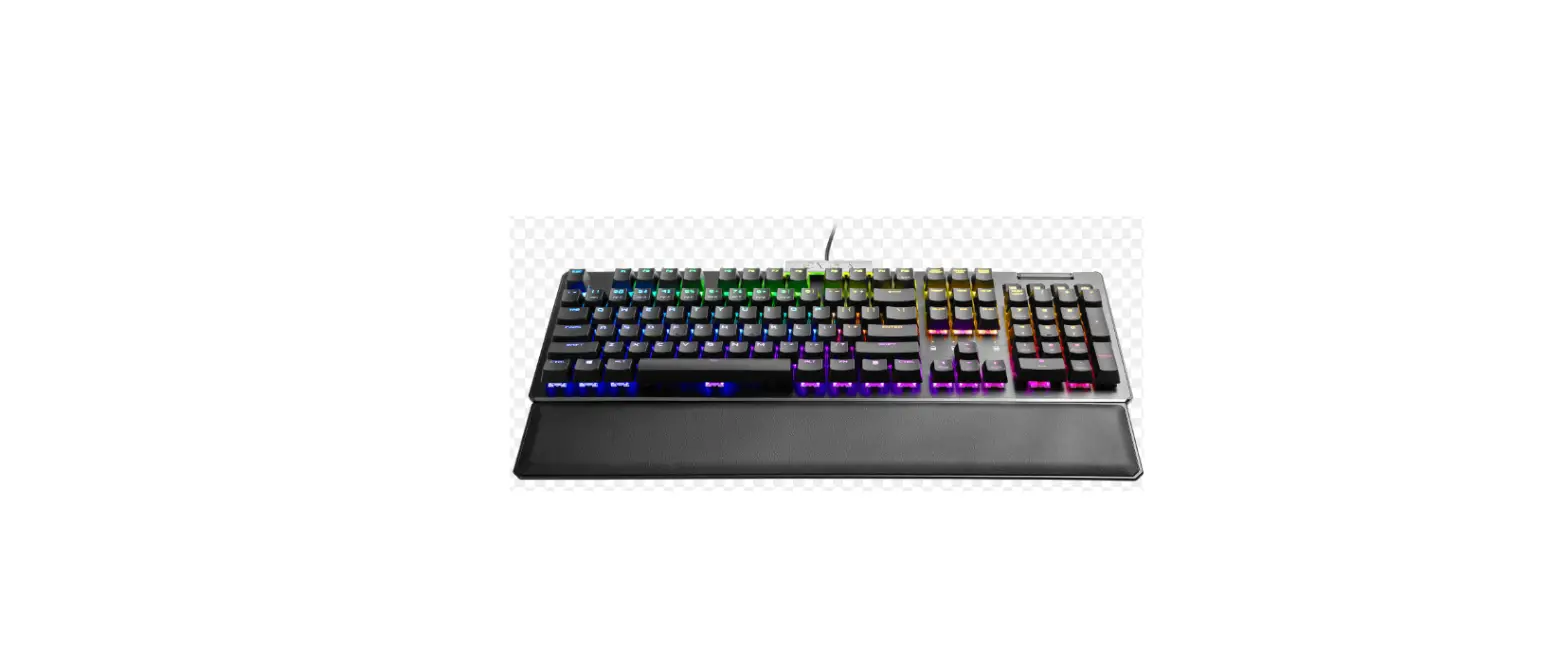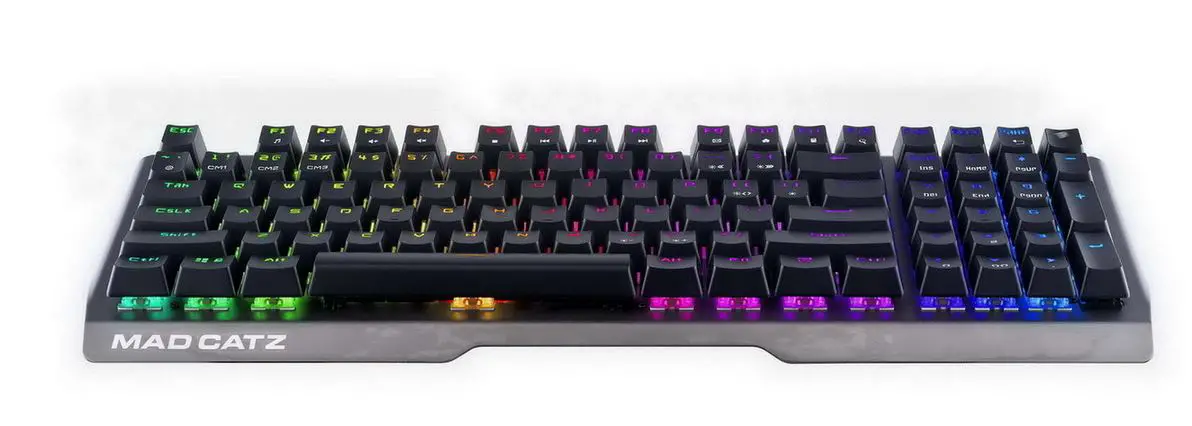
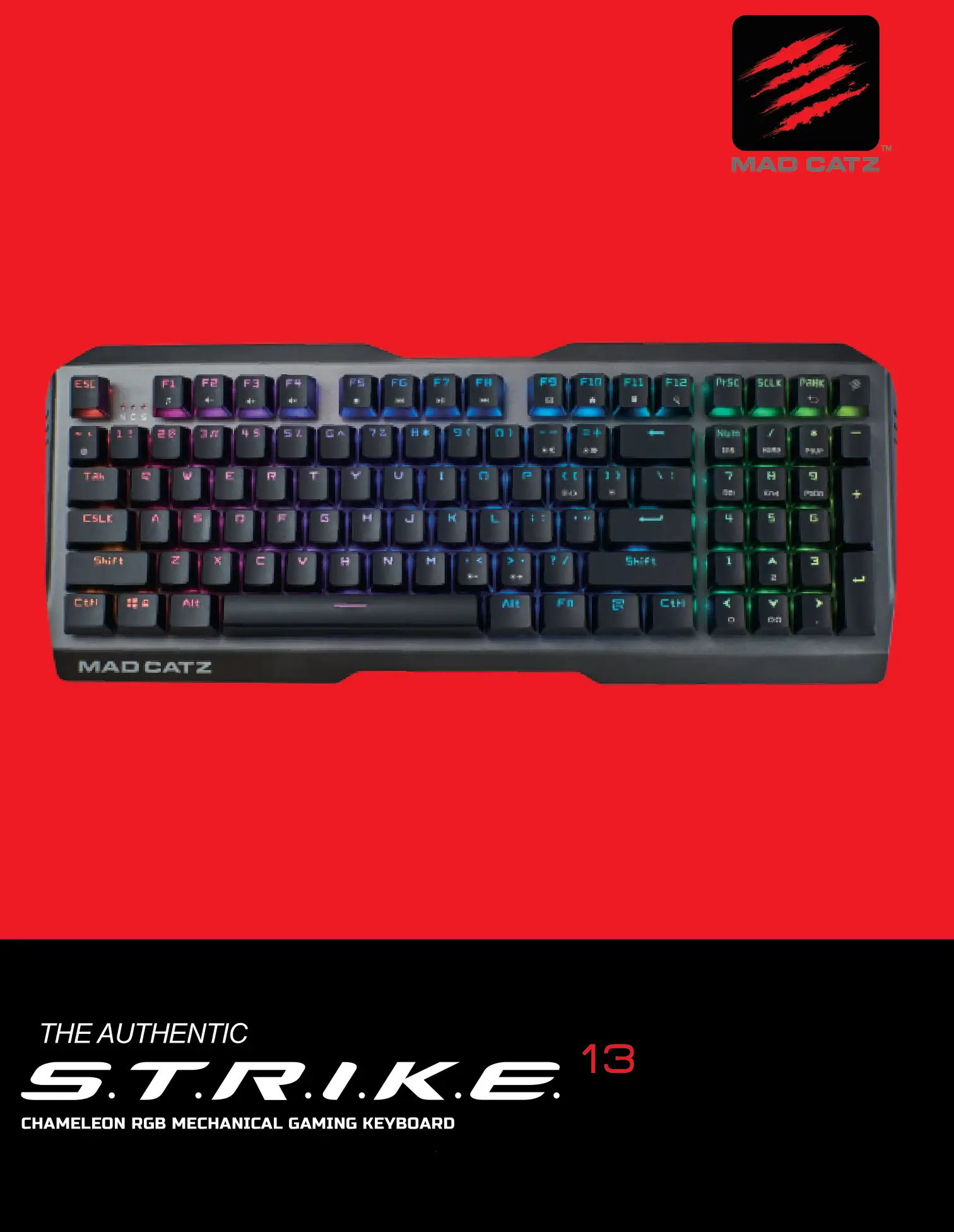
MADCATZ Chameleon RGB Mechanical Gaming
Keyboard - STRIKE 13 User Manual
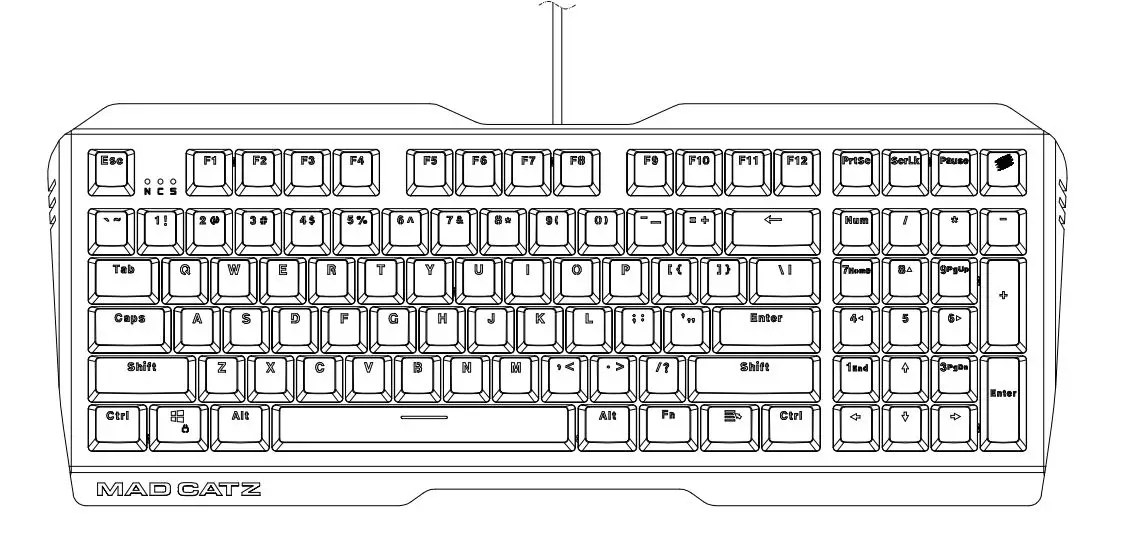
Product Specifications
Size: (L) 395*154*40mm ± 0.3mm
Weight: 856g ± 10g
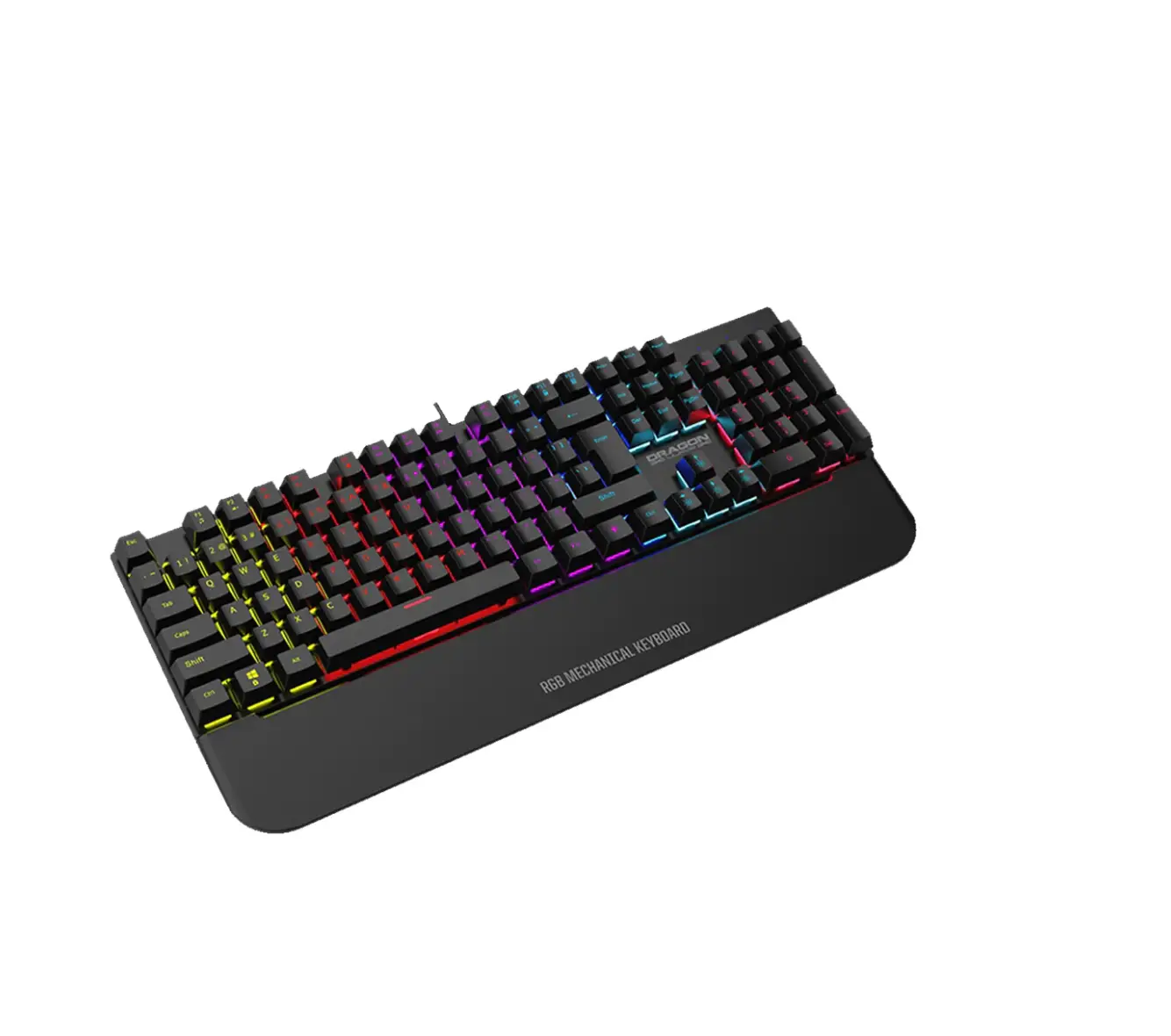
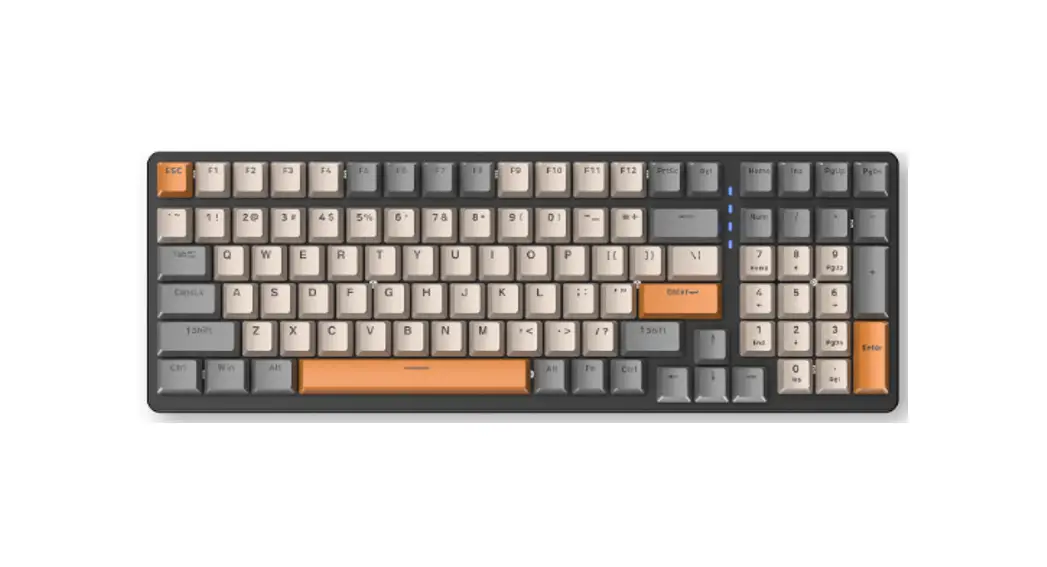
Layout: 96 keys
Switch: Cherry Red
LED: RGB 16.8M Colors
Keycaps: Premium ABS Double Injection
USB Support: USB 2.0
Polling Rate: 1000Hz
Anti-Ghosting: Full NKRO
Operating System: Win XP/Vista/7/8/10
Multimedia Keys: Supported with FN Key
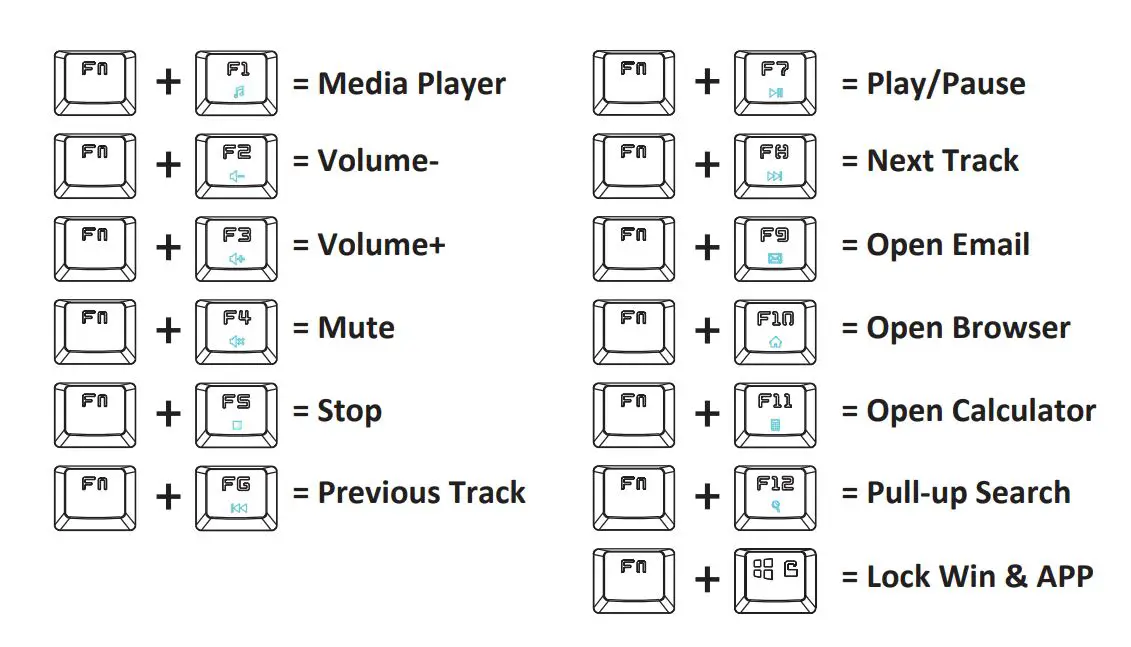
Multimedia and Special Keyboard Function
Lighting Control
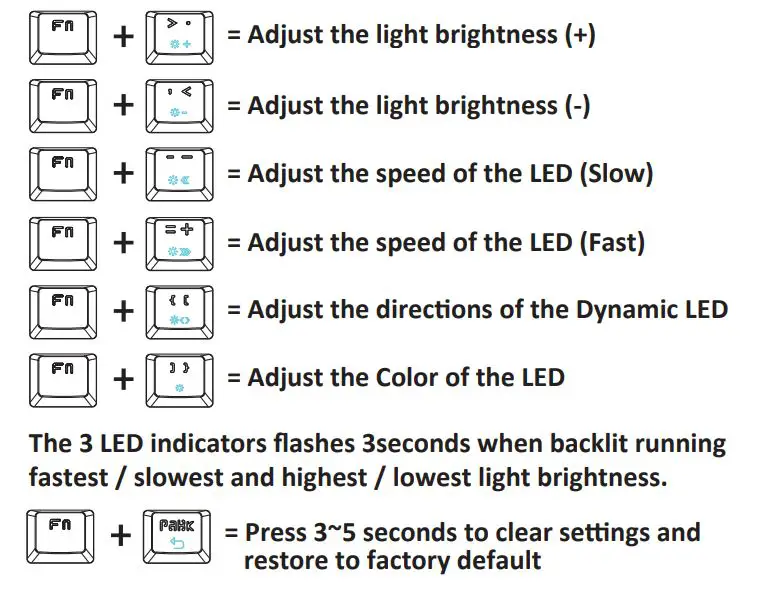
Lighting Mode Control
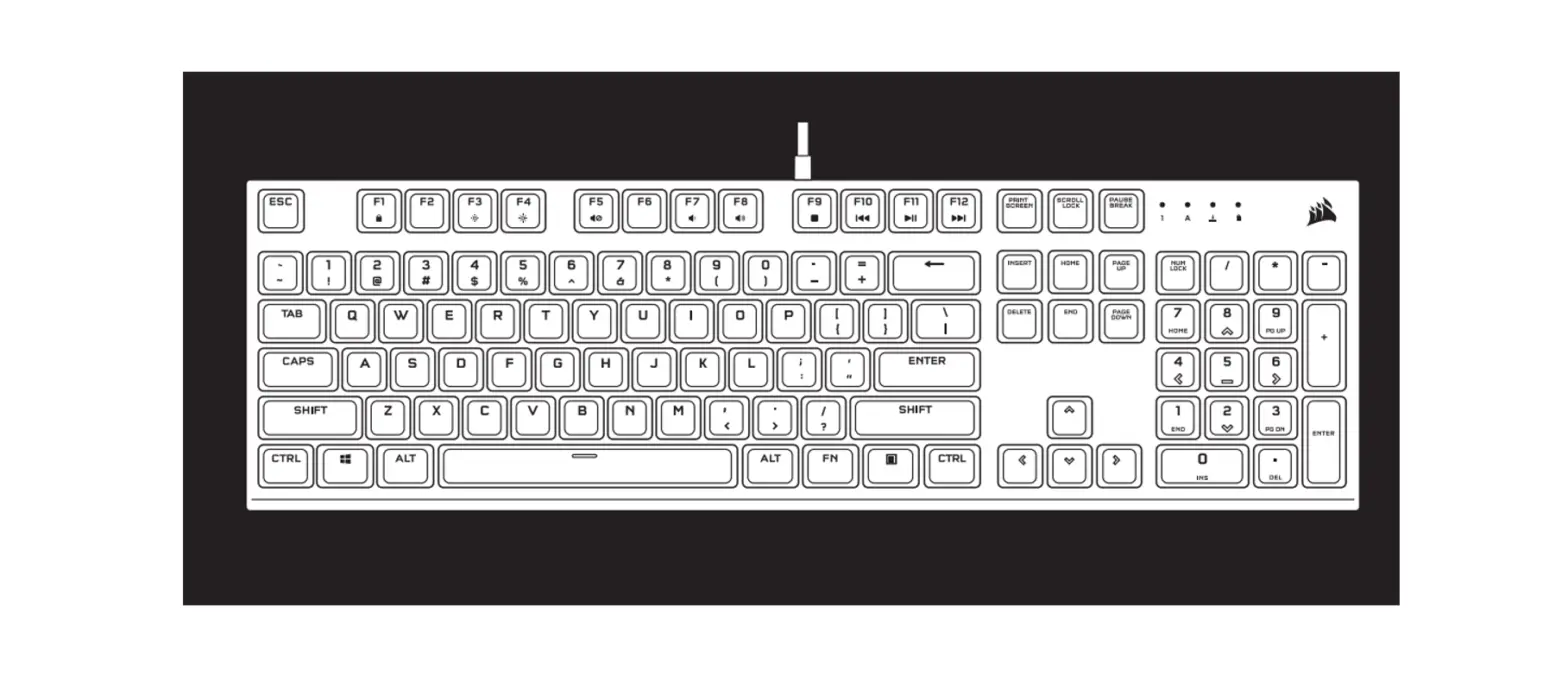
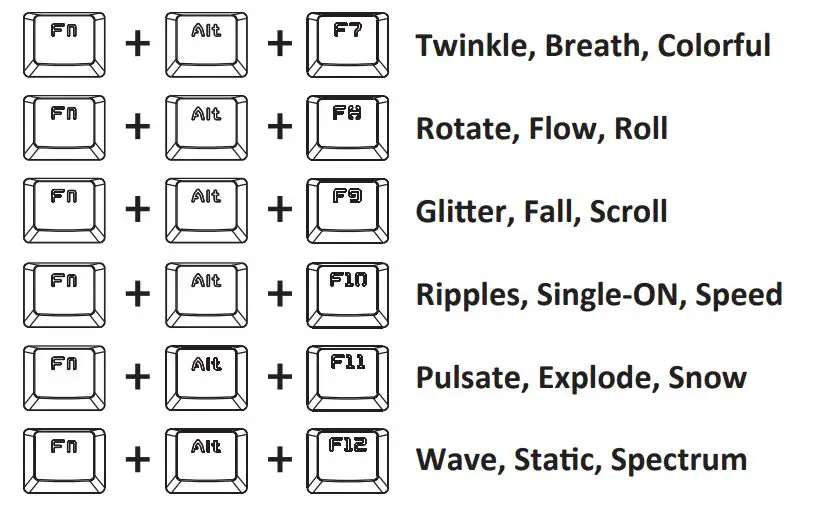
To toggle lighting modes, press FN + ALT and F7 to F12.
Game Keys Control
To record light settings in GAME KEYS Mode:

- Press Fn + ~ to enter corresponding game mode.
- Press Fn + ~ again to start custom record, you will see
NumLock, CapsLock, Scroll Lock indicators flashing continuously. - Press Fn + ] and toggle color on the keys that you want by pressing them. (Repeat this action to adjust the color of the LED)
- Once complete, store the settings by pressing Fn + ~.
Game Keys Control
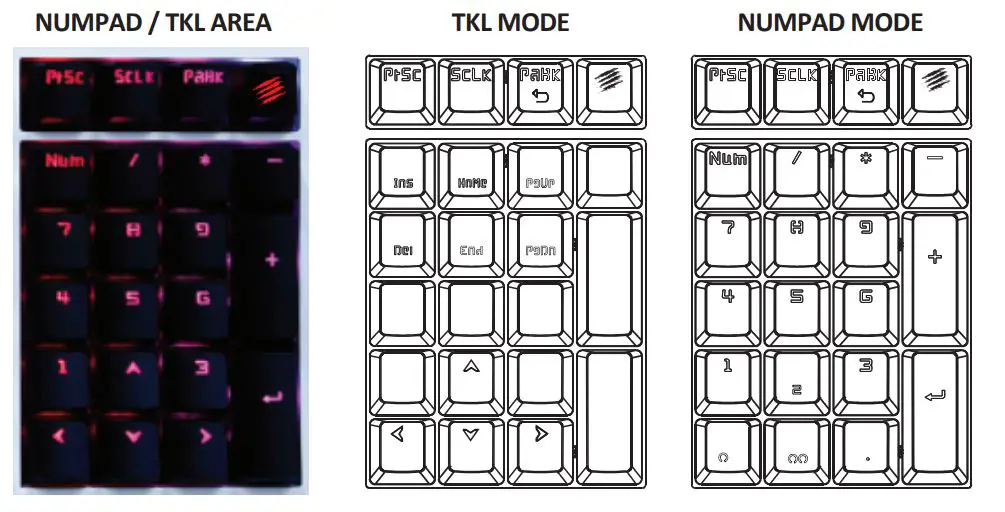
- When the light on the MAD CATZ key on the top right corner is OFF, the keyboard is in NUMPAD MODE.
- When the light on the MAD CATZ key on the top right corner is ON, the keyboard is in TKL MODE.
This device complies with part 15 of the FCC Rules. Operation is subject to the following two conditions: (1) This device may not cause harmful interference, and (2) this device must accept any interference received, including interference that may cause undesired operation.

MAD CATZ