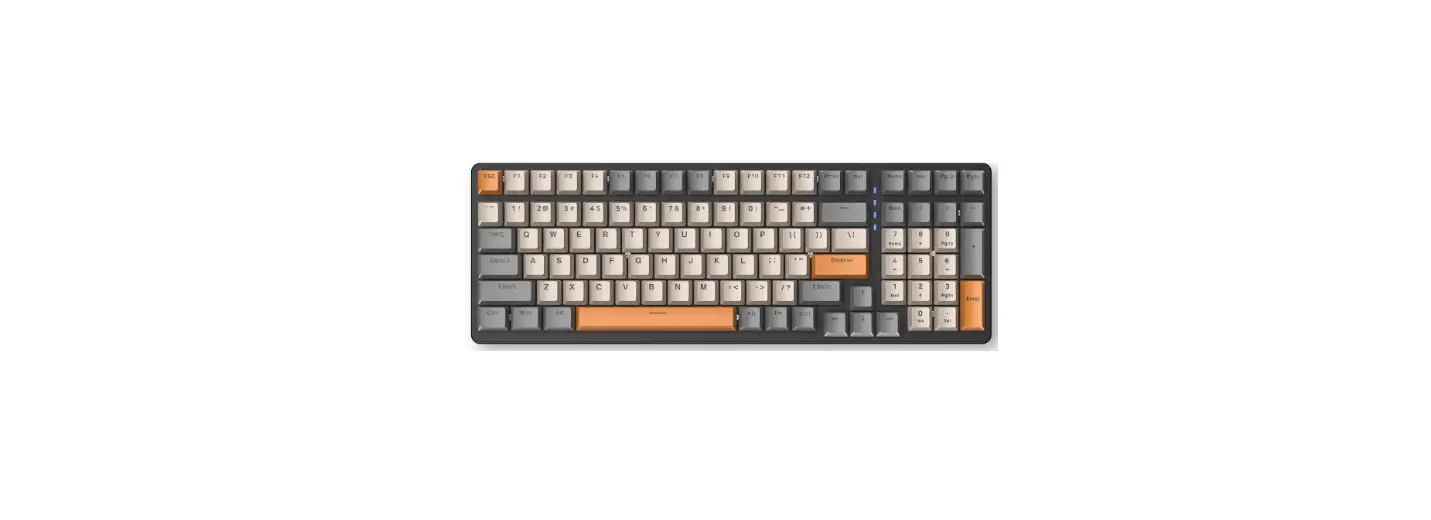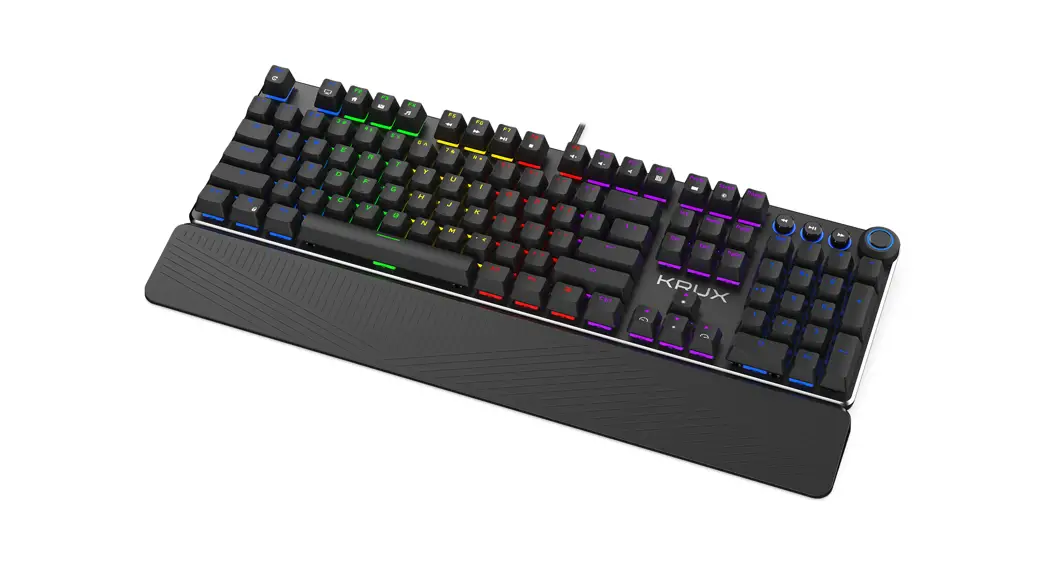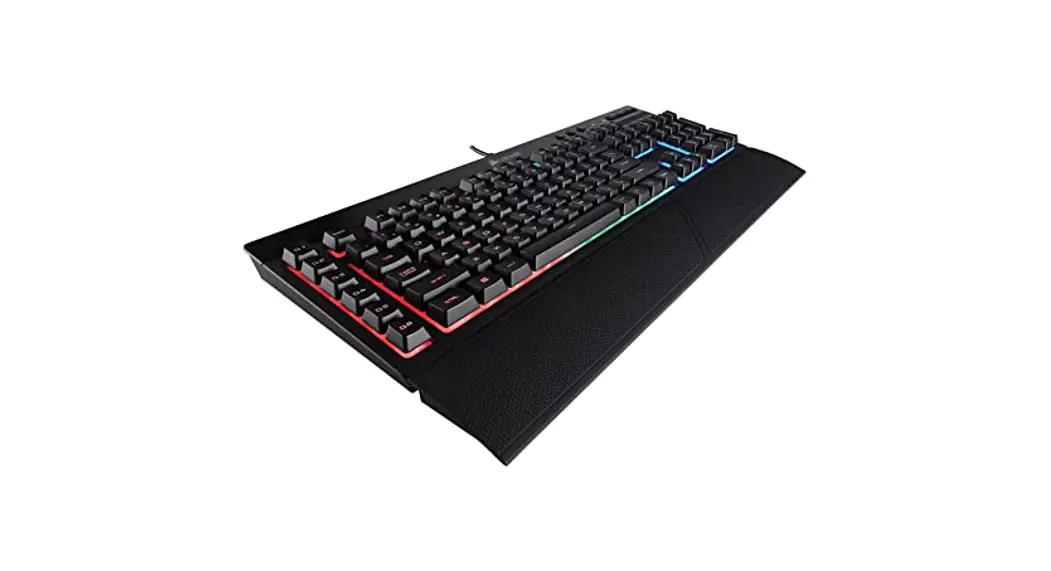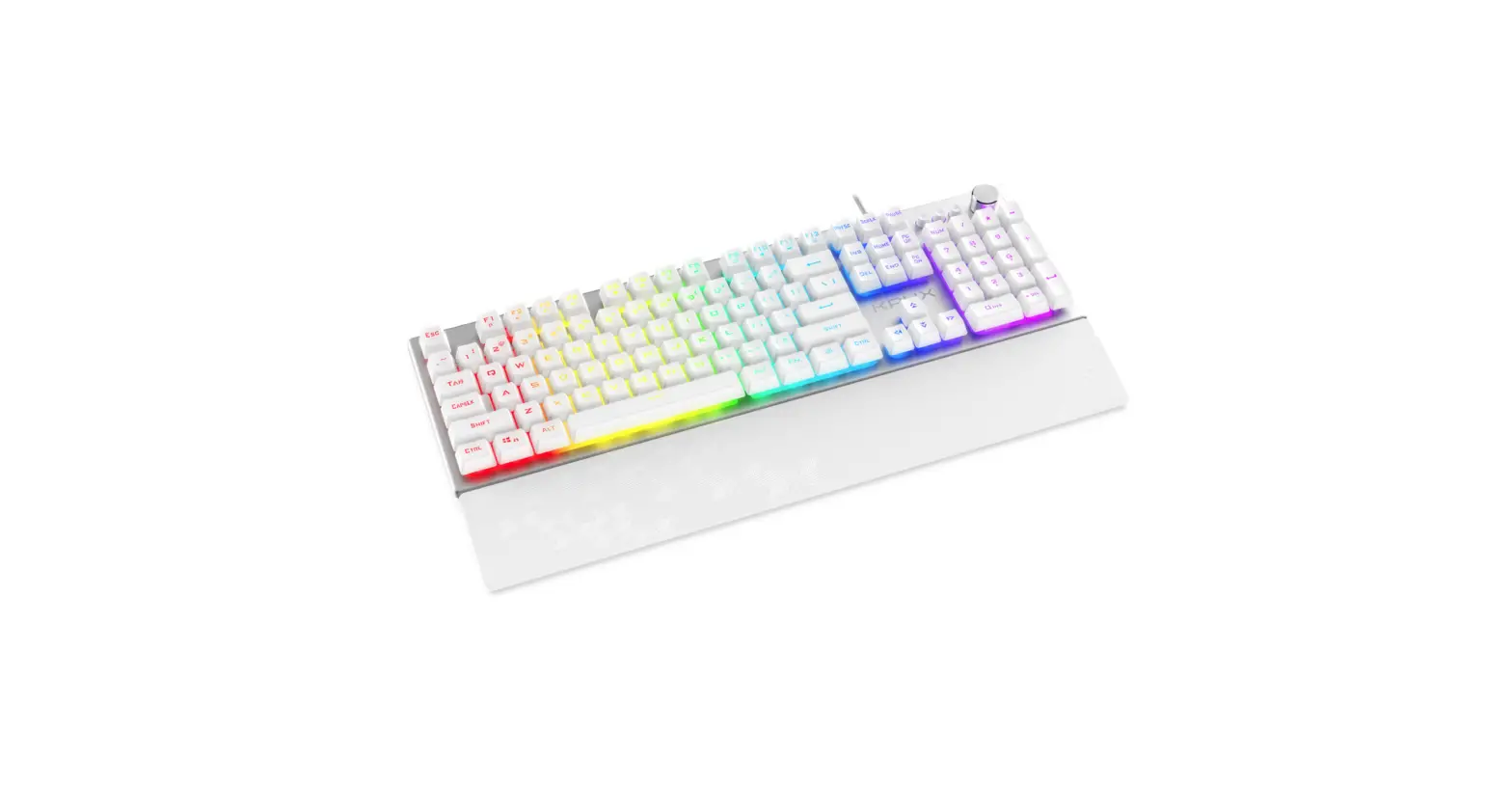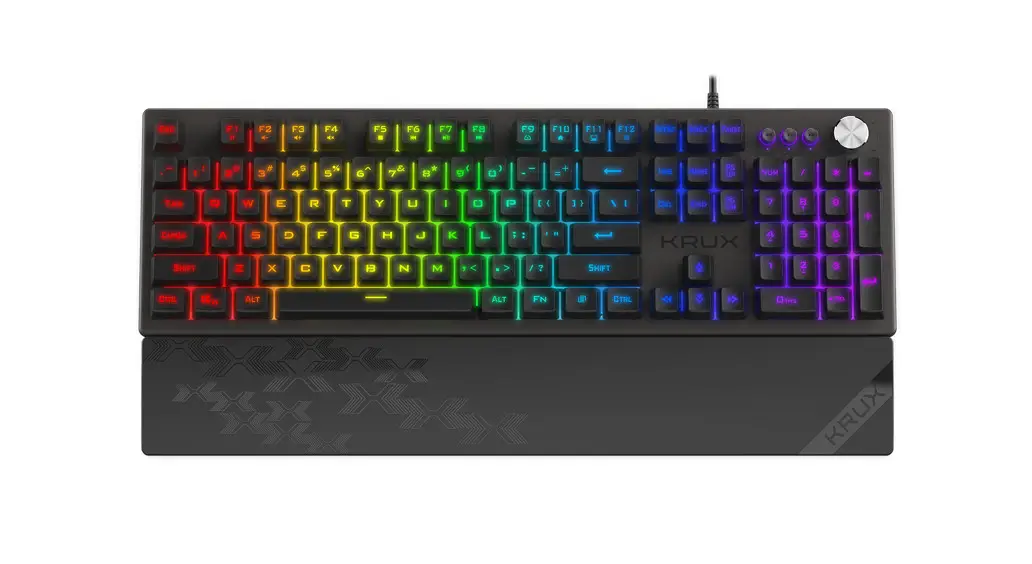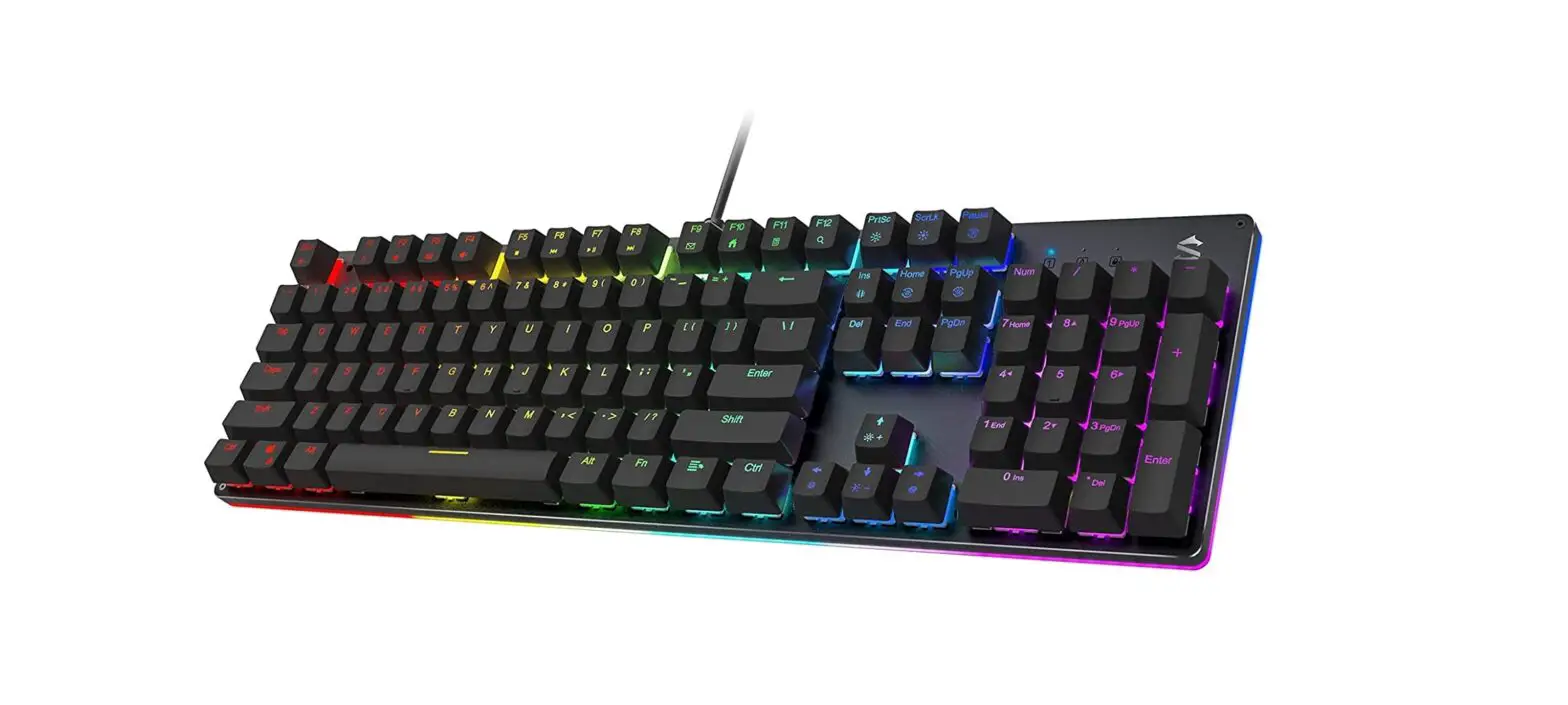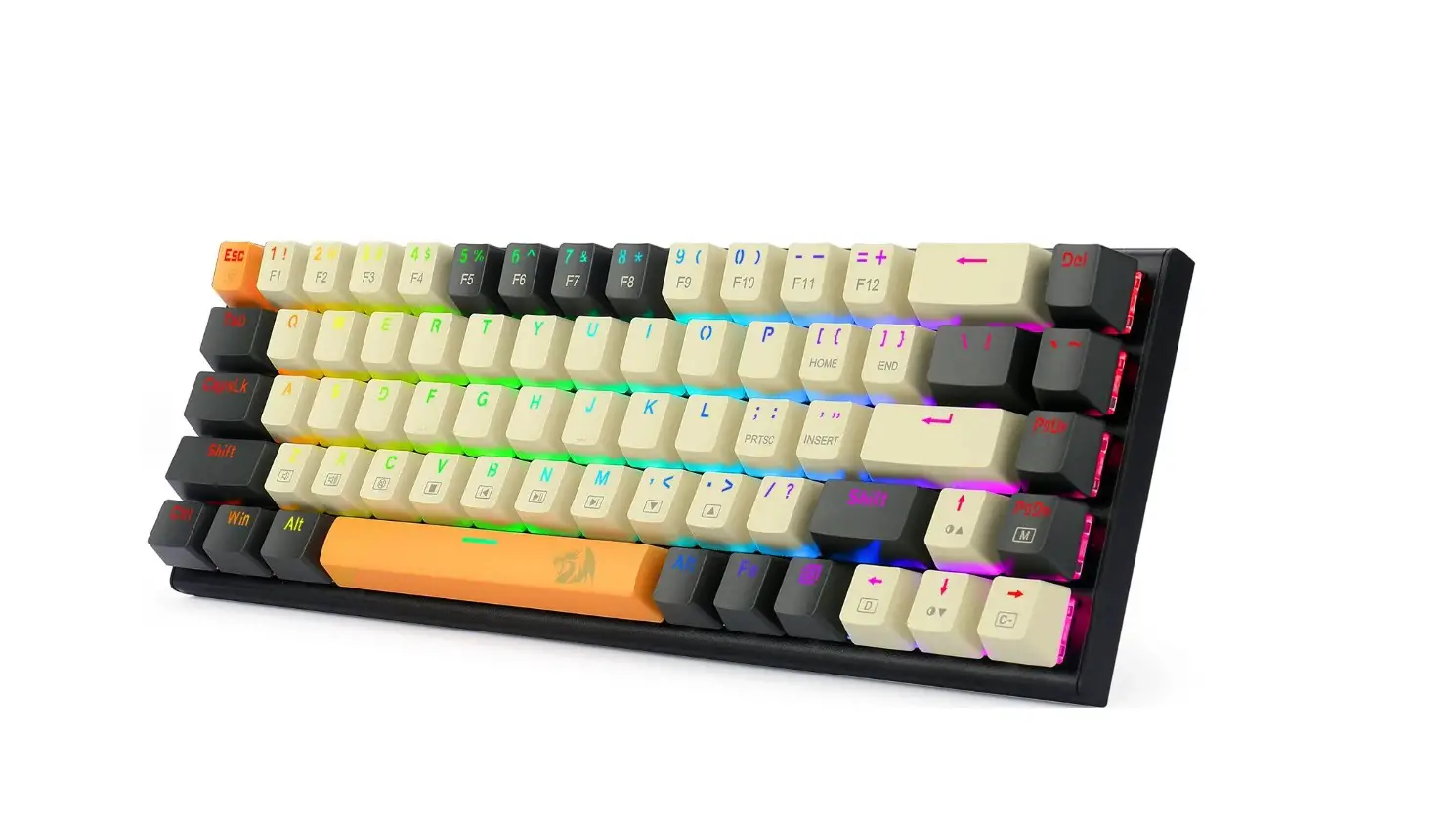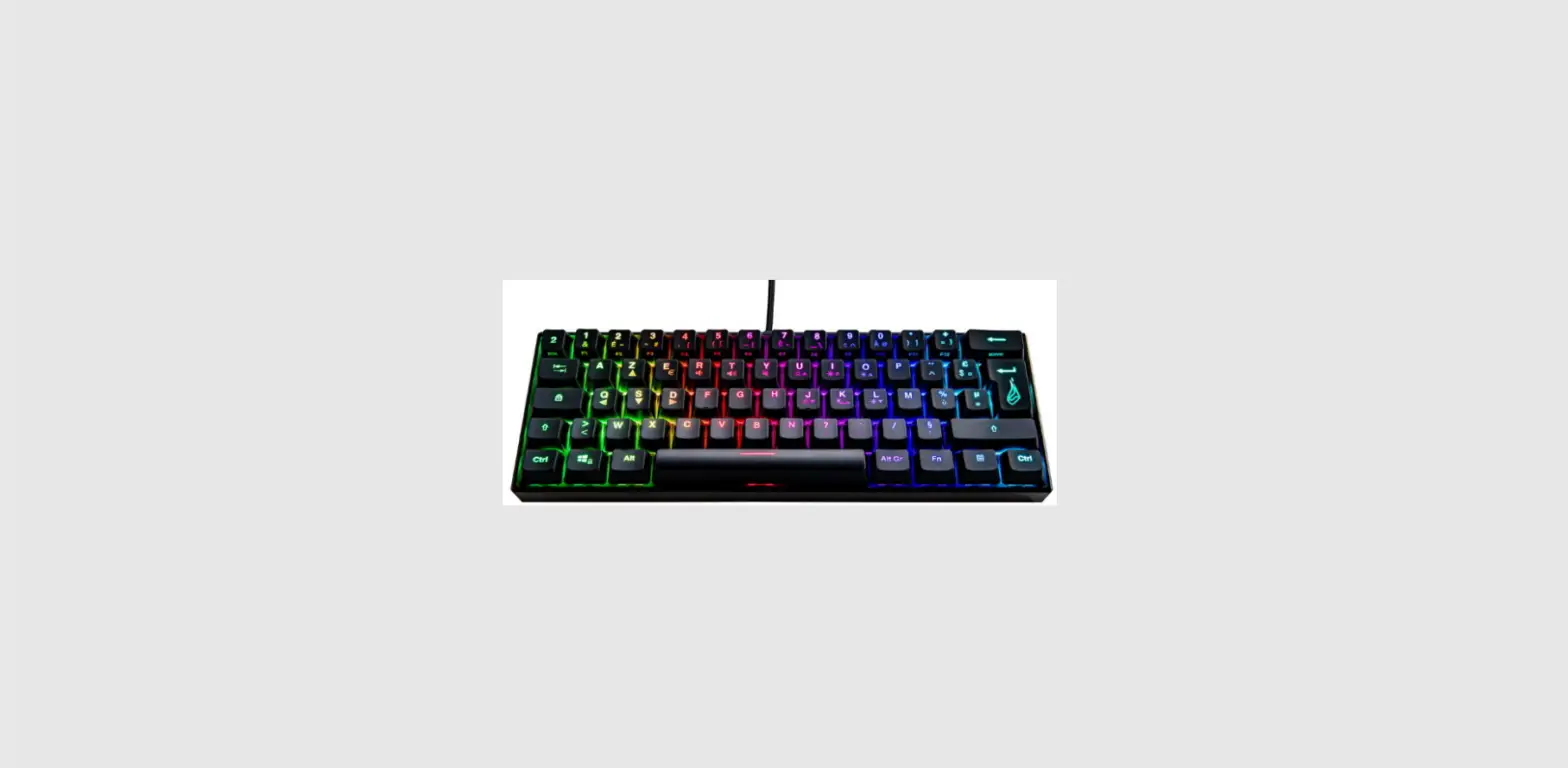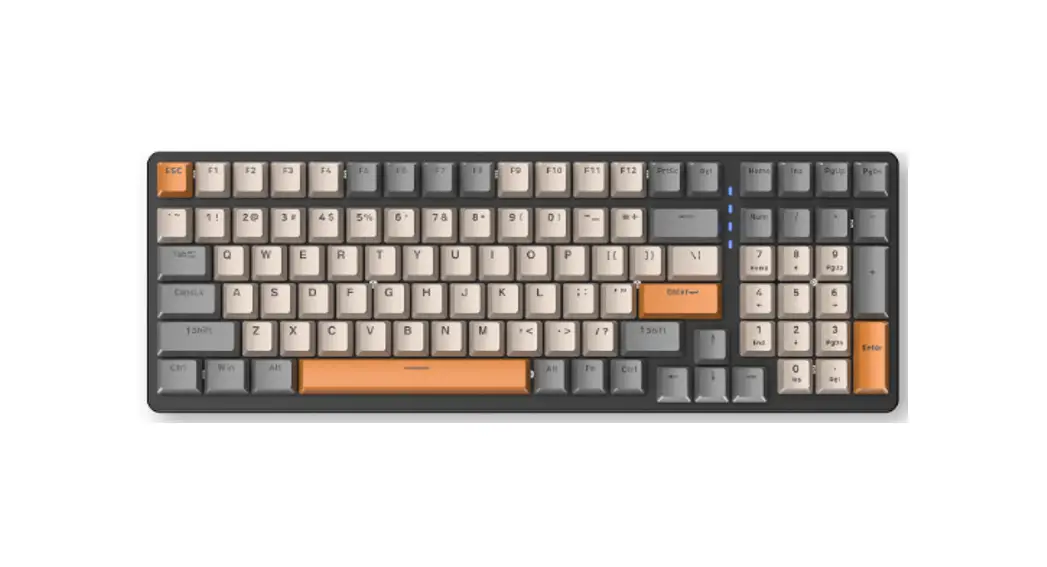

K3 100 KEYS RGBS Backlit Gaming Keyboard
Instruction Manual
K3 100 KEYS RGBS Backlit Gaming Keyboard
 Thank you for purchasing the Fuegobird K series mechanical keyboard, please read the user manual carefully before use.
Product Information:
Model: K3
Working voltage: 5V
Connection method: USB Type-C
Product size: 38*13*4 cm
Product weight: 850g
Cable length: 1.5m
Support system: Win XP/7/8/10/11 MacOS
All-keys Anti-Ghost
Please clean the keyboard of dust and hair regularly.
Do not expose the keyboard to liquids, Warranty is not available after water has entered.
If you need help, please contact us at [email protected]
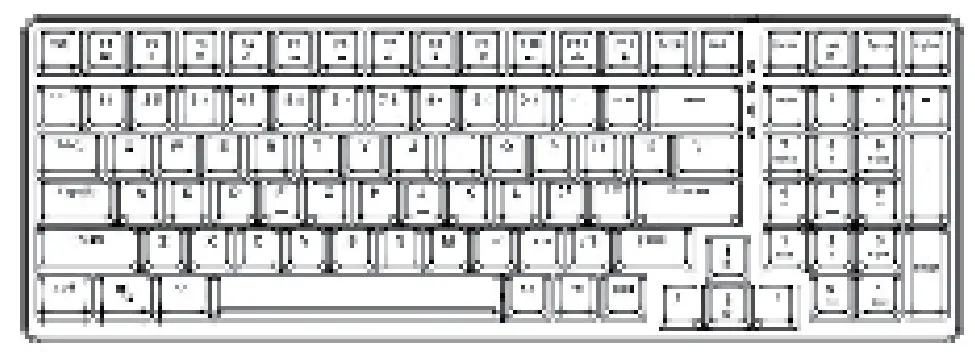
Fn + Function Introduction
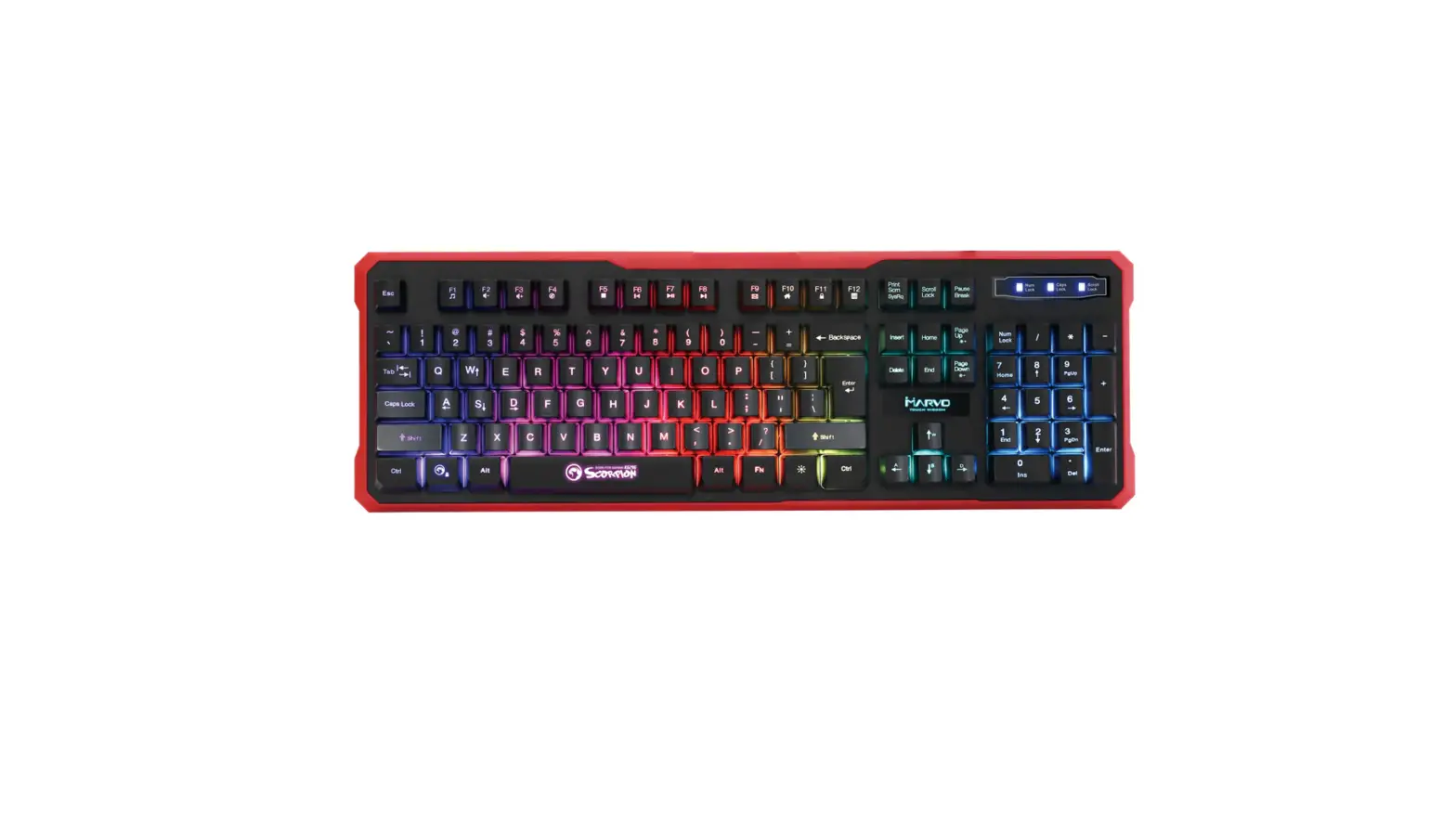
| Fn + F1 My computer | Fn + F10 Volume down |
| Fn + F2 Search | Fn + F11 Volume up |
| Fn + F3 Calculator | Fn + F12 Keyboard lock |
| Fn + F4 Player | Fn + W WASD and ↑↓←→ swap |
| Fn + F5 Previous track | Fn + Win Locks the WIndows key |
| Fn + F6 Next track | Fn + INS Adjust keyboard lighting effect |
| Fn + F7 Play/Pause | Fn + ↑/↓ Keyboard brightness adjustment |
| Fn + F8 End playback | Fn + ←/→ Keyboard lighting speed |
| Fn + F9 Mute |