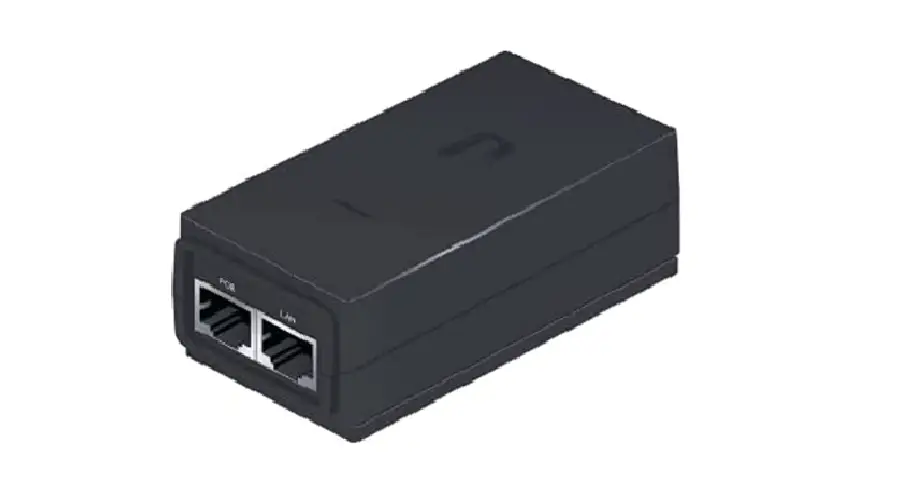
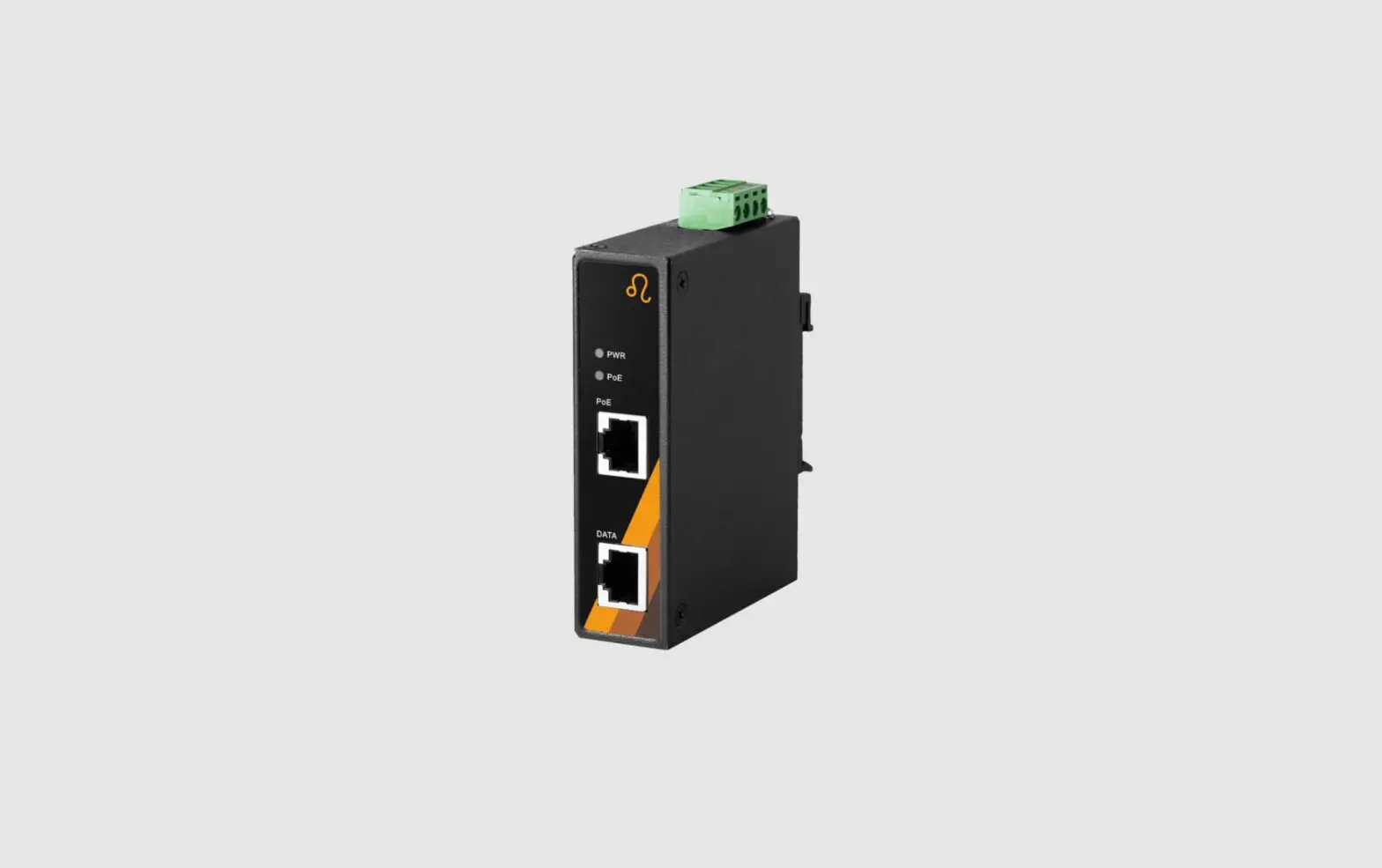
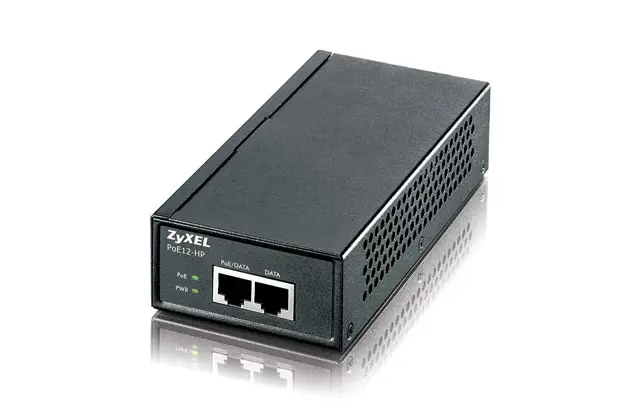
EX-60316 Power Over Ethernet PoE+ Gigabit Injector
Product Information
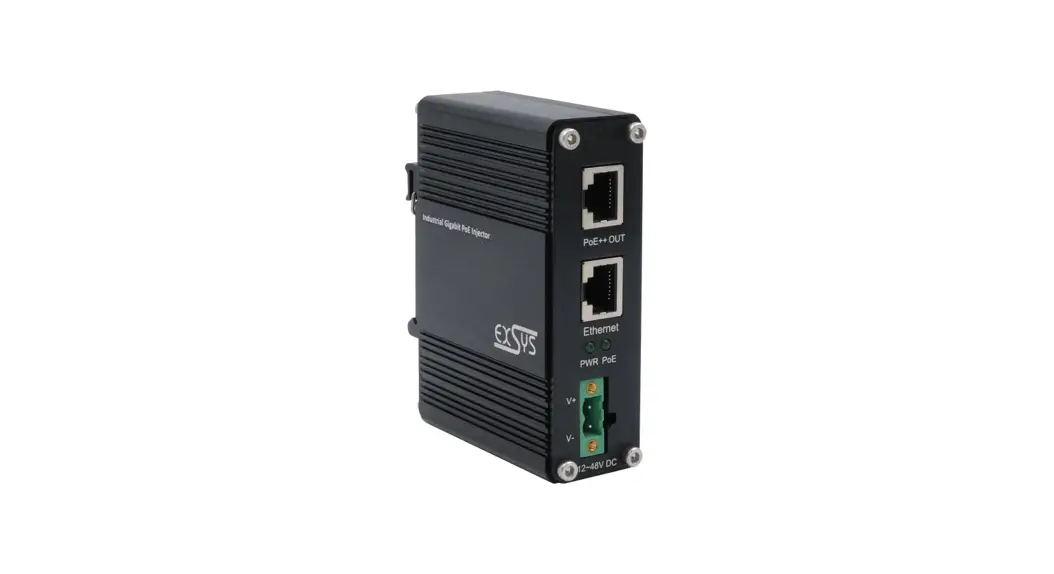
The EX-60316 is a networking device that provides Gigabit
Ethernet connectivity with Power over Ethernet (PoE) support. It is
compatible with all operating systems and features two M12
connectors, an 8-pin network port, and a 4-pin power port. The
device comes with a DIN-Rail kit and wall mounting brackets for
easy installation.
Connectors & LEDs
The network port (M12, 8-pin) and power port (M12, 4-pin) are
both A coded for secure connections. The pin assignments for the
Ethernet/PoE signals are as follows:
| RJ45 | M12 Signal | PoE RJ45 | M12 Signal |
|---|---|---|---|
| 1 | 6 BI_DA+ | 5 | 1 |
| 2 | 4 BI_DA- | 6 | 8 |
| 3 | 5 BI_DB+ | 7 | 2 |
| 4 | 7 BI_DC+ VCC+ | 8 | 3 |
| Signal | BI_DCBI_DBBI_DD+ BI_DD- | PoE VCC+ | VCC VCC – |
Hardware Installation
Follow these steps to install the EX-60316:
- Mount the device on a mounting rail using the DIN-Rail kit or
on the wall using the wall mounting brackets. - If using the wall mount, replace the DIN-Rail kit with the
mounting bracket. - Connect the power connector (M12, 4-pin) of the optional power
supply to the DC-Input of the Injector and turn on the power
supply. - Check that the PWR indicator lights up when the power is turned
on. If not, ensure proper connection to the power supply. - Connect your router to the M12 input of the PoE injector.
- Connect your PoE PD device to the PoE port.
- Verify that all cables are connected correctly by checking the
indicators on the LEDs.
Cleaning
To clean the device, use a dry, non-fibrous cloth and apply
light pressure. Be careful not to leave any cloth fibers in the
socket area. Do not use a moist or wet cloth for cleaning.
Technical Specifications
- Gigabit Ethernet 10/100/1000Base-T
- IEEE 802.3af/at (PoE+)
- PoE (PSE): Typ 1 = 15.4W / Typ 2 = 34.2W
- 2x M12 connectors, 8-pin, A coded
- 1x M12 connector, 4-pin, A coded
Extent of Delivery
The package includes the EX-60316 device, DIN-Rail kit, wall
mounting brackets, and an instruction manual.
Certificates
The EX-60316 is certified for quality and safety.
CONNECTORS & LED’S
Network Port M12 (8-pin, A Coded):
Pin Assignment Ethernet/PoE
RJ45 M12 Signal
PoE RJ45 M12
1 6 BI_DA+
5 1
2 4 BI_DA-
6 8
3 5 BI_DB+
7 2
4 7 BI_DC+ VCC+ 8 3
Signal BI_DCBI_DBBI_DD+ BI_DD-
PoE VCC+
VCC VCC –
HARDWARE INSTALLATION
Please read the following installation instructions. 1. Install the EX-60316 on a mounting rail using the DIN-Rail kit or on the wall using the wall
mounting brackets.
The DIN-Rail Kit is pre-assembled with two screws on the rear side
To install the wall mount, the DINRail kit must be replaced by the mounting bracket
Anleitung
Vers. 1.0 / 03.10.22
AUFBAU
EX-60316
12-48V M12 Port für optional erhältliches Netzteil
Power Port M12 (4-pin, A Coded):
Power Connection
Pin
Signal
Pin
1
DC+
3
2
GND
4
Signal DCGND
Status LEDs:
LED Name Power PoE
PoE LED Power LED
Color
Green
On: Off:
Green
On: Off:
LED Function
Powered no power connection
PoE activated no (PD) device connected
5
2. Connect the power connector (M12, 4-pin) of the optionally available power supply to the DC-Input of the Injector and turn on the power supply.
3. When the power is turned on, the PWR indicator lights up. If the indicator is not lit, check for proper connection to the power supply.
4. Connect your router to the M12 input of the PoE injector. 5. Now connect your PoE PD device to the PoE port. 6. If all cables are connected correctly, the indicators light according to the port status of the
LEDs (page 5).
CLEANING
To clean the device, please use only a dry, non-fibrous cloth and remove the dirt with light pressure. In the area of the connections, please make sure that no fibers of the cloth are left in the socket. Attention! Never use a moist or wet cloth for cleaning!
Germany: EXSYS Vertriebs GmbH Industriestrasse 8 61449 Steinbach www.exsys.de
Sw itzerland: EXSYS Vertriebs GmbH Dübendorfstrasse 17 8602 Wangen www.exsys.ch
6
M12 Port Downlink (PoE/Daten)
M12 Port Uplink (Daten)
Status LEDs
BESCHREIBUNG & TECHNISCHE DATEN
Der EN50155-konforme Gigabit Ethernet PoE Injektor EX-60316 ist für industrielle Anwendungen z.B. in Schienenfahrzeugen und Eisenbahnanwendungen, konzipiert. Er ist konform zum PoE+ Standard IEEE 802.3at und stellt einen Gigabit PoE -Ausgang zur Verfügung. Der EN50155 PoE-Injektor verwendet M12-Steckverbinder, um dichte, robuste Verbindungen zu gewährleisten und einen zuverlässigen Betrieb bei Umgebungsstörungen wie Vibrationen und Stößen sicherzustellen. Der erweiterte Betriebstemperaturbereich von -40°C bis 80°C und das robuste Metallgehäuse tragen zusätzlich zur Betriebssicherheit bei. Das Gerät schaltet den Strom erst dann ein, wenn es eine gültige PoE-Signatur von den im Netzwerk nachgeschalteten PoE-Geräten erkennt. Dies bietet Schutz vor Schäden an nicht PoE -kompatiblen Geräten, die möglicherweise an das Ethernet-Kabel angeschlossen sind. Die Stromversorgung mit einer Weitbereichsspannung von +12~48V von einem optionalen externen Netzteil erfolgt über den 4Pin M12-Steckverbinder. Im Lieferumfang ist ein DIN-Rail Kit (vormontiert) und ein Wandmontagebügel enthalten.
Kompatibilität: PoE:
Betriebssysteme: Anschlüsse:
Lieferumfang: Zertifikate :
Gigabit Ethernet 10/100/1000Base-T IEEE 802.3af/at (PoE+) PoE (PSE): Typ 1 = 15.4W / Typ 2 = 34.2W Alle Betriebssysteme 2x M12-Buchse 8-Pin / A-Codierung 1x M12-Buchse 4-Pin / A-Codierung EX-60316, DIN-Rail Kit, Wandmontagehalterung, Anleitung
1
ANSCHLÜSSE & LED’S
Netzwerk-Anschluss M12 (8-pin, A-Codierung):
Pin-Belegung Ethernet/PoE
RJ45 M12 Signal
PoE RJ45 M12
1 6 BI_DA+
5 1
2 4 BI_DA-
6 8
3 5 BI_DB+
7 2
4 7 BI_DC+ VCC+ 8 3
Signal BI_DCBI_DBBI_DD+ BI_DD-
PoE VCC+
VCC VCC –
HARDWARE INSTALLATION
Beachten Sie bitte die folgenden Installationshinweise. 1. Installieren Sie den EX-60316 mit dem DIN-Rail Kit auf eine Tragschiene oder mit der
Wandmontagehalterung an die Wand.
Das DIN-Rail Kit ist mit zwei Schrauben an der Rückseite vormontiert
Zur Montage der Wandhalterung wird das DIN-Rail-Kit durch den Montage-
bügel ersetzt
Manual
Vers. 1.0 / 03.10.22
LAYOUT
EX-60316
12-48V M12 Port for optional Power Supply
Anschluss Stromversorgung M12 (4-pin, A-Codierung):
Stromversorgung
Pin
Signal
Pin
1
DC+
3
2
GND
4
Signal DCGND
Status LEDs:
LED Name Power PoE
PoE LED Power LED
Farbe Grün Grün
An: Aus:
An: Aus:
LED Funktion Stromversorgung an keine Stromversorgung
PoE ist aktiv Kein (PD) Gerät angeschlossen
2
2. Schließen Sie den Stromanschluss (M12 4-Pin) des optional erhältlichen Netzteils am DCEingang des Injectors an und schalten Sie das Netzteil ein.
3. Nach dem Einschalten des Geräts leuchtet die PWR-Anzeige. Wenn die Anzeige nicht leuchtet, überprüfen Sie den korrekten Anschluss an die Stromversorgung.
4. Verbinden Sie Ihren Router mit dem M12-Eingang des PoE-Injectors. 5. Schließen Sie nun Ihr PoE-PD-Gerät an den PoE Anschluss an. 6. Wenn alle Kabel korrekt angeschlossen sind, leuchten die Anzeigen entsprechend dem
Portstatus der LEDs (Seite 2).
REINIGUNG
Zur Reinigung des Gerätes verwenden Sie bitte ausschließlich ein trockenes nicht faserndes Tuch und entfernen Sie die Verschmutzung mit leichtem Druck. Im Bereich der Anschlüsse bitte darauf achten, dass keine Fasern des Tuchs in der Buchse hinterlassen werden. Verwenden Sie bitte zu Reinigung in keinem Fall ein feuchtes oder nasses Tuch!
M12 Port Downlink (PoE/Data)
M12 Port Uplink (Data)
Status LEDs
DESCRIPTION & TECNICAL INFORMATION
The EN50155 compliant Gigabit Ethernet PoE Injector EX-60316 is designed for industrial applications e.g. in rail vehicles and railroad applications. It is compliant with the PoE+ standard IEEE 802.3at and provides a Gigabit PoE output. The EN50155 PoE injector uses M12 connectors to ensure tight, robust connections and reliable operation in the presence of environmental disturbances such as vibration and shock. The extended operating temperature range of -40°C to 80°C and rugged metal housing further contribute to operational reliability. The device does not turn on power until it detects a valid PoE signature from PoE devices downstream in the network. This provides protection against damage to non-PoE compatible devices that may be connected to the Ethernet cable. Power is supplied with a wide range voltage of +12~48V from an optional external power supply via the 4-pin M12 connector. Included in delivery is a DINRail kit (pre-assembled) and a wall mounting bracket.
Compatibility: PoE:
Operating System: Connectors:
Extent of Delivery: Certificates:
Gigabit Ethernet 10/100/1000Base-TX IEEE 802.3af/at (PoE+) PoE (PSE): type 1 = 15.4W / type 2 = 34.2W All operating systems 2x M12-Jack 8-Pin / A-coded 1x M12-Jack 4-Pin / A-coded EX-60316, DIN-Rail Kit, Wall Mounting Bracket, Manual
Deutschland: EXSYS Vertriebs GmbH Industriestrasse 8 61449 Steinbach www.exsys.de
Schw eiz: EXSYS Vertriebs GmbH Dübendorfstrasse 17 8602 Wangen www.exsys.ch
3
4