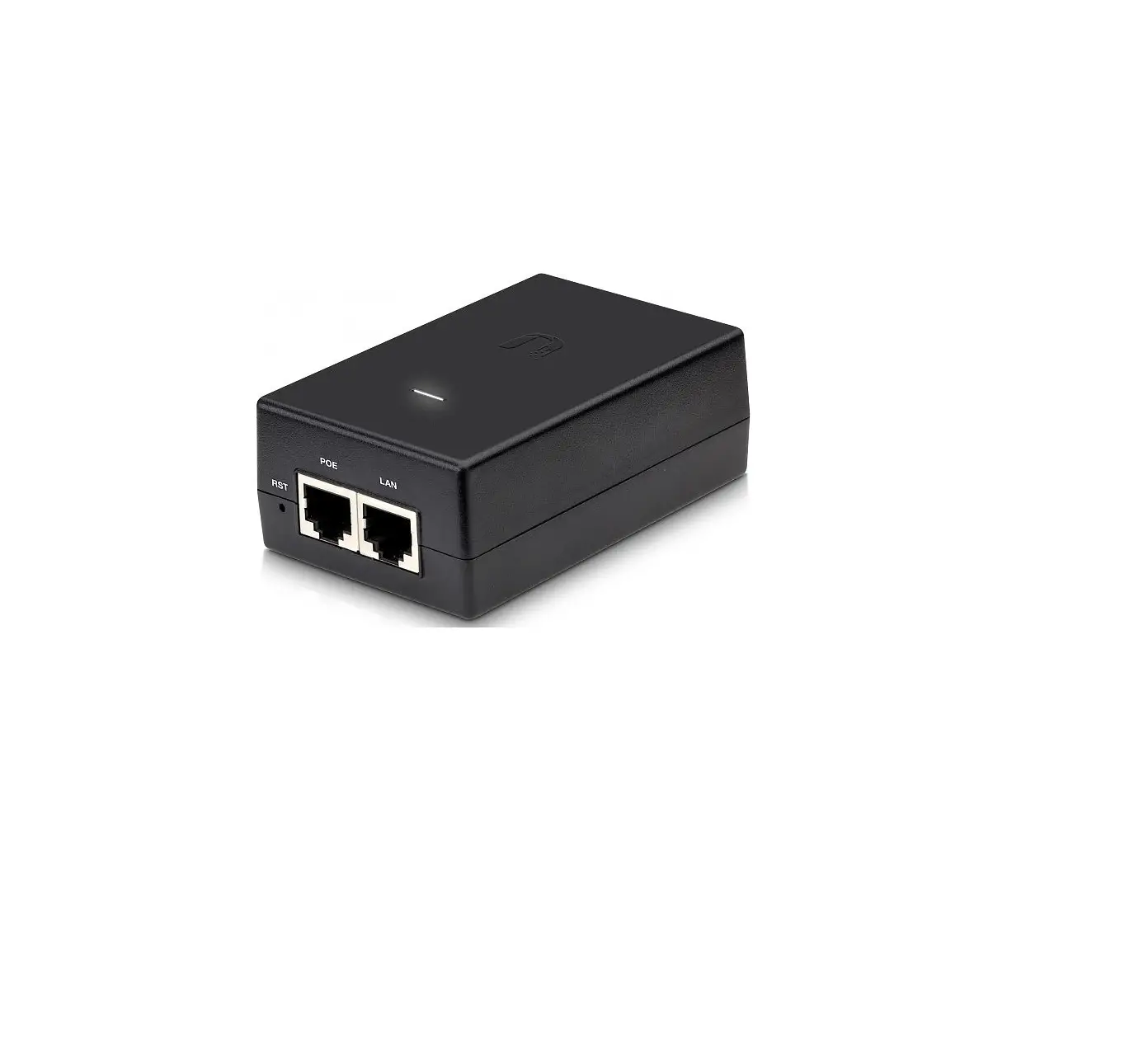
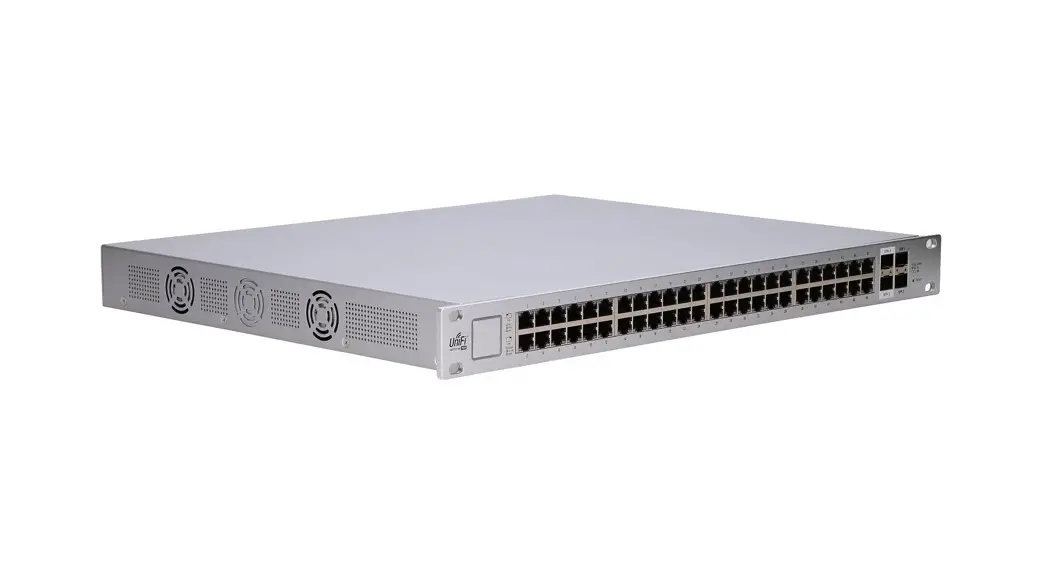
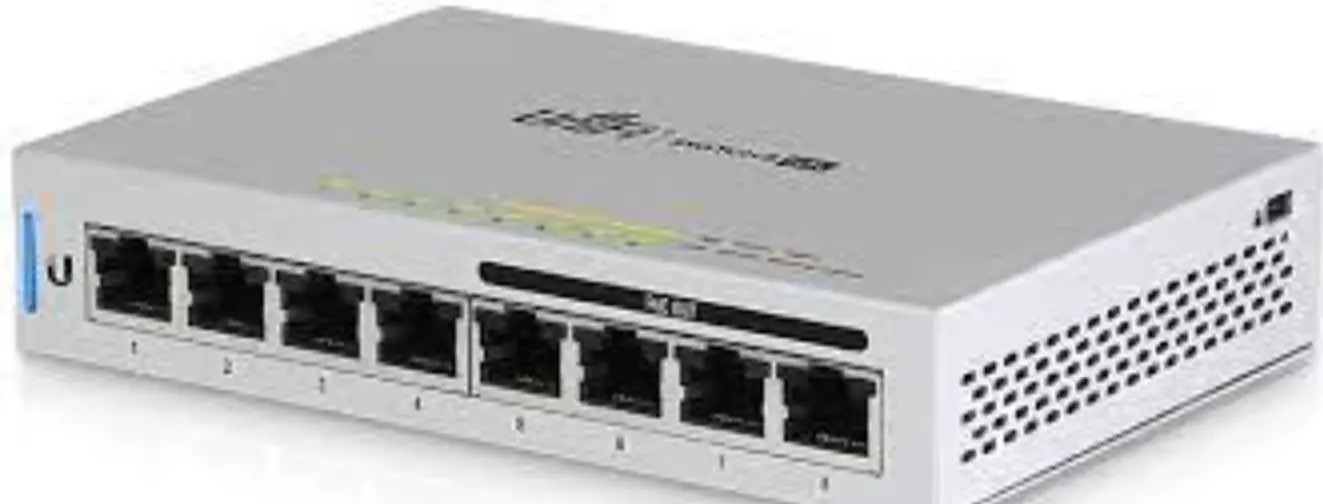
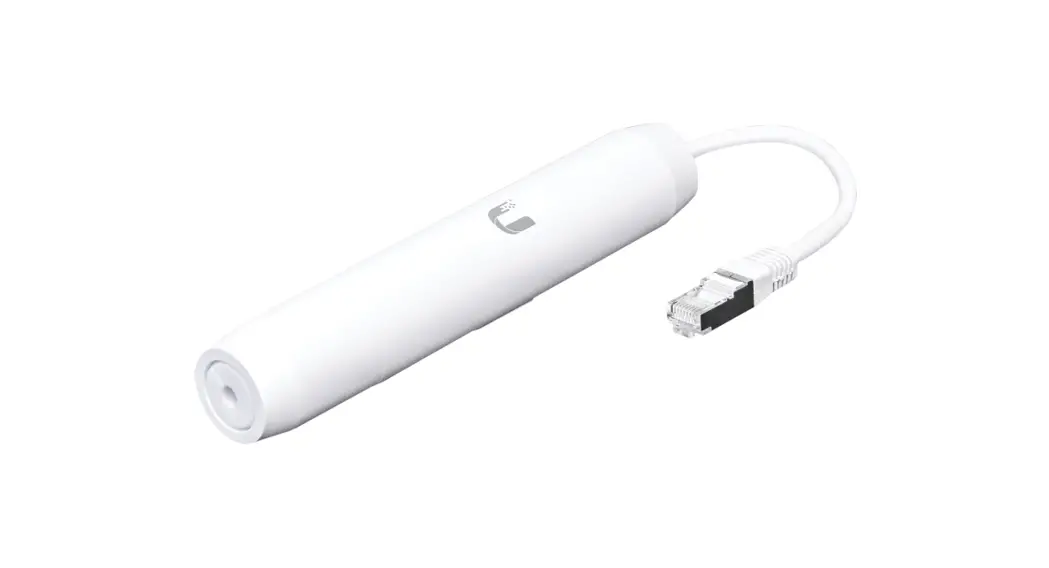
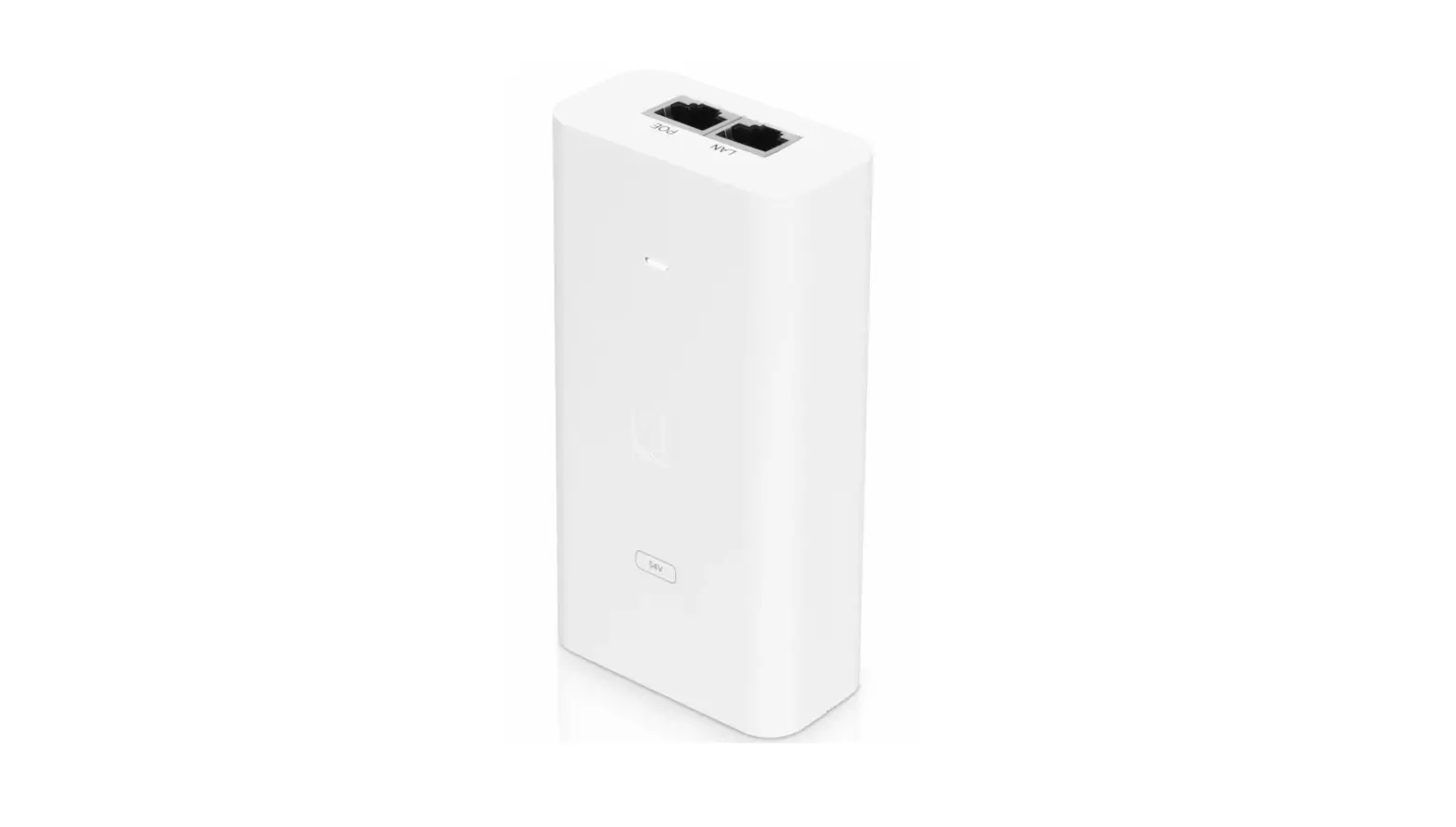
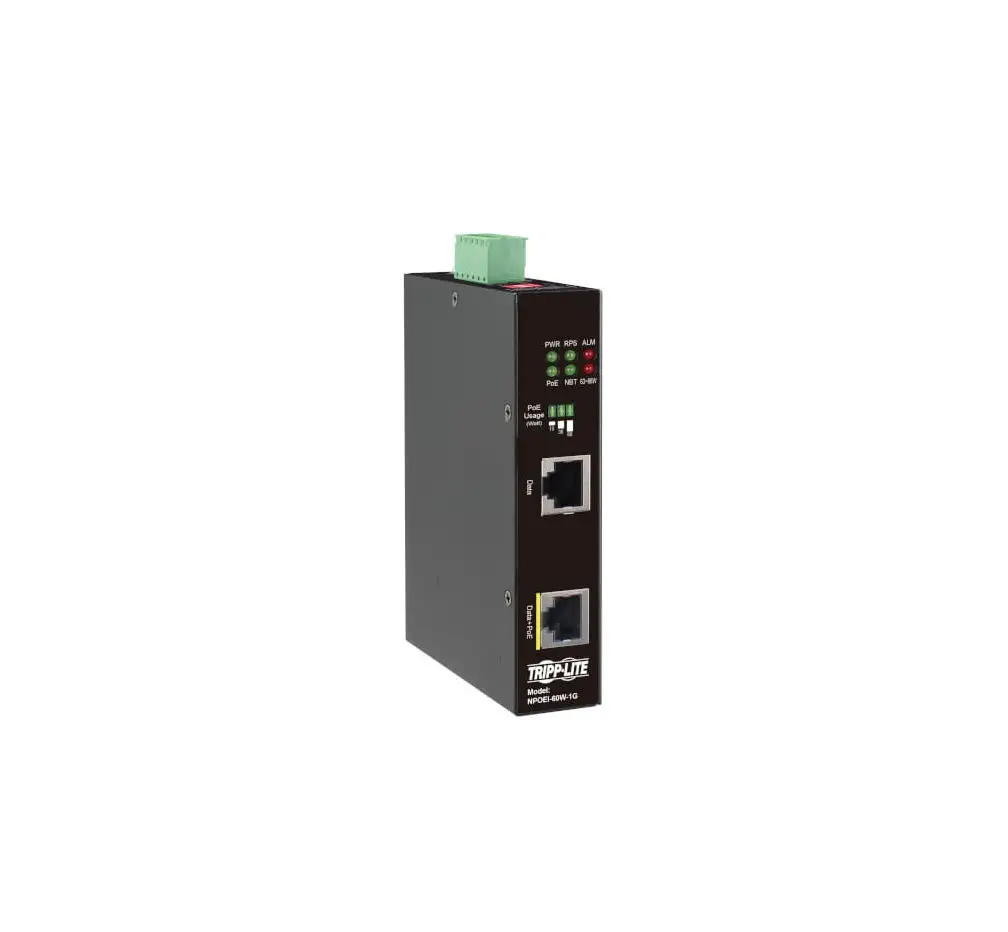
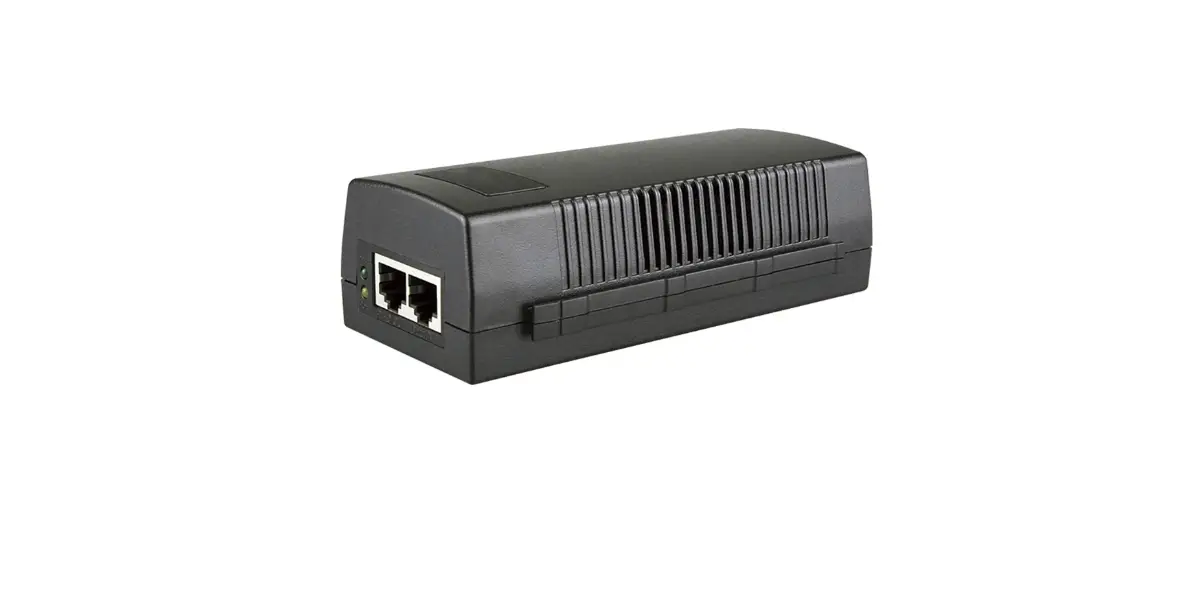
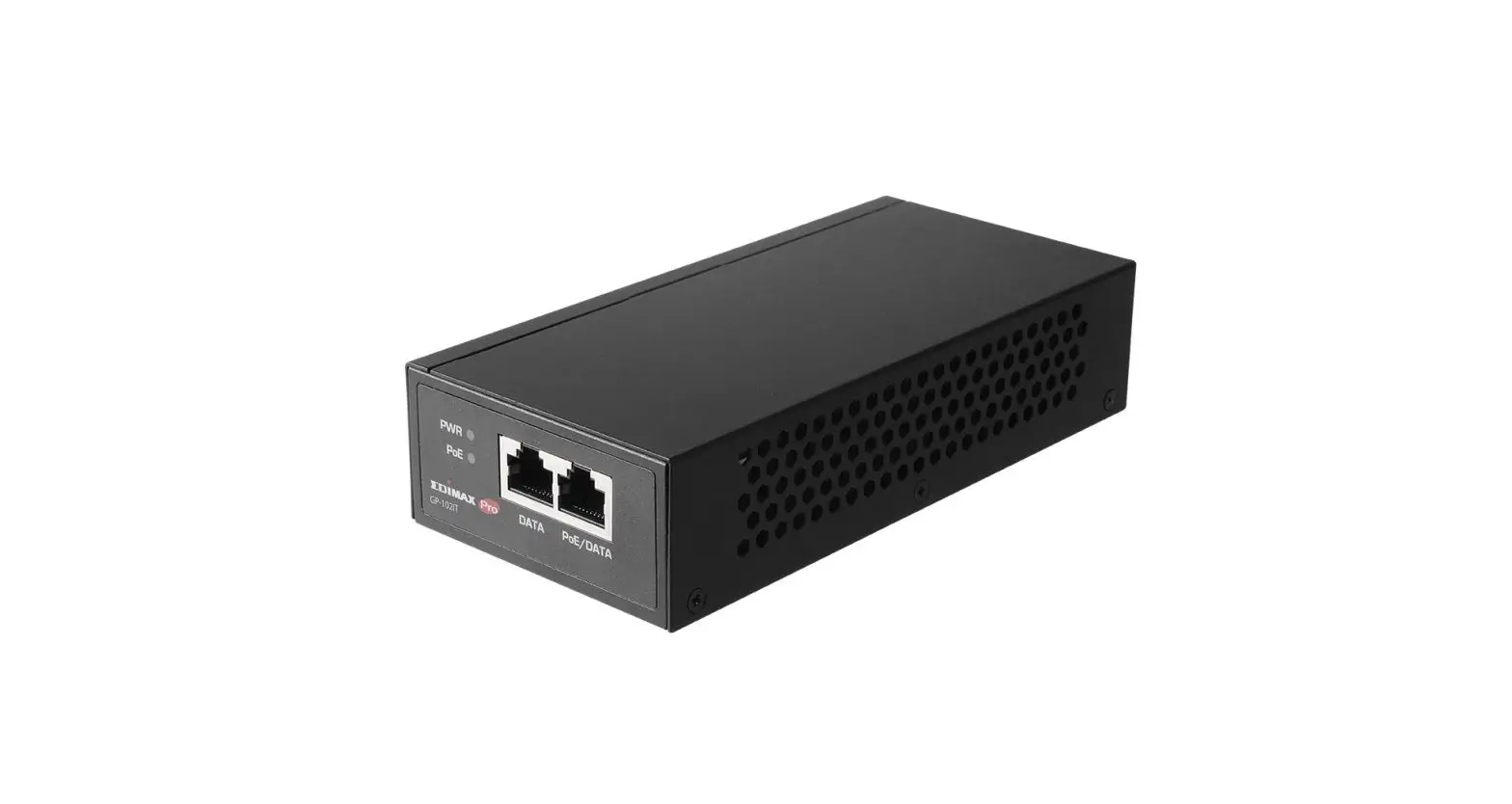
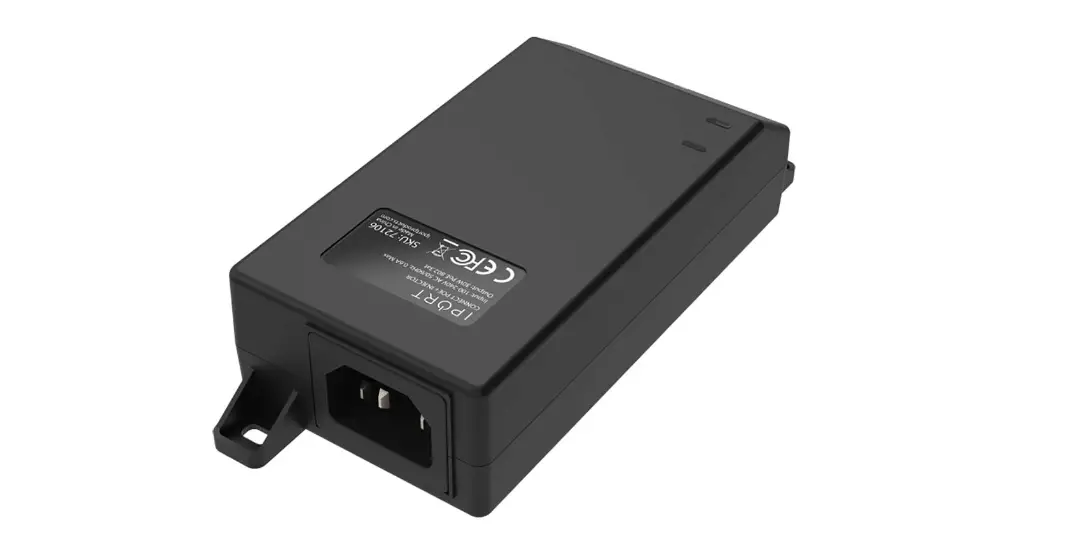
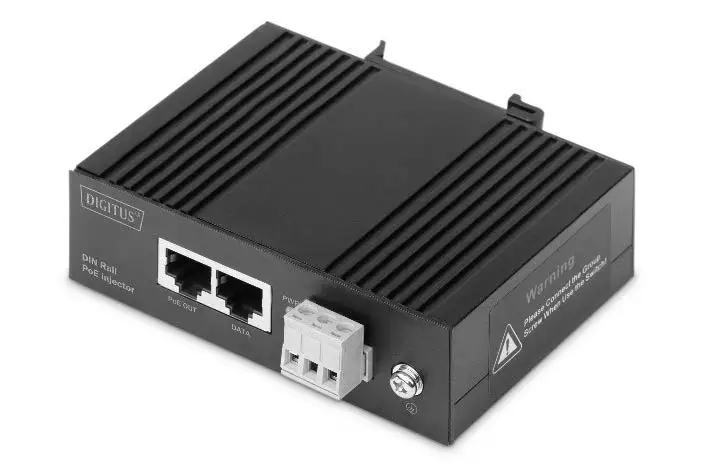
U-POE-AF Gigabit Power Over Ethernet PoE Injector
Product Information
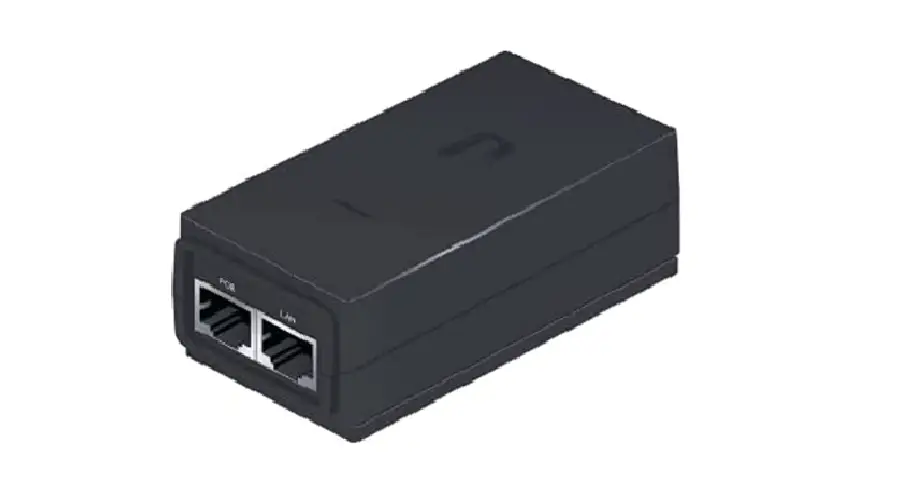
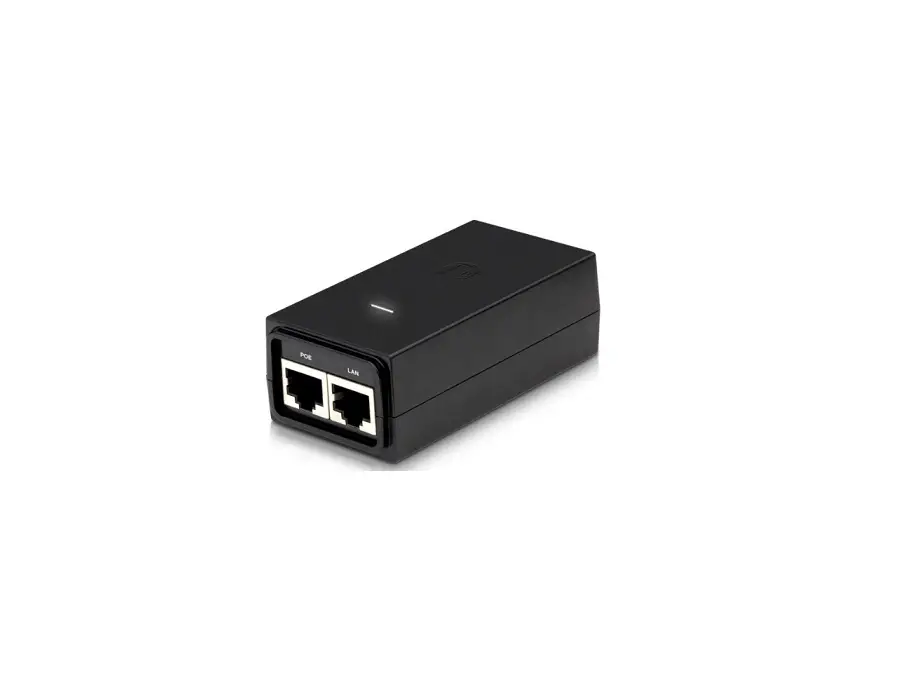
The U-POE-AF is a Power over Ethernet (PoE) injector that allows
you to power your Ubiquiti device through a network cable. It comes
with a PoE port for connecting to the device and a LAN port for
connecting to your local network. The package includes the PoE
injector, a power cord, and the necessary hardware for
installation.
Product Usage Instructions
- Connect a network cable to the PoE port on the injector and the
other end to the Ubiquiti device you want to power. Make sure to
refer to the device specifications for compatibility. - Connect a network cable to the LAN port of the injector and the
other end to your router or local network switch. - Connect the power cord to the injector and the other end to an
electrical outlet.
Safety Instructions
- Read, follow, and save these instructions.
- Pay attention to all warnings.
- Only use devices or accessories indicated by the
manufacturer.
Electrical Safety Information
b. The equipment requires the use of the ground wire as
part of the safety certification. Modification or misuse can create
a shock hazard, which could cause serious injury or death.
c. If you have any questions about the installation, contact
a qualified electrician or the manufacturer before connecting the
equipment.
d. The indicated AC adapter provides a safety ground. For
installation in a building, adequate short-circuit back-up
protection must be provided.
e. A protective connection must be installed in accordance
with national wiring rules and regulations.
Limited Warranty
The U-POE-AF comes with a limited warranty. For more information
about the warranty terms and conditions, please visit ui.com/support/warranty.
Compliance
This device complies with part 15 of the FCC Rules. Changes or
modifications not expressly approved by the party responsible for
compliance could void the user’s authority to operate the
equipment. Operation is subject to certain conditions, including
not causing harmful interference and accepting any received
interference that may cause undesired operation.
The device is also CE marked, indicating its compliance with
applicable European Union regulations.
U-POE-AF Quick Start Guide
Package content
PoE injector
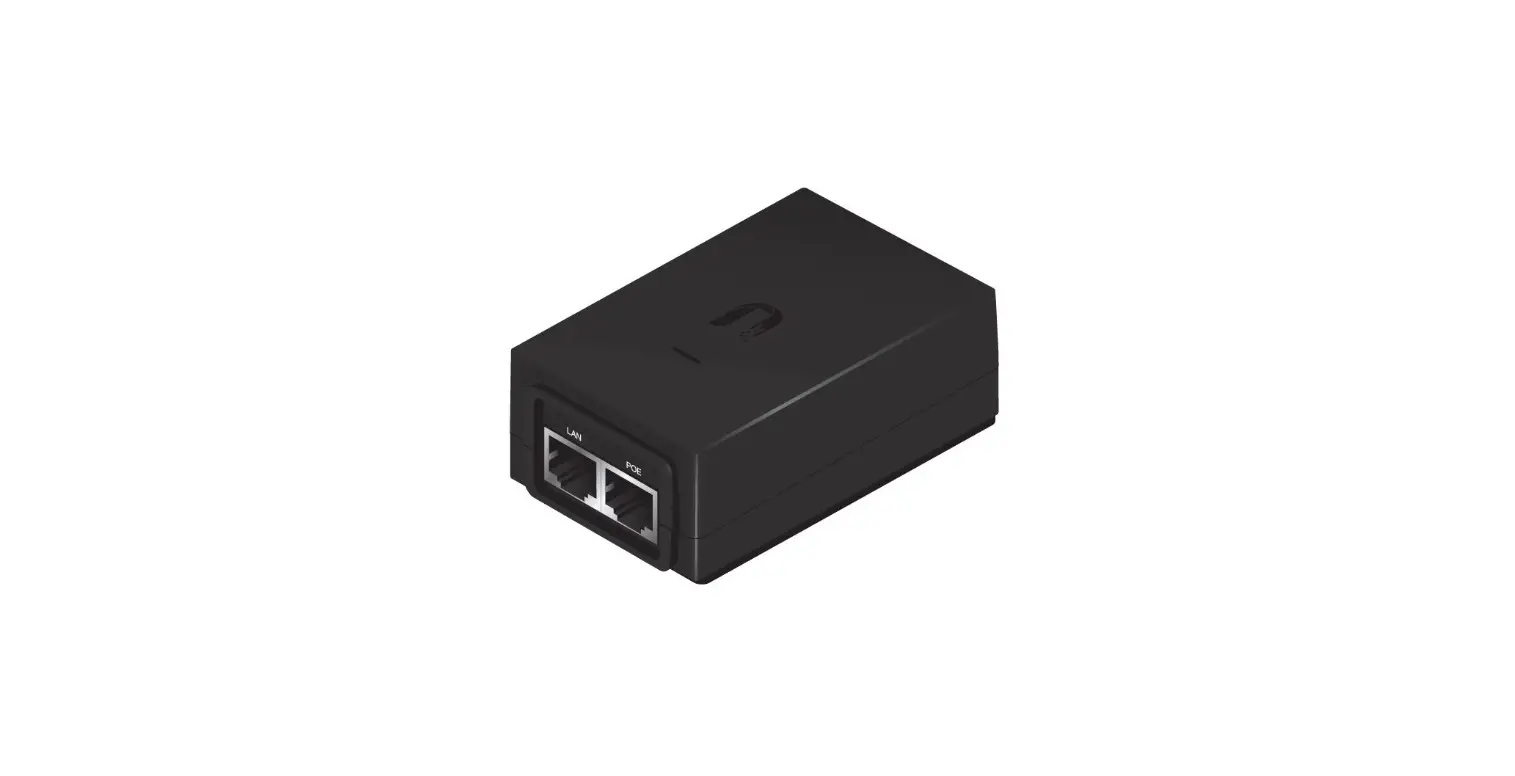
hardware description
Power cord
Puerto PoE y LAN
entrance of electrical power supply
Installation
1. Connect a network cable to the PoE port on the injector and the other end to the Ubiquiti device you want to power (see device specifications).
2. Connect a network cable to the LAN port of the injector and the other end to the router or switch de su red local.
3. Connect the power cord to the injector and the other end to an electrical outlet. stream.
specs
safety instructions
1. Read, follow and save these instructions. 2. Pay attention to all warnings. 3. Only use the devices or accessories indicated by the manufacturer.
electrical safety information
1. It is mandatory to comply with the current, frequency and voltage requirements indicated on the manufacturer’s label. Connection to a power source other than those specified may result in malfunction, equipment damage, or fire hazard if limitations are not followed. 2. This equipment contains no operator-serviceable parts. Only a qualified service technician should provide services. 3. This equipment is supplied with a detachable power cord that has an integral safety ground wire designed to be connected to a safety ground. a. Do not substitute the power cord with one other than the approved type provided. Never use an adapter plug to connect to a two-wire outlet, as it will break the continuity of the ground wire.
b. The equipment requires the use of the ground wire as part of the safety certification. Modification or misuse can create a shock hazard, which could cause serious injury or death.
c. If you have any questions about the installation, contact a qualified electrician or the manufacturer before connecting the equipment.
d. The indicated AC adapter provides a safety ground. For installation in a building, adequate short-circuit back-up protection must be provided.
and. A protective connection must be installed in accordance with national wiring rules and regulations.
limited warranty
ui.com/support/warranty
The limited warranty requires arbitration to resolve disputes on a case-by-case basis and, where appropriate, specifying arbitration instead of jury trials or class actions.
Compliance
FCC Changes or modifications not expressly approved by the party responsible for compliance could void the user’s authority to operate the equipment. This device complies with part 15 of the FCC Rules. Operation is subject to the following two conditions.
1.This device may not cause harmful interference. 2.This device must accept any interference received, including interference that may cause undesired operation.
This equipment has been tested and found to comply with the limits for a Class A digital device, pursuant to part 15 of the FCC Rules. These limits are designed to provide acceptable protection against harmful interference when the equipment is operated in a commercial environment. This equipment generates, uses, and can radiate radio frequency energy and, if not installed and used in accordance with the instruction manual, may cause harmful interference to radio communications. Operation of this equipment in a residential area is likely to cause harmful interference, in which case the user will be required to correct the interference at his own expense.
CE marked
 Ubiquiti - Warranty
 Ubiquiti - Warranty