

 User Manual
www.zebronics.com
Features
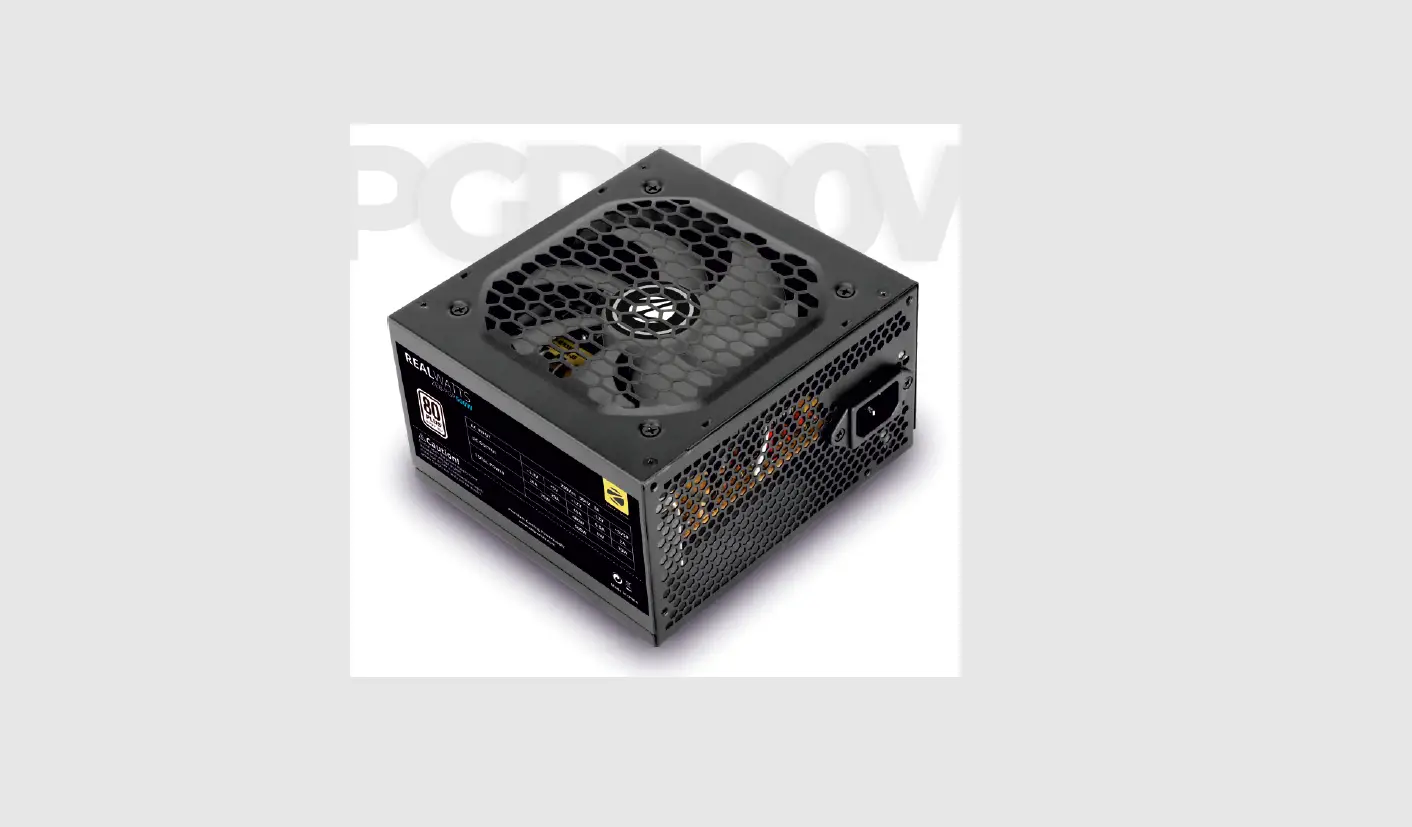
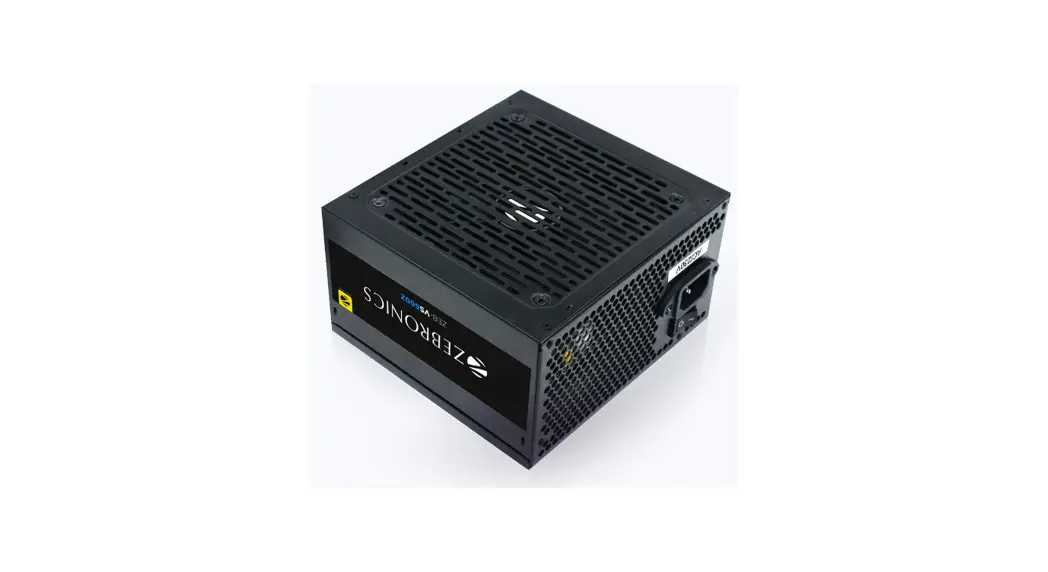
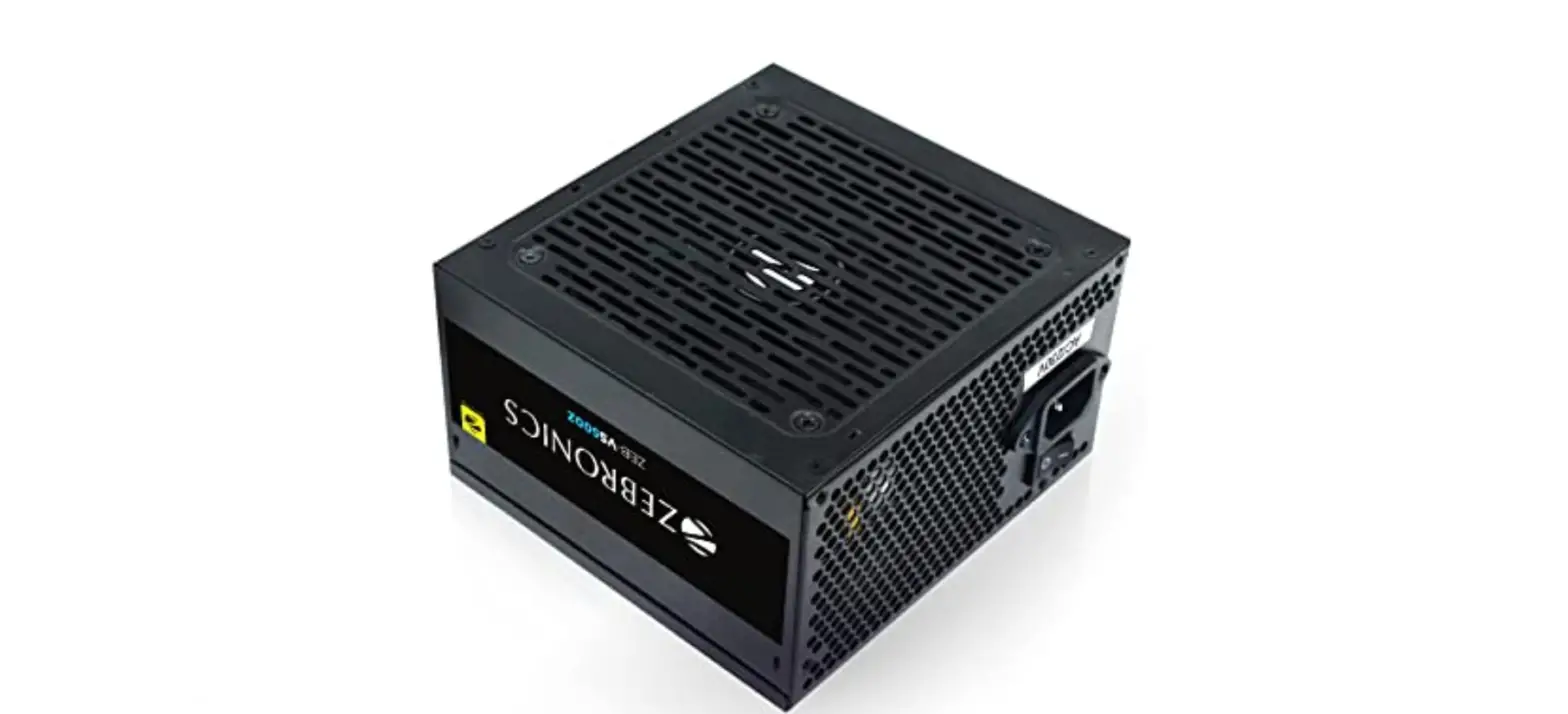
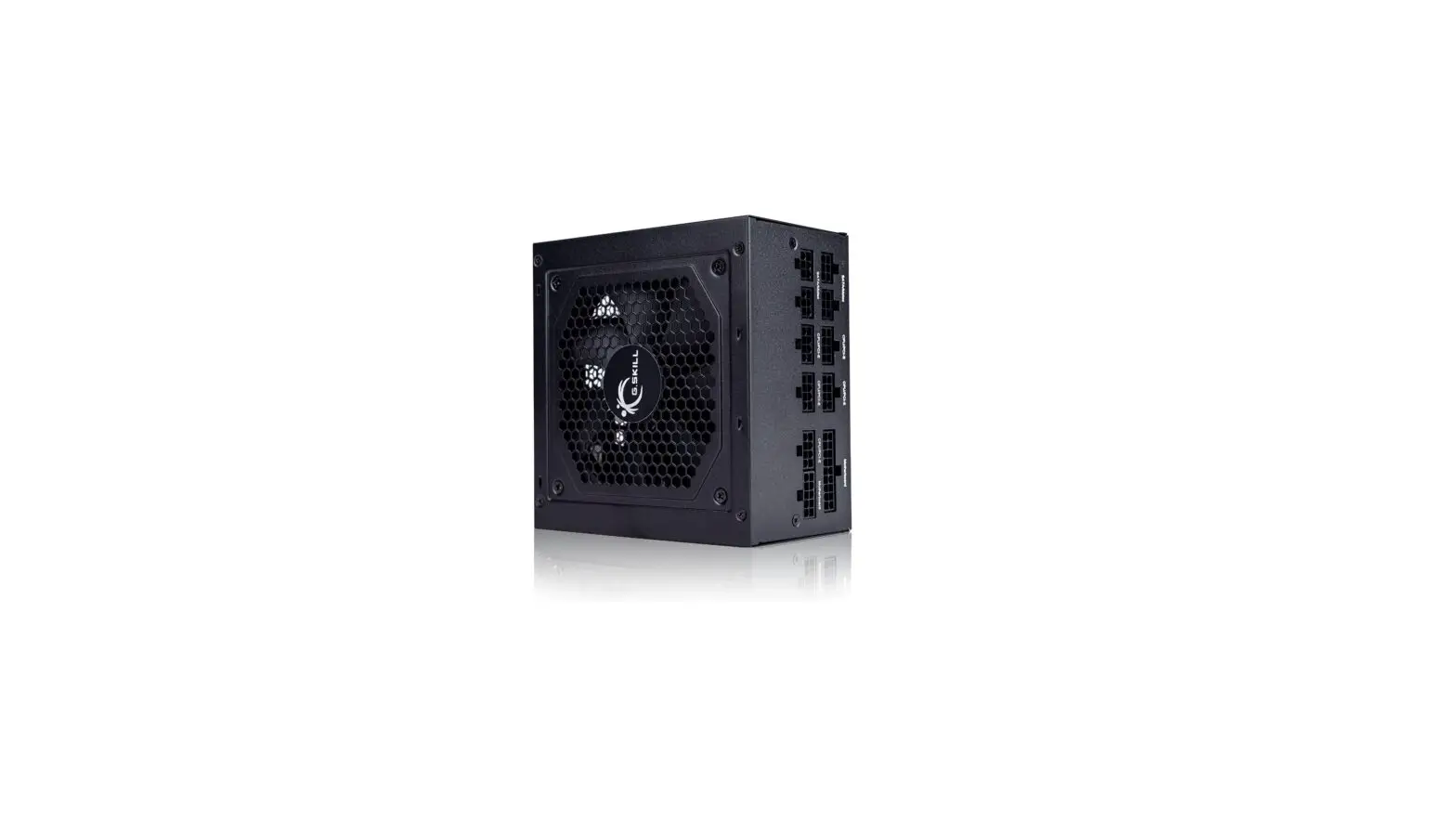
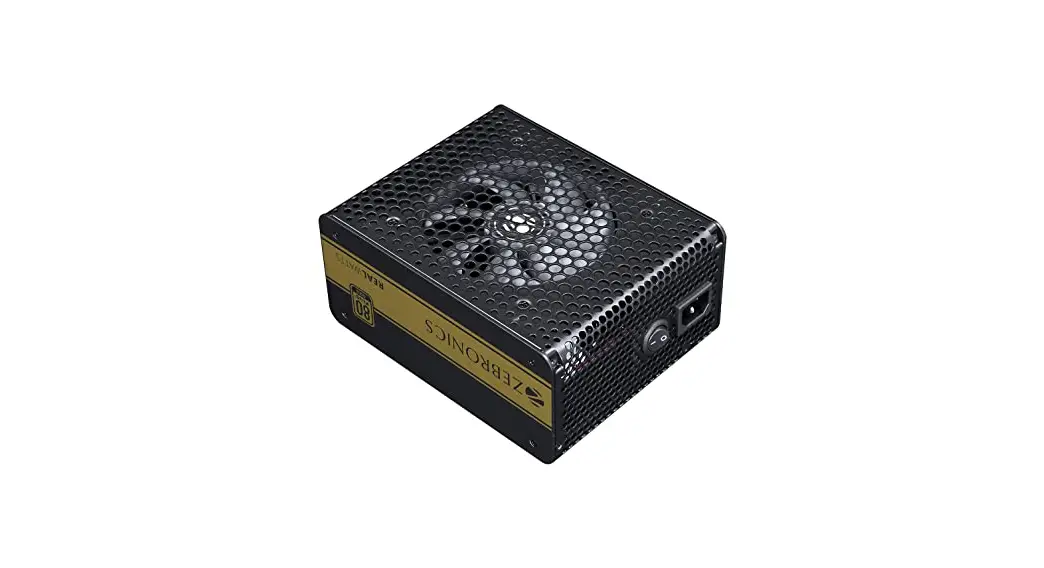
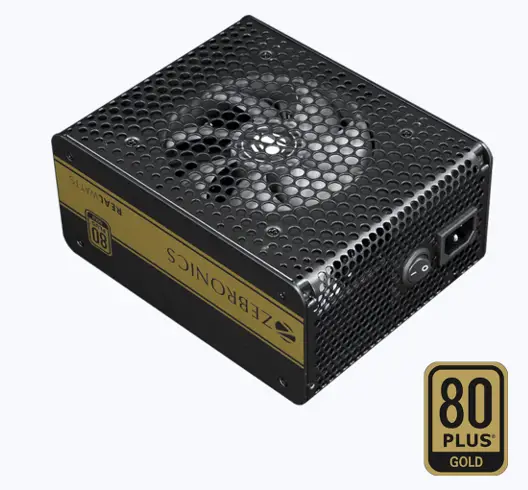
80+ Gold Power Supply
High Efficiency
Fully Modular Design
Quad PCIe Connectors
Single 62A 12V Rail
Full Protection Built-In
Specifications
| Active PFC | : Yes |
| Input Voltage | : 100-230V |
| Input Current | : 6-12A |
| Fan Type | : Oil Bearing |
| Power Good Signal | : 300ms |
| Hold Up Time | : 18ms |
| Efficiency | : 20% loading 87%,50% loading 90%, 100% loading 87% |
| MTBF | : 20000H |
| Protections | : OVP / OPP / SCP / UVP |
| Operating Temp | : 45°c |
| Product Dimension (W x D x H) | : 188 x 146 x 86 mm |
| Weight | : 2.45kg |
Package content:
| Power Supply Power Cord Mounting Screws Cable tie Modular cables | : 1 No. : 1 No. :4 Nos. : 5 Nos. :10 Nos. |
| AC input | 100Vac-230Vac 47Hz-63Hz 6-12A | ||||
| DC Output | +3.3V | +5V | +12V | -12V | +5VSB |
| 20A | 20A | 62A | 0.5A | 3A | |
| 100W | 744W | 6W | 15W | ||
| 750W | |||||
Installation:
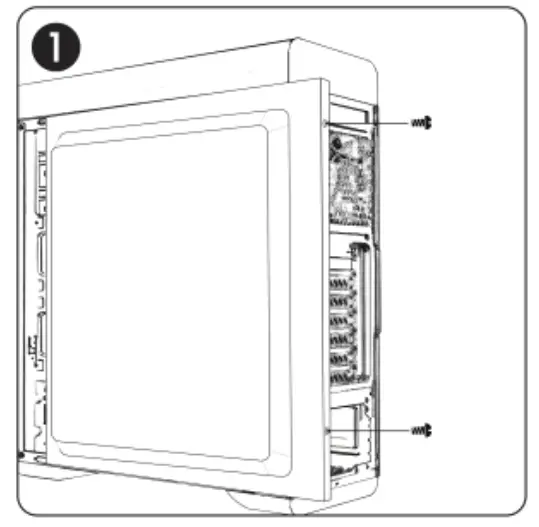
Undo the thumb screws and remove the cabinet side panel.
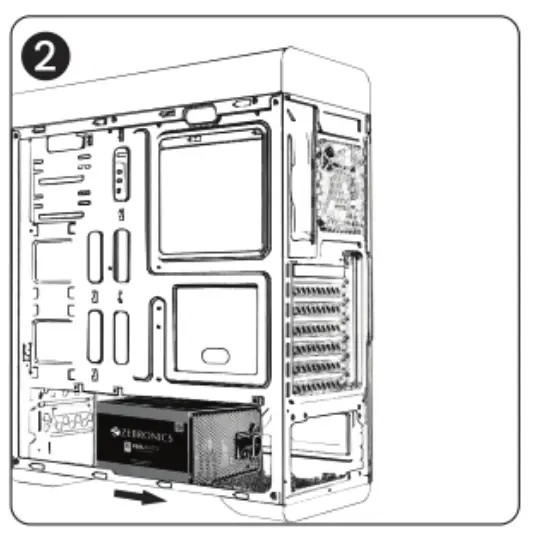
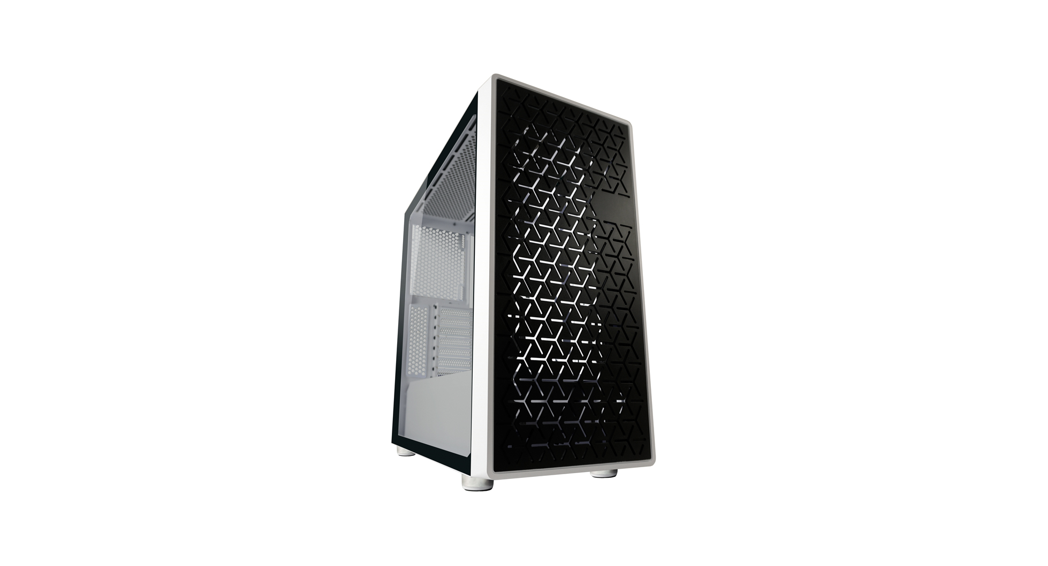
Install the power supply inside the cabinet.
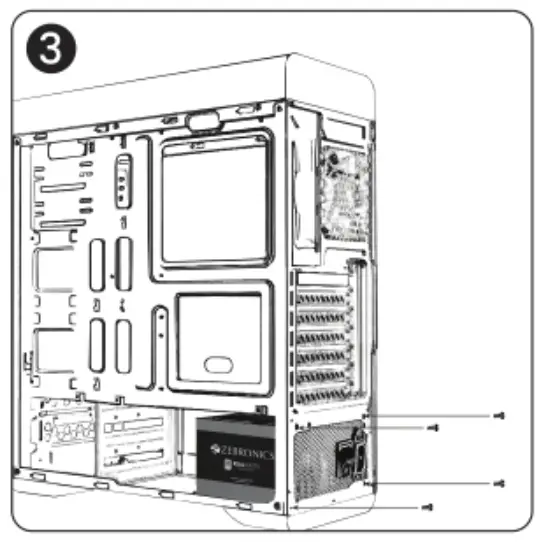
Fasten the power supply in the cabinet with provided screws.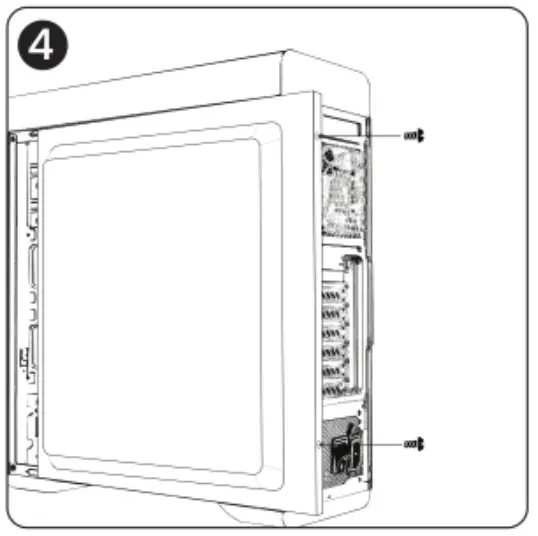
Fix back the cabinet side panel and fasten the thumb screws.
Connection Description:
Motherboard 20+4 Pin Connector
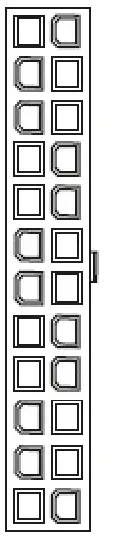
| Pin | Description |
| 1 | 4-3.3V |
| 2 | +3.3V |
| 3 | COM |
| 4 | +5V |
| S | COM |
| 6 | +5V |
| 7 | COM |
| 8 | P.G. |
| 9 | +5V.„, |
| 10 | +12V |
| 11 | +12V |
| 12 | +3.3V |
| Pin | Description |
| 13 | +3.3V |
| 14 | -12V |
| 15 | COM |
| 16 | PS-ON |
| 17 | COM |
| 18 | COM |
| 19 | COM |
| 20 | NC |
| 21 | +5V |
| 22 | +5V |
| 23 | +5V |
| 24 | COM |
CPU4+4 PIN Connector
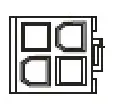
| Pin | Description |
| 1 | COM |
| 2 | COM |
| 3 | +12V |
| 4 | +12V |
PCI-e 6+2 Pin Connector
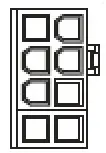
| Pin | Description |
| 1 | +12V |
| 2 | +12V |
| 3 | +12V |
| 4 | COM |
| Pin | Description |
| 5 | COM |
| 6 | COM |
| 7 | COM |
| 8 | COM |
S-ATA Connector
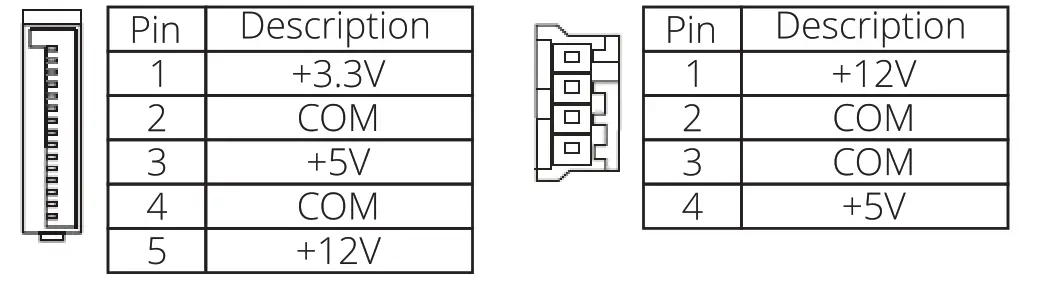
Peripheral 4-Pin Connector
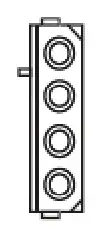
| Pin | Description |
| 1 | +12V |
| 2 | COM |
| 3 | COM |
| 4 | +5V |
Troubleshooting
If your system does not turn on after installing the power supply, follow the troubleshooting guide as listed below:
- Please make sure the main power is connected correctly.
- Please make sure the 24pin and 4/8pin connectors are connected correctly to the motherboard.
- If the power supply does not work properly, please contact our service center immediately.
Warranty:
Zebronics guarantees this product to be free of defects in material and workmanship, for more details on warranty duration please visit www.zebronics.com. This product is designed for desktop computer usage only. Using this product in any other application will void the warranty. Please ask for professional assistance with the installation. The warranty is valid only for the power supply unit, accessories are not included. Any abuse, alteration, misuse, negligence, incorrect voltage supply, accidents, and natural disasters will make the warranty invalid. Please visit our service center for issues with the product.
ISO 9001:2015 Certified Company
www.zebronics.com