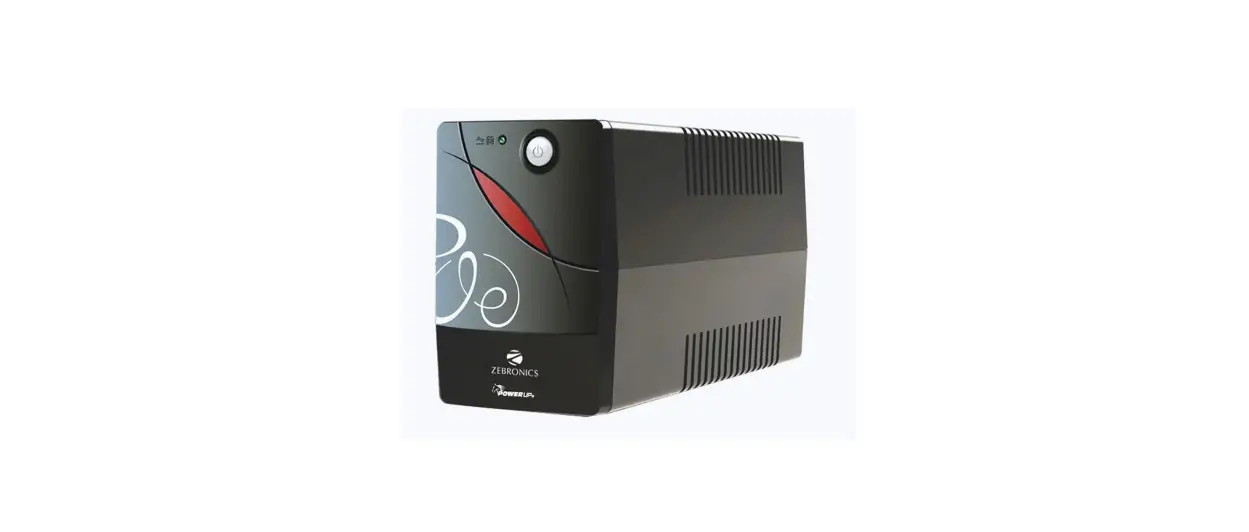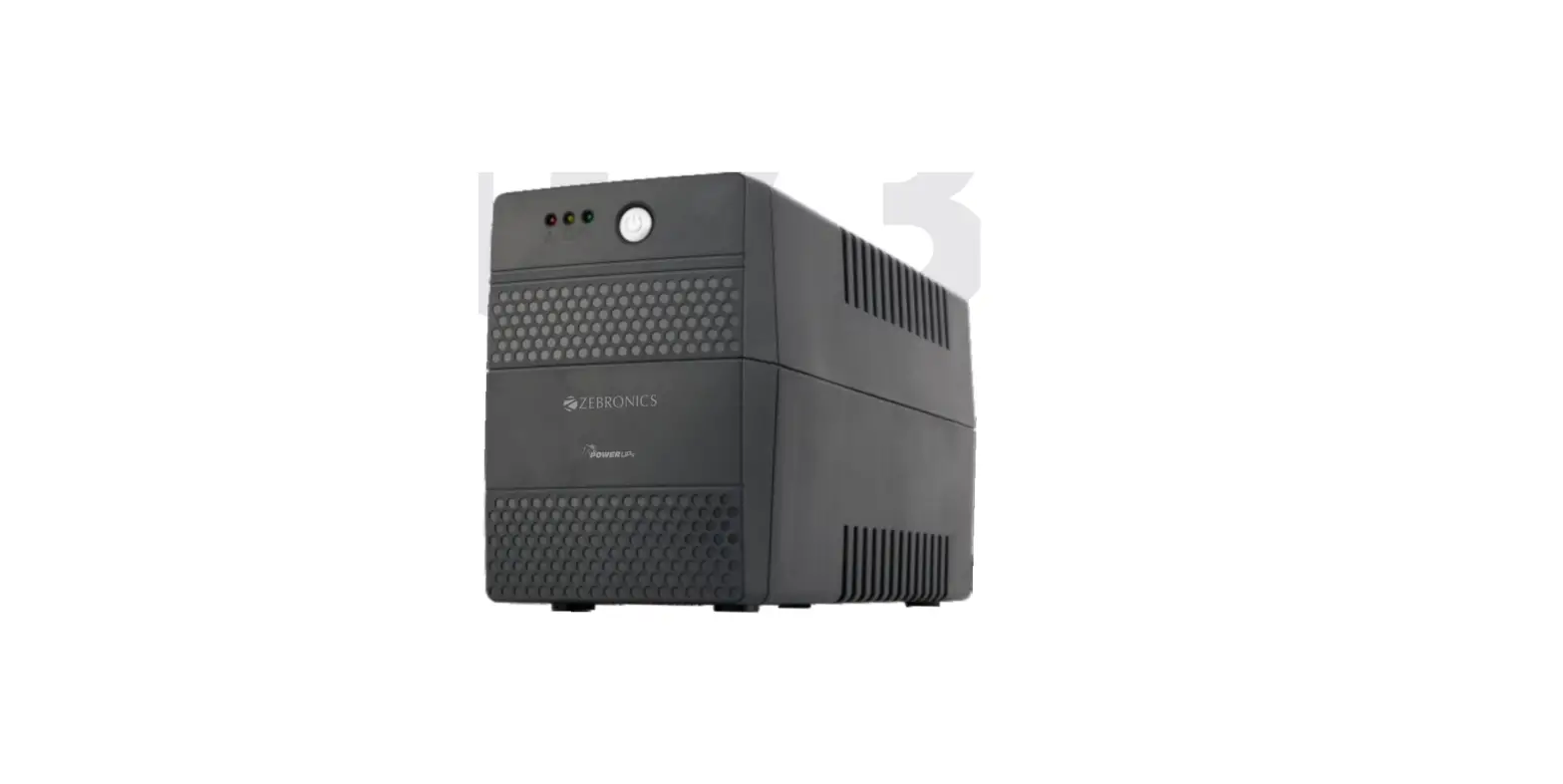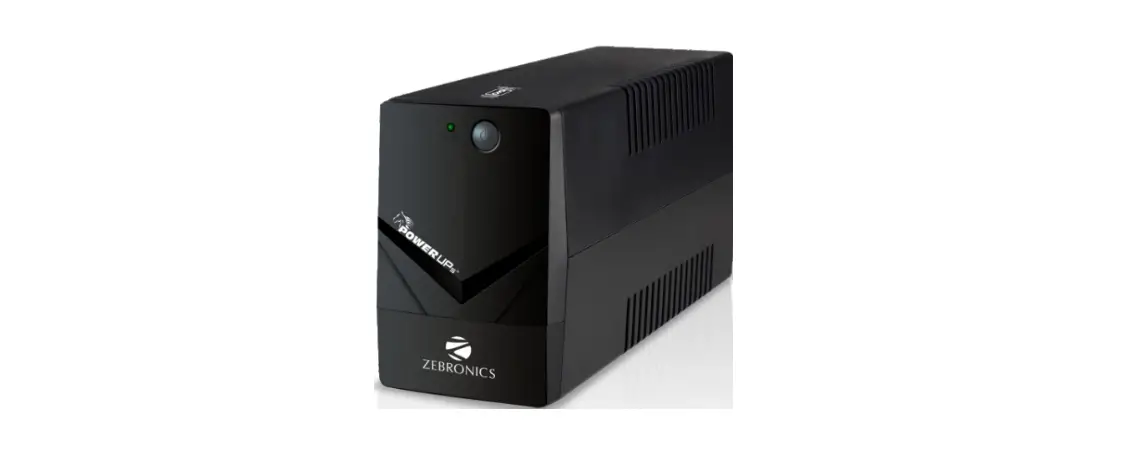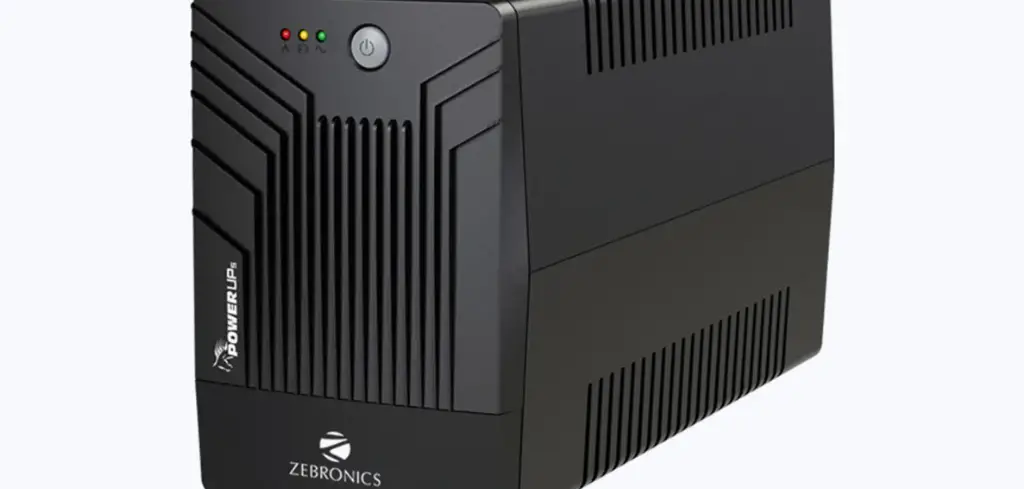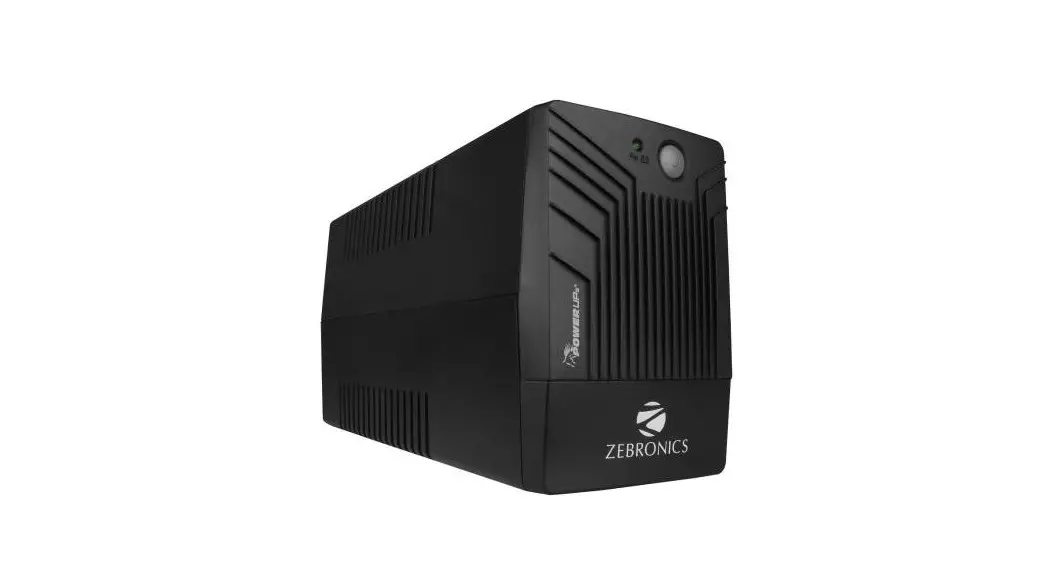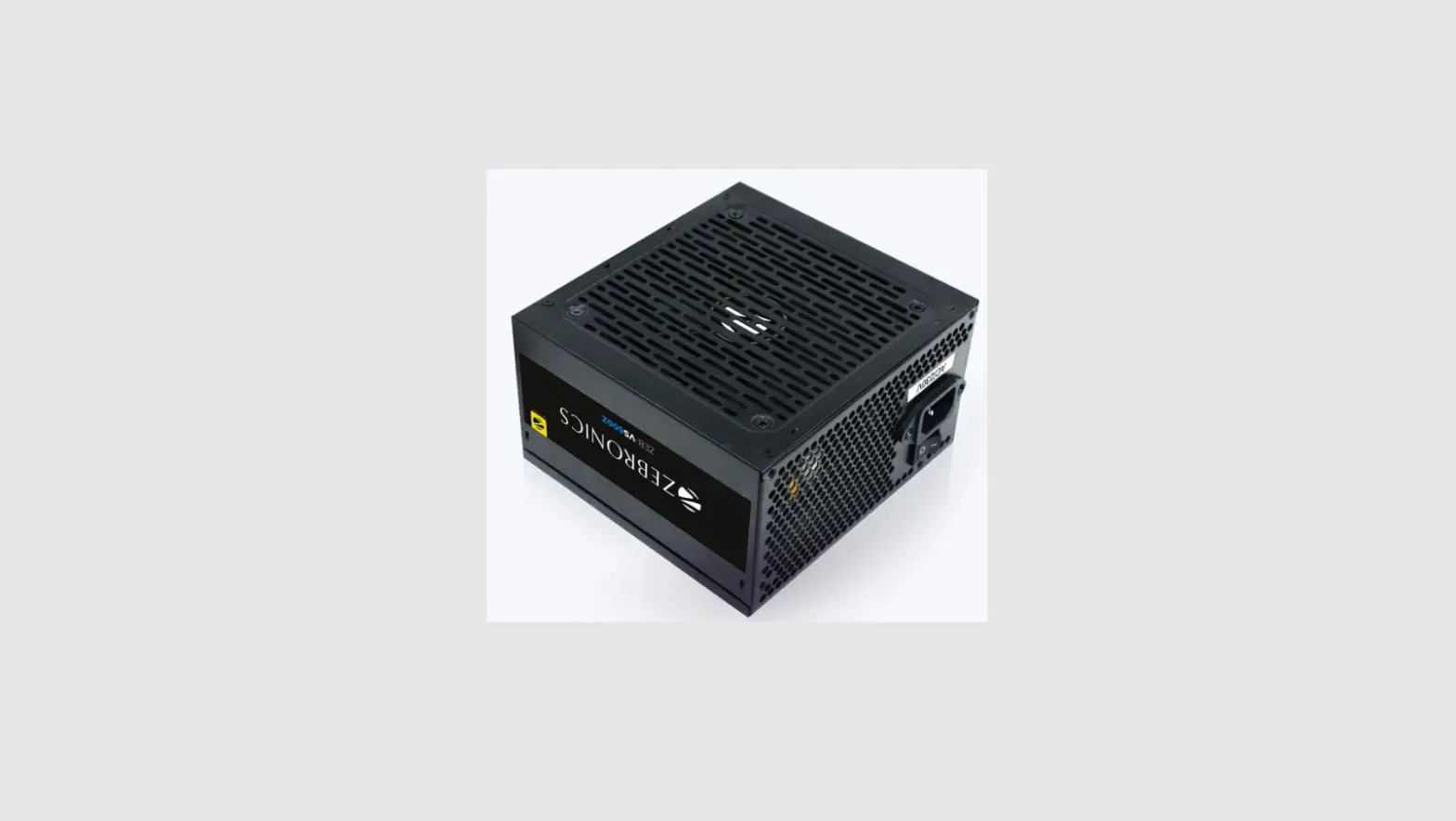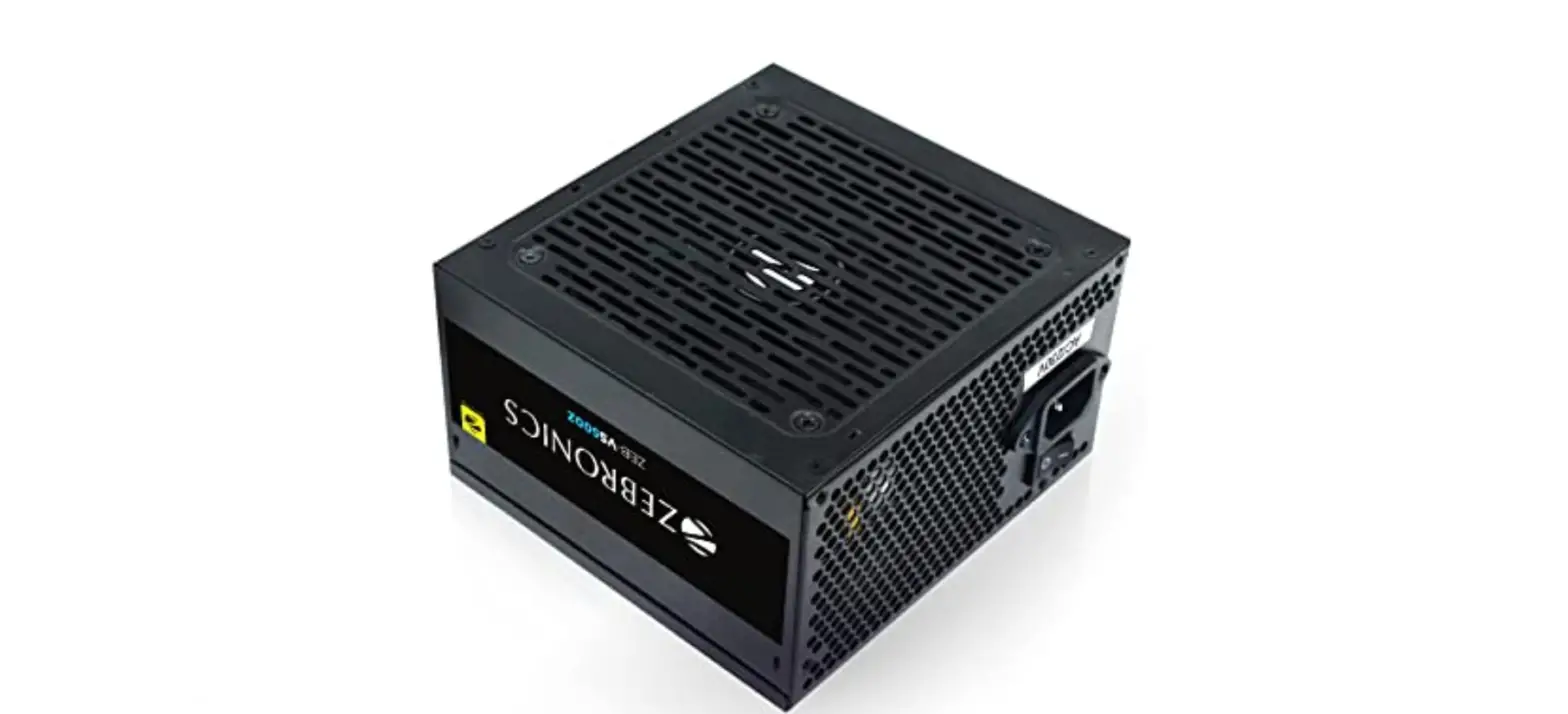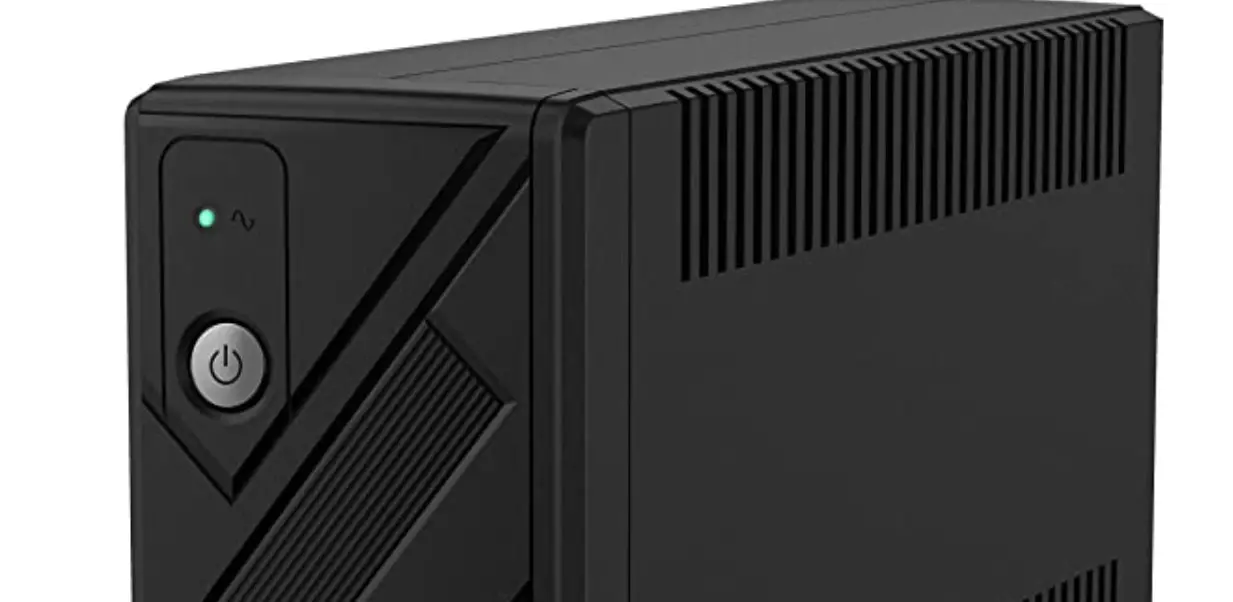

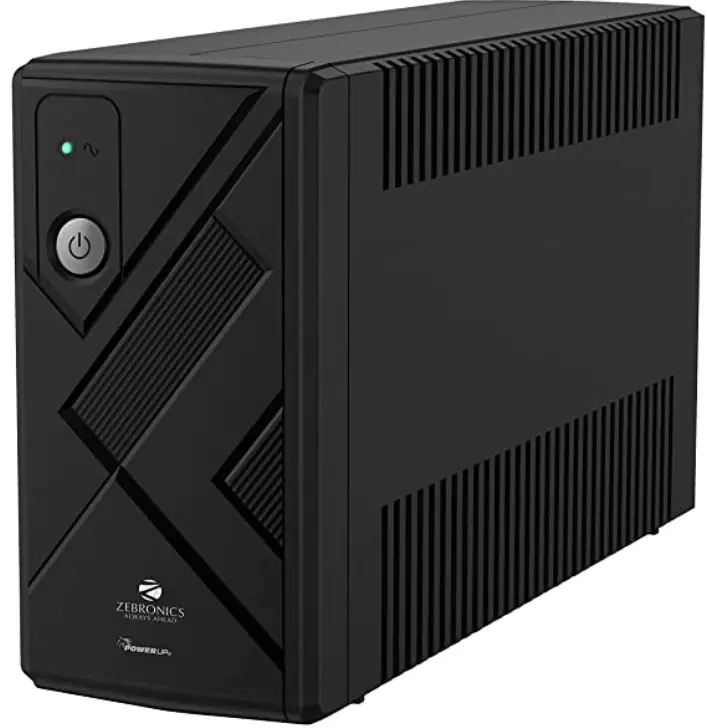
ZEBRONICS ZEB-U775 Uninterruptible Power Supply
Important Safety Instructions
- The voltages inside UPS may be Do not attempt to disassemble the unit. The unit contains no user serviceable parts. Only factory service personnel may perform repairs.
- Internal battery voltage is 12Vdc. sealed, lead-acid, 6 cells battery.
- Connection to any other type of socket other than a two-pole, three-wire grounded socket may result in shock hazard as well as violating to local electrical codes.
- In the event of an emergency, press the OFF button and disconnect the power cord from the AC power supply to properly disable the Do not allow liquids or any external objects to enter the UPS. Do not place beverages or any other liquid-containing vessels on or near the unit.
- This unit is designed for installation in a controlled environment (temperature controlled, indoor area free of conductive contaminants). Avoid installing the UPS in locations where there is static or flowing water, or excessive humidity.
- Do not plug the UPS input into its own output.
- Do not attach a power strip or surge suppressor to the UPS.
- Do not connect non-computer-related items, such as medical equipment, life support equipment, microwave ovens, or vacuum cleaners to UPS.
- To reduce the risk of overheating the UPS, do not cover the UPS cooling vents and avoid exposing the unit to direct sunlight or installing the unit near heat emitting appliances such as air heaters or furnaces.
- Unplug the UPS prior to cleaning and do not use liquid or spray detergent.
- Do not dispose the batteries into fire as they may explode. Do not open or mutilate the battery or batteries. Released electrolyte is harmful to the skin and eyes. It may be
toxic. - A battery can present a risk of electrical shock and high short circuit The following precautions should be observed when working on batteries:
- a)Remove watches, rings, or other metal objects from the hands .
- b)Use tools with insulated handles.
- c)Wear rubber gloves and
- d)Do not lay tools or metal parts on top of batteries.
- Disconnect charging source prior to connecting or disconnecting batteries terminals.
- Servicing of battery should be performed or supervised by technical and authorized personnel only.
- When replacing battery, replace with the same type of sealed lead-acid The maximum ambient temperature rating is 40°C.
UPS Installation Procedure
- Your new UPS may be used immediately; however recharging the battery for at least 8hours (no load) is recommended to ensure that the battery maximum charge capacity is achieved. Charge loss may occur during shipping and To recharge the battery, simply leave the unit plugged into an AC outlet. The unit will charge in both the on and off position.
- With the UPS unit off and unplugged, connect the computer, monitor, and any externally powered data storage device (Zip drive, Jazz drive, Tape drive, etc.) into the battery power supplied outlets. DO NOT plug laser printer, copier, space heater, vacuum, paper shredder or other large electrical device into the battery power supplied The power demands of these devices will overload and possibly damage the unit.
- Plug the UPS into a 2 pole, 3 wire grounded socket (wall outlet). Make sure the wall branch outlet is protected by a fuse or circuit breaker and does not service equipment with large electrical demands (e.g. air conditioner, refrigerator. copier, etc. Avoid using extension cords.
- Press the power switch to turn the unit The power on indicator light will illuminate and the unit will “beep”.
- If an overload is detected, an audible alarm will sound and the unit will emit beep once every 0.5 To correct this turn the UPS off and unplug at least one piece of equipment from the battery power supplied outlets. Wait 10 seconds Make sure the fuse is normal and then turns the UPS on.
- To maintain optimal battery charge, leave the UPS plugged into an AC outlet at all times.
- To store your UPS for an extended period, cover it and store with the battery fully Recharge the battery every three months to ensure battery life.
Product Description
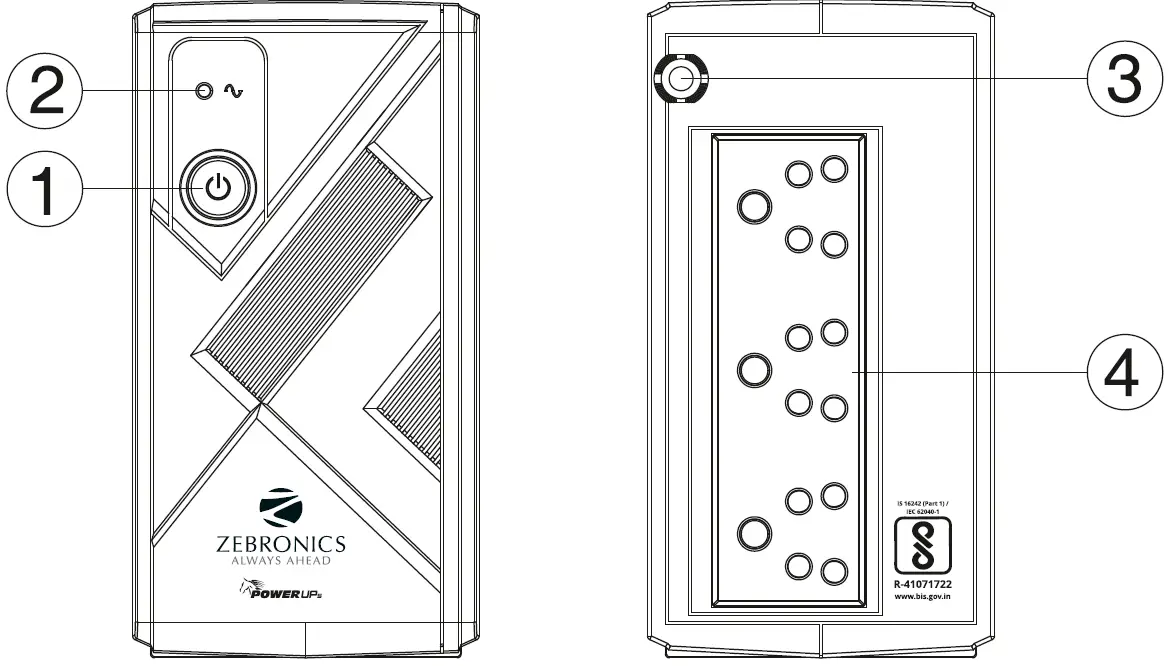
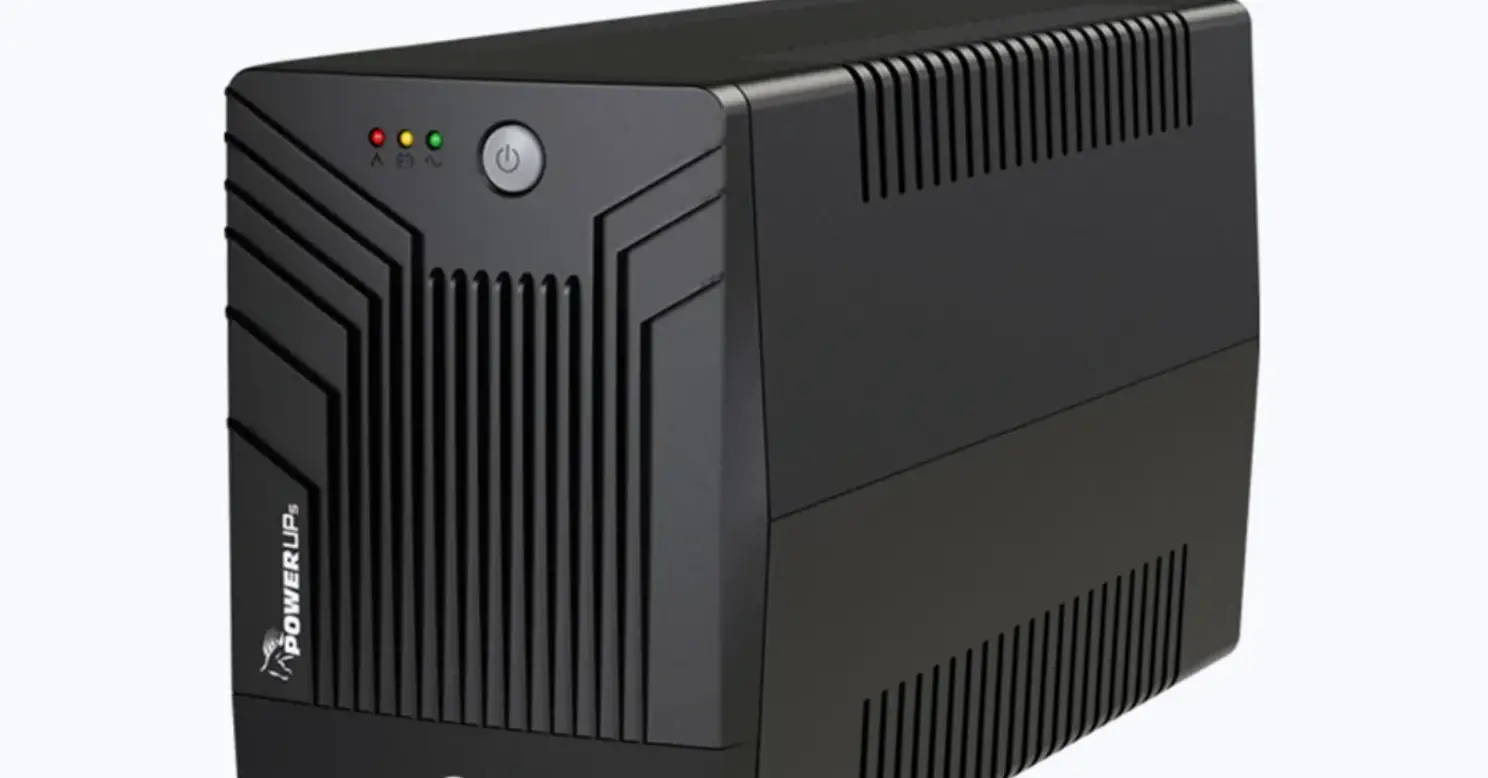
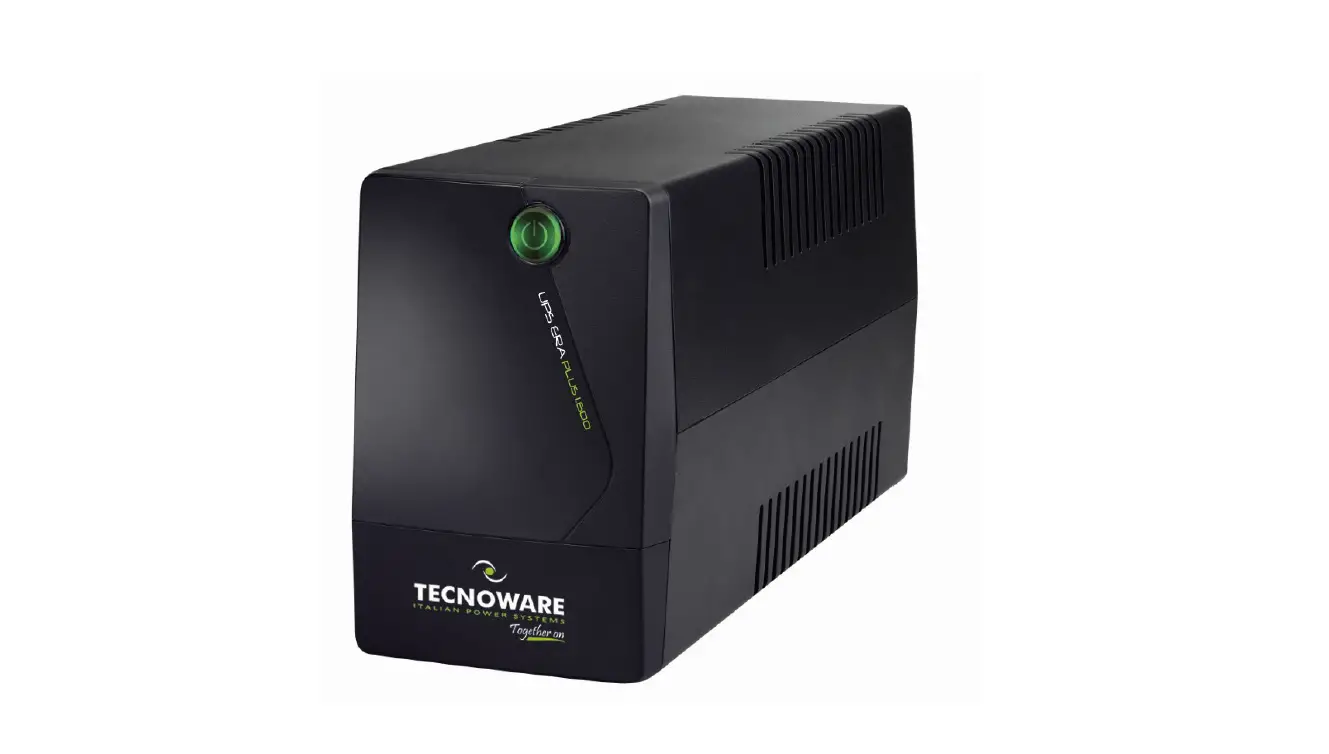
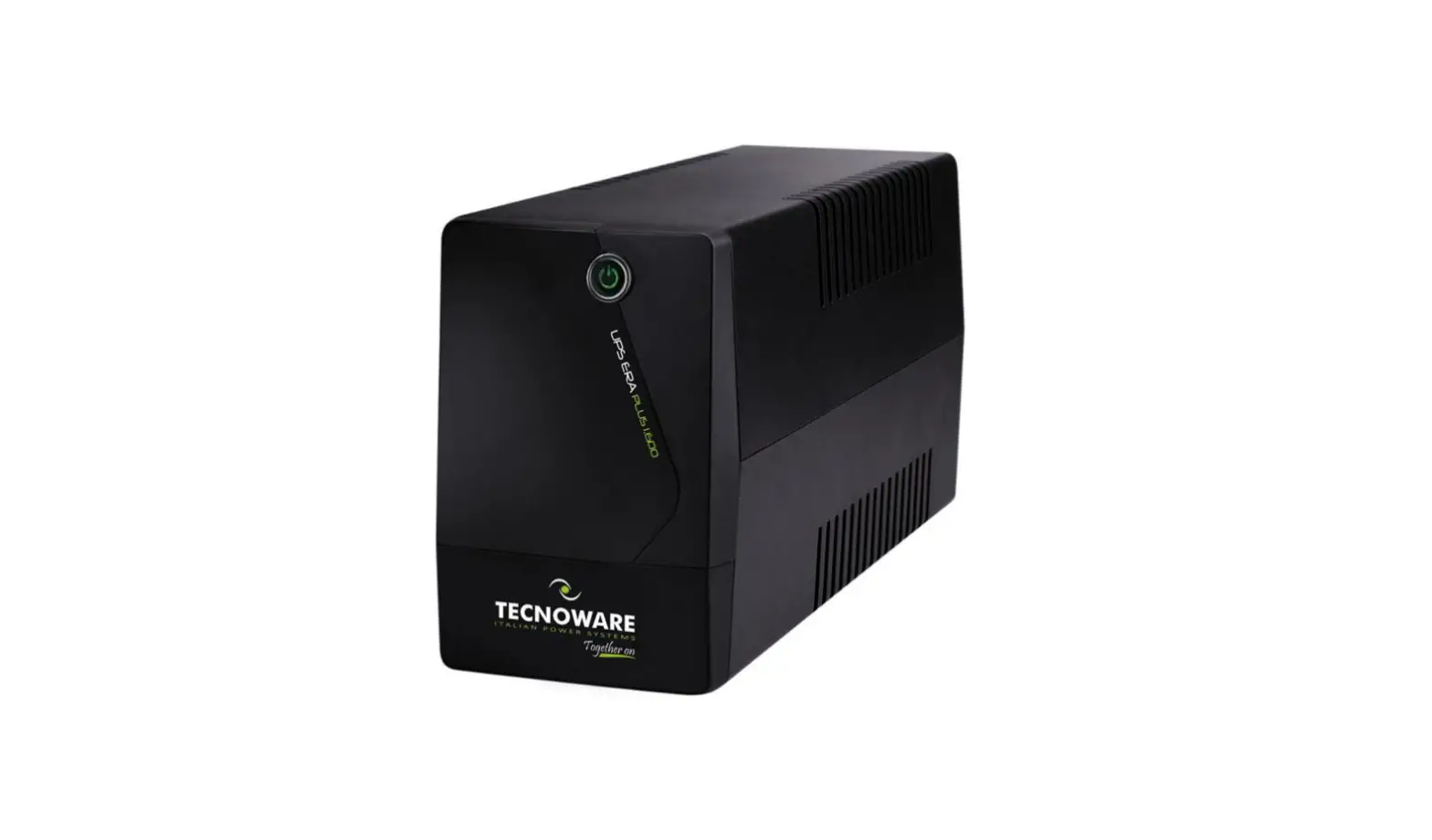
Front Panel
- Power Switch
Press the switch for 2 seconds to turn the UPS ON or OFF. - Power LED
This LED is illuminated when the UPS is working. - Input Power Cord
Connect to utility power - AC Outlet
The UPS provides outlets for connected equipment to insure temporary uninterrupted operation during a power failure and against surges and spikes.
LED Indication and Alarm
| Condition | Indication | Alarm |
| Normal | Power LED Lighting | |
| Battery Discharge | Power LED flash once every 30 seconds | Beep once every 30 seconds |
| Battery Low | Power LED flash once every 2 seconds | Beep once every 2 seconds |
| Overload | Power LED flash once every 0.5 seconds | Beep once every 0.5 seconds |
| Fault | Power LED off | Continuous alarm |
Features
- Line interactive UPS
- Auto restart while AC is recovering
- Double Boost
- Automatic Voltage Regulation (AVR)
- Wide Input Range
- Microcontroller Based
- Generator Compatible
Specifications
| Capacity | (VA/W) | 650VA/360W |
| Input | Nominal voltage | 220-240 VAC |
| Voltage range | 140-300 VAC ± 7 Vac | |
| Frequency | 40-70 Hz± 1 Hz | |
| Plug type | 3 Pin plug | |
| Output | Voltage range | 7 95-262Vac ±7Vac (AC mode) |
| Voltage range | 230VAC ± 10 % (Batt. mode) | |
| Frequency range | 50/60Hz±1% (Batt. mode) | |
| Transfer time | 4ms Typ. | |
| Waveform | Simulated Sine Wave | |
| No. of output sockets | 3 | |
| Protections | Overload, Short Circuit, Over Discharge & | |
| Battery | Battery type | 12V 7Ah x 1 no |
| Charging current | 1.5A Typ. | |
| Recharge time | 4h to Charge 90% | |
| Indicators | No. of LEDs | 1 LED |
| AC mode | Green lighting | |
| Battery mode | Green flashing | |
| Alarm | Battery mode | Beeping every 30 Secs. |
| Low battery | Beeping every 2 Secs. | |
| Overload | Beeping every 0.5 sec. | |
| Fault | Continuous beeping | |
| Physical details | Dimension | 87 x 276 x 165 mm (W x D x H) |
| Net. weight | 4 kg | |
| Package dimension | 319 x 126 x 235 mm (WxDxH) | |
Environmental factors | Operational temperature | 0-40’C |
| Noise level | < 40dB |
Troubleshooting
| Problem | Possible Cause | Solution |
| The UPS Does not perform expected runtime | Batteries are not fully charged | Recharge the battery by leaving the UPS Plugged in |
| Battery is slightly worm out | Contact technical support | |
| The UPS will not turn on | The on/off switch is designed to prevent damage by rapidly turning it off and on | Turn the UPS off. Wait 10 seconds and then turn the UPS on. |
| The unit is not connected to an AC outlet | The unit must be connected to a 230Vac 50/60Hz outlet | |
| The battery is worm out | Contact technical support | |
| Mechanical problem | Contact technical support | |
|
Outlets do not provide power to equipment | Circuit breaker is tripped due to overload | Turn the UPS off and unplug at least one piece connected equipment. Unplug the power cord of the UPS then press the circuit breaker knob. |
| Batteries are discharged | Allow the unit to recharge for at least 4 hours | |
| Unit has bed damaged by a surge or spike | Contact technical support |