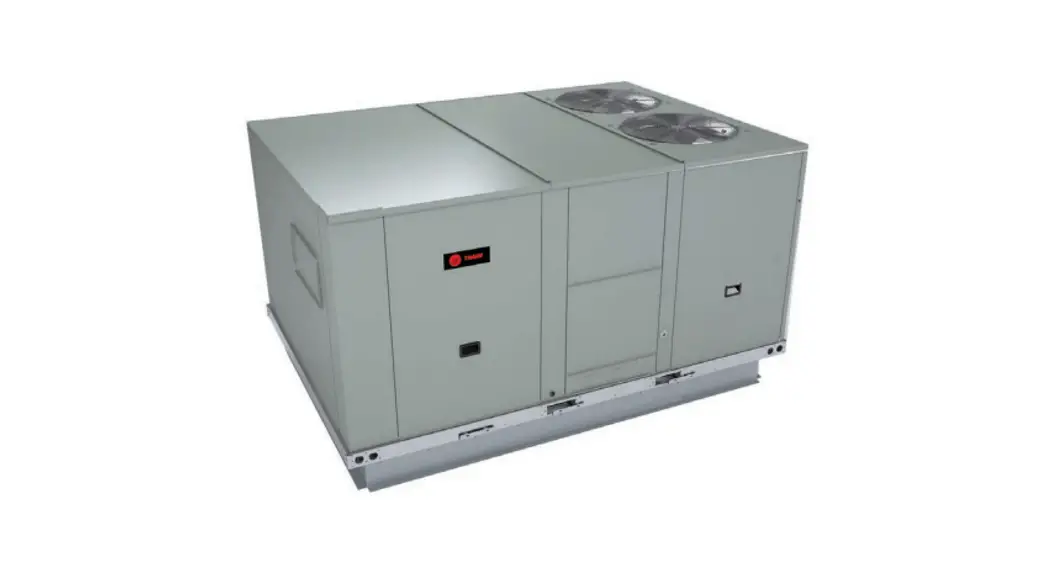
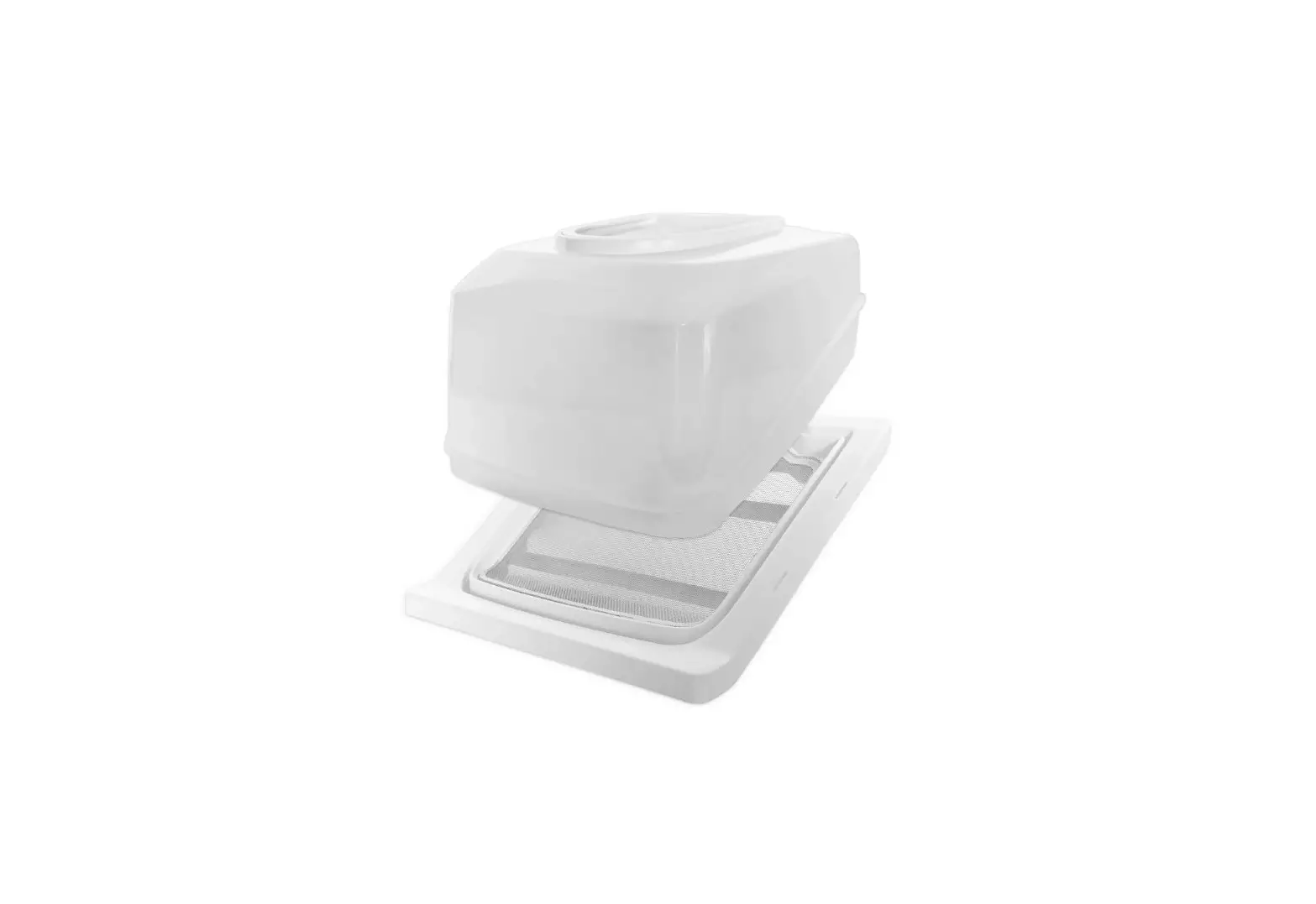
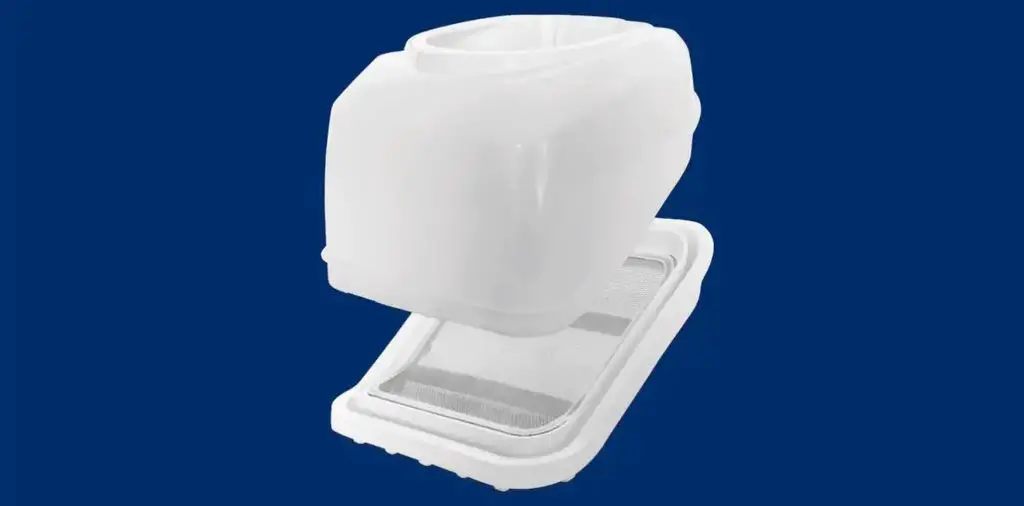
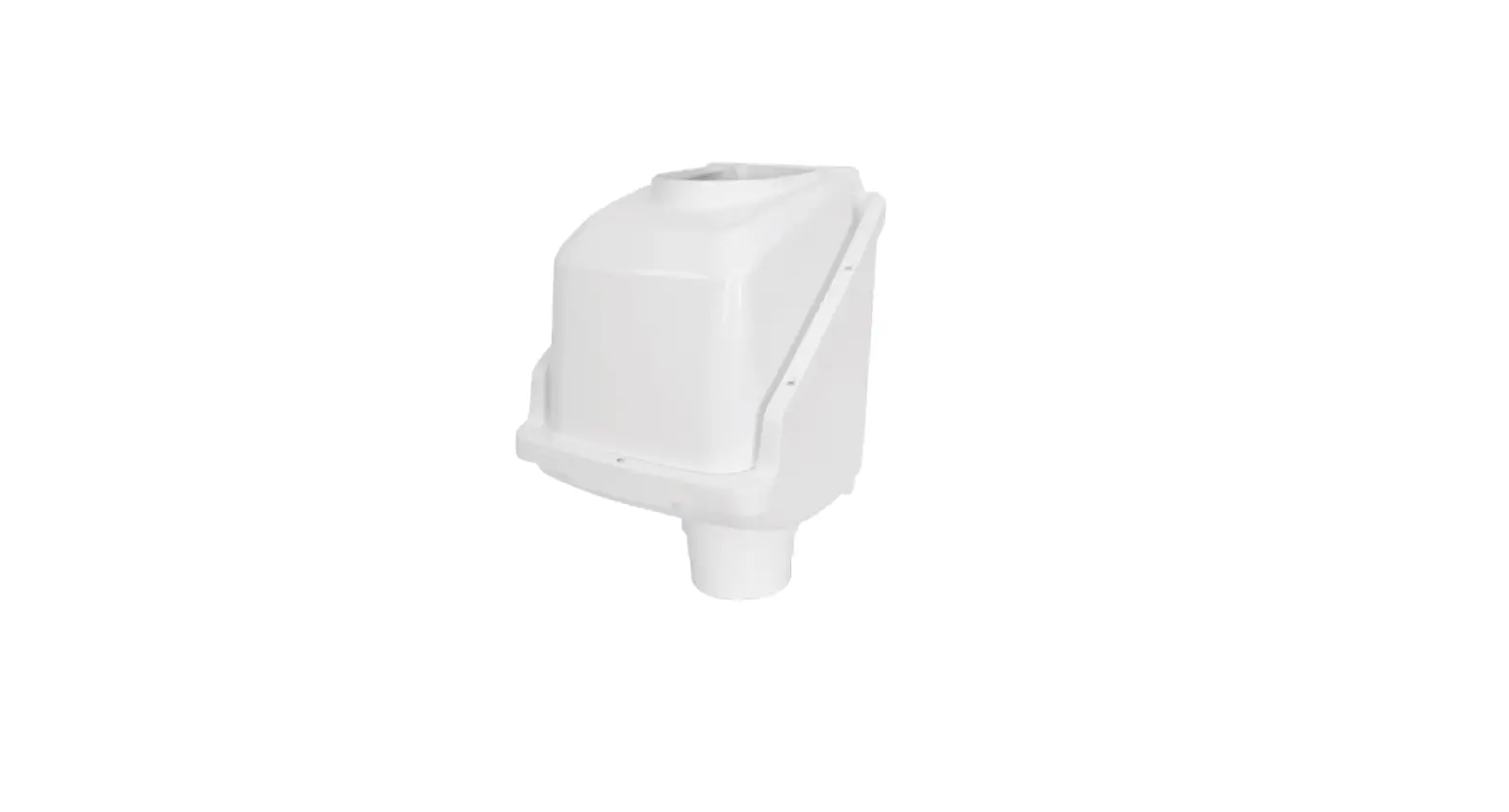
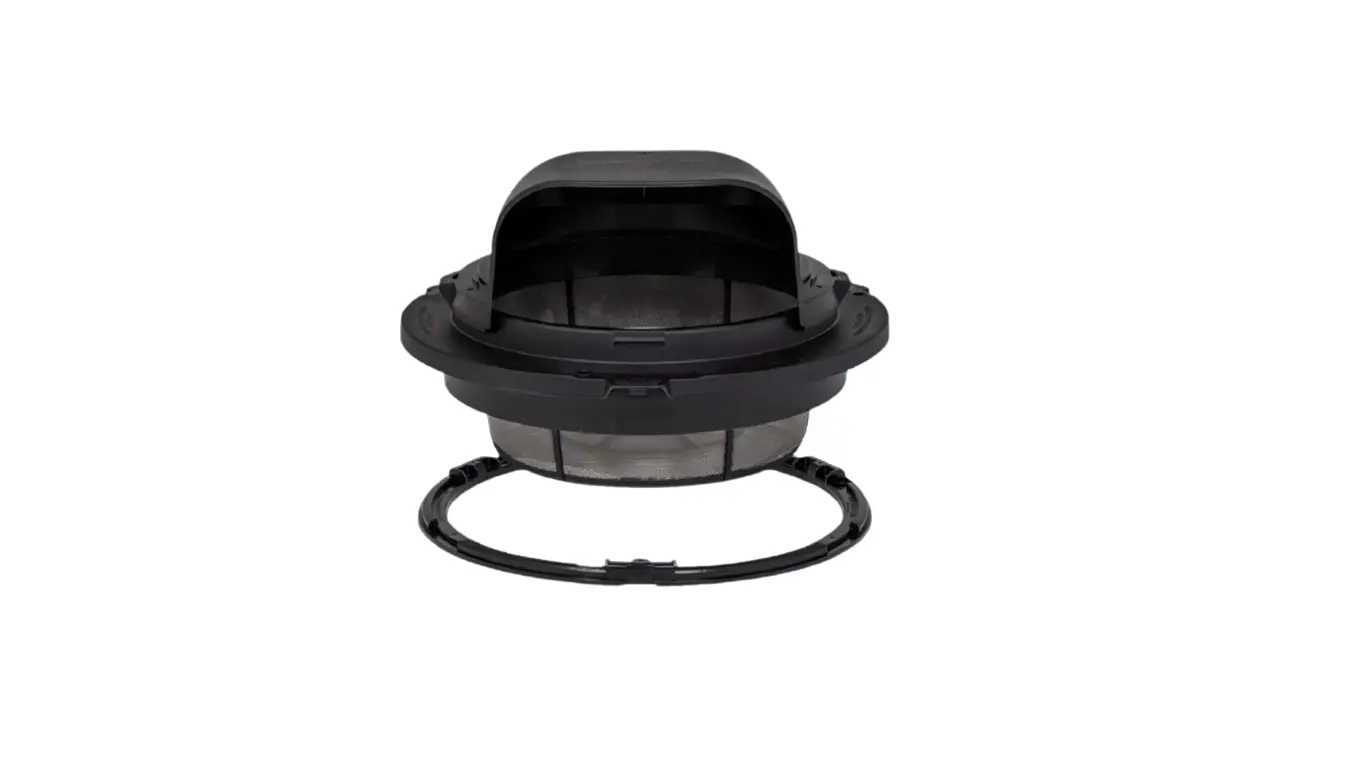
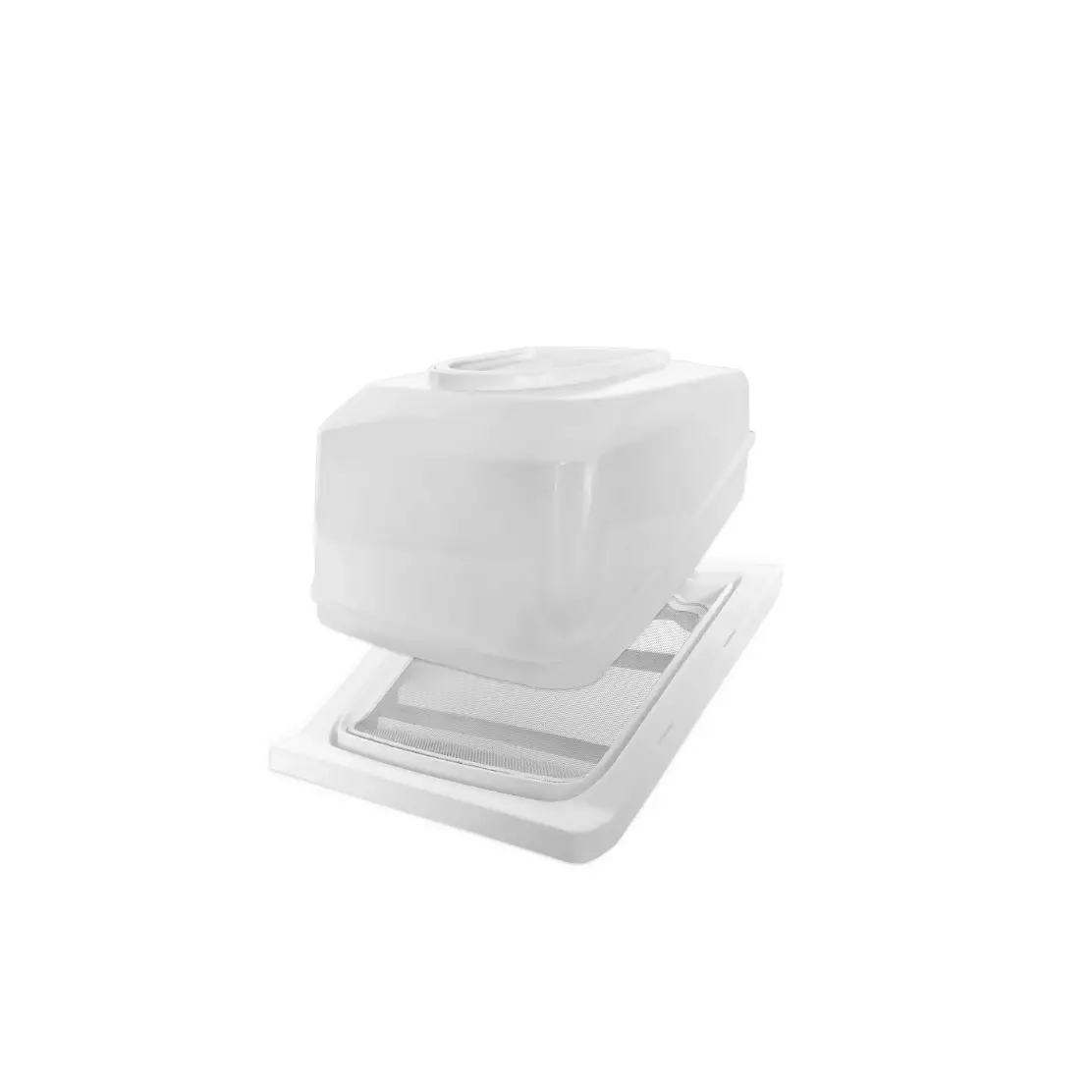
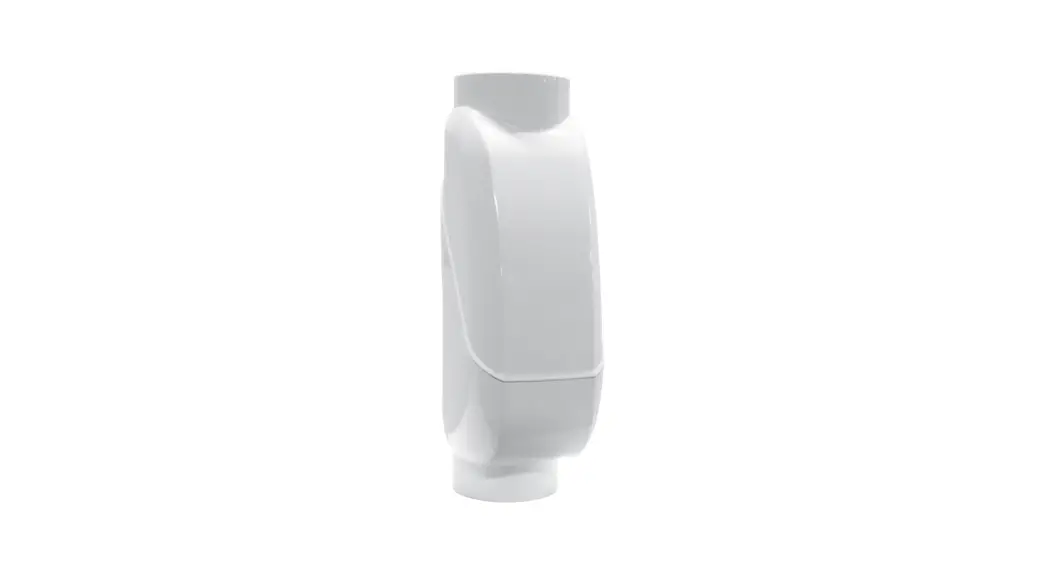
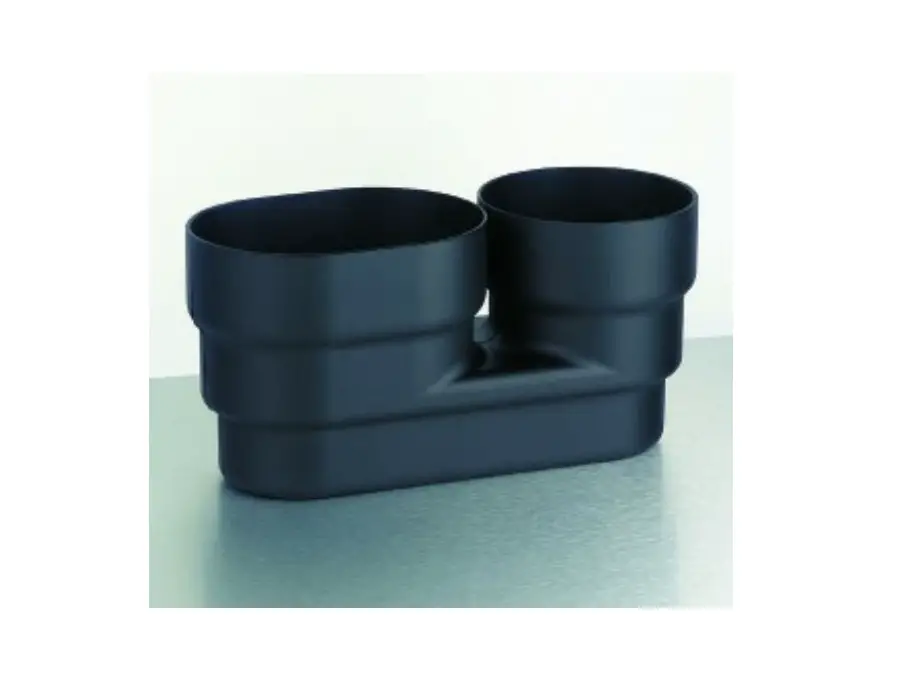
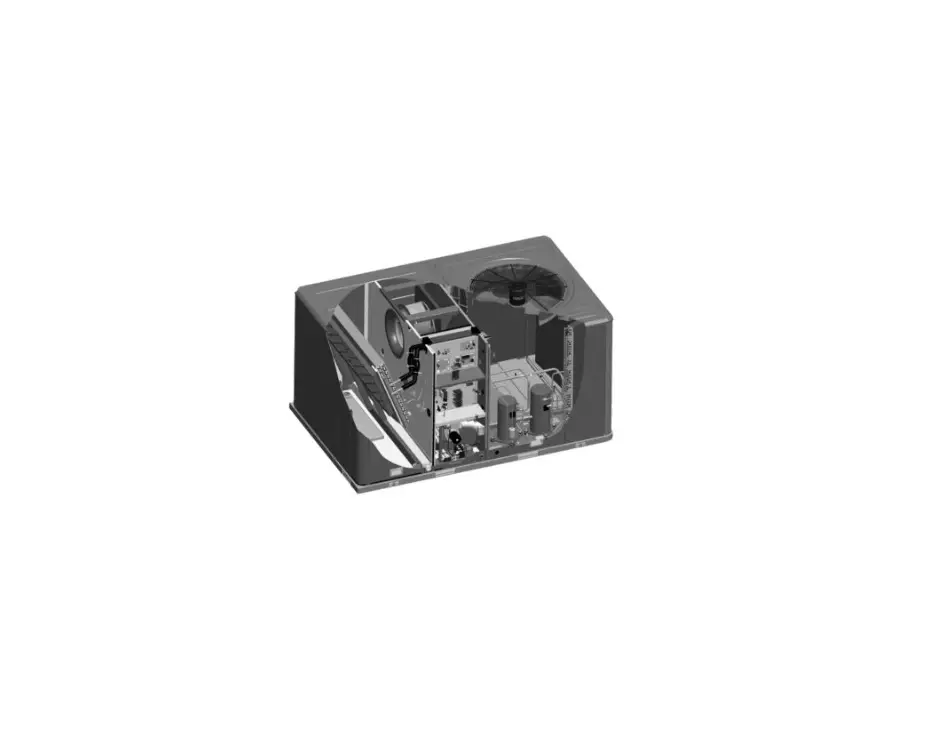
BAYECON103AA-AB-AC Down Discharge Economizer and Rain Hood
Product Information – Down Discharge Economizer and Rain
Hood
The Down Discharge Economizer and Rain Hood is a multi-damper
design that is installed in the return air stream. It is connected
to the unit low voltage supply through wire leads and is fully
accessible through the Coil access panel. The economizer kit is
compatible with BAYECON103AA/AB/AC, BAYECON104AA/AB/AC, and
BAYRLAY006A models and must be used with *WCZ, YCZ, DCZ – 024, 036
*WCZ, YCZ, DCZ – 048, 060 models.
It is important to note that after the installation of the
economizer, an air filter rack must be installed separately. For
*WCZ, YCZ, DCZ – 024, 036 models, use BAYFLTR101B air filter rack
and for *WCZ, YCZ, DCZ – 048, 060 models, use BAYFLTR201B air
filter rack.
For *WCZ & *DCZ models, a relay accessory kit BAYRLAY006A is
required. In order to maintain a specific minimum fresh air cfm
during each mode of operation, you must order and install a
BAYOSAC001 (outside air control) accessory.
Product Usage Instructions
Before starting the installation process, disconnect the power
and make sure that power is off. Open and lock out all unit
disconnects prior to accessory installation or unit maintenance to
prevent injury or death from electrical shock or contact with
moving parts.
- Remove the access panels.
- If installing the kit for *WCZ & *DCZ units only, remove
the wire harness that came attached to the BAYECON Logic Module
being installed. Do NOT remove the resistors from the Logic Module.
Also, do NOT remove the YL & YL/BK wires connected to SO and +
on the Logic Module. - Using the existing holes in the back of the unit control box,
mount the relay bracket assembly using the 2 screws supplied with
the BAYRLAY006A Kit. - Route the BAYRLAY006A wire harness attached to the relays to
the logic module as shown in Figure 11 on page 7. - Connect the BAYRLAY006A to the economizer Logic Module and make
the field connections as shown in Figure 13 on page 9. - Install the economizer assembly in the return air compartment,
taking care to prevent damaging the foil faced insulation. - After installation of the economizer, install an air filter
rack ordered separately. Use BAYFLTR101B for *WCZ, YCZ, DCZ – 024,
036 and BAYFLTR201B for *WCZ, YCZ, DCZ – 048, 060.
Do not remove end covers from economizer actuator as the
spring-return assembly may release and cause personal injury. All
phases of this installation must comply with NATIONAL, STATE AND
LOCAL CODES. This document is customer property and is to remain
with this unit. Please return to service information pack upon
completion of work.
18-HE85D1-1D-EN
Installer’s Guide
Down Discharge Economizer and Rain Hood
Model: BAYECON103AA/AB/AC BAYECON104AA/AB/AC BAYRLAY006A
Used with: *WCZ, YCZ, DCZ – 024, 036 *WCZ, YCZ, DCZ – 048, 060
(Required with *WCZ & *DCZ models)
WARNING: HAZARDOUS VOLTAGE – DISCONNECT POWER BEFORE SERVICING
ALL phases of this installation must comply with NATIONAL, STATE AND LOCAL CODES
IMPORTANT — This Document is customer property and is to remain with this unit. Please return to service information pack upon completion of work.
General
The economizer is a multi-damper design. It is installed in the return air stream and is connected to the unit low voltage supply through wire leads. The economizer is fully accessible through the Coil access panel.
Important: After the Economizer installation you must install an air filter rack ordered separately. Use:
BAYFLTR101B for *WCZ, YCZ, DCZ – 024, 036 BAYFLTR201B for *WCZ, YCZ, DCZ – 048, 060.
When the economizer is installed in *WCZ & *DCZ models, relay accessory kit BAYRLAY006A is required. Refer to Figure 13 on page 9 to make your relay wiring connections in the Control Box.
IMPORTANT: In order to maintain a specific minimum fresh air cfm during each mode of operation, you must order and install a BAYOSAC001 (outside air control) accessory.
Identify Economizer Kit Contents
Refer to Figures 1 & 2 on page 3 to identify the kit contents.
Inspect Contents
You must report damage and make claims to the transportation company immediately. Report missing parts to your supplier immediately and replace with authorized parts only.
ELECTRIC SHOCK HAZARD Open and lock out all unit disconnects prior to accessory installation or unit maintenance, to prevent injury or death from electrical shock or contact with moving parts.
Install Economizer Kit
1. Remove Power
Disconnect and verify that power is off.
2. Remove Access Panels
Remove these four (4) access panels (see Figure 3, page 3): · Control/Heat access panel · Blower access panel · Coil access panel · Downflow Return Air panel
3. BAYRLAY006A Installation (Required for *WCZ & *DCZ units only, for *YCZ units skip to step 4)
1. Remove wire harness that came attached to the BAYECON Logic Module being installed.
IMPORTANT: Do NOT remove the resistors from the Logic Module. Also, Do NOT remove the YL & YL/BK wires connected to SO and + on the Logic Module
2. Locate the ICMC Board in the upper left hand corner of the unit control box and the DFC board in the upper center of the unit control box. See Figure 8, page 6.
3. Using the existing holes in the back of the unit control box, mount the relay bracket assembly using the 2 screws supplied with the BAYRLAY006A Kit. See Figure 8, page 6.
4. Route the BAYRLAY006A wire harness attached to the relays to the logic module as shown in Figure 11 on page 7.
5. Connect the BAYRLAY006A to the economizer Logic Module and make the field connections as shown in Figure 13 on page 9.
SAFETY HAZARD Do not remove end covers from economizer actuator; the spring-return assembly may release and cause personal injury.
INSTALLER’S GUIDE
4. Install Economizer Assembly
NOTE: You must install the filter rack per the instructions provided with the filter rack after you install the economizer.
CAUTION
Use care when inserting the economizer in the return air compartment, to prevent damaging the foil faced insulation.
7. Route Main Wiring
1. From the Economizer assembly, pass the wire harness through the coil grommet. See Figure 11 (view A) on page 7. Continue routing the harness behind the Compressor compartment and into the Blower compartment.
2. Continue routing the remaining harness through the grommet in the Control Box partition and into the Control Box.
1. The economizer ships with the return air damper folded up to allow the assembly to fit through the Coil opening in the side of the unit. Insert the economizer assembly into the unit through the Coil access panel opening. See Figure 4 on page 4.
2. Swing the return air damper section down so that it rests on the bottom of the unit. The economizer will sit completely over the return air opening in the bottom of the unit. See Figure 5 on page 4. Screw the economizer assembly together with one assembly screw in the side of the economizer. Check the linkage rod between the return air dampers to make sure it is tight.
3. Insert 2 screws through the holes in the front face of the unit and into the matching attachment holes in the economizer assembly. See Figure 6 on page 5.
4. Insert a screw through the pre-punched hole in the side flange of the return air damper and into the mating hole in the economizer assembly and tighten. See Figure 5 on page 4.
5. Install Rain Hood Assembly
1. Locate the rainhood assembly, which includes the relief damper and the mist eliminator. The back of the hood side mating flanges need to be gasketed (gaskets included in kit). Loosen the right two (2) screws on the unit’s top sealing flange above the economizer. See Figure 7 on page 5.
2. Slide the top flange of the hood underneath the unit’s top sealing flange. Drive two self tapping screws into the keyhole openings on the side flanges of the hood. Tighten the two (2) screws on the top sealing flange and the screws on the hood side flanges. See Figures 7 and 9.
8. Complete Installation (*WCZ, *DCZ, *YCZ)
1. In the Control Box, locate the ICMC Board in the upper left hand corner of the Control Box. Find the YL/RD and YL wires in the 12 pin connector. Leaving enough length of these wires so that the ends going to the ICMC Board can be stripped, cut these wires in two. Strip the cut end of the wires going to the ICMC Board and connect to economizer wires as per hookup diagrams on pages 8 and 9. Cap the ends of the Yellow and Yellow/Red wires not being hooked up. Secure all wires with wire ties so that there is no interference with any moving parts in the unit.
CAUTION
Be certain to cap the ends of the cut YL/RD and YL wires that are not being connected to an accessory or the unit to reduce the risk of a short.
2. In the Control Box, complete the wiring connections per the appropriate wiring diagram on pages 8 and 9. Secure all wires so that there is no interference with any moving parts in the unit.
3. Power the economizer and run the checkout procedure on page 10. Make desired adjustments to the controller setting the minimum occupied damper position, the outside air setting (if enthalpy control used).
4. Replace the unit Coil access panel, the Blower access panel, and the Control/Heat access panel.
6. Mount Mixed Air Sensor
1. Mount the Mixed Air sensor (with wiring) to the left Blower partition using two sheetmetal screws. See Figure 10, page 7. The male tabs on the Yellow and Yellow/Black wires will connect to the Economizer wiring harness in a later step.
2. Enthalpy Sensor If used, install this option at this time per instructions provided in the sensor kit.
2
INSTALLER’S GUIDE
Logic
Economizer Assembly
Module
Mixed Air Sensor
Return Air Damper Flange Screw and two (2) Mixed Air Sensor Sheetmetal Screws (not shown)
Mist Eliminator (Filter)
Rainhood Assembly
Figure 1. BAYECON103AA/AB/AC Economizer Kit Components
Logic Module
Economizer Assembly
Mixed Air Sensor
Return Air Damper Flange Screw and two (2) Mixed Air Sensor Sheetmetal Screws (not shown)
Mist Eliminator (Filter)
Rainhood Assembly
Figure 2. BAYECON104AA/AB/AC Economizer Kit Components
Top Sealing Flange
Horizontal Return Air Panel
Down Flow Return Air Panel
Coils Access Panel
Figure 3. Remove Panels
Control Box Access Panel Blower Access Panel
3
INSTALLER’S GUIDE
Insert economizer in folded shipping position
Economizer actuator and Logic Module
Dry bulb outside air temperature sensor
Figure 4. Insert Economizer in Shipping Position
Economizer
2.) Insert Assembly Screw
1.) Swing Down Return Air Damper
Return Air Damper
Figure 5. Swing Down and Set Economizer Return Damper 4
INSTALLER’S GUIDE
Economizer outline
Economizer and Return Air Damper
Install two (2) screws into holes. Leave extended from unit 1/2″
Apply gasket between damper assembly and hood
Figure 6. Start Economizer’s Front Mounting Screws
slides under HVAC unit’s top sealing
HVAC unit’s top
Unit’s top sealing
Economizer Rain Hood
Hood
HVAC unit
1. Loosen the two (2) screws to allow hood to slide under
the unit.
2. Drive six (6) self tapping screws into the keyhole openings on each side of hood
3. Tighten the two (2) top screws and the two (2) side screws
Figure 7. Mounting Rain Hood
Detail 5
INSTALLER’S GUIDE
ICMC Board
Relays
DFC
Figure 8. Mount BAYRLAY006A
Economizer
Unit Application Models
BAYECON103AA/AB/AC
*WCZ-024, 036 *DCZ-024, 036 *YCZ-024, 036
BAYECON104AA/AB/AC
*WCZ-048, 060 *DCZ-048, 060 *YCZ-048, 060
A 20 1/8″ 24 3/8″
A
Economizer Rain Hood
Mist Eliminator
Outside air dampers
Return air dampers
order separately
Relief Damper
Return Duct
Roofcurb
Figure 9. Rain Hood, Economizer, and Filter 6
INSTALLER’S GUIDE
1.80″
2.82″
See View `A’
View `A’ Approximate Mounting Dimensions
Mount the Mixed Air Sensor to the partition using two (2) sheetmetal screws. See view A for approximate positioning
Figure 10. Mount Mixed Air Sensor in Blower Compartment
1.) From economizer assembly, pass wire harness through coil Grommet. See View A.
2.) Continue routing behind compressor compartment and into Blower Compartment.
3.) Pull the two (2) Mixed Air
Sensor wires (with female quick
connects) from the harness and
route down near the Mixed Air
Sensor. Connect to sensor
pigtail wire leads.
4.) Continue Routing the
Remaining Harness
Through the Grommet
and into the Control Box.
Coil Grommet
Location of Mixed Air Sensor
Figure 11. Main Wire Harness Routing
View A Coil Grommet Location
7
Wiring Diagram for Economizer Using a Honeywell W7459 Logic
A A A A
INSTALLER’S GUIDE
Figure 12. *YCZ Economizer Connection Diagram
IMPORTANT-Retain this wiring diagram; please return this document to service information pack upon completion of work. 8
Wiring Diagram for Economizer Using a Honeywell W7459 Logic
A A A A
INSTALLER’S GUIDE
Figure 13. *WCZ & *DCZ Economizer Connection Diagram
IMPORTANT-Retain this wiring diagram; please return this document to service information pack upon completion of work. 9
Wiring Diagram for Economizer Using a Honeywell W7212 Logic ACCESSORY MODELS
BAYECON103AA/ AAB/ AC BBAAYYEECCOONN210043AAAA//AAAABB//AACC BAYECON204AA/AAB/ AC
AA
INSTALLER’S GUIDE
Figure 14. *WCZ & *DCZ Economizer Connection Diagram
IMPORTANT-Retain this wiring diagram; please return this document to service information pack upon completion of work. 10
Wiring Diagram for Economizer Using a Honeywell W7212 Logic
ACCESSORY MODELS
BAYECON103AA/ AB/AAC BBAAYYEECCOONN210043AAAA//AAABB//AAACC BAYECON204AA/ AB/AAC
AA
INSTALLER’S GUIDE
Figure 15. *YCZ Economizer Connection Diagram
IMPORTANT-Retain this wiring diagram; please return this document to service information pack upon completion of work. 11
INSTALLER’S GUIDE
Sequence Of Operation
NOTE: A (G) signal is required for the economizer to operate. As shipped, the economizer will not operate when there is a signal for Heating Modes utilizing gas heat.
Fan Only (G): When the thermostat sends a signal for fan only (G), the economizer will open to the minimum position setting regardless of the outdoor air conditions and the indoor blower will operate at approximately 50% airflow.
Heating (W1), (W2), (Y1, Y2 on Heat Pump or Dual Fuel Models): When the thermostat sends a signal for auxiliary heat (G) +(W1) or first stage heat (G) + (Y1,Y2), the economizer will open to the minimum position setting. When the ambient temperature may be below 70o F, the economizer will not fully open to the economizing position, when there is a signal for heat. In order to receive fresh air and open the dampers to the minimum position setting, you must provide a G signal to the unit from the thermostat or comfort control being used.
FREE COOLING NOT AVAILABLE: When the outdoor air conditions are not sufficient for “Free Cooling” the Economizer will open to the minimum position setting only and the unit will function.
FREE COOLING AVAILABLE:
1st Stage Cooling (Y1) + (O for Heat Pumps and Dual Fuel models): When outdoor air conditions are sufficient for “Free Cooling” and the thermostat sends a signal for 1st stage cooling (G) + (Y1) + (O for Heat Pumps and Dual Fuel models), the economizer will modulate accordingly and the indoor blower will run at approximately 70% airflow.
2nd Stage Cooling (Y1) + (Y2) + (O for Heat Pumps and Dual Fuel models): When outdoor air conditions are sufficient for “Free Cooling” and the thermostat sends a signal for 2nd stage cooling (G) + (Y1) + (Y2) + (O for Heat Pumps
and Dual Fuel models), the economizer will modulate accordingly, the compressor will operate on low speed, and the indoor blower will operate at 100% airflow.
Unit “OFF” Mode
When the economizer is not receiving a 24V signal to the TR terminal, or if power is disconnected to the unit, the dampers will be fully closed to the outside air and fully open to the return air.
NOTE: Free Cooling refers to the process of circulating unconditioned outside air, without operating the compressor, to cool the structure.
5A. CHECKOUT – For Units using a Honeywell W7459 Control, Only.
Operate the motor through its complete open-close stroke. Check for proper operation, making sure that the linkage does not bind and that the motor travels smoothly throughout its fully open and closed position. Table 1 describes how to drive the motor to the full open and full closed positions (power connected). Make necessary minor adjustments until desired operation is obtained, and tighten all nuts and set screws. This motor checkout ensures that:
1. The motor operates the load.
2. The motor responds properly to the controller.
3. There is no binding of the linkage or motor stalling at any point of travel.
If motor does not operate properly, check for proper voltage or mechanical binding in linkage or damper.
If questions arise regarding this product, contact your distributor or representative.
Single enthalpy: The enthalpy changeover set point is set to return the outdoor air damper to minimum position when the enthalpy rises above its set point. The enthalpy set point scale markings, located on W7459, are A,B,C,D; see table for the corresponding control point. The factoryinstalled R4 WHITE 620-ohm jumper must be in place across terminals + and SR.
CONTROL CURVE
A B C D
CONTROL POINT APPROX. F (C) AT 50% RH
73 (23)
70 (21)
67 (19)
63 (17)
AIR
3 8
4 0
4 2 4 4 46
85 90 95 100 105 110 (29) (32) (35) (38) (41) (43)
80 (27)
75 (24)
RELATIVE HUMIDITY (%)
P 3O4UND36DRY
PER 3 2
24ENT26HAL 2P8Y–BTU 3 0
2 2
2 0
70 (21)
100 90 80 70
65 (18)
60
50
40
60 (16)
A 55 (13) B
50 (10) C
30 20
45 D
(7)
40
(4)
10
35
(2)
1 8
1 6
1 4
1 2
Figure 16. Single Enthalpy Changeover Set Point 12
DC B A 1
35 40 45 50 55 60 65 70 75 80 85 90 95 100 105 110 (2) (4) (7) (10) (13) (16) (18) (21) (24) (27) (29) (32) (35) (38) (41) (43)
APPROXIMATE DRY BULB TEMPERATURE– F ( C) 1 HIGH LIMIT CURVE FOR W7459D.
M11681
INSTALLER’S GUIDE
Table 1. Motor Operation Checkout – W7459 Control Only
MODEL M7415
DRIVE MOTOR OPEN Power to TR and TR1, jumper T and T1
DRIVE MOTOR CLOSED
Disconnect jumper at T or T1 and disconnect P or P1, if connected
SPRING RETURN
Disconnect power at TR and TR1
Table 2. Enthalpy Checkout Procedure – W7459 Control
Checkout Procedure
Response
A 1. Disconnect power at TR and TR1.
2. Disconnect jumper P to P1.
3. Jumper TR to 1.
4. Jumper T1 to T. 5. If connected, remove C7400 Solid State Enthalpy Sensor from terminals S0 and +. Ensure
LED is off. Motor is in closed position.
factory-installed 620 ohm resistor is connected
to terminals Sr and +.
6. Apply power (24Vac) to terminals TR and TR1
B
1. Disconnect factory-installed 620 ohm resistor from terminals Sr and +
LED turns on, motor drives toward open.
1. To simulate high and low enthalpy (single en-
thalpy sensor) reconnect factory-installed 620 ohm resistor from terminals Sr and +.Connect 1.2K ohm 4074EJM Checkout Resistor across terminals So and +.
C 2. Turn enthalpy setpoint potentiometer to “A”.
LED turns on, indicating low enthalpy. Motor drives toward open.
3. Turn enthalpy setpoint potentiometer to “D”.
LED turns off, indicating high enthalpy. Motor drives toward closed.
4. Disconnect the 1.2K ohm checkout resistor
1. To verify sensor operation, reconnect the + lead of the outdoorenthalpy sensor to the + terminal of W7459.
2. Connect a DC multimeter between terminal So Multimeter indication is between 3 and 25 mA if sensor is
of the W7459A and terminal S of the enthalpy sen- operating properly.
sor. See Fig. 17 (positive meter lead toterminal S If multimeter indicates zero, the sensor may be wired back-
D of the enthalpy sensor).
ward.
3. When using differential enthalpy, check the return air enthalpy sensor by connecting a DC multimeter between terminal Sr of the W7459A and terminal S of the return air enthalpy sensor. (positivemeter lead to terminal S of the enthalpy sensor).
Multimeter indication is between 3 and 25 mA if sensor is operating properly. If multimeter indicates zero, the sensor may be wired backward.
13
INSTALLER’S GUIDE
Location of Enthalpy Set Point, Minimum Position and LED
ENTHALPY CHANGEOVER SETPOINT
Meter Location for Checkout and Troubleshooting
W7459
TR TR1
BC
SO
+
AD
SR
+
ENTHALPY CHANGEOVER SETPOINT
+
1
+
S
2
620 OHM JUMPER
C7400
DC MMUILLLTIIMMEETTEERR
MINIMUM DAMPER 1 POSITION SETTING
LED LIGHTS WHEN OUTDOOR AIR IS SUITABLE FOR FREE COOLING
LED LIGHTS WHEN OUTDOOR AIR IS SUITABLE FOR FREE COOLING
1 MINIMUM DAMPER POSITION ADJUSTMENT IS PRESENT ONLY ON W7459A,D MODELS.
1 INSERT DC MMILULLIATMIMMEETTEERR BETWEEN SO AND S FOR CHECKOUT AND TROUBLESHOOTING.
M9098B
2 JUMPER USED FOR SINGLE ENTHALPY CONTROL.
M9097
Figure 17. Enthalpy LEDs and Checkout
Table 3. Temp vs. OHM Values for MAS (Mixed Air Sensor)
Temp F 33.8 35.6 37.4 39.2 41.0 42.8 44.6 46.4 48.2 50.0 51.8 53.6 55.4 57.2 59.0 60.8 62.6 64.4 66.2 68.0 69.8 71.6 73.4 75.2 77.0 78.8 80.6 82.4 84.2 86.0 87.8 89.6 91.4 93.2 95.0 96.8 98.6 100.4
Temp vs. OHM for MAS (Mixed Air Sensor)
Temp C
R(K OHMS)
1
9.576
2
9.092
3
8.636
4
8.204
5
7.796
6
7.412
7
7.048
8
6.705
9
6.380
10
6.073
11
5.782
12
5.507
13
5.247
14
5.000
15
4.767
16
4.545
17
4.335
18
4.136
19
3.948
20
3.769
21
3.599
22
3.437
23
3.284
24
3.138
25
3.000
26
2.869
27
2.744
28
2.625
29
2.512
30
2.404
31
2.301
32
2.204
33
2.111
34
2.023
35
1.938
36
1.858
37
1.781
38
1.708
DC Volts 3.910 3.882 3.894 3.863 3.829 3.790 3.749 3.713 3.674 3.634 3.590 3.550 3.507 3.420 3.373 3.328 3.283 3.239 3.180 3.157 3.118 3.080 3.034 3.007 2.971 2.932 2.896 2.860 2.824 2.787 2.750 2.714 2.676 2.639 2.600 2.561 2.526 2.484
14
INSTALLER’S GUIDE
5B. CHECKOUT – For Units with a Honeywell W7212 Control, Only. See 5A for W7459
CHECKOUT AND TROUBLESHOOTING
Checkout requires a 9V battery, 620 ohm, 1.2K ohm, 5.6K ohm, and 6.8K ohm resistors. Use Table 4 and Fig. 18 for checkout.
CAUTION
Equipment Damage Hazard. Excessive force can damage potentiometer controls. Use a small screwdriver when adjusting enthalpy changeover and minimum damper position controls.
W7212
N1 N
EXH Set
2V 10V
1 DC VOLTMETER
+
S
C7400 +
P1 P
T1 T
AQ1 AQ
SO+ SO
SR+ SR
EXH
Min Pos Open
2V DCV
2V Free Cool
B A
DCV Max
10V
DCV Set
10V
C D
2 620 OHM RESISTOR
1 INSERT DC VOLTMETER BETWEEN AQ AND AQ1 FOR CHECKOUT AND TROUBLESHOOTING.
2 JUMPER USED FOR SINGLE ENTHALPY CONTROL.
M20612
Fig. 18. Meter location for checkout and troubleshooting (W7212 shown).
Table 4. Checkout for W7212, W7213, W7214 Economizer Connected to Honeywell Actuator
Step
Checkout Procedure
Proper Response
1.
CHECKOUT PREPARATION FOR ECONOMIZING ONLY
Disconnect power at TR and TR1
Disconnect devices at P and P1
Jumper P to P1 (defaults to on board MIN POS potentiometer).
Place 5.6K ohm resistor across T and T1 (Blue sleeve-provides input to economizer that the MAT is between 50-55F).
Jumper TR to 1 (call for cooling from the thermostat).
W7212 only jumper TR to N (places economizer in occupied mode).
If connected, remove C7400 Enthalpy Sensor from terminals SO and +.
Connect 1.2K ohm, from 4074EJM Checkout Resistor kit, (purple sleeve) across terminals SO and + (makes OA enthalpy high). All LED are off; Exhaust Fan contacts are open
Place 620 ohm resistor (white sleeve) across SR and + (makes return enthalpy lower than OA).
Set MIN POS and DCV MAX potentiometers fully CCW.
Turn DCV setpoint potentiometer mid position (this sets the DCV ventilation at approximately 1000 ppm).
Turn exhaust potentiometer to mid position (motor will be approximately 50% open when the exhaust fan contacts make).
Set enthalpy potentiometer to D.
W7214 only Jumper TR to O.
Apply power (24 Vac) to terminals TR and TR1
15
INSTALLER’S GUIDE
Table 4. Checkout for W7212, W7213, W7214 Economizer Connected to Honeywell Actuator (Cont.)
Step
Checkout Procedure
Proper Response
2.
DIFFERENTIAL ENTHALPY
Execute stop one, Checkout Preparation.
Turn DCV MAX to mid position.
Place 620 ohm resistor across SO and + (white sleeve resistor makes OA enthalpy low). Place 1.2K ohm resistor across SR and + (purple sleeve resistor makes RA enthalpy high).
Free cool LED turn on; motor drives to approximately 45 degrees (half) open.
Remove 620 ohm resistor from SO and +.
3.
SINGLE ENTHALPY
Free cool LED turn off; motor drives closed
Execute stop one, Checkout Preparation.
Turn DCV MAX to mid position.
Set enthalpy potentiometer to A (fully CCW).
Free cool LED turns on; motor drives to approximately 45 degrees (half) open.
Set enthalpy potentiometer to D or E for W7212C (fully CW).
Free cool LED turns off; motor drives closed.
4.
DCV AND EXHAUST
Execute step one, Checkout Preparation.
LED for both DCV and Exhaust should be off.
Turn DCV MAX to mid position.
Motor drives to mid position, 45 degrees open.
Turn MIN POS fully CW.
Motor drives fully open.
Turn MIN POS and DCV MAX to fully CCW.
Turn DCV MAX to mid position. Connect 9V battery positive to AQ and negative to AQ1. Remove jumper from N terminal (economizer goes into not occupied mode).
Adjust DCV MAX towards CW.
Motor drives closed. LED for both DCV and Exhaust turn on. Actuator drives to 45 degrees open.
Motor remains at 45 degrees open.
Motor will move to position set by DCV MAX pot.
Adjust DCV MAX to fully CCW.
Motor will drive closed.
Reconnect jumper to N terminal.
Adjust DCV MAX and MIN POS pots.
Motor will drive to the most open position of the pots.
Adjust DCV MAX and MIN POS pots to fully CCW.
Remove power from N terminal adjust MIN POS towards CW. Motor should not move.
Adjust DCV MAX towards CW.
Motor will move to position set by DCV MAX pot.
5.
MINIMUM AND MAXIMUM POSITION
Execute stop one, Checkout Preparation.
Connect 9V battery positive to AQ and negative to AQ1. Adjust DCV MAX potentiometer to mid position.
DCV LED turns on. Actuator drives to 45 degrees open.
Turn DCV maximum position potentiometer to fully CCW.
Actuator drives fully closed.
Turn minimum position potentiometer to midpoint.
Actuator drives to 45 degrees open.
Turn minimum position potentiometer fully CW.
Actuator drives fully open.
Turn MIN POS to fully CCW.
Actuator drives fully closed.
W7212: Remove jumper from TR and N. W7214: Jumper TR to O.
Actuator drives fully closed.
6.
MIXED AIR INPUT
Execute stop one, Checkout Preparation.
Turn DCV MAX to mid position; set enthalpy potentiometer to A.
Free cool LED turns on. Actuator drives to 45 degrees open.
Remove 5.6K ohm resistor (green sleeve) and place jumper from T and T1.
Actuator drives to 45 degrees open.
Remove jumper from T and T1 and leave open.
Actuator drives fully closed.
16
About Trane and American Standard Heating and Air Conditioning
Trane and American Standard create comfortable, energy efficient indoor environments for residential applications. For more information, please visit www.trane.com or www.americanstandardair.com
The manufacturer has a policy of continuous data improvement and it reserves the right to change design and specifications without notice. We are committed to using environmentally conscious print practices.
18-HE85D1-1D-EN 09 Sep 2022 Supersedes 18-HE85D1-1C-EN (May 2022)
© 2022
 Trane Heating & Air Conditioning