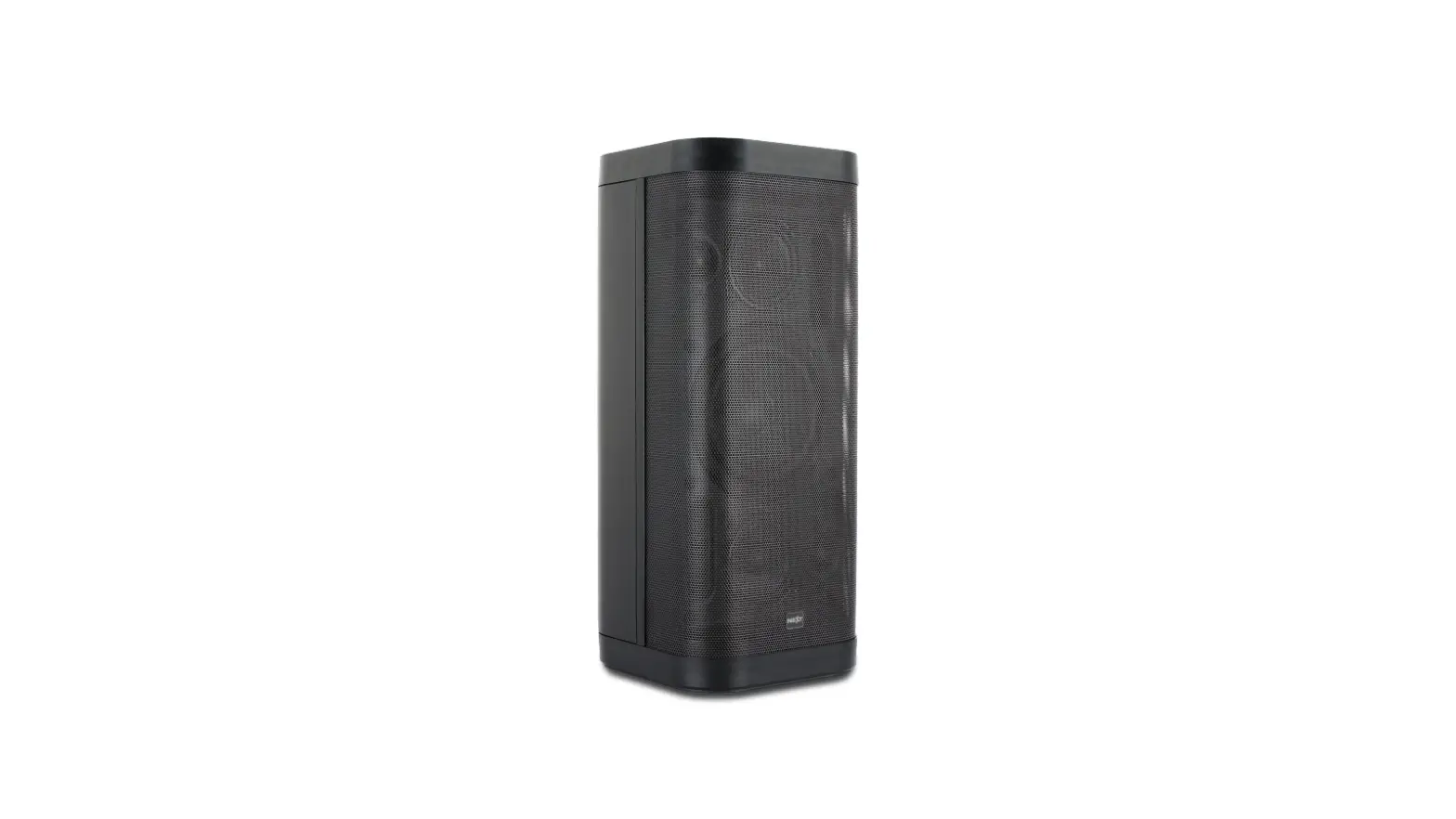
MV6 MAVERICK Series Speaker
Product Information
The NEXT-audiocom Speakers and their associated products are
part of the MAVERICK Series and are built under quality supervision
of NEXT-audiocom, according to the highest standards. The package
includes a Maverick MV6, IEC C7 Power Cable, Remote Control, and
User’s Guide. The MV6 features a multi-position feature that allows
it to be used in several different applications such as floor
standing or stage monitor. It also has a power amplifier with XLR /
TRS 1/4 Combo Inputs, Tone Optimizer, Reverb Effect Level, Input
Signal / Peak LED, Input Level, Mix Output – TRS 6.35mm, IR
Receiver of Remote Control, AUX Input – 3.5mm audio jack, USB
Input, Mode Button, Play/Pause Button, Playback Mode, Next Button,
Previous Button, Mains Power Input – IEC C7 connector, Power On/Off
Switch, and Pole / Tripod Mount with AUTO EQ.
Product Usage Instructions
- When unpacking your element, carefully examine it for any signs
of possible transit damage and inform your dealer immediately if
any such damage has occurred. - Retain the original packaging so that the cabinet can be
repacked in the future if necessary. - Use the multi-position feature to set up the MV6 according to
your desired application. - Use the Tone Optimizer to choose between microphone or
instrument input EQ optimization or no input EQ for general music
reproduction. - Check the battery level indicator before using the Bluetooth
connection. - To connect via Bluetooth, press the MODE button until BT shows
on the display. The speaker will now look for Bluetooth devices and
the Bluetooth logo will appear on the display. - Refer to the user’s guide for instructions on using the MV6
with USB, stereo DJ mixer, remote control, troubleshooting, battery
replacement, warranty policy, technical specifications, and
contacts.
USER MANUAL
v202106
Thank you for purchasing NEXT-audiocom Speakers and their associated products. Please carefully follow the instructions in this manual to ensure long, trouble-free use of your equipment.
THIS PAGE INTENTIONALLY LEFT BLANK
CONTENTS
INTRODUCTION
INTRODUCTION
1
UNPACKING
1
MAVERICK SERIES OVERVIEW
1
SAFETY FIRST
SAFETY FIRST
2
GETTING STARTED
PACKAGING CONTENTS
3
MULTI-POSITION FEATURE
3
POWER AMPLIFIER
3
TONE OPTIMIZER
4
BATTERY LEVEL INDICATOR
4
BLUETOOTH CONNECTION
4
APPLICATIONS
MV6 + USB + MIC + GUITAR
5
MV6 + STEREO DJ MIXER
5
MV6 MONITOR + MV6 30º LEAN BACK
5
REMOTE CONTROL
6
SERVICE
TROUBLESHOOTING
6
BATTERY REPLACEMENT
6
WARRANTY POLICY
6
END-OF-LIFE
7
TECHNICAL
TECHNICAL SPECIFICATIONS
7
DIMENSIONS
8
REACH US
CONTACTS
8
www.nextaudiocom.com
INTRODUCTION
INTRODUCTION
Thank you for purchasing a NEXT-audiocom MAVERICK Series speaker. This manual will provide you with useful and important information about your active portable series element. Please devote some time reading this manual, and keep it at hand for future reference. NEXT-audiocom is concerned with your safety and well-being, so please follow all instructions and heed all warnings. Also, a better understanding of some specific features of the speaker will help you to operate it to its full potential. With a continuous evolution of techniques and standards, NEXT-audiocom, reserves the right to change the specifications of its products without early warning. For the most current data, please visit our website: www.nextaudiocom.com
UNPACKING
NEXT-audiocom’s MAVERICK Series are built under quality supervision of NEXT-audiocom, according to the highest standards. When unpacking your element, carefully examine it for any signs of possible transit damage and inform your dealer immediately if any such damage has occurred.
It is suggested that you retain the original packaging so that the cabinet can be repacked in the future if necessary. Please note that NEXT-audiocom and its authorized distributors cannot accept any responsibility for damage to any returned product through the use of non-approved packaging.
MAVERICK SERIES OVERVIEW
NEXT-audiocom engineered the MAVERICK series, a portable loudspeaker series offering the best performance and reliability in their class. Combining an ultra compact size, user friendly operation and a great design makes this series a great solution for musicians, DJs, basic installation and portable multi-porpose sound at a limited budget. Maverick series aims to enhance usability and versatility combining efficiency to a professional sound performance, featuring high quality Bluetooth® audio streaming, for background music or musical accompaniment, impressive SPL and an advanced DSP. A surprisingly simple handling concept lets you plug in and play straightaway. Configure the system by selecting the appropriate Preset (MV12) or Tone Optimizer (MV6) and let the system do the rest. Thanks to the lightweight, and a very compact size, ABS plastic cabinet, it’s easy to carry and take just about anywhere. This series comprises two different models, MV6 (6,5″) and MV12 (12″). The Maverick MV6 is a all-in-one Battery-Powered Portable PA with Bluetooth connection, USB MP3 Player, AUX IN, MIC IN and instrument input. It comes with a remote control allowing the user to control it at distance. The rechargeable lithium-ion battery keeps you going for up to 12 hours. The multi-position feature allows the user to use it in several diferent ways: floor standing, floor tilted, stage monitor and pole mounted. The Maverick MV12 is a 2-way active speaker with Bluetooth connection, AUX IN, CD PLAYER IN, MIC IN and instrument input. The powerful built-in DSP disposes 5 Presets that successfully adapt the speaker for the most distinct and demanding applications (Live performance, Music Reproduction, Speech or Stage Monitor). It is also possible to extend the system’s frequency range adding an external subwoofer and changing the preset accordingly. Thanks to the multi-position feature, this speaker can cover many different applications.
1
www.nextaudiocom.com
SAFETY FIRST
SAFETY FIRST
It is important that the speaker systems are used in a safe manner. Please take some time to review the following point concerning safe use of your NEXT-audiocom’s MAVERICK speaker. · Read these instructions. · Keep these instructions. · Heed all warnings. · Follow all instructions. · Do not use your speaker near any sources of water, like swimming pools, lakes, water streams, exposed to rain, high humidity environments or any other source of water or moisture. · Use only a soft dry cloth to clean your speaker. · Never use your speaker too close to any heat source, such as radiators, or any other device that produces heat. Recommended temperature: 0ºC to +35ºC. · Never place your speaker in a way that prevents air flow near the amplifier. A minimum clearance distance of 20cm should be kept between the amplifier and any near surface. · When pole mounted, always ensure that the floor or structure where the stack will take place is even and can withstand the weight. · Do not suspend the speaker by its handles. The handles are intended to only be used for temporary transport by people. · Place cables in a way that they do not present a trip hazard. · Do not place any objects on top of the speaker, they can fall accidentally and cause injuries. · Do not attempt to move the speaker while connected. · It is advised to unplug the speaker during storms or when not in use for a long period of time. · Do not attempt to service the speaker beyond what is described in this manual. All other service or repair of this product should be carried only by qualified personnel. · To prevent electric shock, do not use any extension cord, receptacle or other outlets where the blades of the connectors cannot be fully inserted. · Do not operate the unit for an extended period of time with the sound distorting. · Do not operate the unit with the “PEAK” led consistently on.
www.nextaudiocom.com
2
GETTING STARTED
PACKAGING CONTENTS
– 1 x Maverick MV6 – 1 x IEC C7 Power Cable – 1 x Remote Control – 1 x User’s Guide
MULTI-POSITION FEATURE
Thanks to the multi-position feature, the MV6 can be used in several different applications.
Floor Standing
Stage Monitor
POWER AMPLIFIER
1 – XLR / TRS 1/4″ Combo Inputs 2 – Tone Optimizer
EQ optimization for Voice (microphone icon) or Instrument (guitar icon) or “OFF” for general music reproduction
3 – Reverb Effect Level 4 – Input Signal / Peak LED
Green – Signal / Red – Peak
5 – Input Level 6 – Mix Output – TRS 6.35mm
The output is post mix i.e. the EQ and Reverb are included
7 – IR Receiver of Remote Control 8 – Input Level – AUX / USB / Bluetooth 9 – AUX Input – 3.5mm audio jack 10 – USB Input
Can be used as a 5V 1A charger
11 – Mode Button
Switch between USB – Bluetooth / AUX has priority
12 – Play/Pause Button
Press 2-3 sec. to select USB folder / Press-2-3 sec. to unpair BT
13 – Playback Mode
Switch between RANDOM, ALL and SINGLE
14 – Next Button
Skip track / Move next folder
15 – Previous Button
Previous track / Move to previous folder
16 – Mains Power Input – IEC C7 connector 17 – Power On/Off Switch
Pole / Tripod Mount with AUTO EQ
2 1
6 7
30º Lean Back
3
4
5
8 9
3
www.nextaudiocom.com
GETTING STARTED
TONE OPTIMIZER
MICROPHONE – Automatic Input EQ for the best voice reproduction. INSTRUMENT – Automatic Input EQ for the best instrument reproduction. OFF – No Input EQ – is used for recorded music playback and electronic dance music applications or when connected to a MV6 output.
BATTERY LEVEL INDICATOR
BLUETOOTH CONNECTION
MONO: 1. Press MODE button until “BT” shows on the display. Now, the speaker is
looking for bluetooth devices and the Bluetooth logo, at the lower left
corner, will start blink.
2. On your mobile device, select NEXT MV6 to initiate the pairing process.
3. Once the device is paired, the Bluetooth logo will turn solid.
AUDIO
4. Play the audio from the mobile device.
To unpair the speaker from the mobile device click and hold the PLAY/PAUSE button for 3 seconds.
TWS STEREO: 1. Press MODE button until “BT” shows on the display of both speakers.
2. Press PLAYBACK MODE button for 3 sec. on either of the
MV6 speaker. Wait until both speakers successfuly connect with
each other.
3. On your mobile device, select NEXT MV6 to initiate AUDIO
the pairing process.
www.nextaudiocom.com
4
APPLICATIONS
MV6 + USB + MIC + GUITAR
L MV6 + STEREO DJ MIXER
R
LR
L
R
MV6 MONITOR + MV6 30º LEAN BACK
5
www.nextaudiocom.com
SERVICE
REMOTE CONTROL
2
1 – Pair Bluetooth Audio Device
1
2 – Pair MV6 in TWS mode (Stereo Bluetooth)
3 – Increase Volume Level
3
4 – Previous Track 5 – Play / Pause
4 6
6 – Next Track 7 – Decrease Volume Level
5
7
8 – Folder Selection
9
9 – Folder Selection
8
10 – Playback Loop
TROUBLESHOOTING
Symptom
All LED OFF on the amplifier panel
Possible cause
AC Cable not connected / Battery discharged
Action
Verify the IEC cable / Charge the battery
Speaker is ON but no sound No sound from microphone Sound distorting – peak LED ON most of time
Signal source not sending / faulty signal cables Verify the audio is playing / replace signal cables
Condenser microphone – needs phantom power
Switch to a dynamic microphone or use external phantom power for condenser microphones
Excessive sound level at the input channel
Reduce the level knob – counterclockwise
Sound distorting – peak LED OFF
Mixer / audio source is overdriven
Reduce level from source / Raise level on MV6
Intermittent output – cracking or distortion
Faulty signal connection
Check and / or replace signal cables
Acoustic feedback from the microphone
Microphone is in front or too close to the MV6
Skipping or stuttering playback with streaming audio
Paired device is too far from the speaker
Avoid being in front or too close to the speaker Move the device closer to the speaker
BATTERY REPLACEMENT
1. Swith the speaker OFF. Unscrew the four screws at the bottom of the speaker. 2. Unplug the connector, remove and replace the battery, re-connect the plug. 3. Install the bottom cover and secure it with the four screws.
WARRANTY POLICY
NEXT-audiocom’s products are warranted, by NEXT-audiocom, against manufacturing defects in materials or craftsmanship over a period of 2 years counting from the date of original purchase. The original receipt of purchase is mandatory for warranty validation purposes, and the product must have been bought from a NEXT-audiocom authorized dealer. The warranty can be transferred to a subsequent owner during the warranty period; however, this cannot extend the warranty period beyond the original warranty period of two years from the original date of purchase stated on the NEXT-audiocom’s invoice. During the warranty period NEXT-audiocom will, at its own discretion, either repair or replace a product which prove to be defective provided that the product is returned in its original packaging, shipping prepaid, to an authorized NEXT-audiocom service agent or distributor.
www.nextaudiocom.com
6
TECHNICAL
NEXT-audiocom cannot be held responsible for defects caused by unauthorized modifications, improper use, negligence, exposure to inclement weather conditions, act of God or accident, or any use of this product that is not in accordance with the instructions provided by this manual and/or NEXT-audiocom. NEXT-audiocom is not liable for consequential damages. This warranty is exclusive and no other warranty is expressed or implied. This warranty does not affect your statutory rights.
END-OF-LIFE
When to be definitively put out of operation, take the product to a local recycling plant for a disposal which is not harmful to the environment. Devices marked with this symbol must not be disposed of as household waste. Contact your retailer or local authorities for more information.
TECHNICAL SPECIFICATIONS
Speaker Type Frequency Response (-6dB) Calculated Max. SPL (Continuous/Peak) Horizontal Coverage Angle (-6dB) Vertical Coverage Angle (-6dB) Components
Program/Peak Power Mixer Effects Tone Optimizer AUTO EQ Bluetooth Amplifier Technology Cooling AC Operating Voltage Nominal Power Consumption
Connectors
USB Fittings Handles Construction Battery Type Battery Charge Time Battery Play Time Dimensions WxHxD (mm) Net Weight Shipping Weight
Battery Powered Speaker 70Hz 20kHz
113dB/116dB (Full-space)
100º 80º LF – 1 x 6.5″ Woofer / 2″ Voice Coil HF 1 x 1″ (Exit) High Freq. Driver 100W/200W 3 Channels Reverb Microphone and Instrument Automatic EQ when pole mounted Stereo Audio Streaming 10m range Class D Amplifier with DSP Convection 100V – 240V 50/60Hz 100W (0.4A) Power: 1 x IEC Signal IN: 2 x XLR/TRS combo, 1 x 3.5mm jack, 1 x USB Signal OUT: 1 x TRS 6.35mm Charging port: 5V, 1A 1 x 35mm pole mount socket One on Top Light-weight ABS plastic Lithiumion Rechargeable Battery 5 Hours Up to 12 Hours 258 x 342 x 283 7.2kg 7.9kg
7
www.nextaudiocom.com
DIMENSIONS
REACH US
Dimensions in milimeters
CONTACTS
In case of any doubts or any information just:
Write us:
NEXT-audiocom Rua da Venda Nova, 295 4435-469 Rio Tinto Portugal
Contact us:
Tel. +351 22 489 00 75
Send an e-mail:
Search our website: www.nextaudiocom.com
Follow us on:
facebook.com/nextaudiocom
instagram.com/next.audiocom
www.nextaudiocom.com
8
 NEXT Audiocom (@next.audiocom) • Instagram photos and videos
 Homepage | NEXT Audiogroup