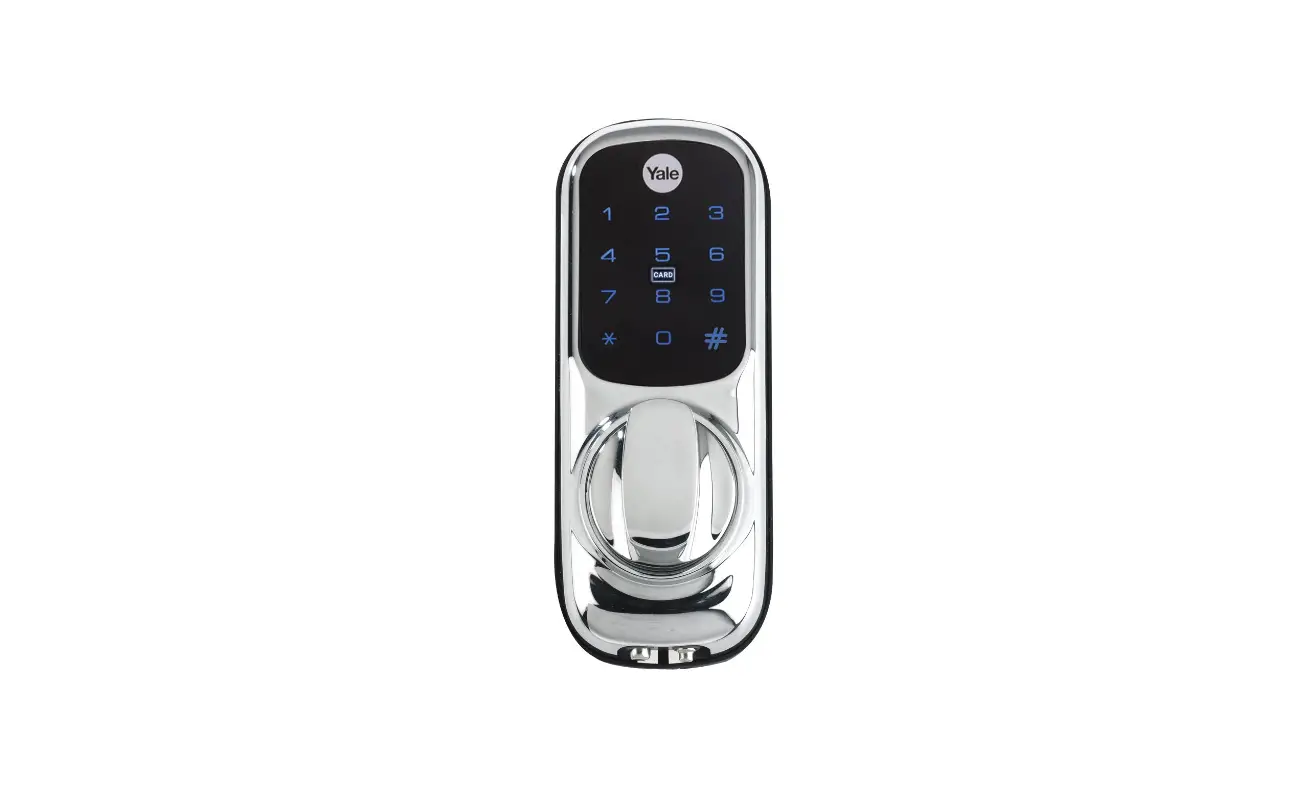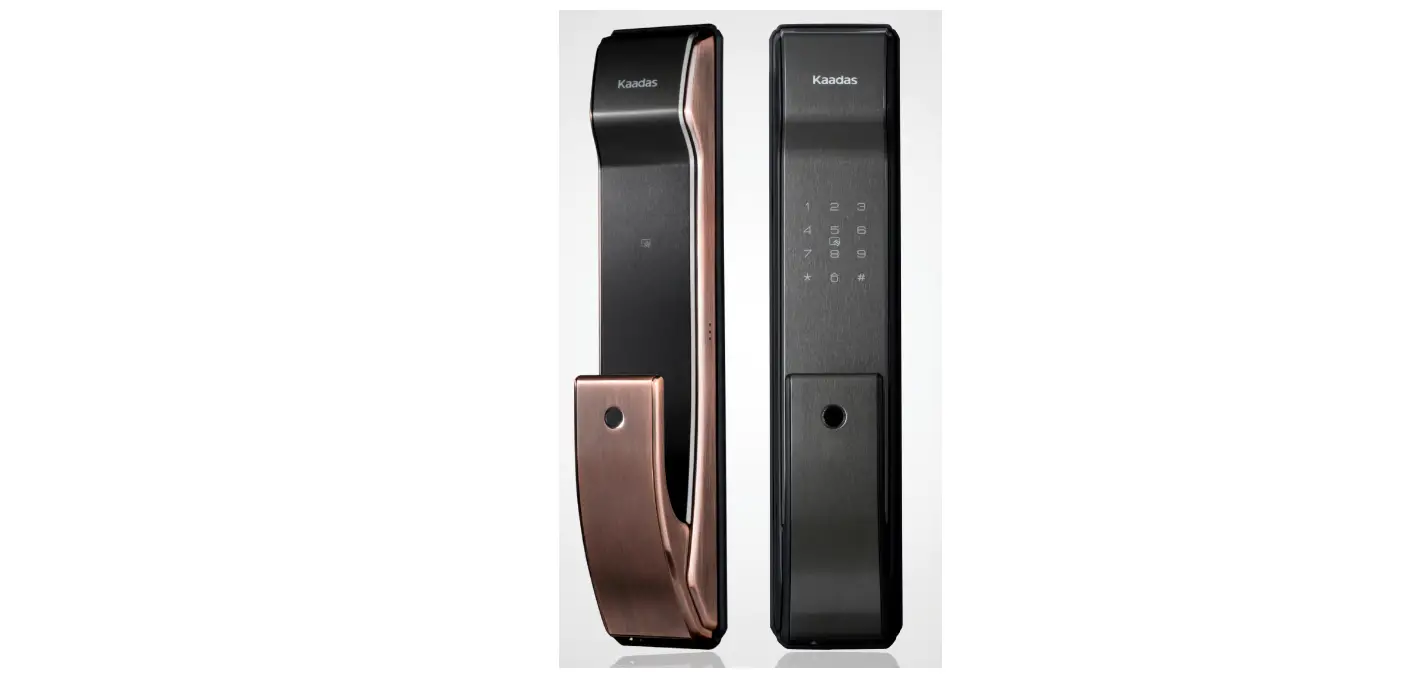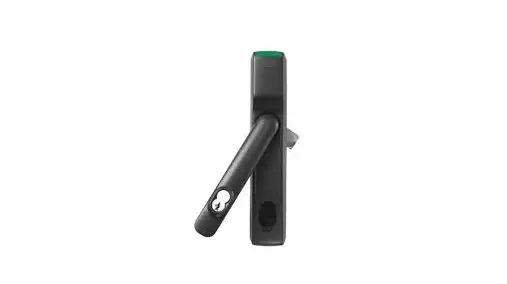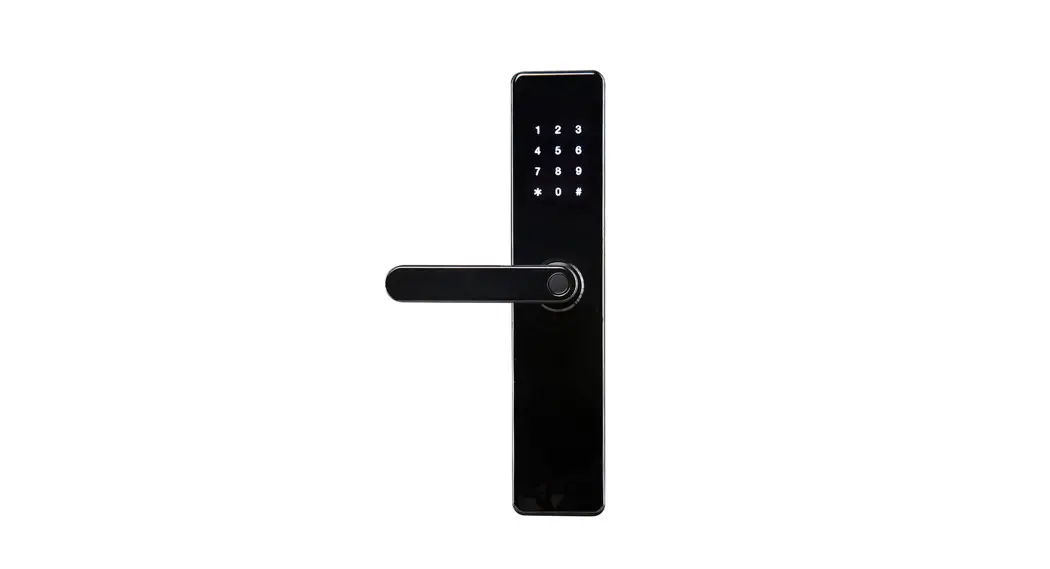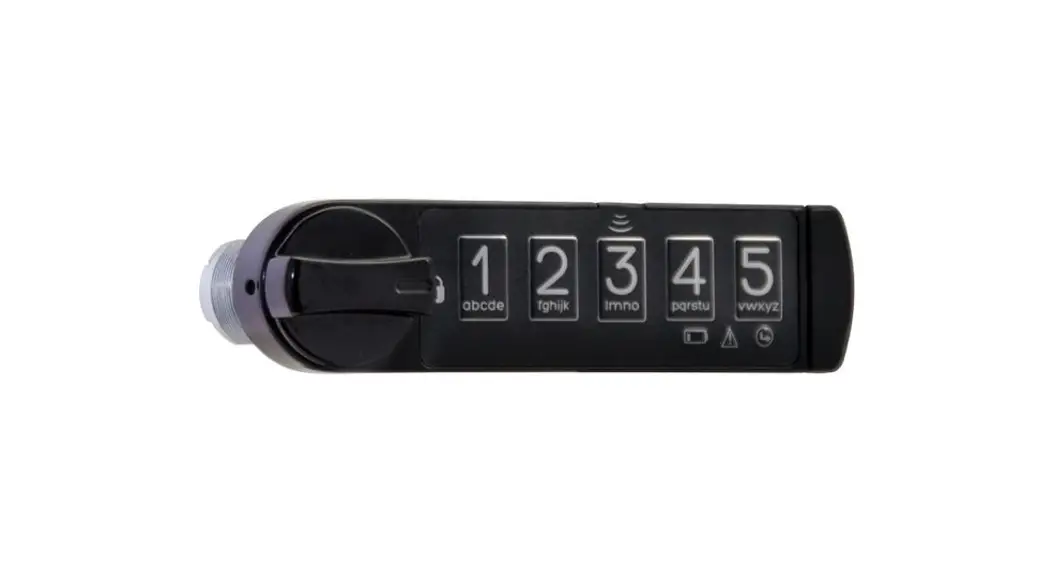
 RFKY-CAB-SL Digital Cabinet Lock
User Manual
PROGRAMMING INSTRUCTIONS
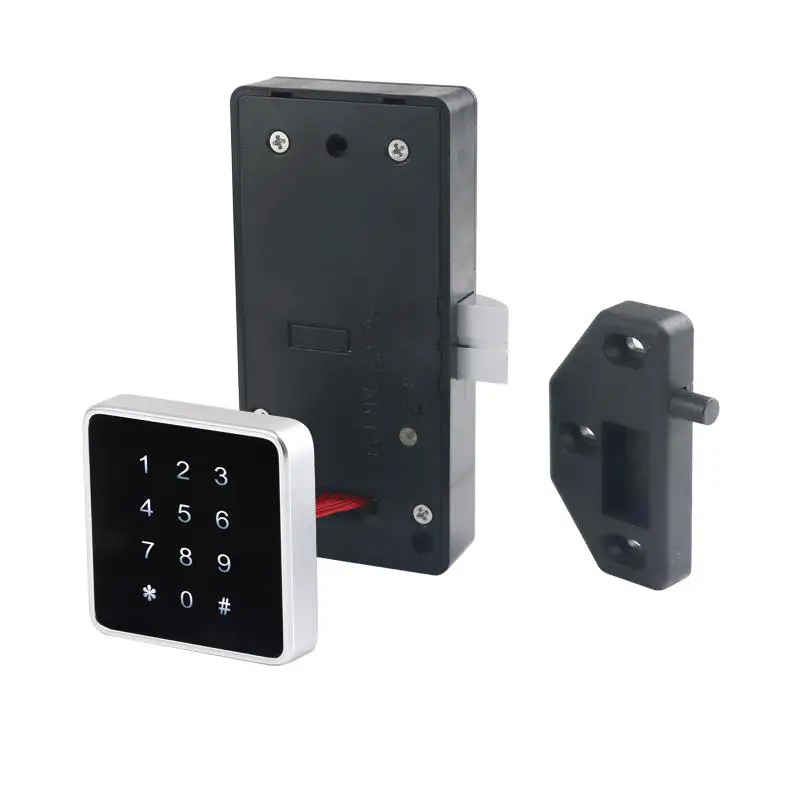
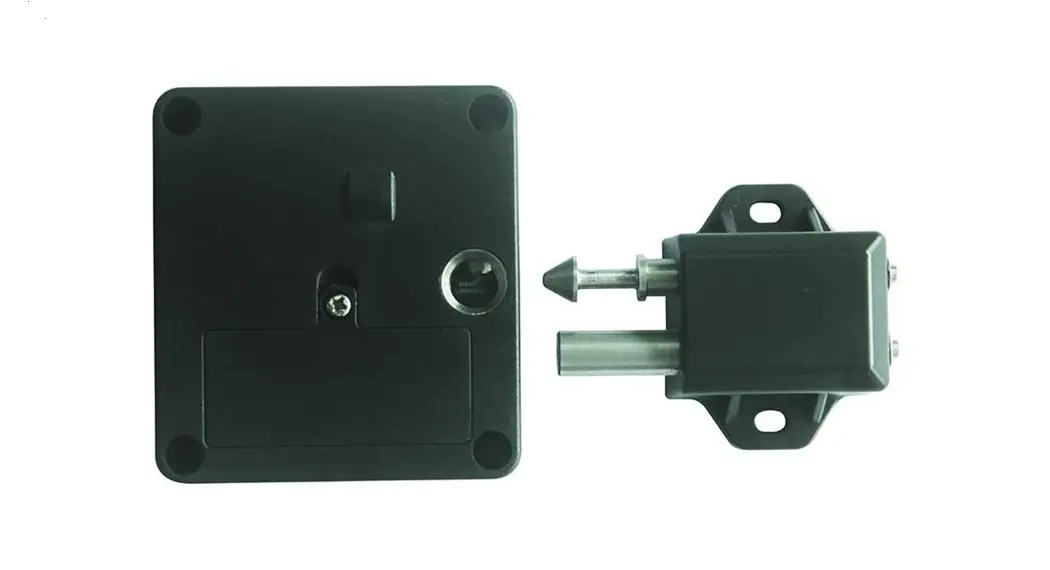
LOCK INTERFACE OVERVIEW
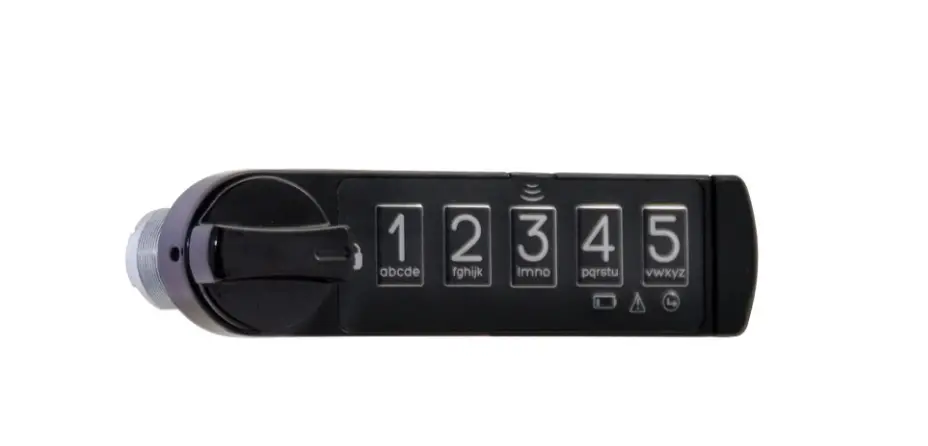
Front View
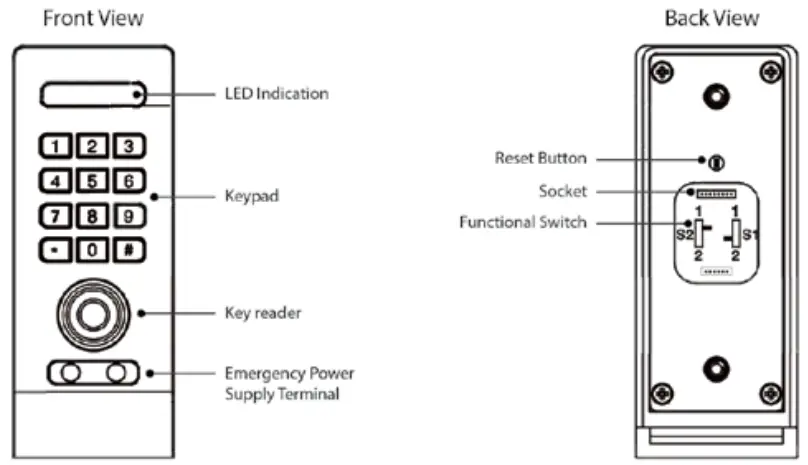
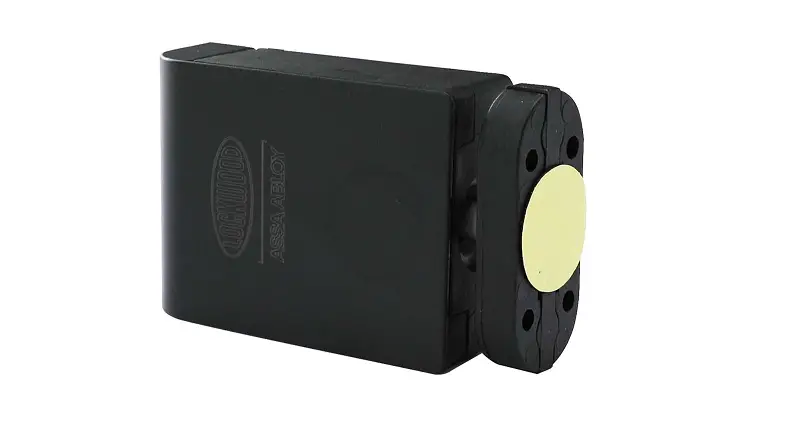
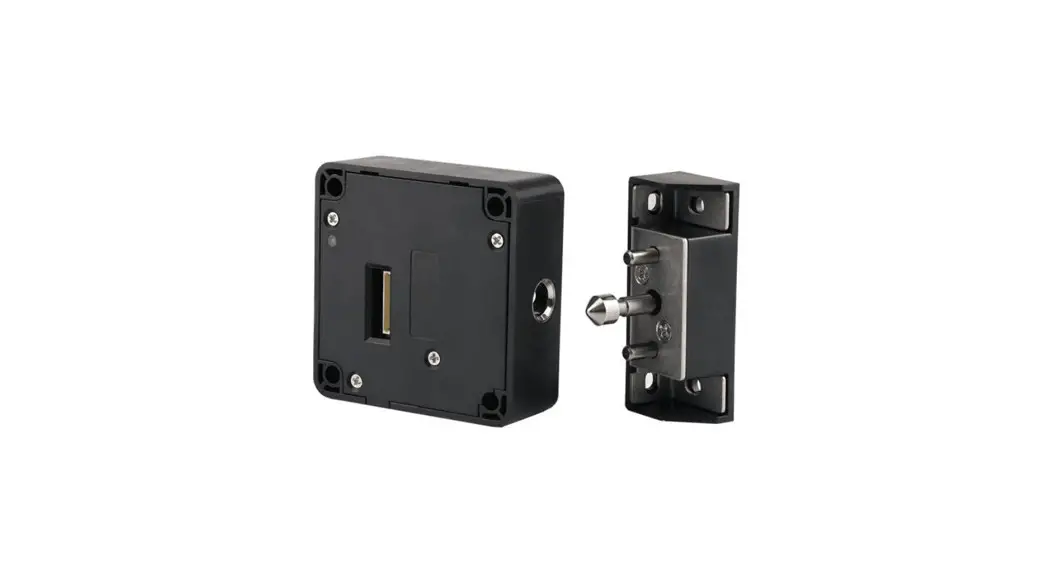
Back Body
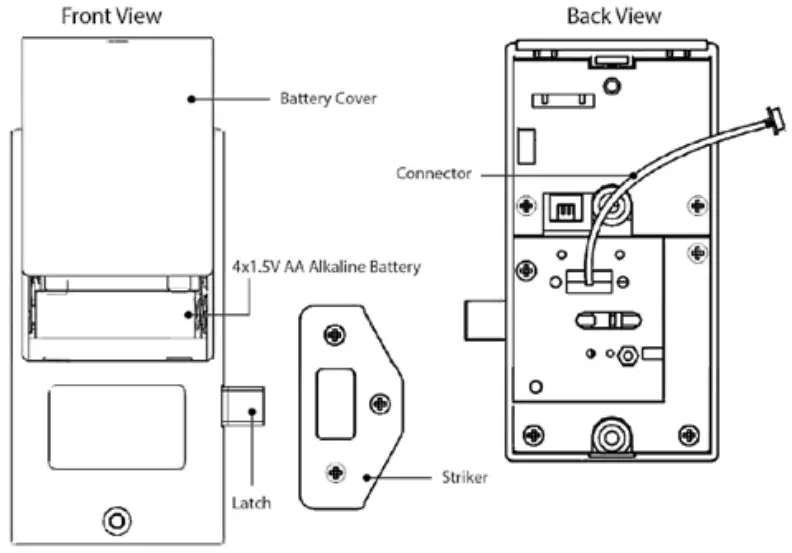
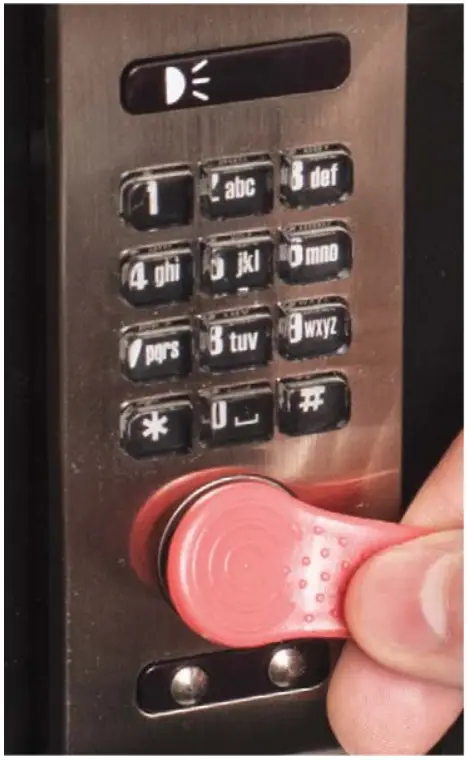
KEY GUIDE
| Master Key (Red) | Supervisor Key (Blue) | User Key (Black) [OPTIONAL] |
 |  |  |
| • Provides highest level management access • Registers master key(s) and master code • Each lock accepts only (1) master key | • Provides second level management access • Registers permanent code and user key • Each lock accepts only (1) supervisor key | • Provides third level management access • Each lock accepts up to (5) user keys |
INITIALIZING LOCK(S)
Disassemble the lock, connect back body with front body to keep power supply and press the red button to reset the lock.
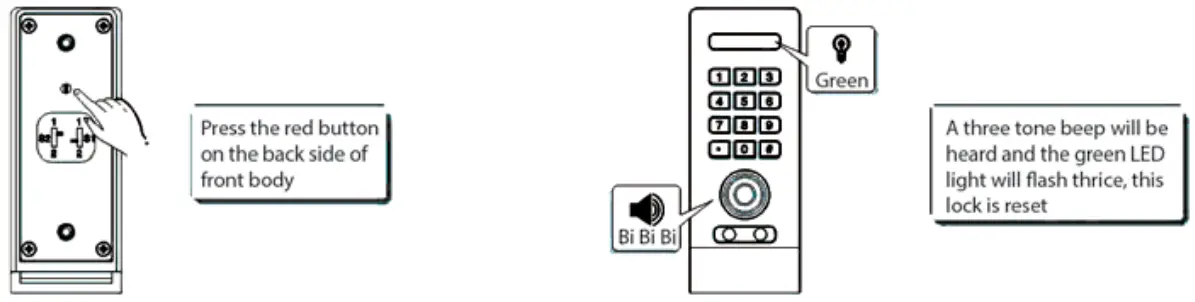
REGISTER MASTER KEY
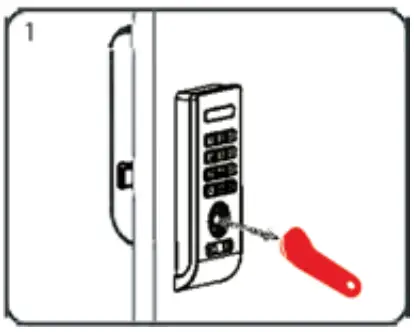 | 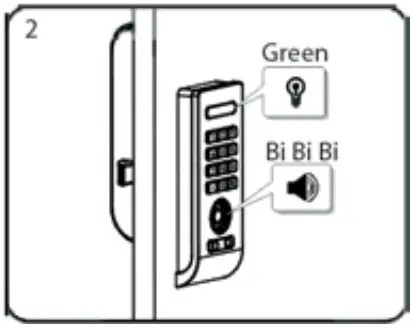 | 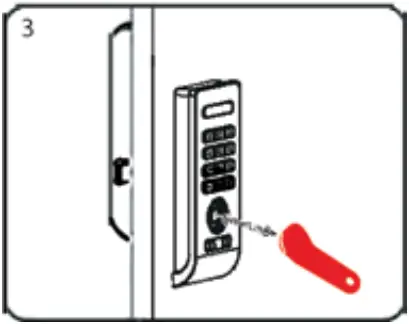 |
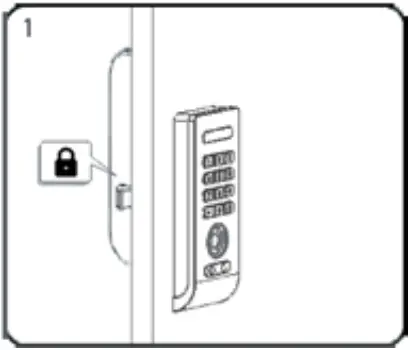
| Start at locker #1. Touch the Master Key (Red) to the key reader for one full second | A three tone beep will be heard and the green LED light will flash thrice. This lock is programmed with the Master Key. | Test the programming by touching the Master Key (Red) to the key reader of lock. If programming is successful the lock will operate. |
REGISTER SUPERVISOR KEY(S)
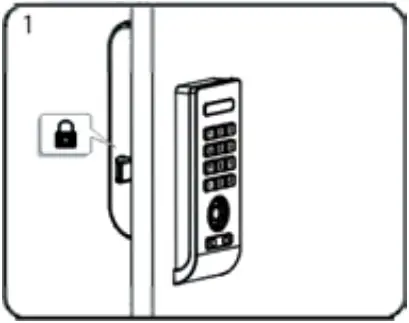 | 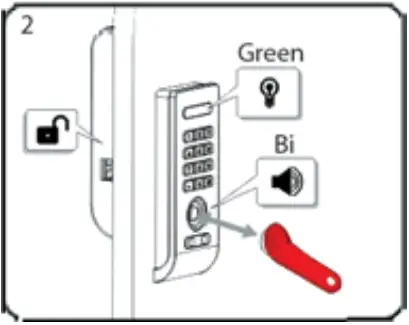 | 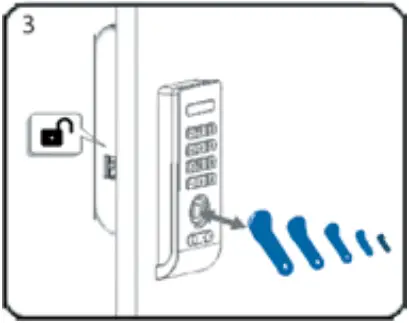 |
| Go to a lock previously programmed with existing Master Key, nd is under a locked state. | Touch the Master Key (Red) to the key reader for one full second. The lock will unlock and the green LED light will flash. | While LED light is flashing, touch each of the Supervisor Key(s)(Blue) to the key reader at a time. A single tone beep will be heard each time a new key is touched to the lock indicating acceptance. |
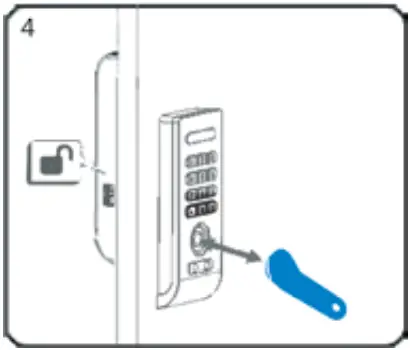 | 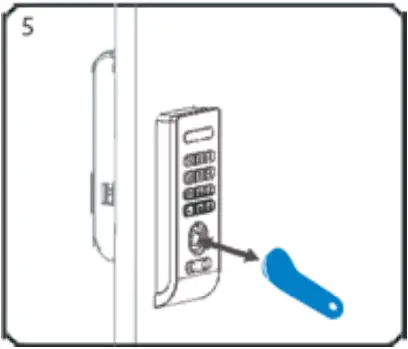 |
| When finished touching all Supervisor Keys (Blue), end programming by touching the Master Key (Red) to the key reader. | Test the programming by touching the Supervisor Key (Blue) to the key reader of lock. If programming is successful, the lock will operate. |
REGISTER/CHANGE MASTER CODE
 | 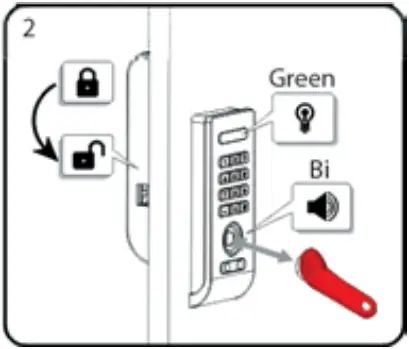 | 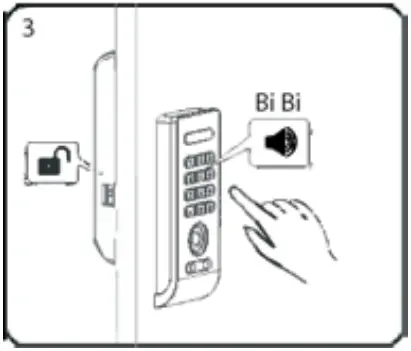 |
| Go to a lock previously programmed with existing Master Key, and is under a locked state. | Touch the Master Key (Red) to the key reader for one full second. The lock will unlock and the green LED light will flash. | While LED is flashing, Press: (any 1-9 digit code). A two one beep will be heard and the lock will lock to indicate acceptance. |
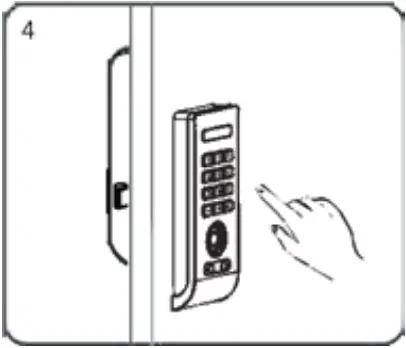
Test the programming by key in master code of lock. If programming is successful, the lock will operate.
FOR LOST OF STOLEN KEY(S)
For Lost Master Key
Disassemble the lock, connect back body with front body to keep power supply and press the red button to reset the lock.
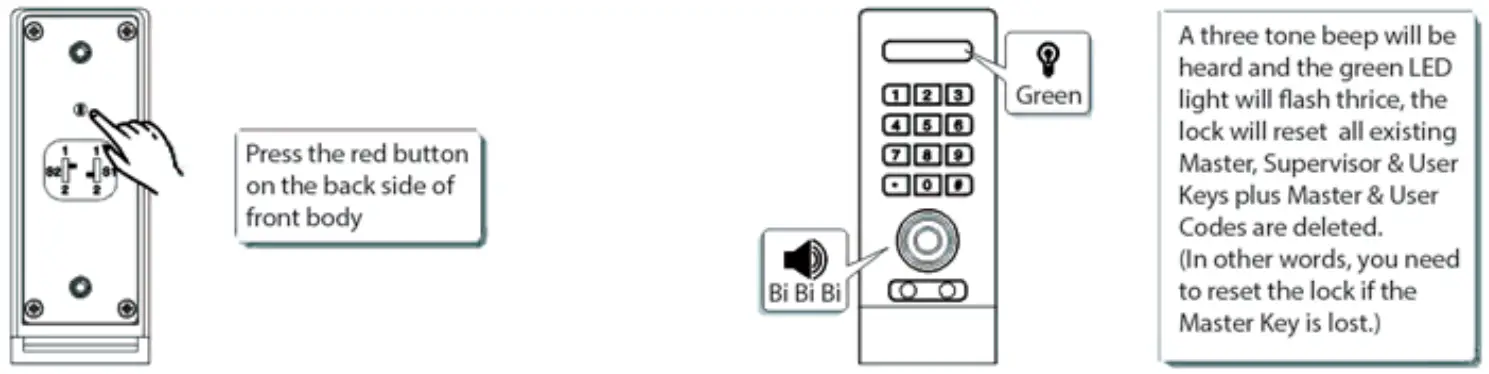
For Lost Supervisor Key(s) or Deleted Master Code
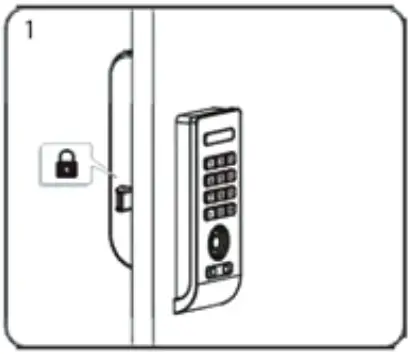 | 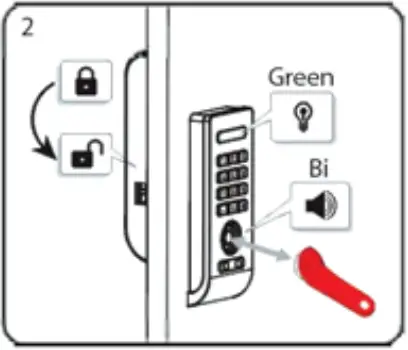 | 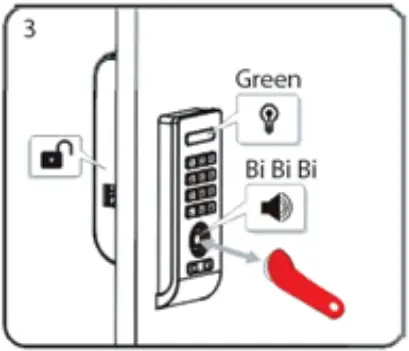 |
| Under locked state. | Touch the Master Key (Red) to the key reader for one full second. Tlock is unlocked, a single tone beep will be heard and the green LED light will flash. | While the green LED light is flashing, touch the Master Key (Red) to the key reader for one full second again, a three tone beep will be heard and the red LED light will flash thrice, the existing Supervisor Key and Master Code is deleted. |
NOTE: Lock will not reset by removing the batteries.
OPTIONAL PROGRAMMING
KEYBOARD QUIET MODE
Keyboard quiet mode is an option where the sound can be activated or deactivated when pressing the keyboard.
To Enable Keyboard Quiet Mode:
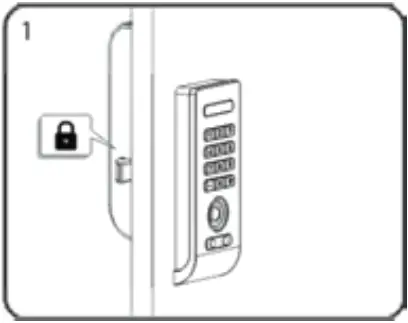 | 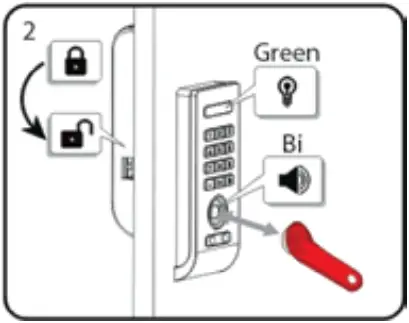 | 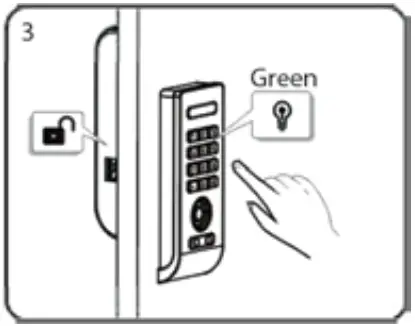 |
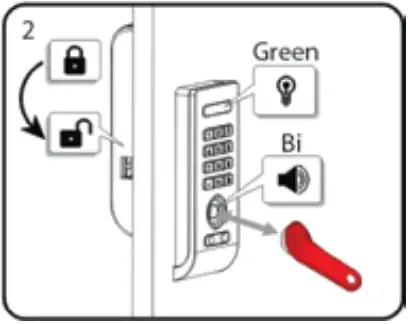
| Under locked state. | Touch the Master Key (Red) to the key reader for one full second. The lock will unlock and the green LED light will flash. | While LED is flashing, Press: *+# the green LED light will keep flashing. |
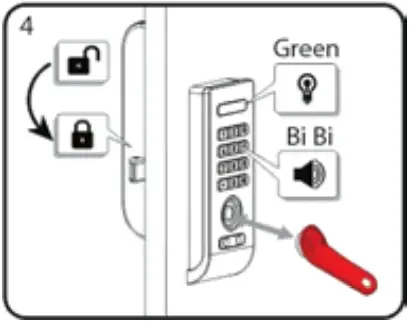
While the green LED light is flashing, touch the Master Key (Red) to the key reader for one full second again, a two tone beep will be heard and the green LED light will flash twice, the lock is locked and alarm quiet
To Disable Alarm Quiet Mode:
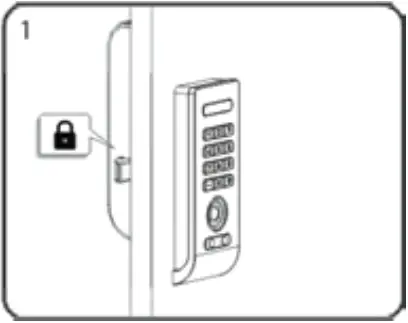 |  | 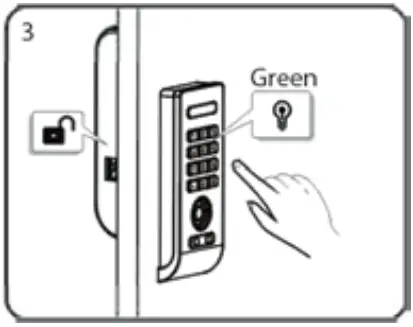 |
| Under locked state. | Touch the Master Key (Red) to the key reader for ne full second. The lock will unlock and the green ED light will flash. | While LED is flashing, Press: + , the green LED light will keep flashing. |
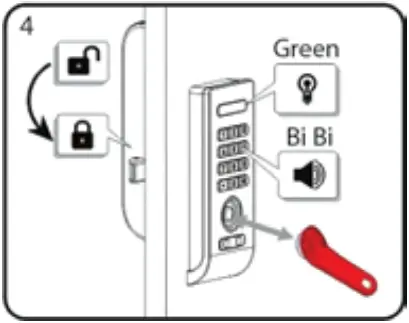
While the green LED light is flashing, touch the Master Key (Red) to the key reader for one full second again, a single tone beep will be heard and the green LED light will flash once, the lock is locked and alarm quiet mode is deactivated.
LOCKER USE WORKING MODE (ONE TIME CODE)
ENABLE ONE-TIME CODE WORKING MODE
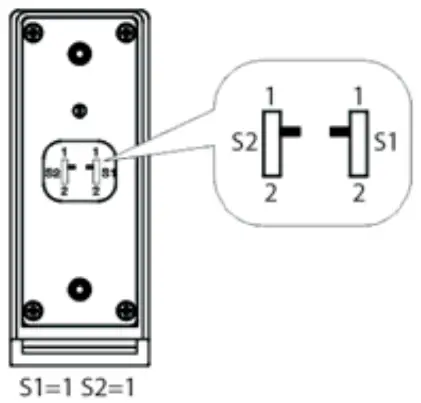
Make sure both S1 & S2 are moved to 1
ONE-TIME CODE USE INSTRUCTION
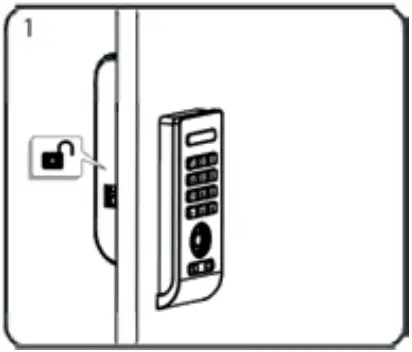 | 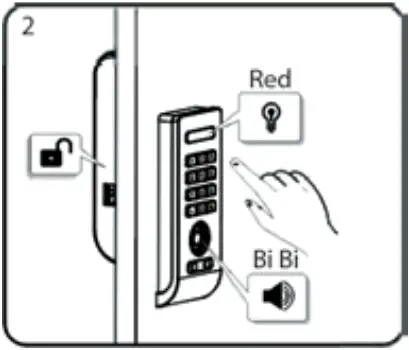 | 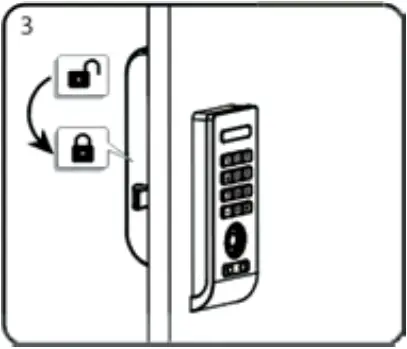 |
| Under locked state. | Press: (any 1-9 digit code). A two tone beep will be heard and the red LED light will flash twice. (any 1-9 digit code). A two tone beep will be heard and the red LED light will flash twice. | Lock is locked, one-time code is registered. |
TO OPERATE WITH A ONE-TIME CODE
To Lock:
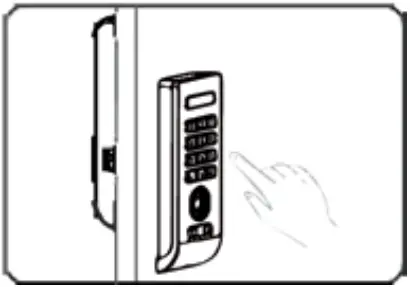 | 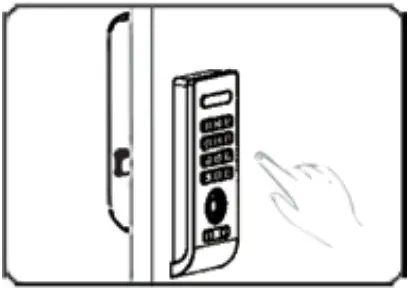 |
| 1) Find an available lock. 2) Press:  (any 1-9 digit code). (any 1-9 digit code). | 1) Same as lock. 2) Press: (any 1-9 digit code). |
NOTE: If an incorrect code is entered four consecutive times, the lock will alarm for one full minute, or until a registered Master Key or Supervisor Key is touched to the key reader.
TO OPERATE WITH MASTER KEY
To lock: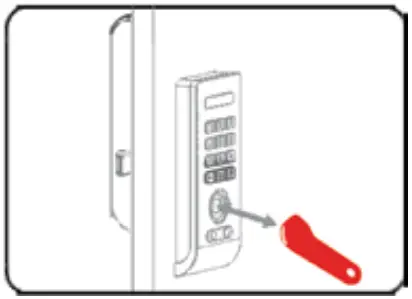 | To Unlock: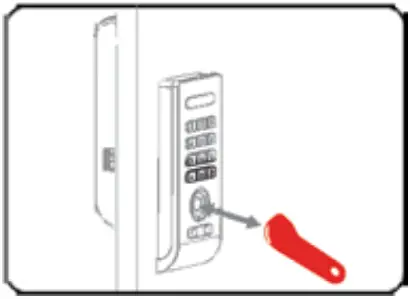 |
| Touch the Master Key (Red) to the key reader. | Touch the Master Key (Red) to the key reader. |
NOTE: If an incorrect iB key attempts to unlock the lock, there is no reaction from the lock.
TO OPERATE WITH SUPERVISOR KEY
To lock: 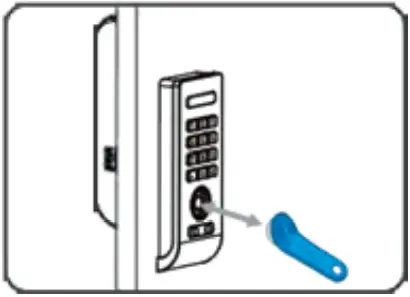 | To unlock: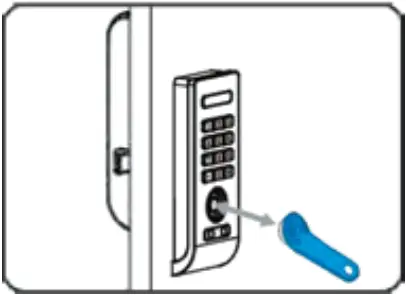 |
| Touch the Supervisor Key (Blue) to the key reader. | Touch the Supervisor Key (Blue) to the key reader. |
NOTE: If an incorrect iB key attempts to unlock the lock, there is no reaction from the lock.
TO OPERATE WITH MASTER CODE
To lock: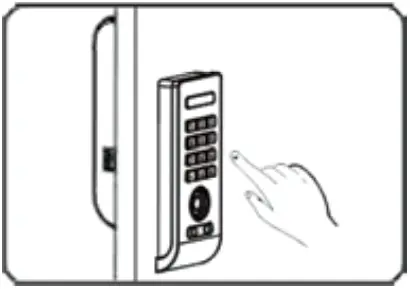 | To Unlock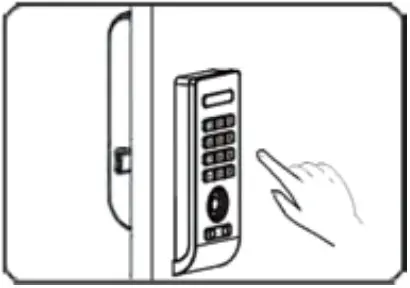 |
| Enter Master Code +# | Enter Master Code + # |
STATION USE WORKING MODE (PERMANENT CODE)
Make sure S1 is moved to 2, S2 is moved to 1
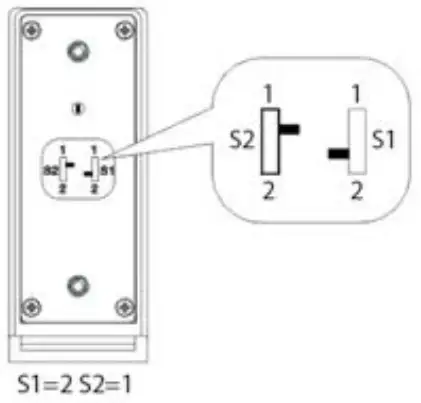
ENABLE PERMANENT CODE WORKING MODE
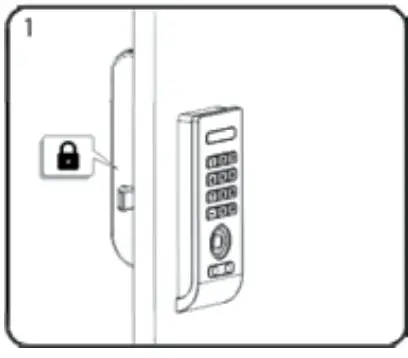 | 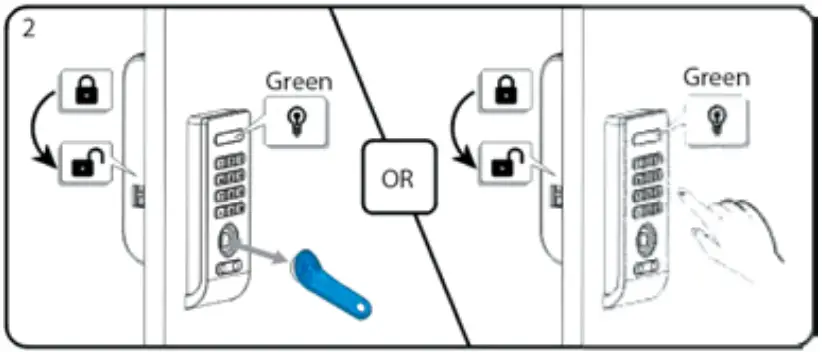 |
| Under locked state. | Unlock the lock with Supervisor Key (Blue) or Master Code, green LED light will flash. |
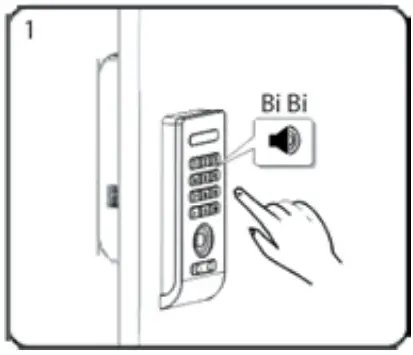 | 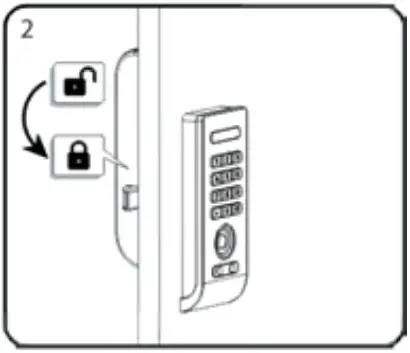 | 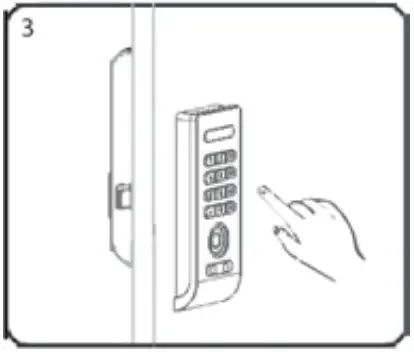 |
| While LED light is flashing. Press: (any 1-9 digit code). | Lock is locked and a two tone beep will be heard. Permanent code s now registered. | Test the programming by entering the Permanent Code. If rogramming is successful, the lock will operate. |
DELETE PERMANENT CODE
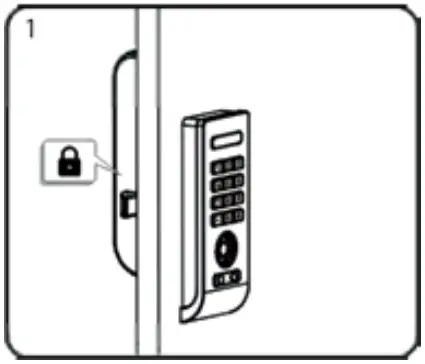 | 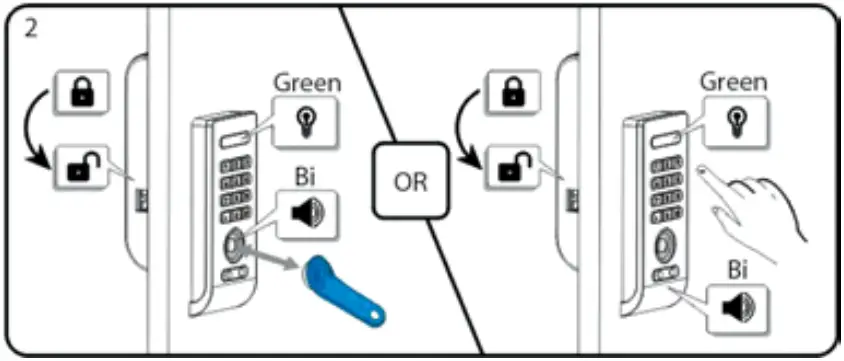 | 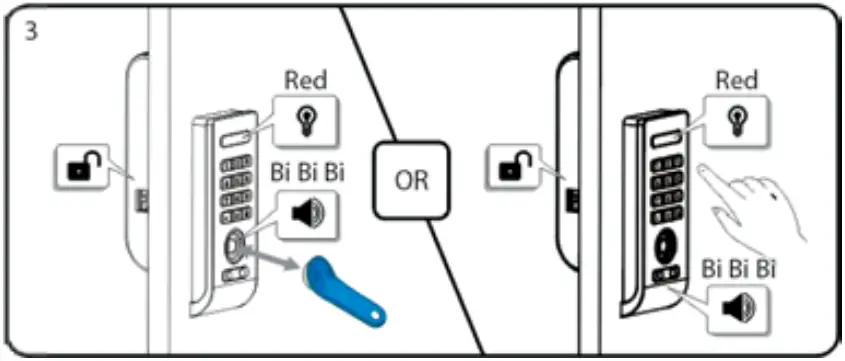 |
| Under locked state. | Unlock the lock with Supervisor Key (Blue) or Master Code, green LED light will keep flashing. | When green LED light is flashing, touch Supervisor Key (Blue) or enter Master Code again. A three tone beep will be heard and red LED light will flash thrice. Permanent Code is deleted. |
NOTE: Lock will not reset by removing the batteries.
TO OPERATE WITH PERMANENT CODE
To Lock: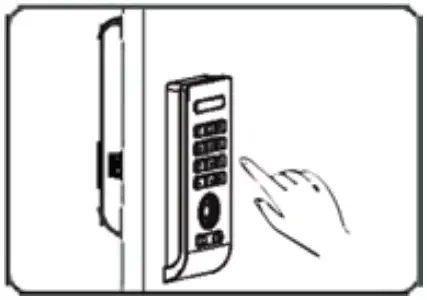 | To Unlock: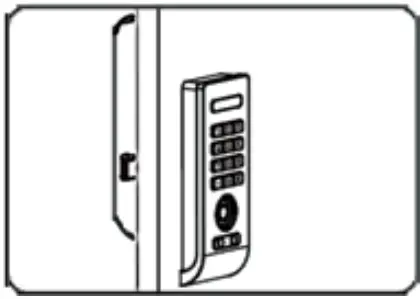 |
| Enter Permanent Code +# | Will lock automatically in 4 seconds. |
NOTE: If an incorrect code is entered four consecutive times, the lock will alarm for one full minute, or until a registered Master Key or Supervisor Key is touched to the key reader.
TO OPERATE WITH MASTER KEY
To Lock: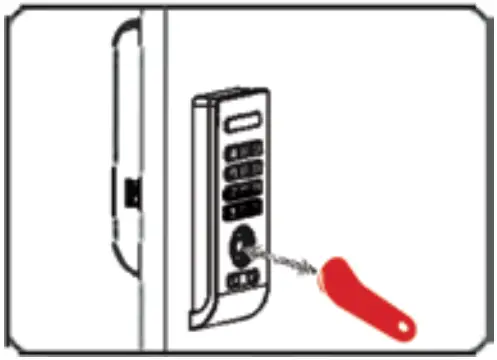 | To Unlock: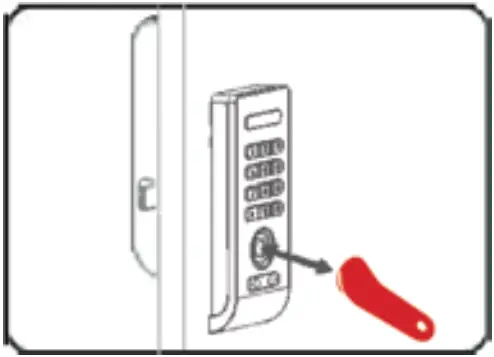 |
| Enter Permanent Code +# | Will lock automatically in 4 seconds. |
NOTE: If an incorrect iB key attempts to unlock the lock, there is no reaction from the lock.
TO OPERATE WITH SUPERVISOR KEY
| To Lock:
| To Unlock:
|
| Touch the Supervisor Key (Blue) to the key reader. | Touch the Supervisor Key (Blue) to the key reader. |
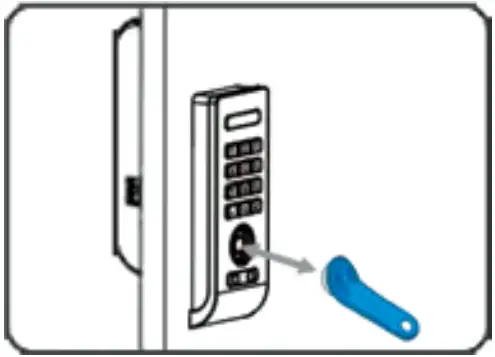
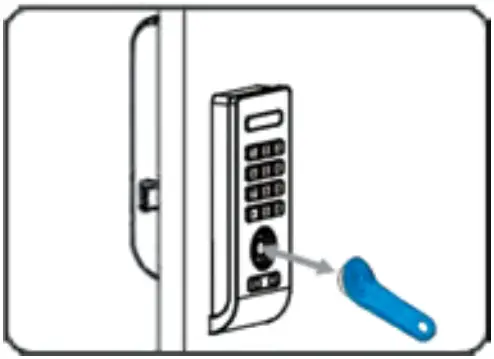
NOTE: If an incorrect iB key attempts to unlock the lock, there is no reaction from the lock.
TO OPERATE WITH MASTER CODE
| To Lock:
| To Unlock:
|
| Enter Master Code + # | Enter Master Code + # |
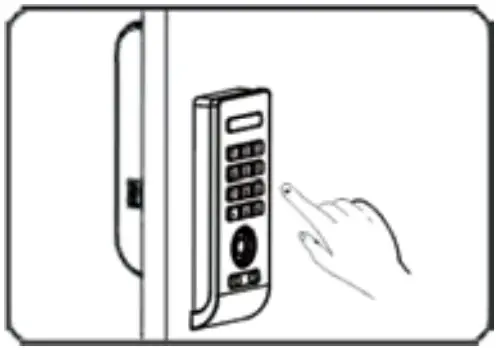
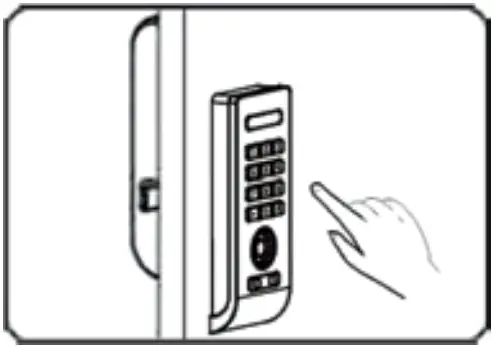
NOTE: If an incorrect code is entered four consecutive times, the lock will alarm for one full minute, or until a registered Master Key is touched to the key reader.
TROUBLESHOOTING
BATTERY & REPLACEMENT
This product uses 4 x 1.5V alkaline AA batteries which can be used approximately one year on the condition of 10 times open/close cycles per day.
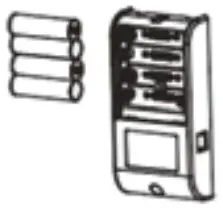
Battery life may vary due to temperature moisture, frequency of use and quality of the batteries.
Battery Replacement Warning
Replace all 4 batteries when a low battery warning sound rings and green LED light under unlock the lock.
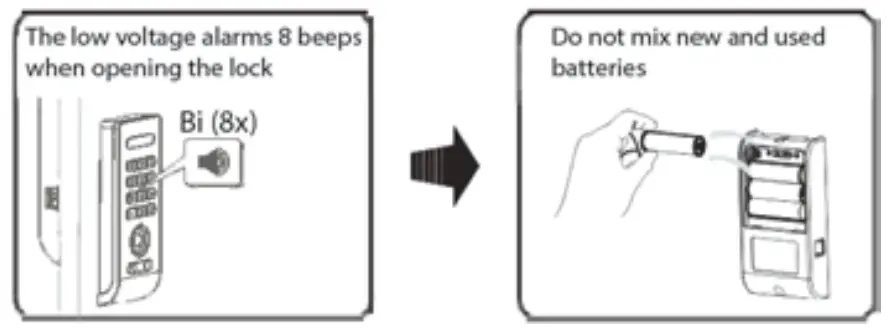
 CAUTION
- Always check “+” and “-” directions when inserting batteries.
- Use the authentic alkaline batteries. It is the user’s responsibility for damage caused by using unauthentic batteries.
- Risk of explosion if batteries are replaced by an incorrect type.
- Dispose of used batteries according to the instructions.

ANTI-THEFT ALARM
Buzzer alarms for 60 seconds when latch is pressed or picked. The alarm will be stopped by any registered key.
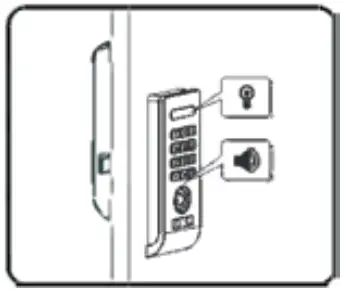
If the lock is damaged or entry is forced while the door is locked, an alarm signal is triggered and red LED light flashes, (Only under normal or keyboard quiet mode).
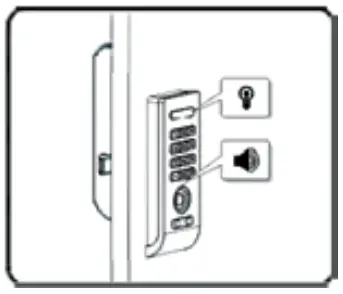
If the lock is not closed well, an alarm will sound and red LED light flashes, (Only under normal or keyboard quiet mode).
EMERGENCY POWER SUPPLY
9V battery can be used to supply electricity.
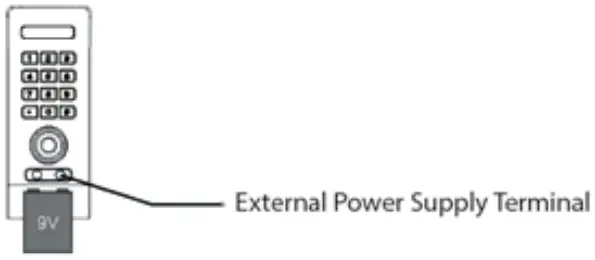
Outwater Industries, Inc. assumes no liability for improper installation.
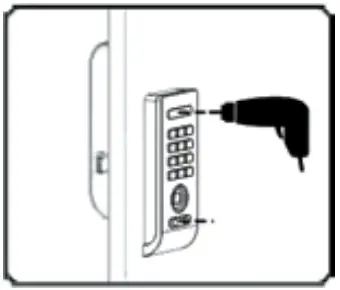
EMERGENCY UNLOCKING
In case the lock is broken, and in a locked state, the lock can’t be opened by any key or code. The lock will have to be drilled open.
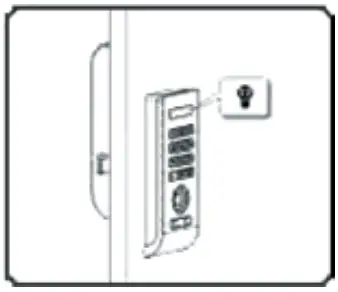
OCCUPIED INDICATION
When in a locked state, red LED will flash once every 2 seconds to indicate the unit is already locked or occupied.
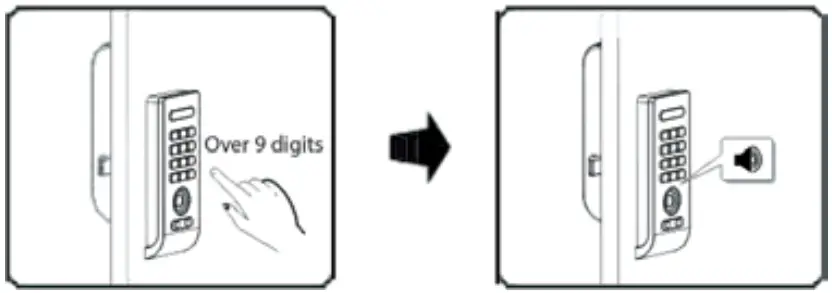
CODE DIGITS
A minimum code of 1 digit to a maximum code of 9 digits is allowed, and any number combination from 0 to 9. When an attempted code is over 9 digits, a single tone beep will be heard and the operating will be stopped.
WRONG TRY LOCK-OUT
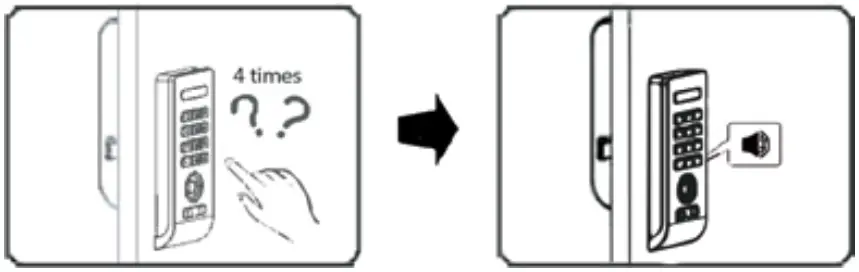
If an incorrect code is attempted four consecutive times, the unit will alarm for 60 seconds with a blinking LED, (Only under normal or keyboard quiet mode).
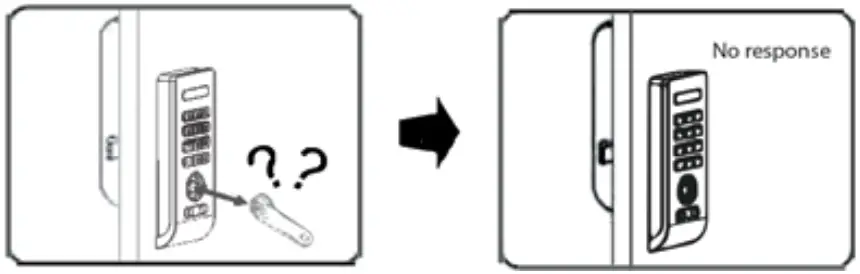
If an unregistered iB key is attempted, there is no response from the unit, (under Locker & Station use working modes).
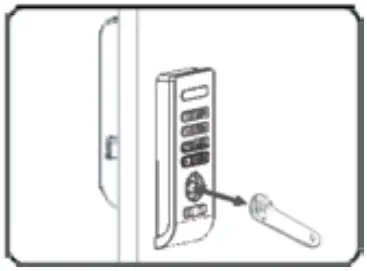
To stop the alarm touch a registered iB key to the key reader.
Outwater Industries, Inc. assumes no liability for improper installation.
SCRAMBLE CODE
Any meaningless number can be input prior to the correct code when there is a chance of exposing it to others.
24 River Road
Bogota, NJ 07603
Phone: 1.800.631.8375
Fax: 1.800.888.3315
www.outwater.com
 Outwater Industries