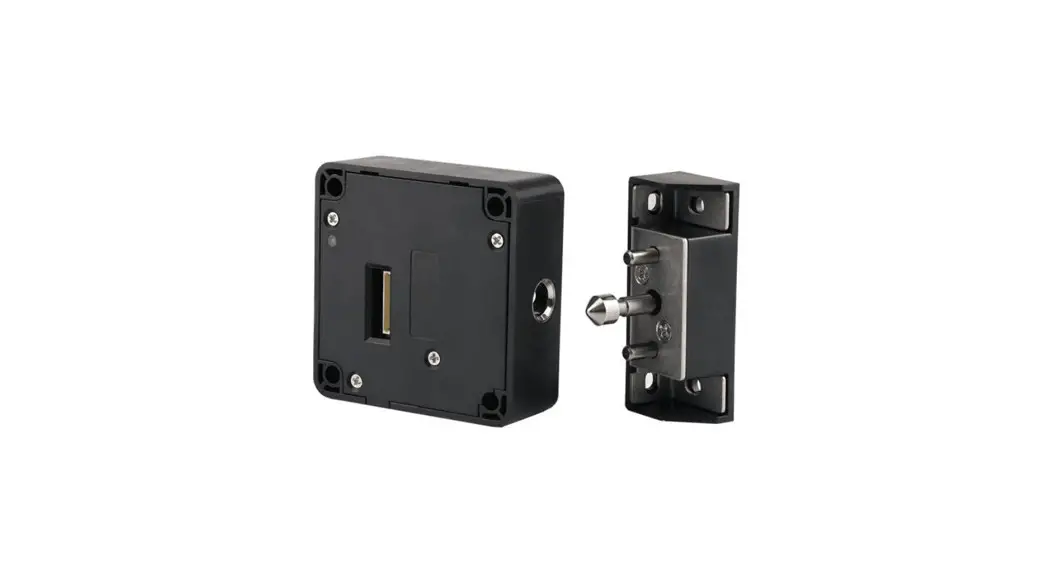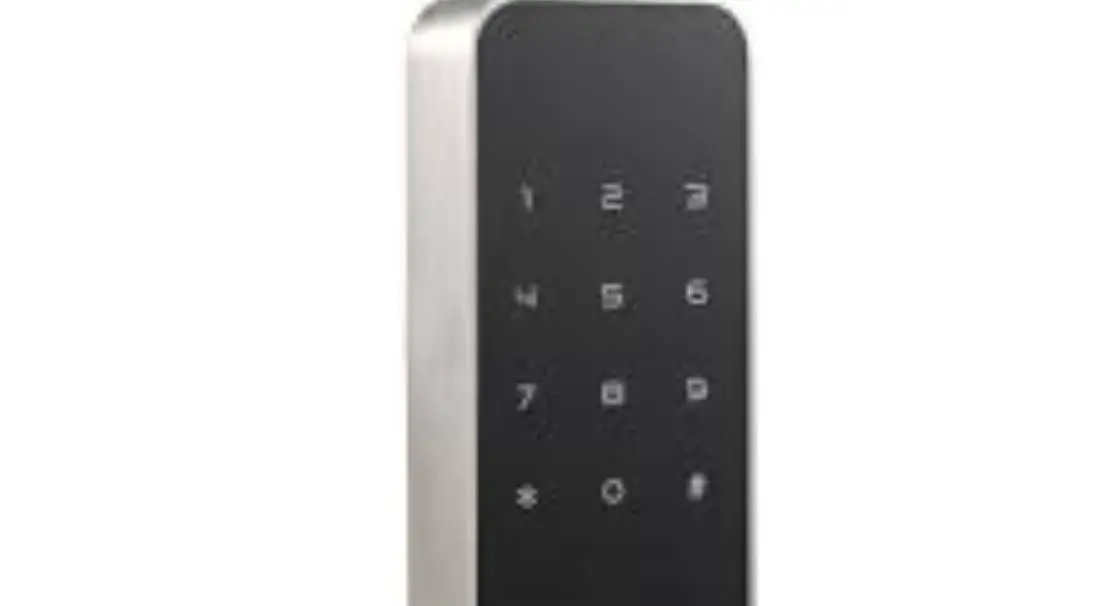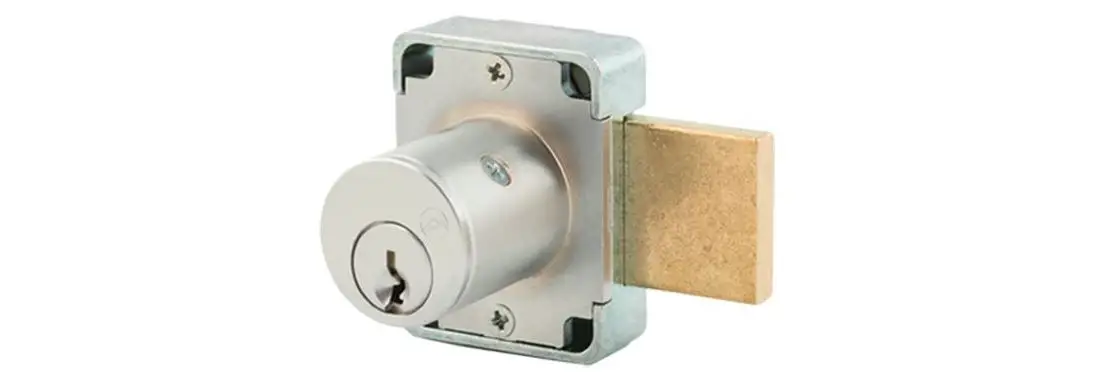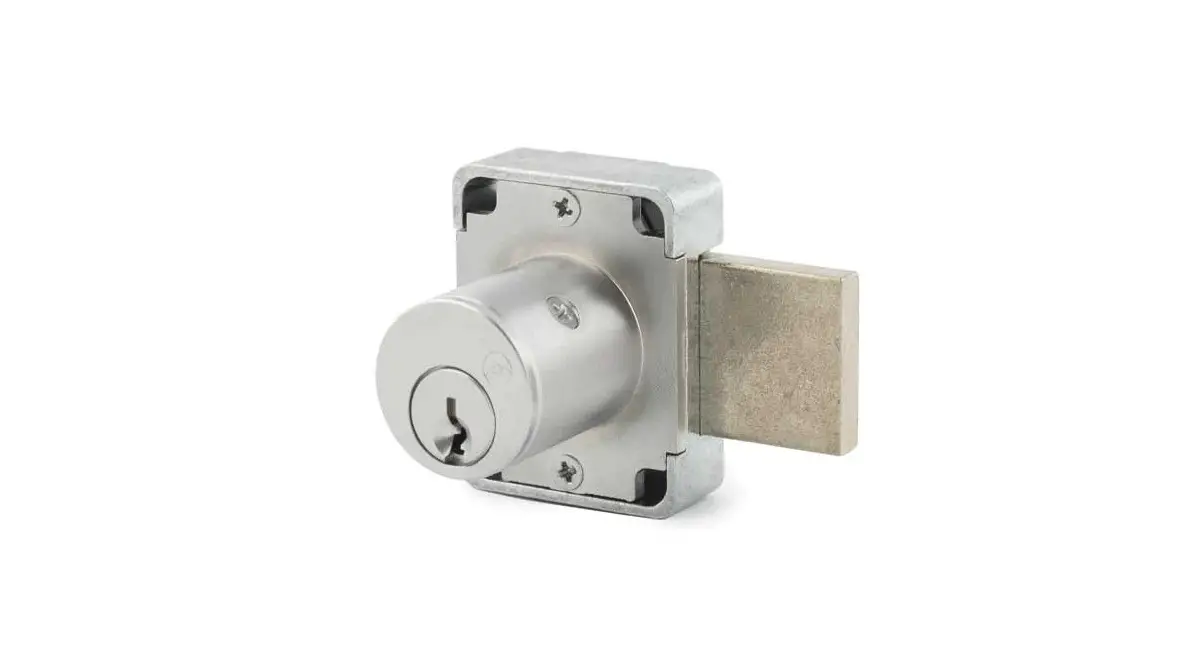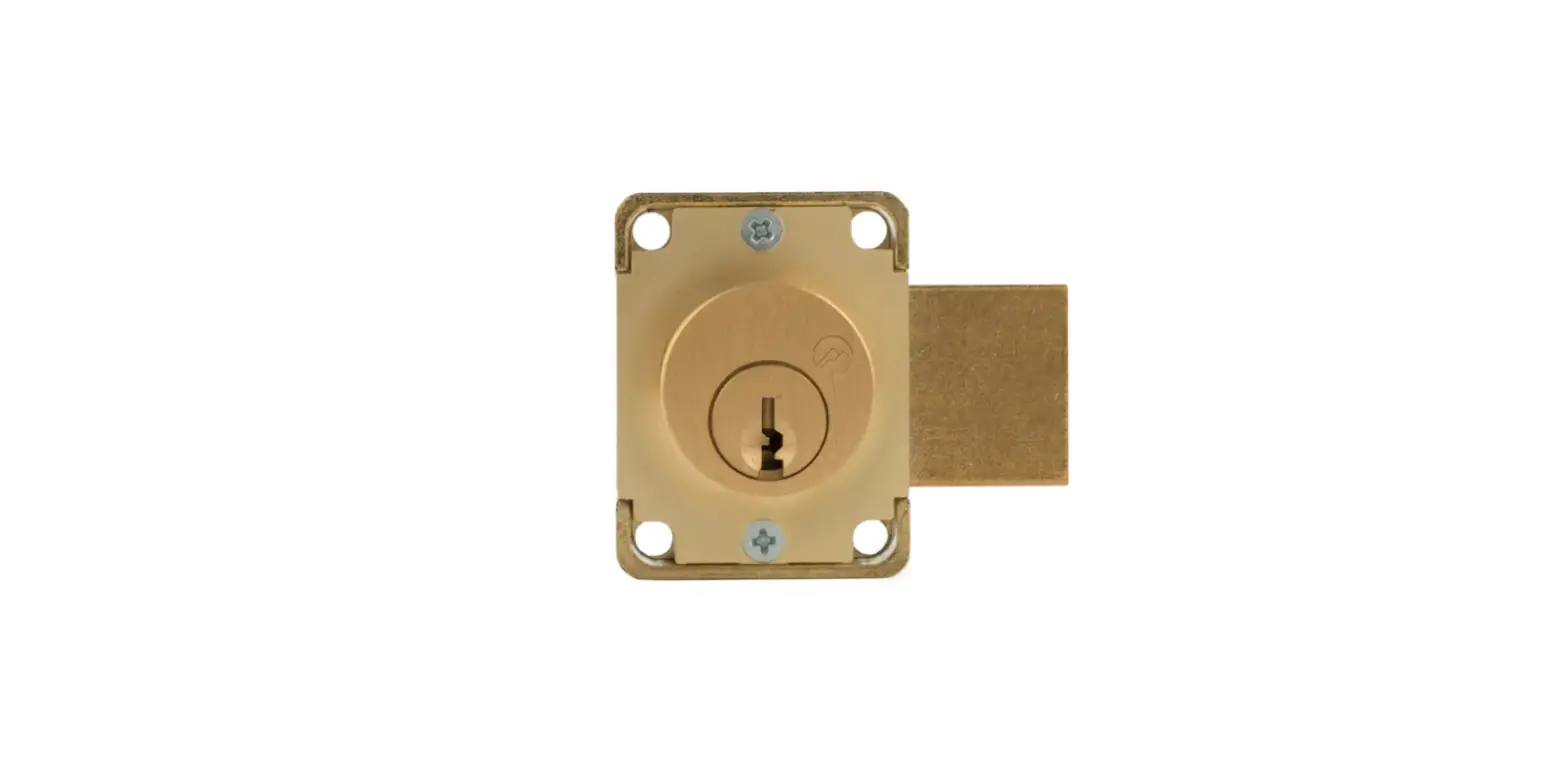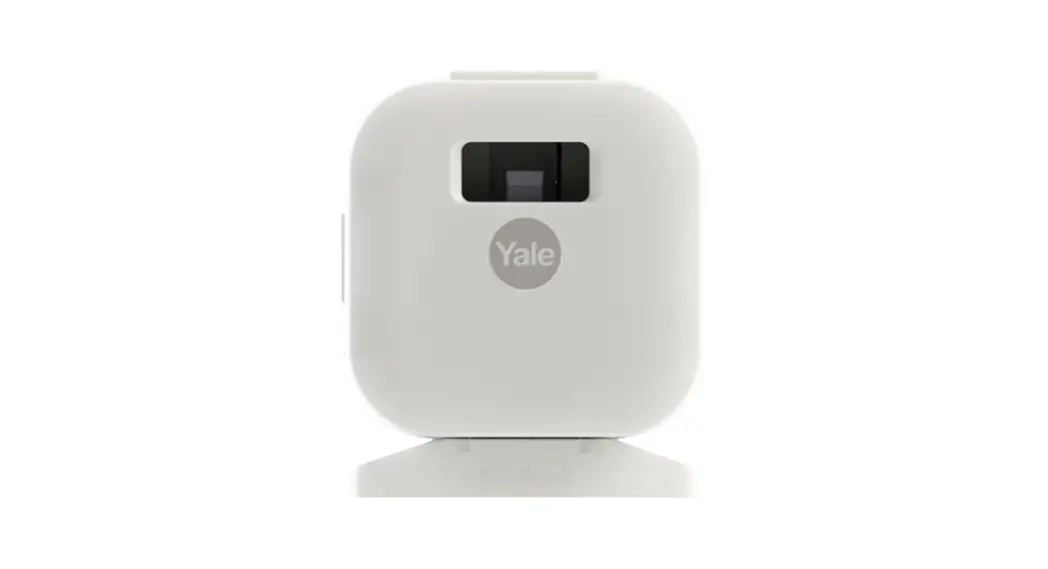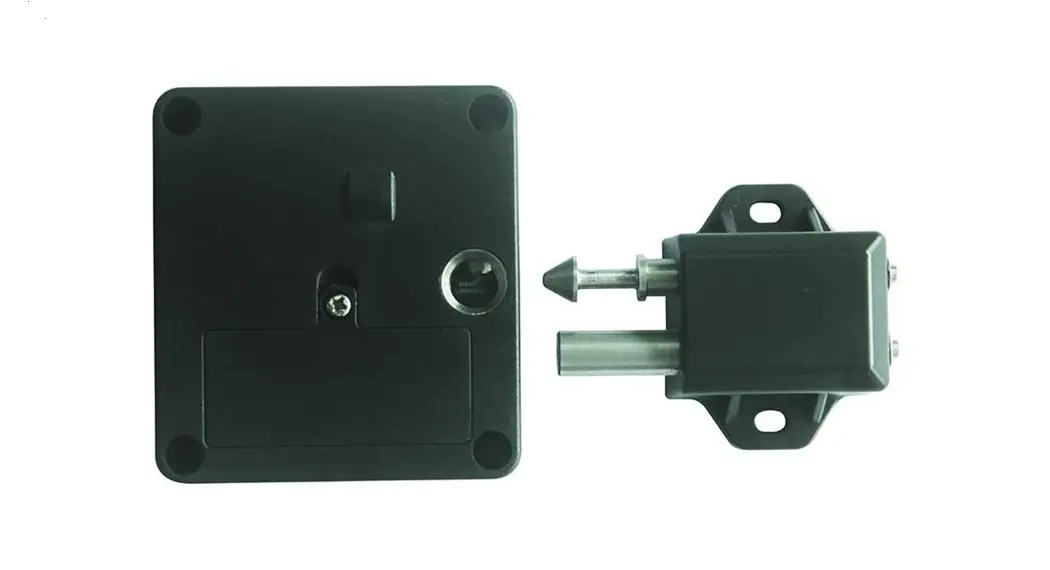

OL603B (BLE) Cabinet Lock
User Manual
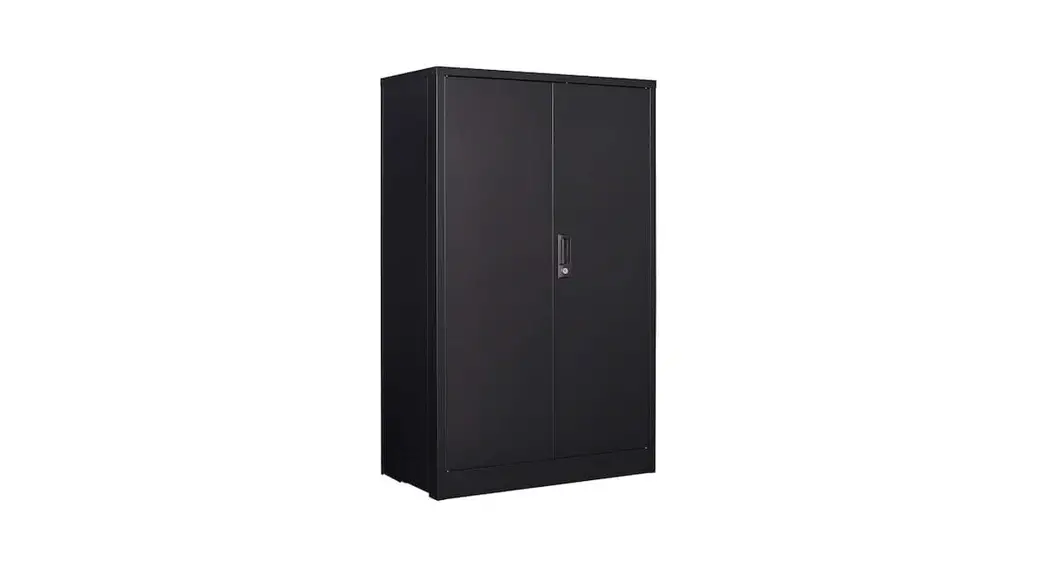
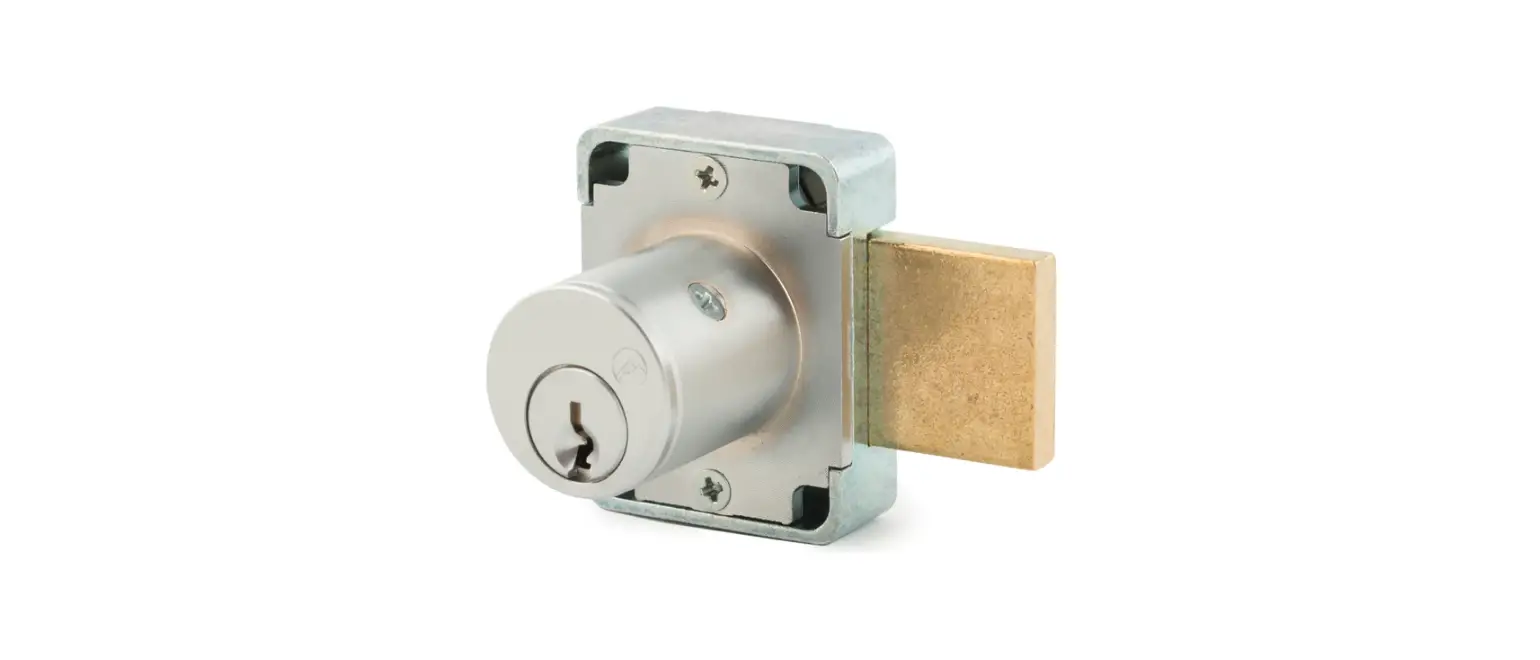
Furniture application type: DrawercupboardForward slip, Sliding drawer, under desk
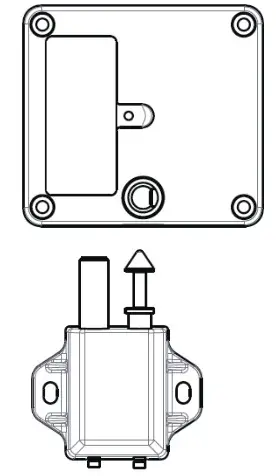
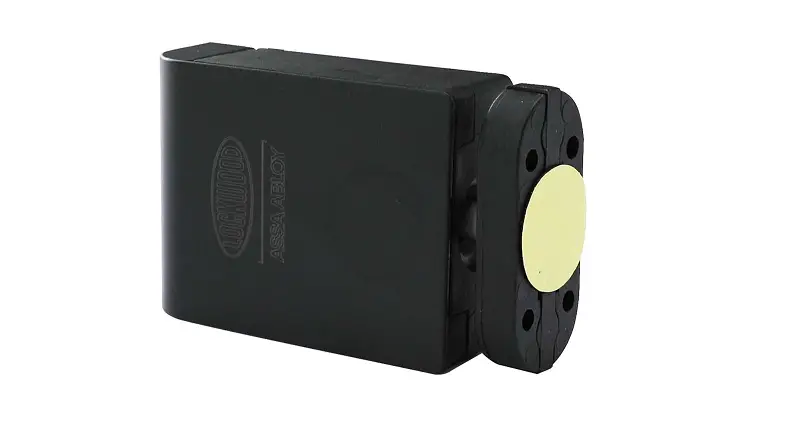
| Size | 63mm*58mm*20mm |
| Weight | 55g (without battery) |
| Environment temperature | +5°~+35°C |
| Humidity | 20%~75% relative humidity, no consendation |
| Battery | CR123A, 3V, Lithium battery |
| Battery lifespan | 1 year or 1000 unlocking times |
| Bluetooth | Radio distance 10meters |
| Operation way | APP, smart phone number registration account |
Activation
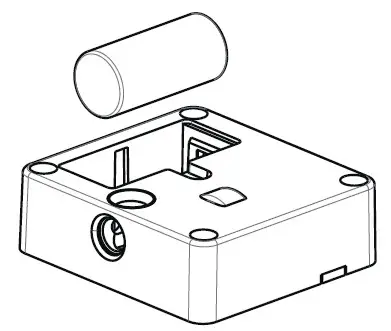
- Insert in a Sony or Panasonic batteryCR123A3Vlowest power capacity is 1400mAh and make sure the electrode correct. After installed the battery, the master lock will spread out buzzer sound.

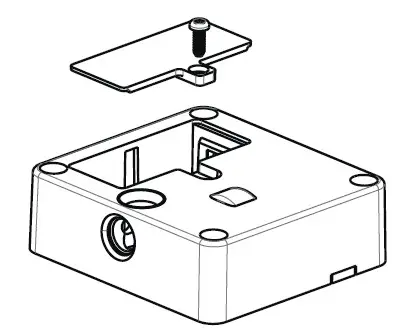
- Using screwdriver to install the battery coverback.
Installation
Before install please test the master with lock and unlock function normally.
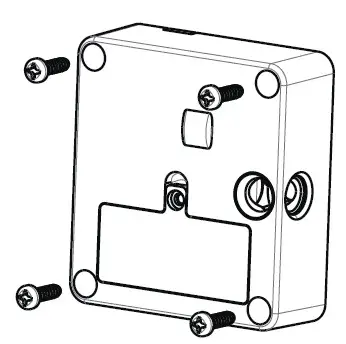 The lock only can be installed in the wooden, plastic and nonmagnetic material and the maximum thickness should be 25mm. The storehouse, front gate, drawer, and sliding door must be put in parallel, the pin seat and lock must be frame straight.
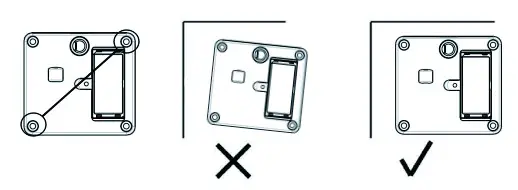
When you pulled up two pairs of screw, you need to check the position correct and must make the necessary adjustment before fixing up the screws.
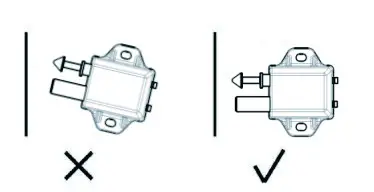
The operation during the process of storehouse and shipment.
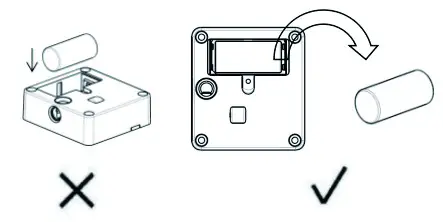
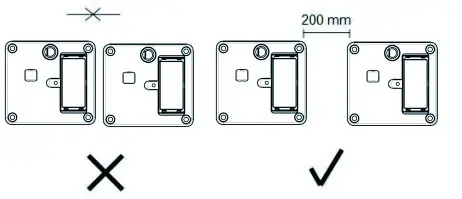
APP Operation Description
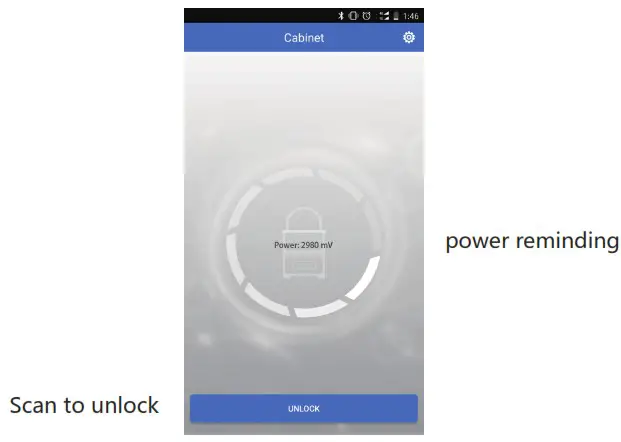
Download APP, create an new account, and log in APP Operation Step: firstly, open Bluetooth in your phone.
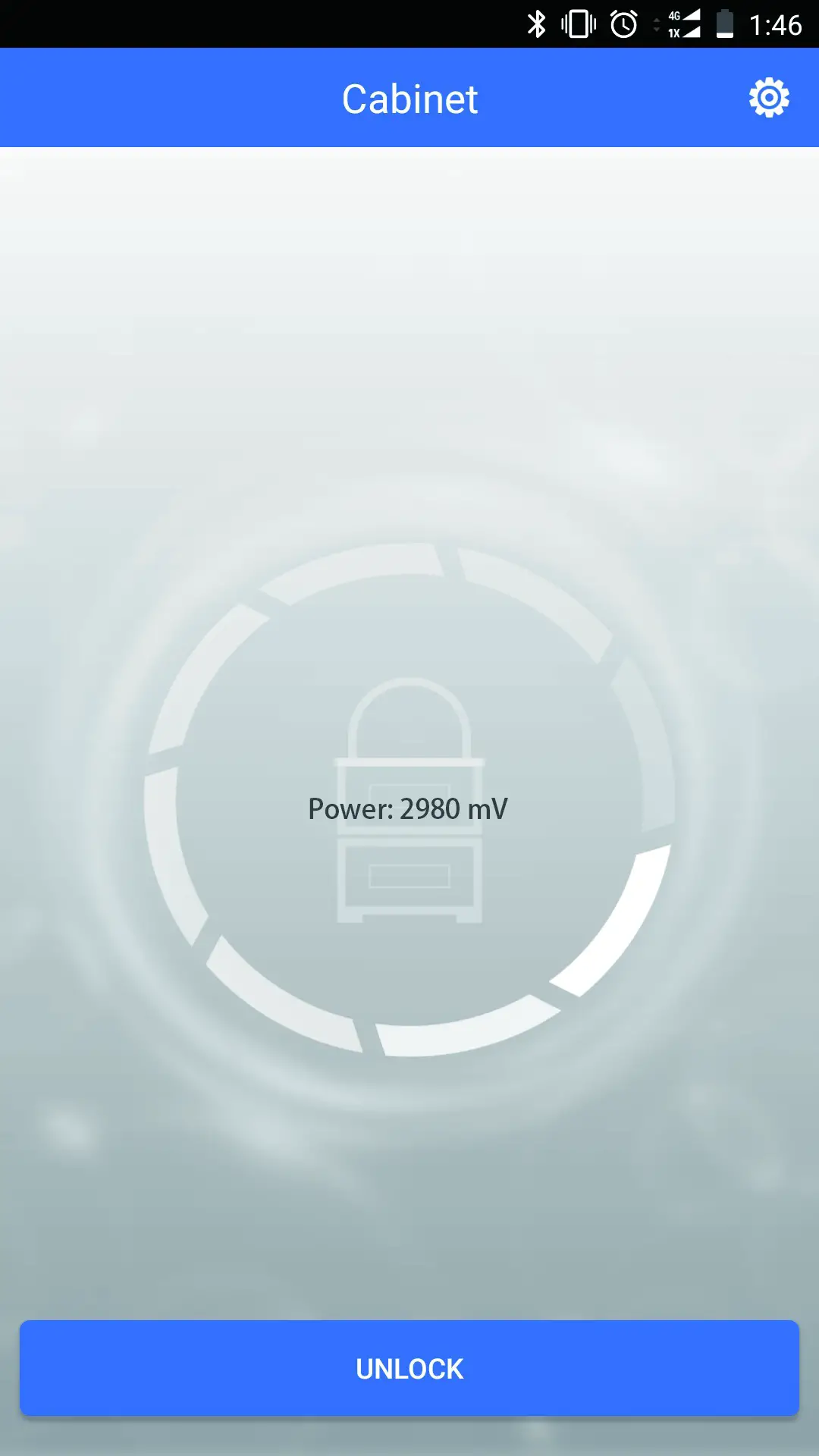 |  |  |
- Setting
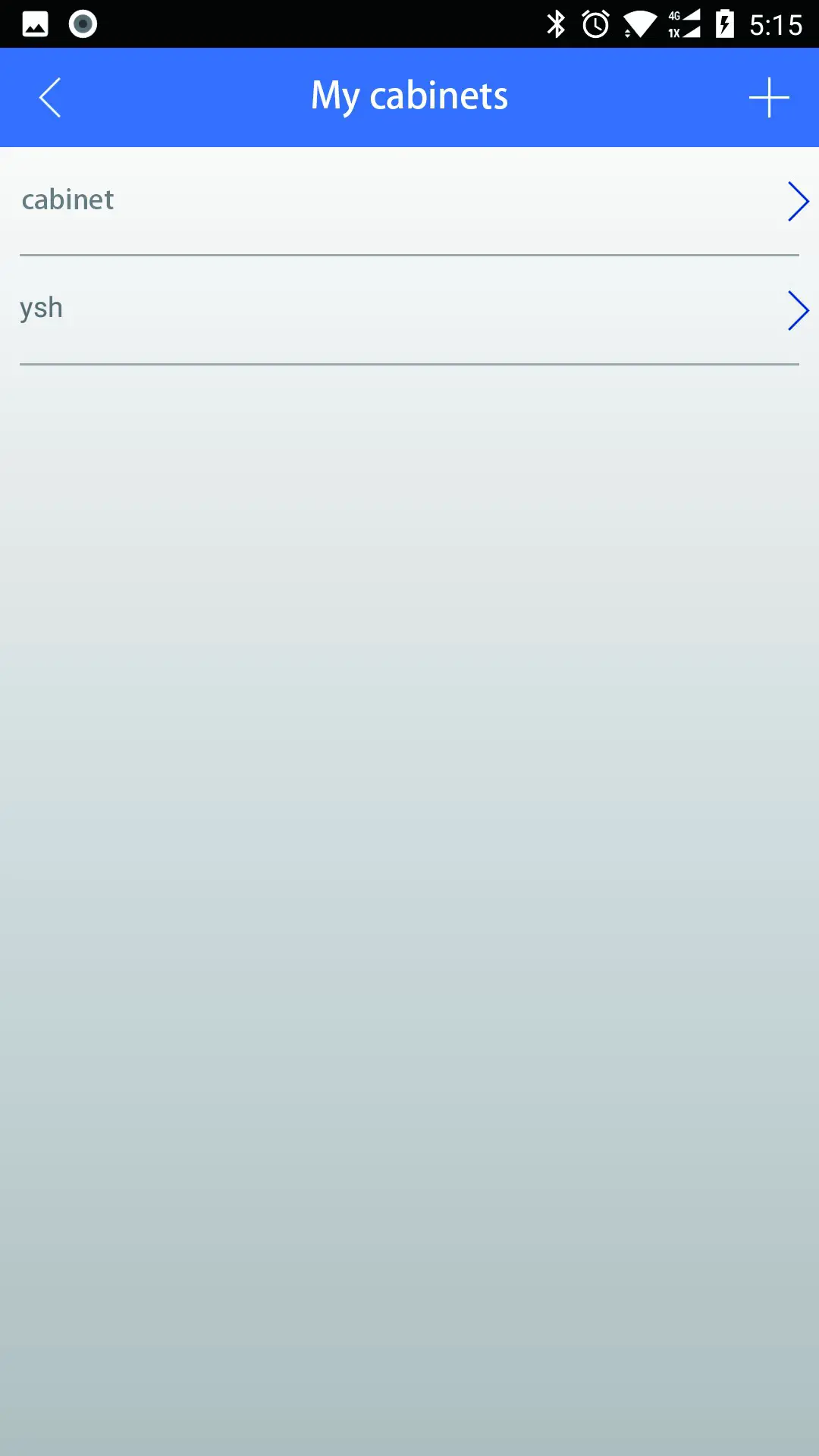
- Enter my cabinet lock

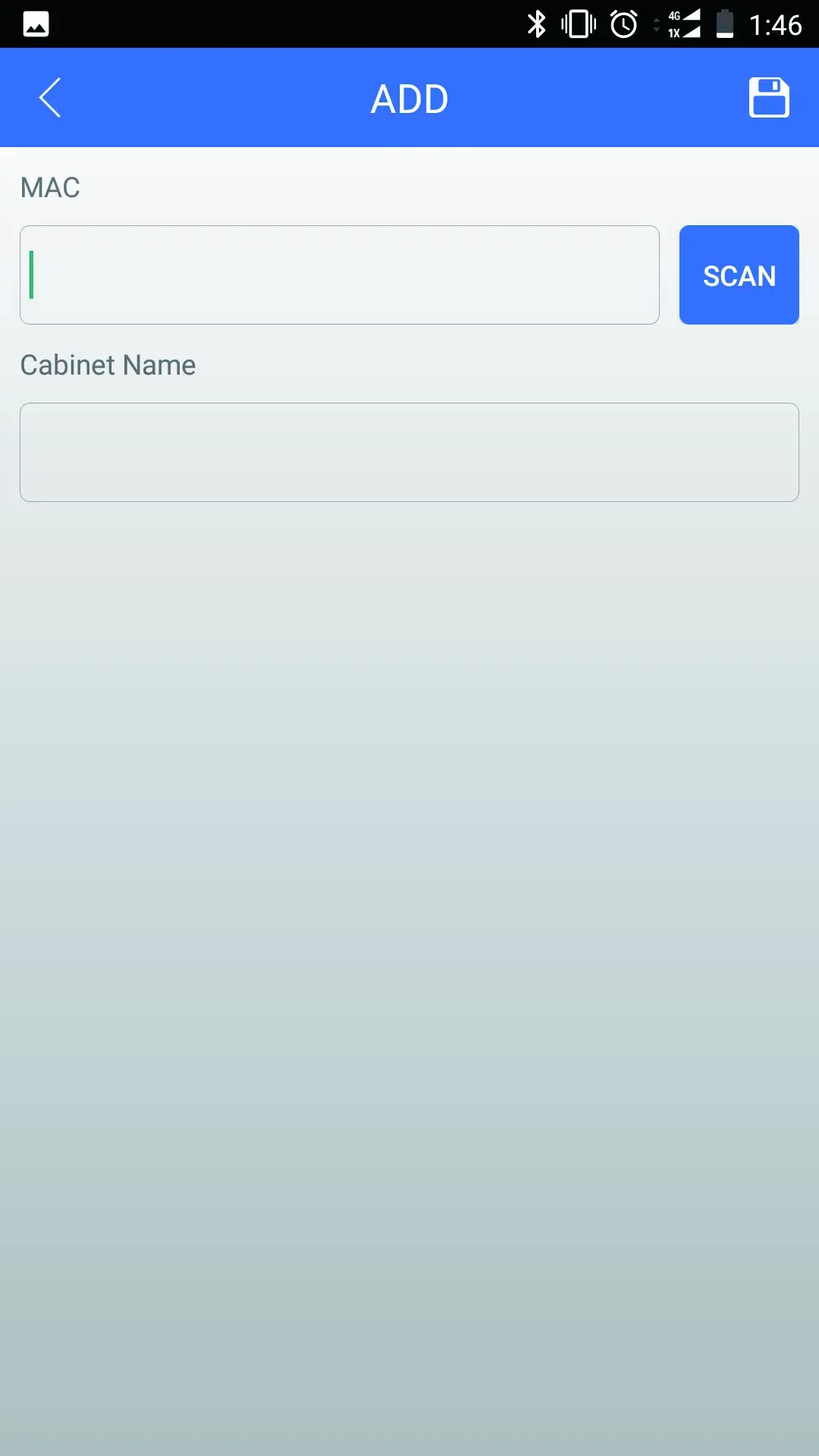
- Add my cabinet lock
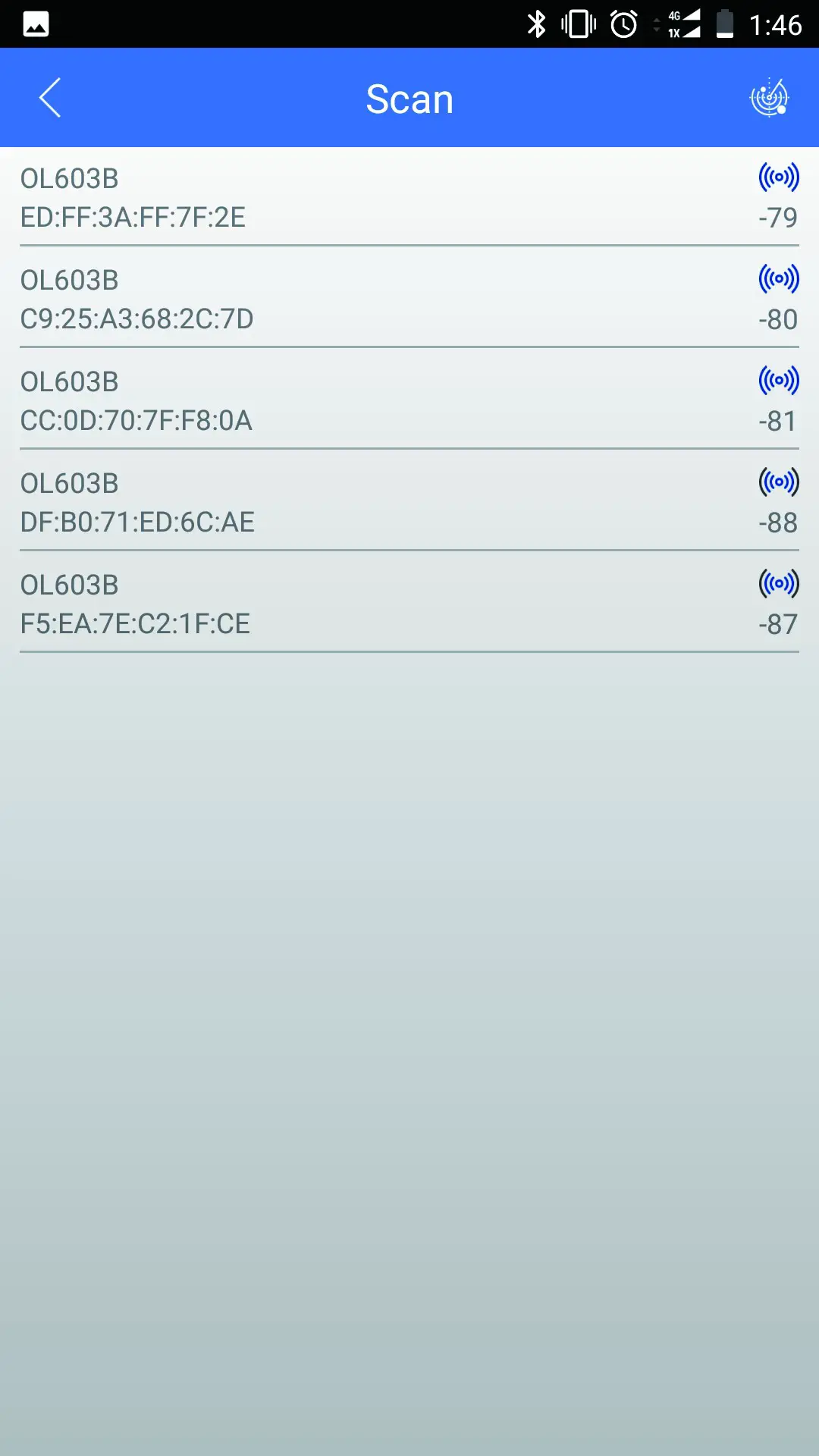
- Press for scanning
- Press the nearest lock beside your smart phone, -90 is the farthest distance.
- Then save it
- Unlocking or home page to scan the QR code
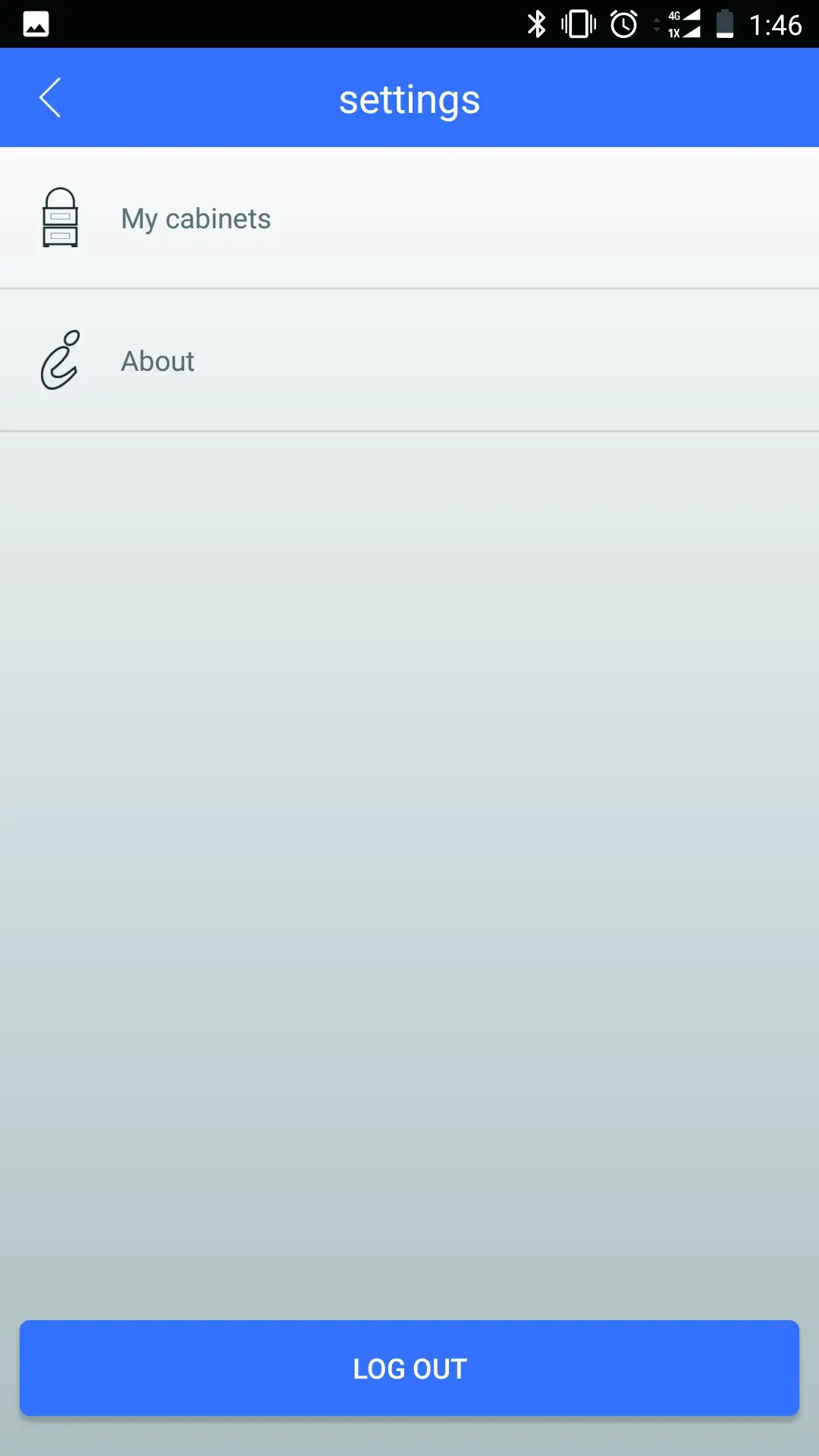
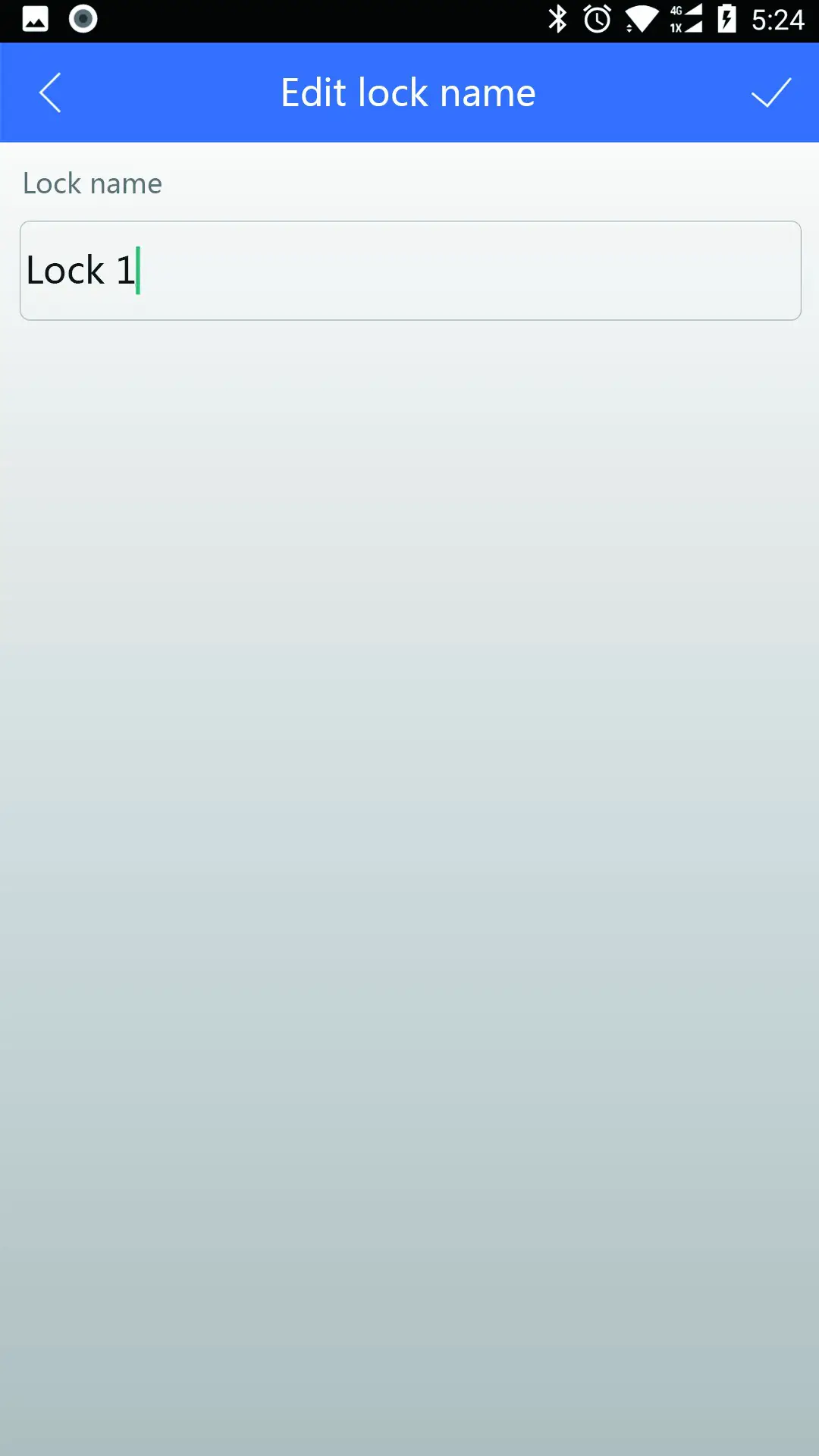
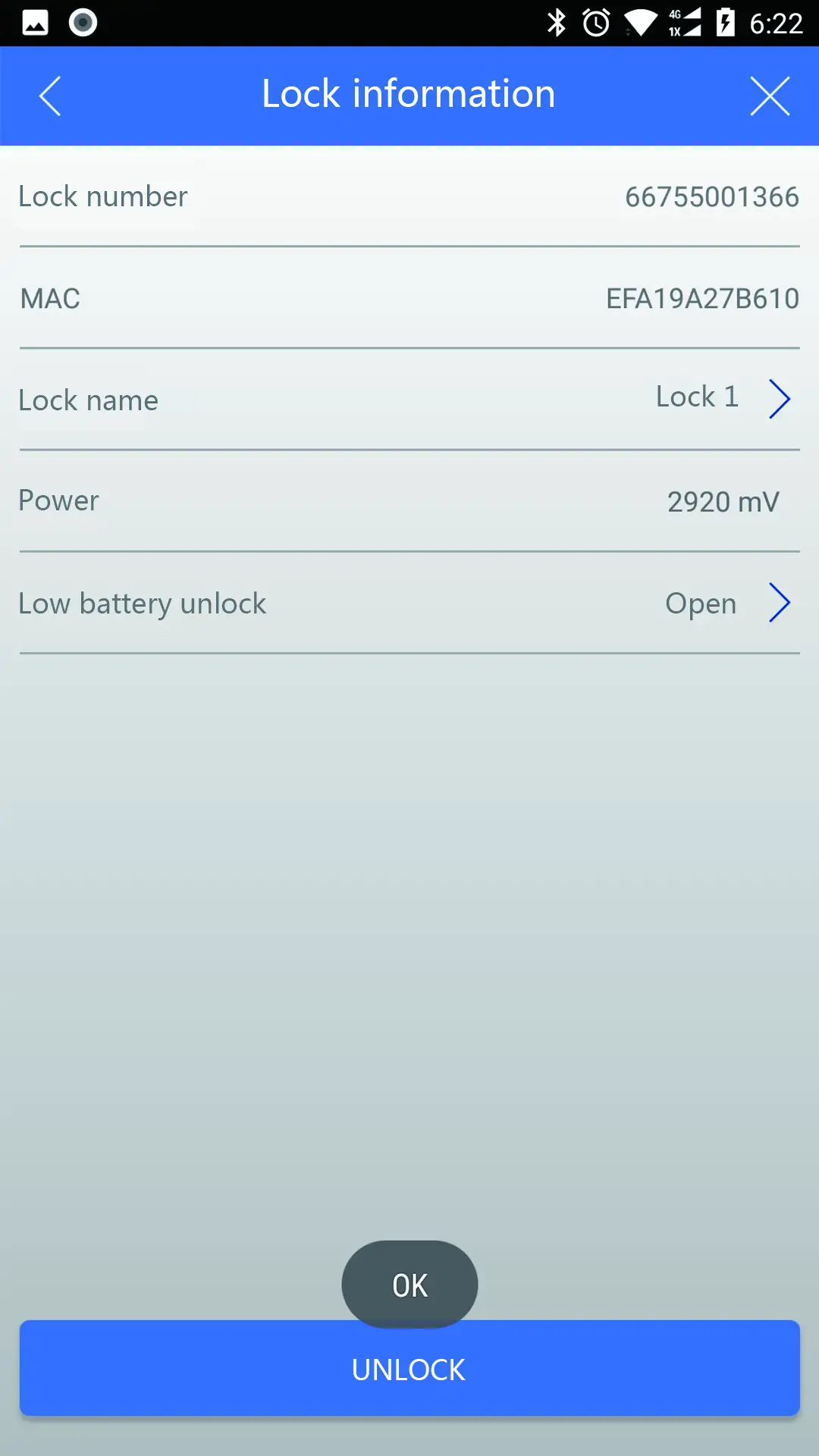
 After changed the battery, please confirm the lock works normally before close the battery cover, if battery lost or damaged, you can not unlock it again.
We warmly suggest you to change battery in a regular time, like once per year.
FCC Warning Statement
Changes or modifications not expressly approved by the party responsible for compliance could void the user’s authority to operate the equipment. This equipment has been tested and found to comply with the limits for a Class B digital device, pursuant to Part 15 of the FCC Rules. These limits are designed to provide reasonable protection against harmful interference in a residential installation. This equipment generates uses and can radiate radio frequency energy and, if not installed and used in accordance with the instructions, may cause harmful interference to radio communications. However, there is no guarantee that interference will not occur in a particular installation. If this equipment does cause harmful interference to radio or television reception, which can be determined by turning the equipment off and on, the user is encouraged to try to correct the interference by one or more of the following measures:
- Reorient or relocate the receiving antenna.
- Increase the separation between the equipment and receiver.
- Connect the equipment into an outlet on a circuit different from that to which the receiver is connected.
- Consult the dealer or an experienced radio/TV technician for help.