 User Manual
 Chaosupao Electronic Technology
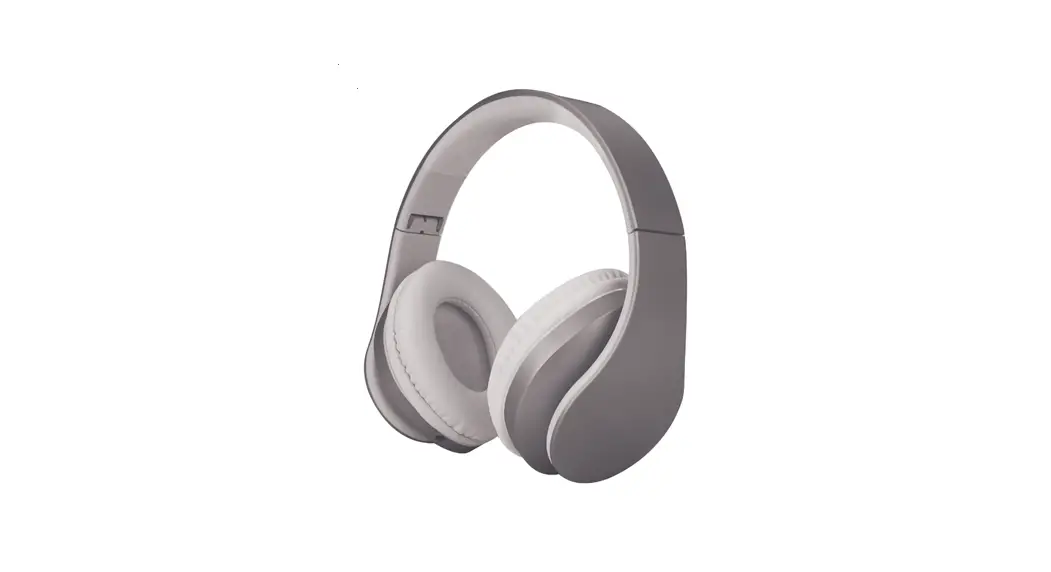
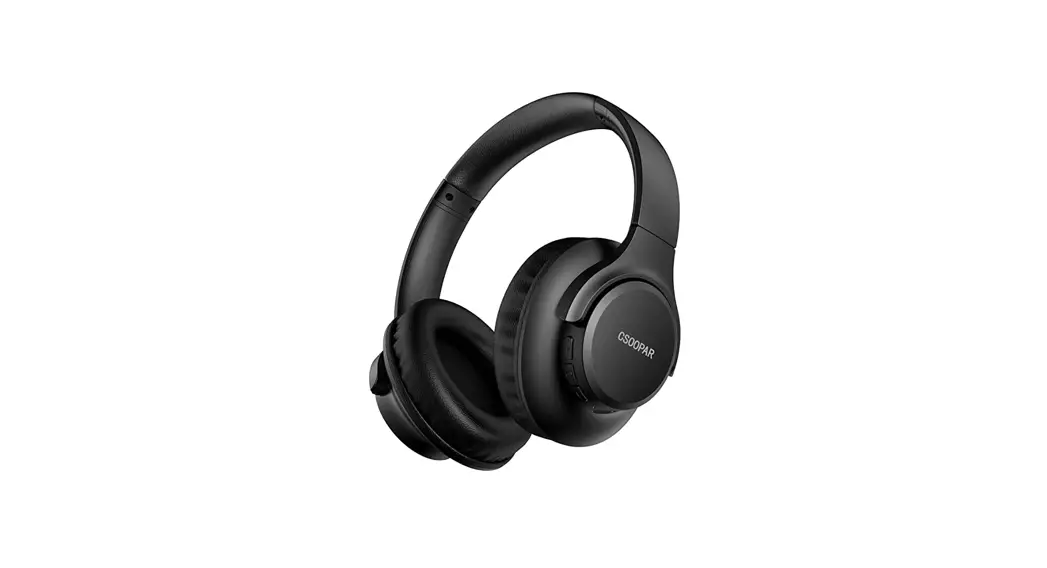
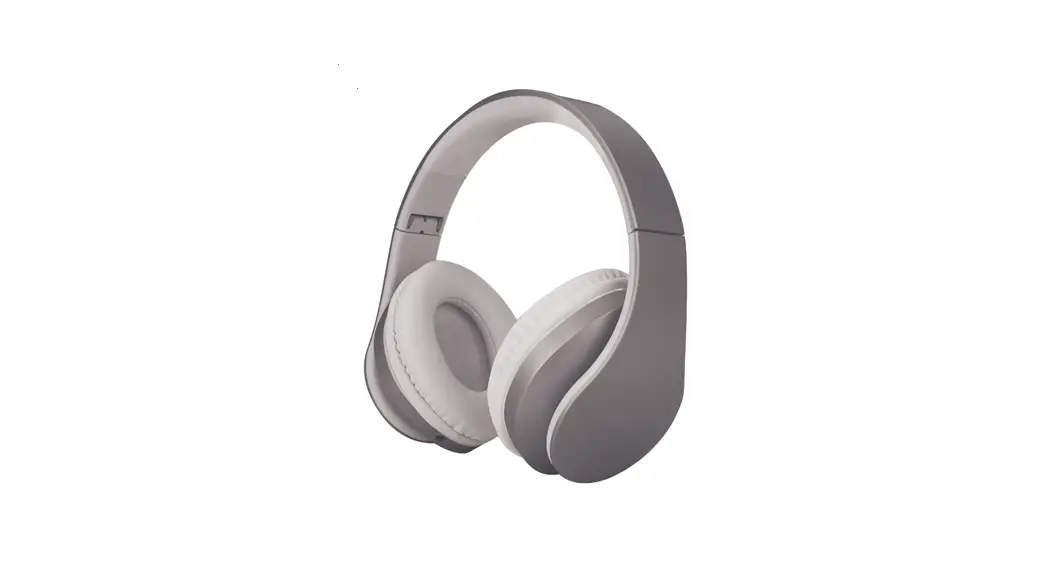
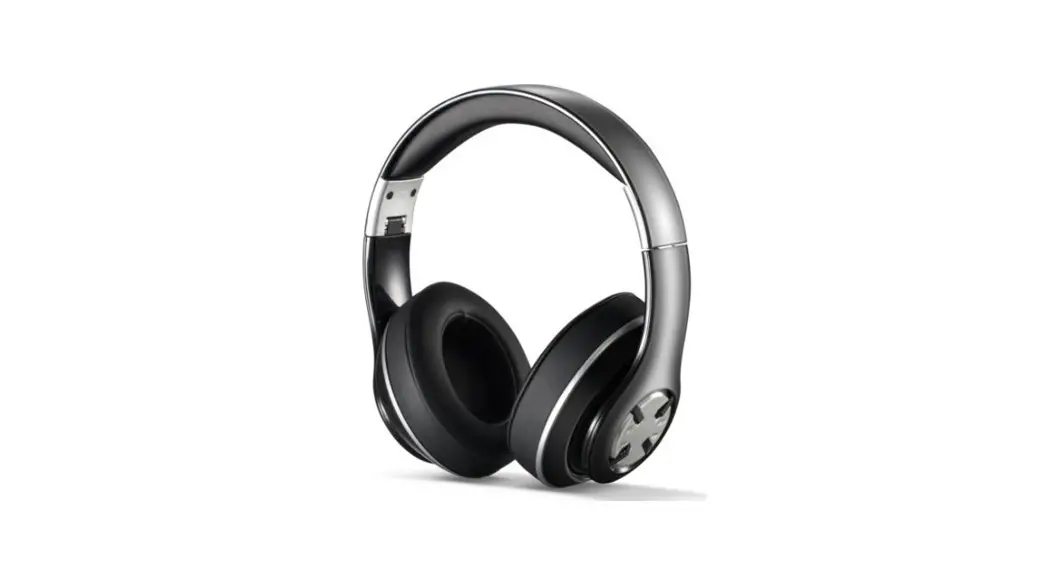
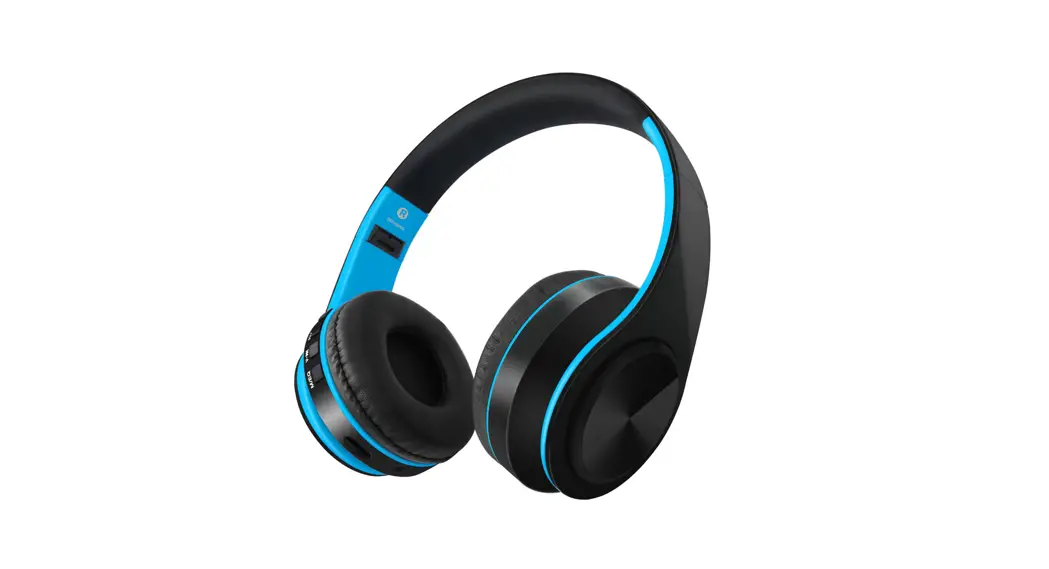
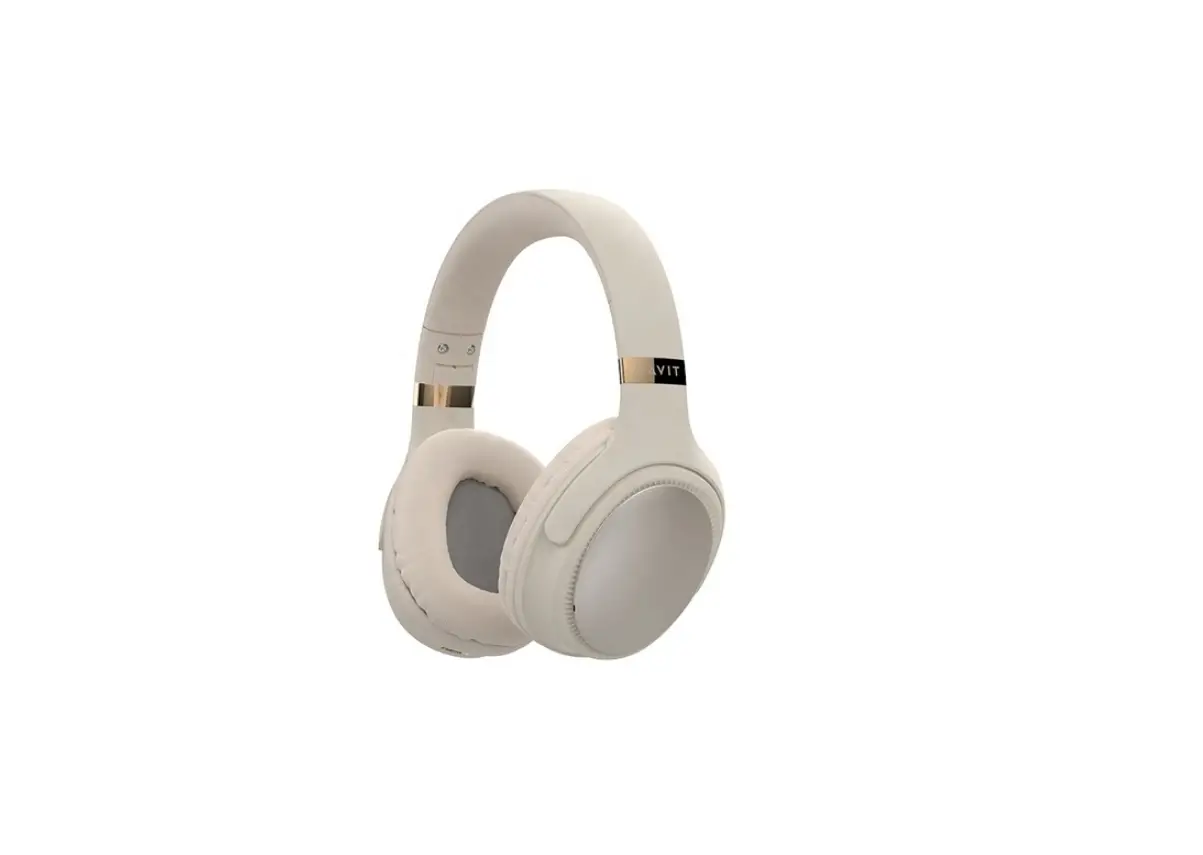
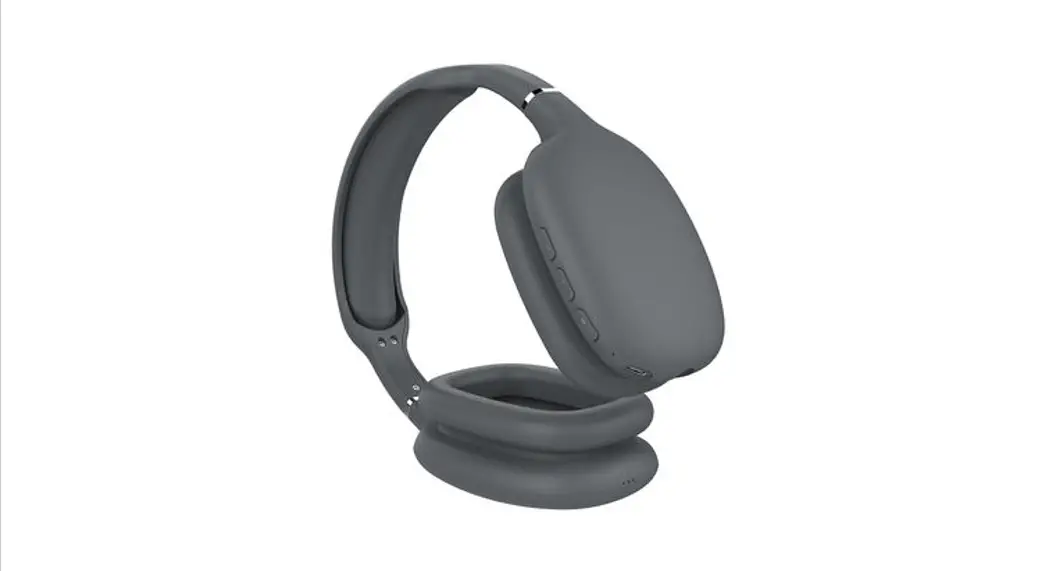
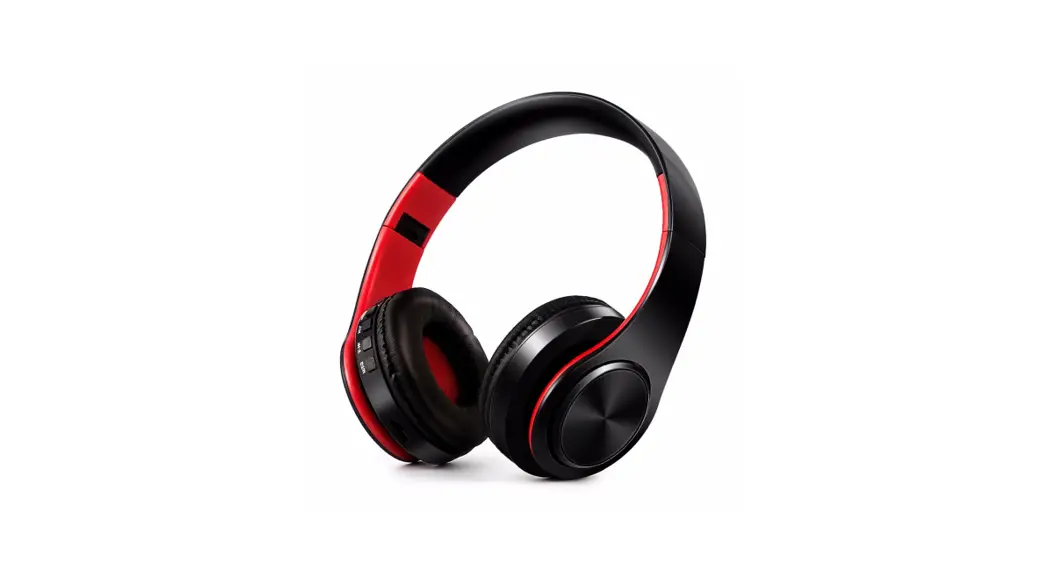
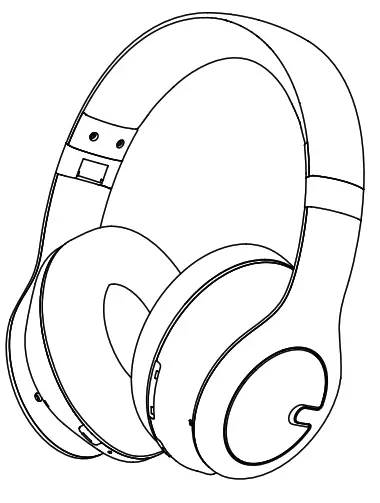
WH303A Wireless Headphone
Package List
Wireless Headphones x1
3.5mm Audio Cable x1
Headphones Carrying Case x1
User Manual x1
Charging Cable x1
Diagram
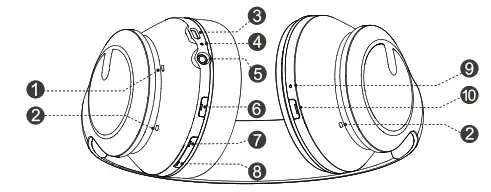
- Microphone
- Noise reduction hole
- Type-C charging port
- LED indicator
- 3.5mm audio port
- Multi-function button
- Volume- button / previous song
- Volume + button/ next song
- ANC switch indicator
- ANC Button
Power On/Off
Power On: Press and hold the “MFB” button for 2 sec.
Power Off: Press and hold the “MFB” button for 5 sec.
Specification
| Model No | WH303A |
| Wireless Version | V 5.0 |
| Wireless Profile | HFP. A2DP. AVRCP . I-15P |
| Operation Range | 33ft (10m) |
| Battery Capacity | 3.7V/ 500mAh |
| Charging Voltage | 5V=1A |
| Charging Time | 2.5 Hours |
| Music | 80 Hours |
How to Pair
When the headset is power off, press and hold the Multi-function Button until the indicator flashes blue and red alternately to enter the pairing mode. Turn on the Bluetooth of the mobile phone and find ” WH303A” to connect.
Media Playback & Volume Functions
| Play/Pause | Press “MFB” button |
| Next Track | Press “+” |
| Previous Track | Press “-“ |
| Volume Up | Press and hold “+” button |
| Volume Down | Press and hold “-” button |
Call Functions
| Answer/Hang up | Press “MFB” button |
| End a call | Press “MFB” button |
| Decline an incoming call | Press and hold “MFB” button for 2 sec while a call is coming |
| Switch to mobile phone | Press and hold “MFB” button for 2 sec during a call |
| Siri/Google Voice | Double-click the “MFB” button |
ANC Button
| Transparency Mode | Press “ANC” Button first time |
| Normal Mode | Press “ANC” Button second time |
| ANC Mode | Press “ANC” Button third time |
Notice:
1.Both ANC mode & Transparency mode can only be activated when the headphone is powered on. 2.When headphone is powered on, the ANC function (noise canceling) is started by default, click ANC button to switch to the Transparency mode( Amplify the sound of the external environment).
ENC Function
ENC (Environmental Noise Cancellation) ensures you’re heard clearly while using WH303A headphones for calls.
(Tip: ENC function is enabled by default)
MULTI-POINT CONNECTION
The headphones allow multiple connections. This allows two devices to be connected at the same time. You won’t get input from both devices at the same time, but you can switch seamlessly from one device to the other.
To connect the WH303A to the second device:
- After you have connected the headphones to the first device,click MFB button to turn off the headphone temporarily Turn on the headphone again, and long press MEFB button to enter pairing mode
- On your second phone, go to Settings> Bluetooth List, find WH303A and connect the headphones to your second phone.
- Go to the Bluetooth list of first phone again, reconnect the WH303A under My Device.
- Then, the headphone will built connection with two devices, you can change the headphone connection between the two smartphones back and forth.
Clear Paired Device
Long press the “MFB” button and the Volume “-” button simultaneously until the red and blue lights flash 3 times at the same time.
Charge the Headphones
In Charging: Red led light stays on. Full Charge: Blue led light stays on (charging for 2.5 hours).
FCC STATEMENT:
My Changes or modifications not expressly approved by the party responsible for compliance could void the user’s authority to operate the equipment.This device complies with part 15 of the FCC Rules.
Operation is subject to the following two conditions: (1)This device may not cause harmful interference, (2)This device must accept any interference received,including interference that may cause undesired operation.
FCC Radiation Exposure Statement: This equipment complies with FCC radiation exposure limits set forth for an uncontrolled environment.
NOTICE:
Note: This equipment has been tested and found to comply with these limits for a Class B digital device,pursuant to part 15 of the FCC Rules. These limits are designed to provide reasonable protection against harmful interference in a residential installation. This equipment generates, uses and can radiate radio frequency energy and, if not installed and used in accordance with the instructions,may cause harmful interference to radio communications. However, there is no guarantee that interference will not occur in a particular installation. If this equipment does cause harmful interference to radio or television reception, which can be determined by turning the equipment off and on, the user is encouraged to try to correct the interference by one or more of the following measures:
- Reorient or relocate the receiving antenna.
- Increase the separation between the equipment and receiver.
- Connect the equipment into an outlet on a circuit different from that to which the receiver is connected.
- Consult the dealer or an experienced radio/TV technician for help.
 ISEDC RSS Warning:
This device complies with Innovation, Science and Economic Development Canada Compliance licence-exempt RSS standard (s).
Operation is subject to the following two conditions:
- this device may not cause interference, and
- this device must accept any interference, including interference that may cause undesired operation of the device.
ISEDC Radiation Exposure Statement:
This equipment complies with ISEDC RF radiation exposure limits set forth for an uncontrolled environment. This transmitter must not be co-located or operating in conjunction with any other antenna or transmitter.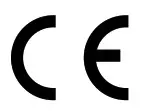 This product complies with the radio interference requirements of the European Community.
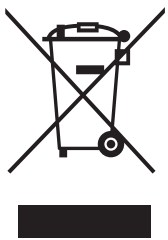 This symbol means the product must not be discarded as household waste, and should be delivered to an appropriate collection facility for recycling. Follow local rules and never dispose of the product and rec argeable batteries with normal household waste. Correct disposal of old =roducts and rechargeable batteries helps prevent negative consequences for the environment and human heatth.
Warranty Information
30 days free return and 18 months warranty is our guarantee, please feel free to contact us at [email protected] for further inquires.
FCC STATEMENT:
Any Changes or modifications not expressly approved by the party responsible for compliance could void the user’s authority to operate the equipment. This device complies with part 15 of the FCC Rules.
Operation is subject to the following two conditions:
- This device may not cause harmful interference,
- This device must accept any interference received, including interference that may cause undesired operation.
FCC Radiation Exposure Statement:
This equipment complies with FCC radiation exposure limits set forth for an uncontrolled environment.
NOTICE:
Note: This equipment has been tested and found to comply with these limits for a Class B digital device,pursuant to part 15 of the FCC Rules. These limits are designed to provide reasonable protection against harmful interference in a residential installation. This equipment generates, uses and can radiate radio frequency energy and, if not installed and used in accordance with the instructions,may cause harmful interference to radio communications. However, there is no guarantee that interference will not occur in a particular installation. If this equipment does cause harmful interference to radio or television reception, which can be determined by turning the equipment off and on, the user is encouraged to try to correct the interference by one or more of the following measures:
- Reorient or relocate the receiving antenna.
- Increase the separation between the equipment and receiver.
- Connect the equipment into an outlet on a circuit different from that to which the receiver is connected.
- Consult the dealer or an experienced radio/TV technician for help.
ISEDC RSS Warning:
This device complies with Innovation, Science and Economic Development Canada Compliance licence-exempt RSS standard (s).
Operation is subject to the following two conditions:
- this device may not cause interference, and
- this device must accept any interference,including interference that may cause undesired operation of the device.
ISEDC Radiation Exposure Statement:
This equipment complies with ISEOC RF radiation exposure limits set forth for an uncontrolled environment. This transmitter must not be co-located or operating in conjunction with any other antenna or transmitter. This product complies with the radio interference requirements of the European Community.This symbol means the product must not be discarded as “household waste, and should be delivered to an appropriate collection facility for recycling. Follow local rules and never dispose of the product and rechargeable batteries with normal household waste. Correct disposal of old products and rechargeable batteries helps prevent negative consequences for the environment and human health.