 User Manual
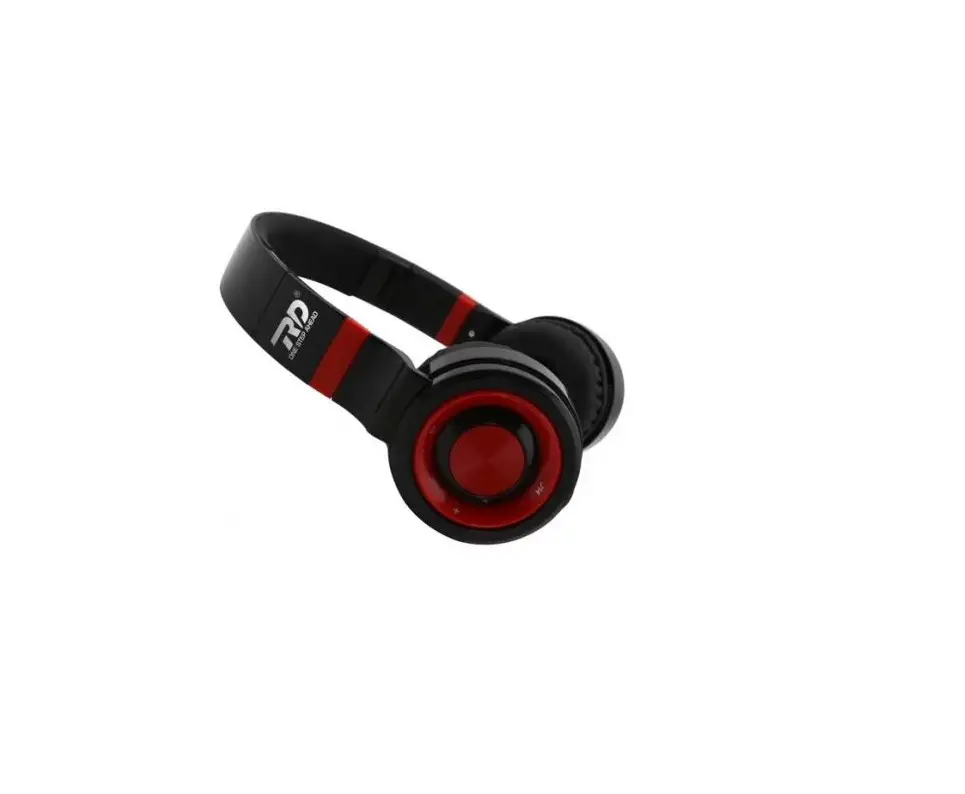
WIRELESS HEADPHONES
RY-WH01
What’s Included
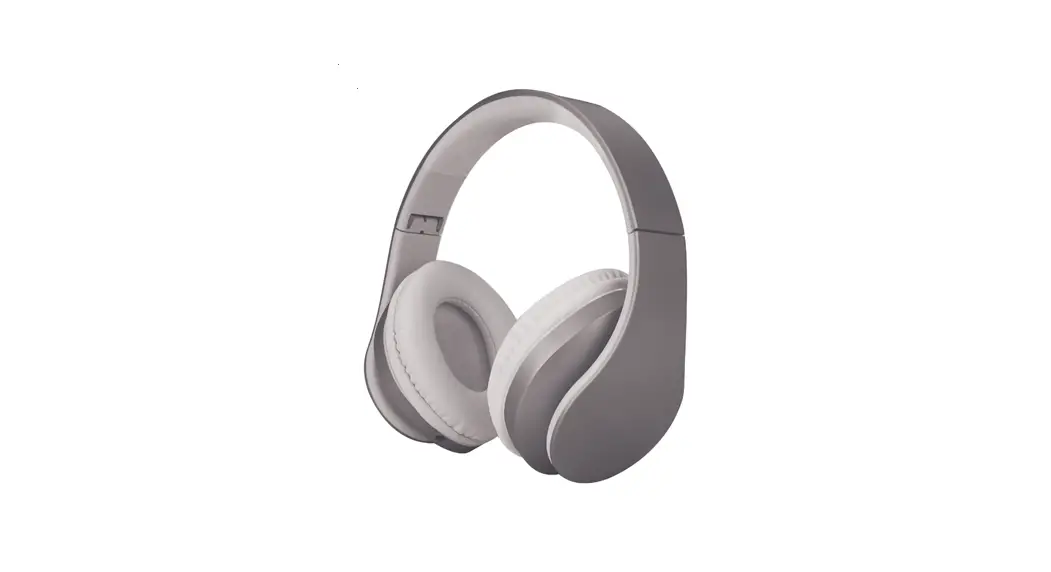
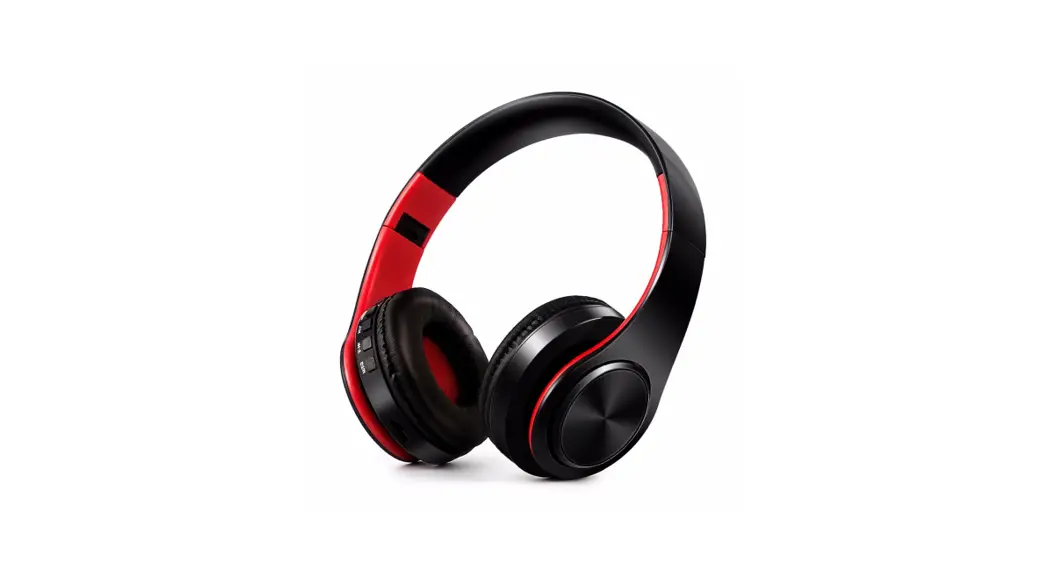
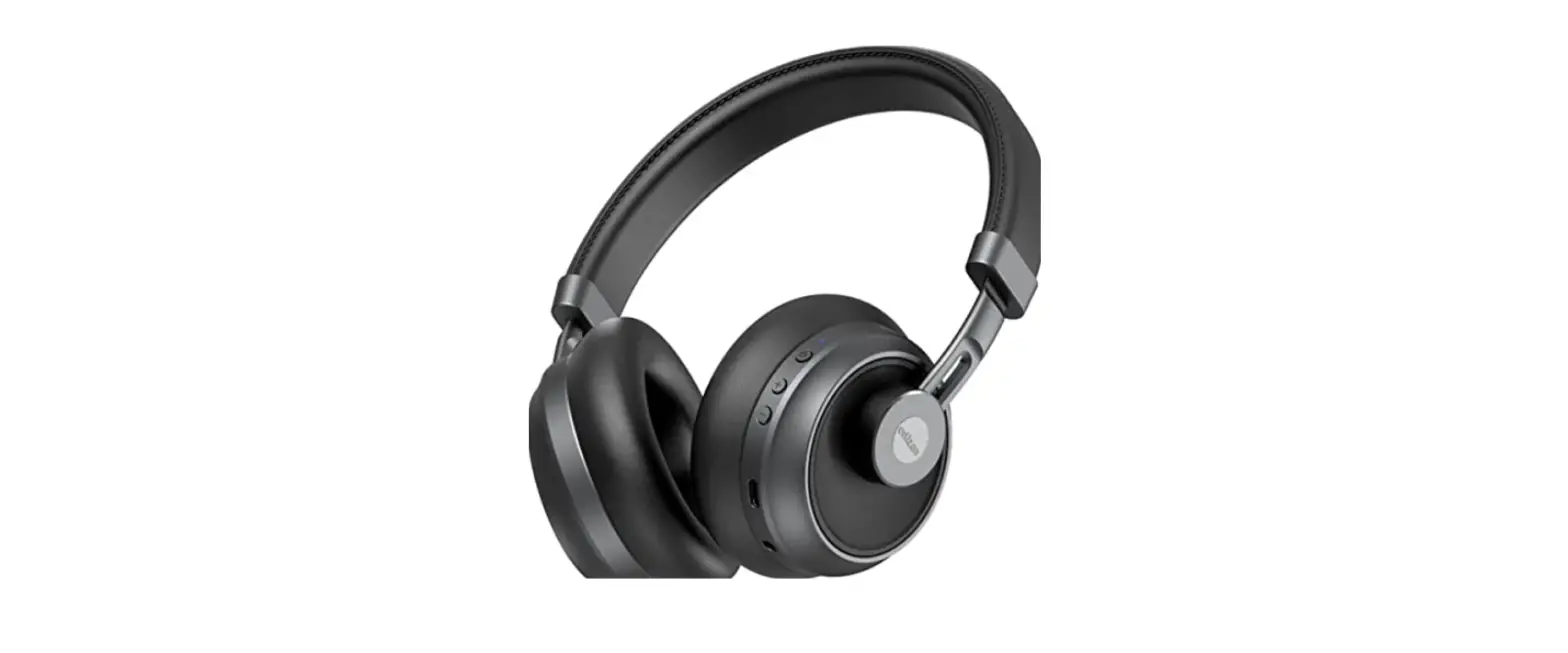
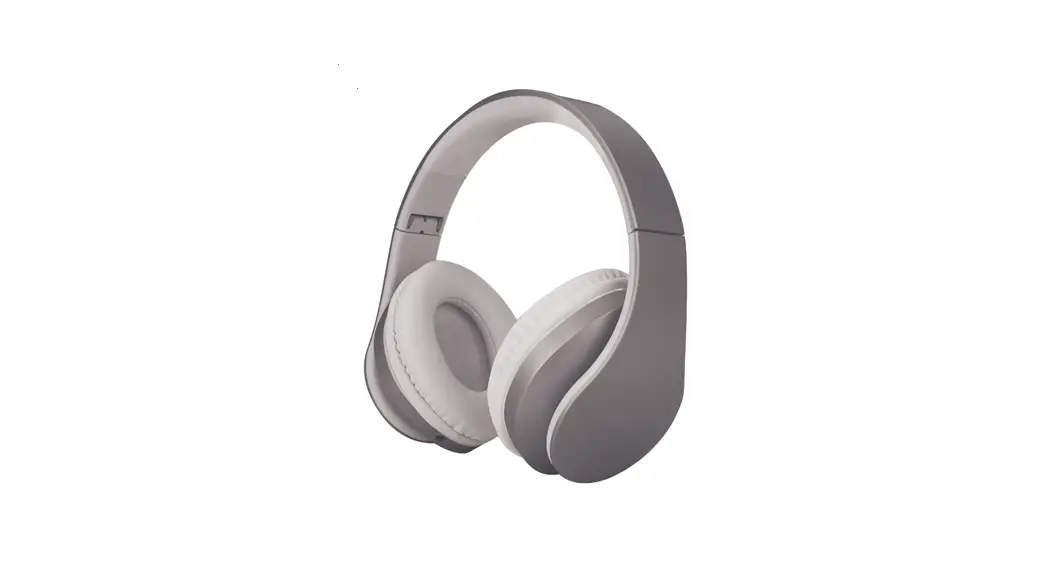
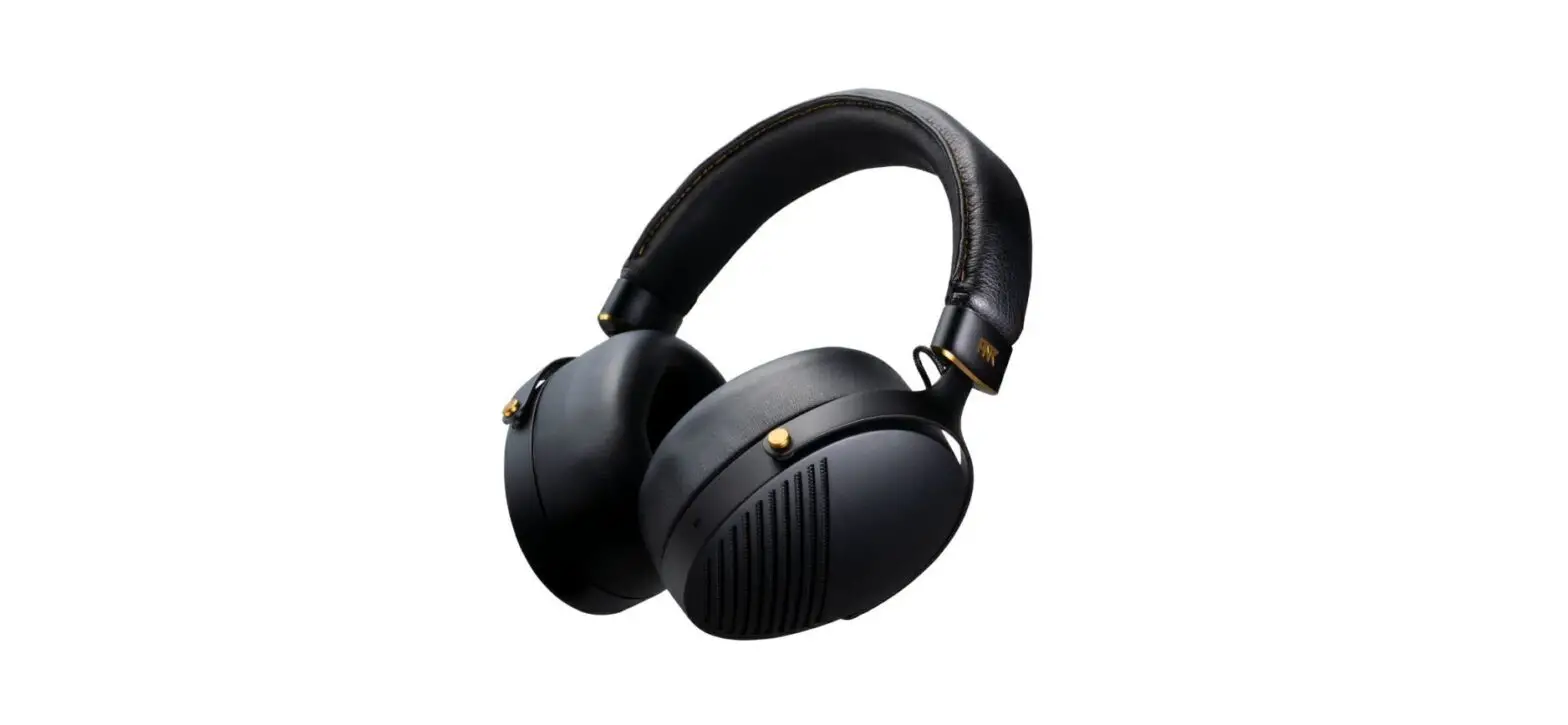
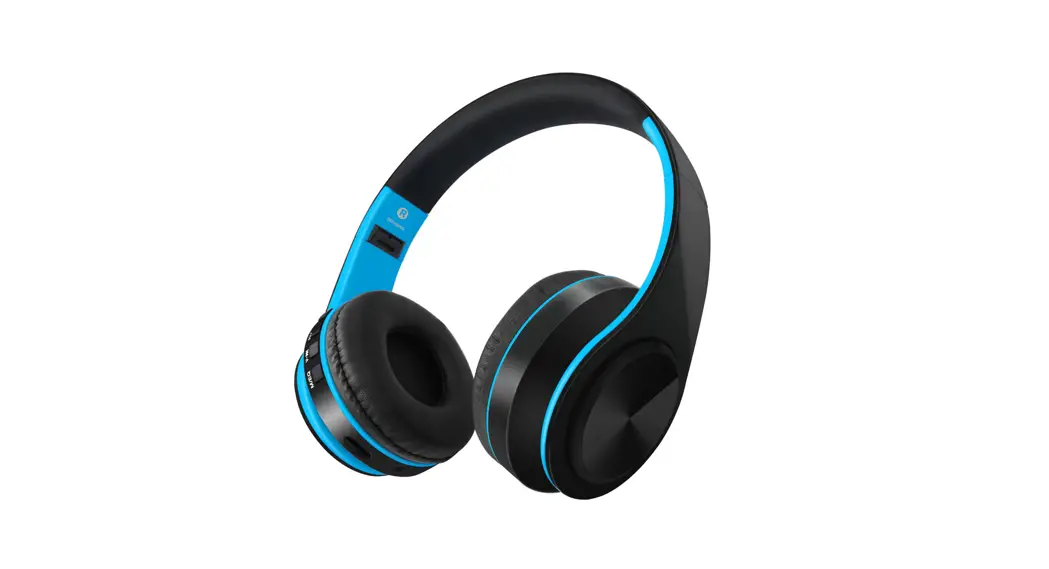
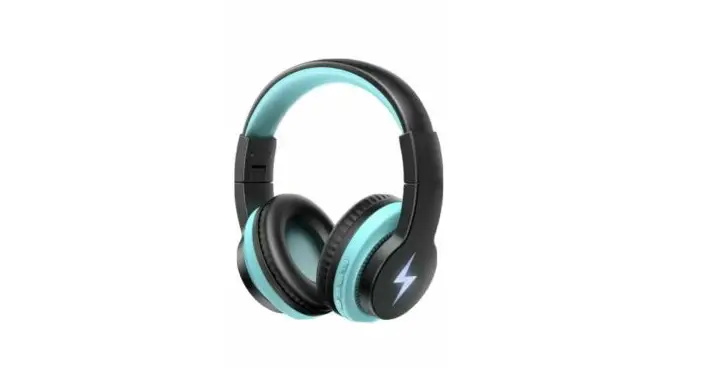
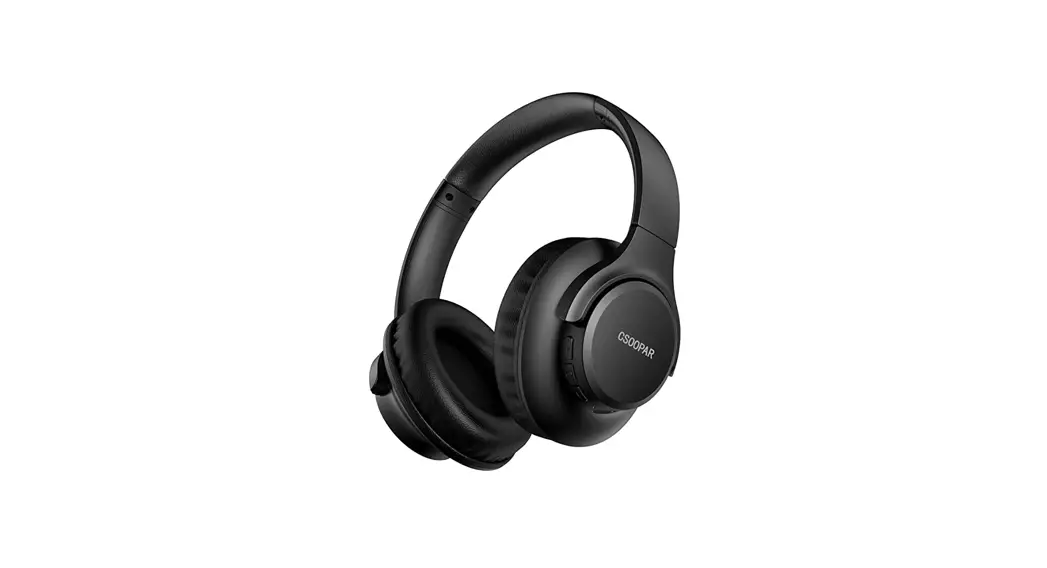
- Wireless Headphones (Model: RY-WHO1) x1
- USB Type-C Charging Cable x1
- User Manual x1
- Pairs of Black&Red Earmuffs (Smal. Midum. Lame) x3
- Pairs of Black&Yellow Eearmuffs (Small. Midum. Large) x3
Product Diagram
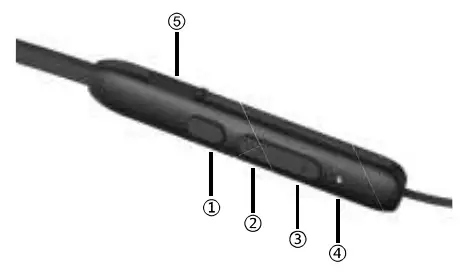
- Multi-Function Button (MFB)
- Volume Up Button
- Volume Down Button
- LED Indicator
- Type-C Charging Input
| Button | Function | Operation | Status |
 Multi-function Multi-functionbutton (MFB) | Power On | Press and hold for 3s |  |
| Power Off | Press and hold for 5s | ||
| Play / Pause | Press | ||
| Answer Call | Press |  | |
| Reject Call | Press and hold for 2s | ||
| Hang up Cal Cancel Dial | Press | ||
| Redial | Press twice | ||
| Answer the 2nd Call and Hang up theist | Press | ||
| Answer the 2nd Call and Hold the 1st On | Press twice | ||
| Switch between Two Cals | Press twice | ||
| Activate voice assistant | Press and hold for 2s then release |  | |
| Mode switch | Press three times |  | |
| + Volume up | Next track | Press twice | |
| Volume up | Press or held | ||
| – Volume down | Previous track | Press twice | |
| Volume down | Press or hold | ||
| + – | Reset | Press and hold for 5s at the same time |  |
LED Indicator
| Status | LIgnt Color | Display |
| Power On | White | Flashing 3 times |
| Connected | Flashing once per 5s | |
| Reconnect | Flashing twice per 5s | |
| Play | Flashing once per 10s | |
| Pause | Flashing once per 5s | |
| Incoming Call / Dial | Flashing | |
| In Call | Flashing once per 3s | |
| Full Charged | Solid | |
| Battery Low | Red | Flashing |
| Charging | Solid | |
| Power Off | Flashing 3 times | |
| Pairing | White/Red | Flashing altemately |
Safety Cautions
- DON’T disassemble any part of the product to avoid fire or injury.
- DON’T expose the product under extreme sunshine or high humidity.
- DON’T use any oily volatile liquid to clean the product.
- Please play appropriate volume level to avoid hearing damage.
- Please keep the product away from children or pets.
- Please focus on your and others’ safety while using the product.
Specification
| Model | RY-WHO1 |
| Bluctooth Version | V5.2 |
| Bluetooth Profile | HFP,HSP,A2DRAVRCP |
| Speaker Size | 1$10mm |
| Battery Capacity | 180mAh/3.7V |
| Standby Life | 180 Hours |
| Working Range | 10m |
| Operating Temperature | -10∼ 40 C |
FCC Compliance
This device complies with Part 15 of the FCC Rules. Operation is subject to the following two conditions:
(1) This device may not cause harmful interference
(2) This device must withstand any interference received, including interference that may cause undesired operation.

Manufacturer
Shenzhen Keyin Technology Co.,Ltd A3-310T Jinbolong Industrial Park,No.1 Huayun Road,Yucui Community, Longhua District,Shenzhen,China,518000
Warranty&Service
This product is covered with Rythflo product and labor warranty for 12 months from the date of its original purchase.
Any questions welcome to contact us:
[email protected]

This device complies with Part 15 of the FCC Rules. Operation is subject to the following two conditions: (1) this device may not cause harmful interference, and (2) this device must accept any interference received, including interference that may cause undesired operation.
Changes or modifications to this unit not expressly approved by the party responsible for compliance could void the user’s authority to operate the equipment.
NOTE: This equipment has been tested and found to comply with the limits for a Class B digital device, pursuant to Part 15 of the FCC Rules. These limits are designed to provide reasonable protection against harmful interference in a residential installation. This equipment generates uses and can radiate radio frequency energy and, if not installed and used in accordance with the instructions, may cause harmful interference to radio communications. However, there is no guarantee that interference will not occur in a particular installation. If this equipment does cause harmful interference to radio or television reception, which can be determined by turning the equipment off and on, the user is encouraged to try to correct the interference by one or more of the following measures:
- Reorient or relocate the receiving antenna.
- Increase the separation between the equipment and receiver.
- Connect the equipment into an outlet on a circuit different from that to which the receiver is connected.
- Consult the dealer or an experienced radio/TV technician for help.
This device and its antenna(s) must not be co-located or operation in conjunction with any other antenna or transmitter.
Radiation Exposure Statement
The device has been evaluated to meet general RF exposure requirement in portable exposure condition without restriction.