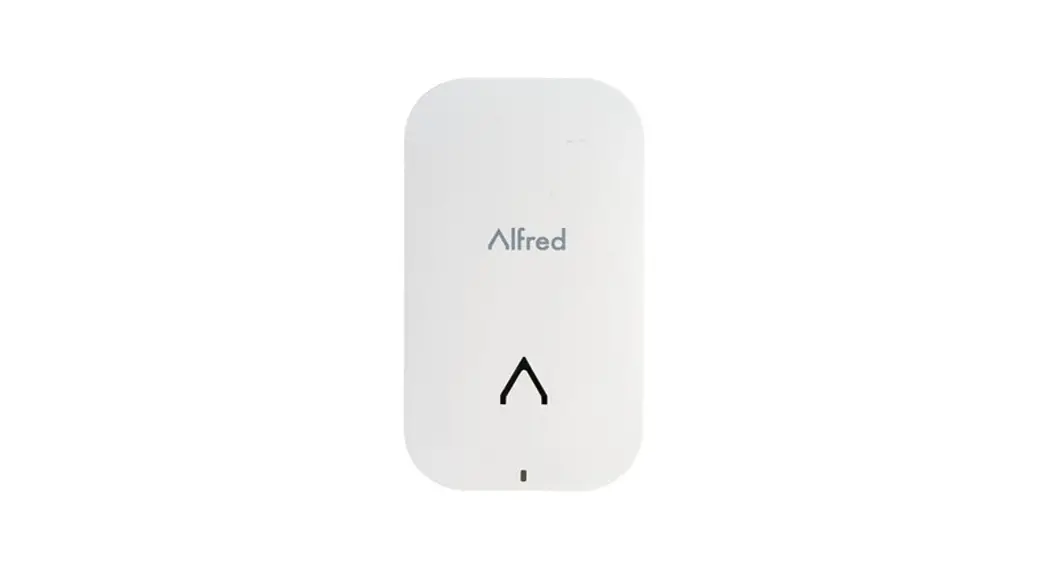
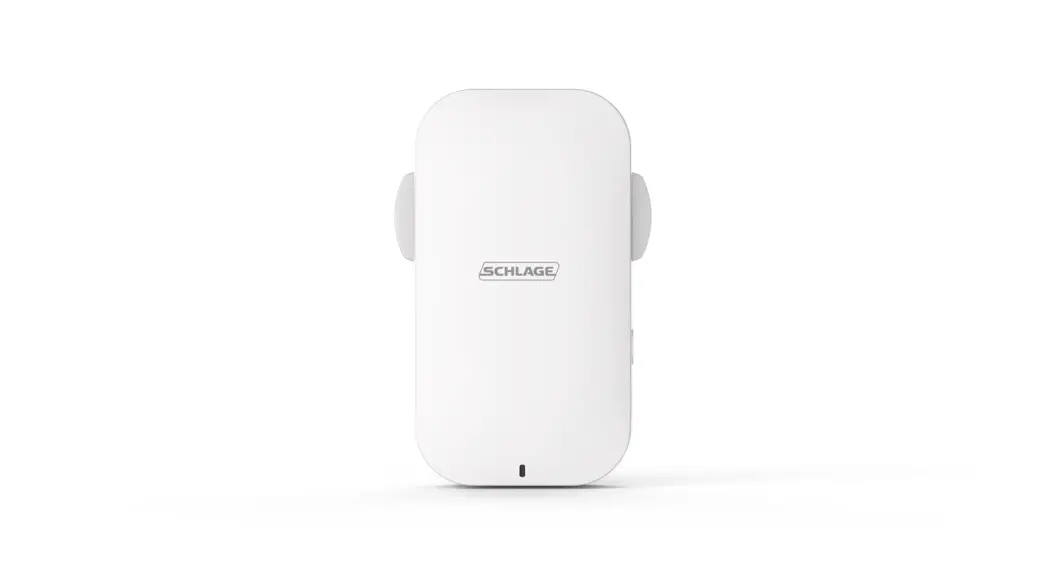
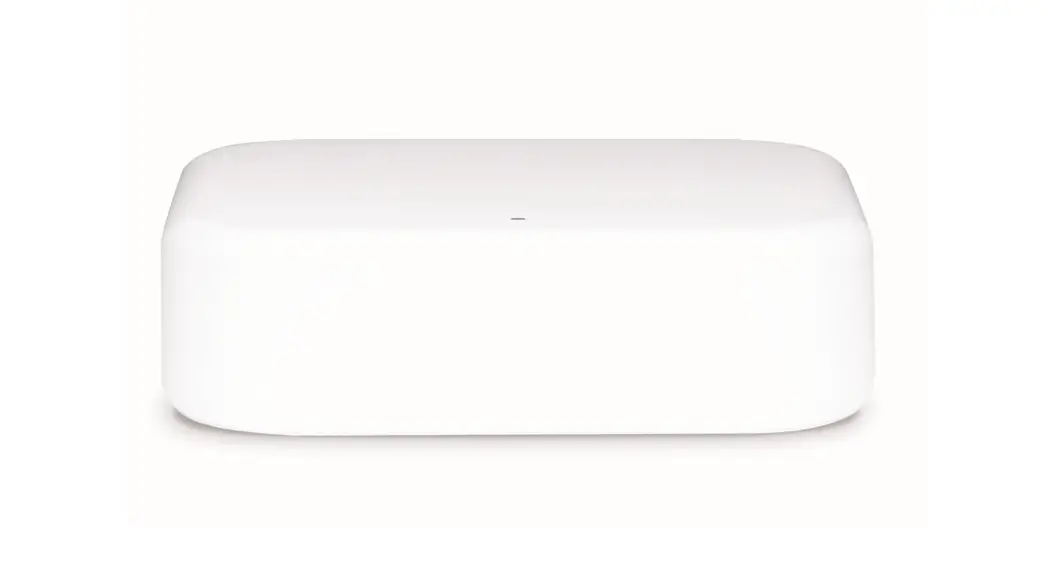
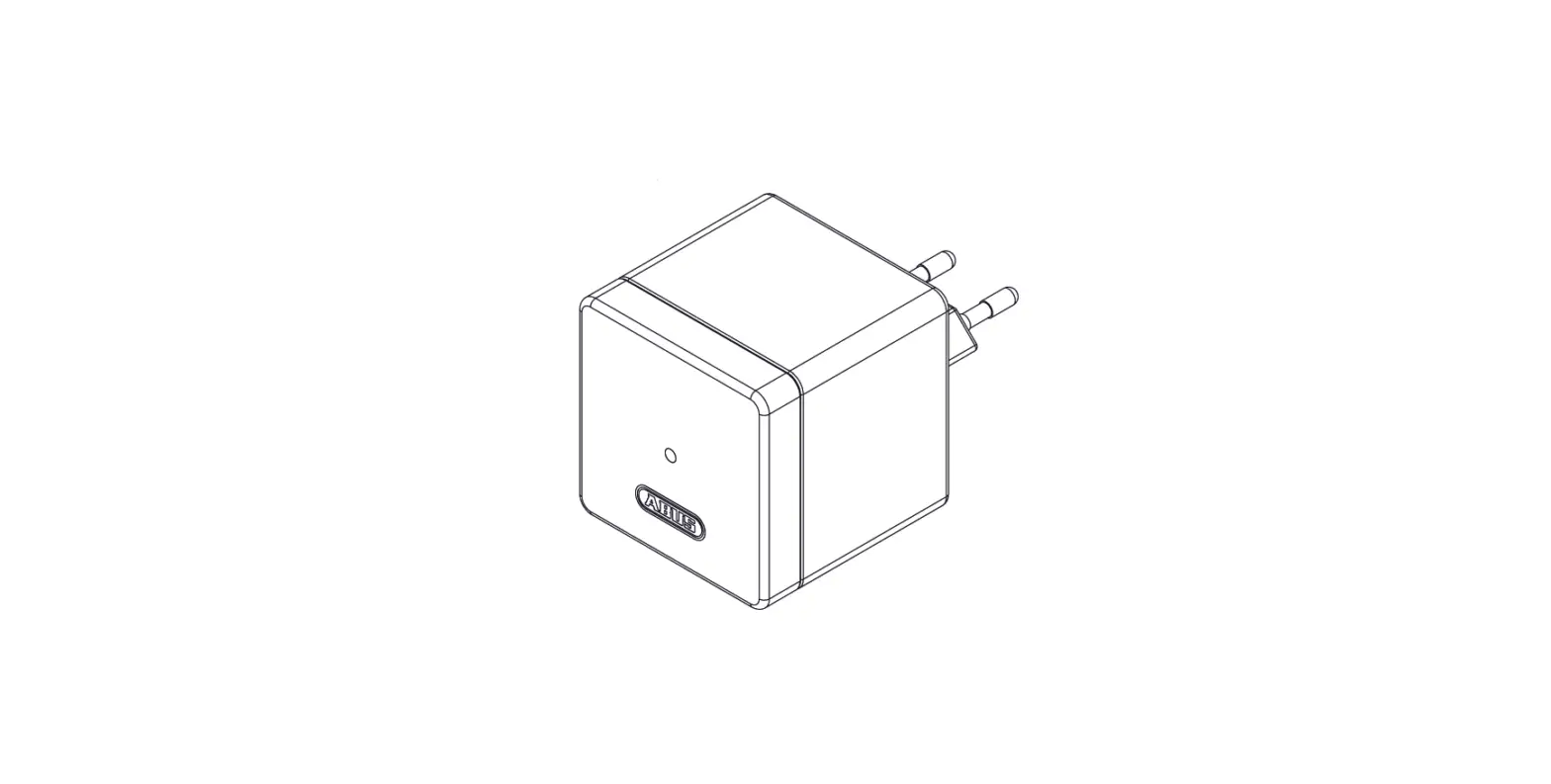
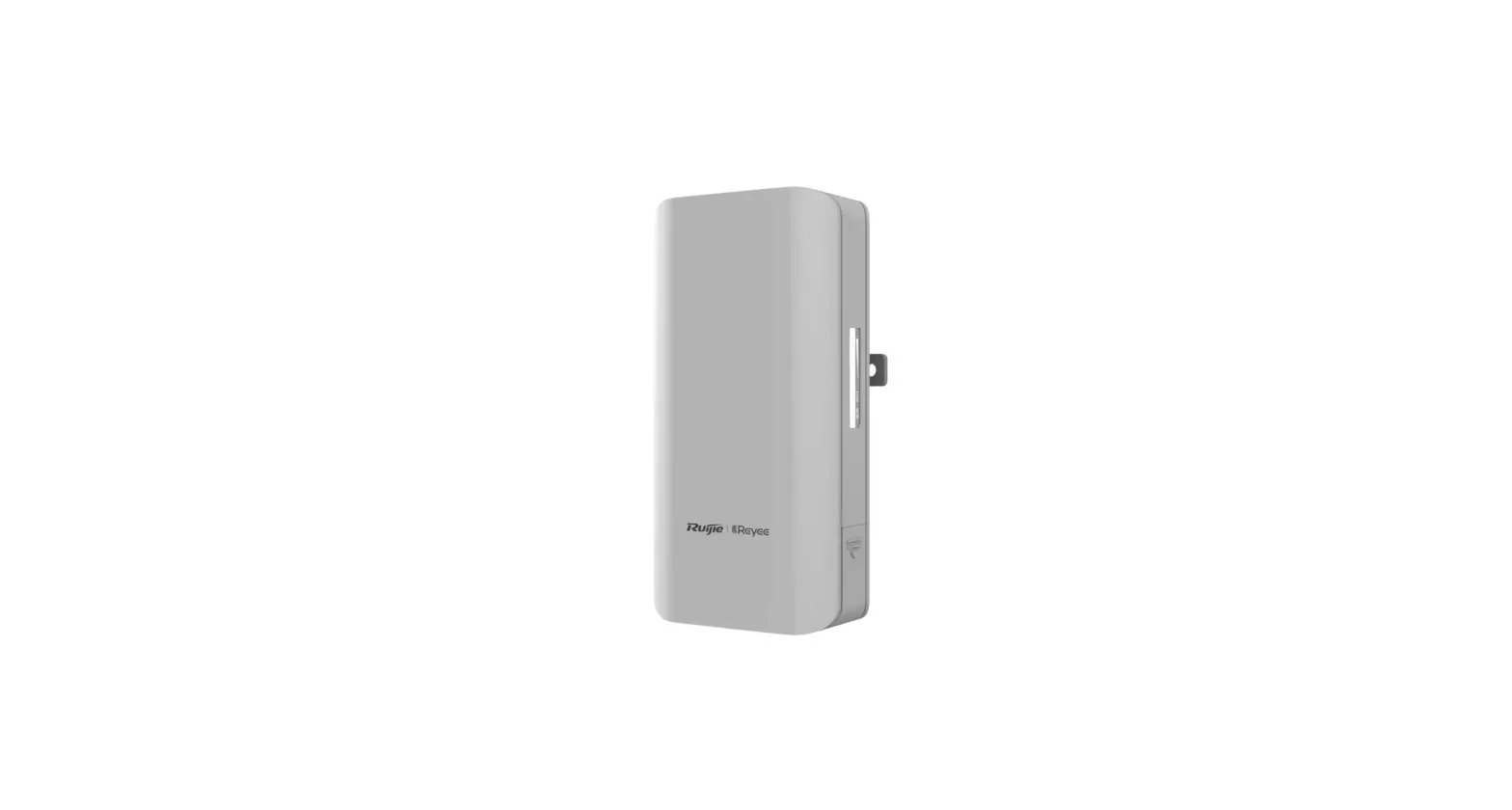
August AC-R1 Connect Wi-Fi Bridge
 August AC-R1 Connect Wi-Fi Bridge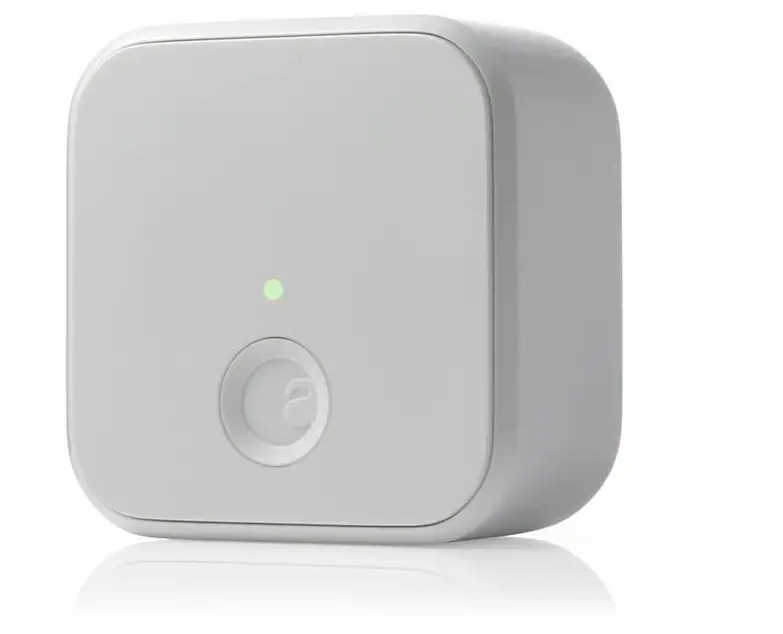
Specifications
- ITEM DIMENSIONS LXWXH: 2.4 x 2.4 x 1.5 inches
- ITEM WEIGHT: 0.18 Pounds
- MATERIAL: Metal
- STYLE: Hub
- NUMBER OF PIECES: 1
- FINISH TYPE: Powder Coated
- CONTROL METHOD: Voice
- POWER SOURCE: battery powered
- BRAND: August Home
Introduction
Enable Auto-Lock to eliminate your door lock worries forever. The timer for Auto-Lock can be set to run for either 30 seconds or 30 minutes. If your door is closed and latched securely, DoorSenseTM will let you know. Use any voice assistant to verify the status of your door.
What’s In the Box?
- 1 Connect
- Getting Started Guide
Setting Up August Connect
Requirements
- Make sure your iOS device has Wi-Fi turned on (Apple Settings > Wi-Fi)
- Make sure your phone is connected to your home Wi-Fi network (Connect is compatible with 2.2.44 GHz Wi-Fi)
- The August Connect requires an active August Smart Lock and needs to be installed using a compatible phone. Please visit our phone compatibility page (august. (august.com/com/phone)s) to ensure that your phone is compatible.
To Install your August Connect
- Plug In Plug In. Plug your August Connect into a power outlet within 15 feet of your August Smart Lock for optimal performance and reliability. Wait for the flashing green light on your August Connect. If you don’t see the flashing green light press and hold the button on Your August Connect for 3 seconds.
In the side menu, tap Set Up New Devic Choose Set Up An August Connect
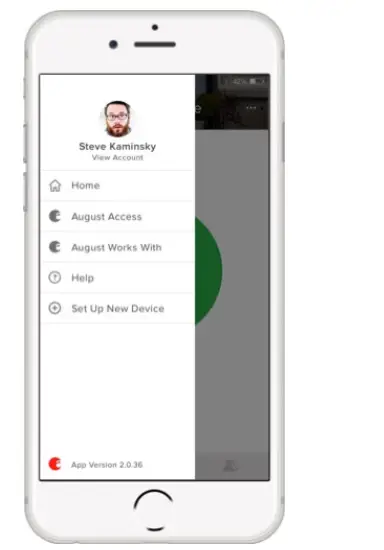 Choose Set Up An August Connect
Setting Up August Connect
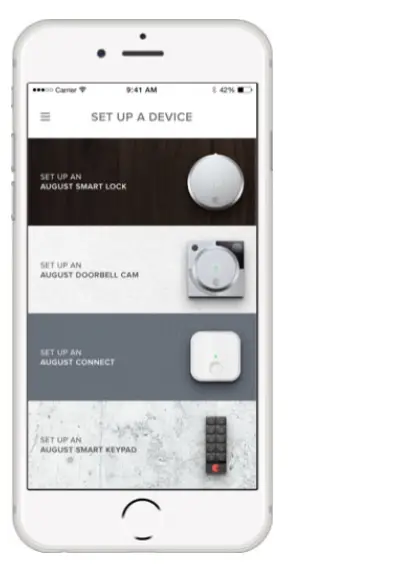
If applicable, choose a lock to associate your Connect with. When prompted, plug connects into an outlet near your door. Follow the in-app instructions. 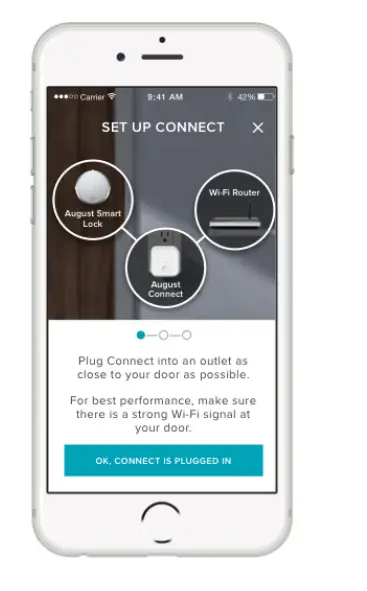
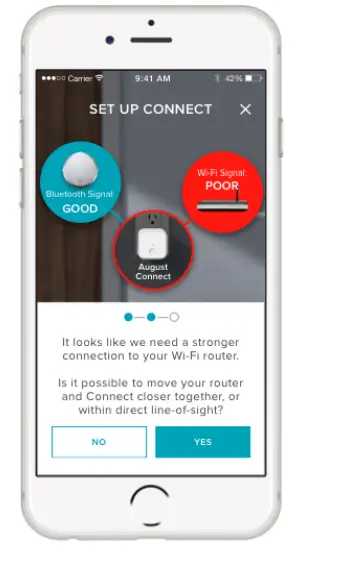
Apple’s accessory setup interface will ask you to choose your home Wi-Fi network.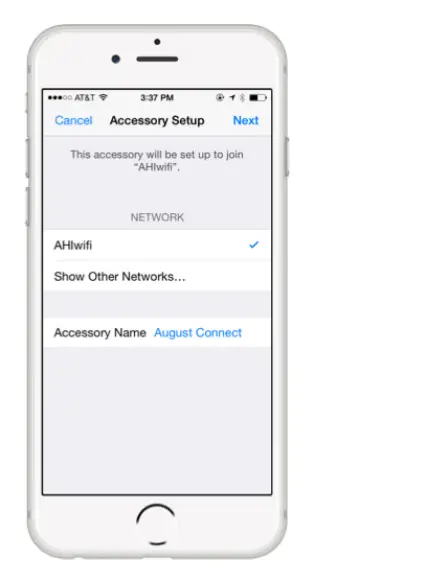 Once your Connect has successfully joined your home Wi-Fi network, the August Home app will check the signal levels of your Wi-Fi and Bluetooth connections.
 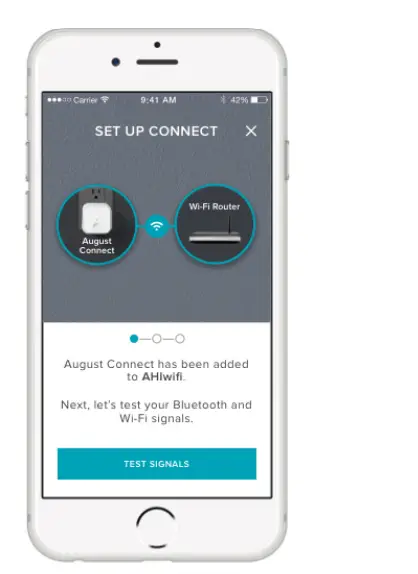 If your signal levels are good, you’re just about finished.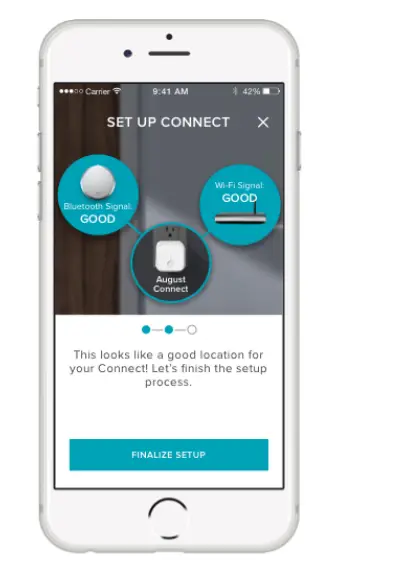
If your signal levels are low, you will be guided through adjusting the location of your Connect to improve its connection.
 Your Connect is now set up and ready to use!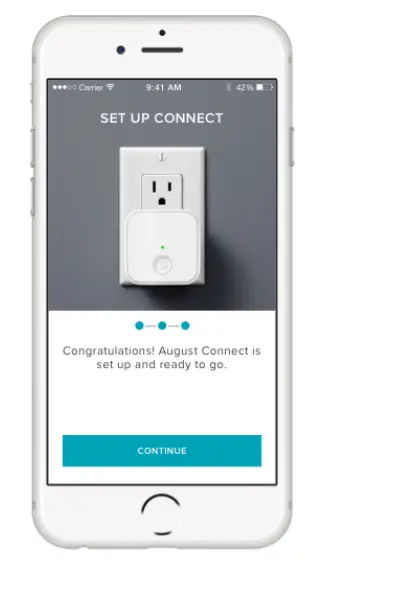
Frequently Asked Questions
What is the August Connect’s power input rating (voltage)?
It reads 110-240v, 50-60 Hz.
Do I need this for the lock to operate?
No. The lock itself uses Bluetooth, which has an effective range of about 40 feet within a house. The August Connect extends the range from about 40 feet to Internet-infinite; in theory, if both you and your home have an Internet connection, you can open the lock from anywhere in the world. It does this by connecting to the August service via your home wife and then using the lock’s Bluetooth connection. The lock alone is sufficient if you only want to unlock it when you or another authorized person is standing in front of it. However, as of my third August Connect, it has been acting up and randomly disconnecting; don’t buy If the lock alone satisfies your needs, use the Connect.
For each August Lock you have in your home, do you need one of these?
A single lock is connected by a single Connect. For each lock, you must connect. It doesn’t serve as the central hub for all the locks in a place.
If I have a nest, do I need a bridge?
The Connect is only necessary if you intend to use August remotely, but if you do, you must have it because no other hub will be able to manage the August lock (as of right now).
Does the Smart thing Hub support this?
Yes, smart hub it functions.
If I have an Echo Dot, do I still need a bridge?
Yes, I tried to make Z-wave work, but August only functions with Alexa devices that are connected to their bridge. Bluetooth can be used directly without a bridge, but a bridge is required for remote access over Wi-Fi.
Will this operate with my Yale lock?
No. Only August Brand Smart locks are compatible with this.
Is it 110v or 220v? I reside in a nation where the plugs are 220 volts yet look like US plugs.
Although August only mentions this product for North America, it is a 110/240V device. You would want to verify with them directly.
If I already have the Echo Plus, do I need the Bridge?
It can indeed connect to your Wi-Fi thanks to the bridge. There is only a Bluetooth connection on the lock itself.
Given that Hong Kong uses 220 volts, can I use it there?
100-240V, 50- or 60-Hz, 0.1A is supported by August Connect. But unless you get a different model, I’m certain you’ll need an adapter to connect your US August Connect to your Hong Kong outlet, and it also needs to be relatively close to the lock.