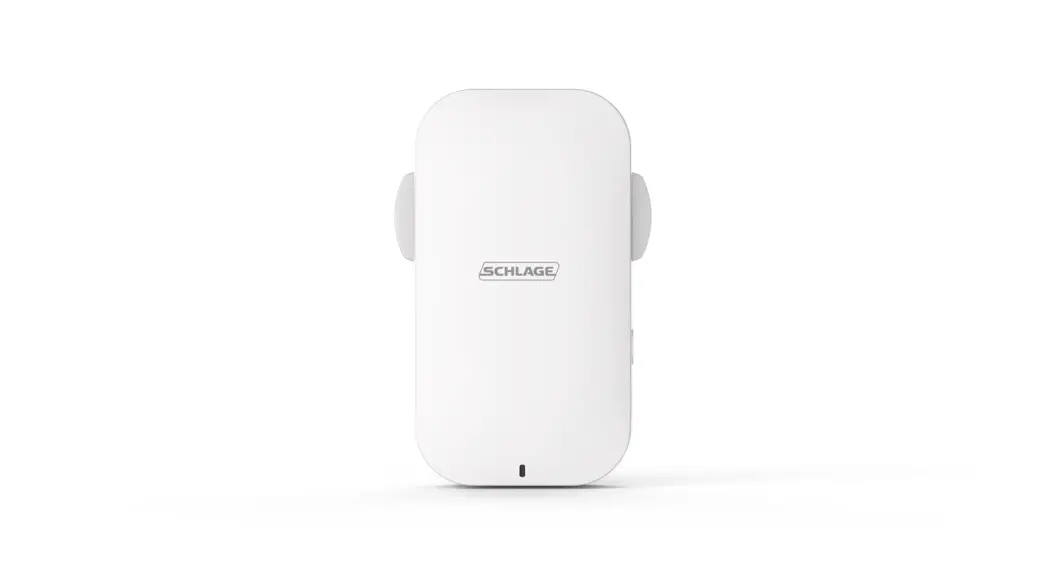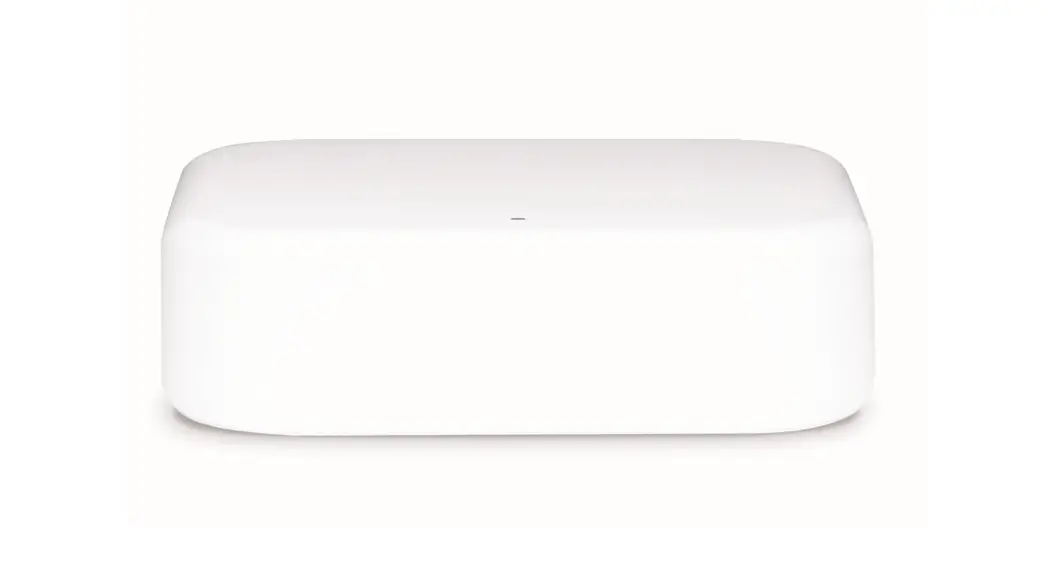

Wi-Fi Bridge (BZ100)
Quick Start Guide
Compatible with Schlage Omnia and Schlage eGO Smart Locks
WORKS WITH
 SCHLAGE BREEZE
Pair Wi-Fi Bridge with Schlage Breeze App
- Activate the app

- Touch the “
 ” icon on the top left of the screen
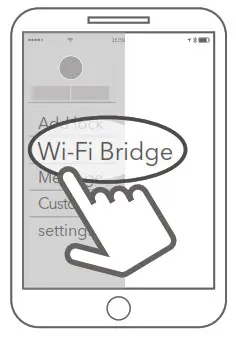
- Select [Wi-Fi Bridge]

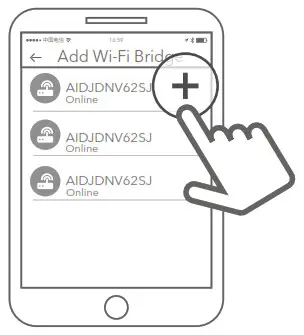
- Press ” + ” sign

- Select [Schlage Wi-Fi Bridge]

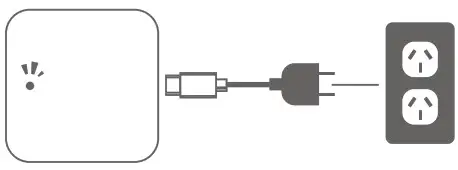
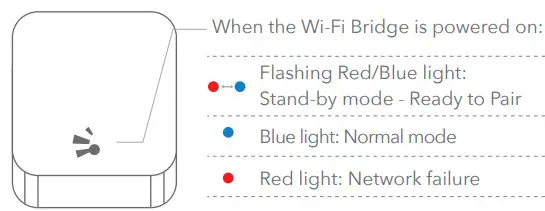
- Plugin the Wi-Fi Bridge and power it on. Wait until the light flashes alternately red and blue, then press next

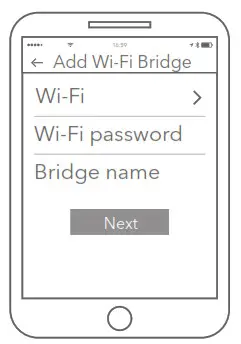
- Add Wi-Fi Bridge

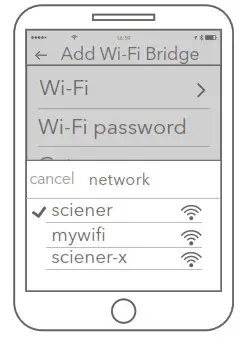
- Select the network and input your Wi-Fi password

 ” icon on the top left of the screen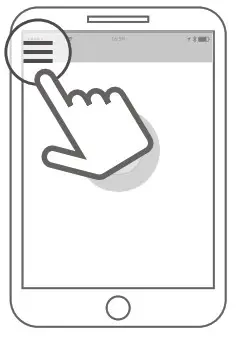
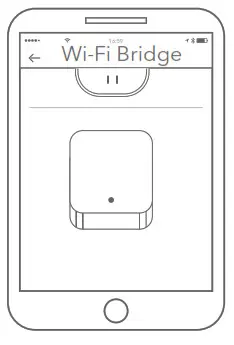
 Note: If the device times out, please power off to reset and try again.
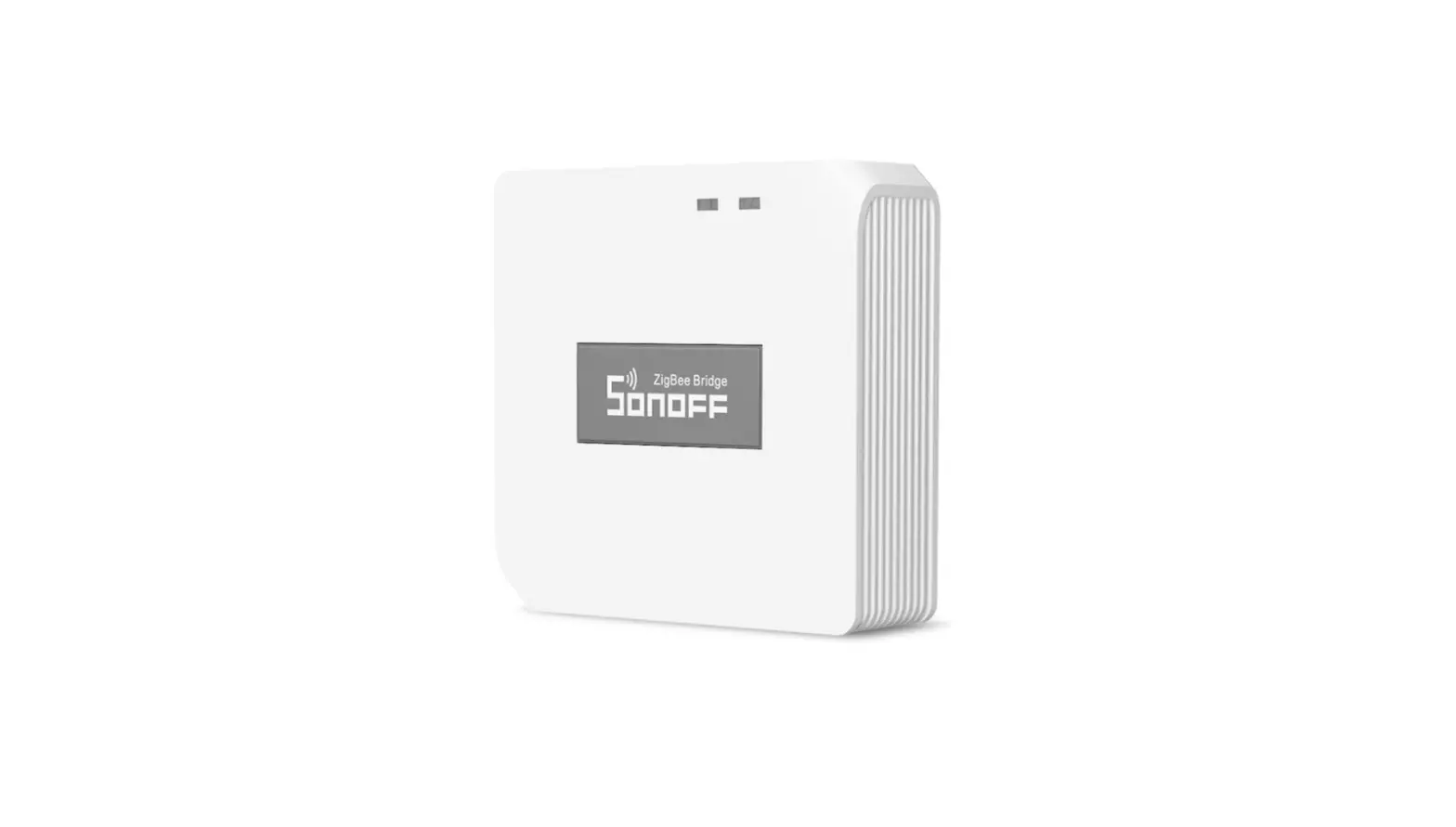
Schlage Wi-Fi Bridge (BZ100)
| Model : | Schlage Wi-Fi Bridge (BZ100) |
| Dimensions : | 70mm x 70mm x 26mm |
| Network : | Wi-Fi 2.4GHz |
| IEEE standard : | 802.11 b/g/n |
| Power interface : | Type-C USB |
| Power input : | 5V/500mA |
Warranty
The Schlage Wi-Fi Bridge (BZ100) has a one-year warranty.
Our goods come with guarantees that cannot be excluded under the local consumer law. You are entitled to a replacement or refund for a major failure and for compensation for any other reasonably foreseeable loss or damage. You are also entitled to have the goods repaired or replaced if the goods fail to be of acceptable quality and the failure does not amount to a major failure.
Disclaimer
We continuously optimize products as new technologies and features are developed. For this reason, we reserve the right to make alterations to the products without prior notice.