 Quick Start Guide
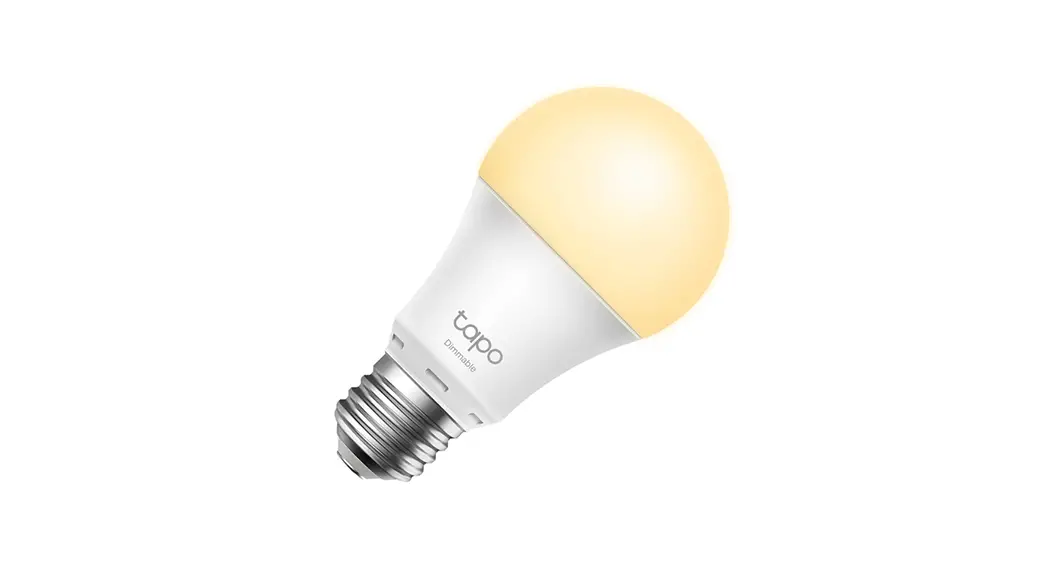
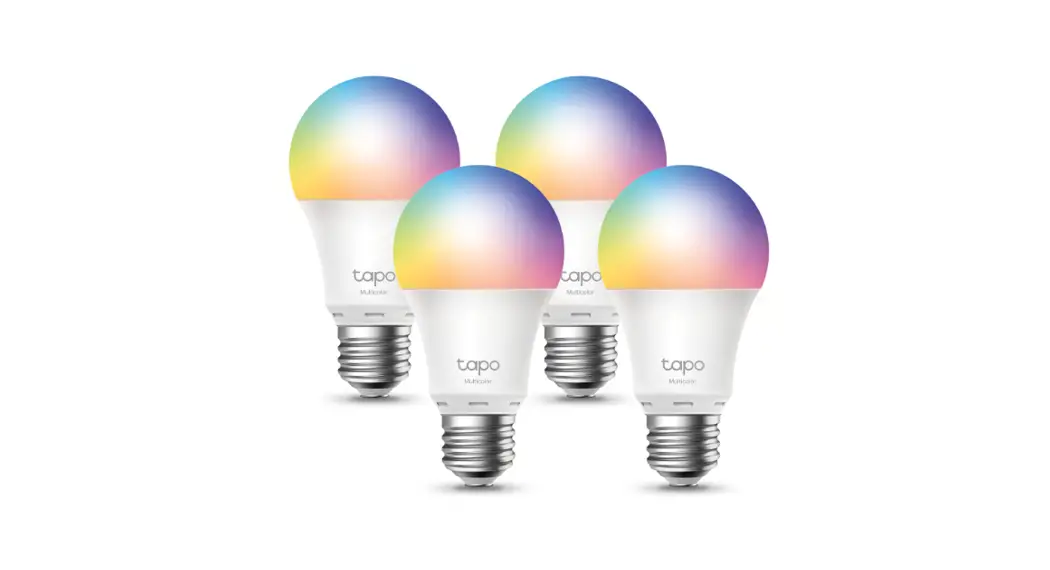
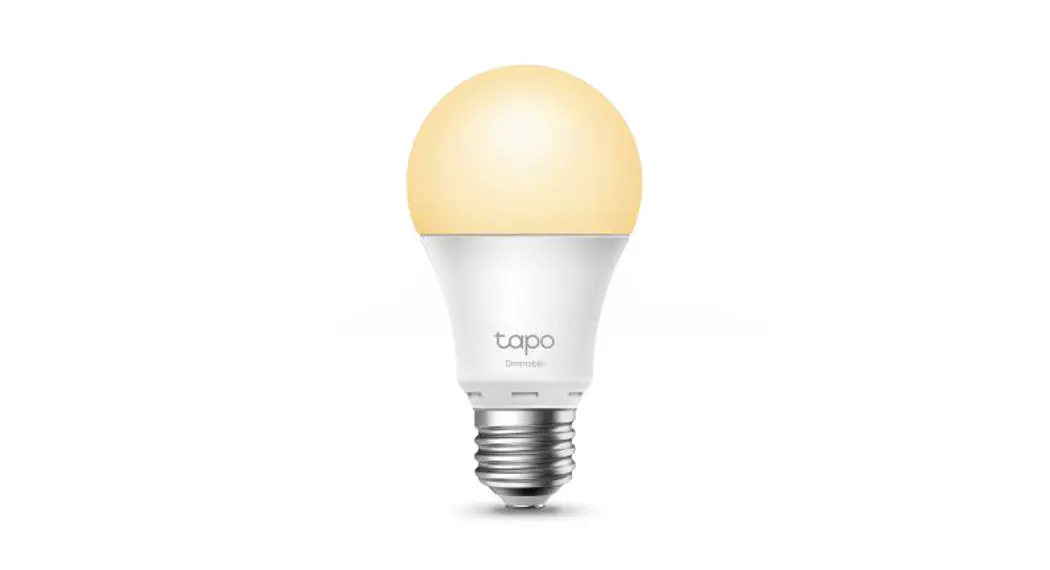
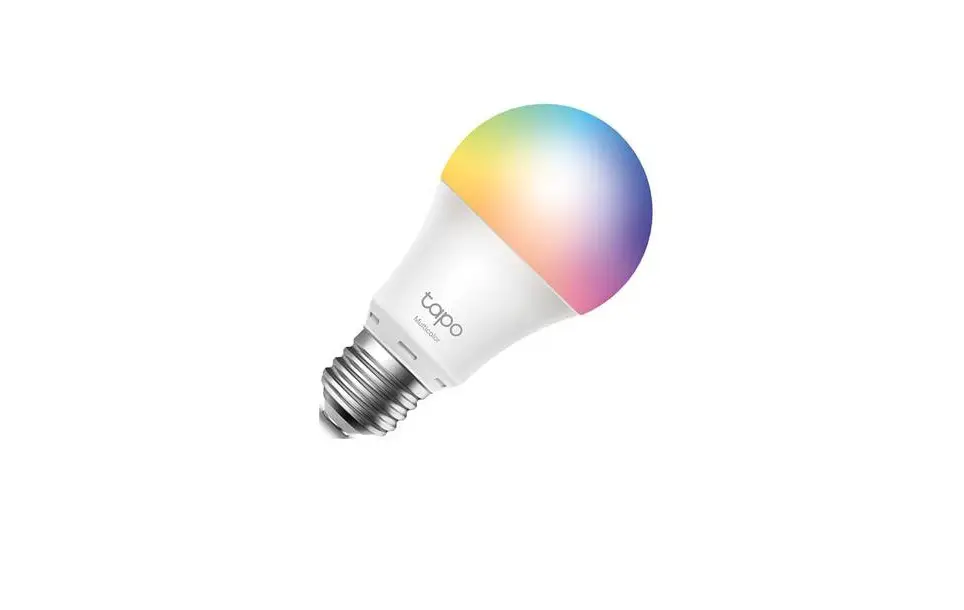
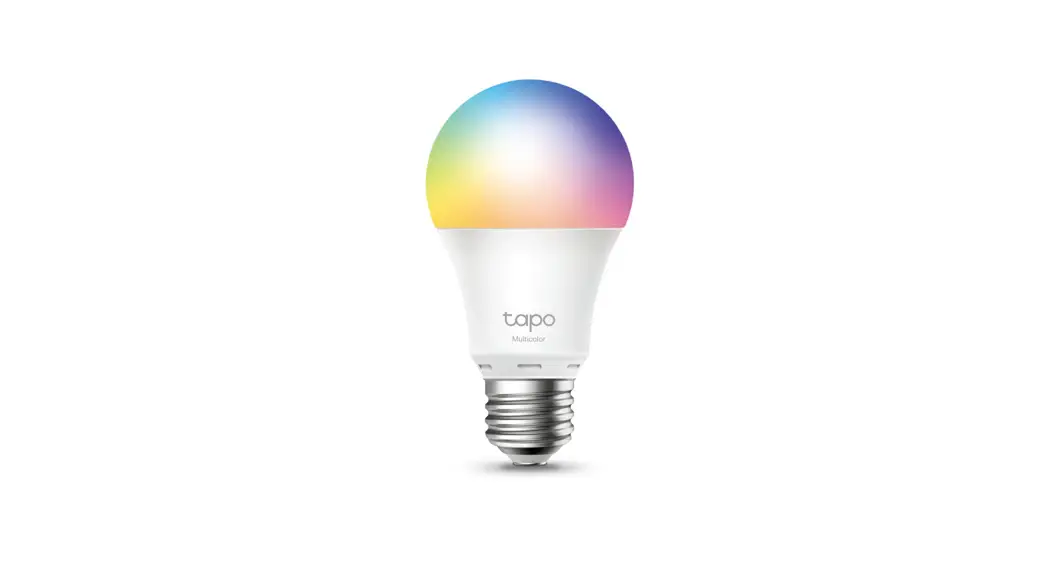
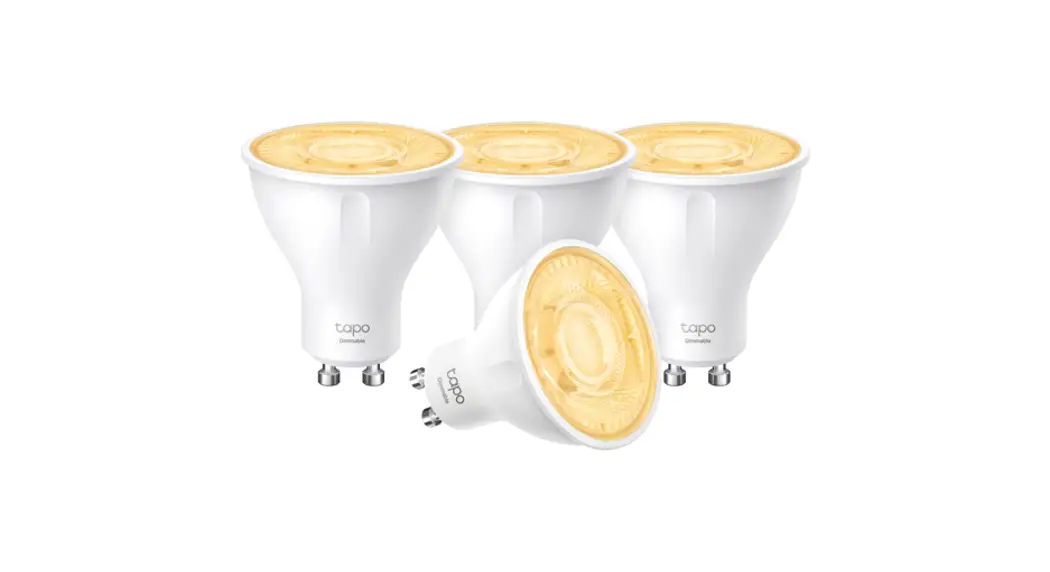
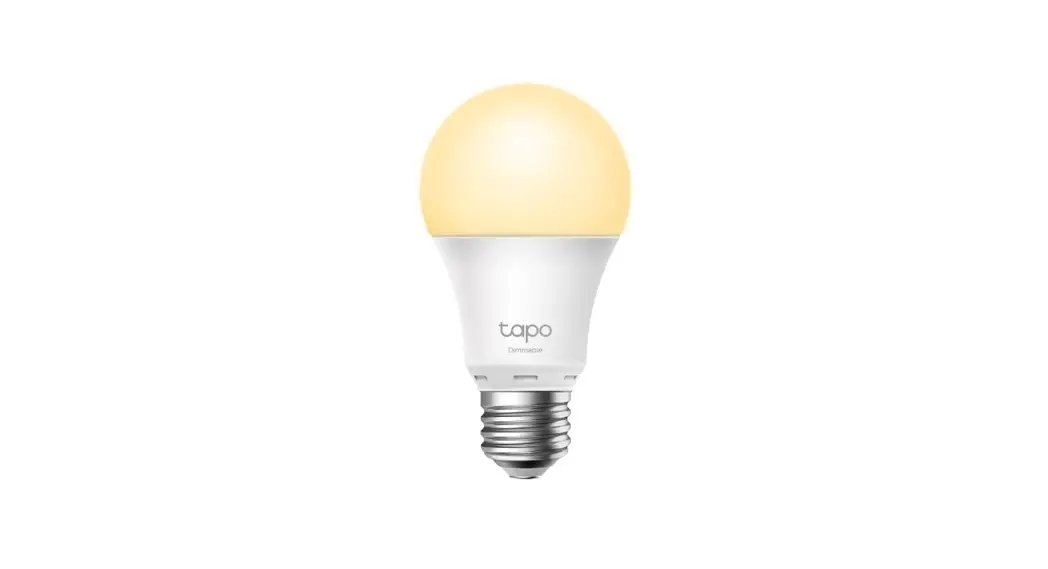
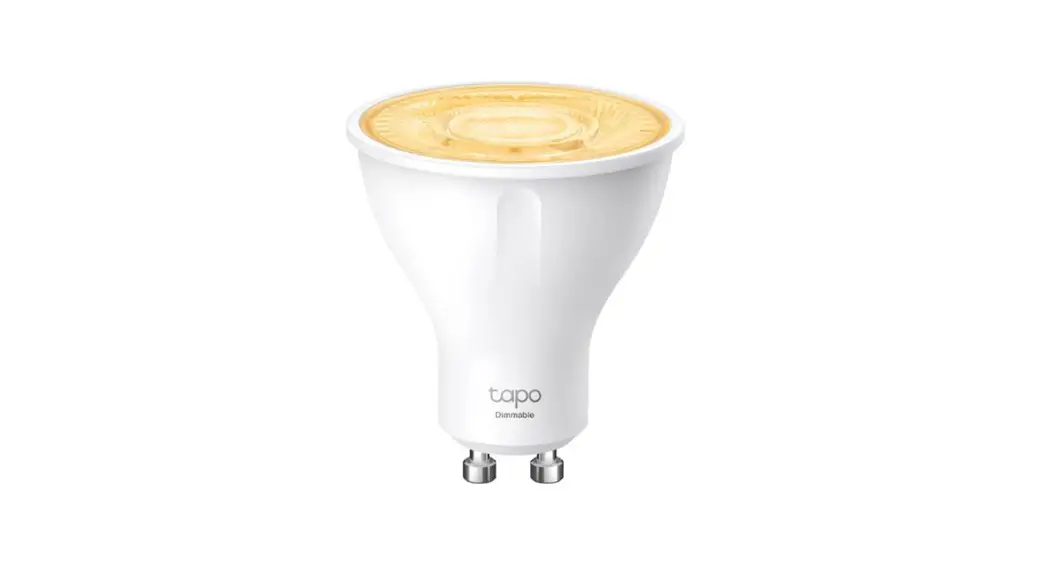
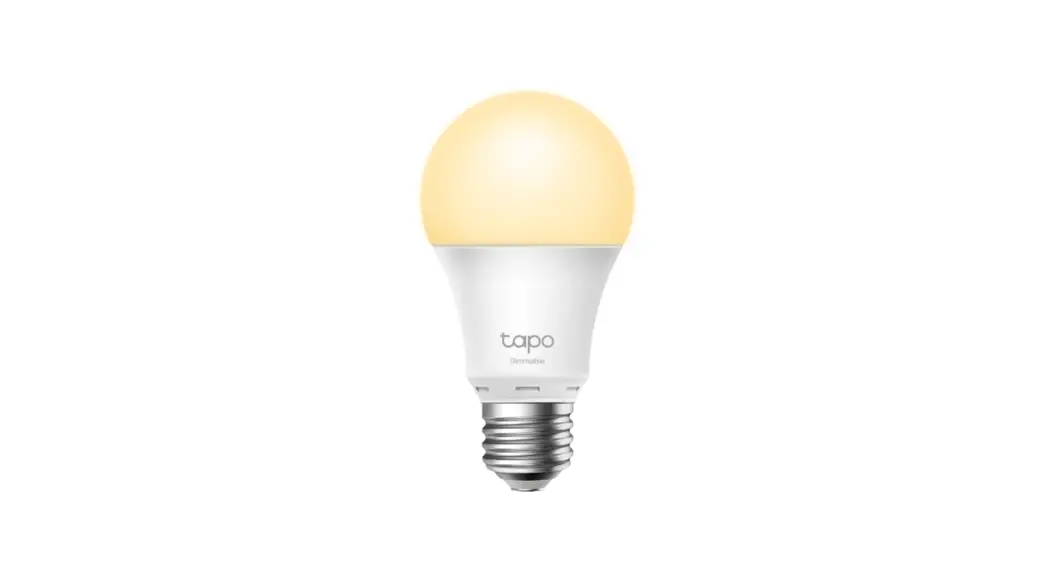
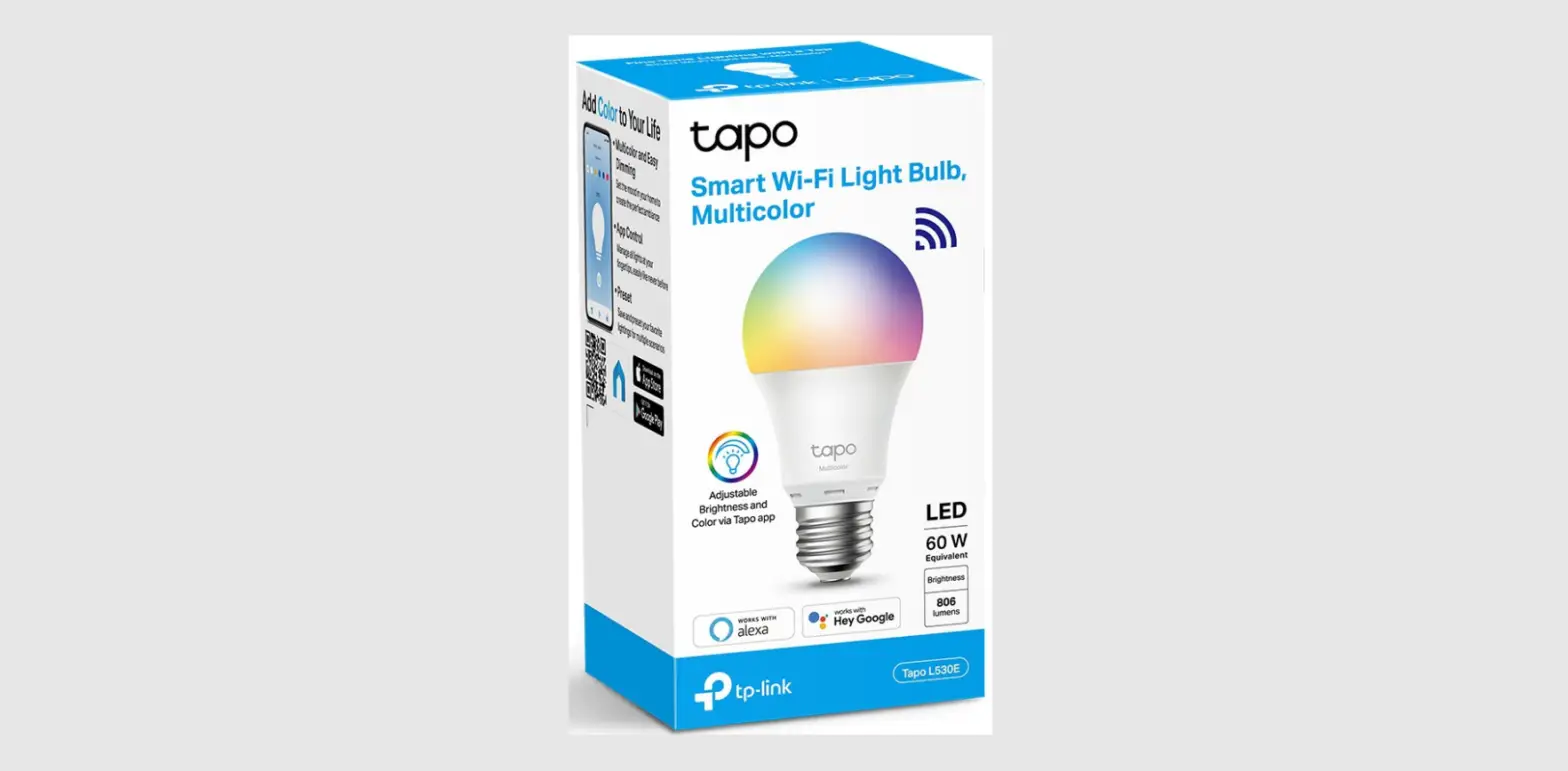
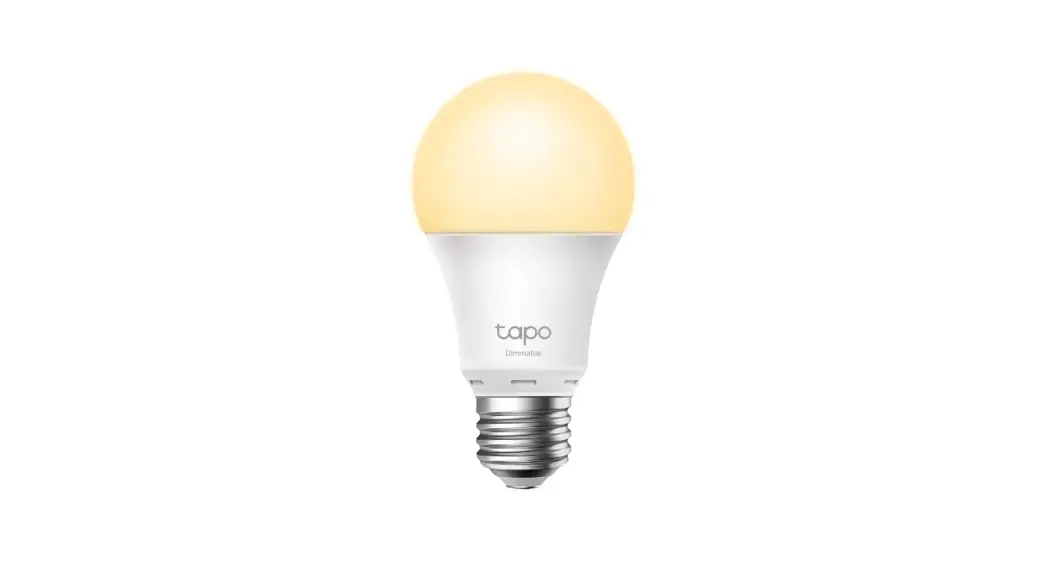
Smart Wi-Fi Light Bulb
https://www.tapo.com/app/download-app/
Getting Started
- Get the Tapo app from the Apple App Store or Google Play.
- Follow the instructions in the Tapo app to complete the setup.
TP-Link hereby declares that the device is in compliance with the essential requirements and other relevant provisions of directives 2014/53/EU, 2009/125/EC, 2011/65/EU, and (EU) 2015/863. The original EU declaration of conformity may be found at https://www.tapo.com/support/ce/.
- Keep the device away from water, fire, humidity, or hot environments.
- Do not attempt to disassemble, repair, or modify the device. If you need service, please contact us.
- Do not use the device where wireless devices are not allowed.
Please read and follow the above safety information when operating the device. We cannot guarantee that no accidents or damage will occur due to improper use of the device. Please use this product with care and operate at your own risk.
Operating Frequency / max output power
2400MHz~2483.5MHz / 20dBm
No restrictions exist in the use of radio frequencies or frequency bands in all EU member states and EFTA countries.
Warranty
For more information about the warranty, please visit https://www.tapo.com/support/
 Support
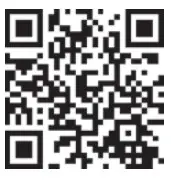 https://www.tapo.com/support/
For technical support, the user guide, and other information, please visit https://www.tapo.com/support/, or simply scan the QR code.  © 2020 TP-Link
 Anatel — Agência Nacional de Telecomunicações
 Support | Tapo