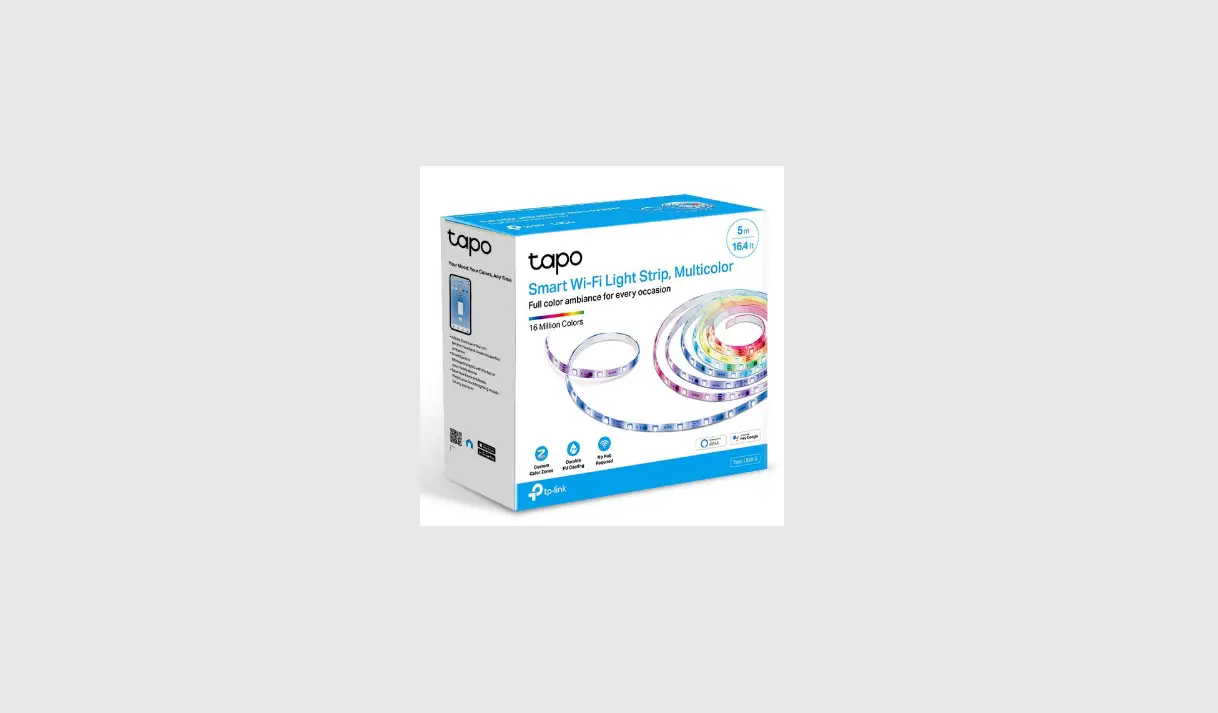
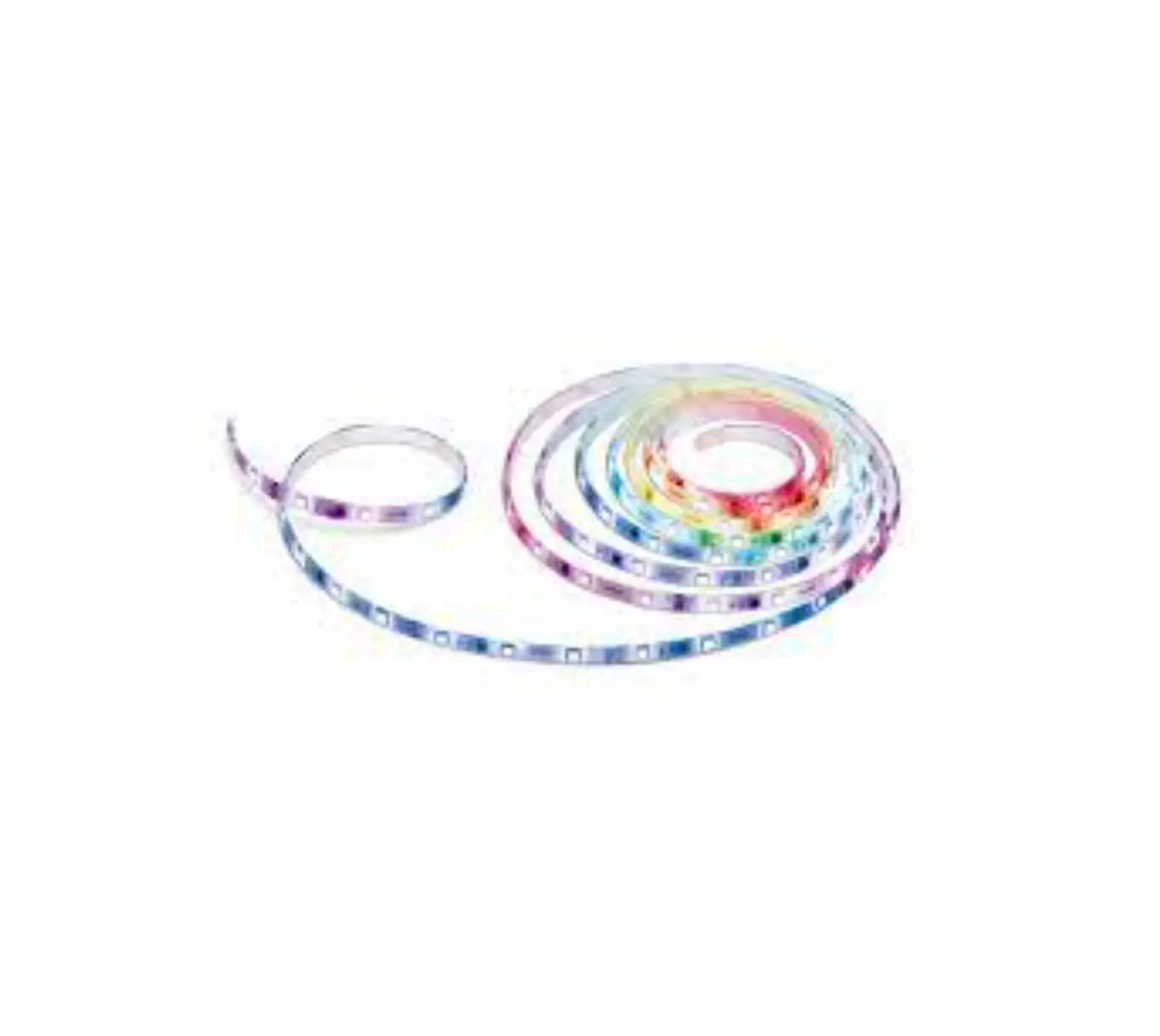
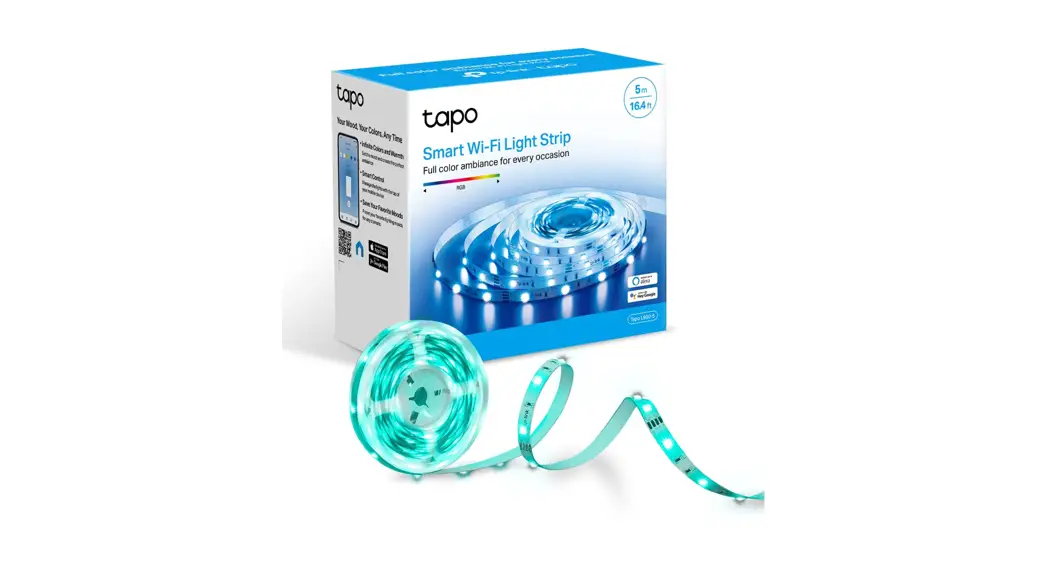
Tapo L930-5 Smart WiFi Light Strip
Product Information:
- Model: Tapo L930-5
- Product Type: Smart Wi-Fi Light Strip
- Length: 5m (16.4 ft)
- Brightness: 1000 lumens
- Estimated Energy Cost: $1.56 per year
- Color Options: 16 Million Colors
- Color Zones: Customizable
- Coating: Durable PU Coating
- Hub Requirement: No Hub Required
- Additional Features: Sync to Sound, White LEDs, Voice Control,
Cuttable*, App Control
Product Usage Instructions:
- Connect the Tapo L930-5 Smart Wi-Fi Light Strip to a power
source. - Download and install the Tapo mobile app on your smartphone or
tablet. - Launch the Tapo app and create an account if you don’t have one
already. - Ensure your smartphone or tablet is connected to the same Wi-Fi
network as the Tapo L930-5. - In the Tapo app, go to the device setup section and follow the
on-screen instructions to connect the light strip to your Wi-Fi
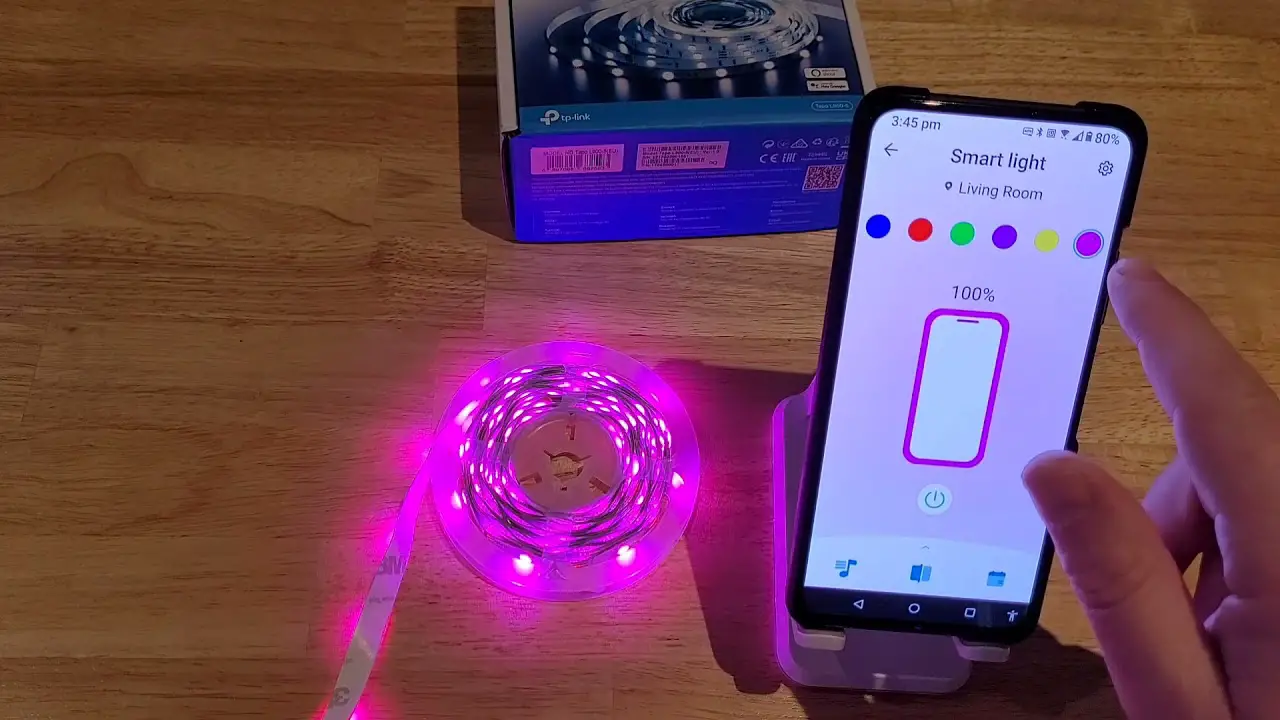
network. - Once connected, you can control the Tapo L930-5 Smart Wi-Fi
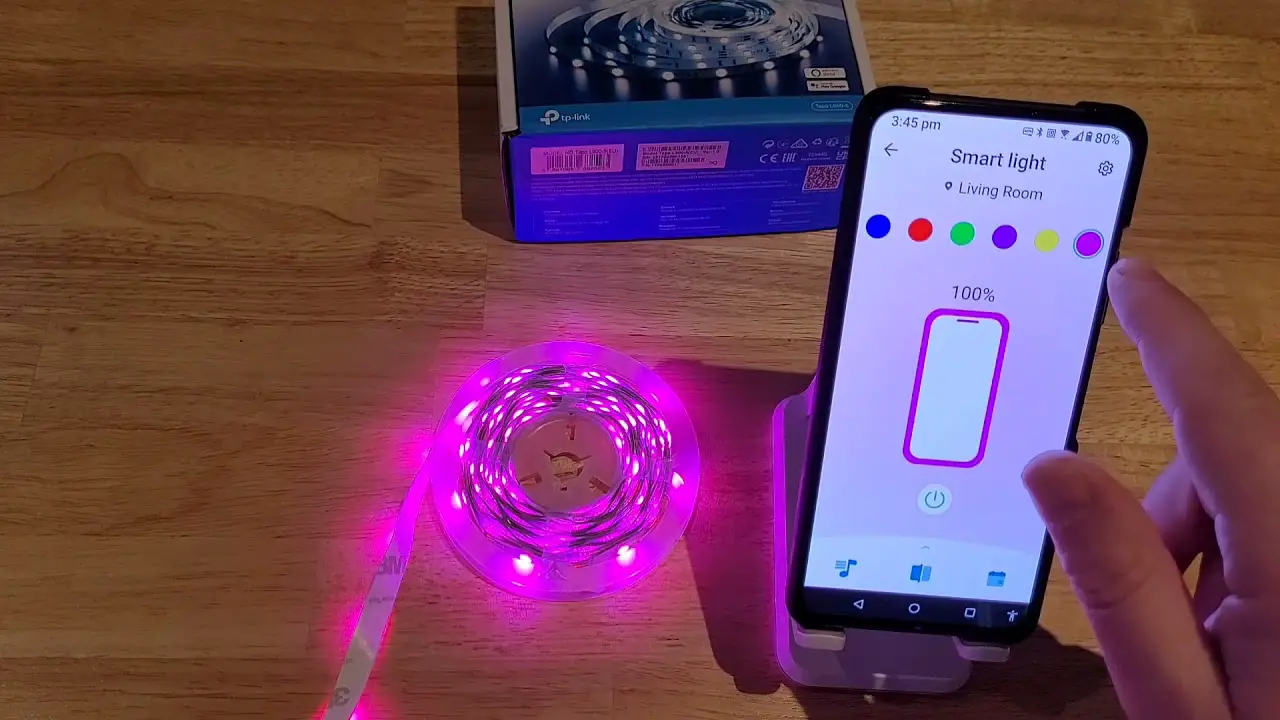
Light Strip using the Tapo app. - To change colors, brightness, or lighting effects, navigate to
the appropriate settings in the app. - You can preset your favorite lighting moods for different
scenarios by selecting the desired colors and effects. - The Tapo L930-5 Smart Wi-Fi Light Strip can be controlled using
voice commands if you have a compatible voice assistant
device. - To schedule the light strip for automated control, go to the
scheduling section in the Tapo app and set the desired time and
lighting settings. - Remember that once cut, the light strip cannot be reattached.
If you need to cut the strip, remove its power and cut along the
indicated lines to prevent accidental shocks.
Datasheet
Smart Wi-Fi Light Strip, Multicolor
Model: Tapo L930-5
Full color ambiance for every occasion
Sync to Sound
5m
16.4 ft
Brightness
1000 lumens
Estimated Energy Cost
$1.56 per year
16 Million Colors
Custom Color Zones
PU
Durable PU Coating
No Hub Required
Additional White LEDs
Light
Schedule
Segments & Timer
Voice Control
Cuttable*
App Control
Datasheet
Highlights
Your Mood, Your Colors, Any Time · Infinite Colors and Warmth
Set the mood and create the perfect ambiance · Smart Control
Manage the lights with one tap of your mobile device · Save Your Favorite Moods
Preset your favorite lighting moods for any scenario
Free Up Your Hands with Voice Control
You can use Amazon Alexa or Google Assistant to control your device with voice commands like “Alexa, turn on the light please”. You can also control it via Siri® Shortcuts.
Highlights
Wonderful Lighting Effects
Pick from a variety of animated effects for a unique lighting experience. Multicolor LEDs allow you to create your own ambiance in tons of fun colors and levels of brightness.
Datasheet
Smart Lighting Controls Schedule your light strip for effortless automation. Combine it with other Tapo devices for seamless control, especially when you’re sprucing up your home with consistent lighting.
Features
· Custom Color Zones – Have the lights match your mood, with different color zones to fill the room with lights the way you want it.
· Made for Everyday Wear and Tear – The strip’s durable PU coating prevents moisture and dust intrusion and electrical leaks.
· No Hub Required – Connect to your home’s secure Wi-Fi network. No need for a hub or extra equipment.
· Sync-to-Sound – Bounce to the beat of your favorite tunes. Coordinate the vibrant colors to your songs and fill your life with energy.
· Flexible Installation* Cut it to whatever length you want and attach it to any surface with the 3M adhesive.
*Once cut, it cannot be reattached. Prevent accidental shocks by removing its power and then cutting along the strip’s indicator lines.
· Away Mode Simulate someone being at home to frighten away, unwanted visitors.
Datasheet
· Preset for Convenience – Found your favorite lighting for watching movies? Save it as a setting you can simply select for future movie nights.
· Schedule & Timer – Create schedules and count plans to turn on/off with the brightness/color you set.
· Connect It Your Way – Use it with your smart assistant, a hub, or connect directly to the Tapo App. Control the light strip however you want.
· Voice Control – Use simple voice commands to control your light strip with Alexa or Google Assistant.
· Wind Down at Night Install the light strip to relax your body and mind through a mood-setting atmosphere.
· Whiter Whites for General Lighting Appreciate high-lumen white lighting of the brightest & cleanest quality, meeting your daily work and relaxation needs.
Datasheet
Specifications
Technical Specifications · Color: RGBW LED · Color Temperature Range: 2,500-6,500 K · Color Rendering Index: >80 · Brightness: 1000 lumens · Nominal Life Time: 25000 H · Voltage: 100-240 V, 50/60 Hz · Power Consumption: 13 W · Standby Power Consumption: 0.4 W · Dimmable Range: 1%-100% (via app and cloud only) · Color Changing: Yes (via app and cloud only) · Number of LED Beads: 150 RGB LEDs +150 White LEDs
Network · Wi-Fi Protocol: IEEE 802.11b/g/n · Wi-Fi Frequency: 2.4 GHz · To control this HomeKit-enabled accessory, the latest
version of iOS or iPadOS is recommended.
General
· Package Contents: LED Light Strip (5 m / 16.4 ft) Power Adapter Controller 3M Adhesive for Controller Quick Start Guide
· Weight: 564~649 g · Light Strip Dimensions: 5000*10*3.0 mm
· Certifications: CE, FCC, IC, JRF, VCCI, RCM, NCC, BSMI, RoHS
· Operating Temperature: -15 ºC~40 ºC (5 °F ~ 104°F)
· Operating Humidity: 10%~90%RH, Non-condensing
Voice Control is only supported with certain voice assistants. *Once cut, it cannot be reattached. Prevent accidental shocks by removing its power and then cutting along the strip’s indicator lines. Please do not use in damp environments or outdoors. For more information, please visit https://www.tapo.com/ All brands and product names are trademarks or registered trademarks of their respective holders. Specifications are subject to change without notice. ©2022 TP-Link
 Tapo Smart | Smart Devices for Smart Living