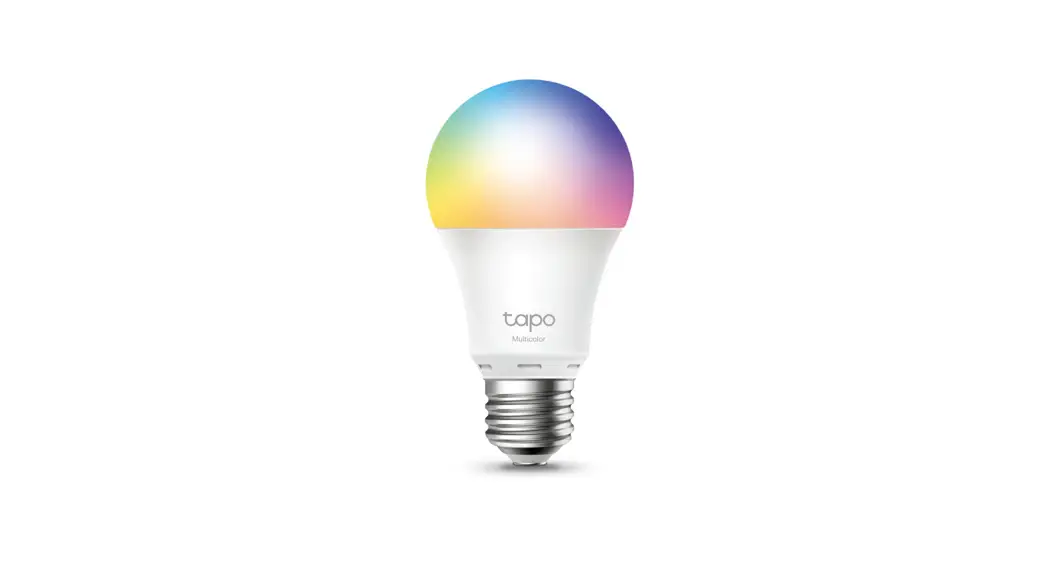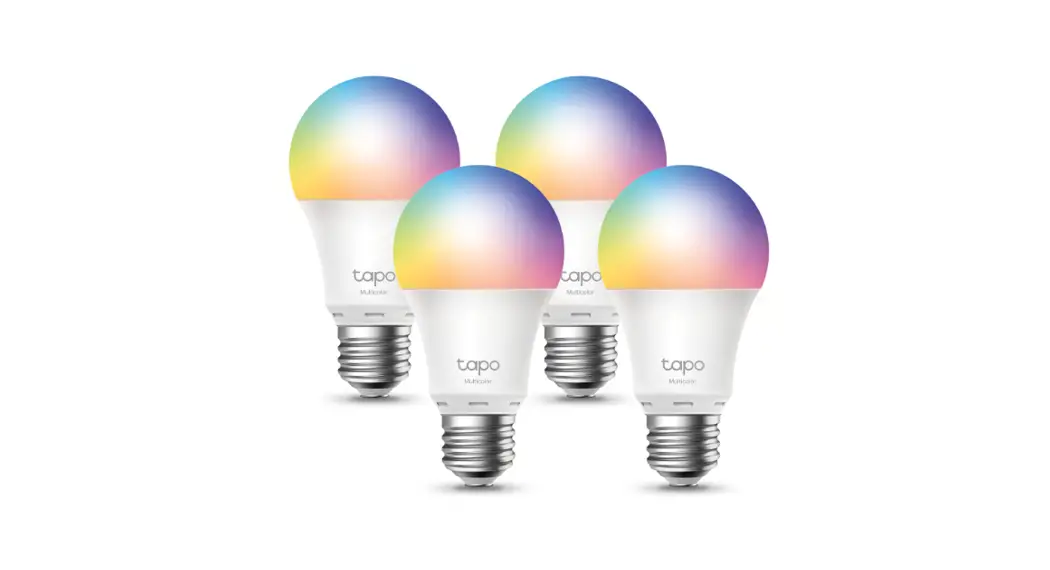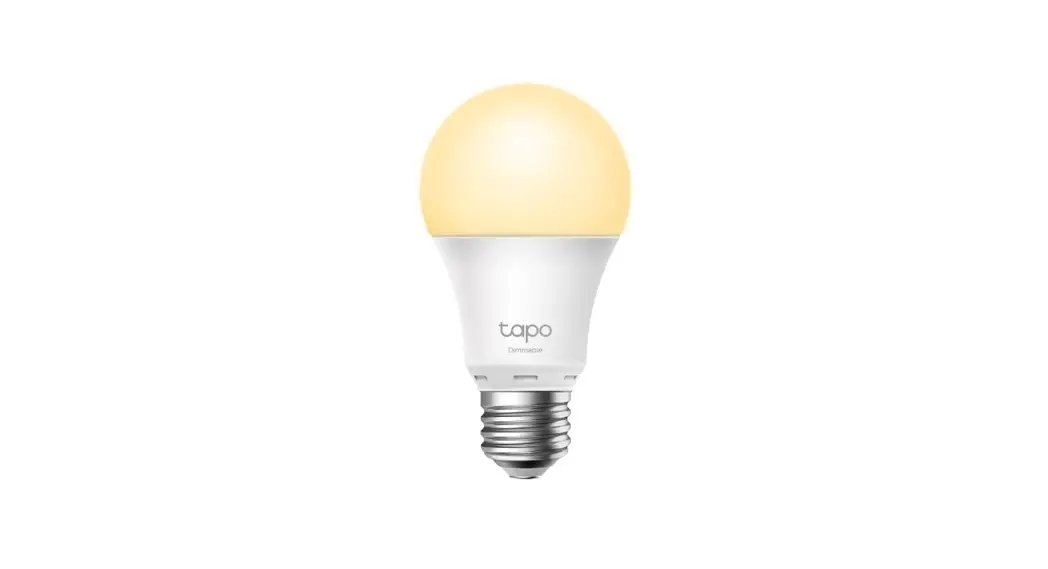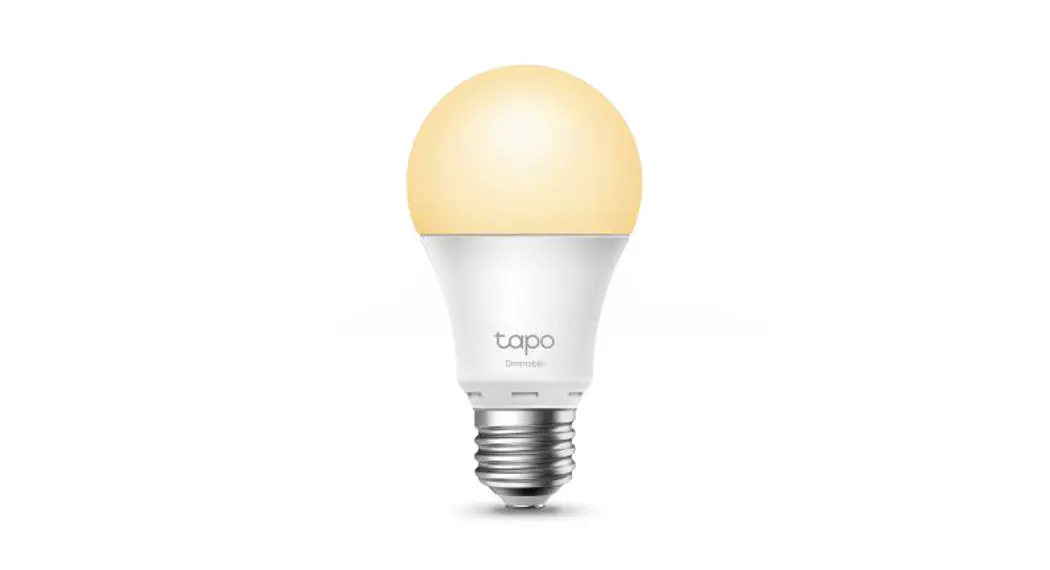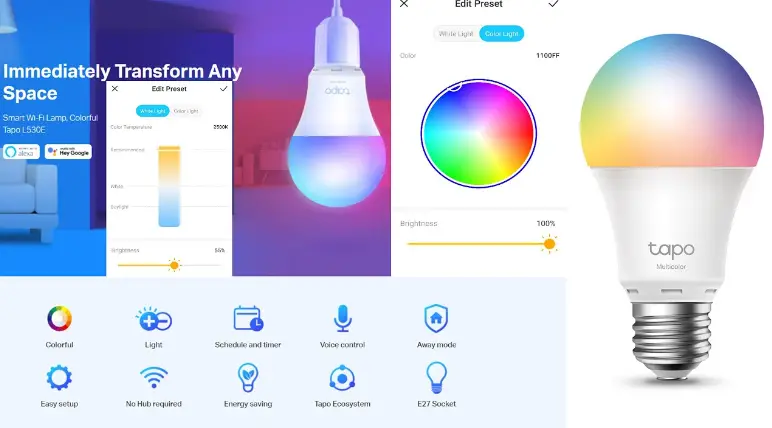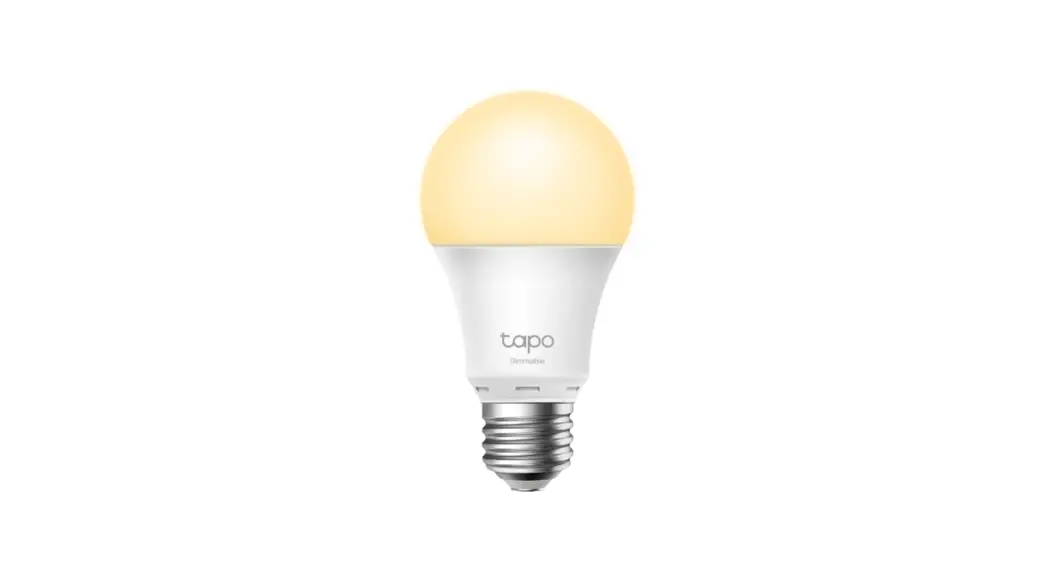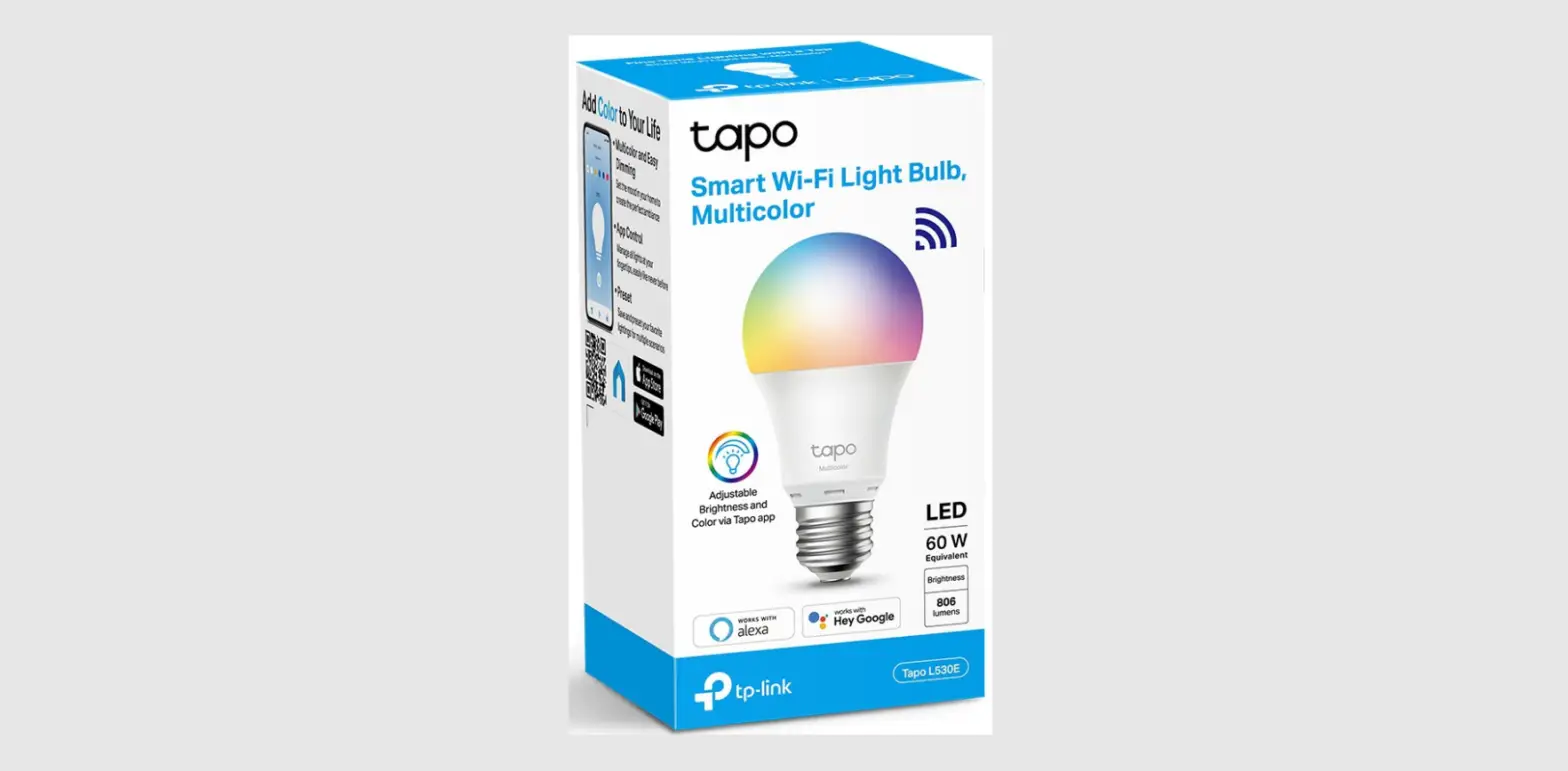
tp-link Tapo L530E Smart Wi-Fi Light Bulb User Guide
Getting Started
- Get the Tapo app from the Apple App Store or Google Play.
- Follow the instructions in the Tapo app to complete the setup.


OR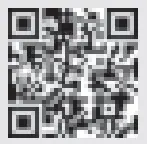
TP-Link hereby declares that the device is in compliance with the essential
requirements and other relevant provisions of directives 2014/53/EU, 2009/125/EC, 2011/65/EU and (EU) 2015/863.
The original EU declaration of conformity may be found at
https://www.tapo.com/support/ce/.
Operating Frequency / max output power
2400MHz~2483.5MHz / 20dBm
No restrictions exist in the use of radio frequencies or frequency bands in all EU member states and EFTA countries.
Warranty
For more information about warranty, please visit
https://www.tapo.com/support/
Support
For technical support, the user guide and other information, please visit
https://www.tapo.com/support/, or simply scan the QR code.

 Support | Tapo