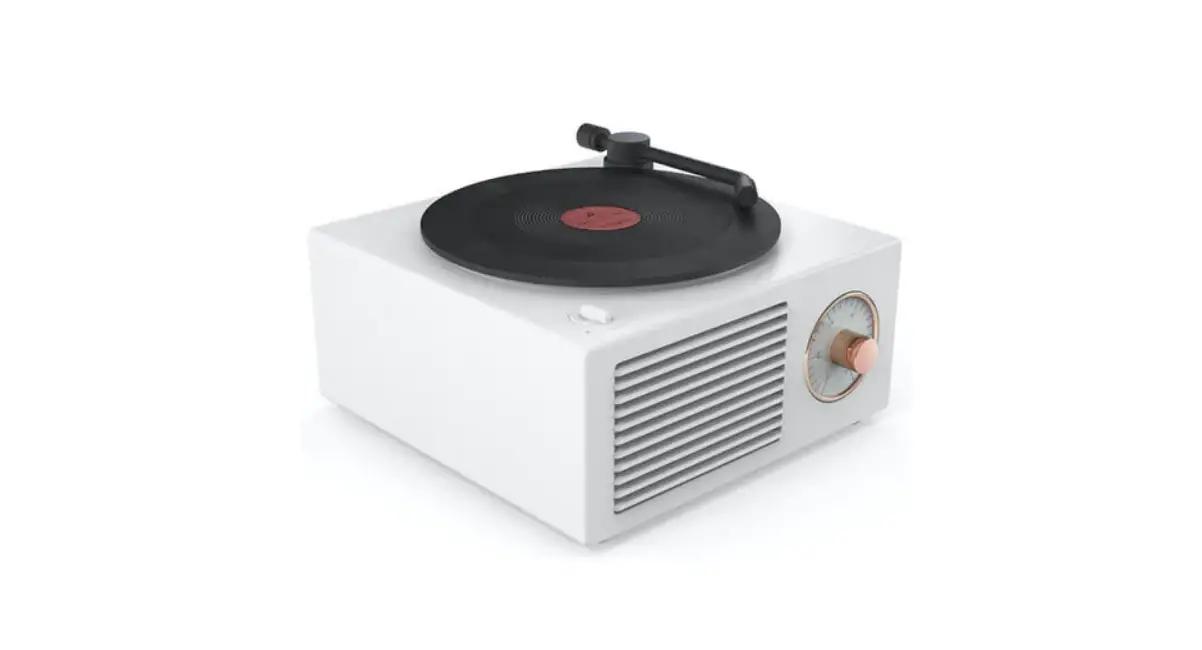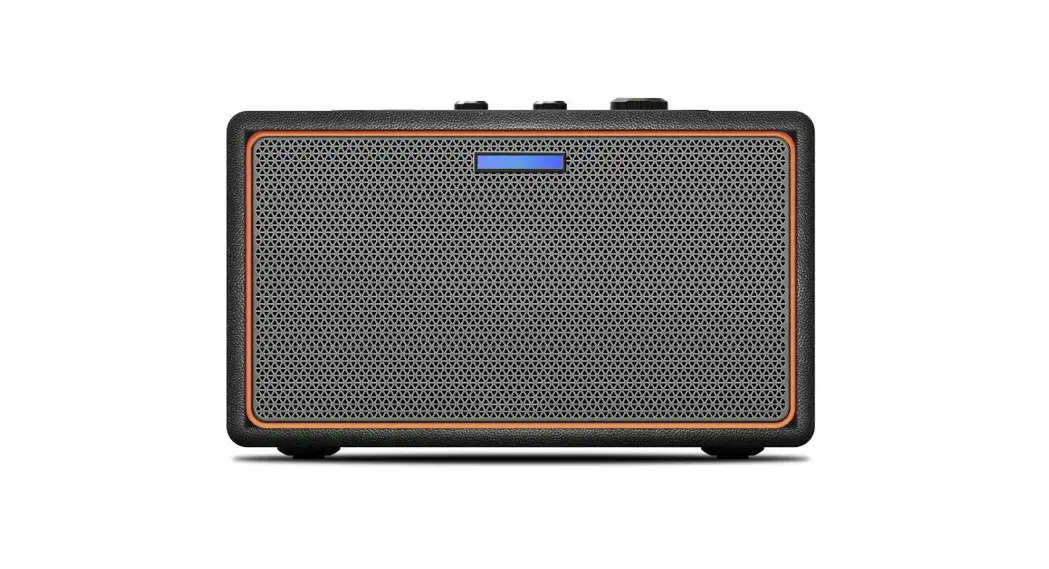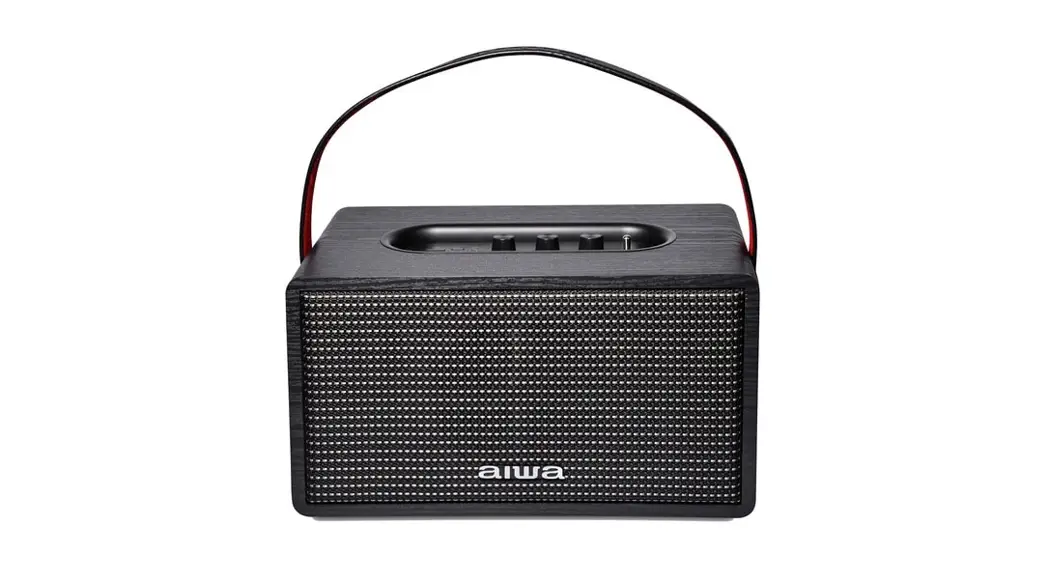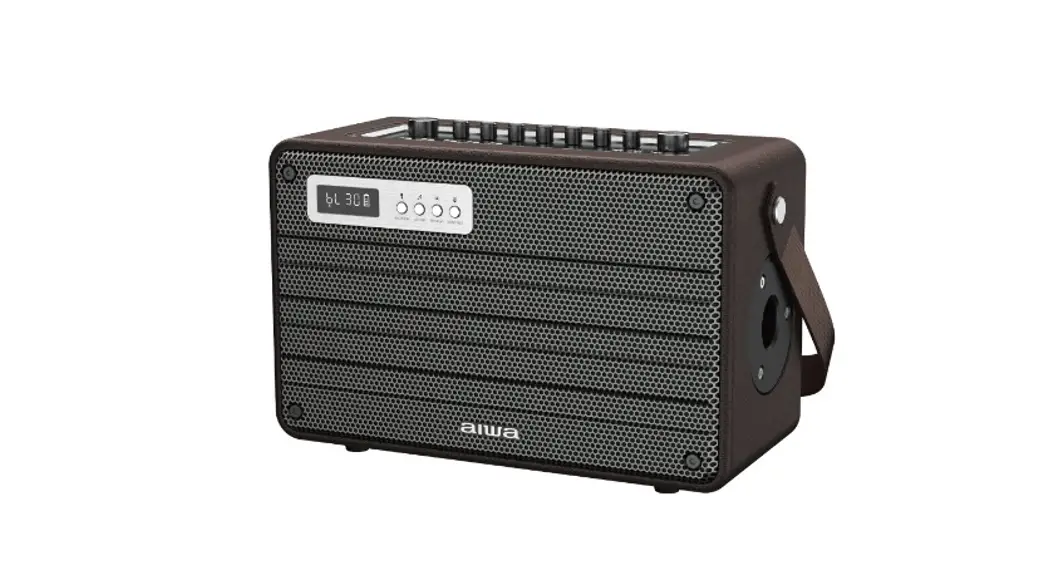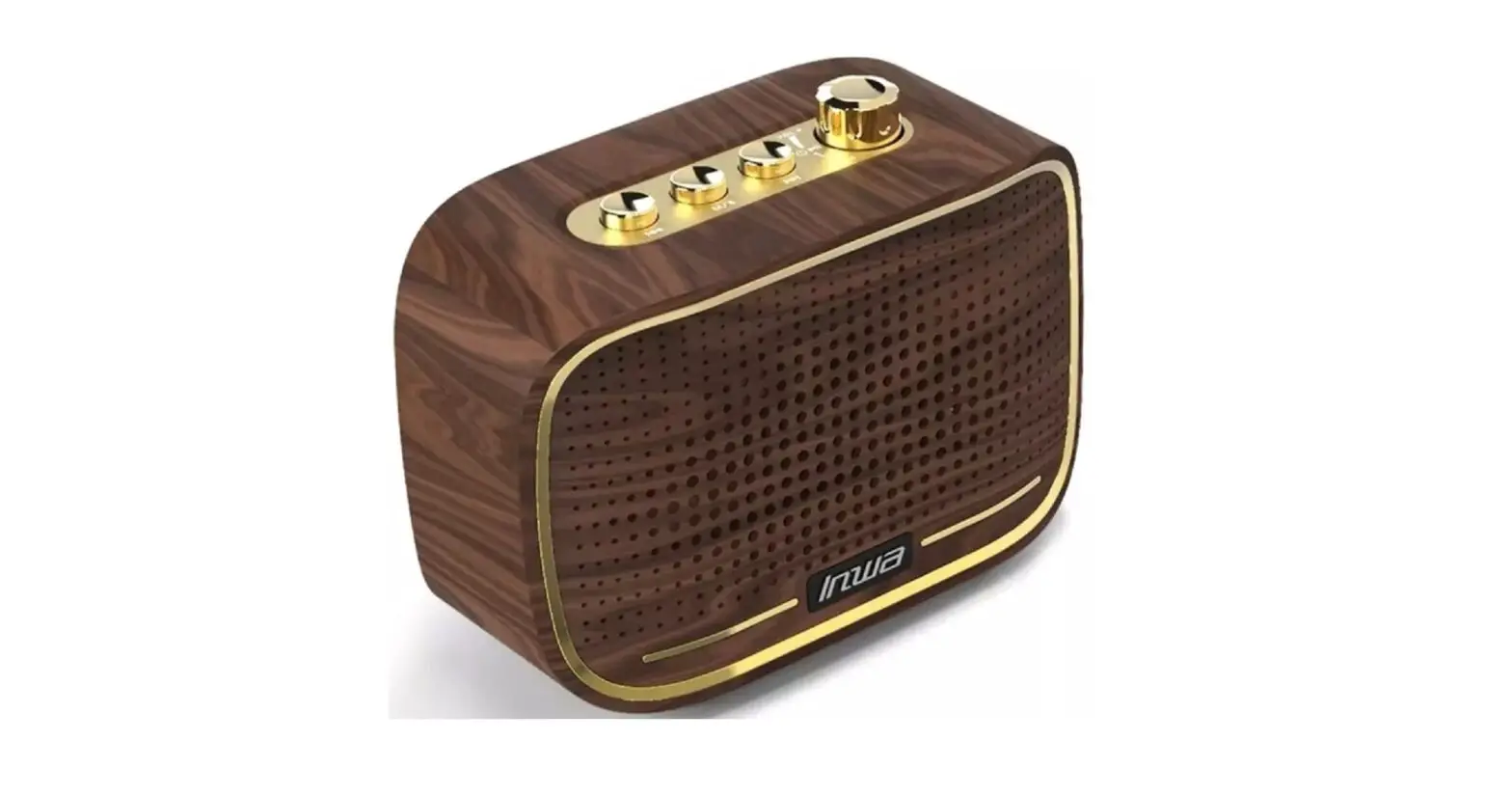
Inwa MZ-518 Mini Retro Speaker User Manual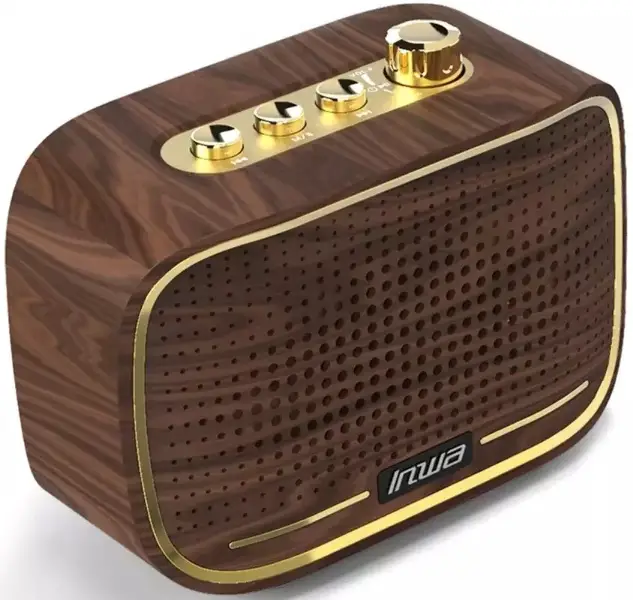
Thank you for purchasing this product.
Before using this product, please read all safety information and operating instructions.
Safety Instructions
- Read all instructions and save them for future reference.
- Please follow all instructions for product operation.
- Do not use near heat sources. Avoid radiators, stoves, and other devices that generate heat. Avoid long-term exposure to sunlight and high temperature.
- This speaker has 2 modes: Bluetooth mode and audio mode.
- Note: If the speaker is not connected for 3 minutes after turning on the power, the speaker will power off.To restart the speaker, press power on/off.
Packing list
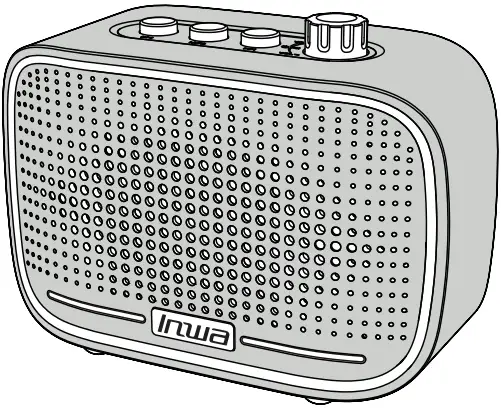
- Speaker * 1

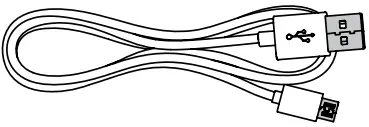
- USB data cable * 1 (0.6m/23.62in)

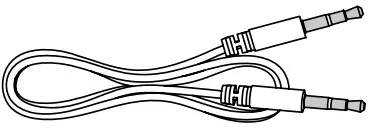
- 3.5mm audio cable * 1 (1m/39.37in)

Product Size
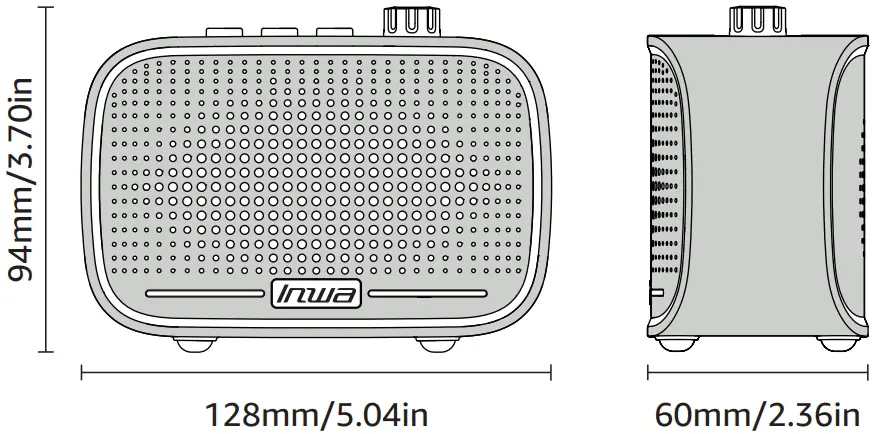
Product Parameter
Play time | 8hr-12hr |
Frequency response | 20HZ-20KHZ |
| Bluetooth range | 15m |
Rated voltage | 3.7V |
| Rated power | 5W |
Battery capacity | 1500mAh |
| Bluetooth version | 5.0 |
Net weight | 260g(With battery) |
| Product size | 128×60×94mm |
Product Description
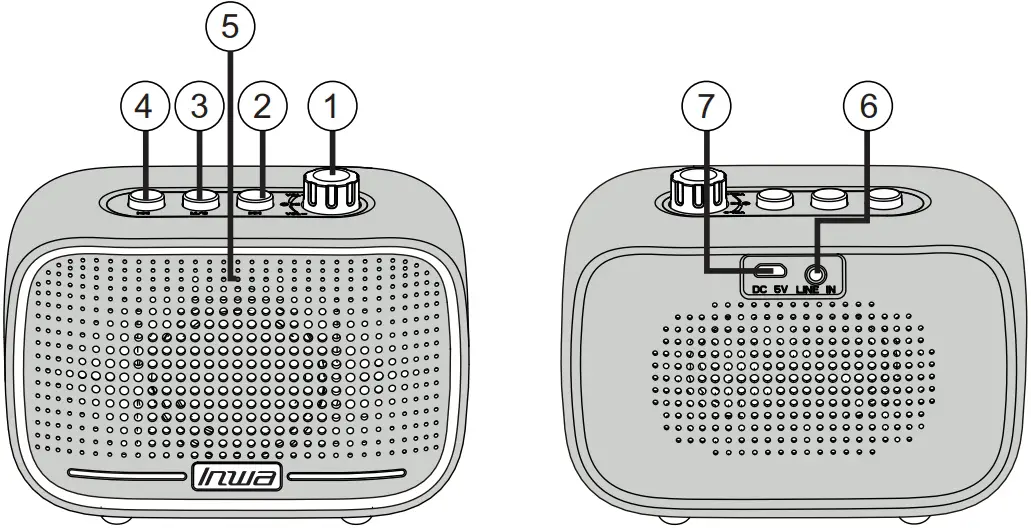
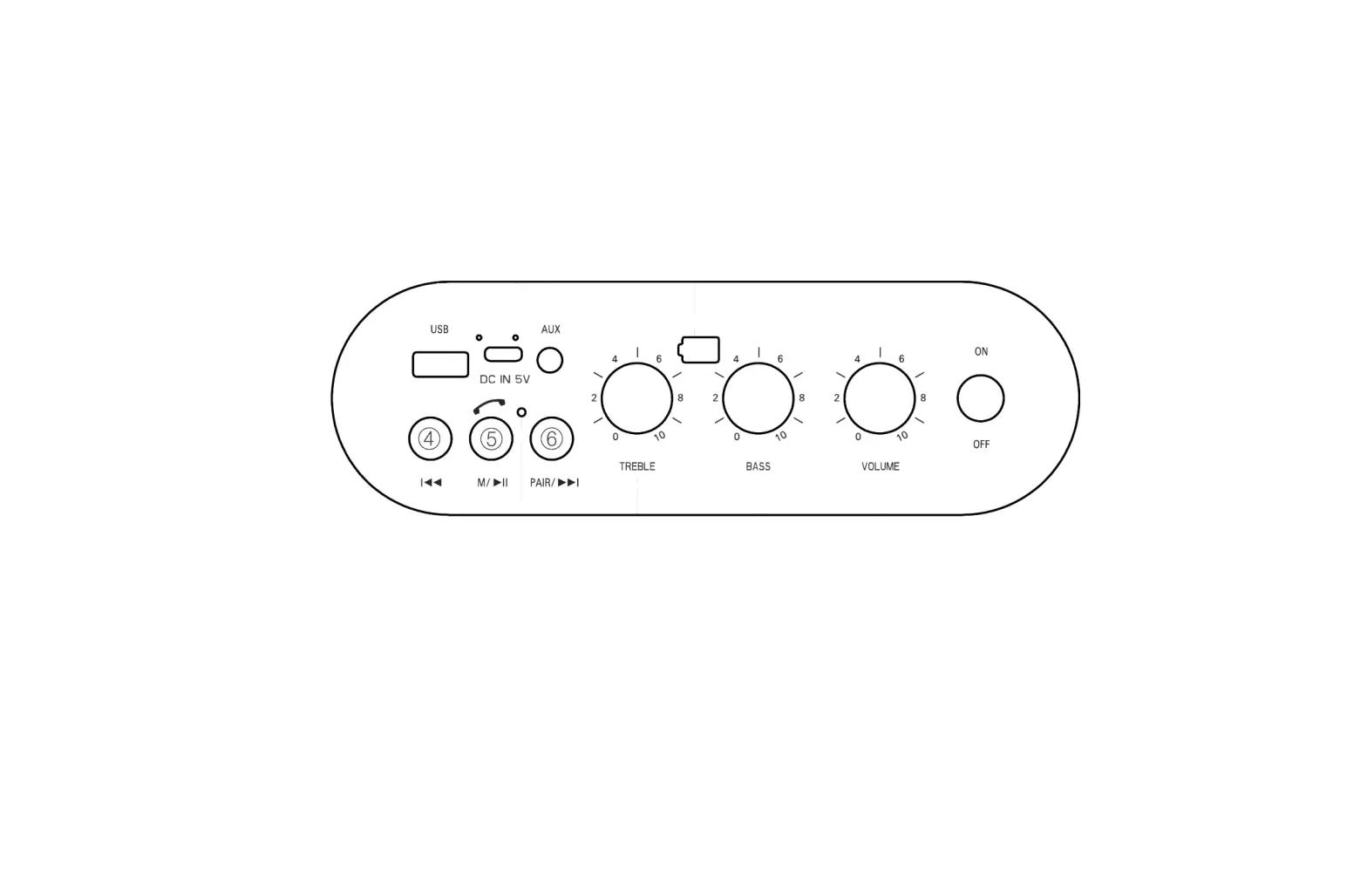
- Power on/off/play/pause/volume up/down:
Long press the button to turn on/off the speaker;
Short press the button to play/pause music in Bluetooth mode;
Turn the button clockwise to increase the volume, or turn the button counterclockwise to decrease the volume  Next: Switch to the next song (only available for Bluetooth Mode).
 Mode/pairing:
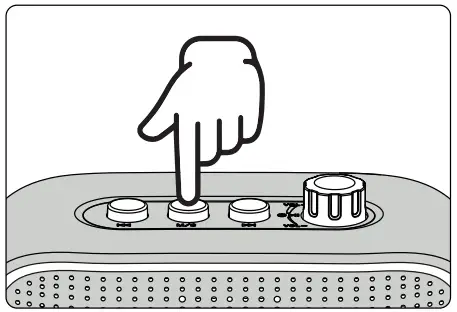
Short press this button to change the music mode;
In Bluetooth mode, press and hold the button for 2 seconds to disconnect from the current device and enter the state of waiting for pairing. Previous: Switch to the previous song (only available for Bluetooth Mode).
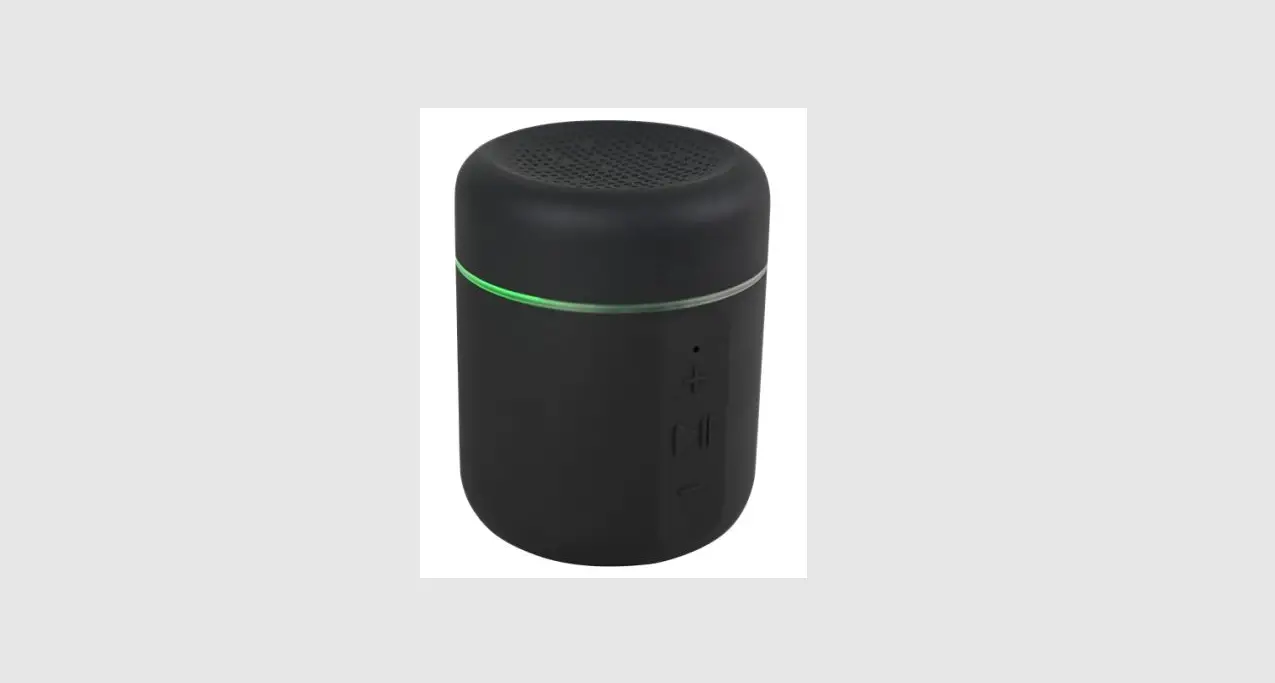
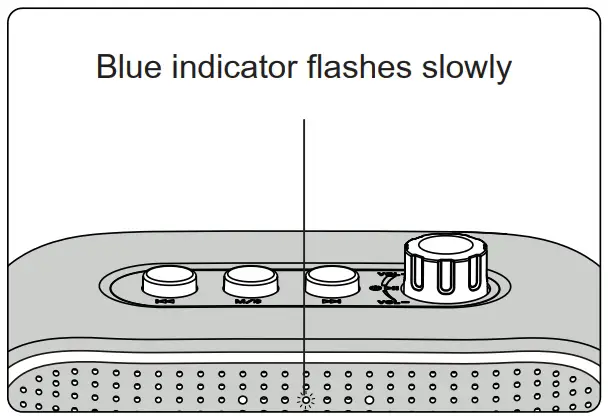
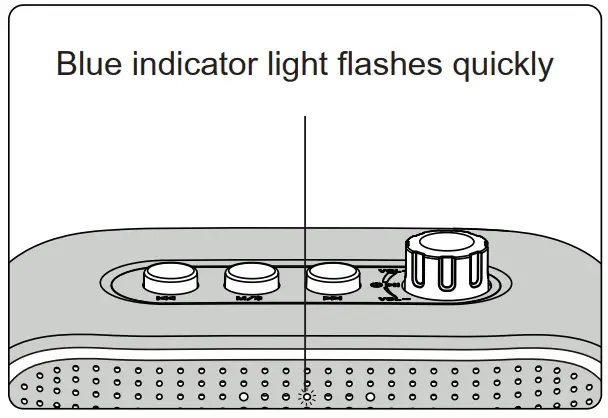
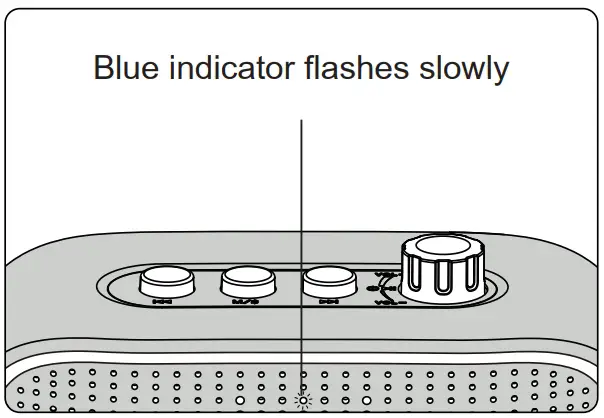
- Power indicator: If Bluetooth is connected successfully, it will be on for a long time, the Bluetooth playing status will be slow flashing, the status of linking back and pairing will be fast flashing, and the status of aux will be slow flashing.
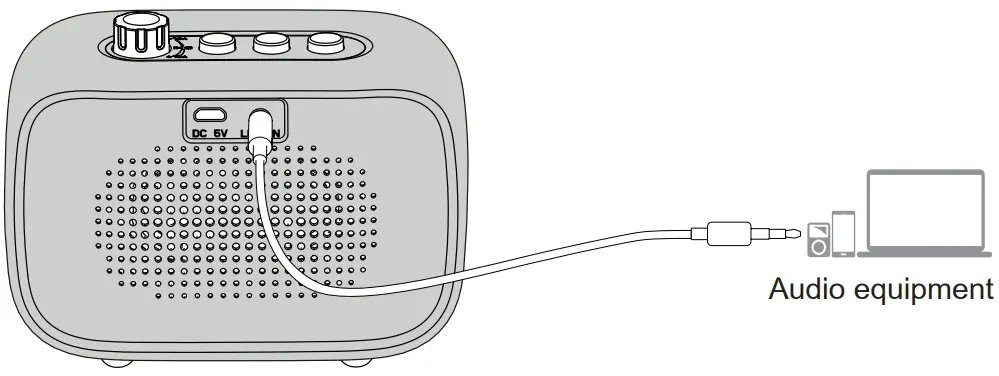
- AUX input
- Power interface: DC 5V 1A
 Next: Switch to the next song (only available for Bluetooth Mode).
 Mode/pairing:
 Previous: Switch to the previous song (only available for Bluetooth Mode).
Instructions
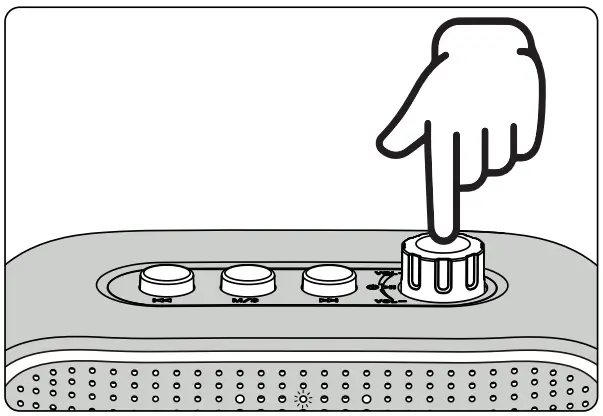
- Step 1
Press and hold the power button for 2 seconds, and you will hear a boot tone.
After turning on, the power indicator flashes quickly, indicating that the speaker has entered Bluetooth pairing mode.
Note: When the speaker is connected with line in cable, the speaker will automatically enter AUX mode after powering ON. Press Mode button shortly to enter Bluetooth Mode.
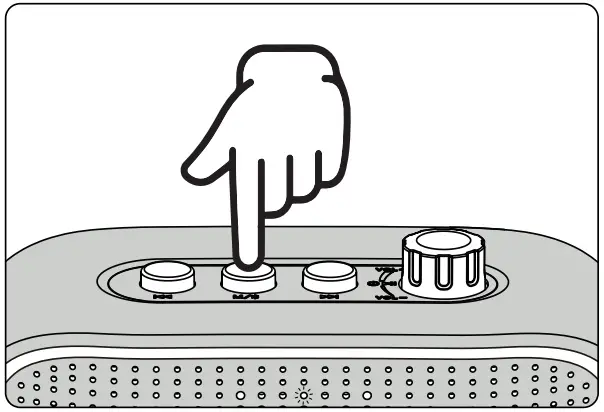
- Step 2
Press the mode/pairing button for 2 seconds to disconnect the current connection, and then enter the pairing mode again, the indicator light will also flash.
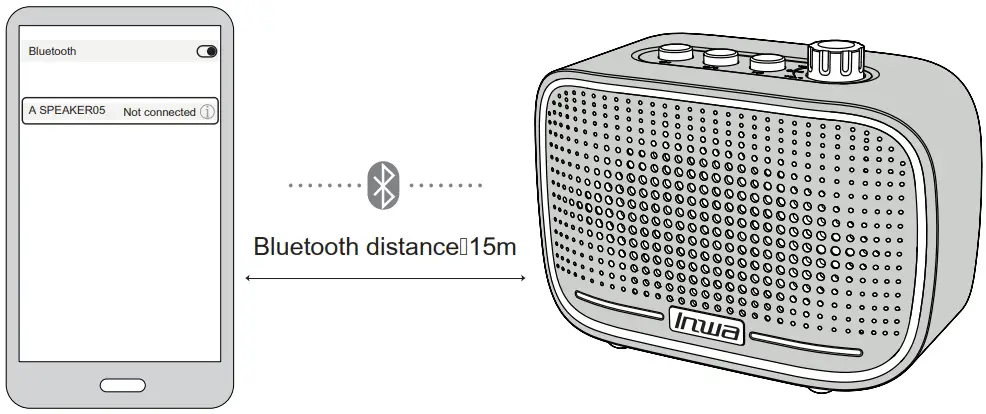
- Step 3
Search for the Bluetooth device “A SPEAKER05” on the phone, and then tap the device to pair the speaker with the phone.
- Step 4
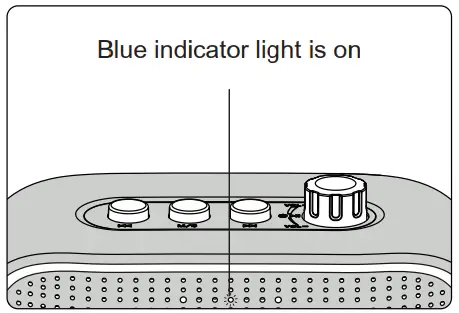
After the pairing is complete, there will be a beep and the power indicator (blue light) will be on.
- Step 5
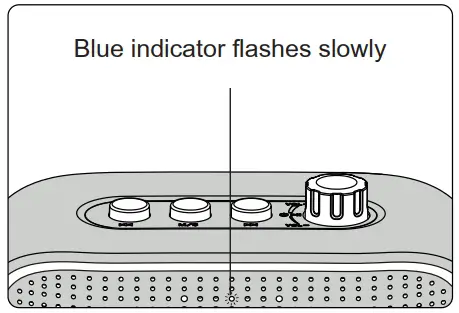
When playing music, the power indicator (blue light) flashes slowly.
Automatically Connect Back
After turning on the speaker, it will automatically reconnect to the last paired device. If the speaker is not connected after turning on the power, the speaker will automatically turn off after 3 minutes.
AUX Mode
- Insert the 3.5mm audio cable into AUX mode, or short press the mode/pairing button to switch AUX mode.


- In AUX mode, the power indicator (blue light) flashes slowly

Indicator Light Description
- Connection indicator:
If the speaker is ready to pair, the power indicator (blue light) flashes quickly.
BT mode:
The speaker is ready to connect.
If the speaker is playing music, the power indicator (blue light) flashes slowly.
- Charging indicator:
If the battery is low, the power indicator (red light) flashes slowly, and the speaker will also sound an alarm.
Alert when battery is low
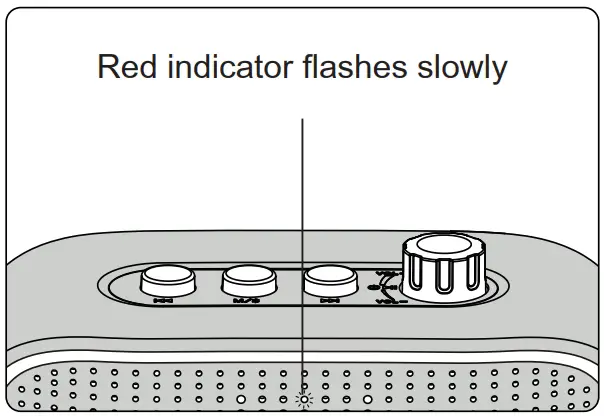
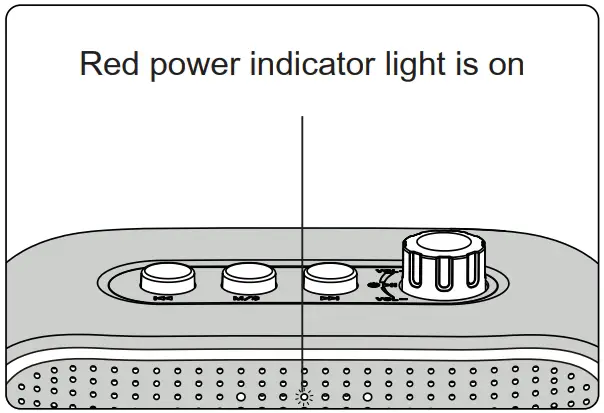
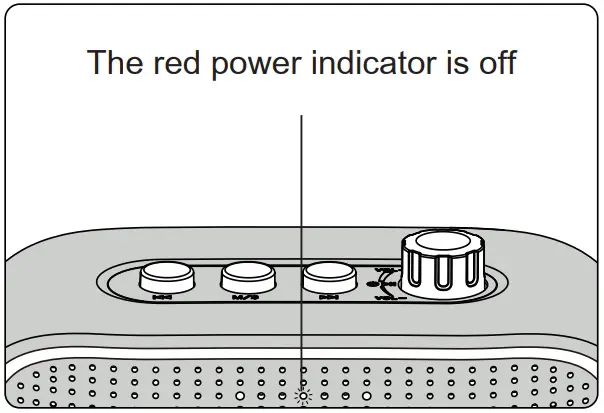
The red power indicator will stay on during the charging process, and will go out automatically when fully charged.
- Charging

- finished charging
Solutions To Common Problems
| Fault description | Solution |
| Multiple connection pairing failed |
|
| Low or distorted sound |
|
| Music breaks | Whether it is beyond the effective connection distance of the audio, or there is an obstacle between the speaker and the Bluetooth device. |
| Bluetooth status indicator is not on |
|
Tips:
In order to help prolong the service life of the speaker and your physical and mental health, please do not listen in a long-term high-volume environment to avoid damage to your hearing.
Warranty Card
Model: _____________________________________________
Date of purchase: _____________________________________
Distributor: ________________________________________
Name: _____________________________________________
TEL: ______________________________________________
E-mail: ____________________________________________
ADD: _____________________________________________
Warranty Records
| Name | Fault description | Repair date | Maintainer |