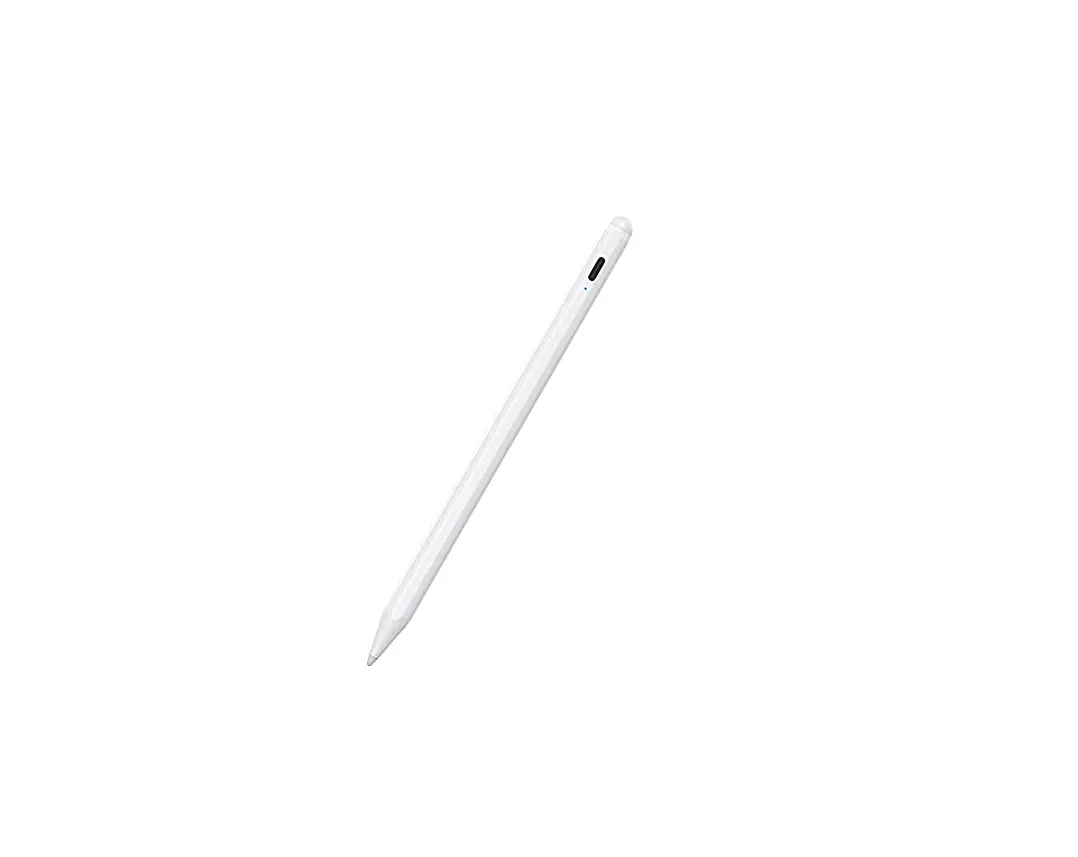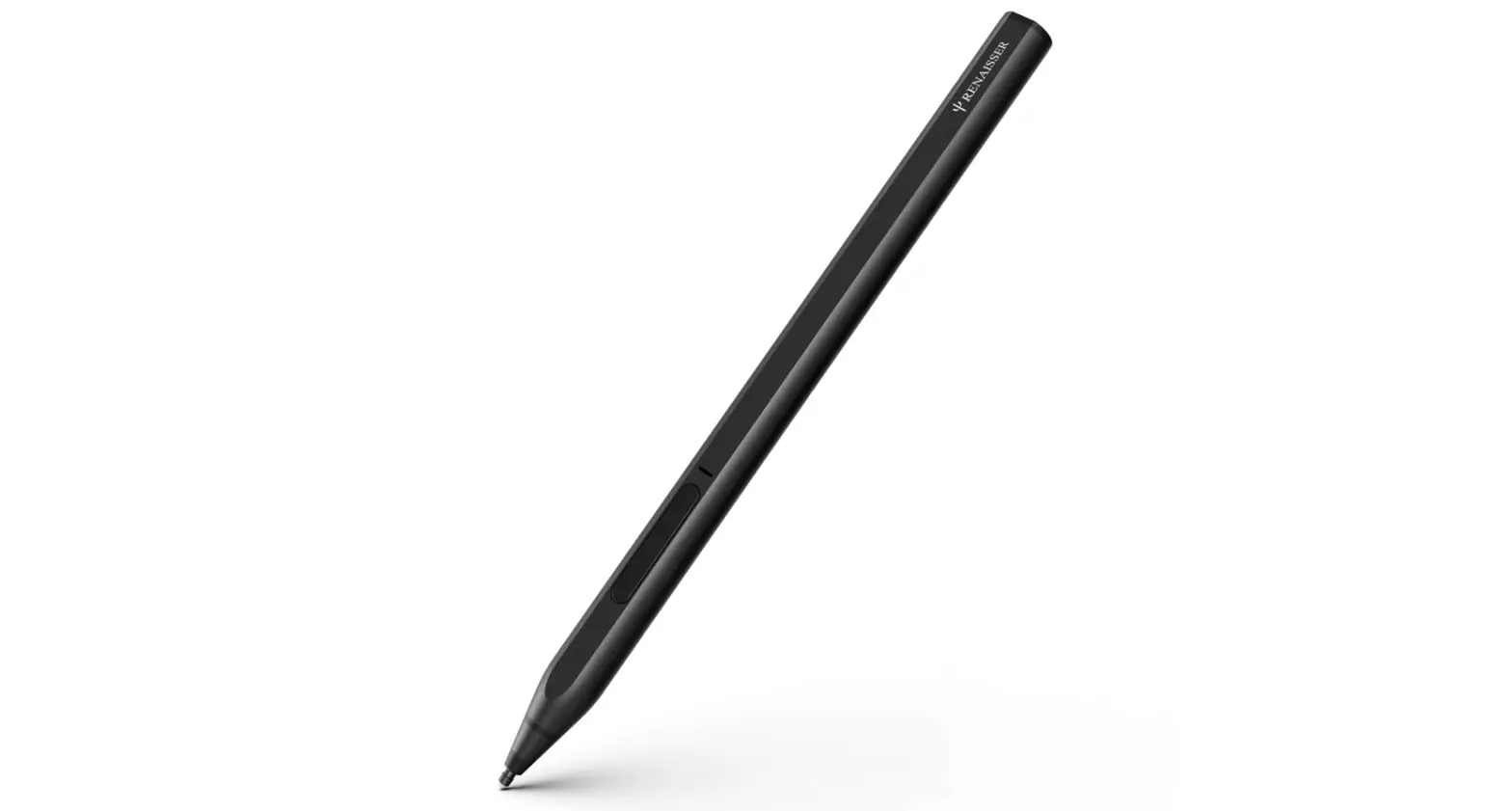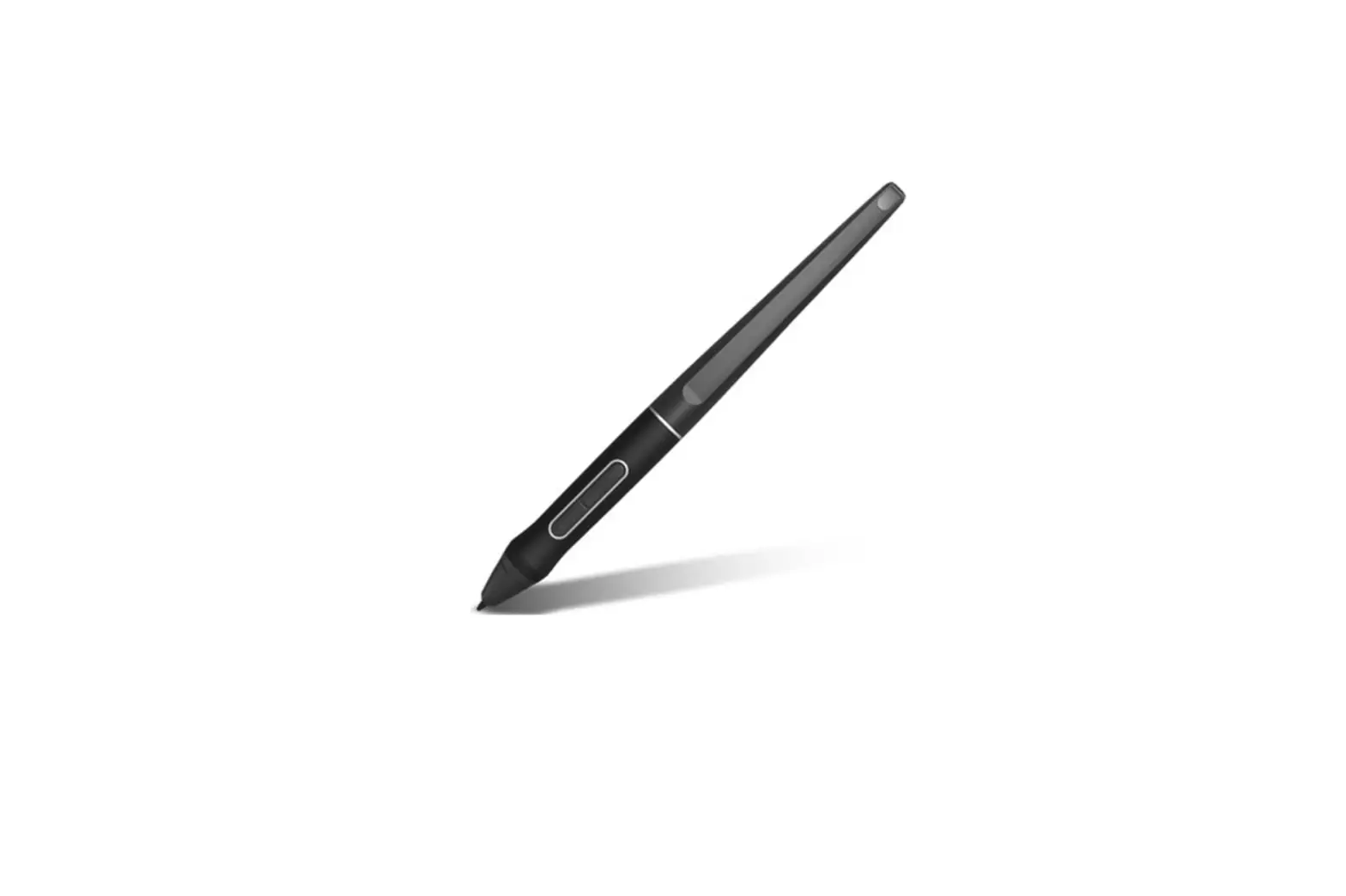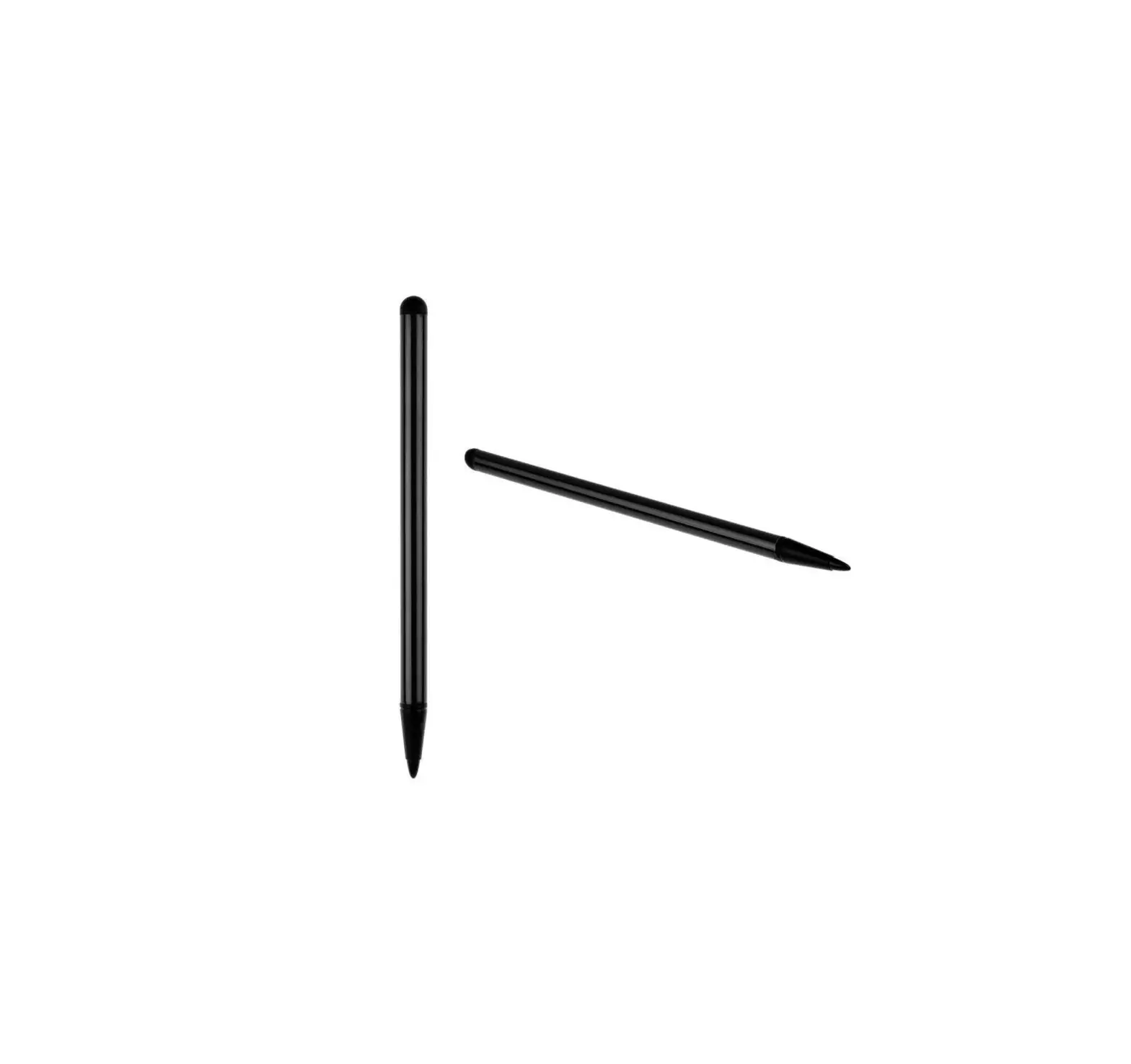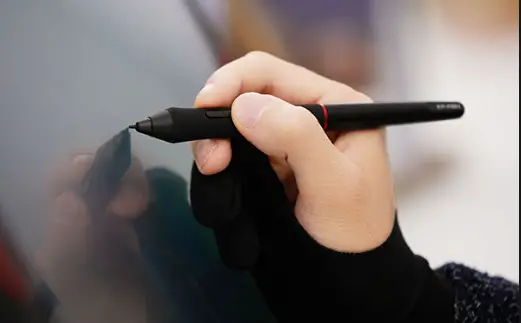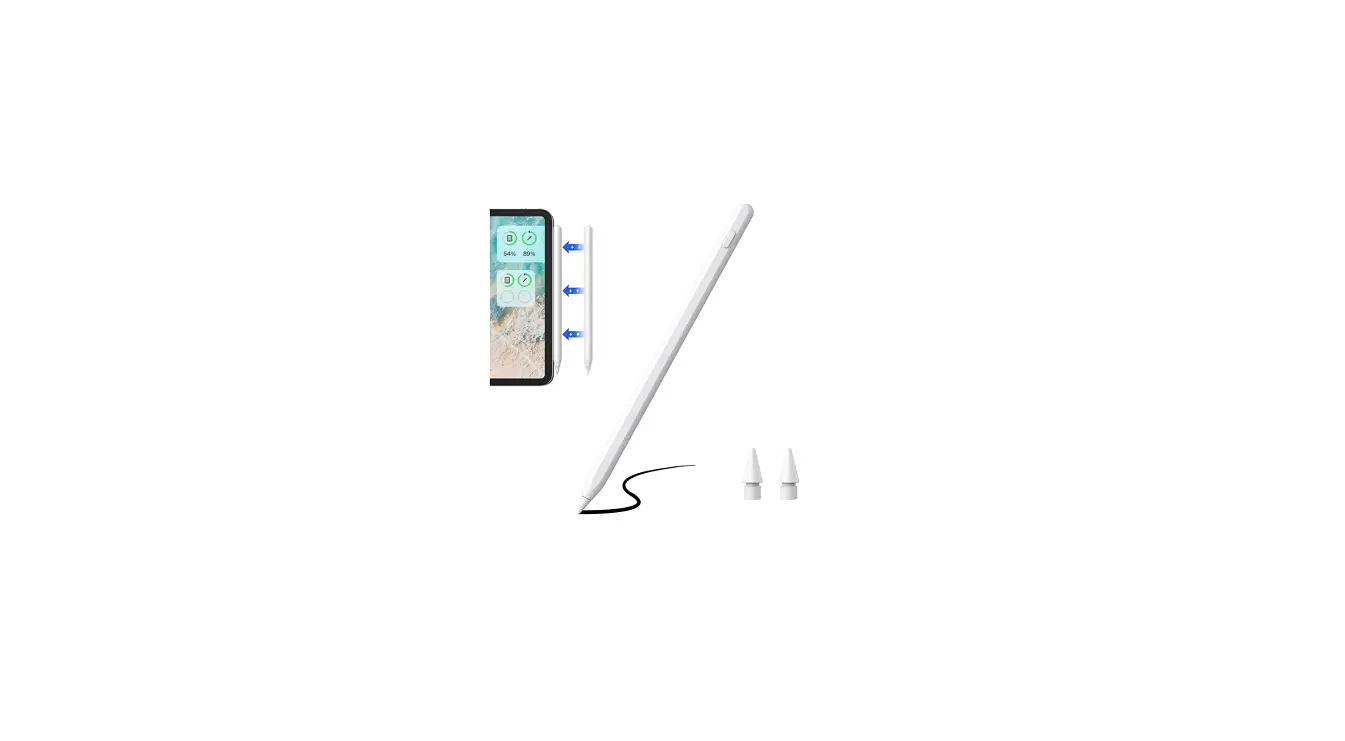
 Zspeed SKY-PEN 2nd-Gen Stylus Pens for Touch Screens
 Zspeed SKY-PEN 2nd-Gen Stylus Pens for Touch Screens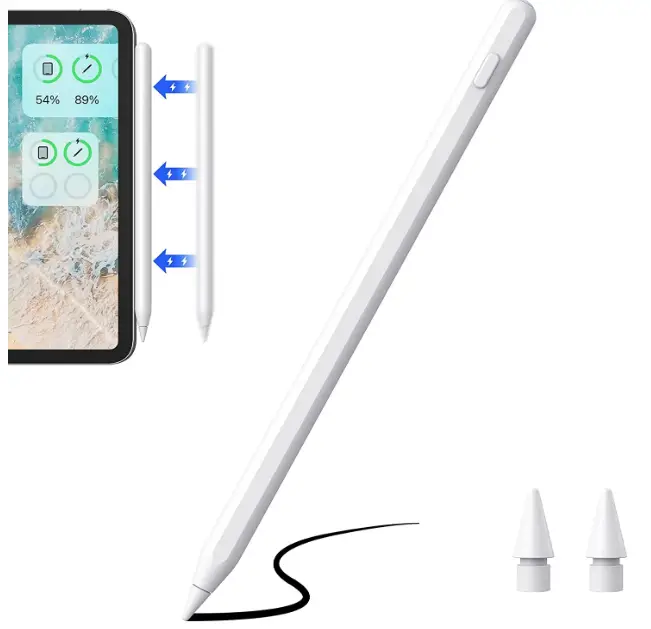
Specification
- Brand Zspeed
- Model SKY-PEN
- Material Aluminum, Copper
- Number of Batteries 1 Lithium Metal batteries required. (included)
- Item Weight 53 Grams
- Compatible Devices Tablets
- Item Dimensions LxWxH 15.99 x 8.99 x 1 inches
- Batteries 1 Lithium Metal batteries are required. (included)
What’s In the Box
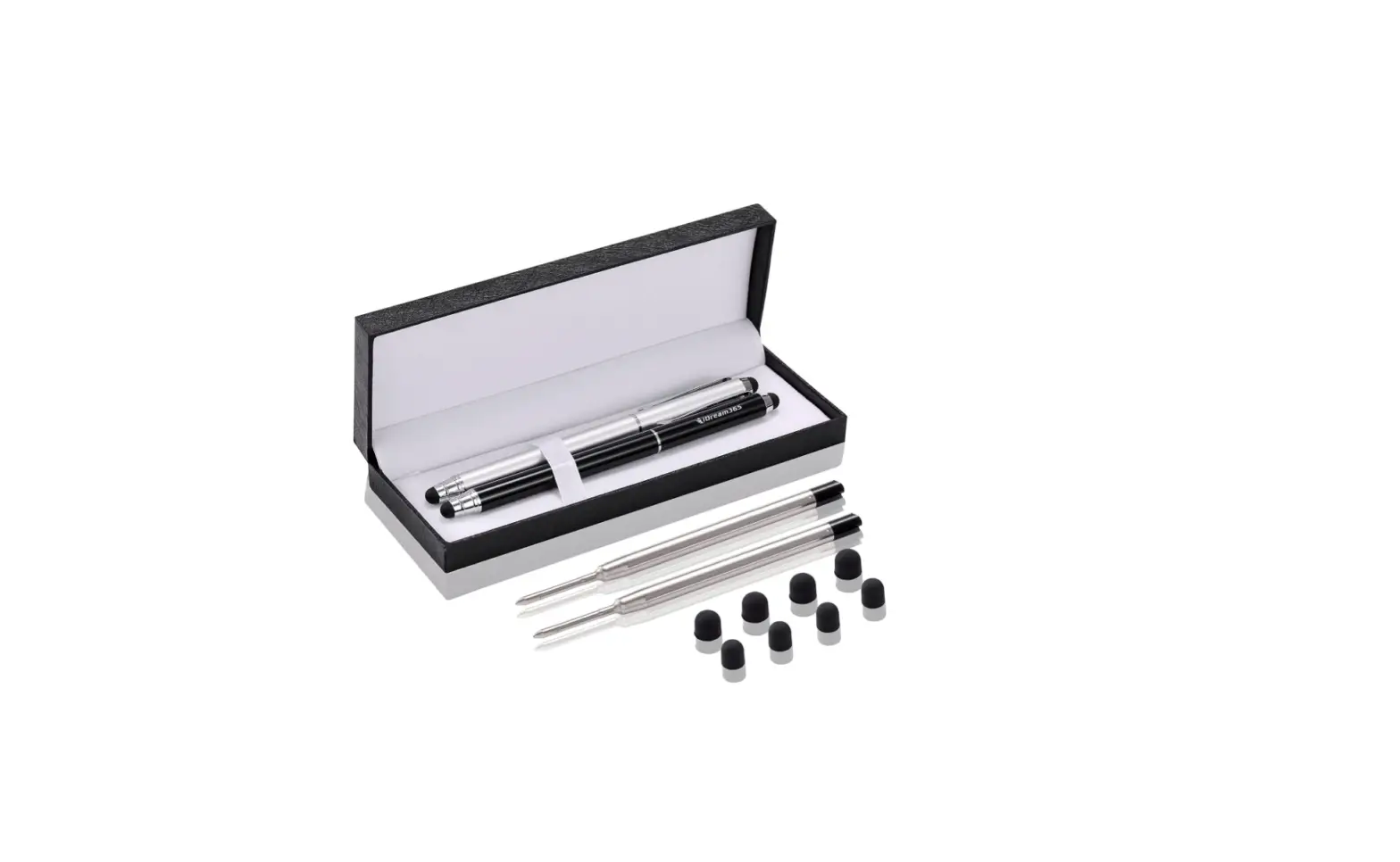
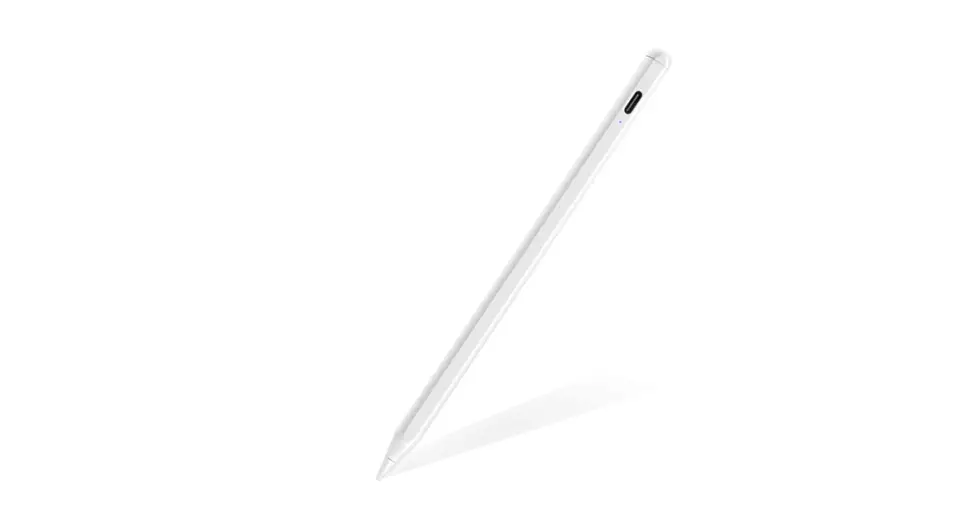
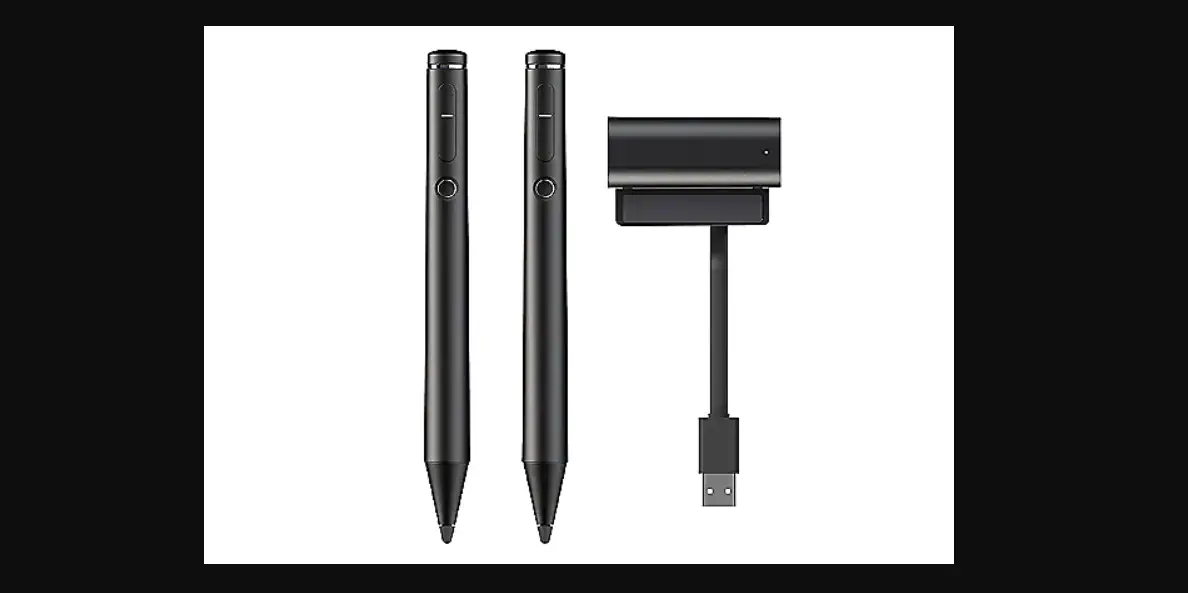
- Stylus Pens
- 2 x Replacement Stylus Tips
- Type-C Charging Cable
Introduction
Founded in 2017, ZSPEED. Designing stylus pens and iPad pencils was its main objective. We may easily capture the beauty of life and our own lives whenever we choose. It aids in hand flexibility for more fluid handwriting and sketching.
We take considerable care to make sure that our items are exactly what our customers desire. Our goal is to improve the convenience of your life.
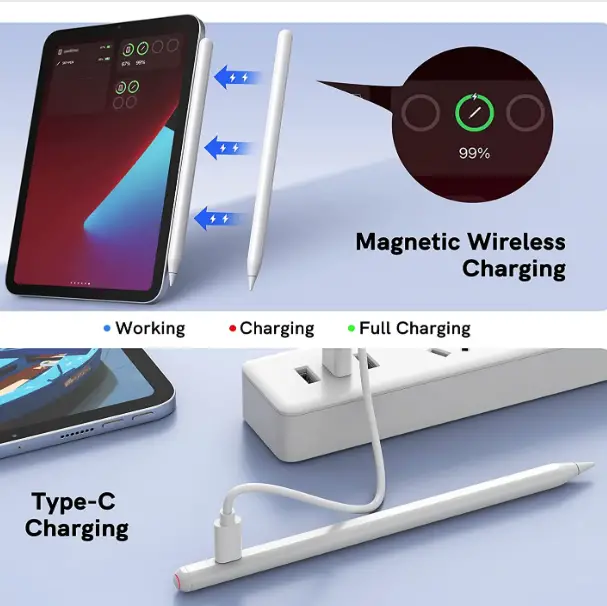
Magnetic Wireless Charger
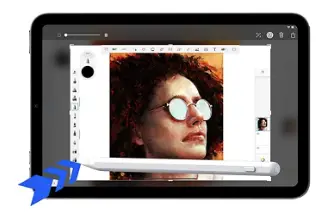
Automatic Screen Capture Feature
To rapidly take screenshots, move the stylus from the lower right corner to the middle of the screen.
 Tip Replacement
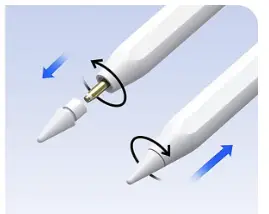
 Tip Replacement
Stylus tip replacement that works with the Apple Pencil
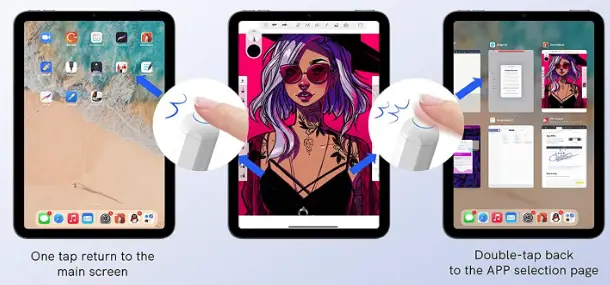
Shortcut Performance
Using Bluetooth: How Do I Connect?
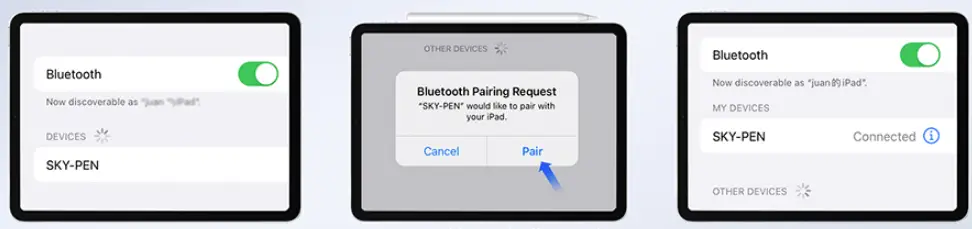
- Step 1
Activate Bluetooth - Step 2
Magnetically connect the iPad to pair - Step 3
Pair the Bluetooth device SKY-PEN.
How Can Power Display Be Added?
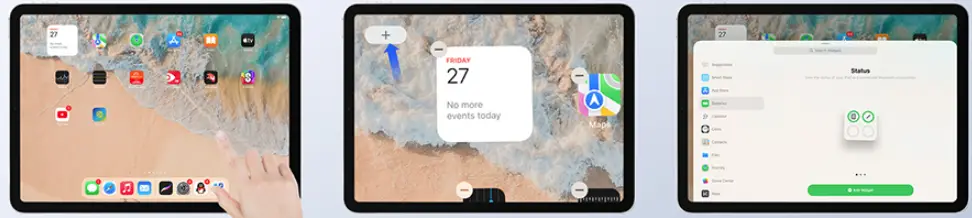
- Step 1
Long-press while swiping - Step 2
Add a widget for battery display - STEP 3
Select the presentation you desire.
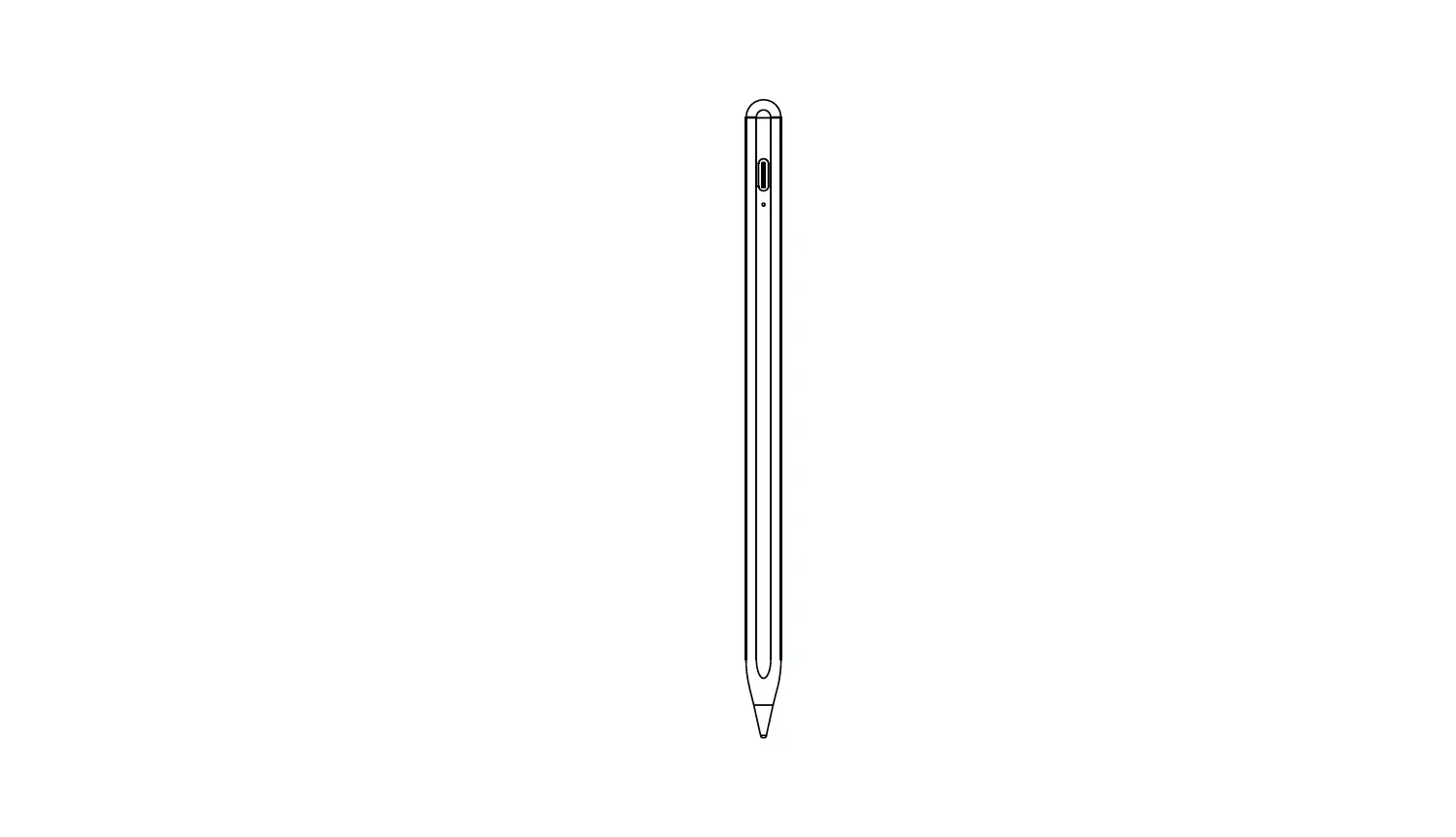
Product Layout
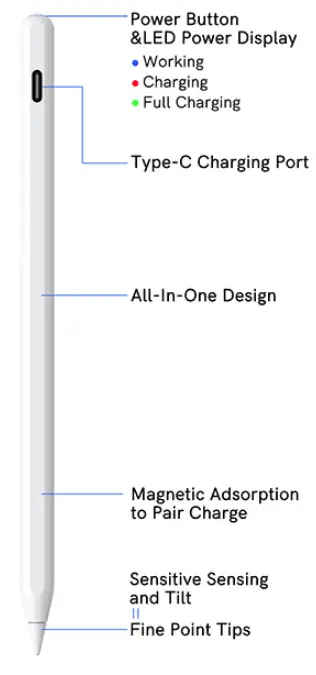
Product Description
- Rejection of Palm Technology
The iPad pencil features a palm rejection feature that makes writing and drawing on it more natural. - Sensitivity to tilt
It responds to tilt, and by varying the angle of the pencil tip, you may thicken and deepen the lines. - Adsorption of Magnetic
Your iPad’s side can magnetically accept the stylus pen. Using it can help you avoid rolling and losing.
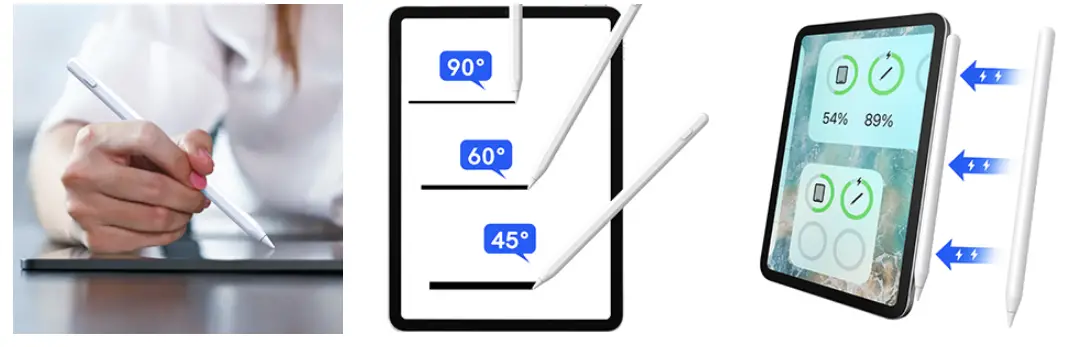
A Simple Operation
Enable Bluetooth connection for the status bar battery percentage display. Long-press three times to switch on or off, click once to return to the home screen, then double-click once more to the APP selection page.
Features
- For the Apple iPad
This iPad pencil from the 2nd generation is compatible with iPad models from the 6th, 7th, 8th, and 9th generations, as well as the 3rd, 4th, and 5th generations of the iPad Air, iPad Pro 11-inch, iPad Pro 12.9-inch, and iPad Mini. NOTICE: Does not function with Microsoft, iPhone, or Android smartphones. When placing a purchase, please verify the right iPad model. - Magnetic and USB-C Charging
The adsorption charging and Type-C charging stylus are the newest upgrades for 2023. [Note: The magnetic charging is only compatible with iPad Pro models 12.9″ 3rd/4th/5th, 11″ 1st/2nd/3rd, iPad Air 4th/5th, and iPad Mini 6th]. - Palm Rejection
The iPad pencil features a palm rejection feature that makes writing and drawing on it more natural. You can easily view the Apple pencil’s battery level on your iPad after pairing it with Bluetooth on your device. It is simple to make notes, annotate documents, and draw or watercolor. - Great Post-Sale Support
We provide excellent after-sales assistance, free 30-day returns, and 12-month manufacturer replacement coverage for damaged goods.
FAQs
It takes about 2 hours to fully charge the stylus.
The battery lasts for about 3 months.
Yes, it works with iPad Air, iPad Air 2, iPad Pro, iPad Mini 2/3/4, iPad Mini Retina and other tablets.
Yes, you can use this stylus on your iPhone 6 Plus/6s Plus/7 Plus/8 Plus/X and other smartphones.
It’s likely to happen. It functions on my iPhone XS as a stylus.
Although each stylus is unique, you may anticipate your pen to last between six months and a year before needing to be changed. Theoretically, more costly goods should last longer, but read reviews and do your homework before you purchase.
Simply said, a passive or capacitive stylus does what your finger would do: it transfers electrical charge from your finger to the screen. Every touchscreen that works with your finger may be used with a passive or capacitive stylus.
Using a stylus will improve the precision of your typing and swiping on any touchscreen device, including smartphones. It can also help you more accurately highlight and pick specific text (you know you’ve struggled to highlight a phone number buried in text before), or make selections in forms or drop-down menus.
An electrostatic field is used in capacitive touch screens to detect contact when it is altered by a conductor. By disrupting the electrostatic field, a capacitive stylus makes screen contact much like your finger would.
With these gadgets, the tablet surface gives out an electrical charge, which responds with a coil and chip inside the pen. The tablet is able to find a touch properly several times per second thanks to the chip, which transmits a signal that indicates its position on the tablet.
It is an input device often used with mobile and tablet computers, as well as PCs used in conjunction with a graphics tablet and painting software.
It is quite difficult to scratch the screen because of the smooth touch material that covers the outside. A metal disc is located just beneath the plastic, providing the capacitive screen with a working surface.