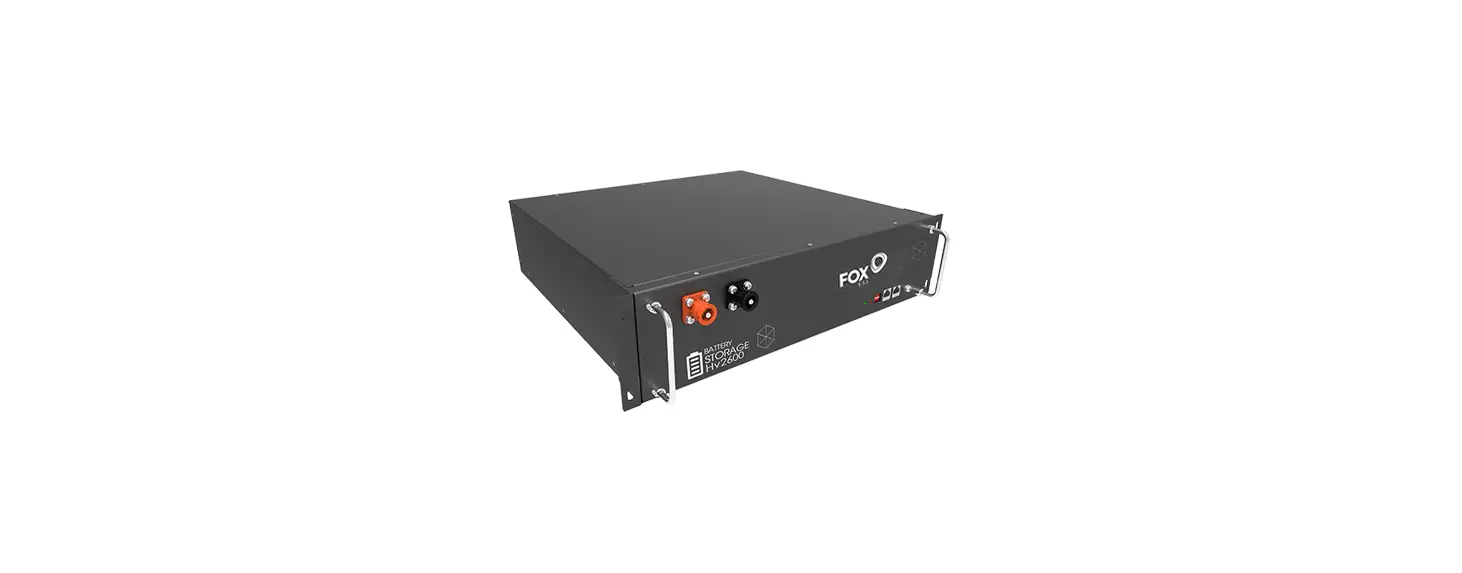
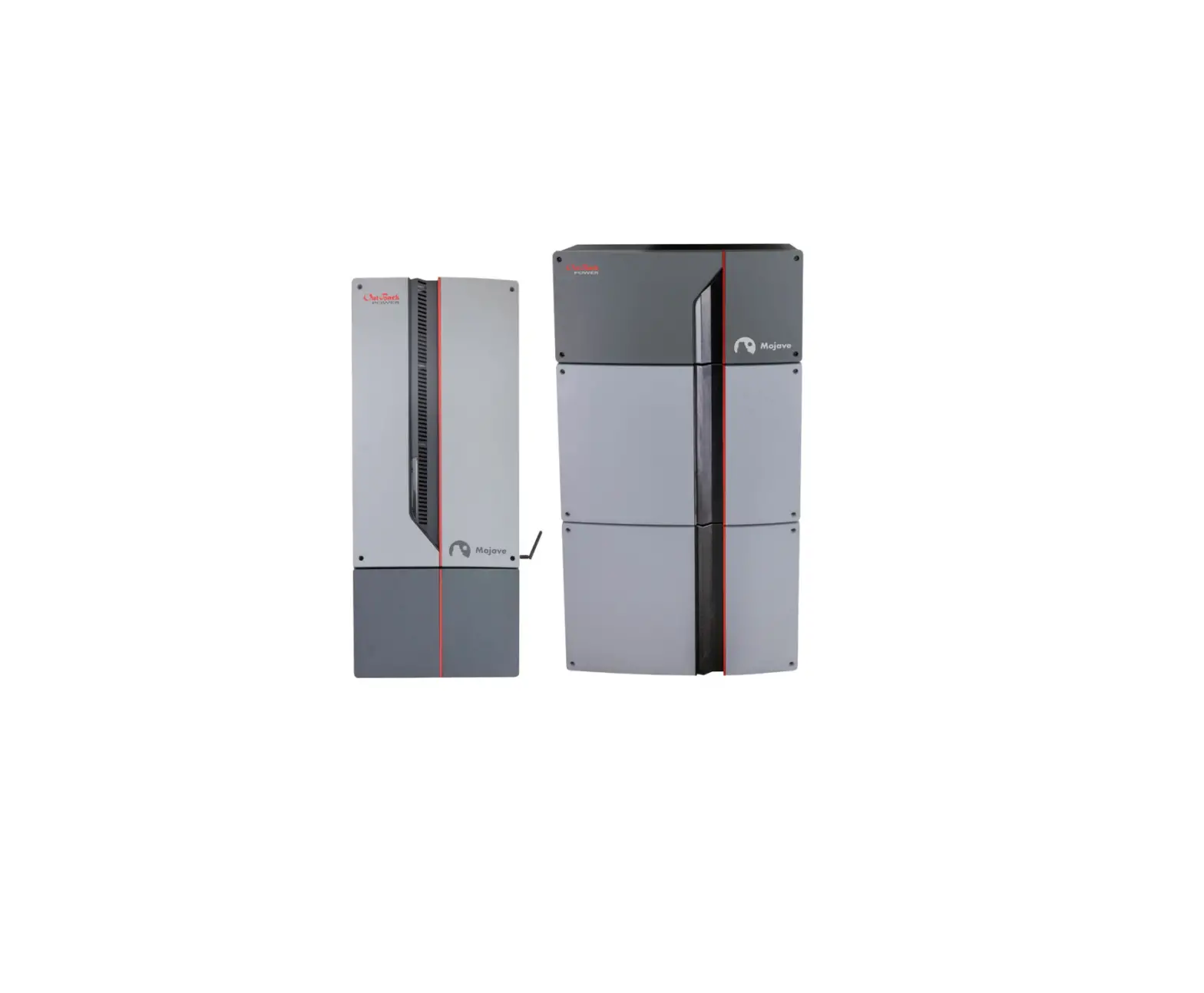
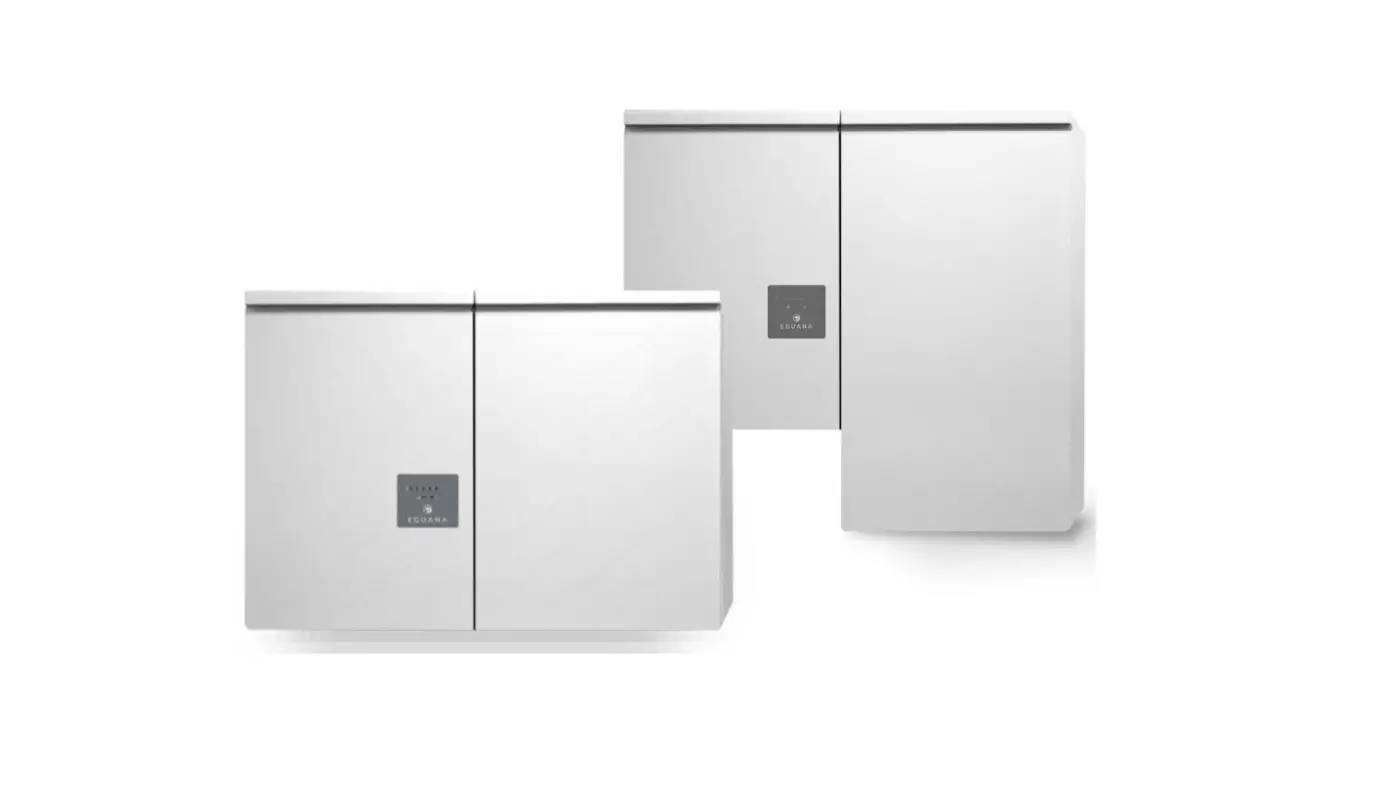
51.2 Volt 20kWh ESS Energy Storage System
Product Information
| Section | Content |
|---|---|
| Preface | Notes, Unpacking Inspection, Storage Environment |
| Handling | Avoid strong vibrations, falls, and bumps. Do not turn the packing box upside down. Pay attention to safety when handling. |
| Product Features | Built-in intelligent BMS, Battery modular design, Parallel functions between modules/racks and cabinets, Humanized alarm function and perfect online protection function, Automatic fire extinguishing device, Stable performance, safe and reliable, long service life |
| Product Structure | Cabinet, Rack |
| Main Parameters of the System | Battery Part – Number of Battery Modules: 4, Nominal Capacity: 400.0Ah (typical), Nominal Voltage: IP54indoor, Charge Cut-off Voltage: Max. Charge Current, Discharge Cut-off Voltage: Discharge Current, IP Grade: parallel ability |
| Battery Module Instruction | Press the BMS Switch button switch to turn the module ON/OFF. The module has voltage output when the main power switch is turned on. |
| Combiner Box Instruction | Rack combiner box panel, Cabinet combiner panel, Combiner box/cabinet sides |
| Parallel Connection Instruction | Parallel connection between battery modules – Battery module – is connected with BUS-A on the combiner box/combiner panel. Battery + is connected with BUSB on the combiner box/combiner panel. The battery modules are connected in parallel through Parallel RS485, and the Parallel RS485 interface of each module should be connected in series during wiring. COM-A or COM-B port is connected with RS485/CAN port on the first battery module (main module) (RS485 or CAN port is selected according to inverter communication type). |
| DIP Switch setting | The address of parallel communication is selected through the DIP switch. If 4 modules are selected, the dial address must be 1, 2, 3, 4 in sequence; if 8 modules are selected, the dial address must be 1, 2, 3, 4, 5, 6, 7, 8 in sequence. |
Product Usage Instructions
Storage Environment: Place the product in a
dust-free, dry, and ventilated place with an ambient temperature of
-10~40°C. Keep it away from corrosive gases and liquids. If the
battery module is not used for a long time, it should be powered on
once every six months for more than 1 hour to effectively prolong
the service life of the system.
Handling: During the handling of this product,
avoid strong vibrations, falls, and bumps. Do not turn the packing
box upside down. Make sure not to lose any accessories and
instruction manuals when unpacking and handling. Since the product
is large and heavy, please pay attention to safety to avoid any
injuries.
Battery Module Instruction: To turn the battery
module on or off, press the BMS Switch button. The ON/OFF and RUN
indicator lights will be always on when the module is switched on.
Make sure the main power switch is turned on for the battery module
to have voltage output.
Parallel Connection Instruction: To establish a
parallel connection between battery modules, connect the Battery –
with BUS-A and Battery + with BUS-B on the combiner box/combiner
panel. The battery modules should be connected in parallel through
Parallel RS485, and each module’s Parallel RS485 interface should
be connected in series during wiring. Connect the COM-A or COM-B
port with the RS485/CAN port on the first battery module (main
module) based on the inverter communication type.
DIP Switch Setting: Use the DIP switch to
select the address of parallel communication. If 4 modules are
selected, set the dial address to 1, 2, 3, 4 in sequence. If 8
modules are selected, set the dial address to 1, 2, 3, 4, 5, 6, 7,
8 in sequence.
Operational Manual
1.Preface
1.1 Notes
Please read this specification carefully before using this product. Only qualified personnel can install this product; Before using this product, please read this manual and the inverter instruction manual carefully and understand the relevant precautions and operation instructions, otherwise, this product cannot be installed; The power must be turned off before connecting the wires; It is strictly forbidden to cause short circuit between AC output and DC input. When the DC input is short-circuited, it is forbidden to connect to the mains. Do not disassemble the unit. Please keep the installation site away from flammable and explosive substances. Please select the appropriate cable size. The installed cables must meet the requirements, please do not overload the cables to avoid fire and electric shock accidents; When service or repair is required, please contact the manufacturer. Improper reassembly may result in electric shock or fire hazard; To reduce the risk of electric shock, disconnect all wiring before performing any maintenance or cleaning. Turning off the switch unit does not reduce this risk; Be very careful when using metal tools on or around the battery. If the tool is dropped, it may cause sparks or cause a short circuit to the battery or other electrical components, resulting in an explosion; If the product fails, please contact the supplier if the failure still exists after processing according to the troubleshooting table.
1.2 Unpacking Inspection
The product has been strictly inspected before leaving the factory, but it may be damaged during transportation. Therefore, after unpacking, please check whether the following items are complete, and confirm whether the model, capacity, voltage, etc. are the same as those specified when ordering. If there is any abnormality or the content does not match, please contact us as soon as possible. Complete cabinet/racks Complete battery modules Product user manual Related accessories Other accessories specified in the order
1.3 Storage Environment
Place in a dust-free and dry and ventilated place Ambient temperature: -10~40
2 Page / 12
Operational Manual
Ambient relative humidity: 85%RH, no condensation Keep away from corrosive gases and liquids The battery module that is not used for a long time should be powered on once every six months for more than 1 hour, which can effectively prolong the service life of the system.
1.4 Handling
During the handling of this product, avoid strong vibrations, falls, and bumps. It is strictly forbidden to turn the packing box upside down. Do not lose accessories and instruction manuals when unpacking and handling. In addition, this product is large and heavy, please pay attention to safety when handling, so as not to hurt your body.
2. Product Instruction
2.1 Product Features
Built-in intelligent BMS Battery modular design Parallel functions between modules/racks and cabinets Humanized alarm function and perfect online protection function The battery module is equipped with an automatic fire extinguishing device to prevent fire hazards. Stable performance, safe and reliable, long service life
2.2 Product Structure
Cabinet
Rack
3 Page / 12
Operational Manual
Photos
2.3 Main Parameters of the System
Battery Part
Others
Number of Battery Modules Nominal Capacity Nominal Voltage
Charge Cut-off Voltage Max. Charge Current Discharge Cut-off Voltage
Discharge Current
IP Grade
4 400.0Ah (typical)
51.2V 57.6±0.5V adjustable 75Adc max.each module)
43.2.0±0.5V adjustable standard: 100.0A (each module) max. continuous: 100.0A (each module)
IP54indoor
4 Page / 12
Parallel Ability
Operational Manual
Ambient Temp. Ambient Humidity
Dimension Weight
Appearance
temperature 0 45 humidity85% RHno condensing
600/580/1000mm) around 268.0kg
overall color: signal white/RAL9003
15 Modules Max. / 4 Cabinets Max.
2.4 Battery Module Instruction
Press the “BMS Switch” button switch, the module “ON/OFF” and “RUN” indicator lights are always on.
Turn the main power switch operates normally.
to “ON”, the battery module has voltage output. The battery module
2.5 Combiner Box Instruction
The combiner box is used for current confluence, inverter connection and parallel connection between racks/cabinets. The left and right sides of the combiner box are installed with total positive, total negative and communication output ports after confluence, which are used to connect the inverter and parallel to other racks/cabinets. The COM-A and COM-B ports on the panel are respectively connected with the COM-A and COM-B ports on the sides of the rack combiner box/ cabinet. The BUS-A and BUS-B ports on the panel are respectively connected with BUS-A and BUS-B ports on the sides of the rack combiner box/cabinet.
Rack combiner box panel
5 Page / 12
Operational Manual
Cabinet combiner panel
Combiner box/cabinet sides
2.6 Parallel Connection Instruction
2.6.1 Parallel connection between battery modules
Battery module “-” is connected with BUS-A on the combiner box/combiner panel. Battery “+” is connected with BUSB on the combiner box/combiner panel. The battery modules are connected in parallel through “Parallel RS485”, and the “Parallel RS485” interface of
each module should be connected in series during wiring. COM-A or COM-B port is connected with “RS485/CAN” port on the first battery module (main module) (RS485 or CAN port is selected according to inverter communication type).
6 Page / 12
Operational Manual
The address of parallel communication is selected through the DIP switch. If 4 modules are selected, the dial address must be 1, 2, 3, 4 in sequence; if 8 modules are selected, the dial address must be 1, 2, 3, 4, 5, 6, 7, 8 in sequence.
Add
DIP Switch setting
#1
#2
#3
#4
0
OFF
OFF
OFF
OFF
1
ON
OFF
OFF
OFF
2
OFF
ON
OFF
OFF
3
ON
ON
OFF
OFF
4
OFF
OFF
ON
OFF
5
ON
OFF
ON
OFF
6
OFF
ON
ON
OFF
7
ON
ON
ON
OFF
8
OFF
OFF
OFF
ON
9
ON
OFF
OFF
ON
10
OFF
ON
OFF
ON
11
ON
ON
OFF
ON
12
OFF
OFF
ON
ON
13
ON
OFF
ON
ON
14
OFF
ON
ON
ON
15
ON
ON
ON
ON
During parallel communication, the status of different modules/ systems can be monitored through the upper computer.
7 Page / 12
Operational Manual
2.6.2 Parallel connection between racks/modules
The battery racks/cabinets are connected in parallel through the power output ports and the COM ports on the side of the rack combiner box/cabinet. When the battery racks/cabinets are connected in parallel, for the main rack/cabinet, COM-A or COM-B port is connected with “RS485/CAN” port on the first battery module (main module), for other sub-racks/cabinets, COM-A and COM-B should be connected to the “Parallel RS485” ports on the battery modules (as shown in the figure).
8 Page / 12
2 racks in parallel
Operational Manual
9 Page / 12
3 racks in parallel
Operational Manual
10 Page / 12
2 cabinets in parallel
Operational Manual
11 Page / 12
3 cabinets in parallel
Operational Manual
12 Page / 12