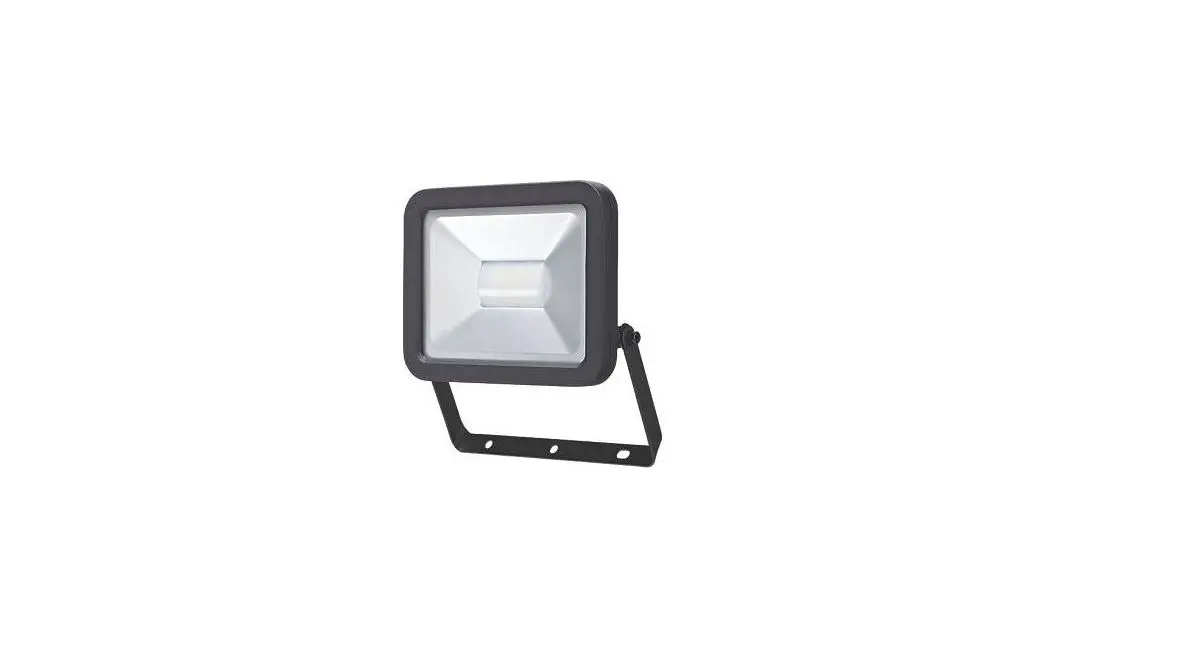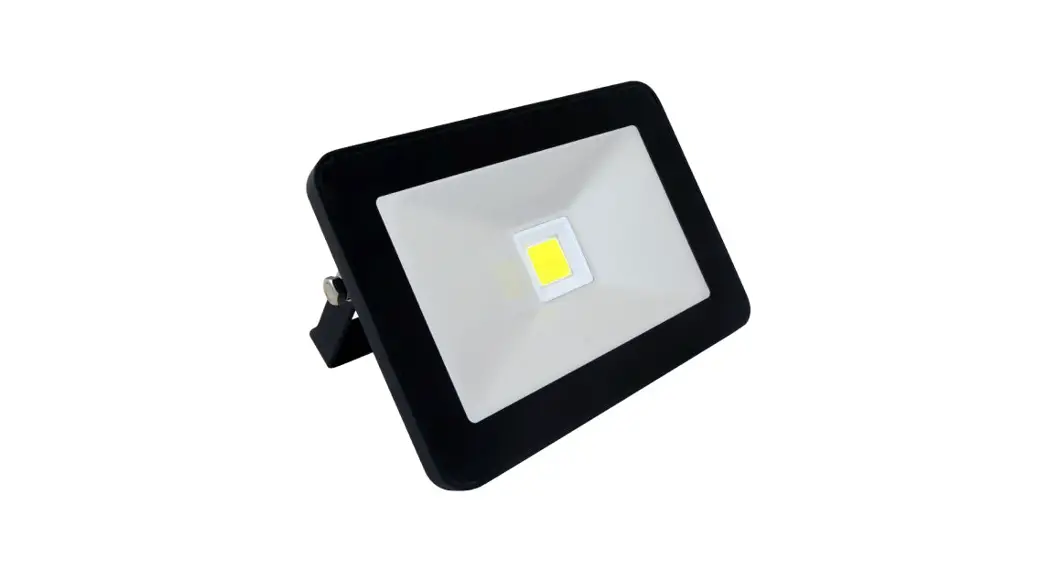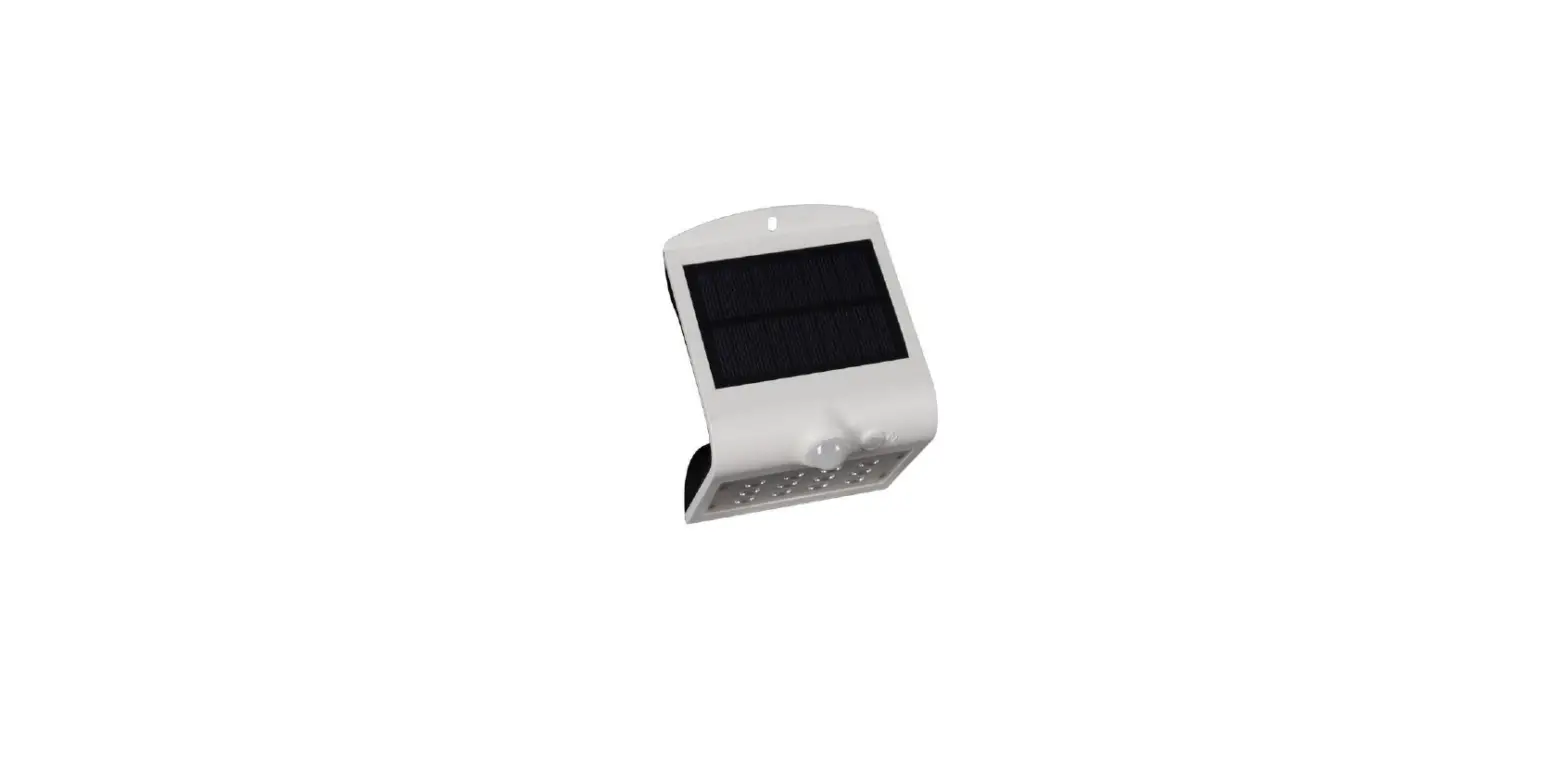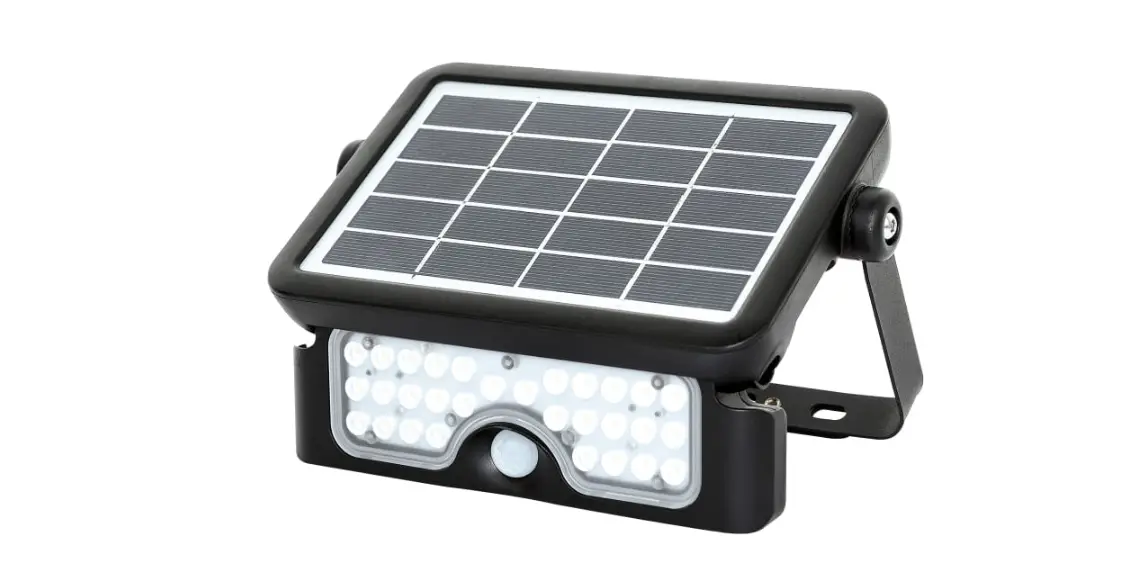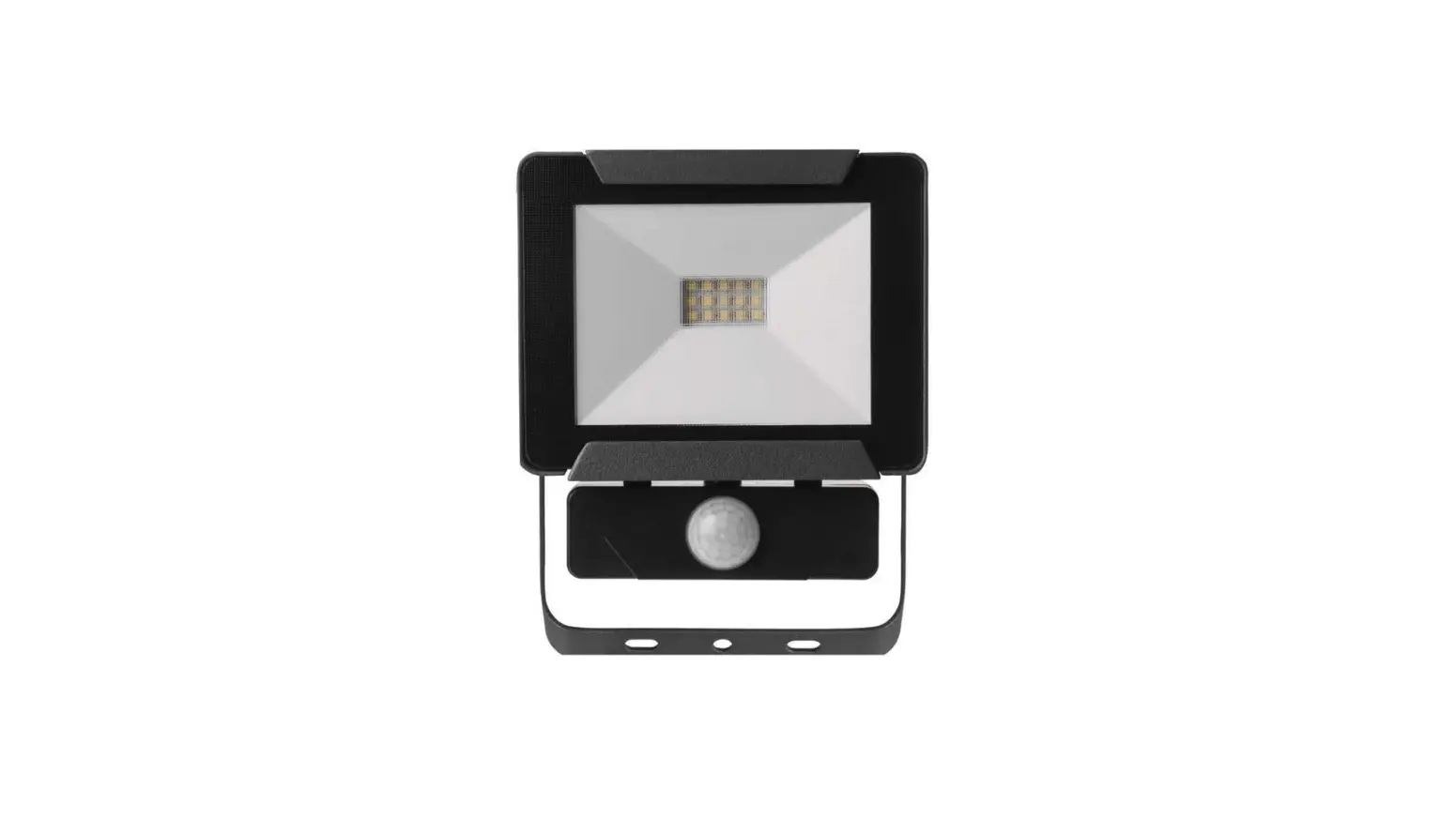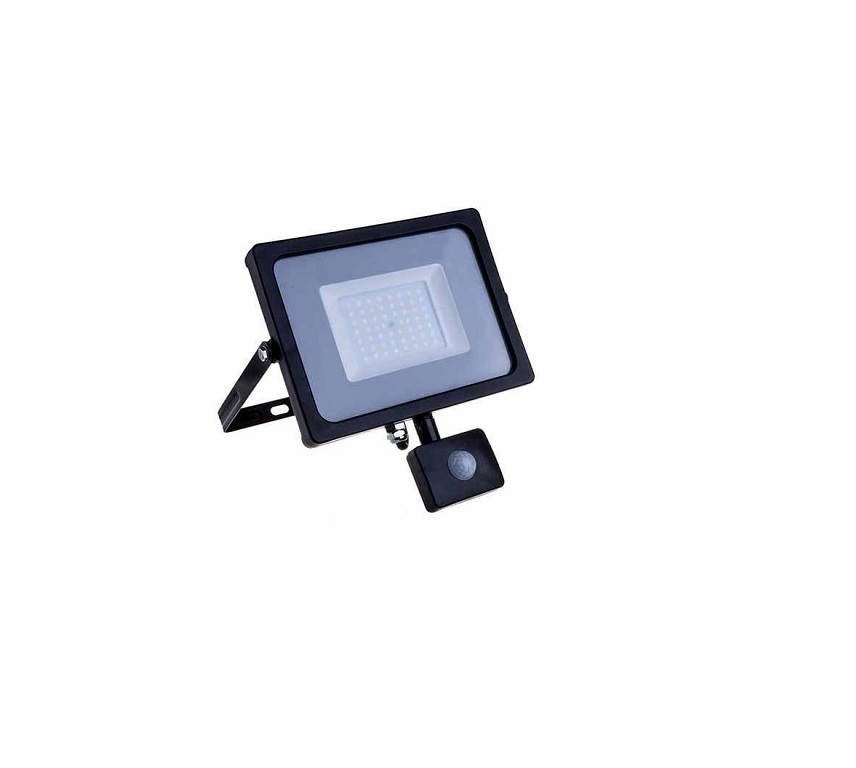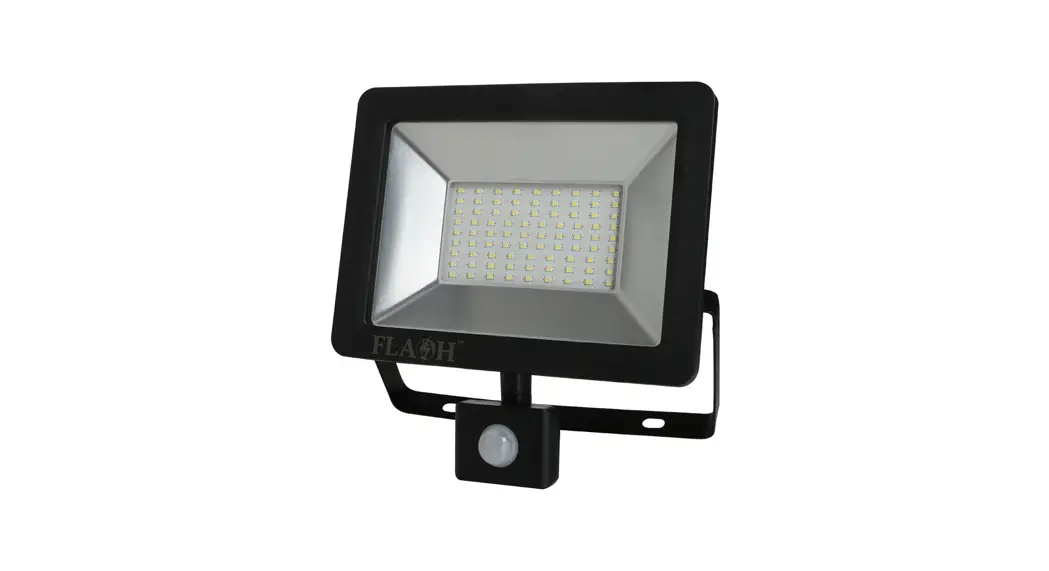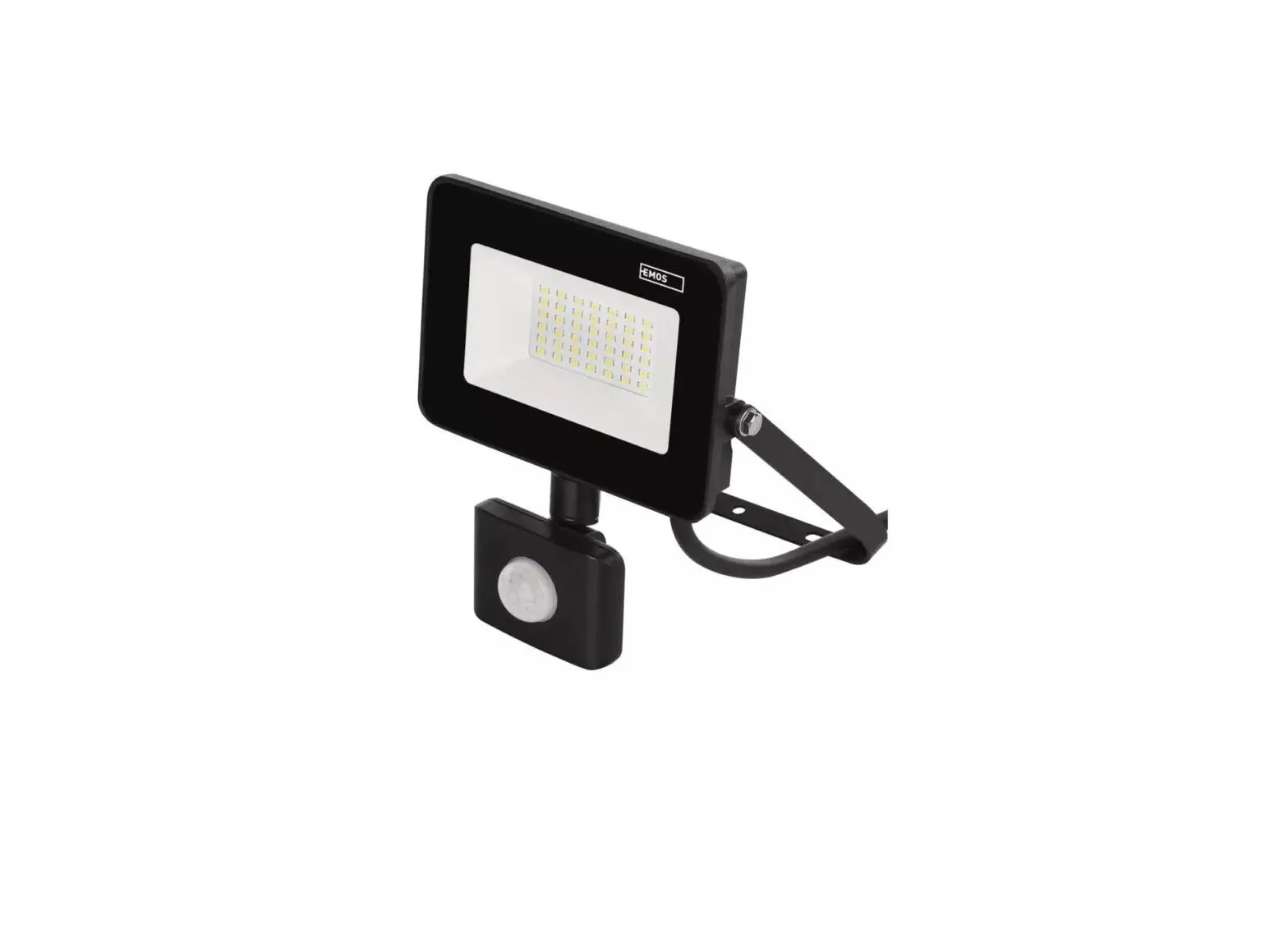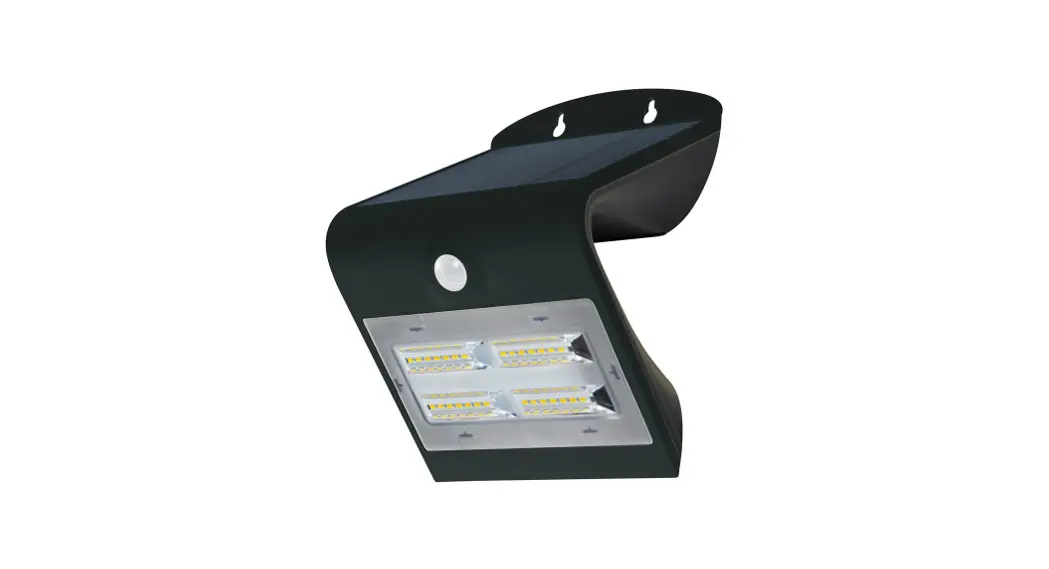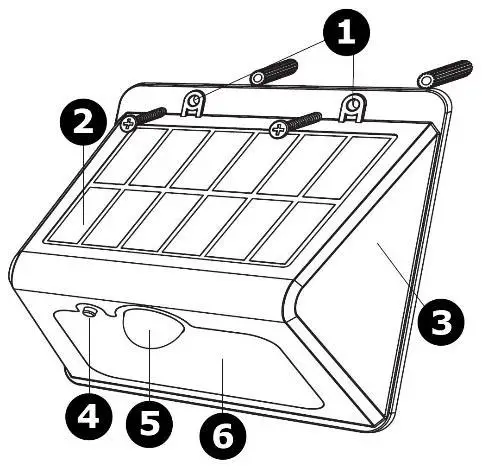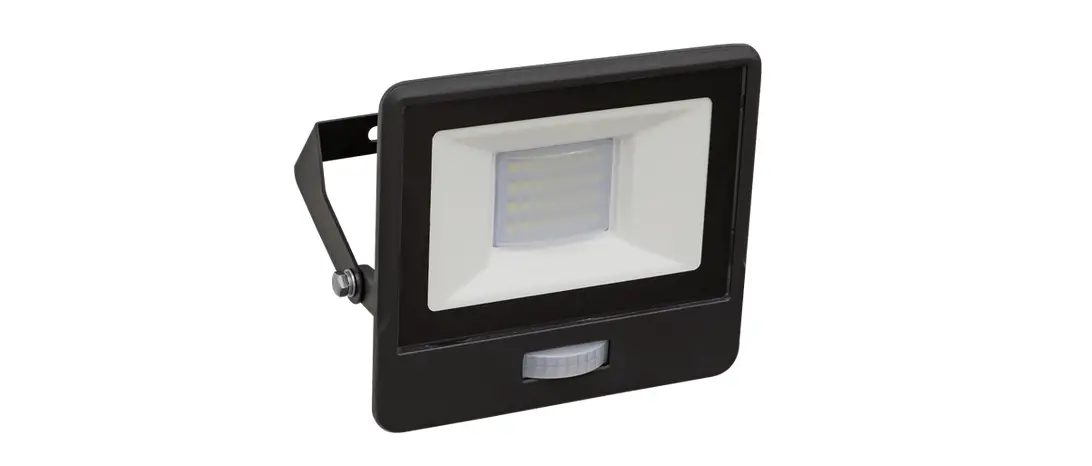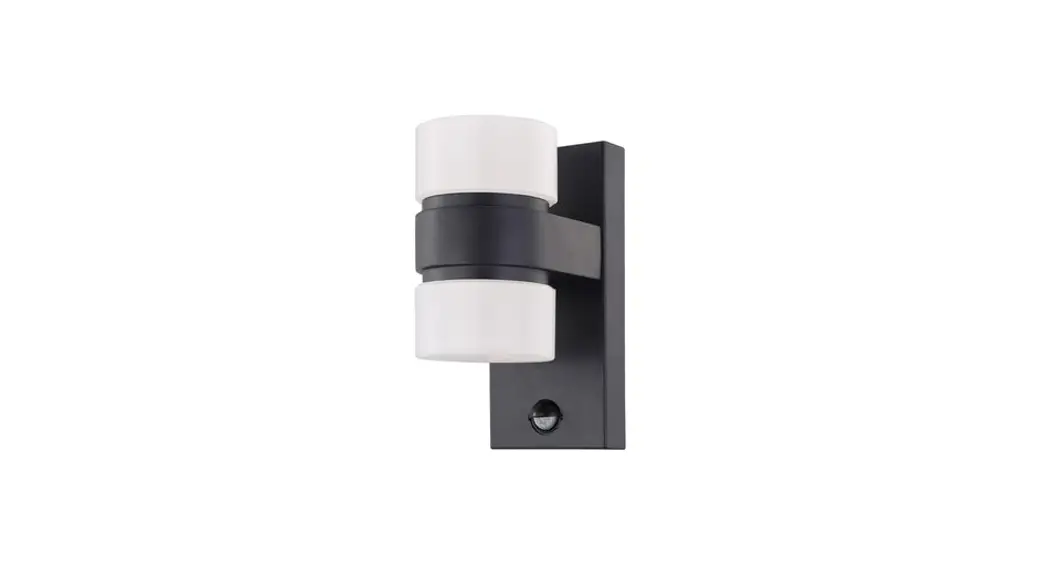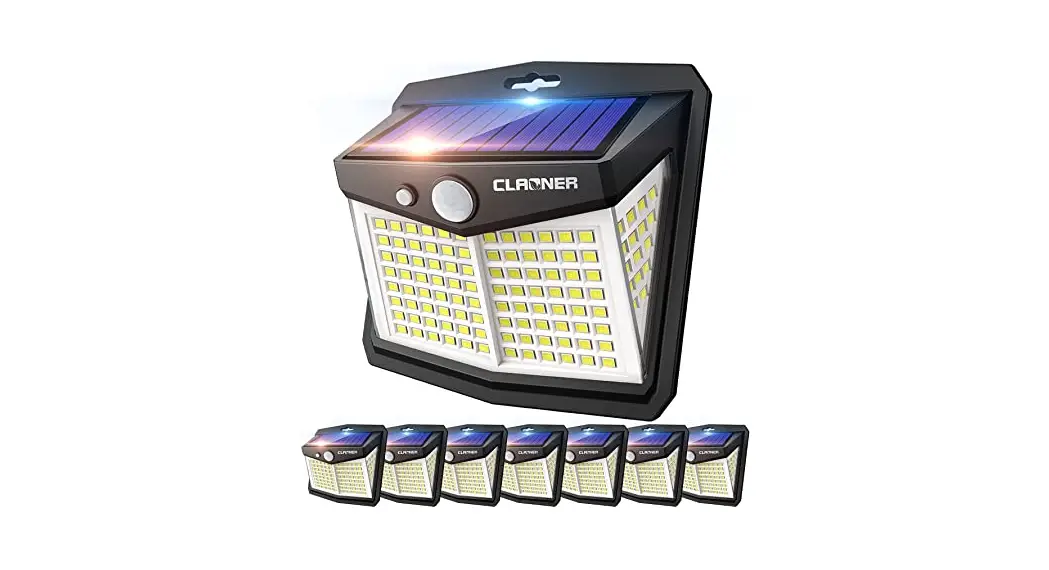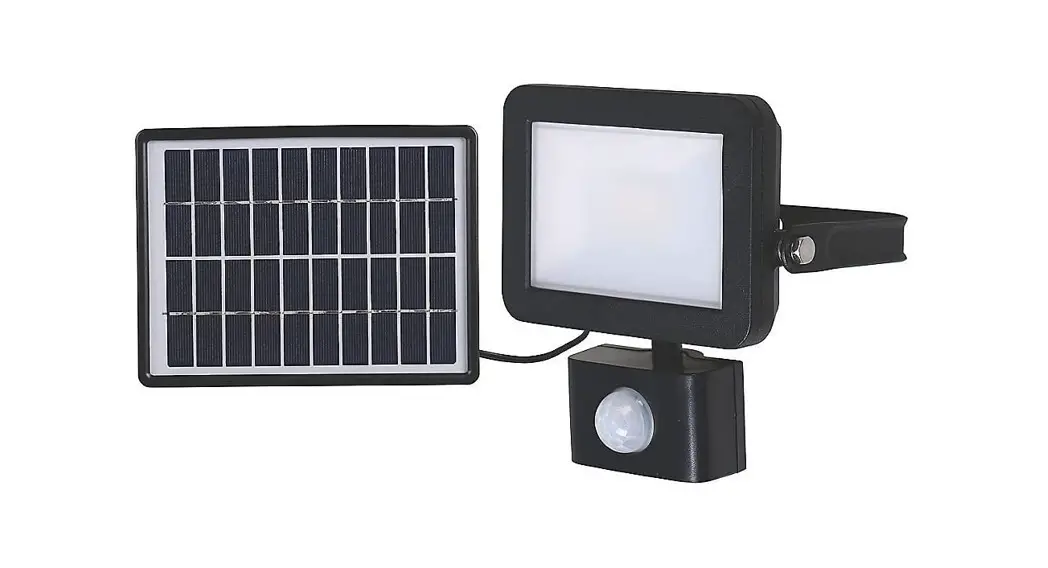
 EAN: 5052931843909
Model: RB0256A (7697V)
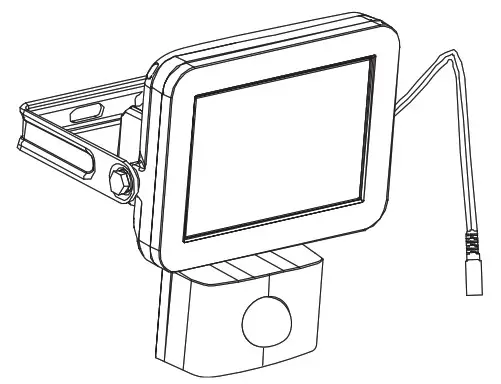
 IMPORTANT – Please read carefully the separate safety guide before use

Walking direction
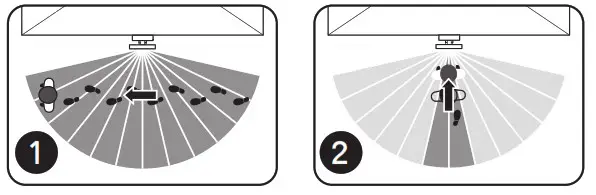
- High Sensitivity
- Reduced Sensitivity
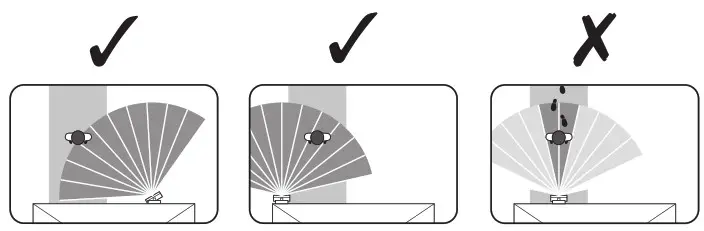
Aim the sensor across the path
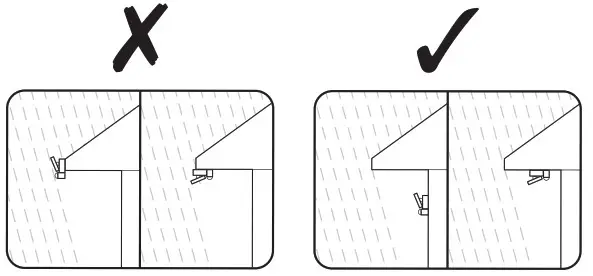
Protect from rain
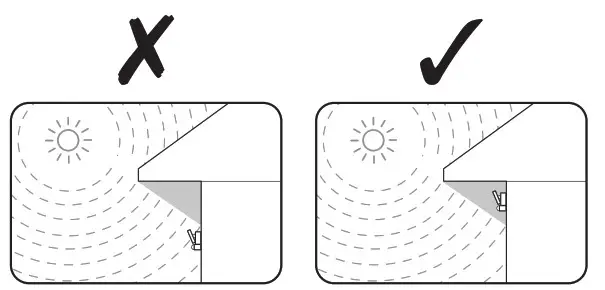
Avoid sunlight falling onto the lens of the sensor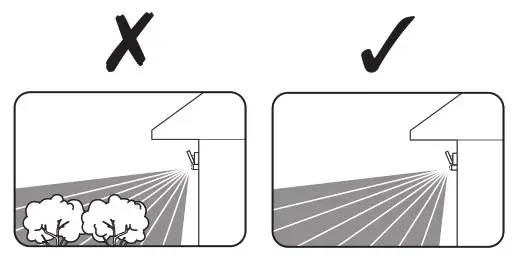
Avoid aim to the moving objects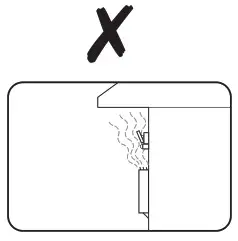
Avoid installing around the heat sources (ie. Air vents, heater…)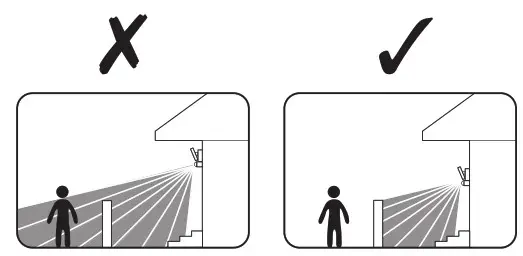
Aim to the desired area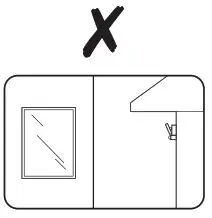 Avoid reflected surfaces (i.e. Mirror, windows, metal)
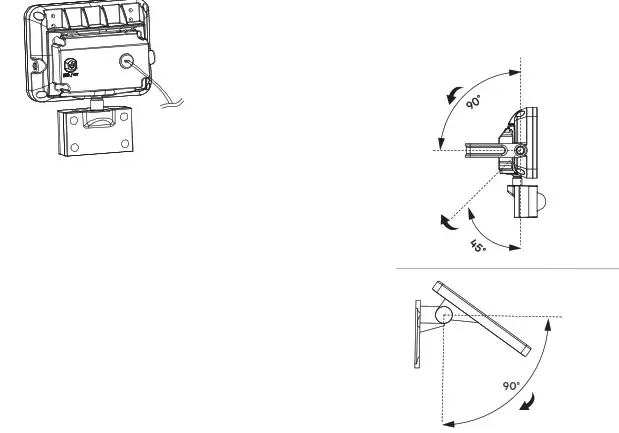
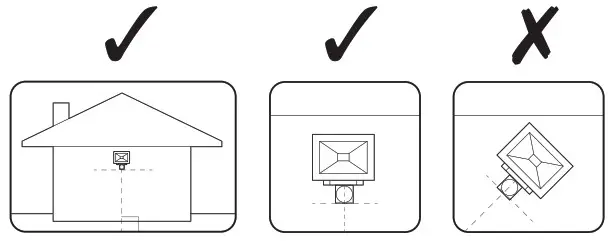 Mount the sensor perpendicular to the ground
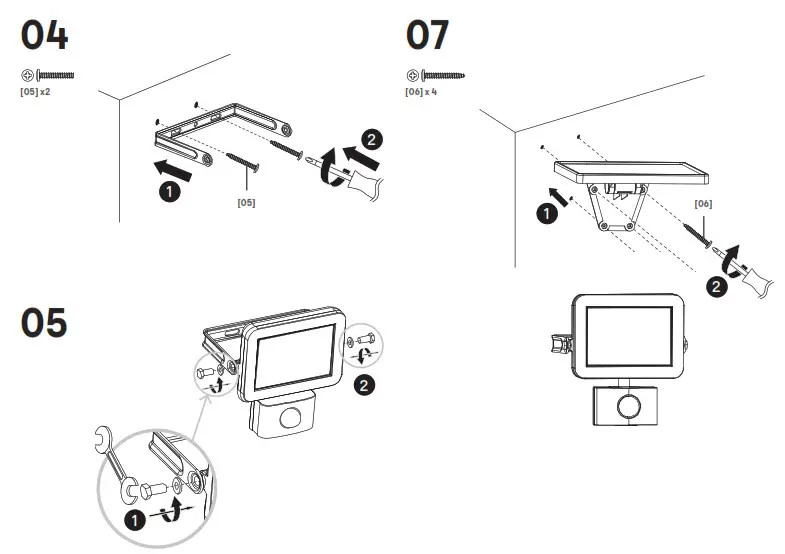
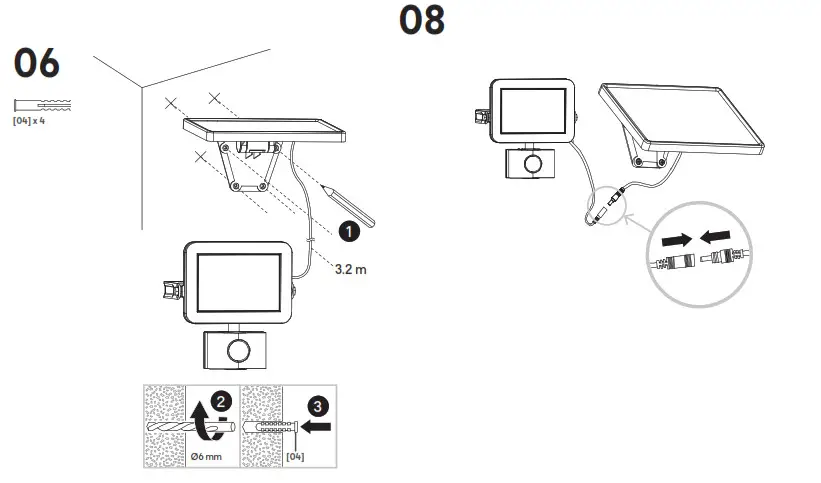
 Installation
 Installation
 |  |
 Use
Use
 Use
Use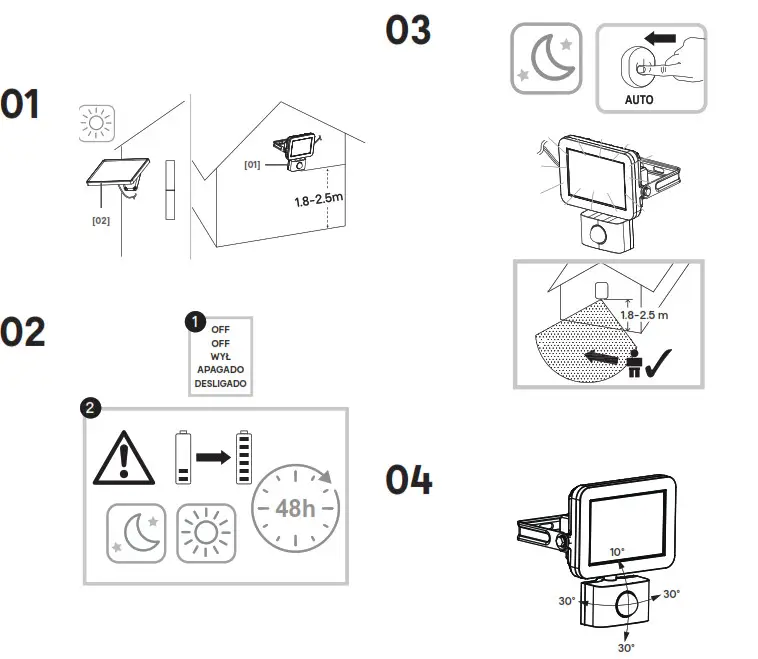
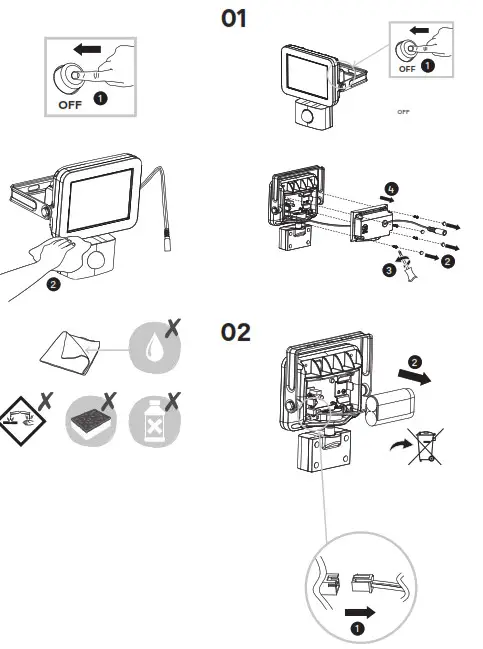
To ensure proper product operation, the batteries must first be fully charged for two days MINIMUM. To do this, the product has to be turned off the first two days.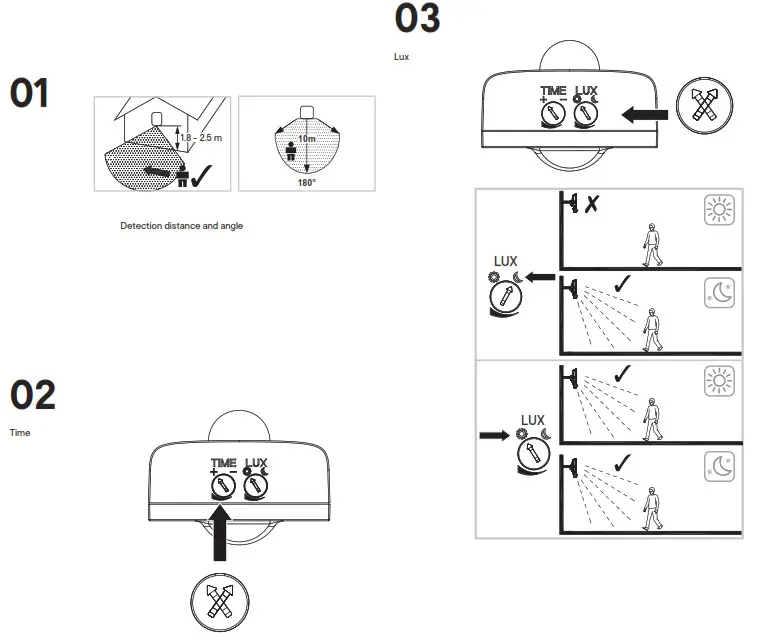
Care
Guarantee
- We take special care to select high-quality materials and use manufacturing techniques that allow us to create products incorporating design and durability. This product LAP has a manufacturer’s guarantee of 3 years against manufacturing defects, from the date of purchase (if bought in-store) or date of delivery (if bought online), at no additional cost for normal (non-professional or commercial) household use.
- To make a claim under this guarantee, you must present your proof of purchase (such as a sales receipt, purchase invoice or other evidence admissible under applicable law), please keep your proof of purchase in a safe place. For this guarantee to apply, the product you purchased must be new, it will not apply to second-hand or display products. Unless stated otherwise by applicable law, any replacement product issued under this guarantee will only be guaranteed until the expiry of the original period guarantee period.
- This guarantee covers product failures and malfunctions provided the product was used for the purpose for which it is intended and subject to installation, cleaning, care, and maintenance in accordance with the information contained in these terms and conditions, in the user manual and standard practice, provided that standard practice does not conflict with the user manual.
- This guarantee does not cover defects and damage caused by normal wear and tear or damage that could be the result of improper use, faulty installation or assembly, neglect, accident, misuse, or modification of the product. Unless stated otherwise by applicable law, this guarantee will not cover, in any case, ancillary costs (shipping, movement, costs of uninstalling and reinstalling, labor, etc), or direct and indirect damage.
- If the product is defective, we will, within a reasonable time, replace or refund.
- Rights under this guarantee are enforceable in the country in which you purchased this product. Guarantee-related queries should be addressed to the store you purchased this product from.
- The guarantee is in addition to and does not affect your statutory rights.
Troubleshooting
| Symptom | Possible Cause | Solution |
| Light does not switch on when there is movement in the coverage area | The power switch is turned off. | Check that the power is switched ON |
| The sensor is aimed in the wrong direction. Detection zone not properly targeted Re-aim the sensor to cover the | desired area | |
| Another light source is causing the unit to think it is daylight. | Turn off surrounding lights | |
| The light comes on for no apparent reason. | The wind is moving trees and bushes in the detection zone | Relocate the unit |
| Cars in the street are being detected | ||
| Reflective objects (such as the swimming pool) in the coverage area. | ||
| Unit is sensing motion in the detection zone. | Test the motion sensor by covering up the front curved lens with cardboard to block the view If the light turns off then something in the detection zone is triggering the sensor. Relocate the unit or change the sensitivity (distance) of the sensor. | |
| The coverage area of the sensor is poor. | Choose a suitable location for installing the product. away from trees. hot ventilator dust. street lighting and traffic, which may interfere with its operation | Relocate the unit |
| The lights stay on continuously | Ensure the unit is not positioned to detect unwanted objects e.g. cars/people using roads/footpaths next to your property. Occasionally. wind may activate the sensor (Sometimes passages between buildings etc. can cause a “wind tunnel effect.) | Relocate the unit |
| The lights flash on and off | Heat or light from the bulbs may be turning the sensor on and off | Relocate the unit, away from the light source. |
| The sensor is sensing reflected light from the light fixture. | 1. Change the position of the light head to aim light away from the reflecting surfaces. 2. Relocate the unit to a different location where it no longer causes reflected light. | |
| The sensor will not operate at night | The level of ambient light in the area may be too bright to allow operation. | Relocate the unit |
| The level of ambient light in the area may be too bright to allow operation at the current LUX setting. | During the hours of darkness, adjust the LUX control slowly anticlockwise / clockwise (choose a suitable one) until the lamp just illuminates | |
| Another light source is causing the unit to think it is daylight. | Turn off surrounding lights and/or relocate the unit | |
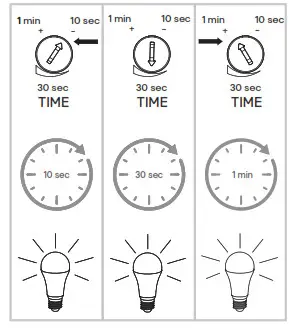
| Light does not switch off after set time has elapsed | Time is set for too long. | Reduce time (TIME knob) |
| Continuous movement in the detection zone | Change detection zone / Relocate the unit | |
| Light being operated in the detection zone causes the sensor to respond as a result of a change in temperature |
 Safety
- These instructions are for your safety. Please read through them thoroughly prior to installation and retain them for future reference
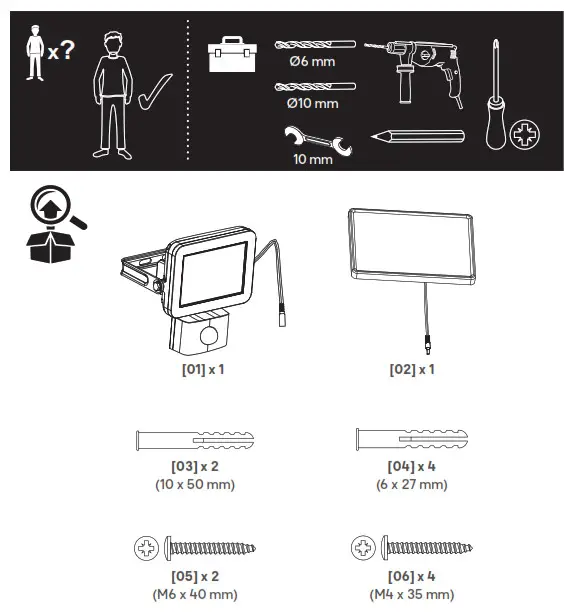
- Check the pack and make sure you have all of the parts listed.
- Remove all packaging, wrap, etc from the product.
- Decide on the appropriate location for your product.
- CAUTION: IP44 is guaranteed when the product is properly installed and sealed.
- Always avoid the product being located in a corrosive environment.
- Always refer to the installation drawing for the orientation of the product.
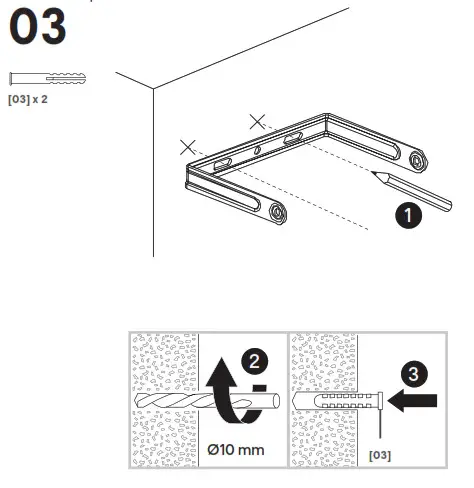
- The product must be securely fixed to the mounting surface using the screws and wall plugs supplied. The screws and wall plugs supplied are suitable for “masonry” only. Other fixings are not supplied and must be purchased.
- Remove them from the battery compartment with a cloth if the battery is leaked. Different types of batteries or new and used batteries are not to be mixed. The battery must be removed from the luminaire before it is scrapped. The battery is to be disposed of safely.
- The operating time depends on the charging performance in the daytime. This would be affected by enviornment e.g. weather conditions and location.
- If the use of the solar light is not required for a long period of time, it is recommended to switch the product to “OFF” to preserve the battery.
- We recommend sheltering this product during long winter periods (snow, rain) in order to preserve the product.
- It is recommended to have a regular schedule of care and maintenance to keep the surface condition well.
| Bulb type: | The light source of this luminaire is not replaceable; when the light source reaches its end of life the whole luminaire shall be replaced. |
| Battery: | 1 x 7.4 V 2200 mAh Li-ion battery. This battery is not replaceable. Keep batteries out of the reach of children. In case of ingestion of a cell or a battery, the person involved should seek medical assistance promptly. |
 | Conformity with all relevant EC Directive requirements. |
 | Conformity with all relevant UK legislation requirements. |
IP44 | Splashproof |
 | Waste electrical products should not be disposed of with household waste. Please recycle where facilities exist. Check with your Local Authority or local store for recycling advice. |
 | Batteries must be recycled or thrown away correctly. |
| xxWyy | xx-year; yy-week of the year |
Addresses
| UK Manufacturer: Kingfisher International Products Limited, 3 Sheldon Square, London, W2 6PX, United Kingdom | EU Manufacturer: Kingfisher International Products B.V. Rapenburgerstraat 175E 1011 VM Amsterdam The Netherlands www.kingfisher.com/products |
www.diy.com
www.screwfix.com
www.screwfix.ie
To view instruction manuals online, visit www.kingfisher.com/products

EAN: 5052931843909
Model: RB0256A (7697V)