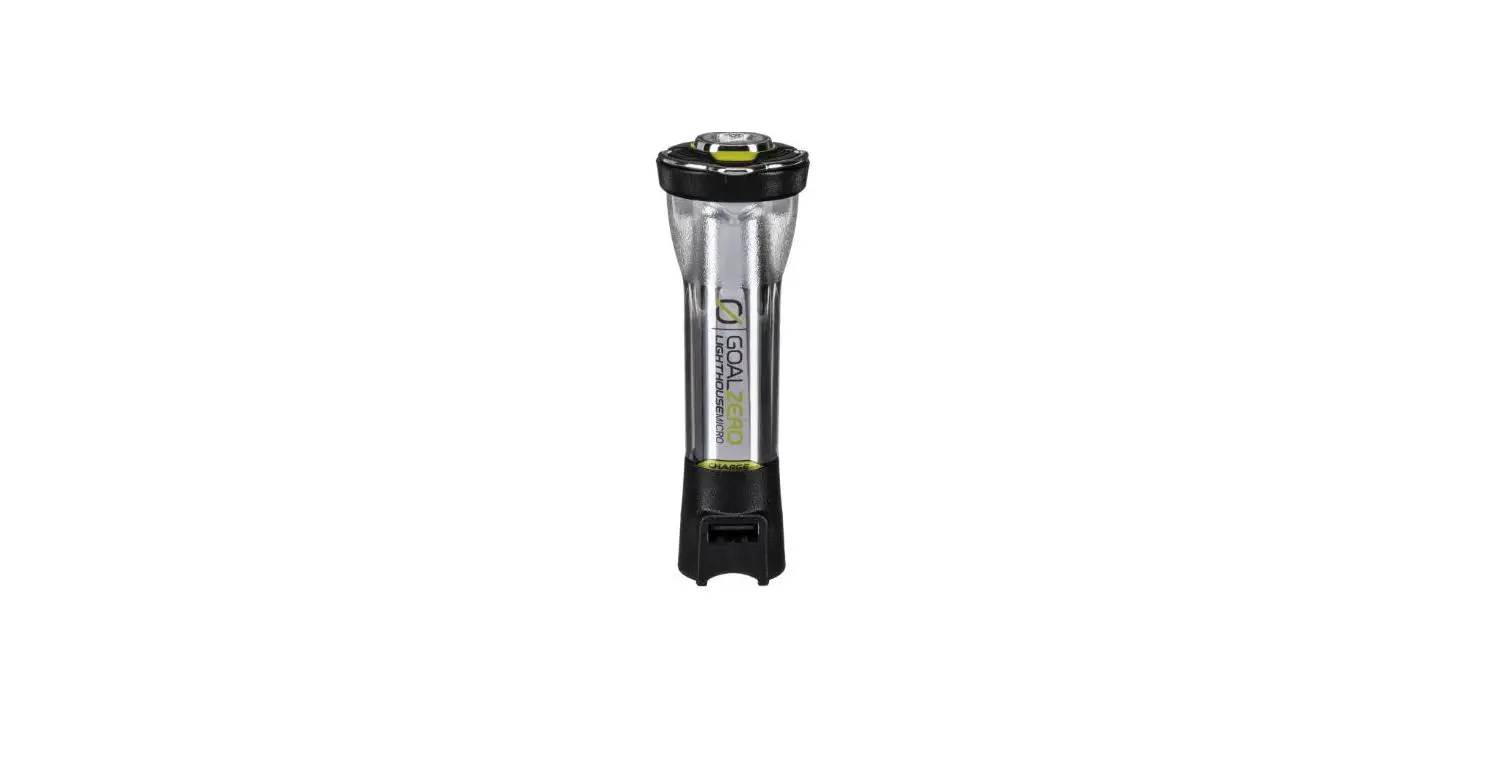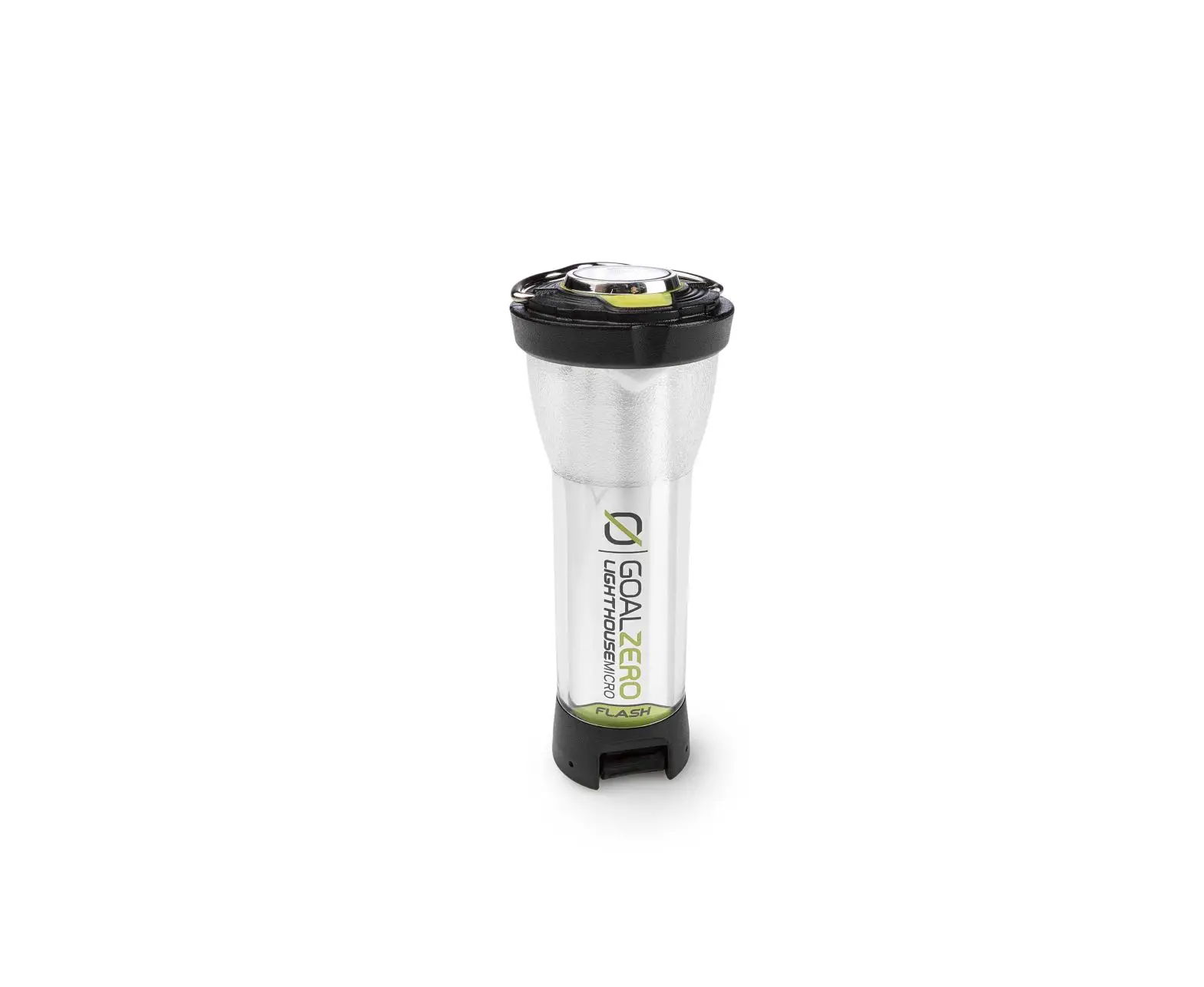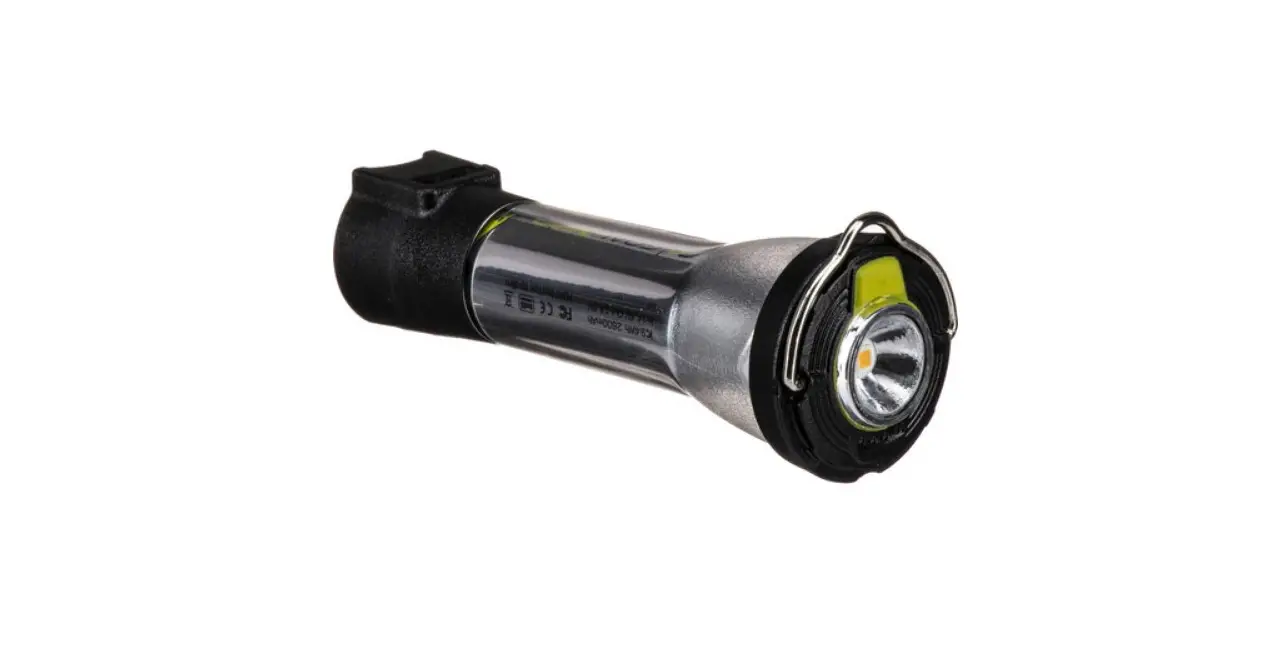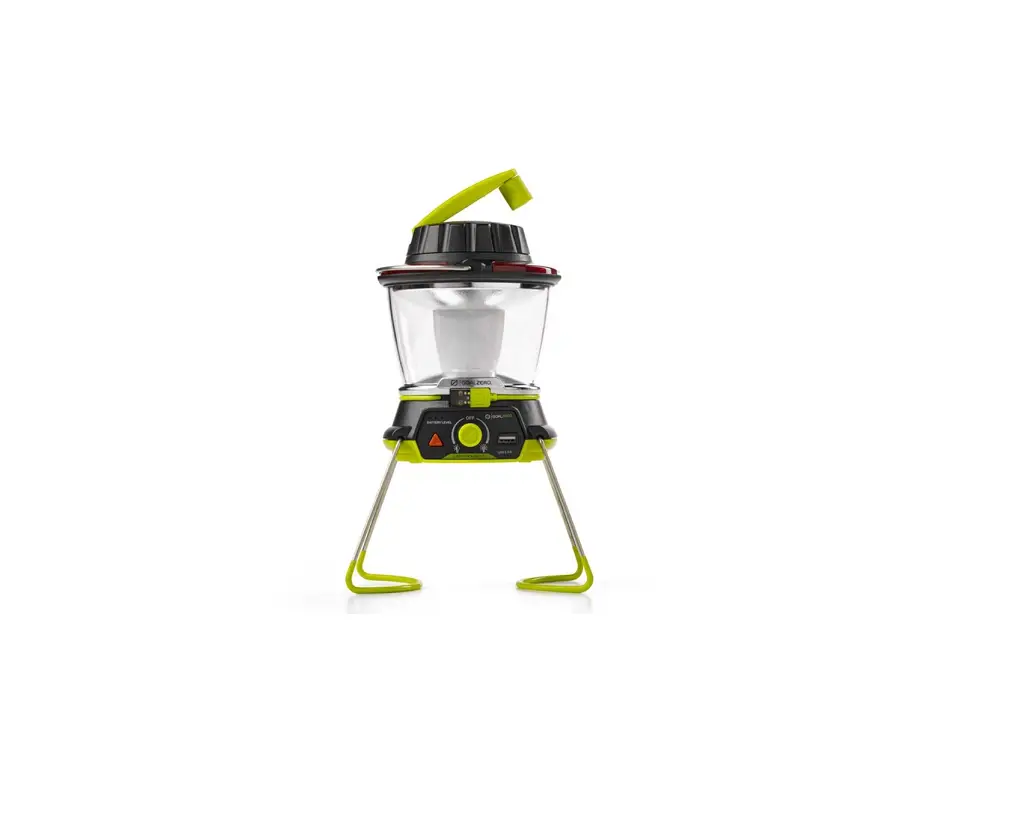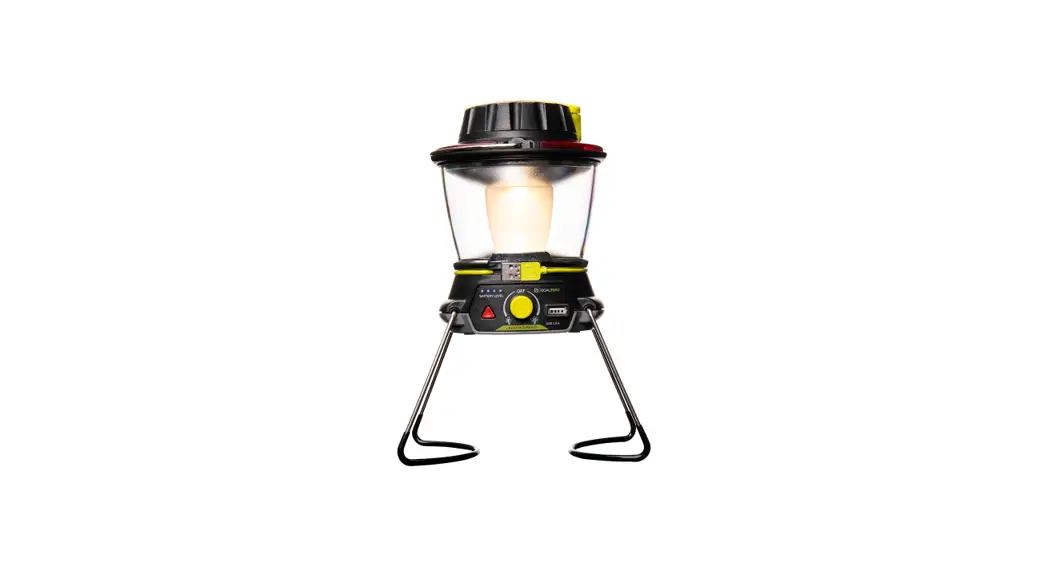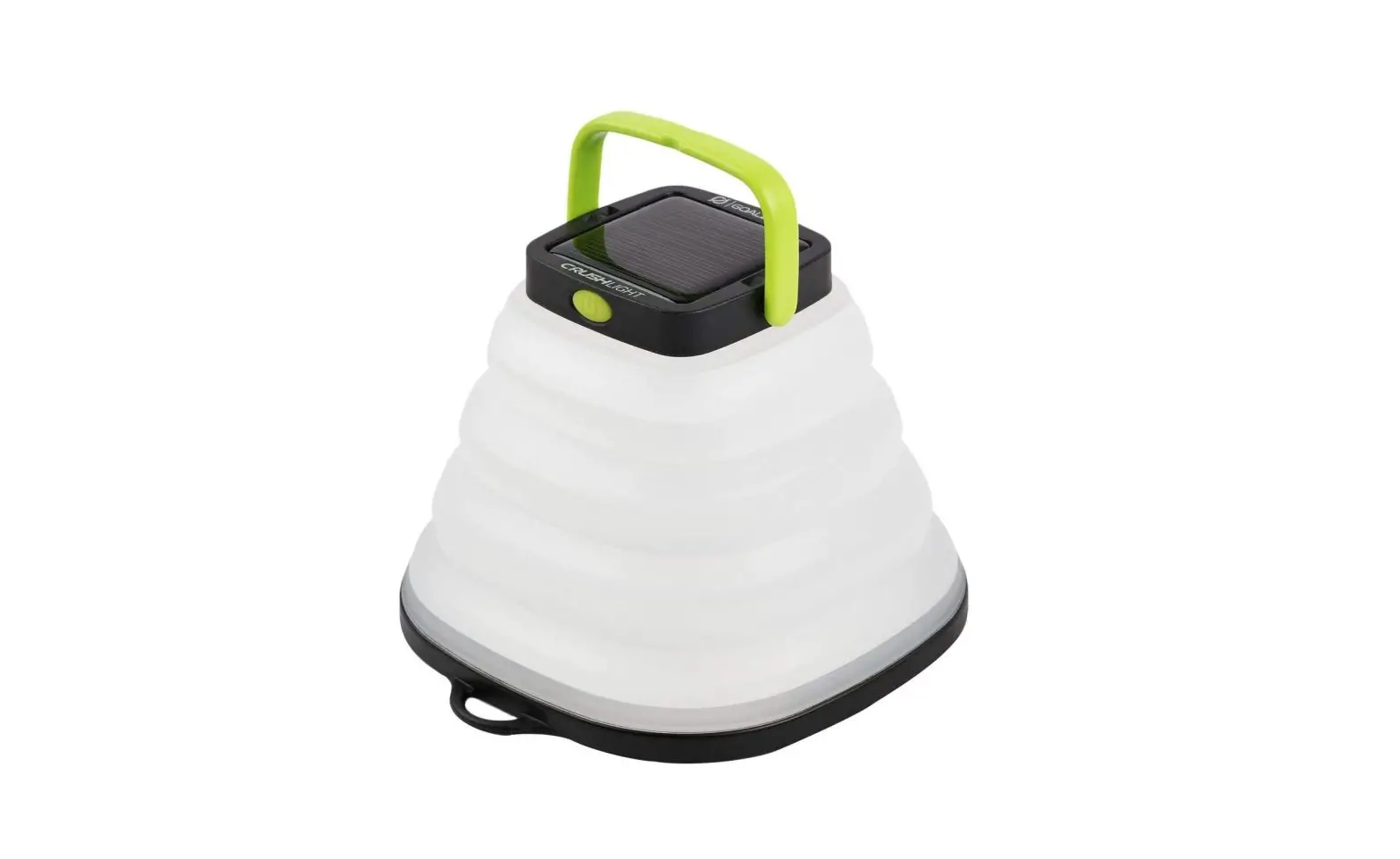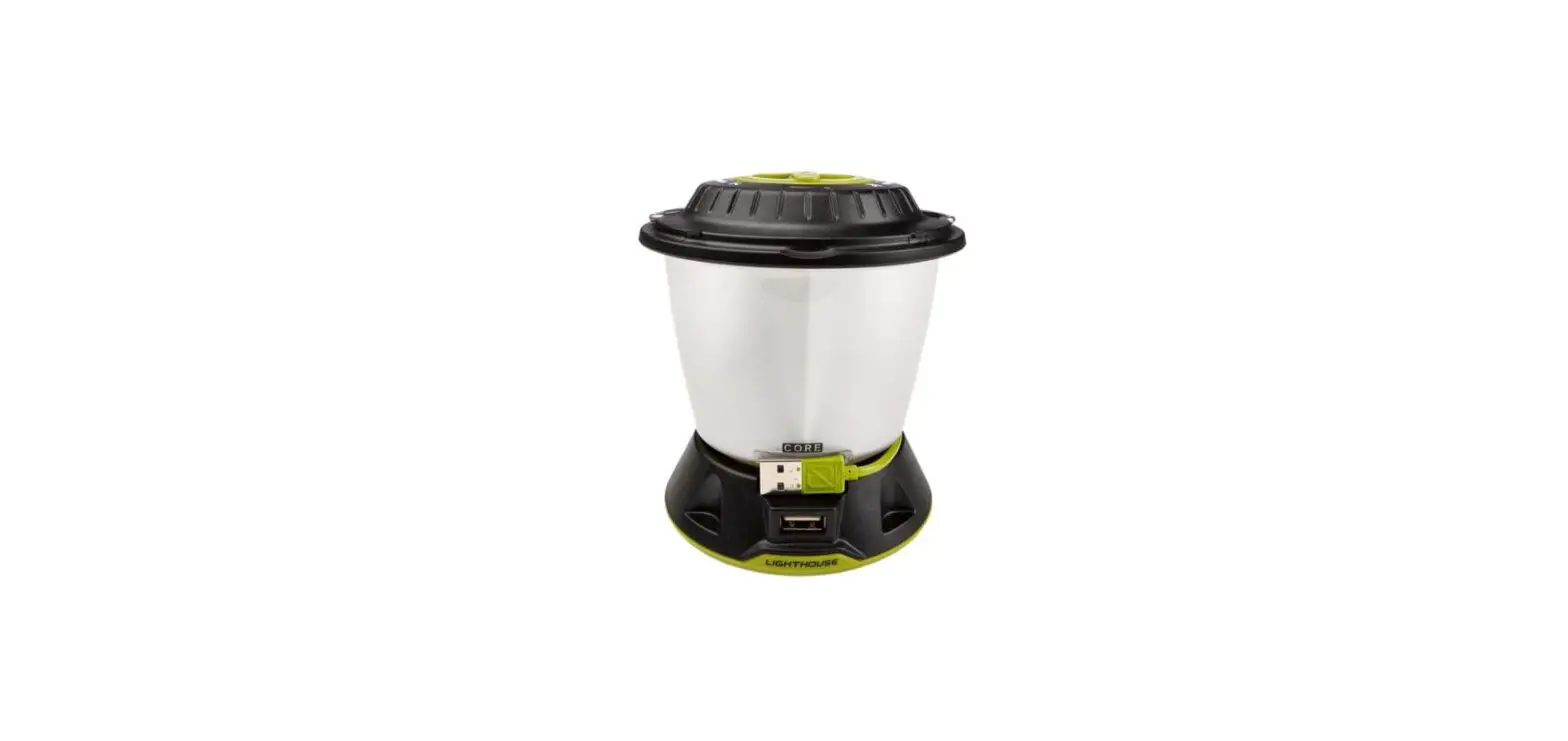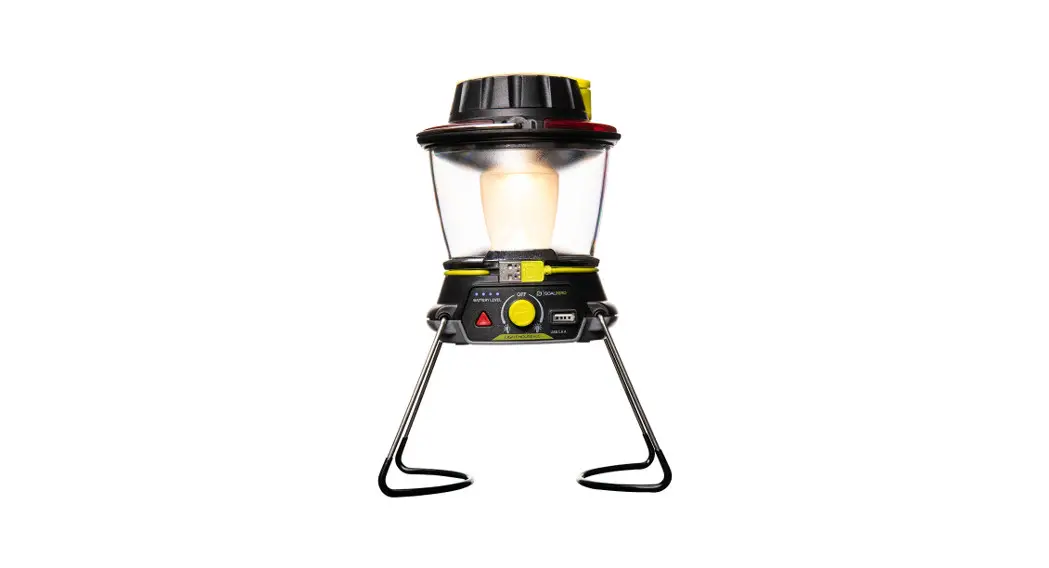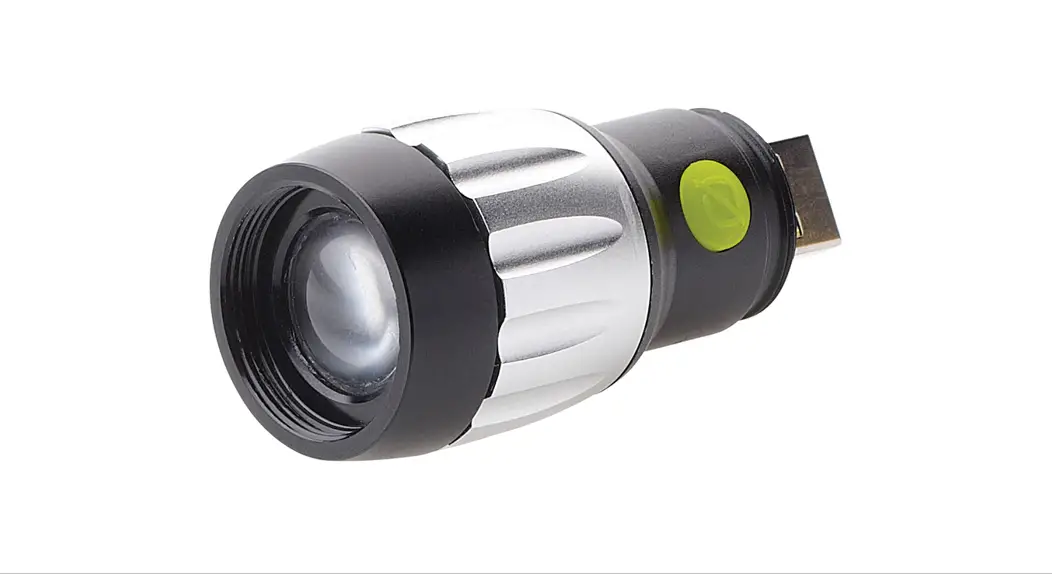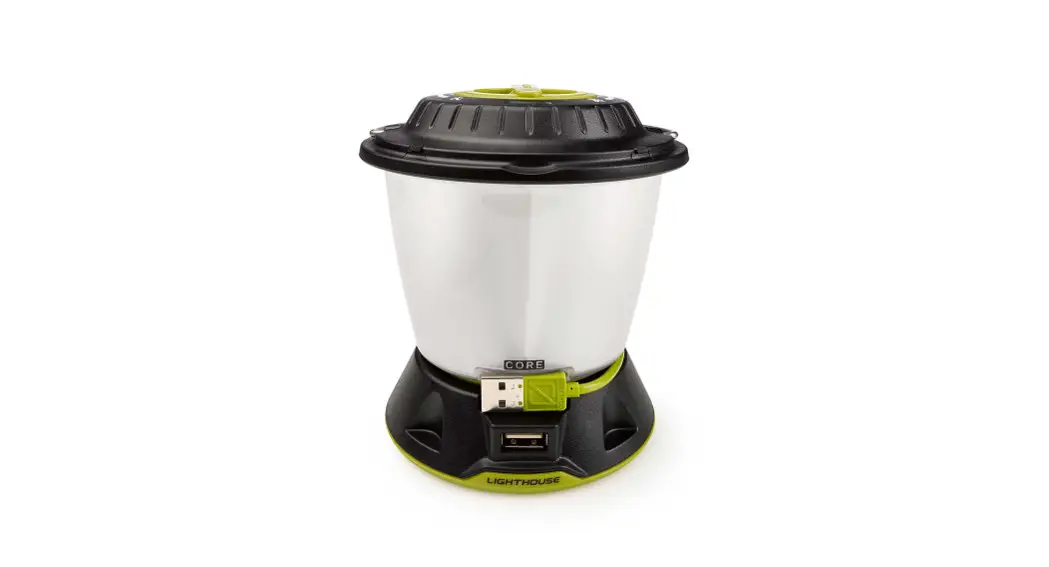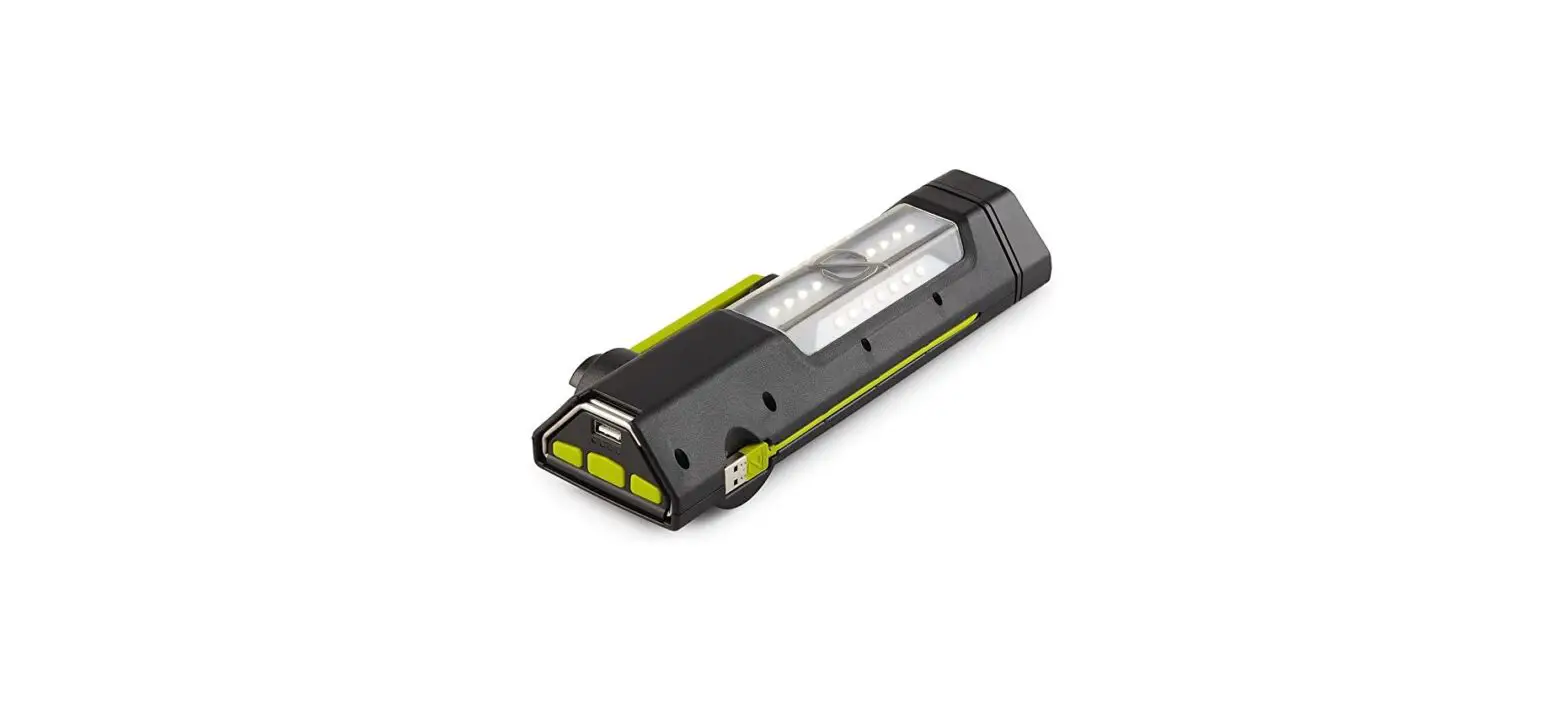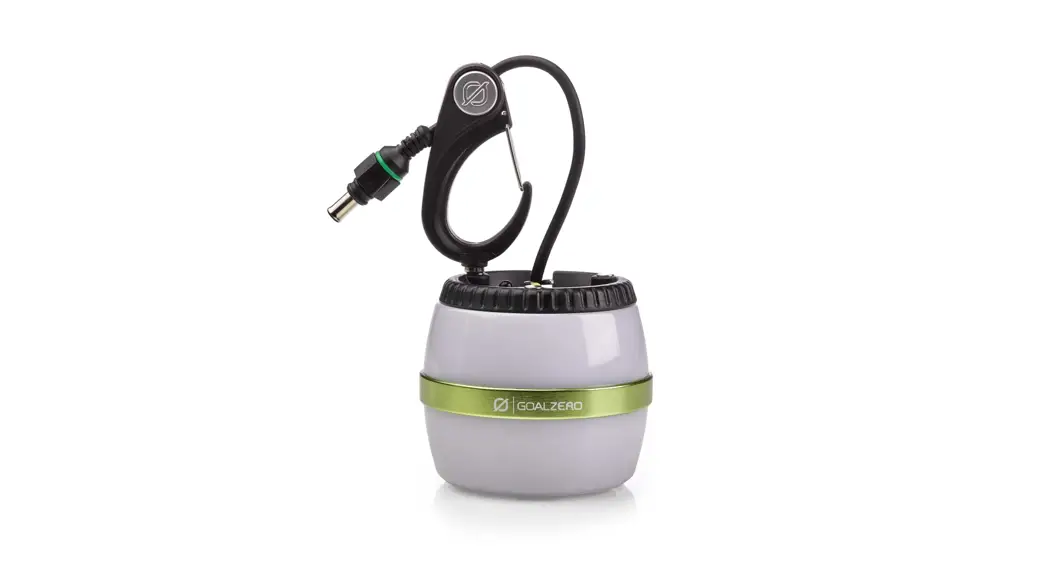

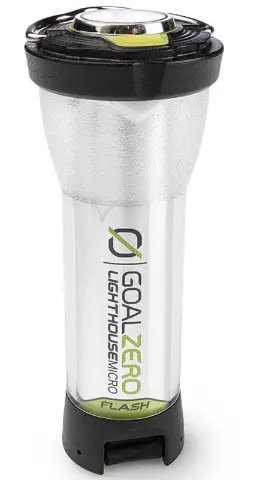
GOAL ZERO Lighthouse micro Flash LED Lantern and Flashlight
BEFORE FIRST USE
Take Lighthouse Micro Flash out of DEMO MODE by plugging it into a powered USB port.
Not near a USB? Press the On/Off/Dimmer Button five times and hold on the sixth. The Battery Indicator will flash and Lighthouse Micro Flash will be out of DEMO MODE.
GET TO KNOW YOUR GEAR
HOW IT WORKS
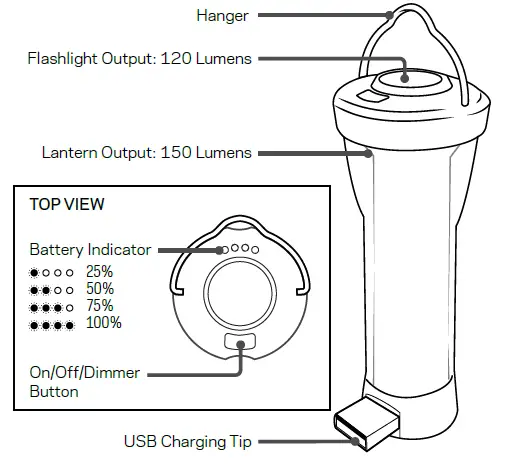
- Push the On/Off/Dimmer Button once for flashlight mode; twice for high; three times for low.
- Press and hold to dim each mode.
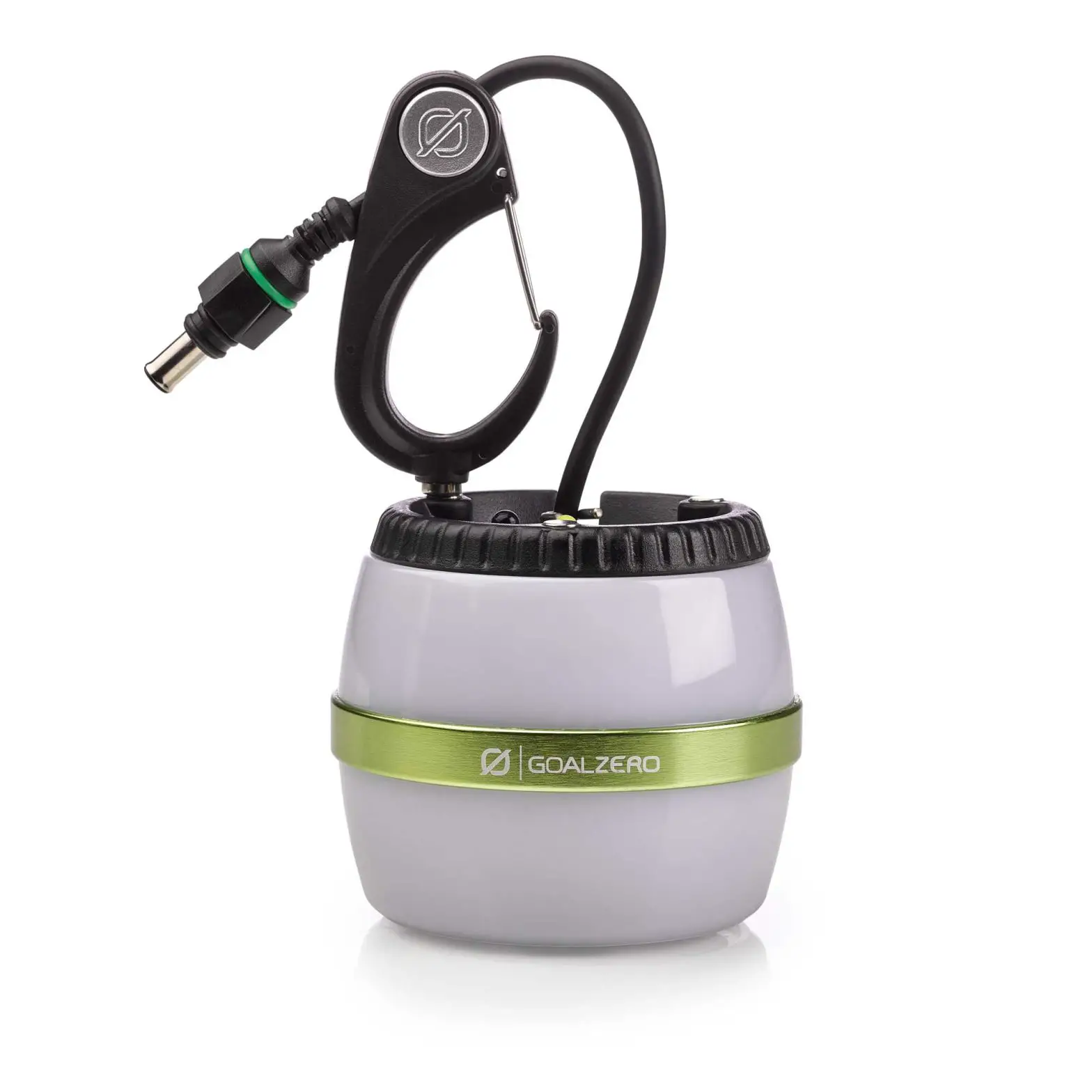
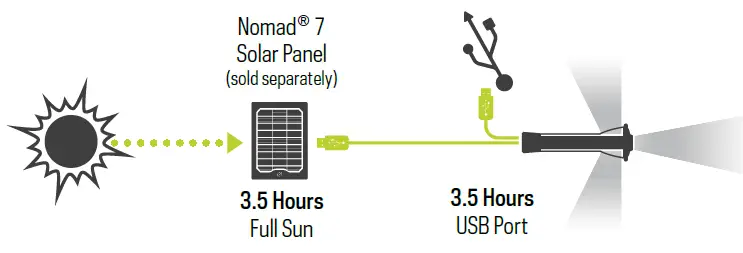
- Using the flip-out USB tip, plug Lighthouse Micro Flash into any powered USB port to charge it up in 3.5 hours. Also charges from 3.5 hours of full sun from the Nomad® 7.
Still in DEMO MODE? See the front cover for instructions.
| RUNTIME | LUMENS | CHARGE TIME | ||
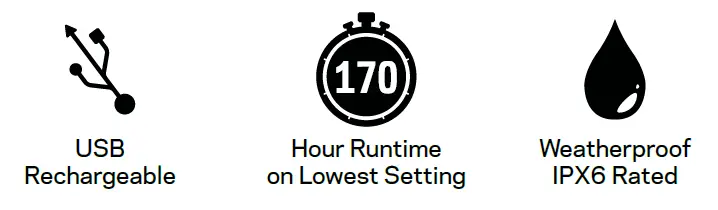
| Lantern – One Side (Low) | 170 hours | 10 lumens | USB source | 3.5 hours |
| Lantern – One Side (High) | 15 hours | 75 lumens | Nomad 7 | 3.5 hours |
| Lantern – Both Sides (Low) | 80 hours | 20 lumens | ||
| Lantern – Both Sides (High) | 7 hours | 150 lumens | ||
| Flashlight (Low) | 100 hours | 20 Lumens | ||
| Flashlight (High) | 8.5 hours | 120 Lumens |
RECHARGE YOUR LIGHTHOUSE MICRO FLASH
Recharge from USB or solar panel.
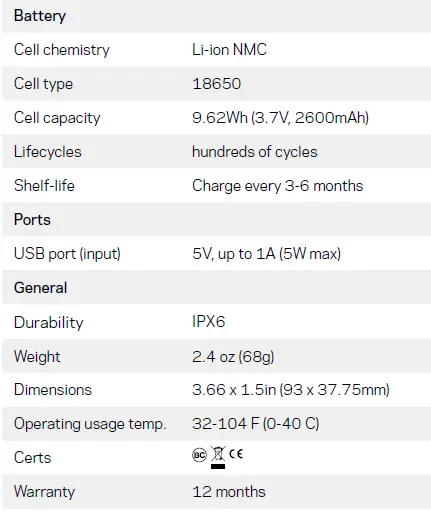
TECHNICAL SPECIFICATIONS
Be sure to activate your warranty at goalzero.com/warranty