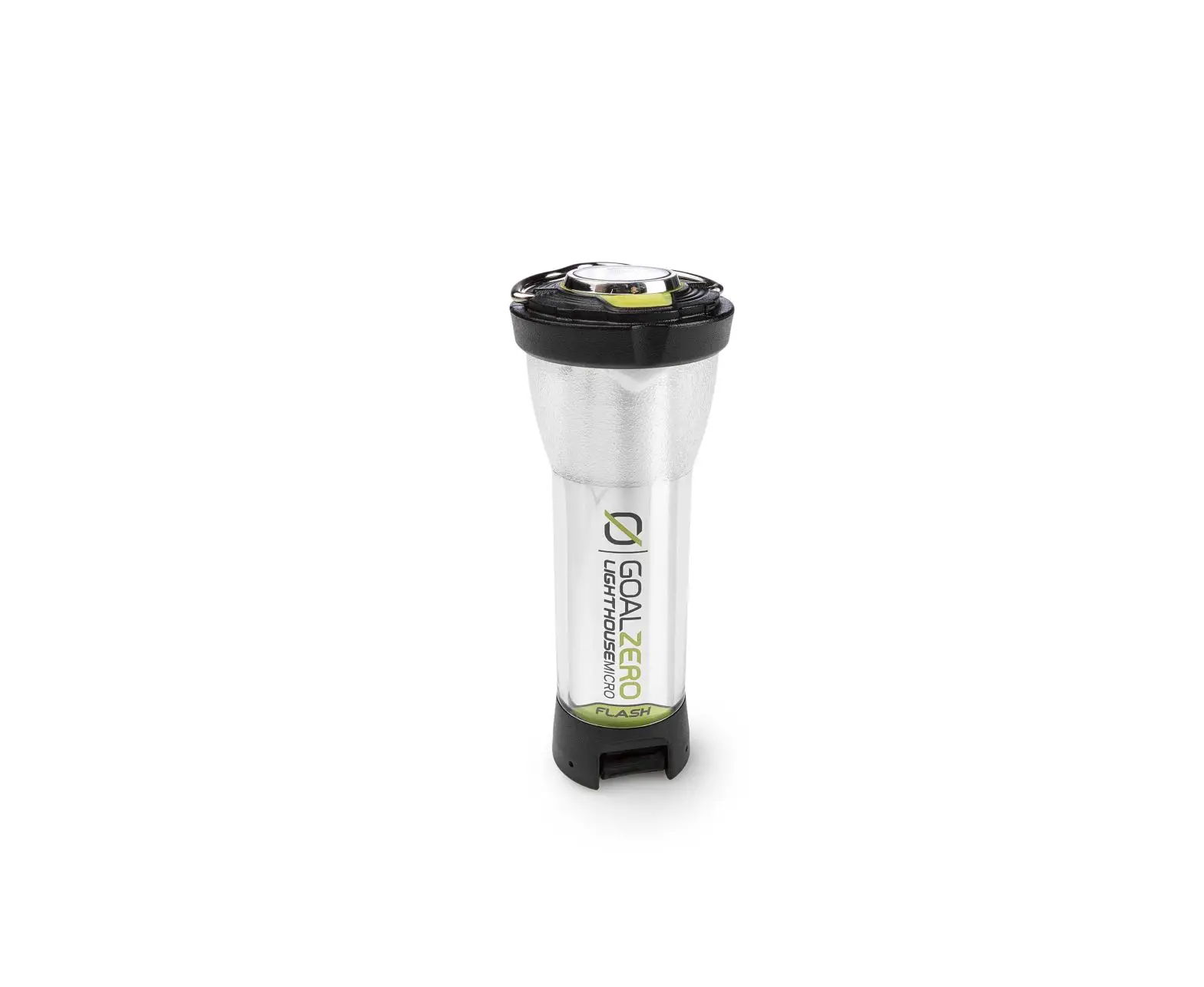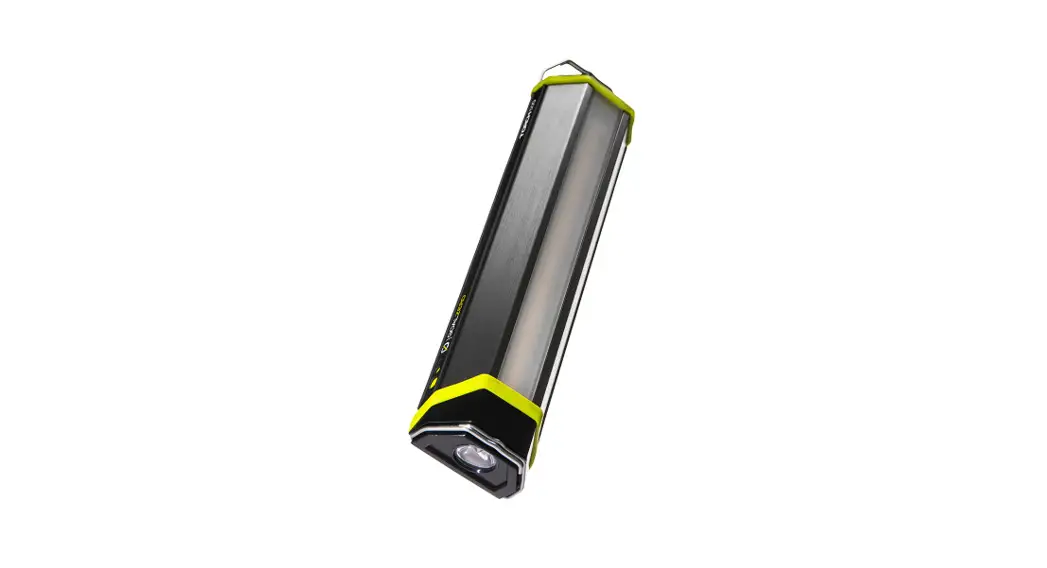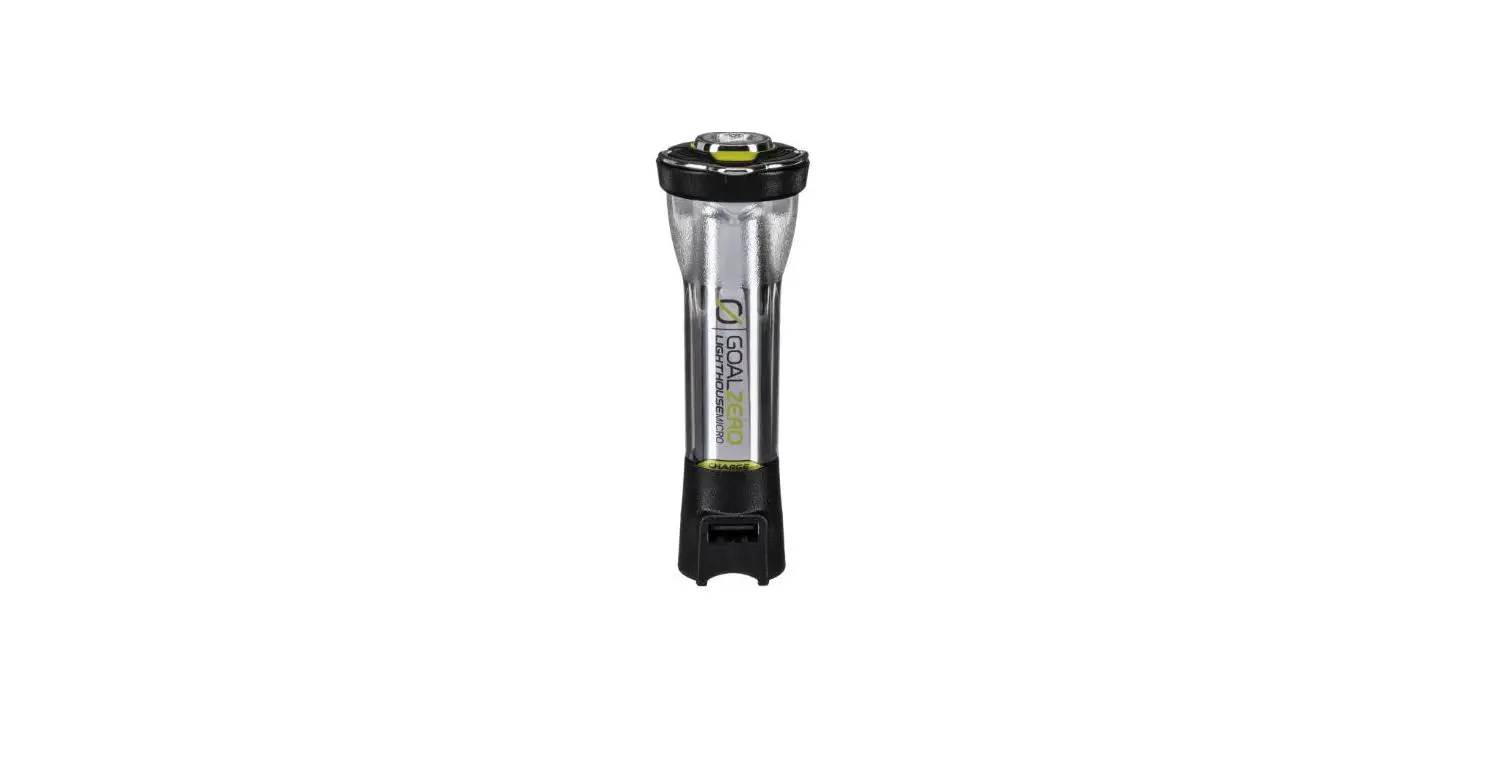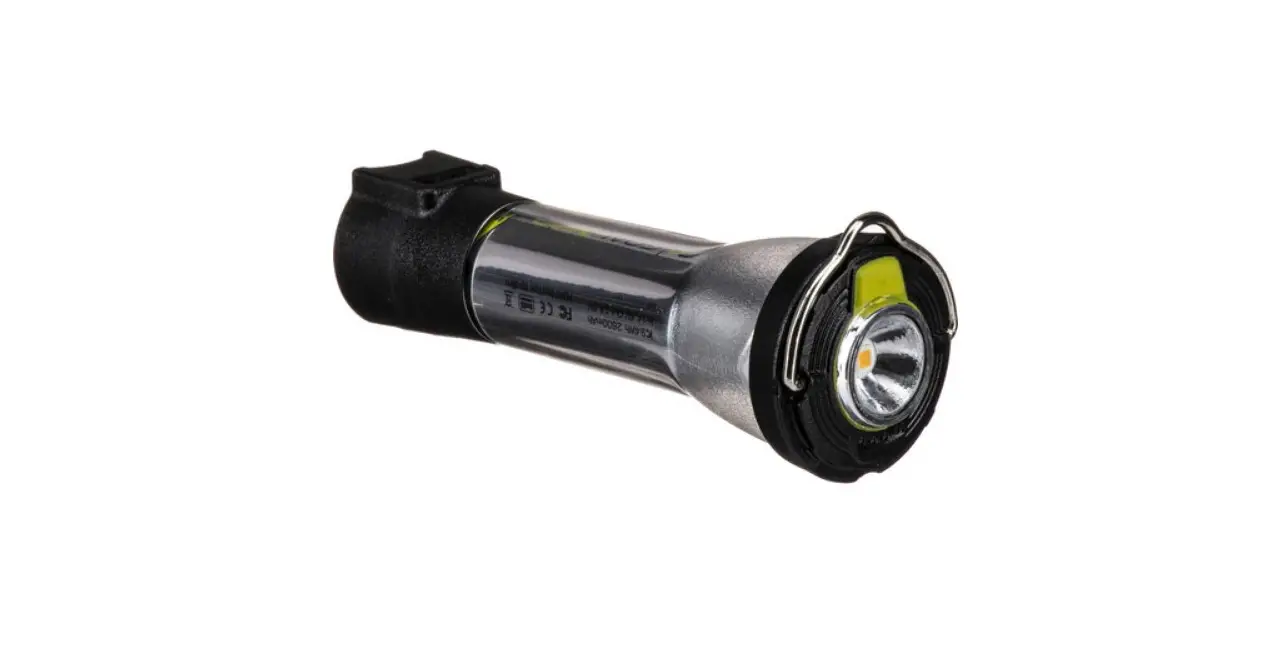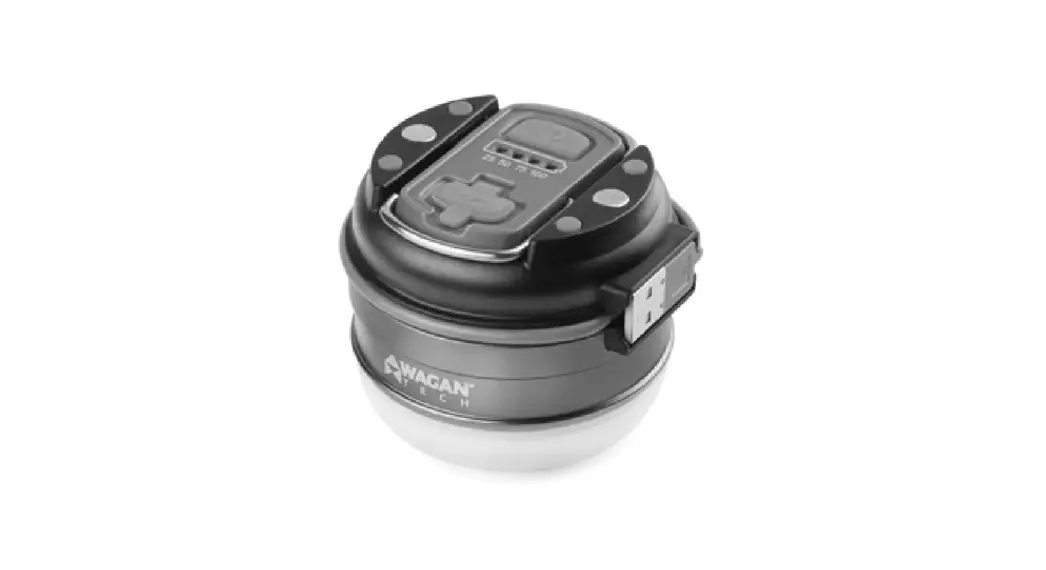

GOAL ZERO LIGHTHOUSE CORE Lantern + USB Power Hub
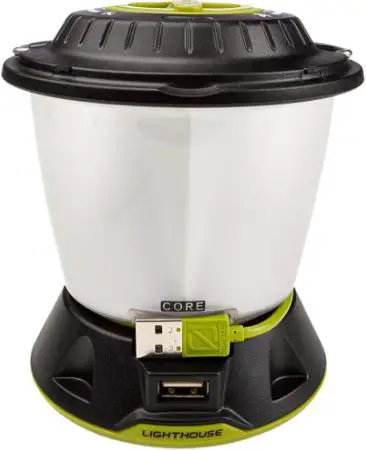
DEMO MODE
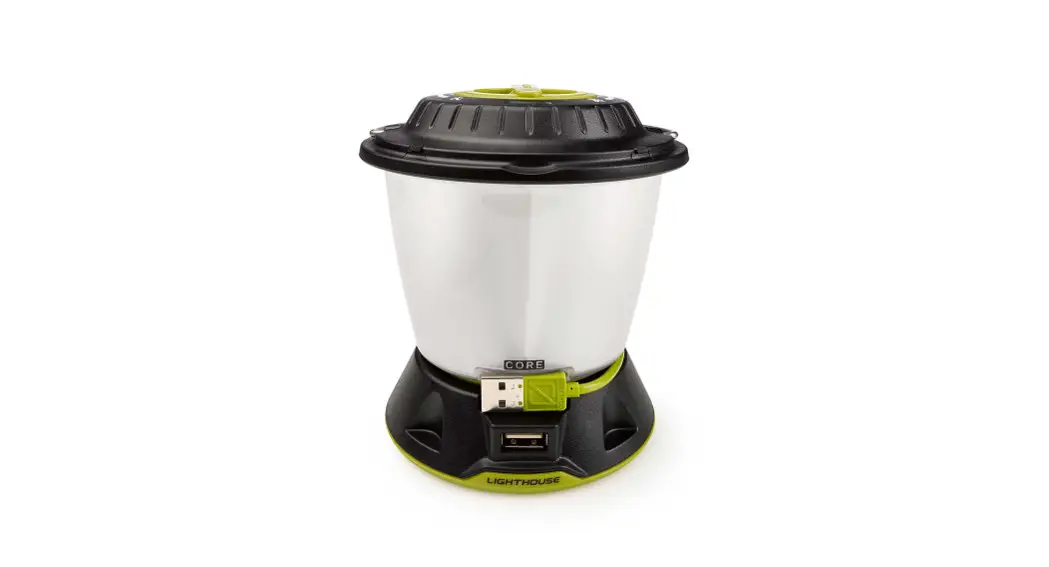
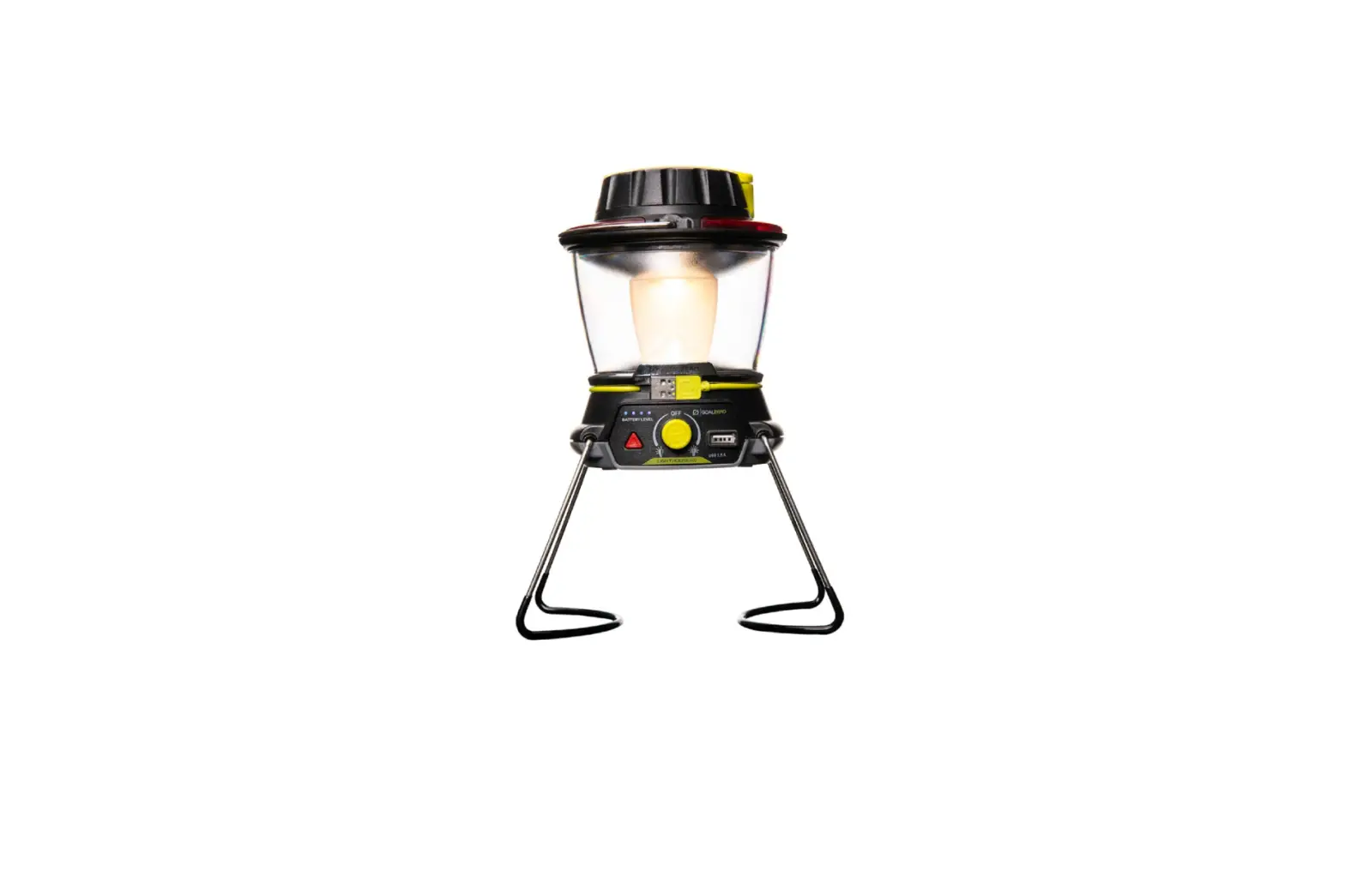
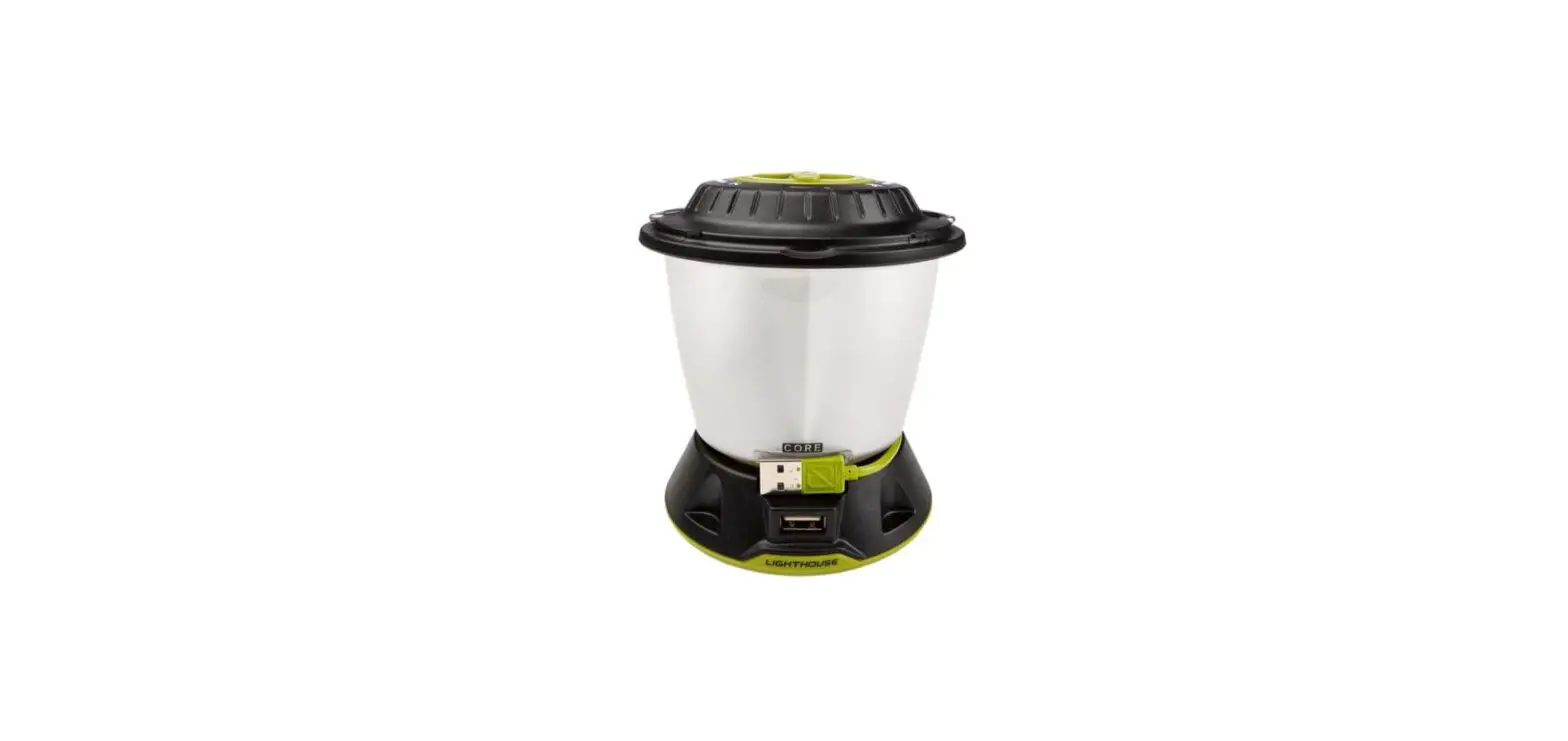
Take the Lighthouse CORE out of demo mode by plugging the built-in USB cable into a live USB port.
GET TO KNOW YOUR GEAR
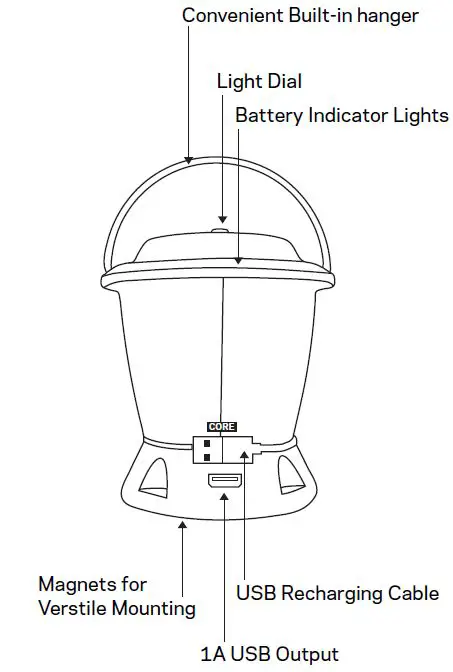
HOW IT WORKS
- Take the Lighthouse CORE out of demo mode by plugging it into a live USB port with the built-in recharging cable.
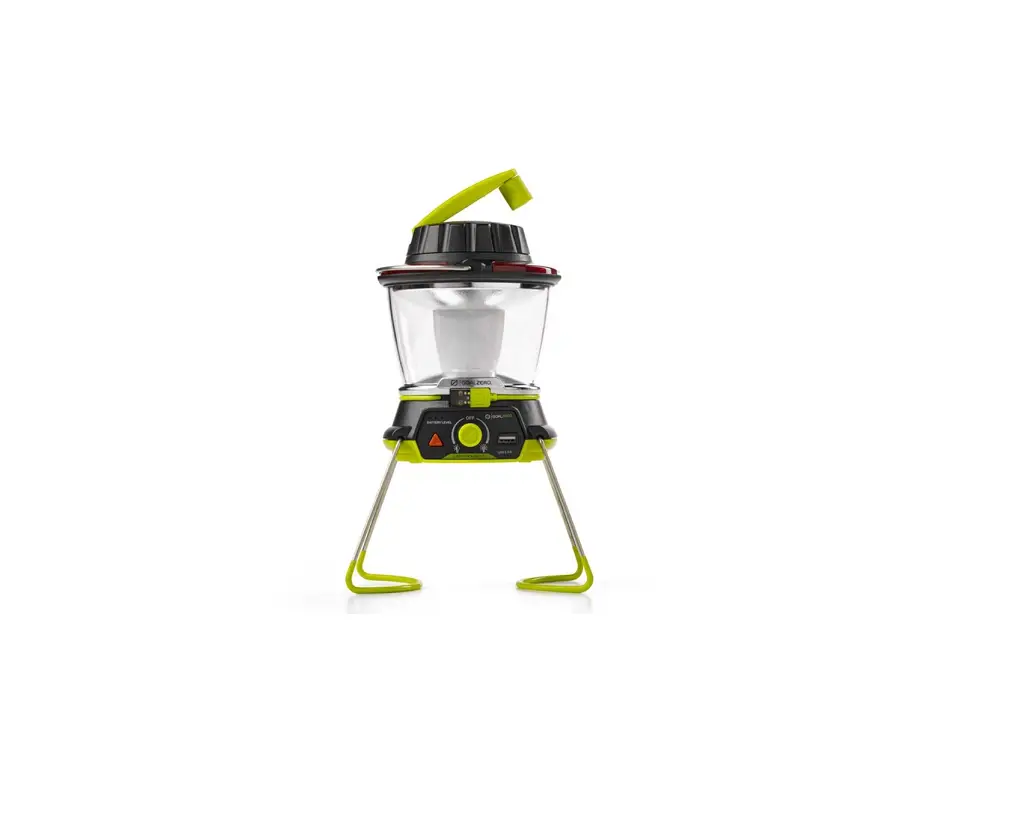
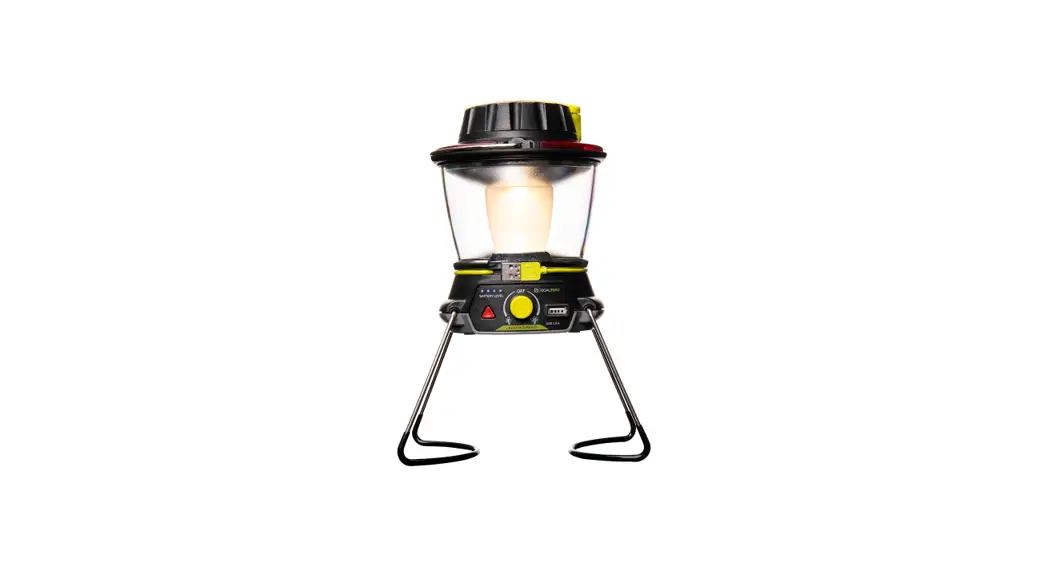
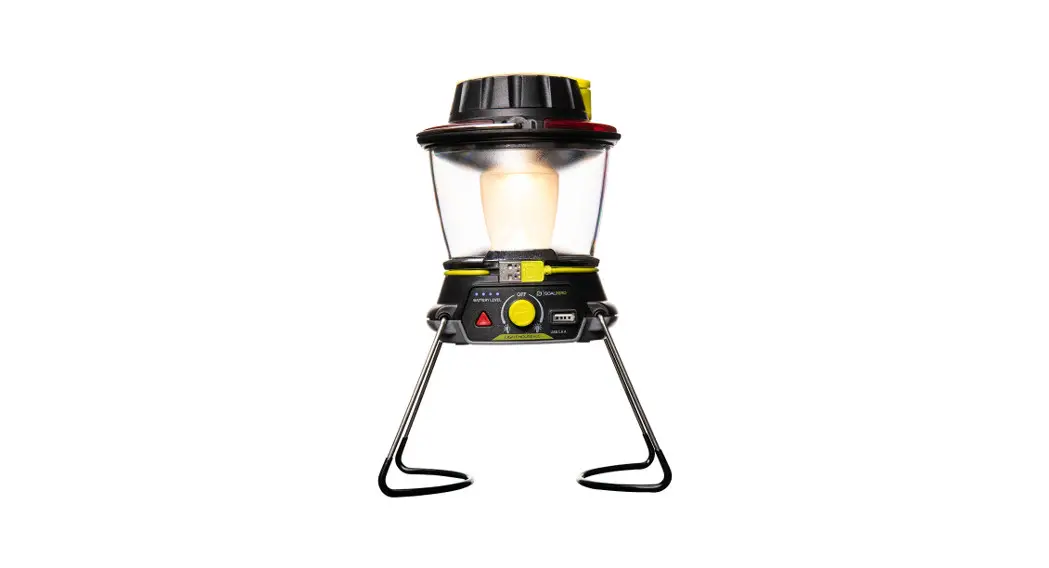
- Turn the dial on top of the Lighthouse CORE left or right for Dualite™ Directional Lighting and brightness options.
- Recharge the Lighthouse CORE by plugging it into a live USB port with the built-in recharging cable.
- Charge phones and boost tablets by plugging into the 1A USB output port.
TECHNICAL SPECIFICATIONS

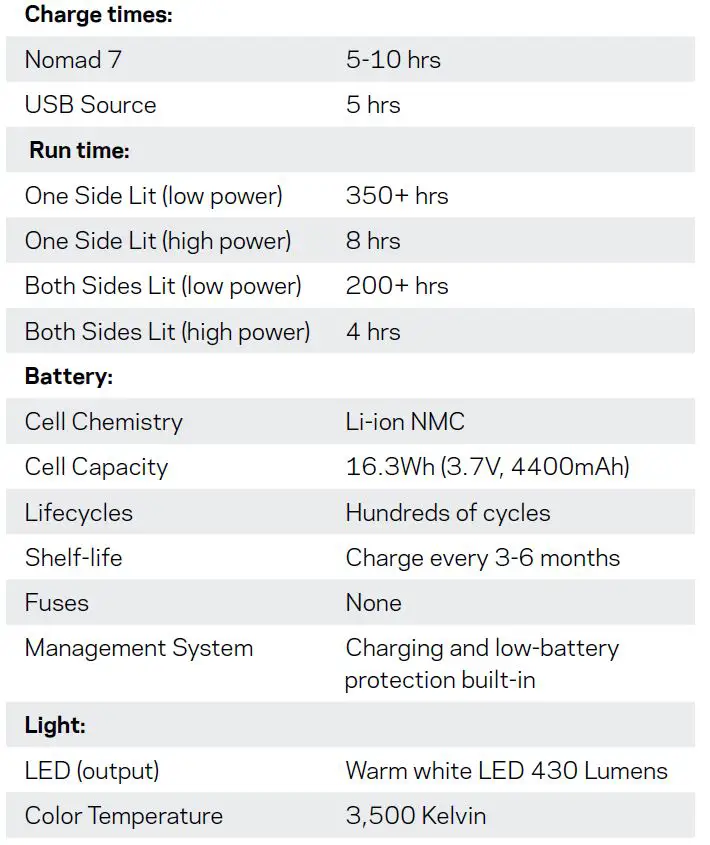
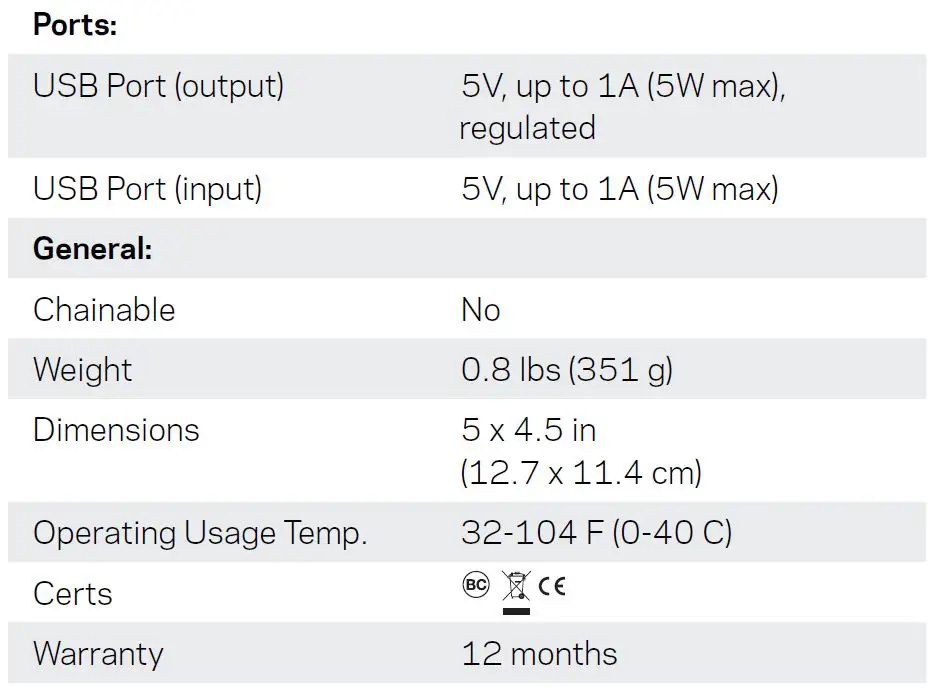
Be sure to register your product at goalzero.com/support