
USER MANUAL
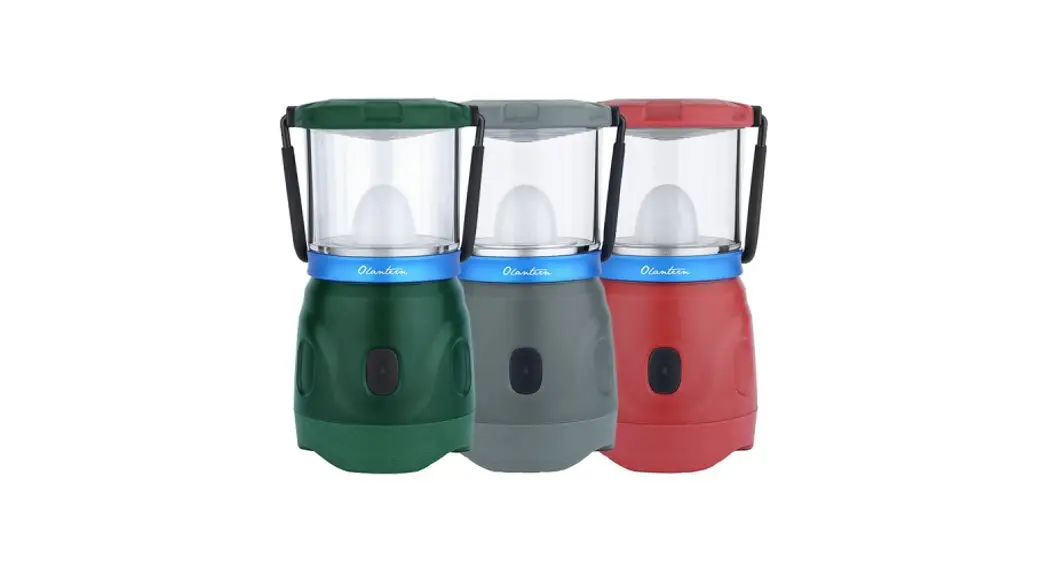
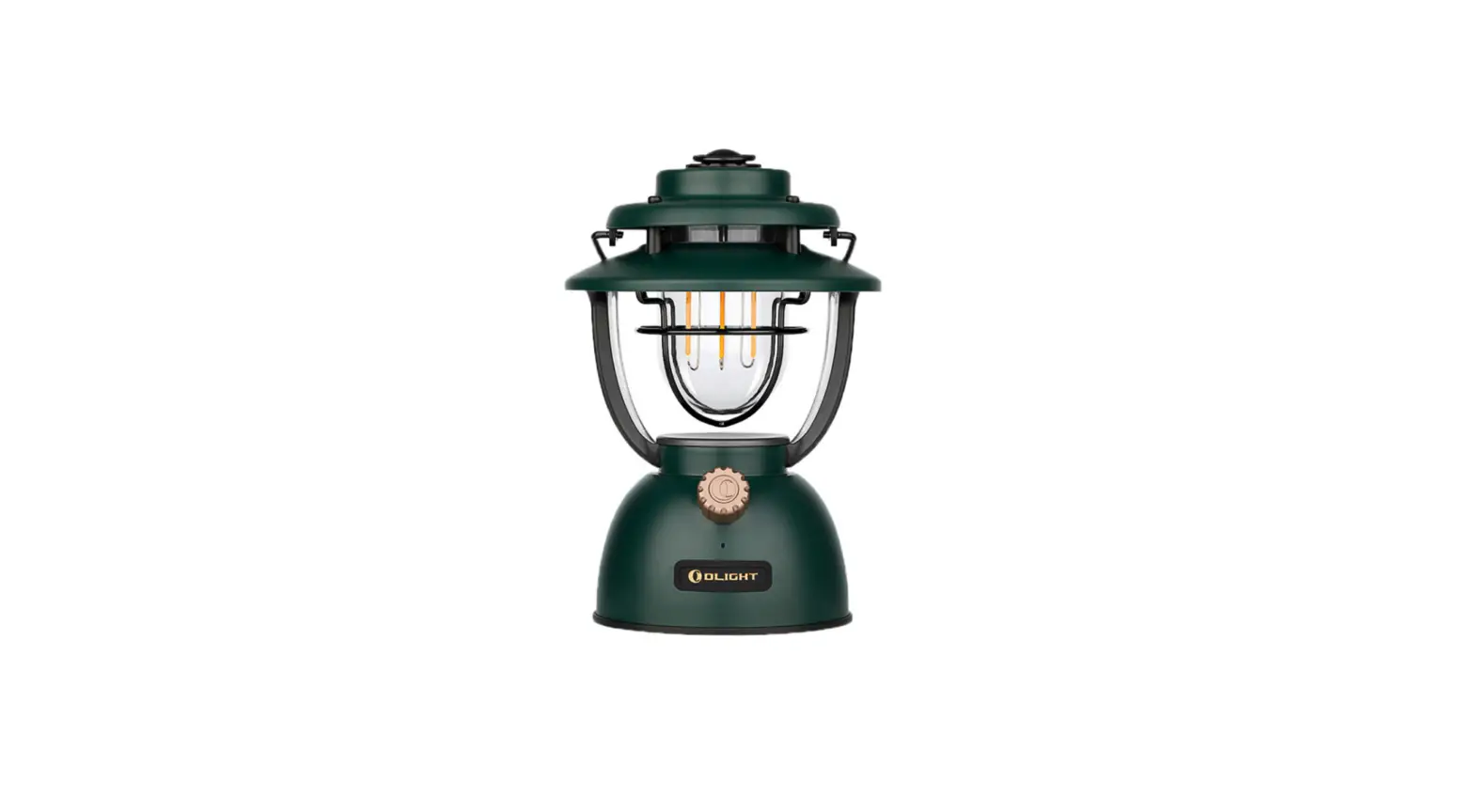
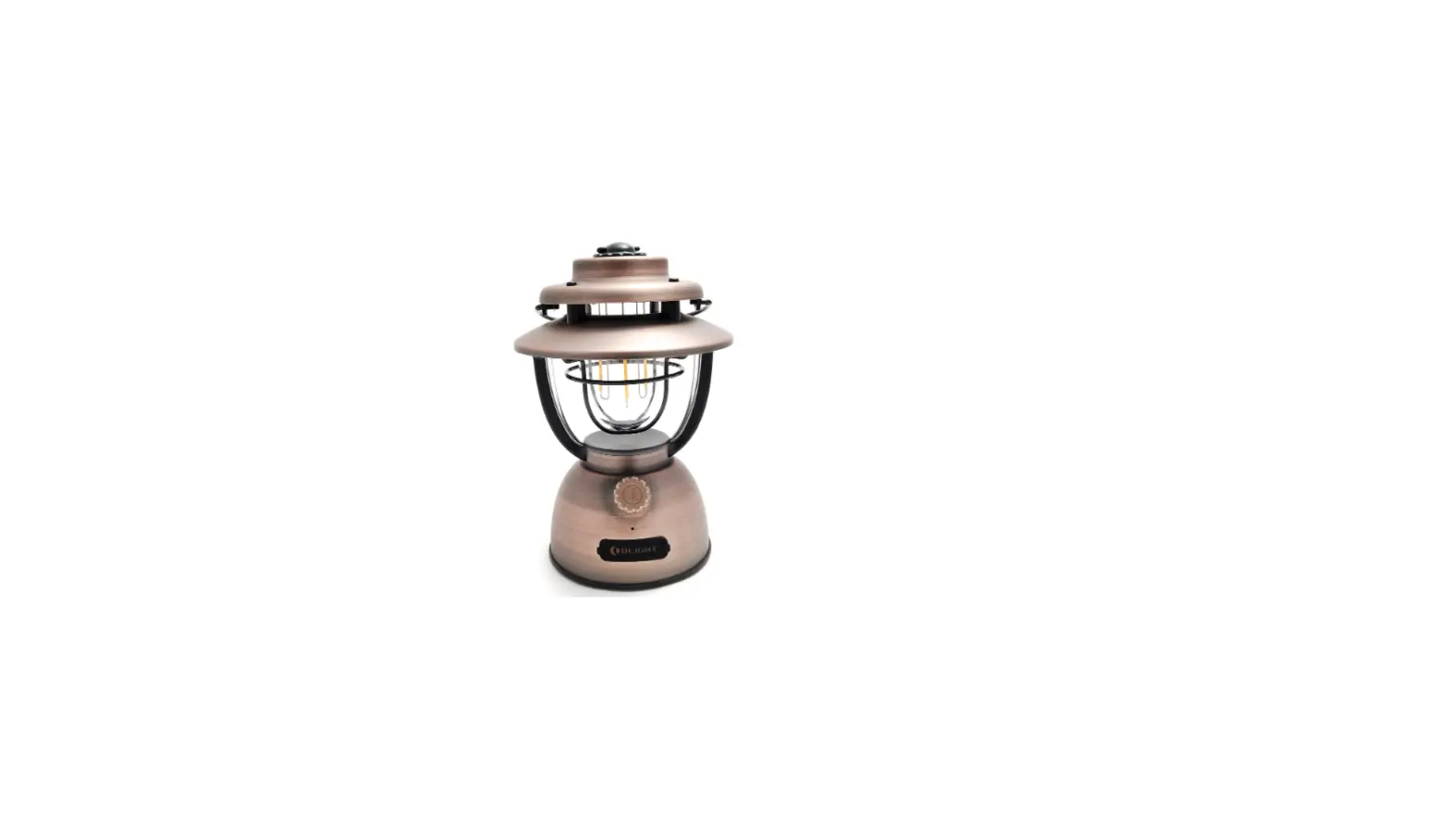
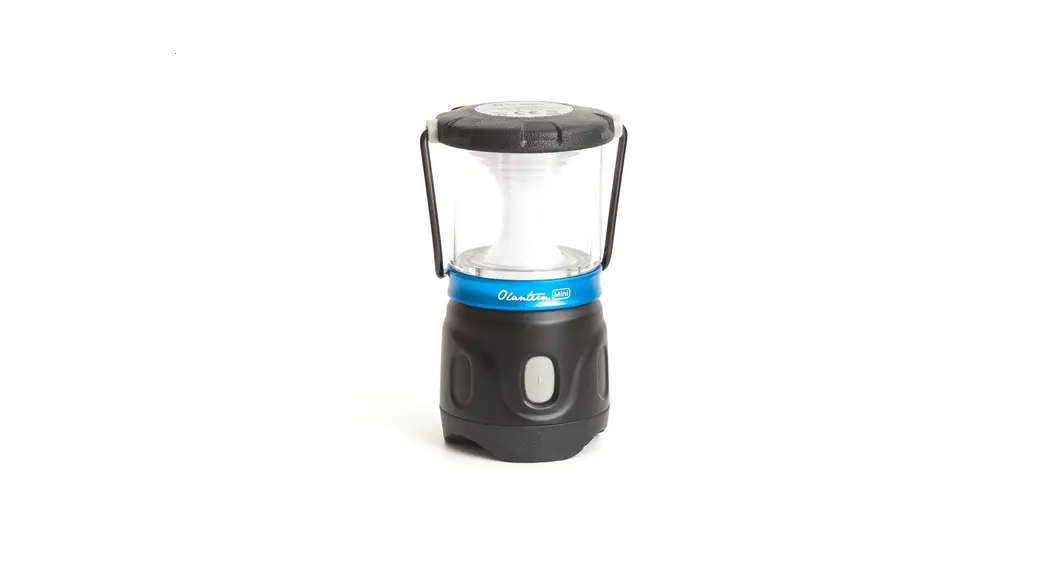
Olantern Mini
Thank you for purchasing this Olight Product. Please read this manual carefully before use and keep it for future reference!
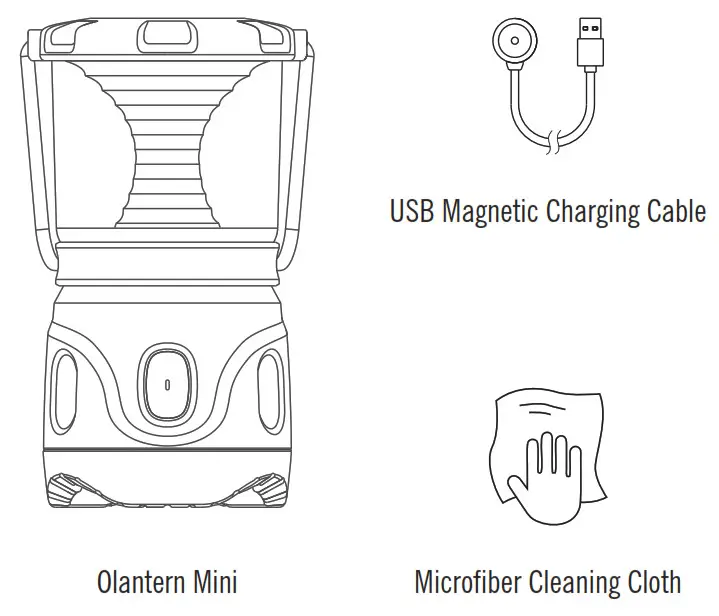
IN THE BOX
FEATURES
- Compact and sleek backpacking lantern that delivers excellent runtimes and output for its size.
- 360-degree light source that includes a red light (1 lumen) to preserve night vision or give signals and a dimmable white light (15, 50, 150 lumens) for general purpose use.
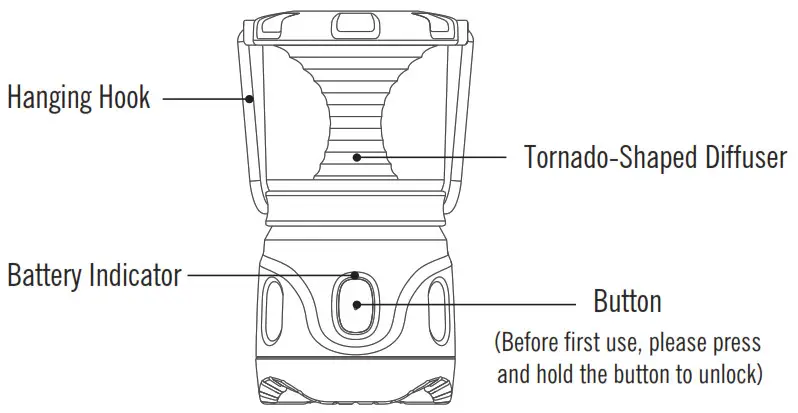
- Tornado-shaped diffuser for a softer and more balanced output.
- The nonslip and elastic TPE base stands stably on any flat surface, or you can easily hang it with the attached handle or the optional magnetic hook.
- Runtime up to 48 hours with an integrated 3.7V 2000mAh rechargeable lithium-ion battery.
- Equipped with a motion sensor that allows the battery indicator around the switch to light up after a shake or move.
USB MAGNETIC CHARGING CABLE — MCC3
| Parameter | Specification |
| Charging cable | USB type A – magnetic charging connector Length: 1.2m |
| Input | USB A – Type DC 5V 1A |
| Charging pattern | CC&CV |
| Maximum charging current | 1A |
| Voltage of fully charged battery | 4.2V±0.05V |
| Charge indication | Red: charging Green: full (over 95%) or disconnected with Olantern Mini |
| Time to fully charge | 3.5h |
SPECIFICATIONS
| HIGH | MED | LOW | RED LIGHT | |
 | 150 lumens | 50 lumens | 15 lumens | 1 lumens |
 | 4h | 12h | 48h | 34h |
 |  |  |  | |
| 1.0m | IPX4 | (H)3.91* (D)2.06in (H)99.35 * (D)52.20mm | 8.43oz / 239g |
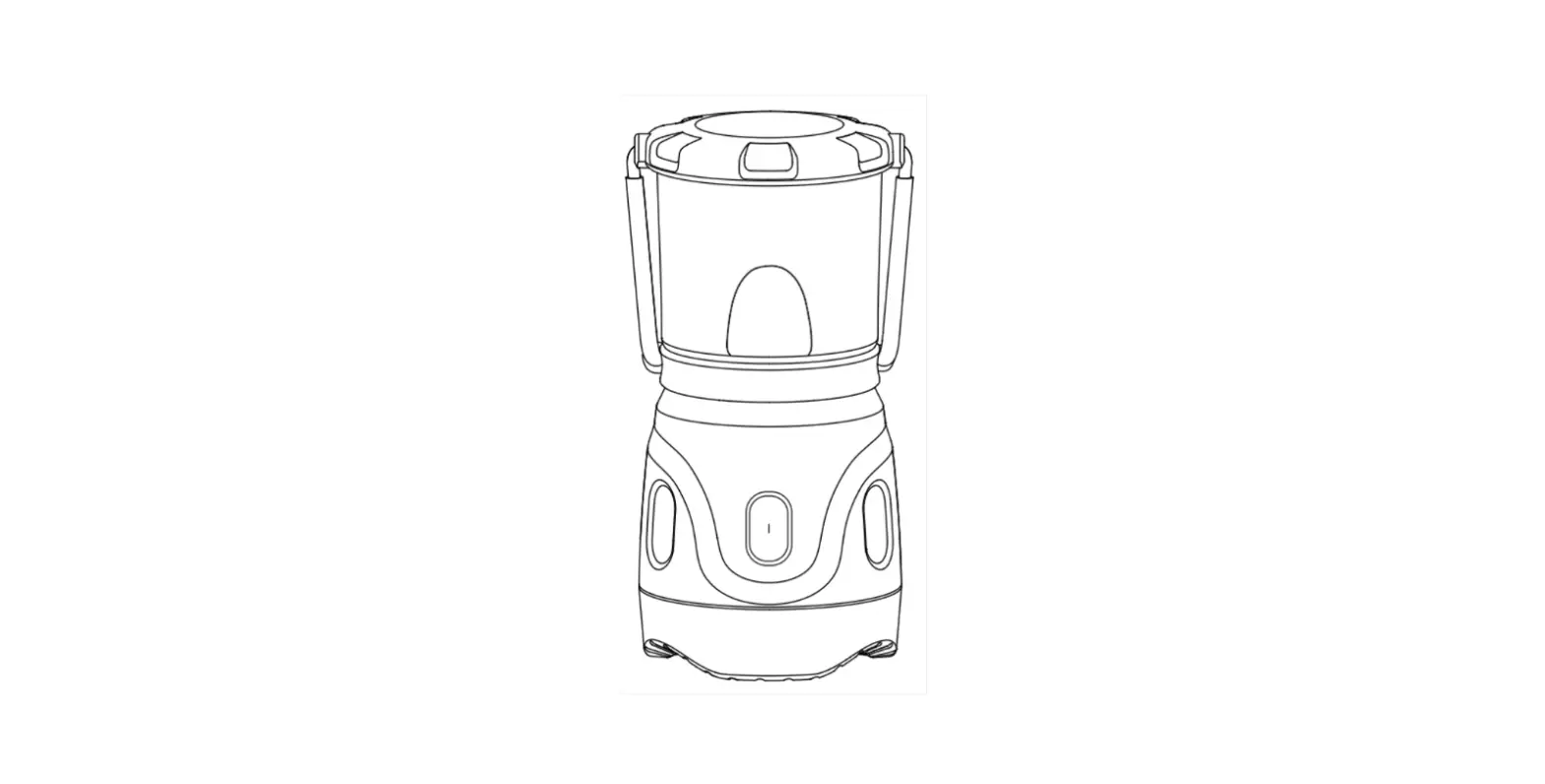
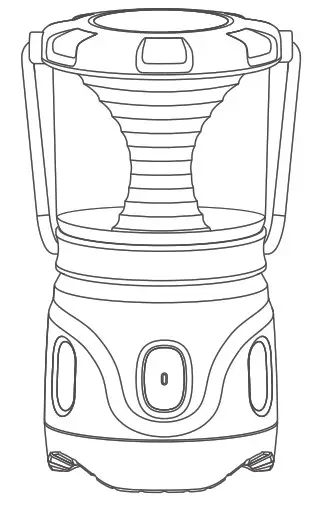
PRODUCT OVERVIEW
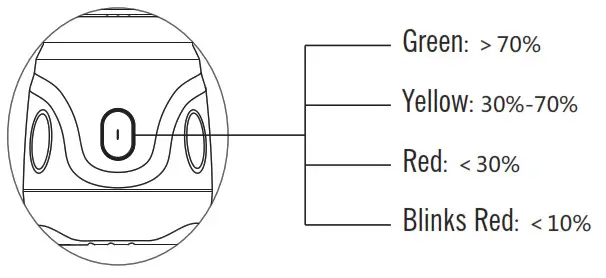
BATTERY LEVEL INDICATOR
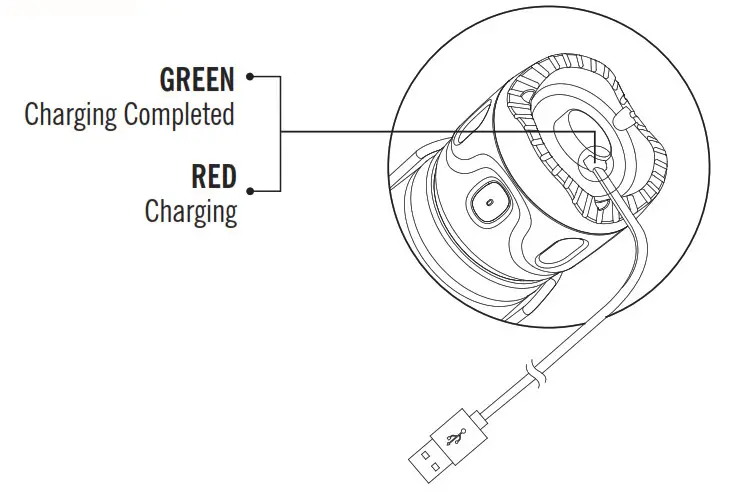
CHARGING
- Before first use please fully charge the product.
- Connect the magnetic USB end of the charging cable (MCC3) to an external USB power source, then attach the other end of the magnetic charging cable to the charging port (best charging efficiency with more than 5W (5V 1A) USB power source). The red indicator means charging, green indicator means charging completed (battery power>95%).
- Only charge with standard MCC3, not compatible with other MCC.

DANGER
- DO NOT shine the light directly into human eyes for a long time, which may cause temporary blindness or permanent damage to the eyes.
- DO NOT cover the Olantern Mini that is on. The generated heat can cause burning or even unpredictable disasters.
- Keep it out of reach of children.
WARNING
- DO NOT immerse the Olantern Mini in water.
NOTICE
The Olantern Mini battery indicator is motion-sensitive. The indicator will fade on and off in green, yellow, or red to indicate a high, medium, or low battery level when you move the Olantern Mini. After seven seconds with no motion, the indicator will turn off.
EXCLUSION CLAUSE
Olight is not liable for damages or injuries sustained resulting from the usage of the product inconsistent with the warnings in the manual, including but not limited to using the product inconsistent with the recommended lockout mode.
HOW TO OPERATE
ON/OFF: Single-click the button to turn the light on/off. When turned off and back on again, it will return to the previously memorized white light setting. Please note: the red light does not support the memory function. If the light is turned off with the red light setting, it will revert to the default low white light setting when turned back on.
CHANGE LIGHT COLOR: Quickly double click the button to switch between white and red light.
CHANGE BRIGHTNESS LEVELS: When the light is already turned on with the white light setting, press and hold the button to automatically cycle through low, medium, and high settings. For the red light setting, there is only one brightness level that cannot be changed.
LOCKOUT/UNLOCK: When the light is off, press and hold the button, it will enter the lockout mode after staying in the low setting for a while. Under the lockout mode, when single click the button, the red indicator around the button will be on to signal that the light is in lockout mode. To unlock it, keep holding the button until the low mode is on again.
WARRANTY
Within 30 days of purchase: Contact the original seller for repair or replacement.
Within 2 years of purchase: Contact Olight for repair or replacement.
USB magnetic charging cable: One year.
This warranty does not cover normal wear and tear, modifications, misuse, disintegrations, negligence, accidents, improper maintenance, or repair by anyone other than an authorized retailer or Olight itself.
EU-DECLARATION OF CONFORMITY EU-Declaration of Conformity can be found here :
https://olightworld.com/ec-declaration
USA Customer Support
[email protected]
Global Customer Support
[email protected]
Visit www.olightworld.com to see our complete product line of portable illumination tools.
Dongguan Olight E-Commerce Technology Co., Ltd
4th Floor, Building 4, Kegu Industrial Park, No 6 Zhongnan Road,
Changan Town, Dongguan City, Guangdong, China. Made in China
B. 06. 10. 2021 3.6001.6010.0002
 Olightworld.com.Olight Flashlights, Tactical Light, Outdoor Light, Weapon Light
 Olightworld.com.Olight Flashlights, Tactical Light, Outdoor Light, Weapon Light