
Quick Start Guide
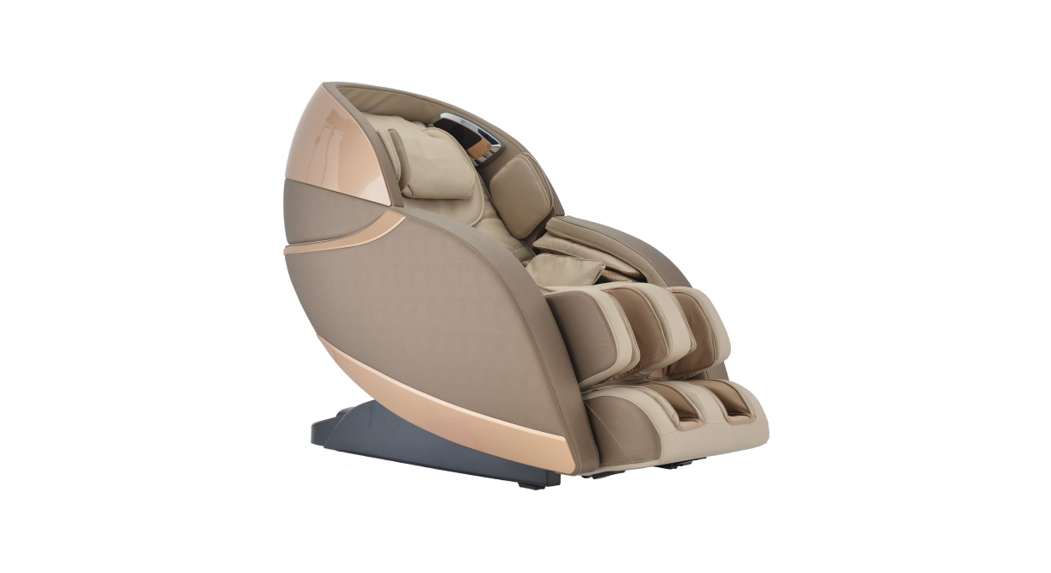
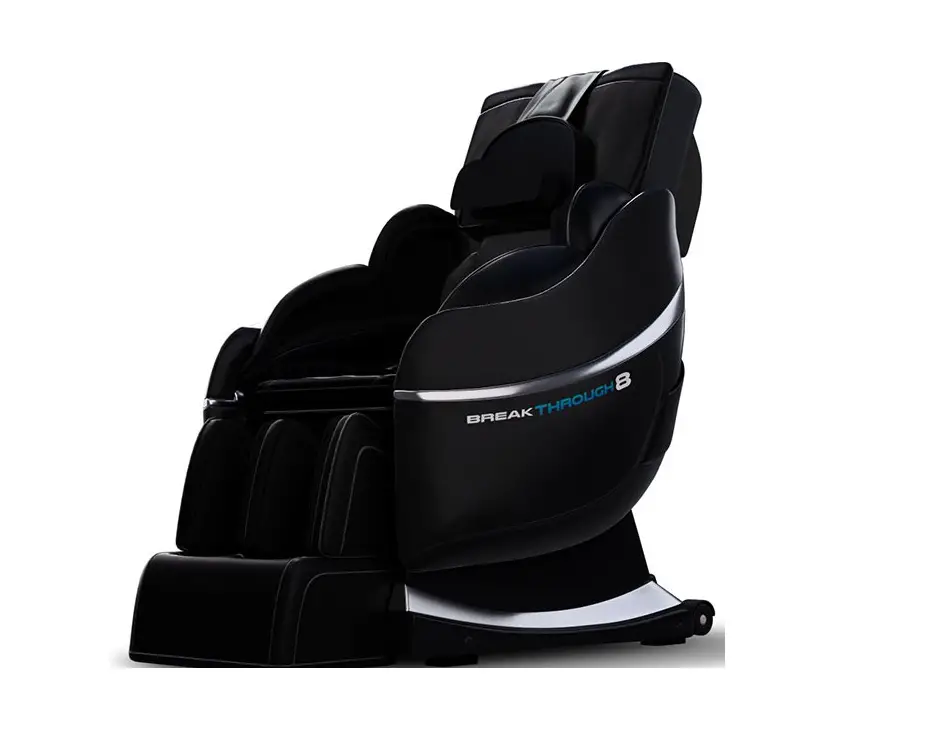
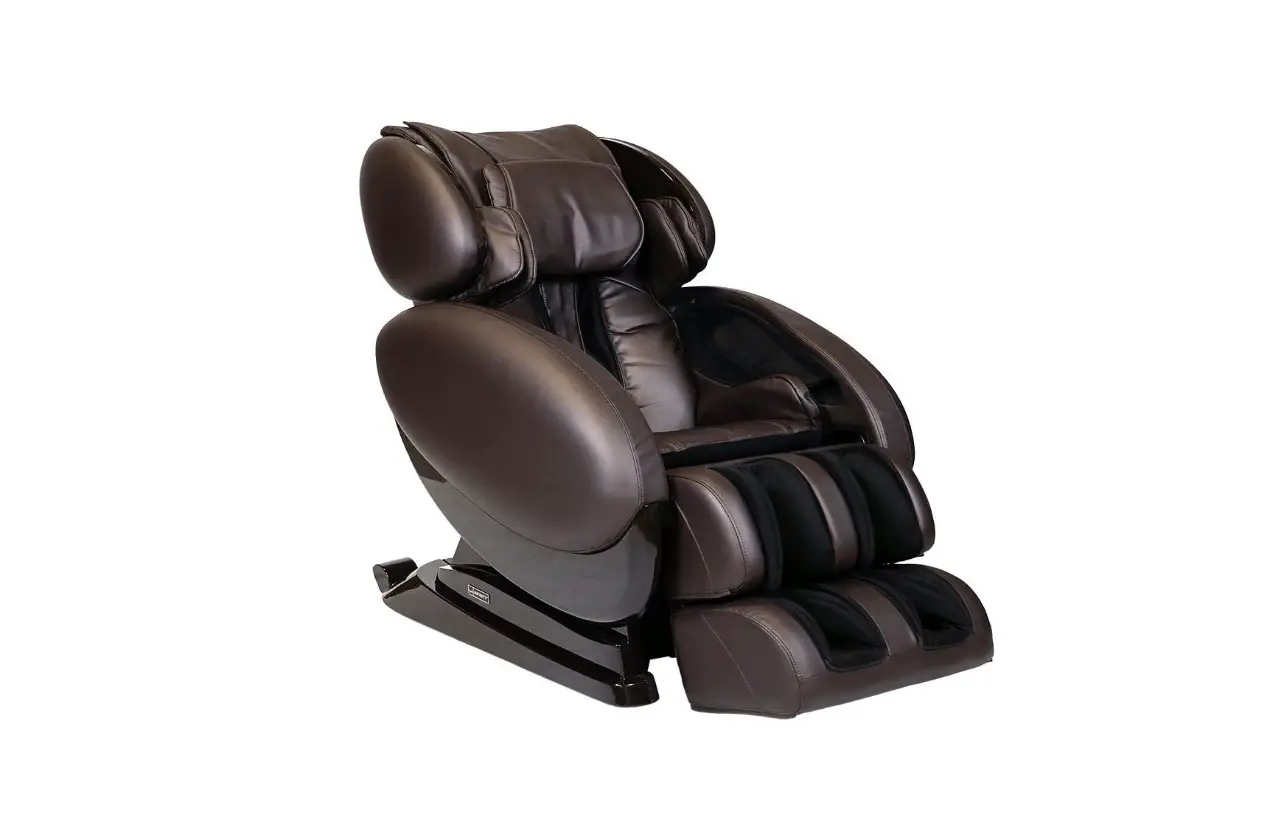
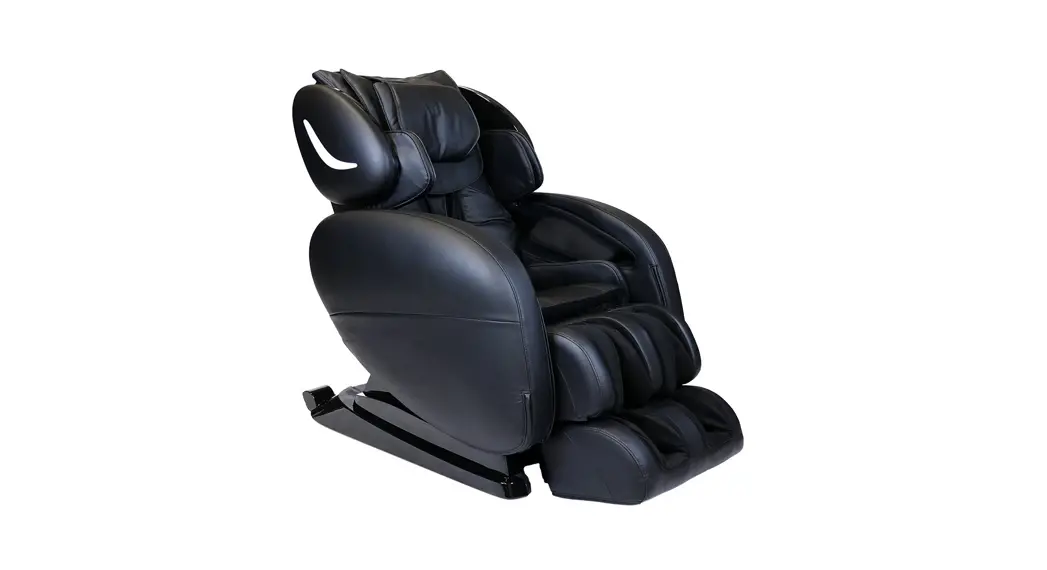
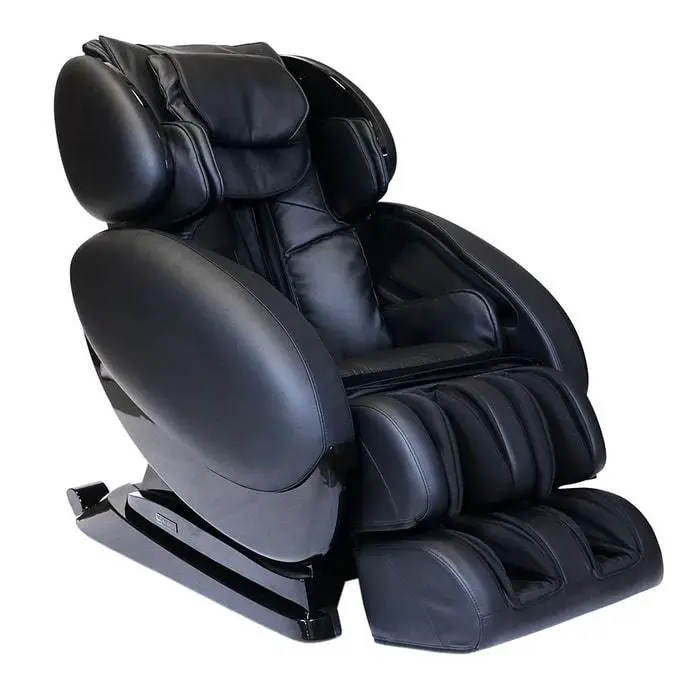
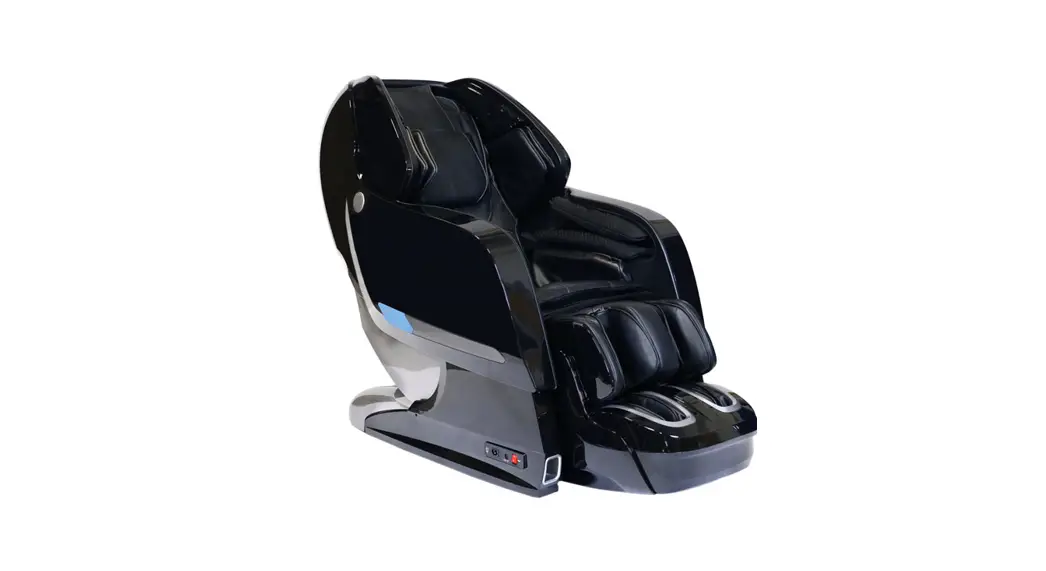
Evolution Max 4D
Massage Chair
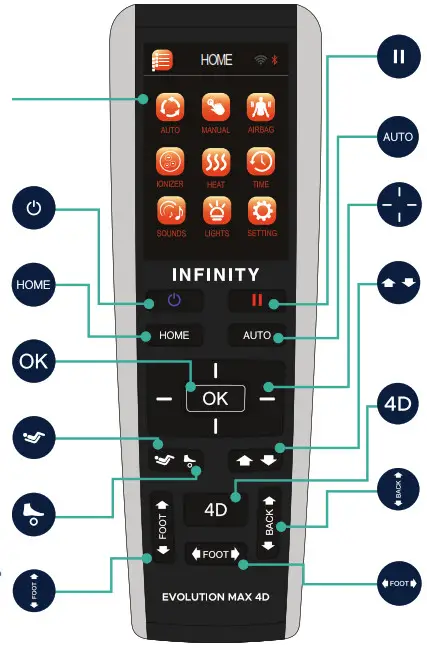
 | Multi-Functional Screen Use the directional buttons below to navigate these menu screens. Then press OK to select. |  | Pause – Press pause to immediately stop all massage chair activity, press again to resume |
 | Power – Powers up the remote or returns the chair to the exit position and powers down the remote. |  | Auto – Shortcut to the Auto Programs menu screen |
 | Home – Shortcut to the home page of all menu screens. |  | Directional Button – Press up, down, left or right to navigate the display screen |
 | OK – After navigating to the command desired on the display, push OK to select. |  | Back Adjustment – Back mechanism position adjustment; press and hold up to raise, press and hold down to lower. Use during initial body scan fine tuning or in manual point or partial zone mode |
 | Zero Gravity – Press for Zero Gravity 1, press again for Zero Gravity 2, press again to restore recline. |  | 4D – Press to increase or decrease The 4D intensity of the back mechanism. The in-use screen displays intensity dial |
 | Foot Roller – Press to turn off Foot Reflexology Rollers, press again to resume Foot Reflexology Rollers. |  | Seat Back Position – Press and hold down the arrow to recline the seatback, press and hold the up arrow to upright the seatback |
 | Footrest – Press and hold up arrow to bring footrest up, press and hold down arrow to bring footrest down |  | Leg Length – Press and hold right arrow to extend the leg length adjustment, press and hold the left arrow to retract the leg length adjustment |
In-Use Screen
After a Massage program is selected, the In-use screen displays all settings to that program.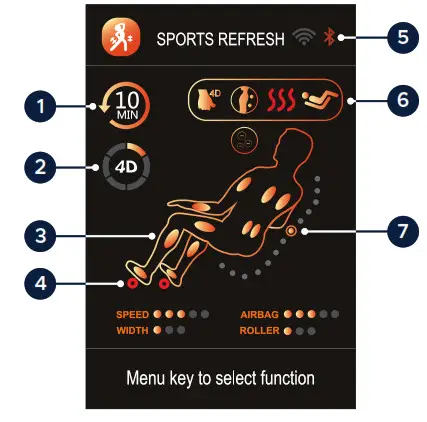
- Bluetooth connected
- Indicators
- Back-roller position & direction
- Time left
- 4D intensity level
- Active airbags
- Active rollers
Intelligent Voice Control
To activate the voice control feature on your remote: Menu > Setting > Voice > On.
Touch the button on the left speaker, or say “Switch to voice mode” to complete voice control activation.
Use the voice control commands below:
(Once you’ve activated voice control, give a command within 5 seconds, or you will have to re-activate the voice function.)
| – Power On | – Waist & Spine |
| – Switch Off | – Airbag Massage |
| – Activate Massage | – Deep Shiatsu |
| – Sports Refresh | – Healthy Breath |
| – Extension | – Massage Extend |
| – Rest & Sleep | – Zero Gravity |
| – Working Relief | – Start Heat |
| – Neck & Shoulder | – Heat Off |
Share a photo and tag us:
 @infinity_chairs
 @Infinitymassagechairs
 @Infinitymassagechairs
Don’t forget to use #infinitymassagechairs
72 Start Road, Seabrook, NH 03874
603-910-5000
www.infinitymassagechairs.com
Version 1.0