
Quick Start Guide
In-Use Screen
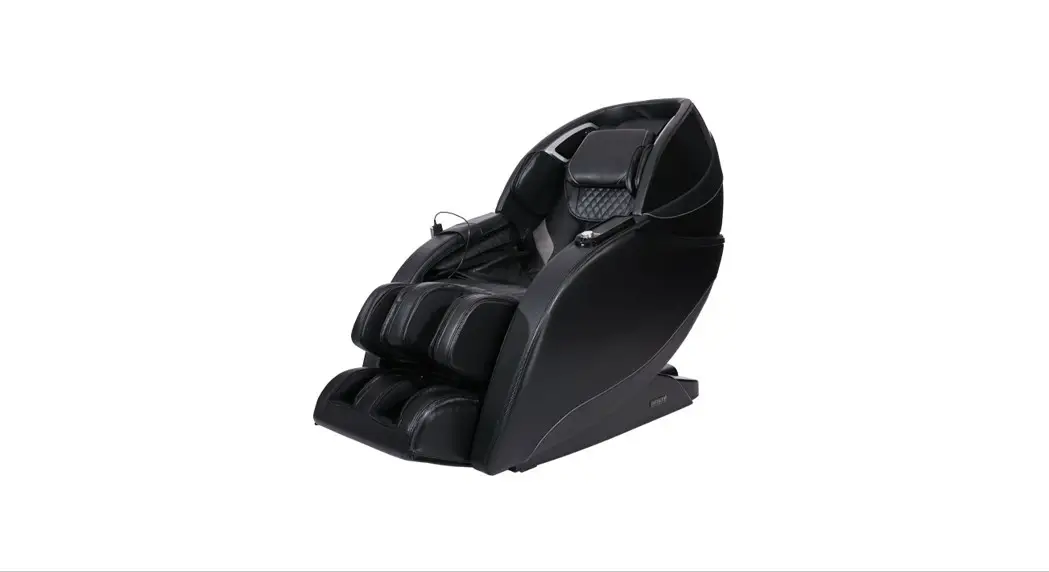
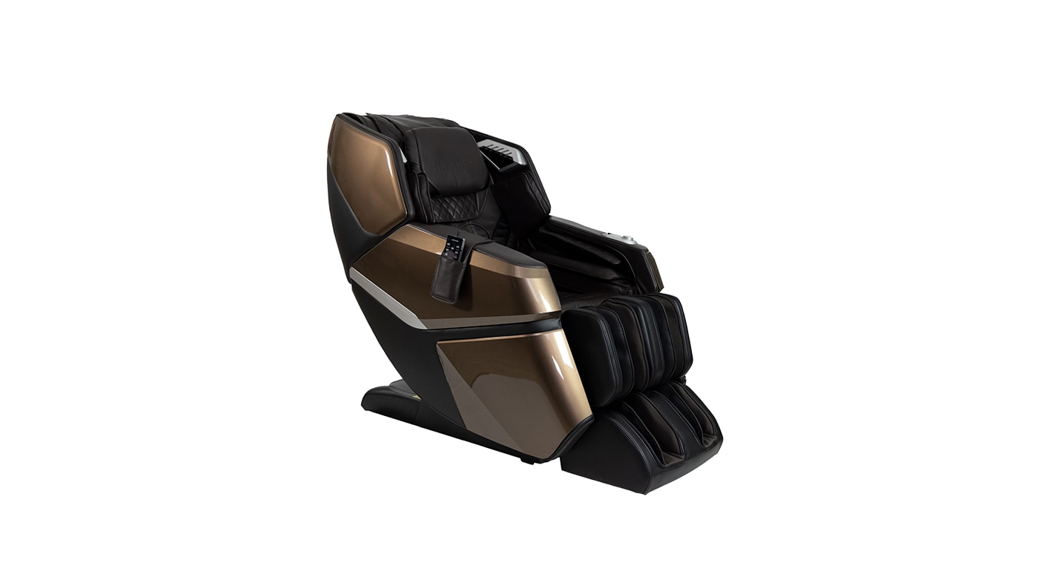
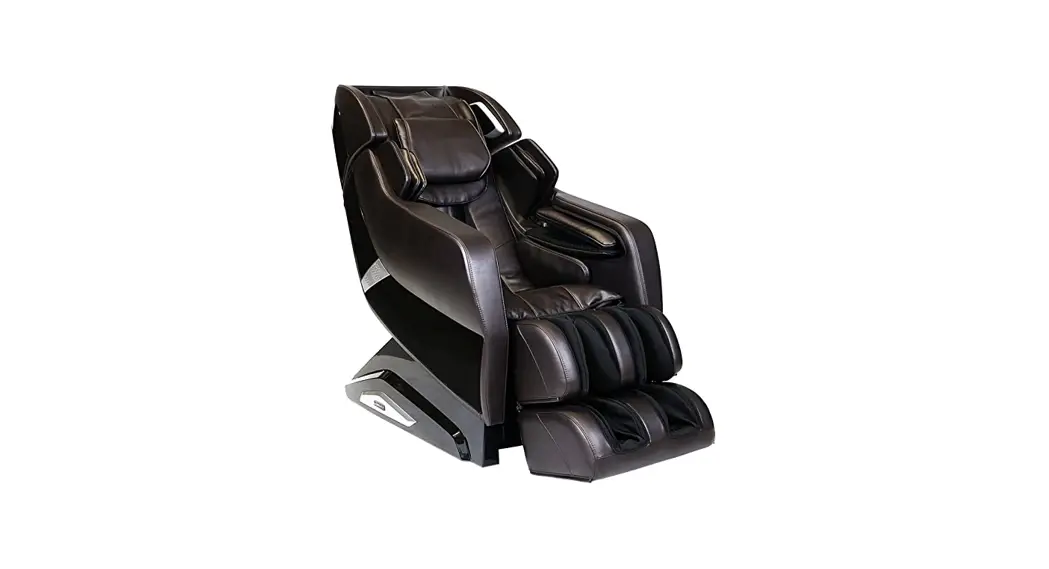
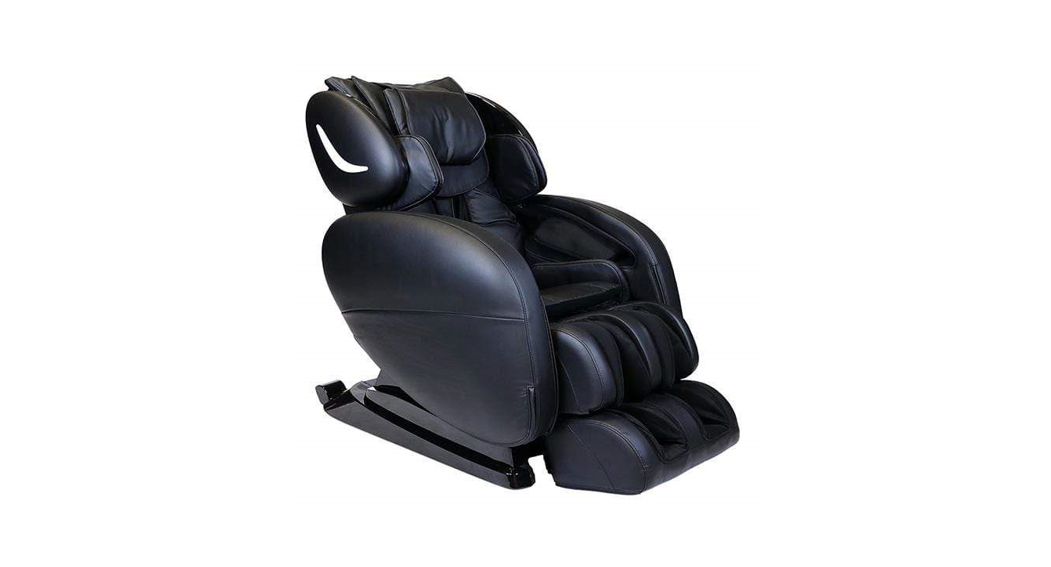
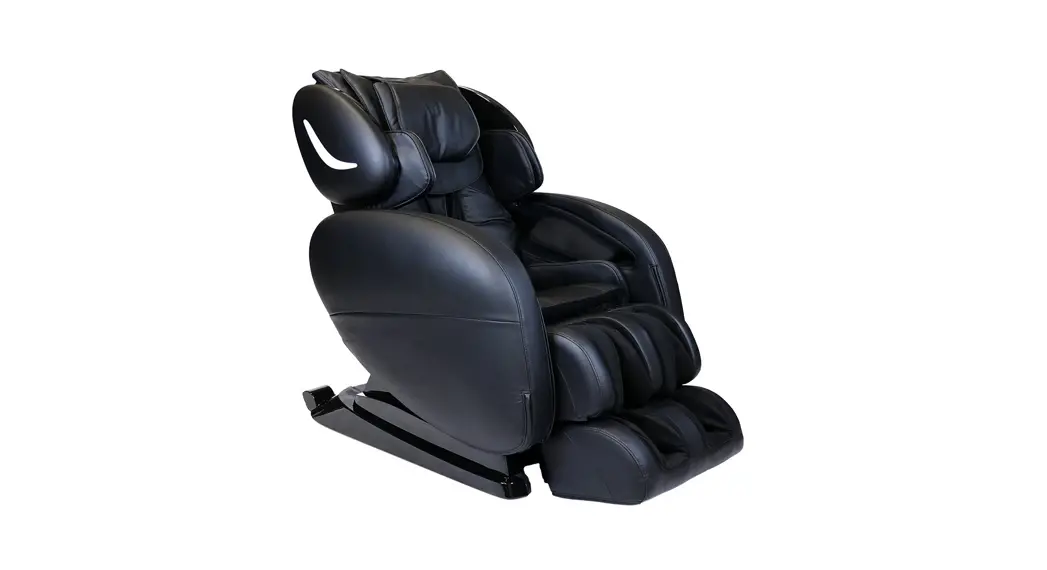
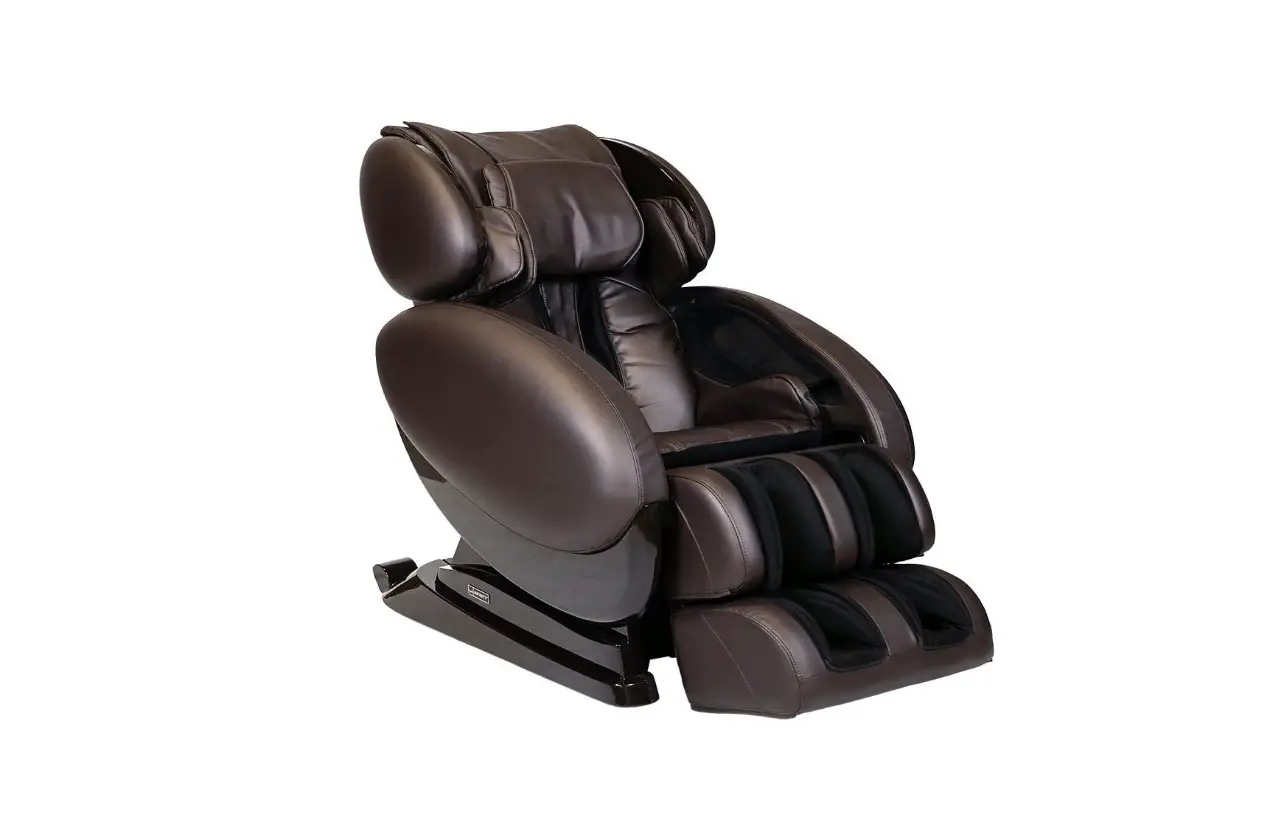
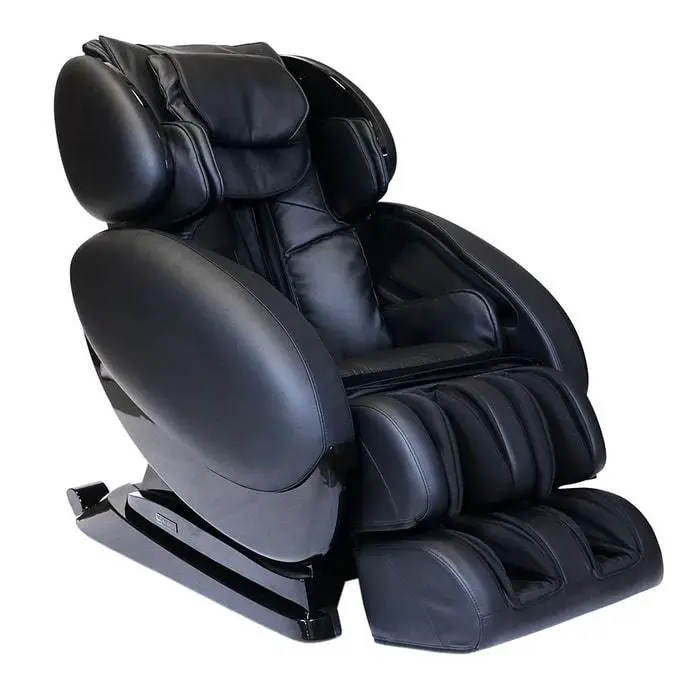
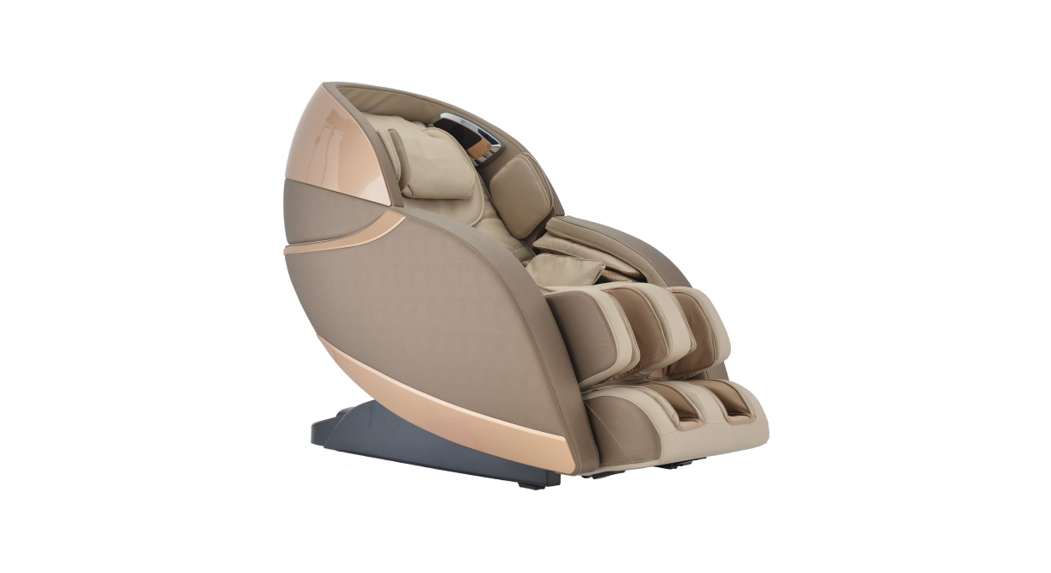
Evolution 3D/4D Massage Chair
After a Massage program is selected, the In-use screen displays all settings to that program.
 In-Use Screen
 In-Use Screen
After a Massage program is selected, the In-use screen displays all settings to that program.
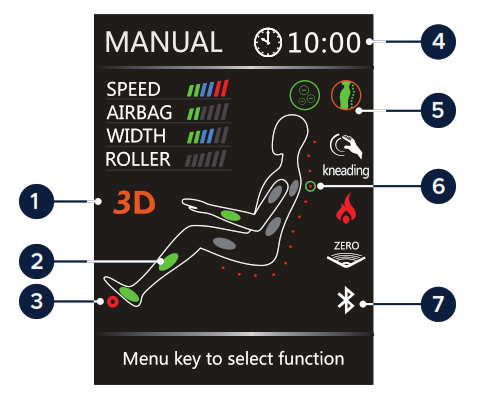
- 3D intensity level
- Active airbags
- Active rollers
- Time left
- Indicators
- Back-roller position & direction
- Bluetooth connected
Intelligent Voice Control
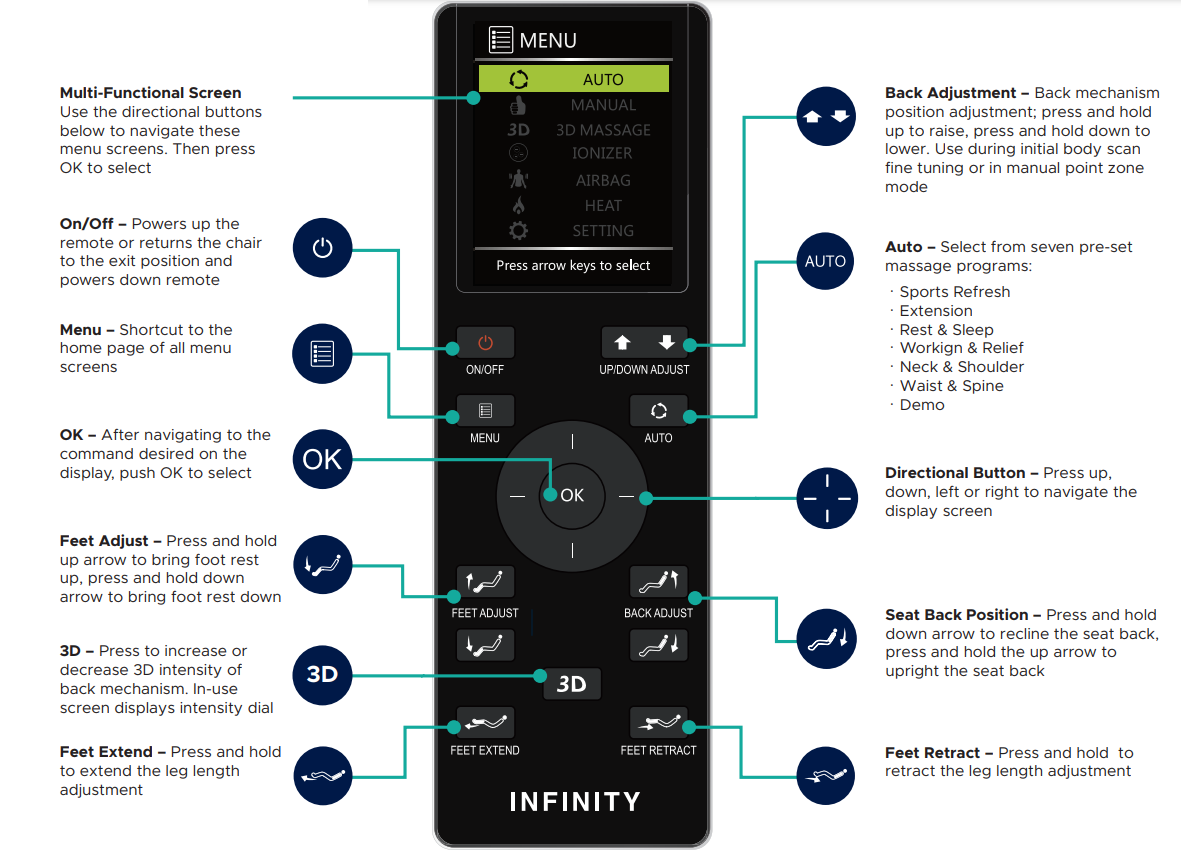
To activate the voice control feature on your remote: Menu > Setting > Voice > On.
Touch the button on the left speaker, or say “Switch to voice mode” to complete voice control activation.
Use the voice control commands below:
(Once you’ve activated voice control, give a command within 5 seconds, or you will have to re-activate the voice function.)
| – Power On – Switch Off – Activate Massage – Sports Refresh – Extension – Rest & Sleep – Working Relief – Neck & Shoulder | – Waist & Spine – Airbag Massage – Deep Shiatsu – Healthy Breath – Massage Extend – Zero Gravity – Start Heat – Heat Off |
 @Infinitymassagechairs
 @infinity_chairs
 @Infinitymassagechairs
Don’t forget to use #lovemyinfinitychair
72 Start Road, Seabrook, NH 03874
603-910-5000
www.infinitymassagechairs.com
Version 2.0
 Massage Chairs & Recliners | Infinity Massage Chairs