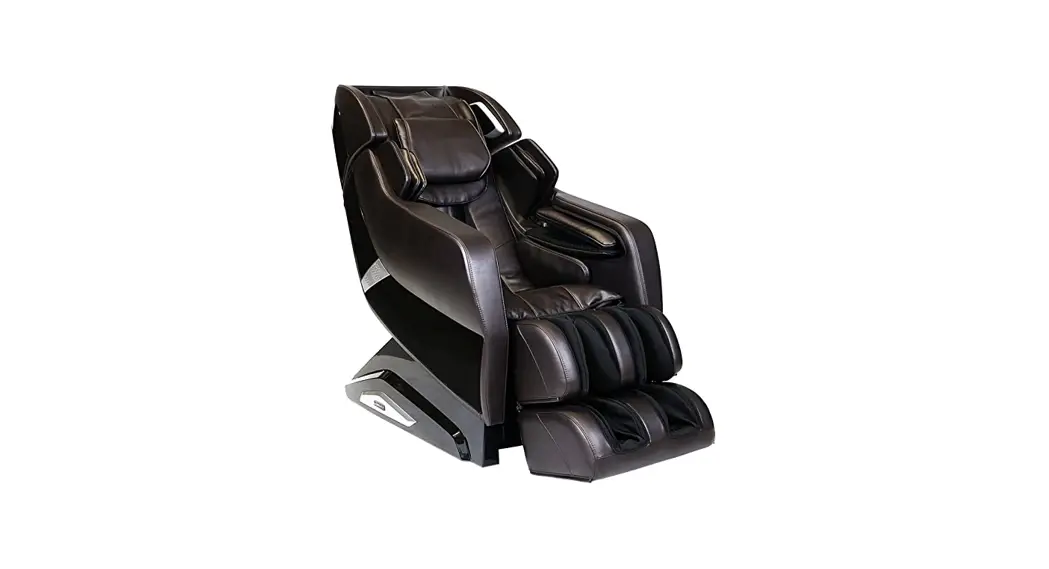
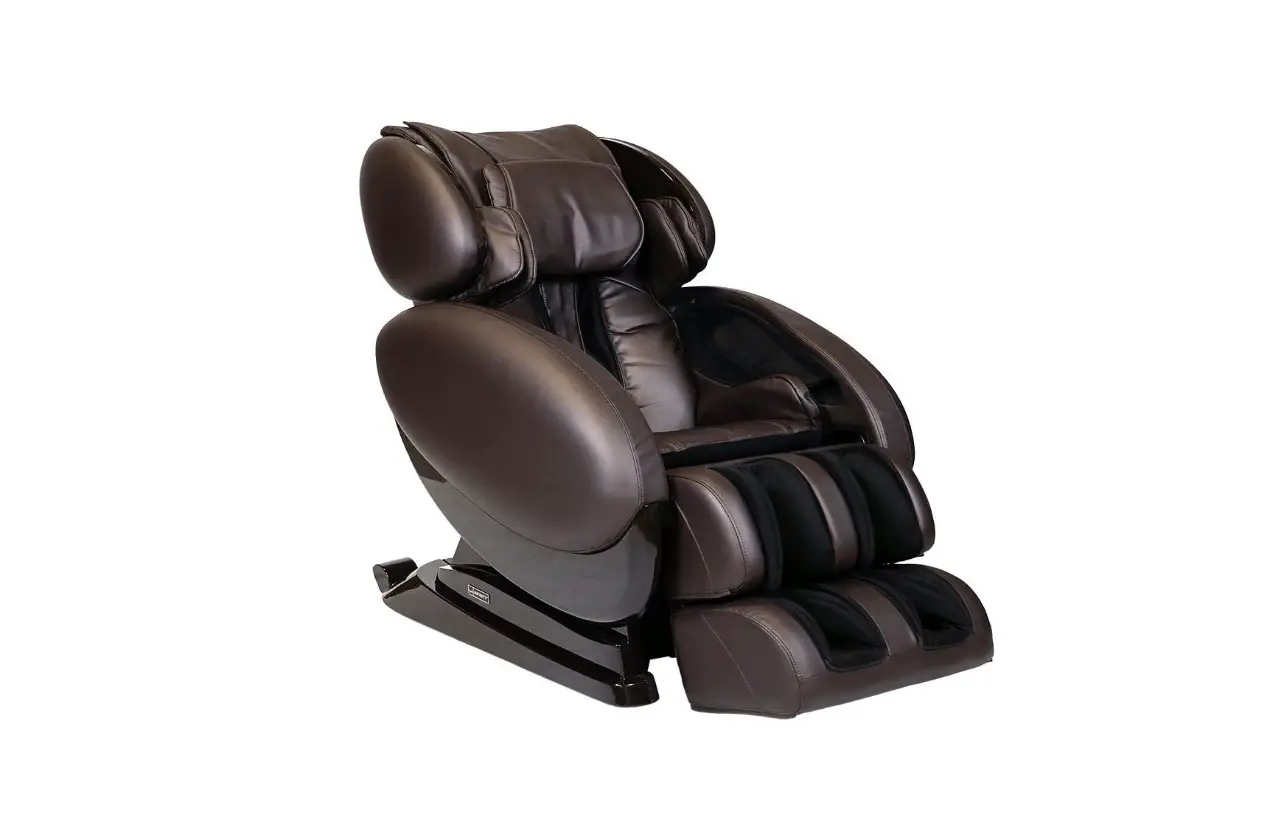
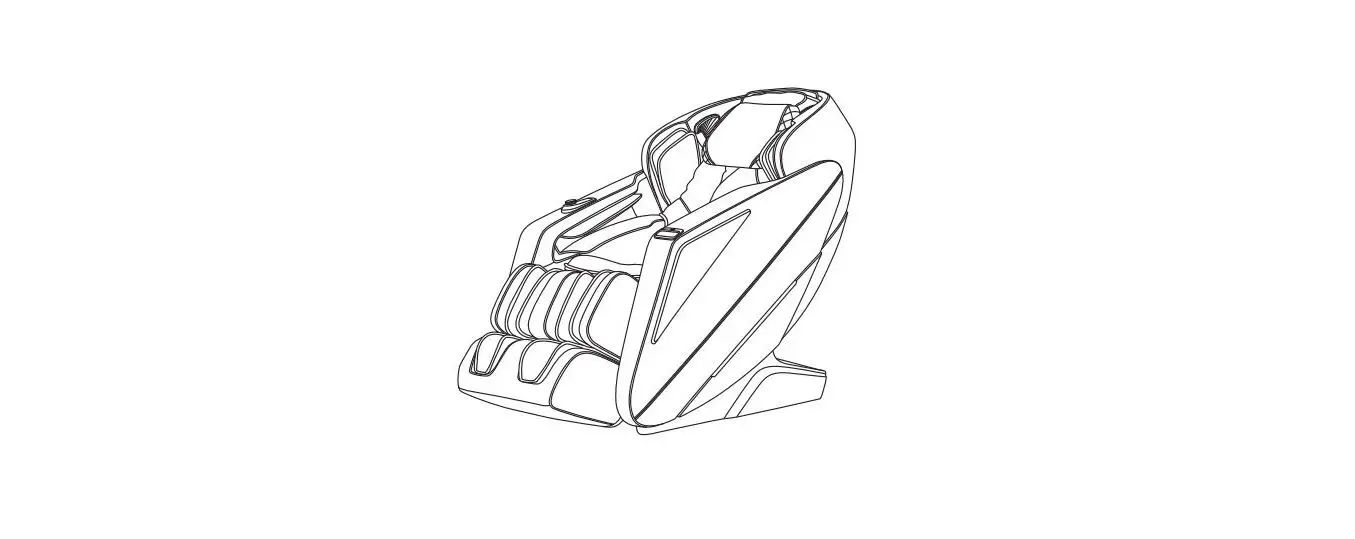
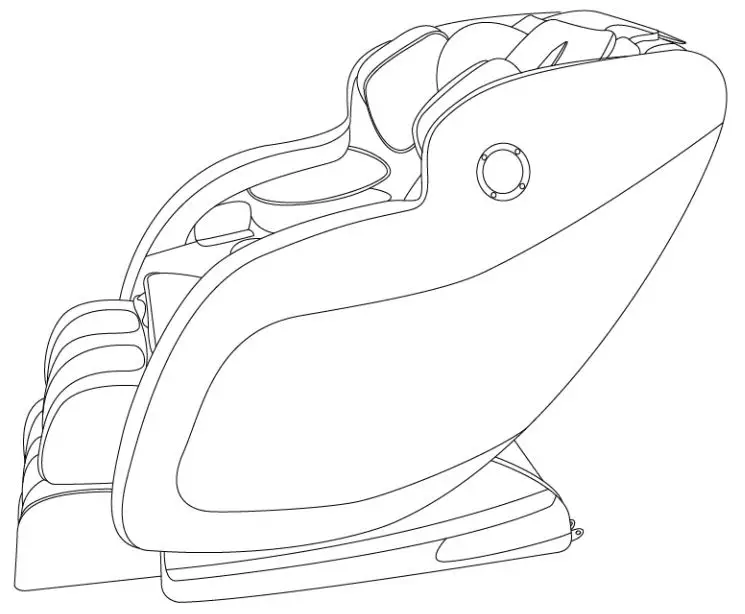
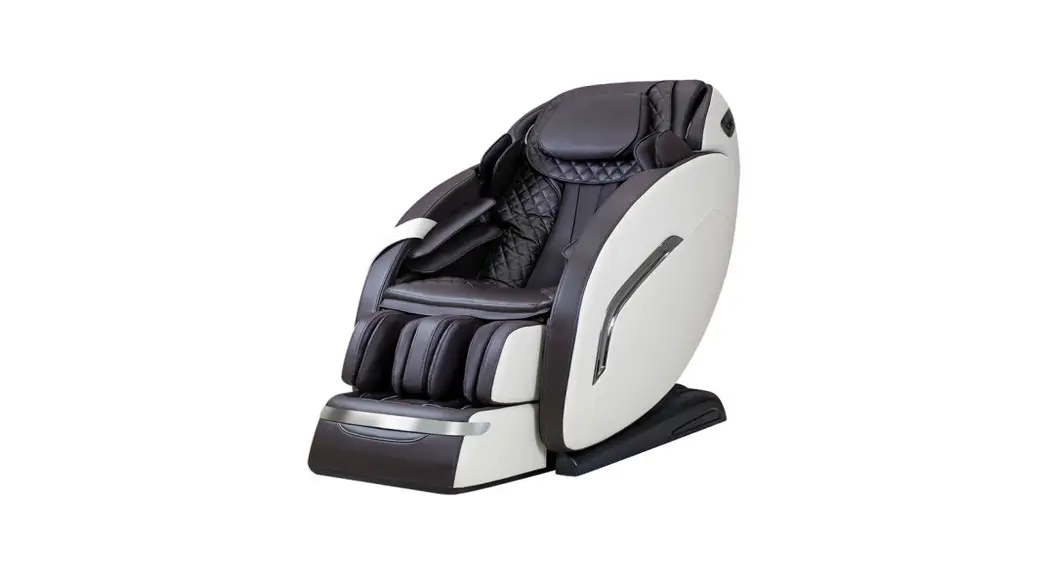
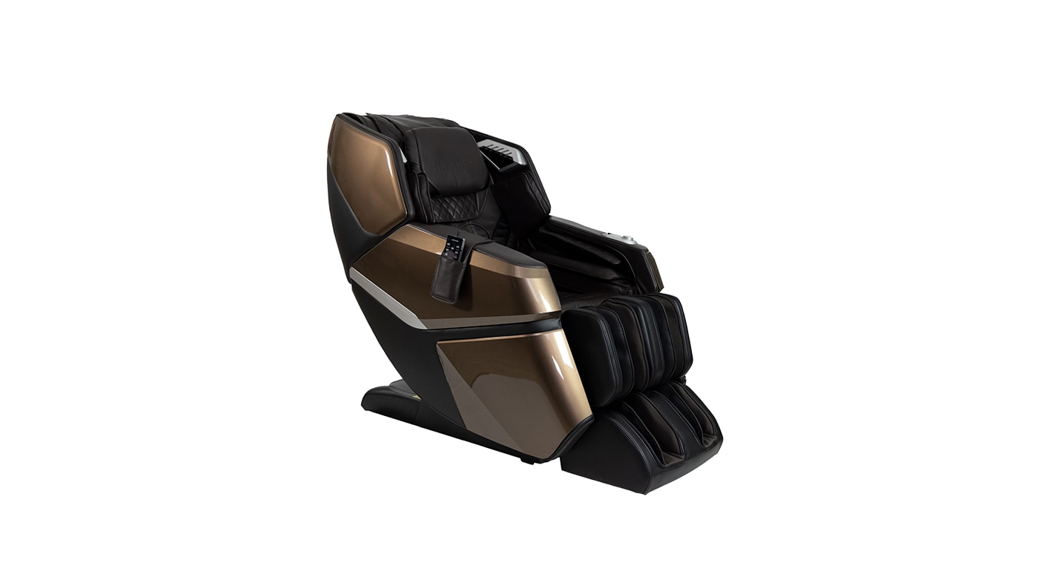
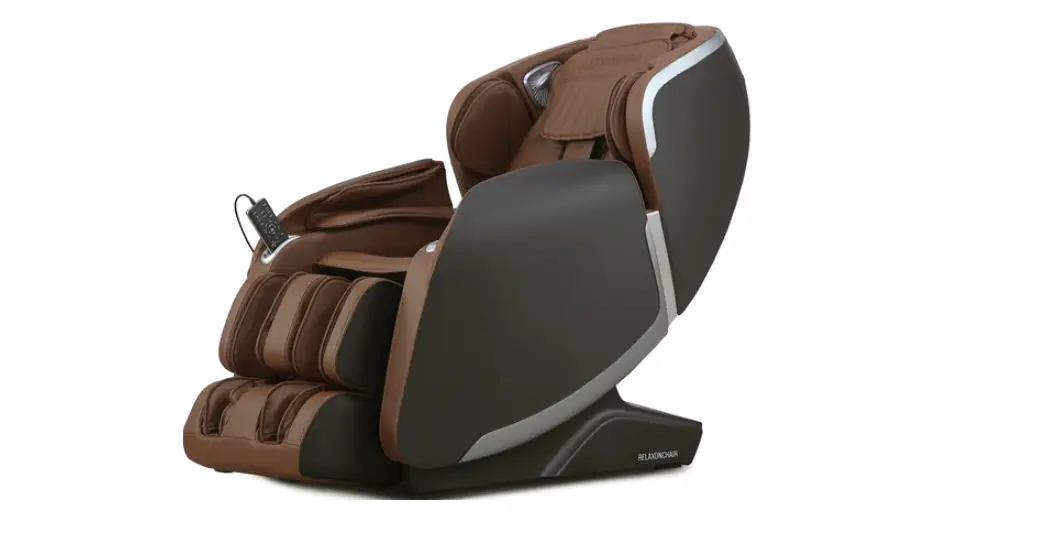
Luminary Massage Chair
Product Information
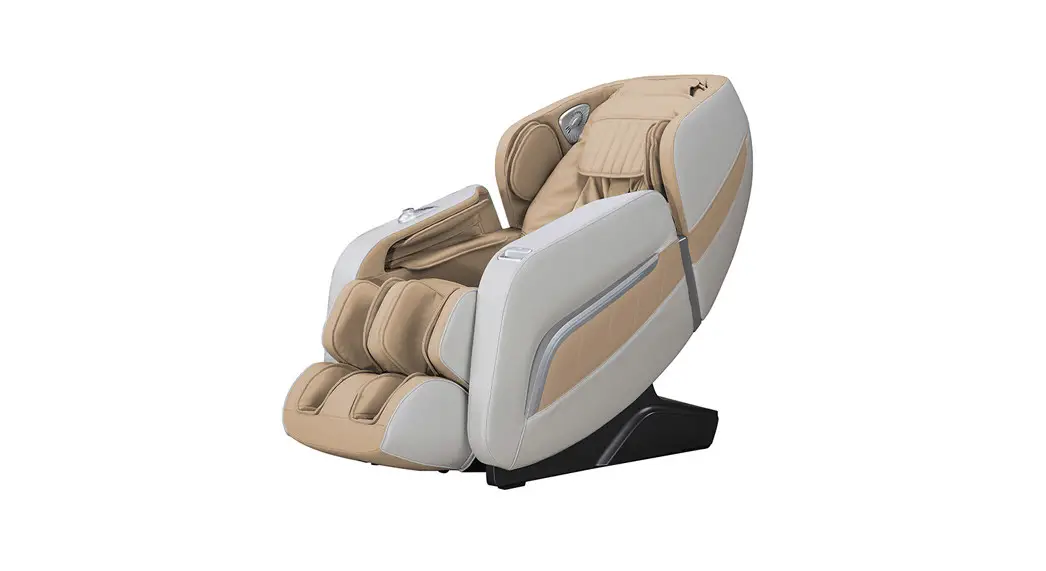
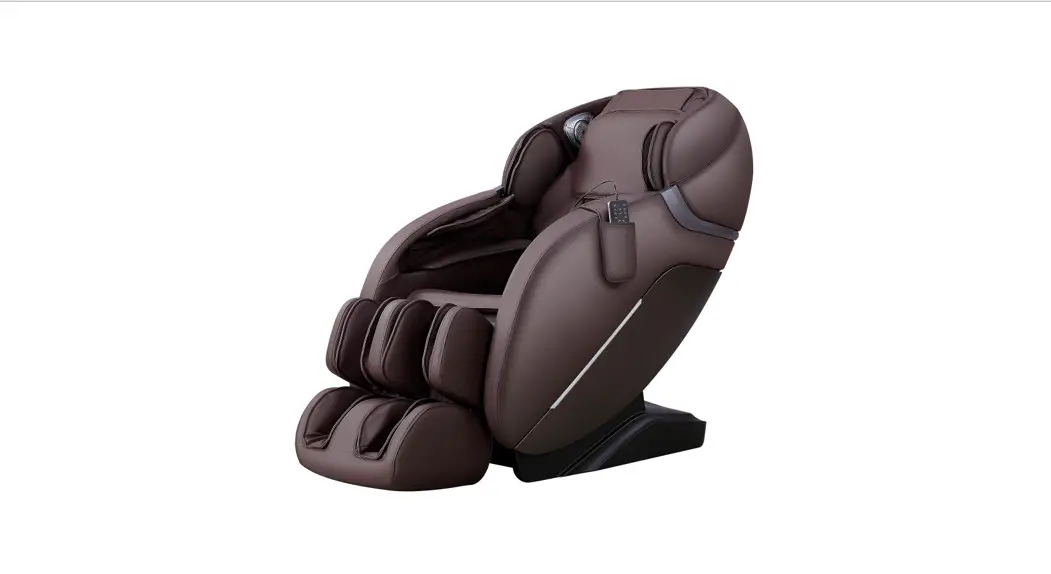
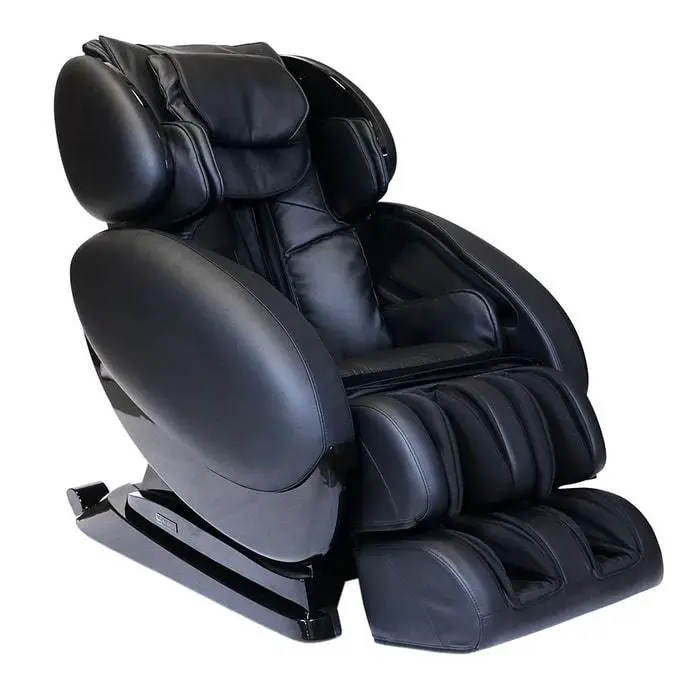
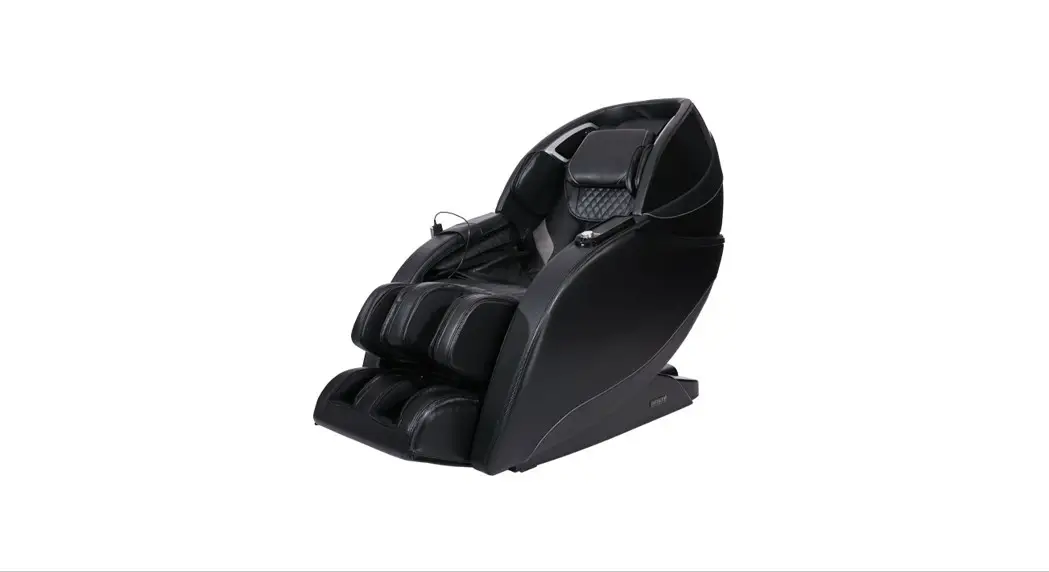
The LuminaryTM Massage Chair is a high-quality massage chair
designed to provide a relaxing and rejuvenating massage experience.
It comes with various features such as an adjustable arm panel,
footrest, tablet remote, and tablet holder. The chair is equipped
with electrical ports, air connections, and clips for easy
assembly.
Product Usage Instructions
- Prior to assembly, carefully unpack all box contents and check
them against the list provided in the manual. If anything is
missing, contact INFINITY at 603-910-5000. - Place the chair body on a soft surface for assembly. Identify
the left arm panel and place it next to the correct side of the
chair. - Locate and note the electrical connections (A and C) on the
chair body, as well as the air connection (B). - Identify the locations (D and E) where the arm panel attaches
to the chair body. - Starting with the right arm panel, connect the arm panel
electrical plugs to the chair body electrical ports (A and C).
Attach the arm panel air hose to the chair body air nozzle (B).
Lift the arm panel and place the upper big clip on the chair body
rail (location E) and the lower small clip on the lower small rail
(location D). Slide the arm panel back towards the chair body. - Insert the provided M8x20mm Bolt and M6x14mm Washer into the
footwell holes. Fasten them using the screwdriver. - Attach the tablet holder to the chair using the provided
accessories. - Review the chair for smooth operation. If any issues are found,
review all assembly steps and contact Infinity support at
1-603-910-5000 for assistance. - Power on the remote and select the AUTO program to start a
massage session. - Register your product at www.infinitymassagechairs.com/warranty
to ensure easy warranty processing in the future.
For additional support or information, please visit
www.infinitymassagechairs.com or contact Infinity support at
603-910-5000.
Assembly Guide
LuminaryTM Massage Chair
Syner-D®
BBeeffoorree aasssseemmbblliinngg yyoouurr cchhaaiirr,, wwaattcchh aann aasssseemmbbllyy vviiddeeoo aatt:: www.infinitymassagechairs.com/assembly-tutorials
Alternatively, scan the QR code to go directly to the URL above.
SCAN CODE
1
Step 1:
Prior to assembly, carefully unpack all box contents. Check box
contents to the detail below. Make sure all contents are accounted for.
If anything is missing, please contact INFINITY at 603-910-5000. Do not return to the place of purchase.
Box 1: Chair Body & Accessory Box
Accessory Box
Bolt: M8 x 20 mm (2 pcs + 2 spares) Washer: M6 x 14 mm (2 pcs + 2 spares)
Chair Body
Accessory Box
Box 2: Arm Panels
(2)
Box 3: Footrest (1)
Spare Clips (2)
Power Cord
Spare Fuse (2)
Philips Screw Driver
Tablet Remote
Tablet Holder
Warranty Card
Assembly Guide
Quick Start Guide
MASSAGE CHAIR
User Manual
LUMINARY
®
®
®
Review chair for smooth operation. If things are not operating correctly, review all assembly steps. Call Infinity support at 1-603-910-5000 if you need live US-based support.
You are done; time for a Massage!
Register your product at www.infinitymassagechairs.com/ warranty to ensure it is in our system. This will simplify the warranty process should you ever need it.
Alternatively, scan the QR code to go directly to the URL above.
72 Stard Road, Seabrook, NH 03874 (603) 910-5000 www.infinitymassagechairs.com
Version 1.0
2
Step 2: Place the chair body
on a soft surface for
assembly. Determine
the left arm panel
from the right and
place next to the
correct side of the
chair.
Right Arm Panel
Chair Body Front View
Left Arm Panel
3
Step 3: Locate and note the 2
electrical connections;
locations A, and B.
Locate and note the air connection; location C.
Arm Panel Air Hose
Chair Body Electrical Ports [A&C]
A BC
Chair Body Air Nozzle [B]
Arm Panel Electrical Plugs
4 Step 4: Locate and note the two locations that the arm panel attaches to the chair body; locations D, and E.
Chair Body Rail
Lower Small Clip
D
E
Lower Small Rail
Upper Big Clip
Final Check:
12 Step 12:
Flip the Main power switch back ON. Your Luminary Syner-D® Massage Chair is now complete and ready to use. Either wake up the touch screen by tapping on it and then hit POWER or simply long press the POWER button on the quick access panel.
Power on the remote and select AUTO program to start a session.
SCAN CODE
5 Step 5:
Starting with the right arm panel, connect the arm panel electrical plugs to the chair body electrical ports; locations A, and C. Then attach the arm panel air hose to the chair body air nozzle; location B.
Next, carefully lift arm panel, then place the upper big clip on the chair body rail (location E from step 4) and the lower small clip on the lower small rail (location D from step 4). Make sure the air hoses and electrical wires remain connected and not pinched. Slide the arm panel back towards the chair body as far as it will go.
Step 4 Insert
D
E
Upper Big Clip Chair Body Rail
6 Step 6:
Locate the long, silver M8x20mm Bolt (2), M6x14mm Washer (2) and screw driver from the Accessory Box. Locate the two holes in the footwell. Insert the screw and washer into the top hole. Fasten this bolt and washer with the screw driver. Repeat steps 5-7 with remaining arm panel.
M8x20mm Bolt M6x14mm Washer
Screw Hole
7 Step 7:
Locate the tablet holder from the accessory box.
Tablet Holder
Place the tablet holder into
the tablet holder mount,
making sure to line up the
bottom post of the tablet
holder with the inside of
the mount, screw down
chrome fastener to secure.
Place the tablet remote
into the tablet holder.
Connect the tablet remote
cord to the tablet remote
port, making sure the
notches on either end line
up.
Tablet Holder Mount
Tablet Remote
Line up Notches
Chrome Fastener
Tablet Remote Cord Tablet Remote Port
8 Step 8:
Connect the chair power cord to a grounded 110V electrical outlet and plug it
9 Step 9:
Remove the footrest from its packaging and position it in front of the
into the respective port on the back side of the base of the chair. Flip the main
main chair body. Connect the footrest electrical plug into the footrest
power switch to on. Press the power button on the tablet remote to bring the
electrical port. Ensure the thumb release is facing up and push in until it
chair into an upright position. Once chair is in upright position, and before
clips. Next, slide the air hose firmly onto the air nozzle.
continuing, turn the main power switch off.
Air nozzle
Footrest electrical port
Air hose
Footrest electrical plug
Leads from the Footrest
Main power switch
Power cord port
Footrest
10 Step 10:
Before attaching the footrest to the chair body, remove the clips on the chair body footrest pins by sliding up. (If Clips are missing, there are spare clips in the Accessory Box). Next, attach the footrest sleeves to the footrest mounting bracket as shown.
Chair Body
Footrest Pin
Clip
Chair Body Footrest Pins
Footrest Mounting Bracket
Footrest Sleeve
11 Step 11:
Lift the footrest and slide one side of the footrest
mounting bracket
completely onto the chair body pin. Fasten the clip
over the pin to secure.
Carefully align the other side of the mounting
Chair Body Pin
bracket with the remaining
pin and slide it on too. Make sure to center the
footrest, then fasten the
remaining clip over the pin to secure both sides of the
footrest.
Clip
Footrest Mounting Bracket
 Massage Chairs & Recliners | Infinity Massage Chairs