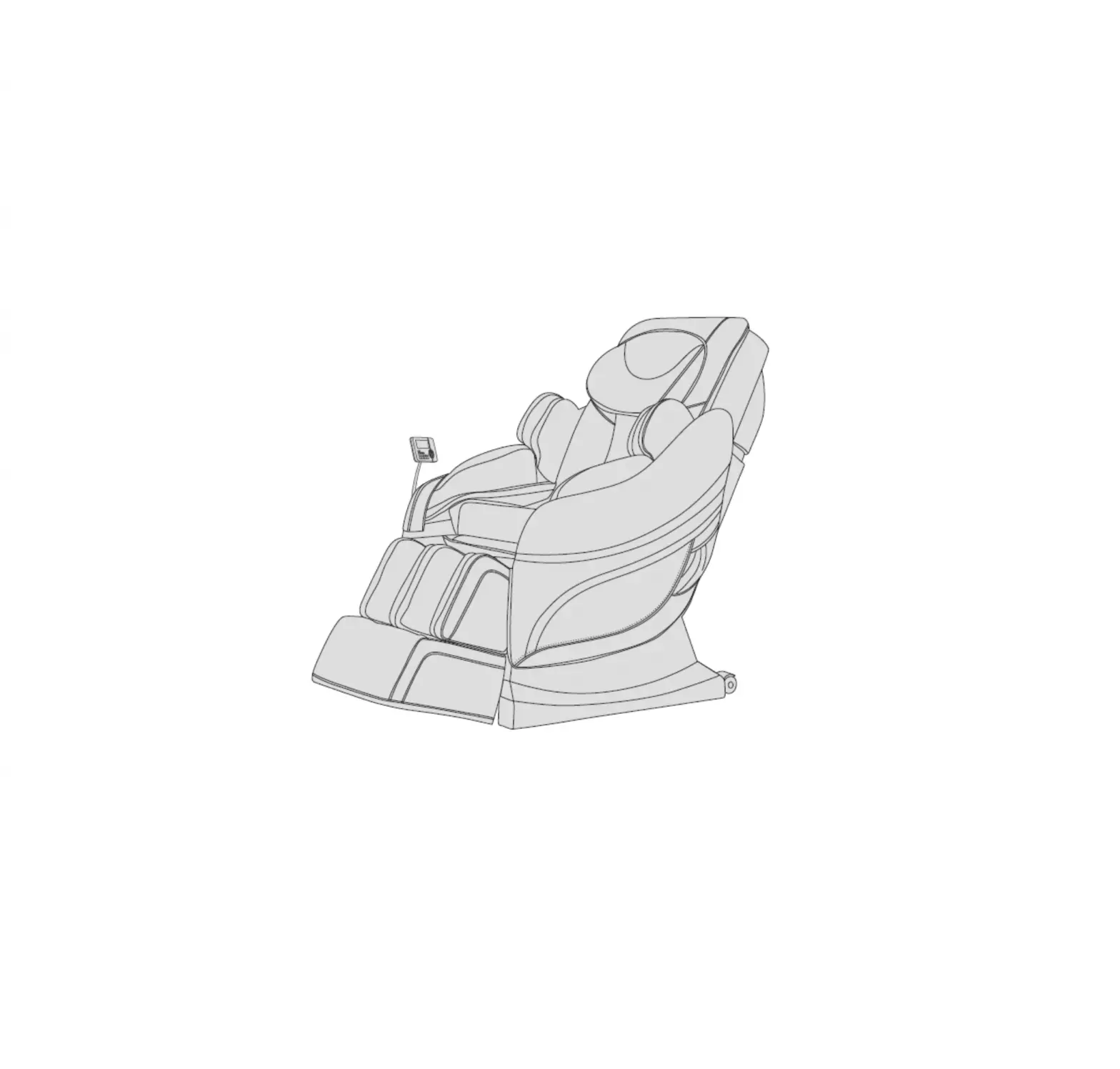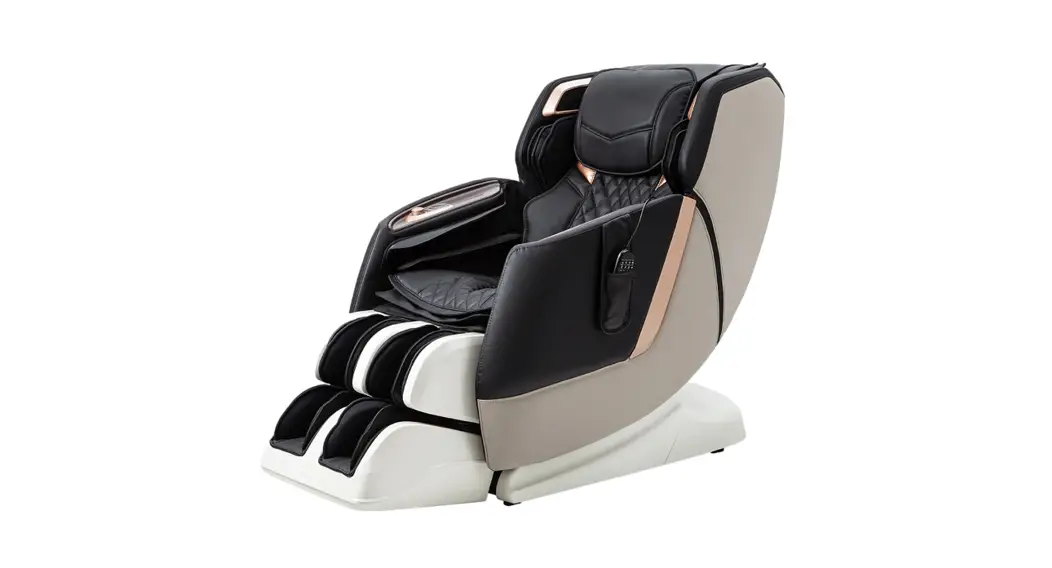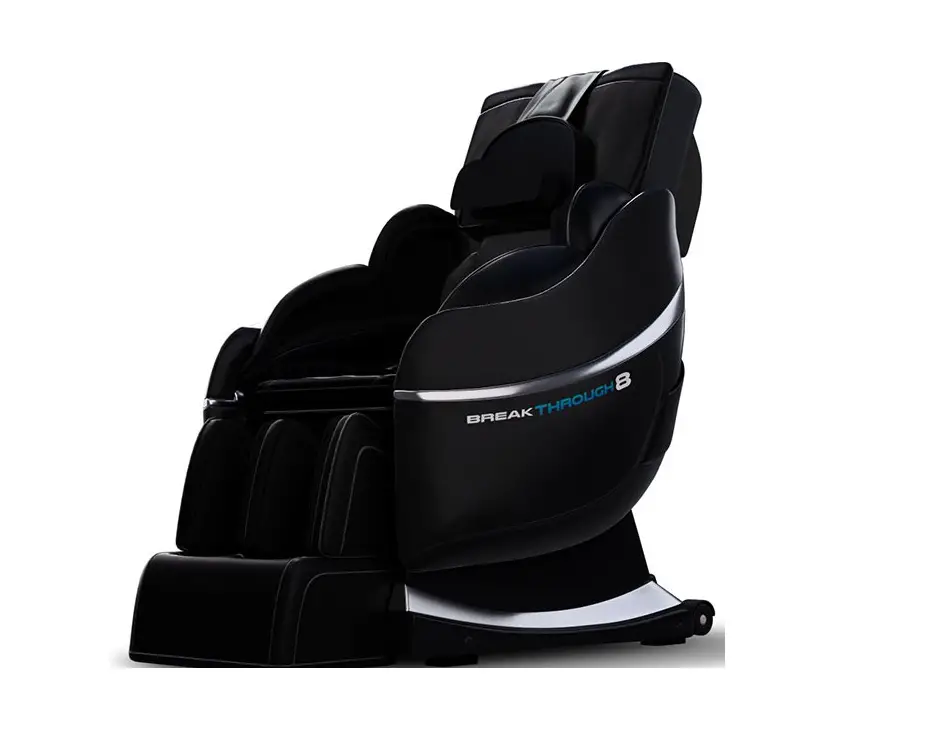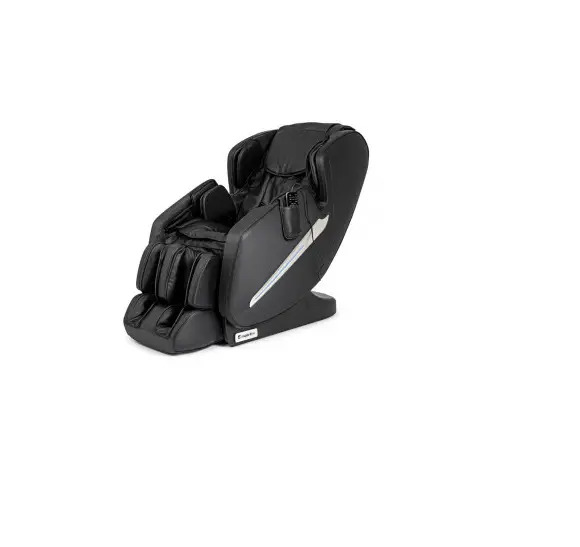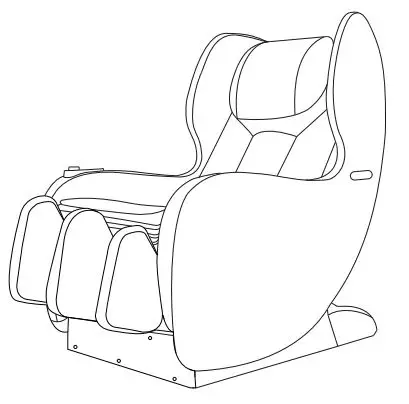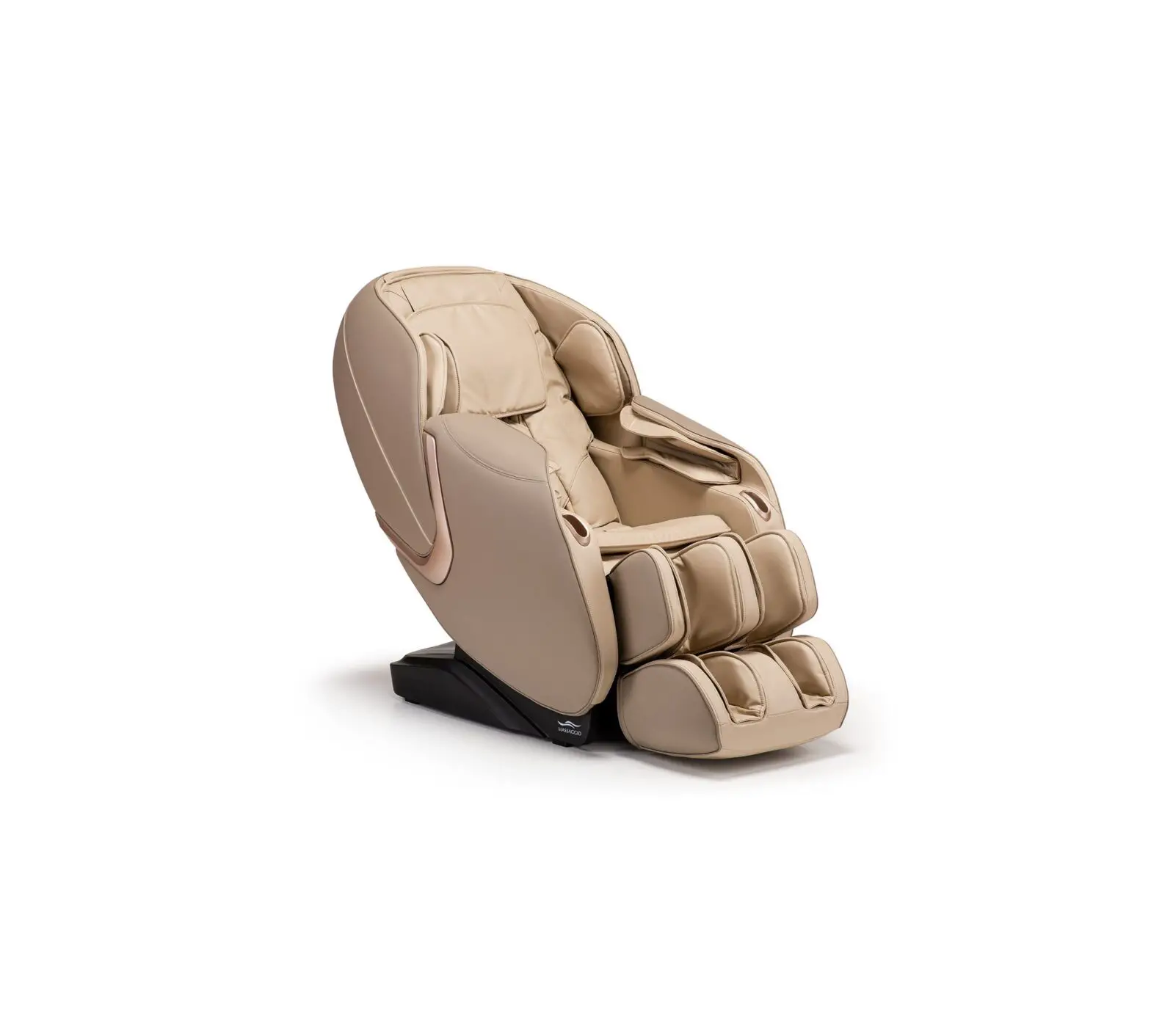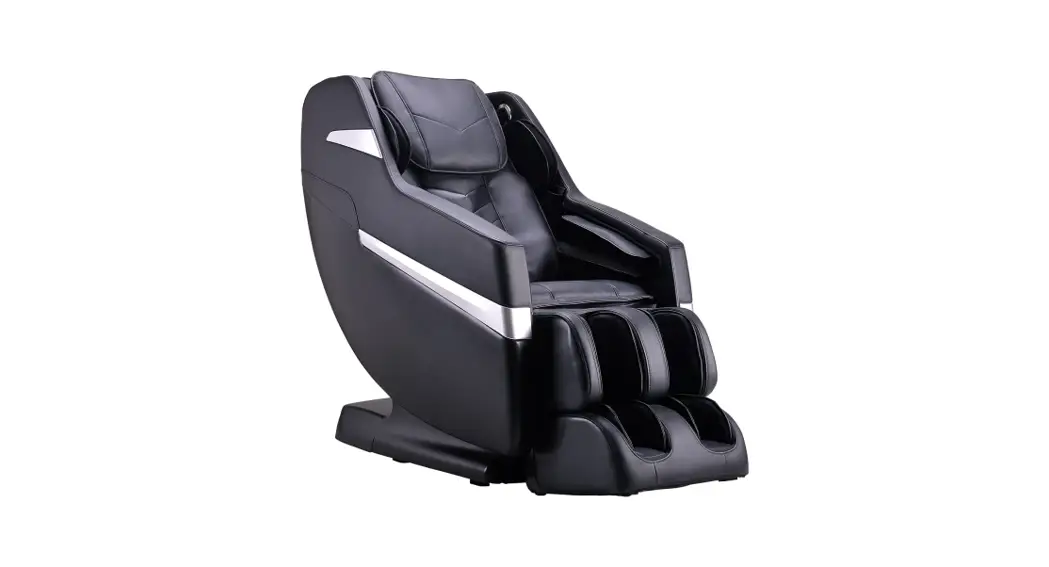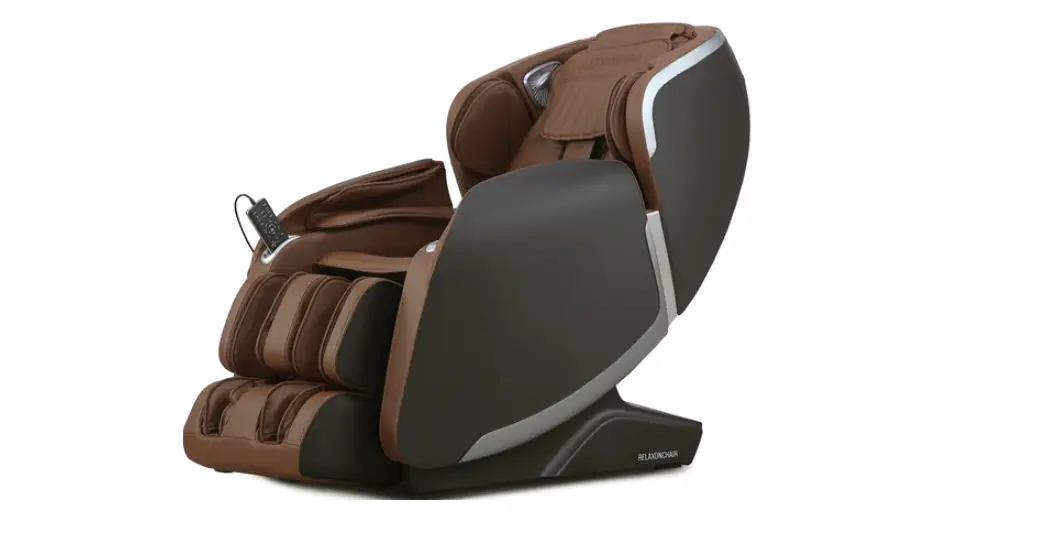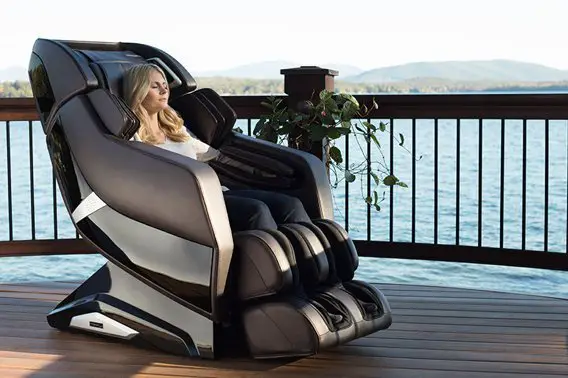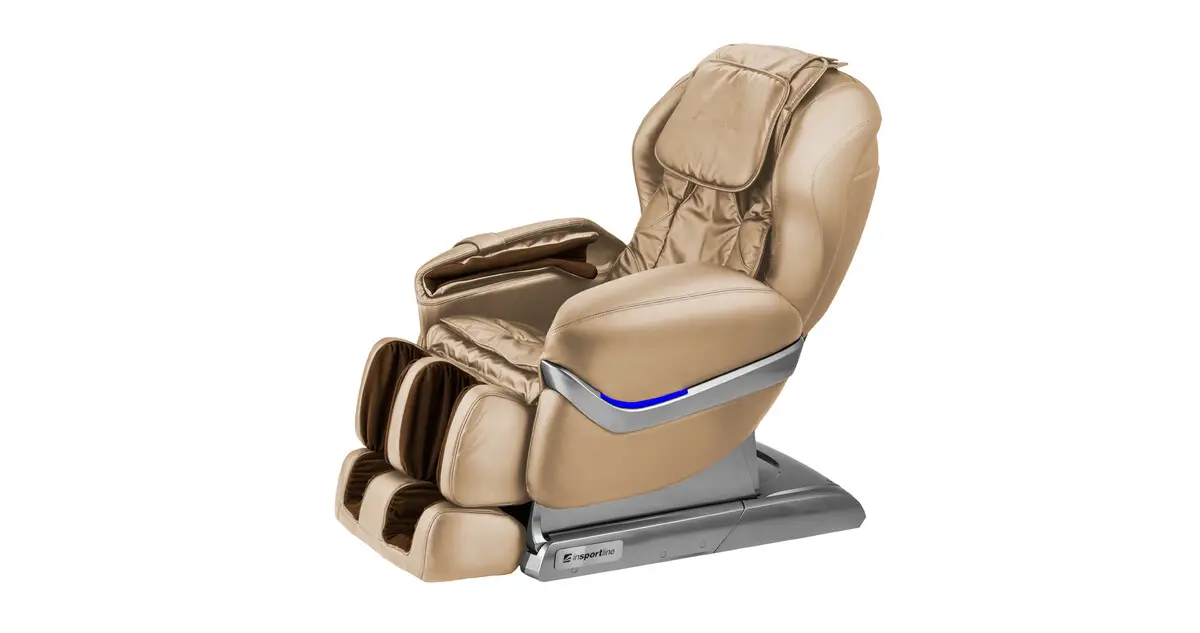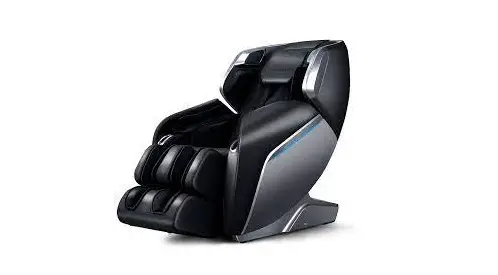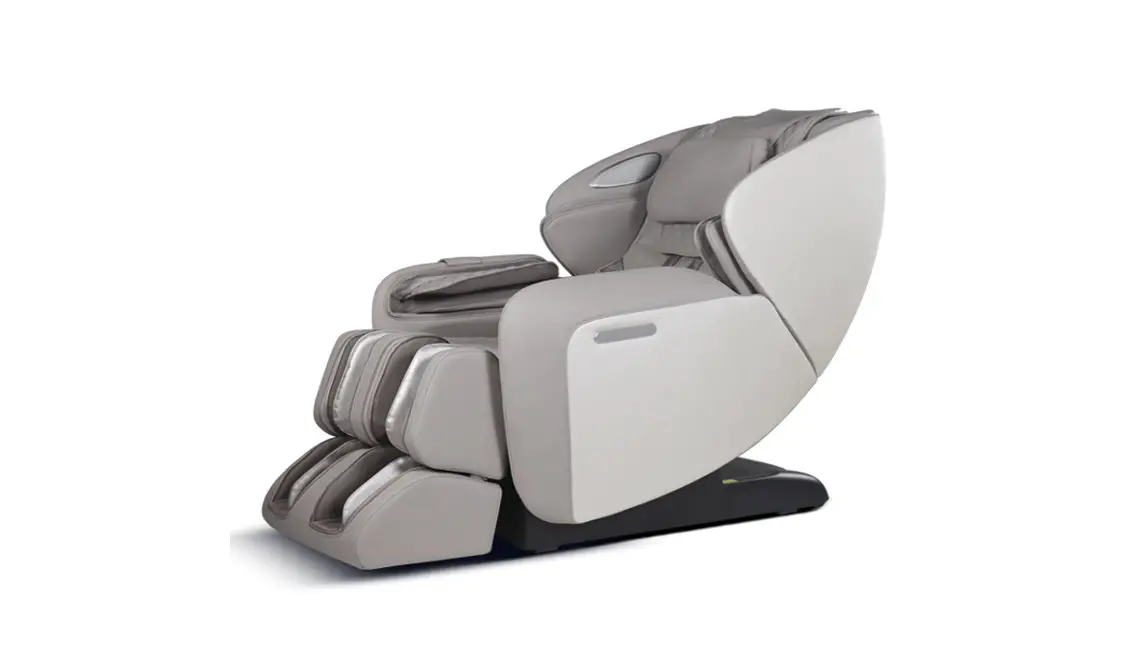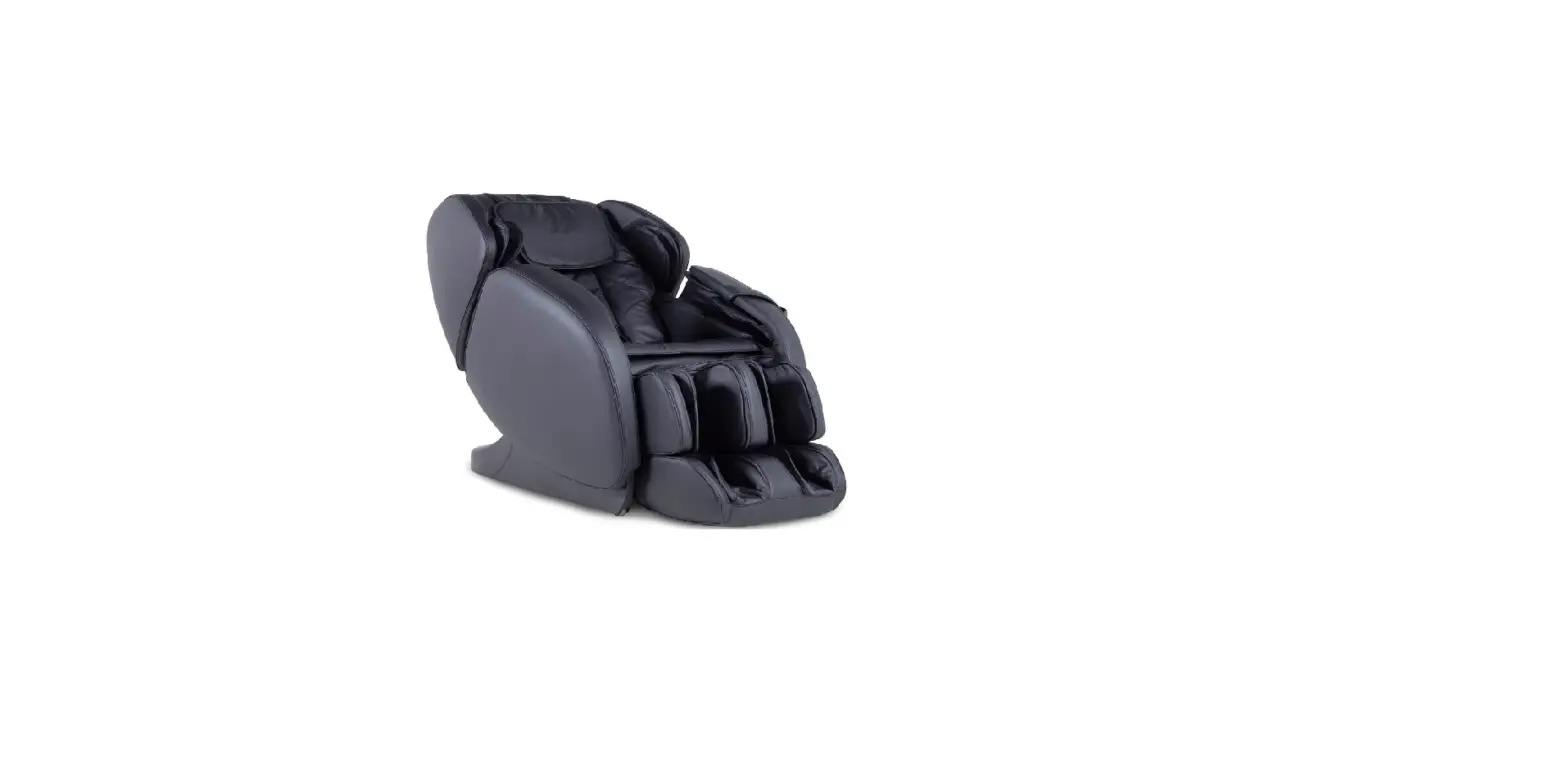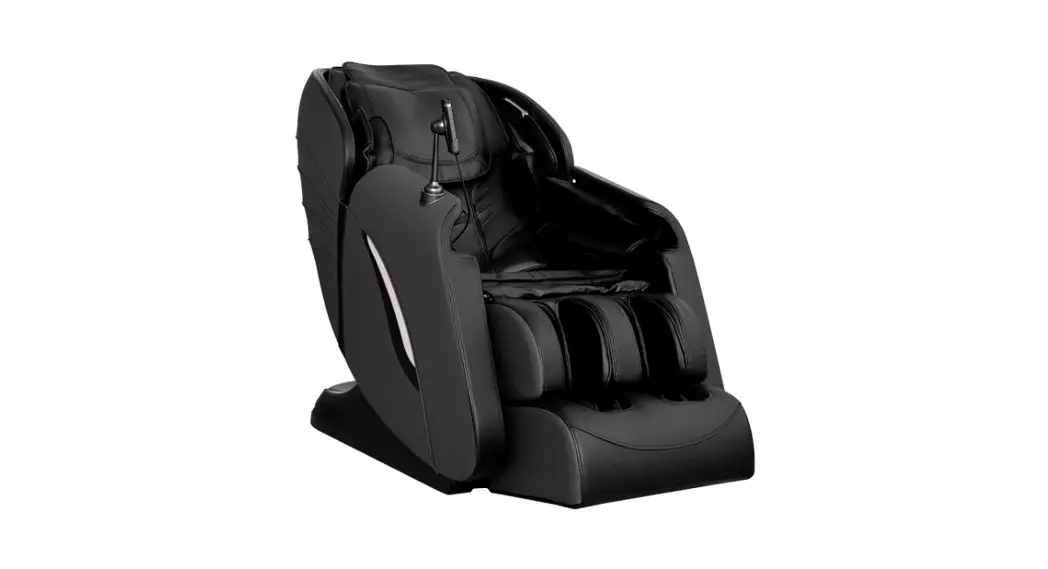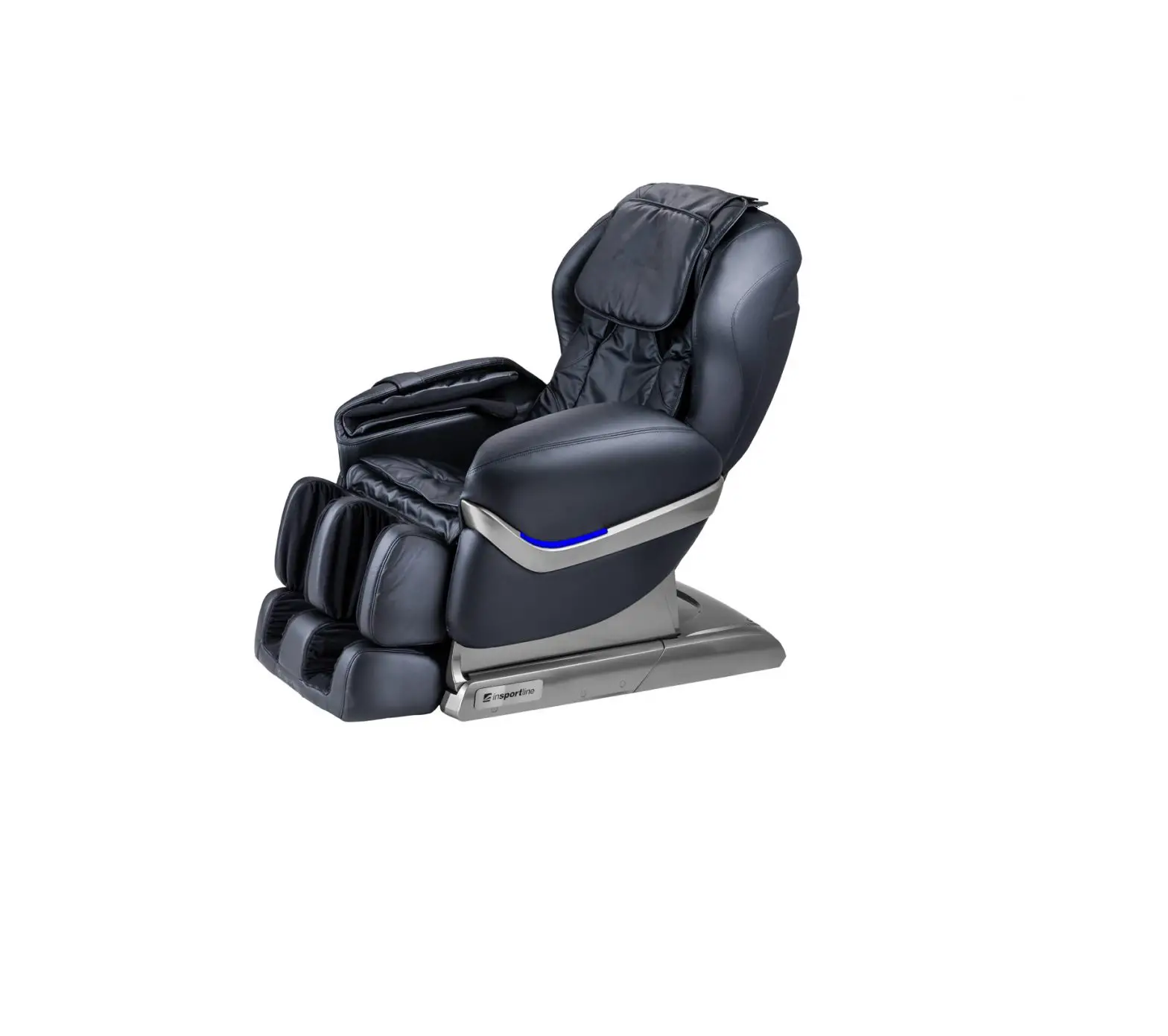
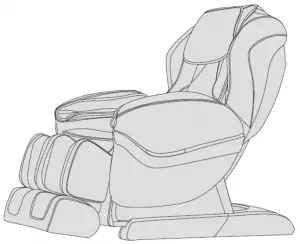
insportline Massage Chair
SAFETY AND MAINTENANCE
IMPORTANT SAFETY PRECAUTIONS
- Keep children away from moving parts.
- Use adequate and properly grounded power source.
- For higher safety, plug the cord out from electric outlet after each use, before cleaning or maintenance.
- Use it only according to the manual.
- Use only original accessories.
- Use it only indoors.
- Read the manual prior to first use.
- Improper use is strictly forbidden.
- Recommended massage length: 20 mins.
- Never use it, if the leather is damaged or worn.
- Never use it, if covers or another components are damaged or worn.
- Keep the ventilation holes free of dirt. Never use it, if it the ventilation is blocked.
- Never put any item on the chair.
- Don’t sleep in the chair.
- Don’t use it under influence of alcohol or drugs.
- Use it one hour after having a meal.
- Don’t exceed massage intensity to avoid injury.
- Place it on a flat, clean and dry surface and keep safety clearance of at least 0.6 m round the chair.
- Max. user weight: 100 kg
ENVIRONMENT OF USE
- Avoid extreme temperatures and humidity (don’t use it in a bathroom etc.).
- Don’t use it if environment temperature has abruptly changed.
- Don’t use it in dusty or dirty place.
- Assure sufficient ventilation and free space round the chair.
THE CHAIR IS NOT SUITABLE FOR
- People with osteoporosis
- People with heart complications or for people with electronic implants, such as pacemaker etc.
- People with fiver or increased body temperature
- Pregnant women or for women in period
- People with post-traumatic symptoms
- People with dermal problems
- Users younger than 14 years of age and for people with mental impairment
- People told by a physician to have rest or people who don’t feel well
- People with wet or moist skin (after bath, exercise etc.)
- The chair surface is heated. People with higher skin sensitivity must pay especially attention.
SAFETY
- Check proper voltage before start using.
- Never manipulate the cord or cables with wet hands.
- Protect the chair from water to avoid electric shock or product damage.
- Protect wires and don’t modify electric circuit.
- Never use damp cloth to clean electric parts (switch, socket etc.)
- If the power is interrupted, pay attention to avoid an electric shock, when it starts again.
- If the chair doesn’t work properly, stop using and contact service.
- If you don’t feel well, stop using and consult a physician.
MAINTENANCE
- Maintenance must be done only by an expert or professional service. Don’t disassemble it and don’t modify it.
- Plug it out from the outlet after each use.
- Don’t use it, if the cord, outlet or socket is damaged.
- Before long-time storing roll the cord and store the chair in a dry and clean place.
- Avoid extreme temperatures, fire and heat sources. Protect it from direct sunrays.
- Clean it only with a dry cloth. Never use solvents, petrol or alcohol.
- Due special design, the mechanical parts don’t need any extra maintenance.
- Protect it from sharp items.
- Don’t move it on uneven surface. Before transport, lift it and transport it.
- Don’t use it too long continuously. Make pauses.
TROUBLESHOOTING
- It is normal, you can hear the motor noise during usage.
- If the chair doesn’t work, check power cord connection and the net switch.
- The massage will be automatically stopped after reaching pre-set time. The device switches off automatically, if it is used for a long time continuously and gets overheated. In this case, let it get cool for at least 30 mins. before starting it again.
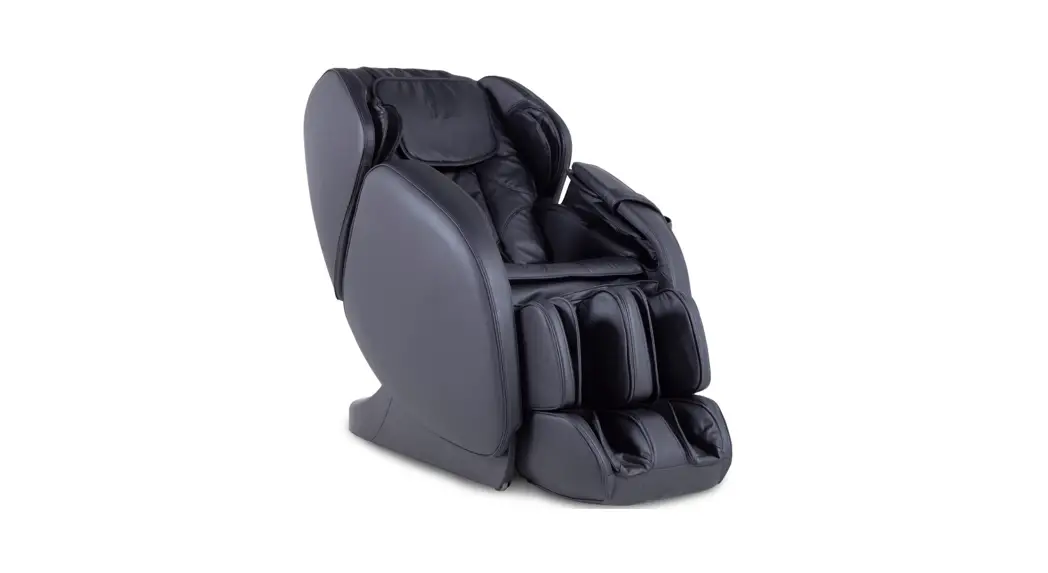
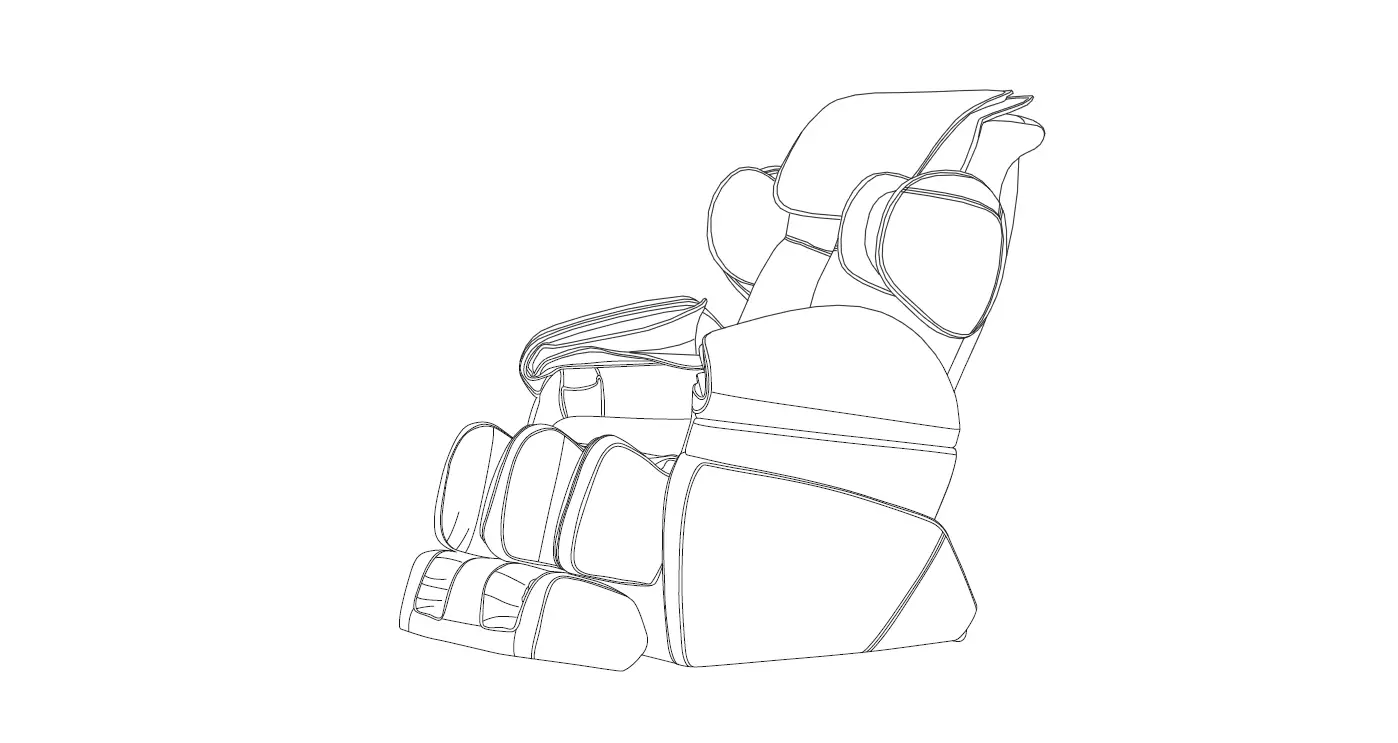
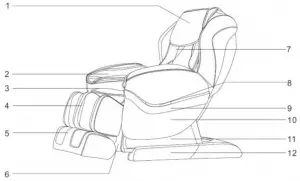
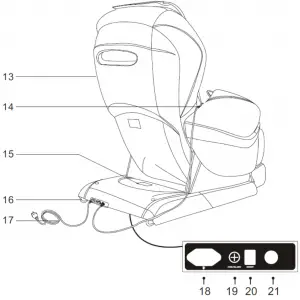
PARTS DESCRIPTION
- Pillow pad
- Arm airbag assembly
- Seat cushion
- Leg frame
- Foot frame
- Front cover
- Back cushion
- LED colorful indicator
- Decorating strip
- Armrest
- Slide side plate
- Base
- Caster
- Hand controller
- Chassis cover
- Movable wheel
- Power cord
- Power-cord socket
- Fuse box
- Power switch
- Controller socket


FUNCTION
- The chair features a set of vertically movable massage hands with 4 massage wheels.
- Massage kinds: shiatsu, kneading, tapping, knocking, simultaneous kneading and tapping.
- 5 automatic massage modes: comfort, relax, decompress, neck and shoulders, back and waist.
- Three massage memory functions: M1, M2, M3.
- Manual massage for upper body parts with 5 options: partial, fixed, overall, neck and shoulders, back and waist. Each mode has adjustable speed in 3 levels. During the fixed massage, the massage hands can be moved up and down. During tapping, shiatsu or knocking, the distance between two kneading balls is adjustable in 3 levels: wide, medium, narrow.
- Air-pressure massage: 3 adjustable modes: full-body air massage, arms (8 airbags), feet (20 airbags) adjustable intensity in 3 levels.
- Back heating function carbon fibres. 5
- LED indictor on the side rest.
- Extendable calf rest according to user height.
- Technology ,,forward-sliding recline” back-rest recline for space saving
- Maximally smooth back-rest and seat reclining to horizontal line (Zero Gravity).
- Calf and back rests can be reclined together and automatic return to initial position.
CONTROL
CONTROLLER (PICTURE ONLY FOR ILLUSTRATION):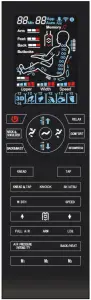
1. SWITCHING ON THE POWER SUPPLY
 | 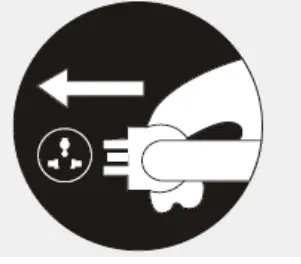 |
Switch location (ON/OFF) | Power cord plugging-out |
2. MASSAGE START.
- Push the power button to start massage.
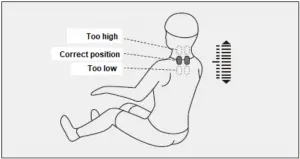
- Wait until detection of shoulders and massage points will be finished.
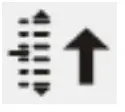
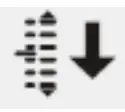
- Adjust position of massage hands using keys UP and DOWN. The shoulder position is adjustable in 10 grades. Massage will be started automatically within 10 seconds after position adjustment.
Button Description Display 
Move the massage balls upward 
Move the massage balls downward 
- To start the massage, you can also use one of memory buttons M1, M2 or M3 you can start massage mode that has been saved in memory from last sored massage.
Function Button Memory buttons for massage selection 

- Automatic massage mode description:
Function Button Description Display Automatic massage 
Deep massage of acupressure points (relax for painful area). Auto F1 
Relax for muscles and bones Auto F2 
Optimizing blood circulation Auto F3 Neck and shoulder massage Auto F4 Back and waist massage Auto F5 - Upper body
Function Button Adjusting of massage balls Display Massage kind 
Speed, width 
Speed Speed, width Speed Speed, width Speed 3 levels 
Width 3 levels Function Button Description Display Back-rest adjustment Fixed position massage 
Local massage (small area) 
Global massage Neck and shoulder massage 
Back and waist massage Adjusting of acupressure point / target massage areas Move massage balls upward Move massage balls downward - Air massage
Function Button Description Display Full air For arms and legs 
Arm 
Arm massage 
Leg Leg Intensity 3 adjustable levels 
- Other available functions
Function Button Description Display Heating Heating of the back (long-wave infrared radiation). The chair will be fully heated within 3 mins. after function activation. 
Rise-up button 
Press it and the backrest goes up slowly and the calf rest goes down. Release it to stop. After reaching the top, a sound alarm will be given. Lie-down button Press it and the backrest goes down slowly and the calf rest goes up. Release it to stop. After reaching the bottom, a sound alarm will be given. Auto lie- down mode 
Automatic switching among modes (3 modes in all).










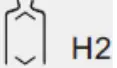
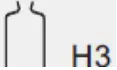
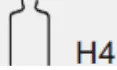


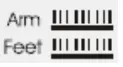

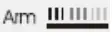



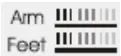


3. Switching off / Massage stop
- Push the Power button to stop the massage (back and calf rest comes back to the initial position) or it pre-set time has expired (in this case the rests don’t return automatically). After a massage, the actual setting can be stored in computer memory.
- Massage mode storage: After massage stop, the word “Memory” will be displayed. It means, the user can push keys M1, M2 or M3 before switching off to save actual setting.
- The massage hands and rests return initial position if the Power key is pushed again or within 10 seconds from massage end.
Function Button Display Save setting SA 1 Memory SA 2 Memory SA 3 Memory - Switch off the chair after massage finish.


Switch location (ON/OFF) Power cord plugging-out
INSTALLATION
NOTE: · If the chair is adjusted for lying massage with calf rests in horizontal position, don’t press on the calf rests with your entire body weight.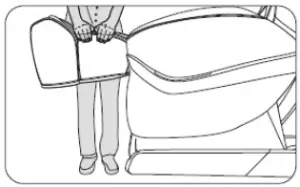
4. Installation of linkage pole of calf rests
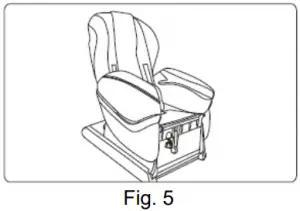
- Open the package box (Fig. 1), turn it on via controller and set in position according to Fig. 2
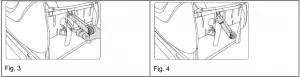
- Take off the linkage pole from the seat inside, align at the hole and insert the pin (Fig. 3).
- Fig. 4: Successful installation.

- After linkage pole installation, restore the backrest (Fig. 5) and install calf rest.

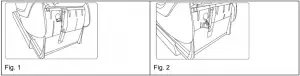
5. Calf rest installation
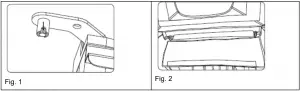
- Insert rotating shafts in axis of calf rests. The shaft installation must enable pin insertion (Fig. 1 and 2).

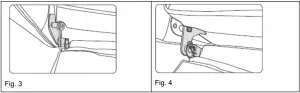
- Inset pins. (Fig. 3 and 4)

6. Head pillow and backrest pads
The pillow and back pads are removable parts. They reduce intensity of massage hands. Their use is recommended, not obligatory. According to user needs. Use a zipper (1) to attach back pads. Use a Velcro (2) to attach the pillow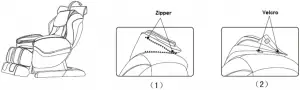
7. Floor protection
Put carpet or protective mat under the chair. Especially recommended if placed on a wooden surface.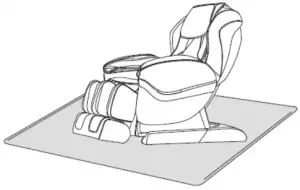
WARNING: Don’t move the chair with wheels on wooden floor, uneven surface or in narrow space. For lifting, at least two people are recommended. Catch the base frame and the back rest (not side rests).
8. Relocation
Pay attention and don’t crush cables and wires. Cline it backwards on transport wheels and move it safely on required place.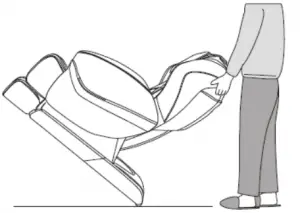
NOTE: Prior to move it, turn it off, disconnect power cord and control wire.
PRODUCT SPECIFICATION
Model: A90
Name: Massage chair
Rated voltage:
o 110-120V-60Hz
o 220-240V-50Hz/60Hz
Rated power input: 150W
Max. massage length: 20 mins
Safety structure: Class I
Material: PVC, PA, steel, electronic parts
TERMS AND CONDITIONS OF WARRANTY, WARRANTY CLAIMS
General Conditions of Warranty and Definition of Terms
All Warranty Conditions stated hereunder determine Warranty Coverage and Warranty Claim Procedure. Conditions of Warranty and Warranty Claims are governed by Act No. 40/1964 Coll. Civil Code, Act No. 513/1991 Coll., Commercial Code, and Act No. 634/1992 Coll., Consumer Protection Act, as amended, also in cases that are not specified by these Warranty rules.
The seller is SEVEN SPORT s.r.o. with its registered office in Borivojova Street 35/878, Prague 13000, Company Registration Number: 26847264, registered in the Trade Register at Regional Court in Prague, Section C, Insert No. 116888. According to valid legal regulations it depends whether the Buyer is the End Customer or not.
“The Buyer who is the End Customer” or simply the “End Customer” is the legal entity that does not conclude and execute the Contract in order to run or promote his own trade or business activities.
“The Buyer who is not the End Customer” is a Businessman that buys Goods or uses services for the purpose of using the Goods or services for his own business activities. The Buyer conforms to the General Purchase Agreement and business conditions to the extent specified in the Commercial Code.
These Conditions of Warranty and Warranty Claims are an integral part of every Purchase Agreement made between the Seller and the Buyer. All Warranty Conditions are valid and binding, unless otherwise specified in the Purchase Agreement, in the Amendment to this Contract or in another written agreement.
Warranty Conditions
Warranty Period
The Seller provides the Buyer a 24 months Warranty for Goods Quality, unless otherwise specified in the Certificate of Warranty, Invoice, Bill of Delivery or other documents related to the Goods. The legal warranty period provided to the Consumer is not affected.
By the Warranty for Goods Quality, the Seller guarantees that the delivered Goods shall be, for a certain period of time, suitable for regular or contracted use, and that the Goods shall maintain its regular or contracted features.
The Warranty does not cover defects resulting from (if applicable):
- User’s fault, i.e. product damage caused by unqualified repair work, improper assembly, insufficient insertion of seat post into frame, insufficient tightening of pedals and cranks
- Improper maintenance
- Mechanical damages
- Regular use (e.g. wearing out of rubber and plastic parts, moving mechanisms, joints etc.)
- Unavoidable event, natural disaster
- Adjustments made by unqualified person
- Improper maintenance, improper placement, damages caused by low or high temperature, water, inappropriate pressure, shocks, intentional changes in design or construction etc.
Warranty Claim Procedure
The Buyer is obliged to check the Goods delivered by the Seller immediately after taking the responsibility for the Goods and its damages, i.e. immediately after its delivery. The Buyer must check the Goods so that he discovers all the defects that can be discovered by such check.
When making a Warranty Claim the Buyer is obliged, on request of the Seller, to prove the purchase and validity of the claim by the Invoice or Bill of Delivery that includes the product’s serial number, or eventually by the documents without the serial number. If the Buyer does not prove the validity of the Warranty Claim by these documents, the Seller has the right to reject the Warranty Claim.
If the Buyer gives notice of a defect that is not covered by the Warranty (e.g. in the case that the Warranty Conditions were not fulfilled or in the case of reporting the defect by mistake etc.), the Seller is eligible to require a compensation for all the costs arising from the repair. The cost shall be calculated according to the valid price list of services and transport costs.
If the Seller finds out (by testing) that the product is not damaged, the Warranty Claim is not accepted.
The Seller reserves the right to claim a compensation for costs arising from the false Warranty Claim.
In case the Buyer makes a claim about the Goods that is legally covered by the Warranty provided by the Seller, the Seller shall fix the reported defects by means of repair or by the exchange of the damaged part or product for a new one. Based on the agreement of the Buyer, the Seller has the right to exchange the defected Goods for a fully compatible Goods of the same or better technical characteristics. The Seller is entitled to choose the form of the Warranty Claim Procedures described in this paragraph.
The Seller shall settle the Warranty Claim within 30 days after the delivery of the defective Goods, unless a longer period has been agreed upon. The day when the repaired or exchanged Goods is handed over to the Buyer is considered to be the day of the Warranty Claim settlement. When the Seller is not able to settle the Warranty Claim within the agreed period due to the specific nature of the Goods defect, he and the Buyer shall make an agreement about an alternative solution. In case such agreement is not made, the Seller is obliged to provide the Buyer with a financial compensation in the form of a refund.
SEVEN SPORT s.r.o.
Registered Office: Borivojova 35/878, 130 00 Praha 3, Czech Republic
Headquarters: Delnicka 957, 749 01 Vitkov, Czech Republic
Warranty & Service Centre: Cermenska 486, 749 01 Vitkov, Czech Republic
CRN: 26847264
VAT ID: CZ26847264
Phone: +420 556 300 970
E-mail: [email protected]
[email protected]
[email protected]
Web: www.insportline.cz
SK
INSPORTLINE s.r.o.
Headquarters, Warranty & Service centre: Elektricna 6471, 911 01 Trencin, Slovakia
CRN: 36311723
VAT ID: SK2020177082
Phone: +421(0)326 526 701
E-mail: [email protected]
[email protected]
[email protected]
Web: www.insportline.sk
Date of Sale: Stamp and Signature of Seller:

 inSPORTline - největší výrobce a prodejce fitness v ČR
 inSPORTline - najväčší výrobca a predajca fitness v SR