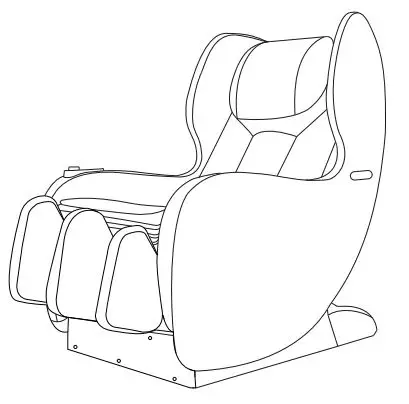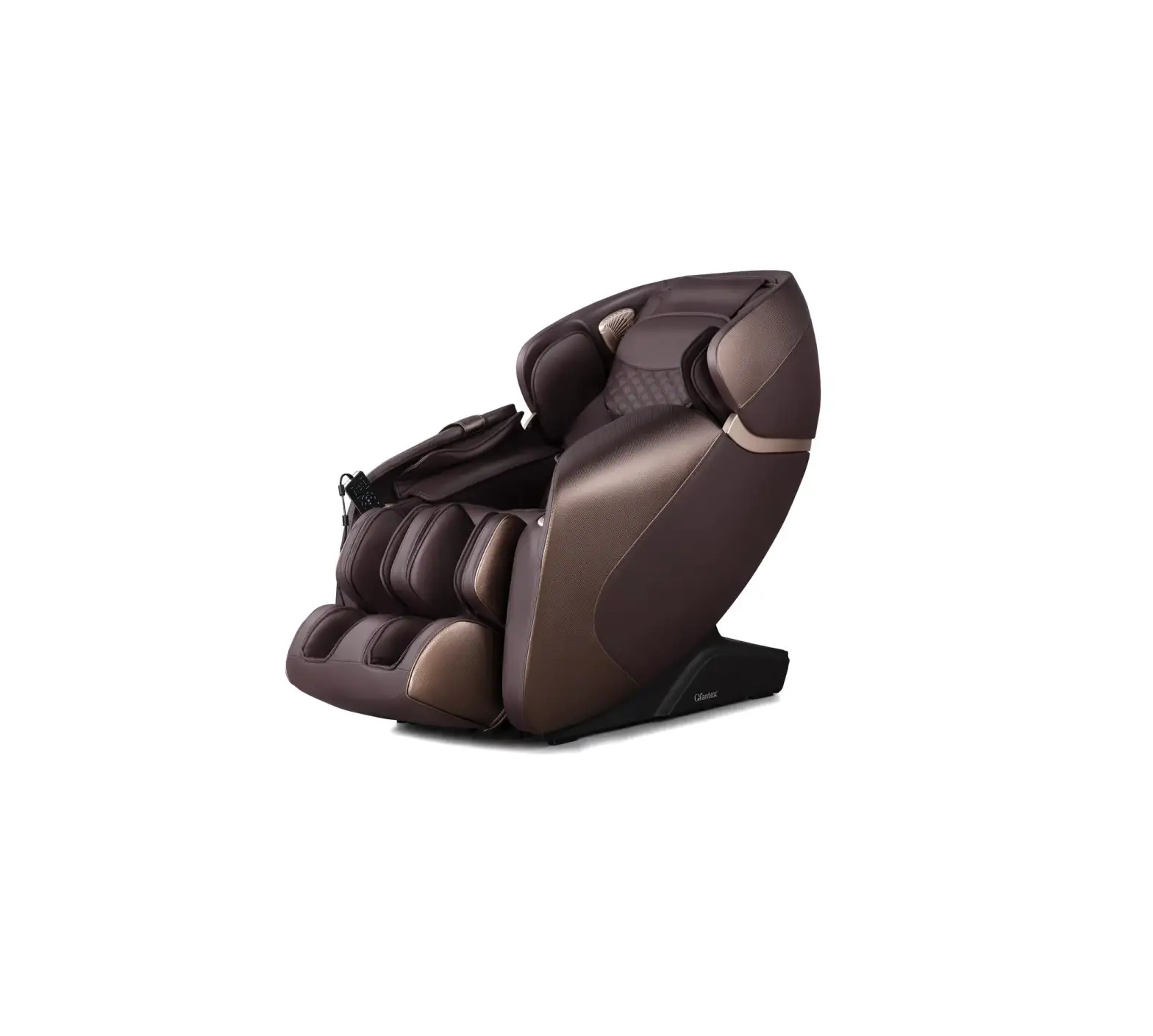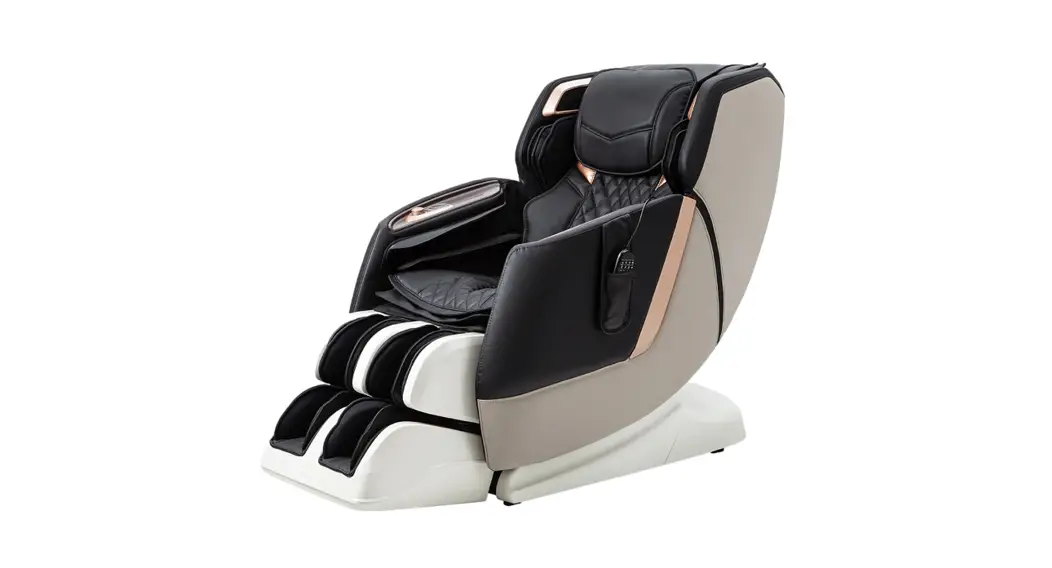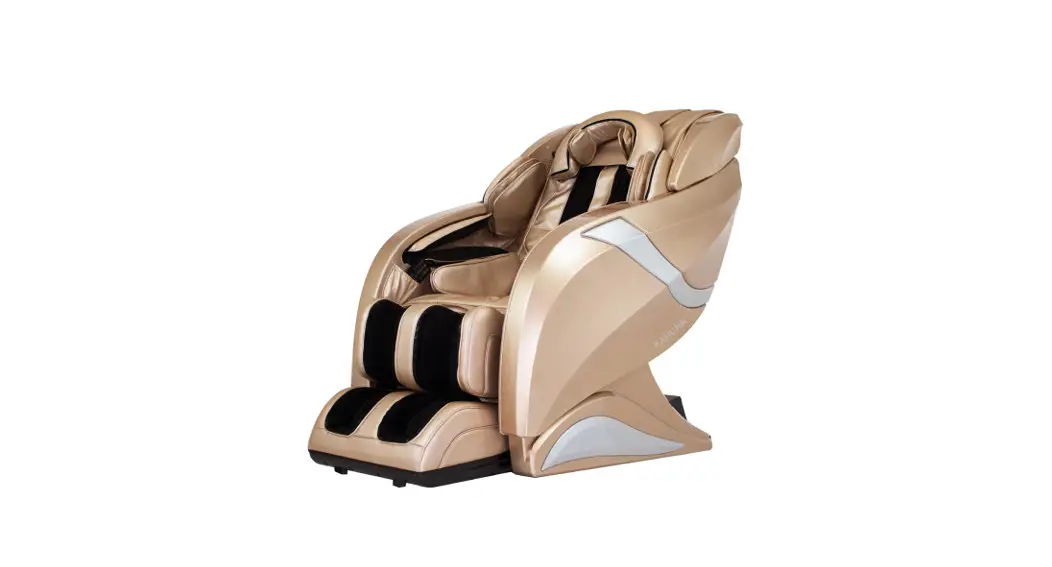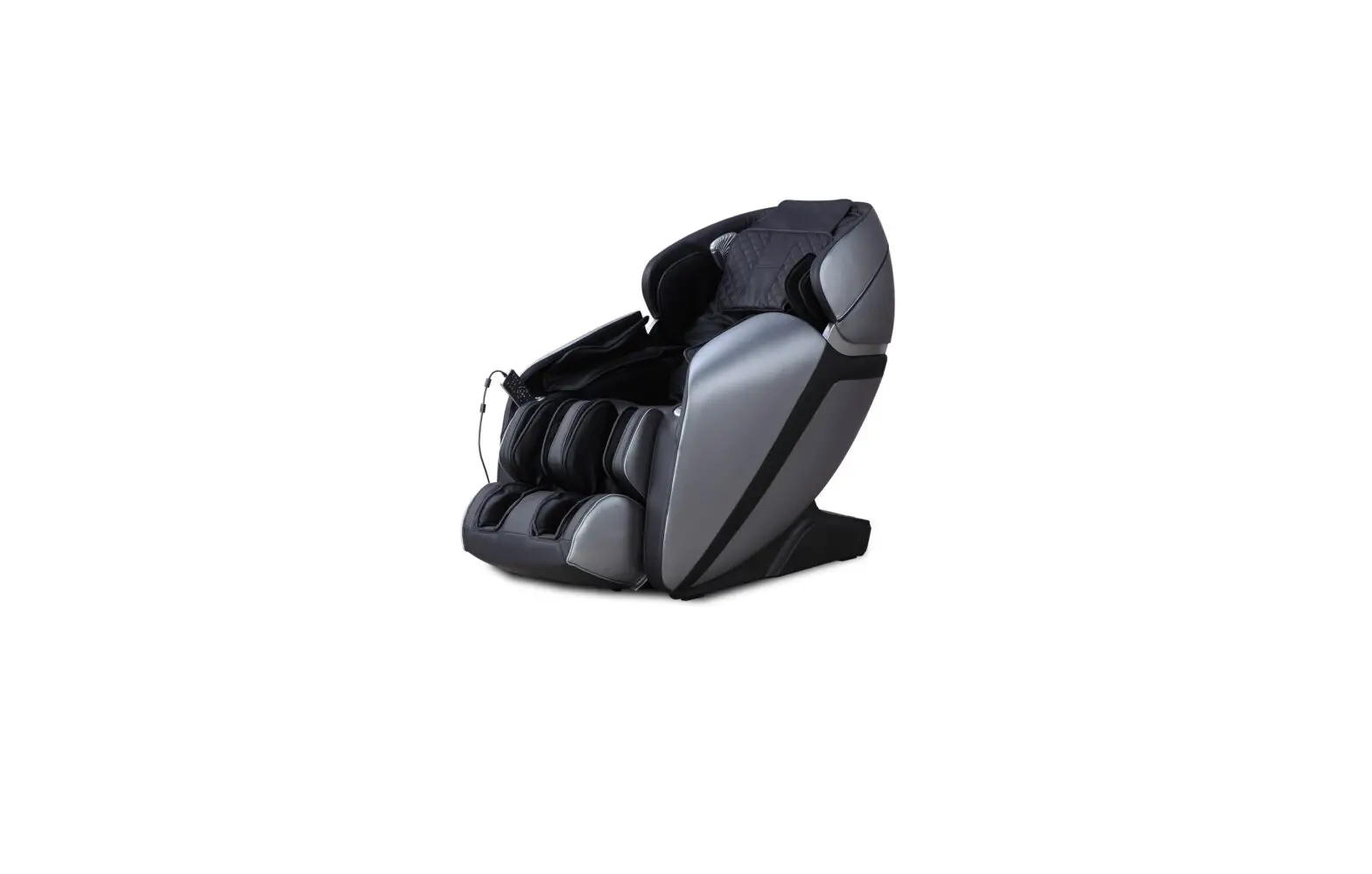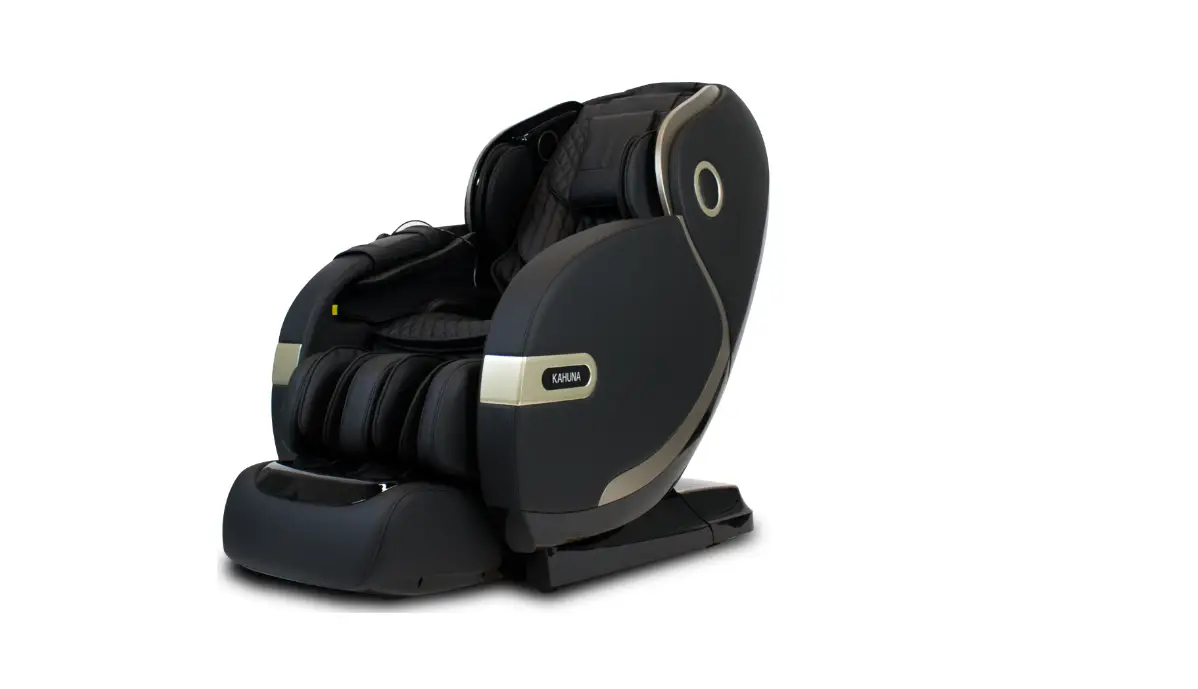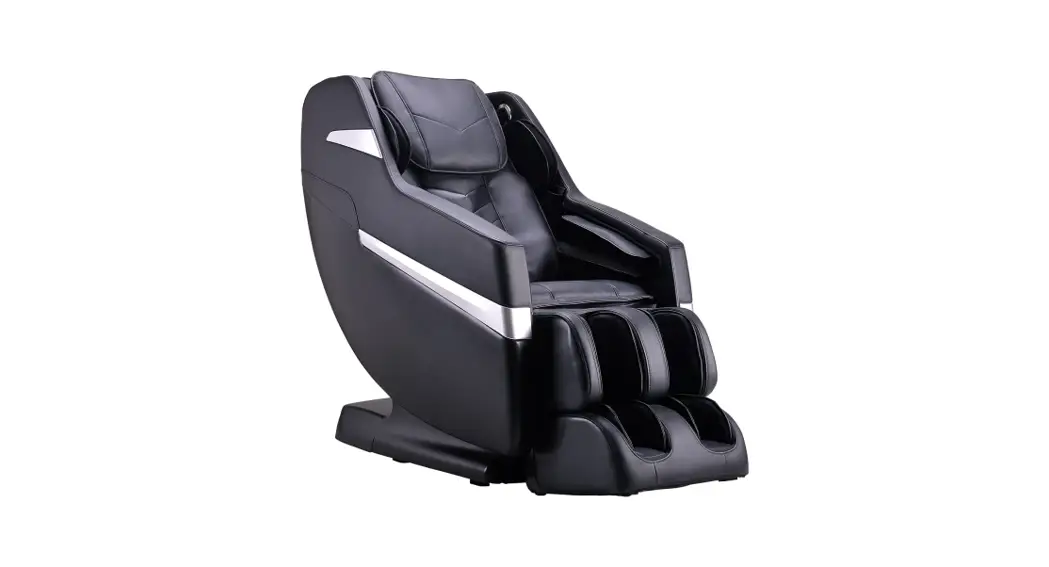

BK- 550
User Manual
Hello.
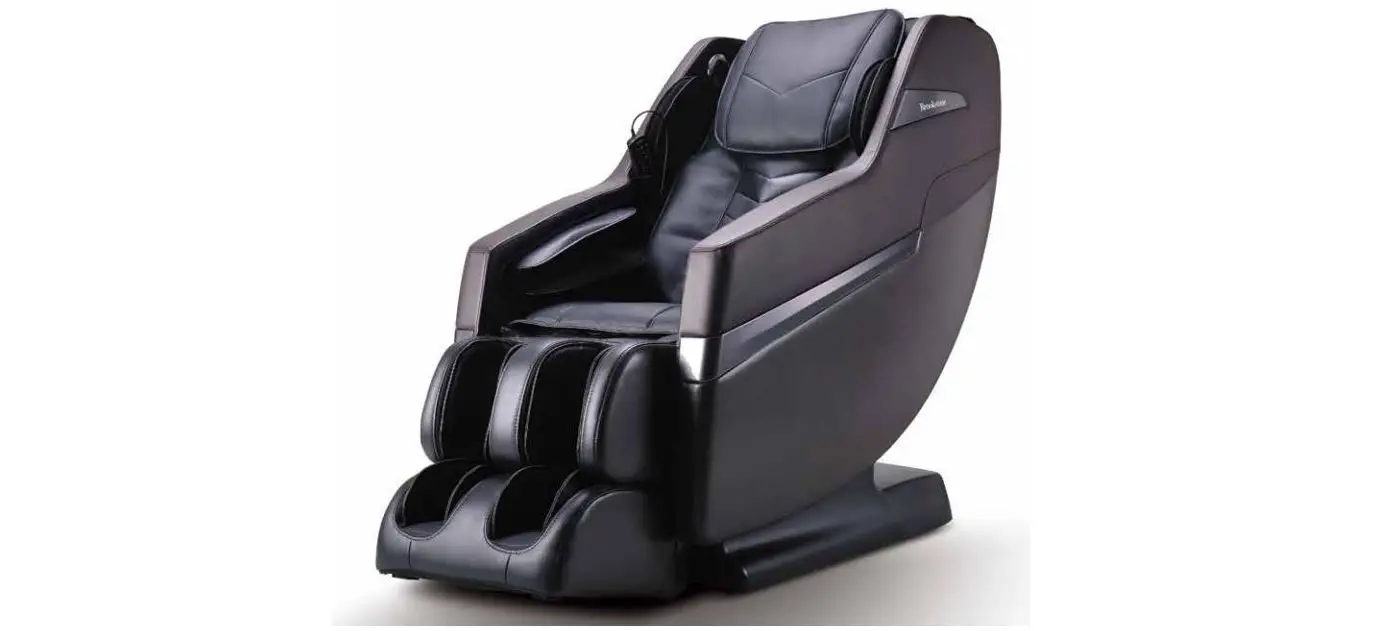
Congratulations on purchasing your new Brookstone BK-550. At Brookstone, we understand that everybody is different and have carefully designed your massage chair with that in mind. But enough about us, this is about you. Learning how to use your new chair is simple (we designed it that way).
So let’s get started.
We Can Help.
Our team will respond qui key to help you solve any issues 1.877.977.0656 Need a deeper message?
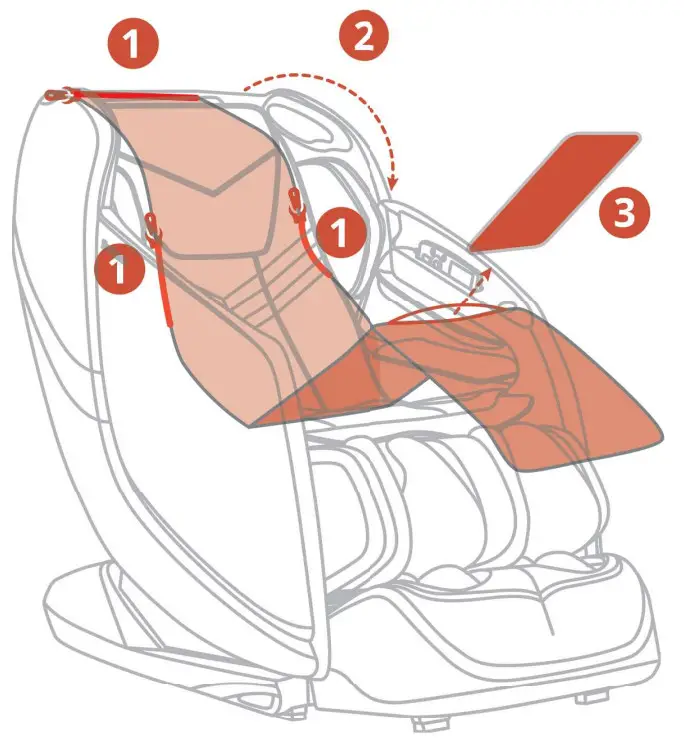
Remove Softening Pad
- Unzip
- Fold-Down
- Remove Pad
Scan QR Code for Support
Open camera app &scan for irslarl support
https://www.cozziausa.com/support/
For replacement parts and tech support, please call our service and warranty hotline, or visit www.cozziausa.com
DIMENSIONS
First, let’s get your chair inside.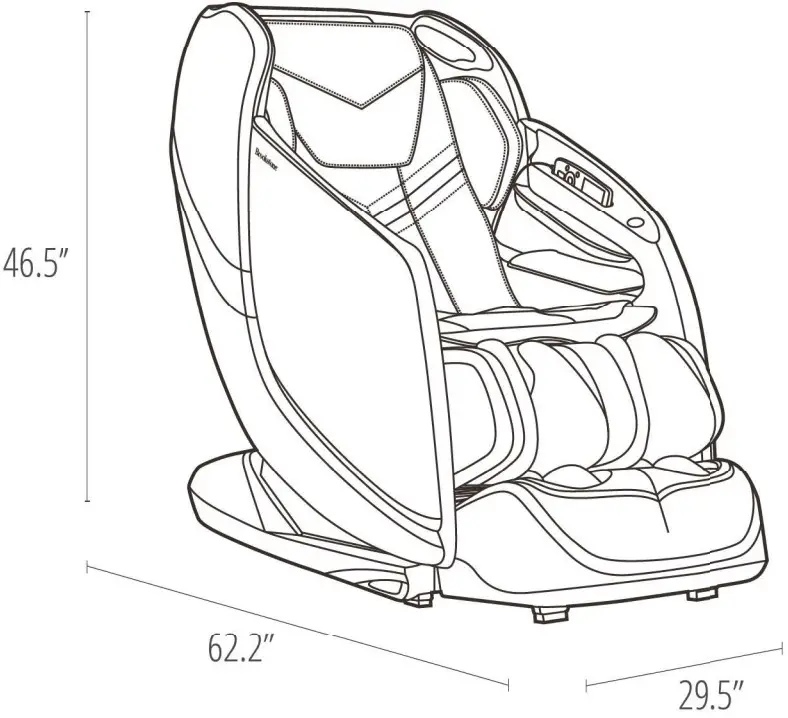
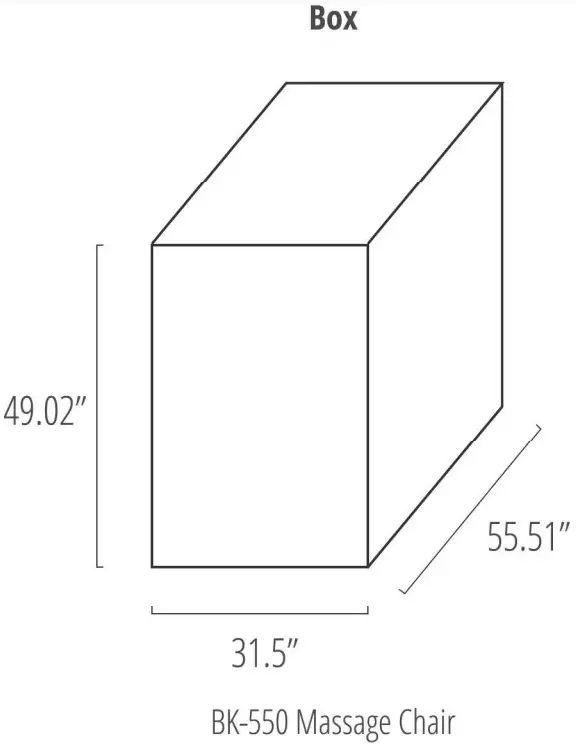
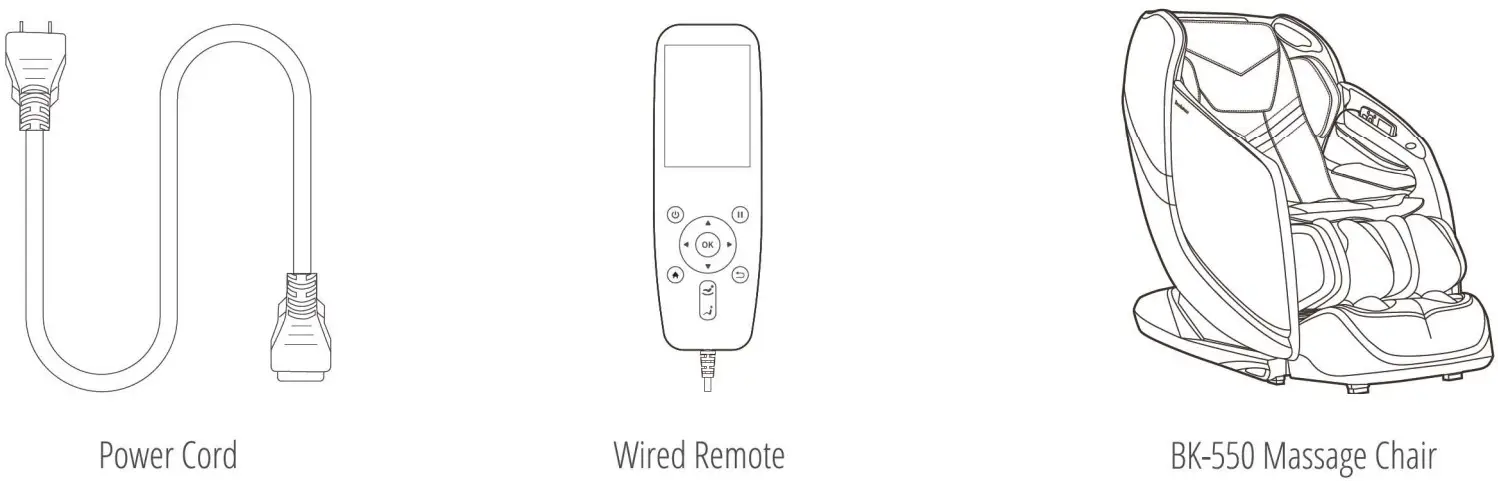
CONTENTS
Everything you need for a relaxing experience.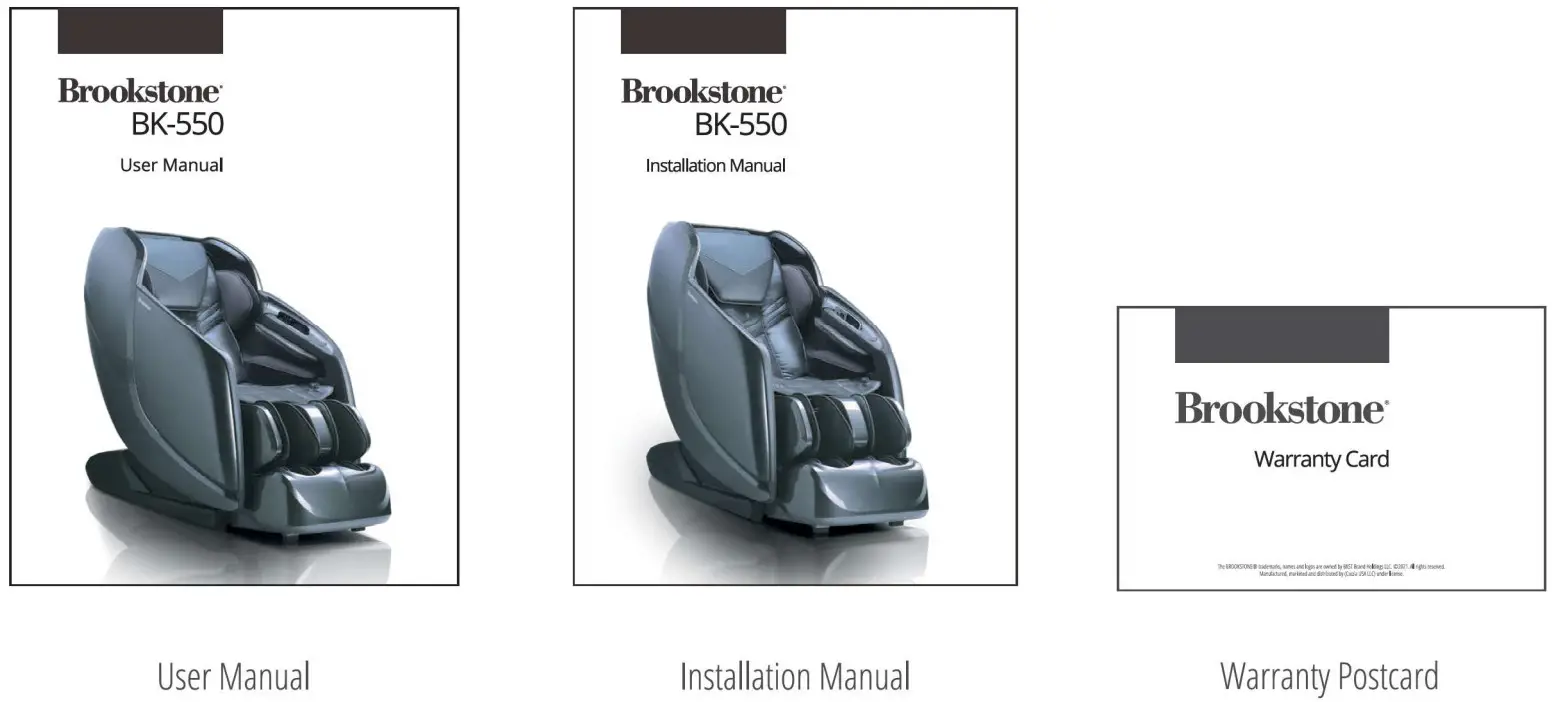
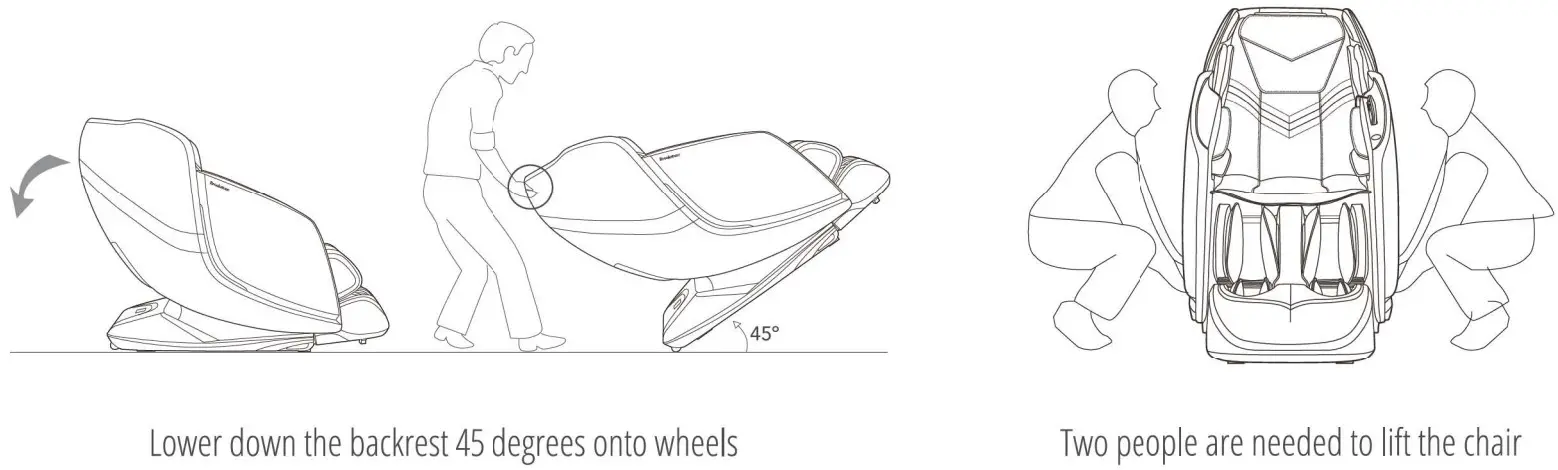
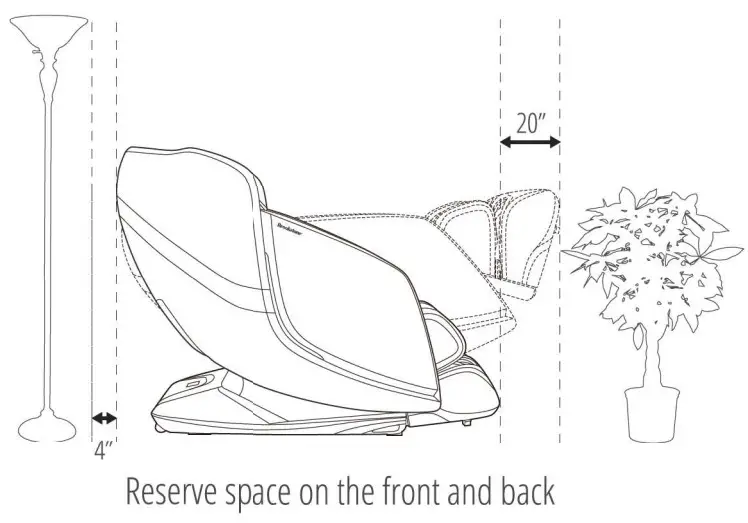
Move & Clearance
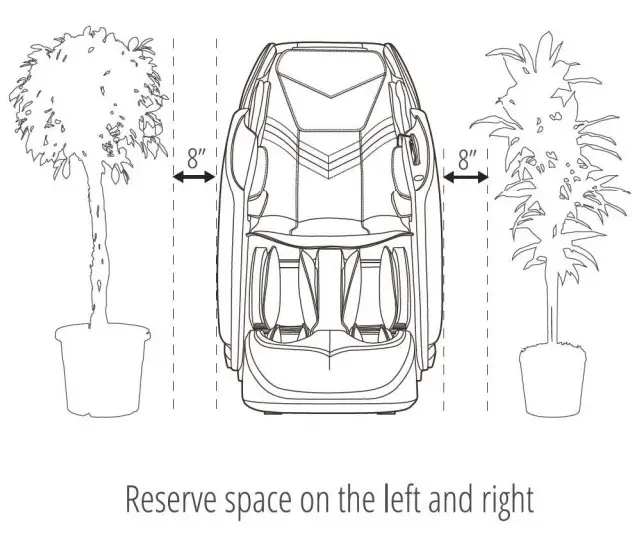
A few simple steps to find the best place for your new chair.
HOW TO MOVE
CLEARANCE
 |  |
CHAIR COMPONENTS
Some of your chair’s most important features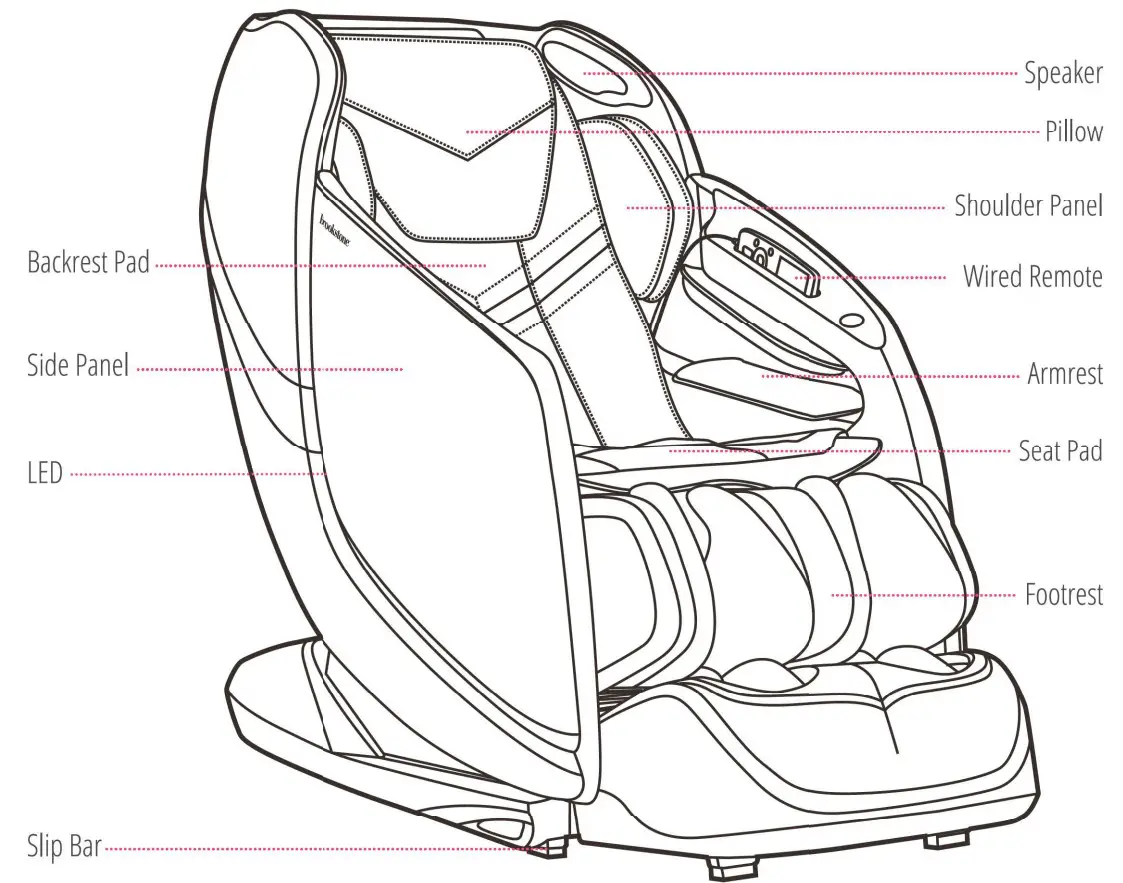
Note: The speaker will only operate when the massage chair is in operation To play music using your massage chair’s speakers please connect your smartphone, tablet, or another electronic device to your chair, using Bluetooth.
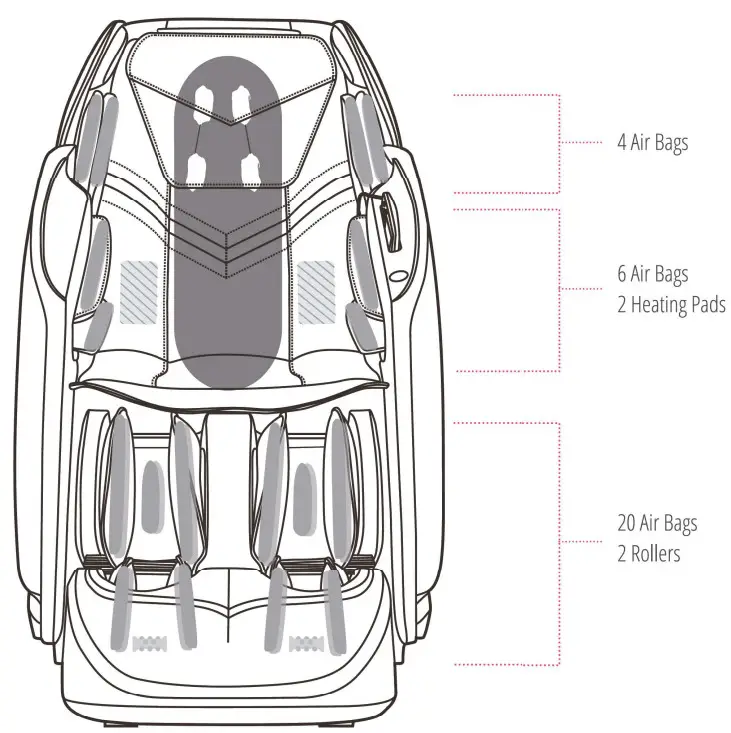
MASSAGE POINTS

CHAIR SPECIFICATIONS
A few important facts about your massage chair.
 |  |  |
| Model No. BK-550 | Max Massage Time 30 minutes | Dimensions (L x W x H) Chair dimensions: 62.2″ x 29.5″ x 46.5″ Reclined dimensions: 67.7″ x 29.5″ x 45.3″ |
 |  |  |
| Shipping Weight Gross weight: 240.3 lbs Net weight: 211.64 lbs | Usage Condition Environment temperature: 10°C-40°C Contrasting humidity: 30-85RH | Storage Condition Storage temperature: -20°C-60°C Storage humidity level: 30-85RH |
 |  |  |
| Rated Current 1.3A | Rated Voltage 110 – 120V | Rated Frequency 60Hz |
 |  |  |
| Power of Speakers 14W (2 sides) | Length of Wiring Controller wiring: 31.5″ Power supply wiring: 70.9″ | Safety Feature Equipped with overheating and power surge detectors safety feature |
WIRED REMOTE
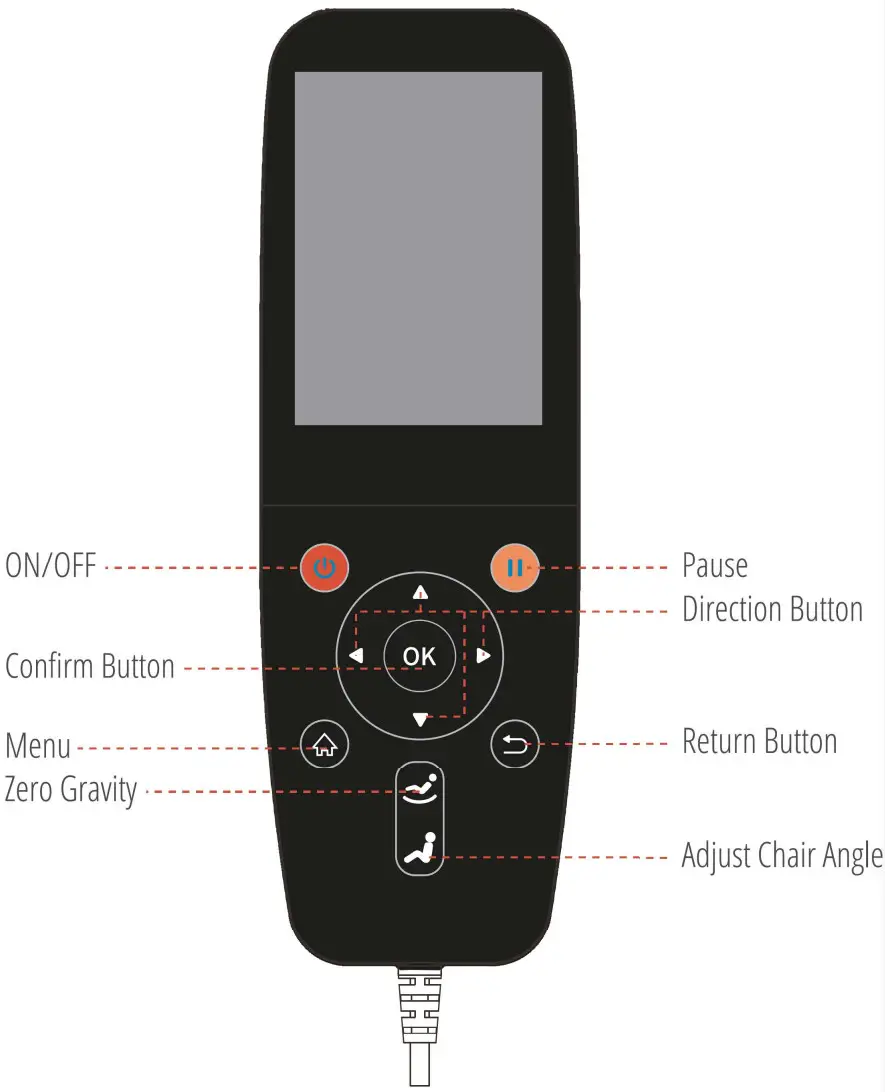
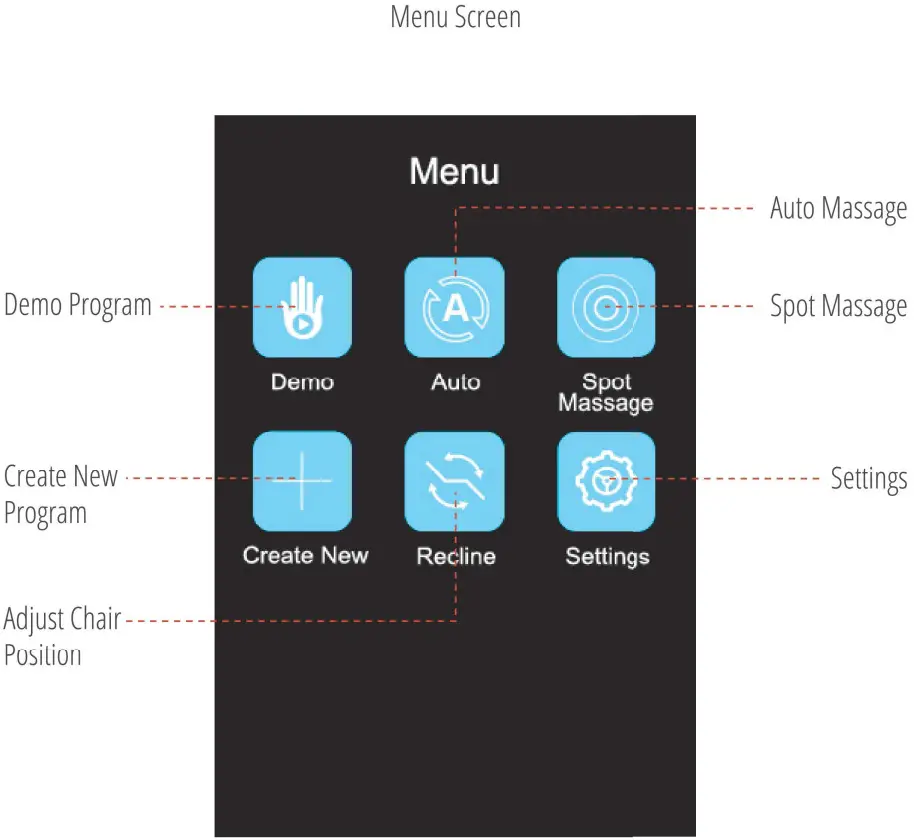
INTERFACE
DEMO
In order to allow you to quickly understand how to use the chair, we created a demo module for you.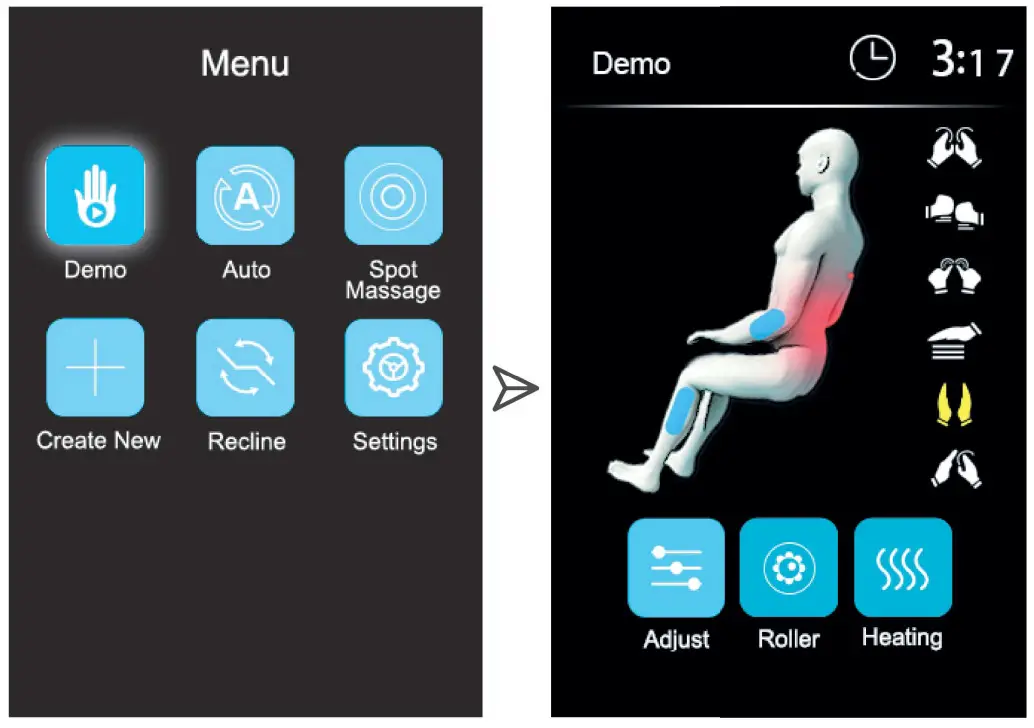
Choose Demo” and press “Or to begin demo program
AUTO MASSAGE
We have designed your chair with multiple massage options for your changing needs. Follow these simple instructions to begin a new auto massage.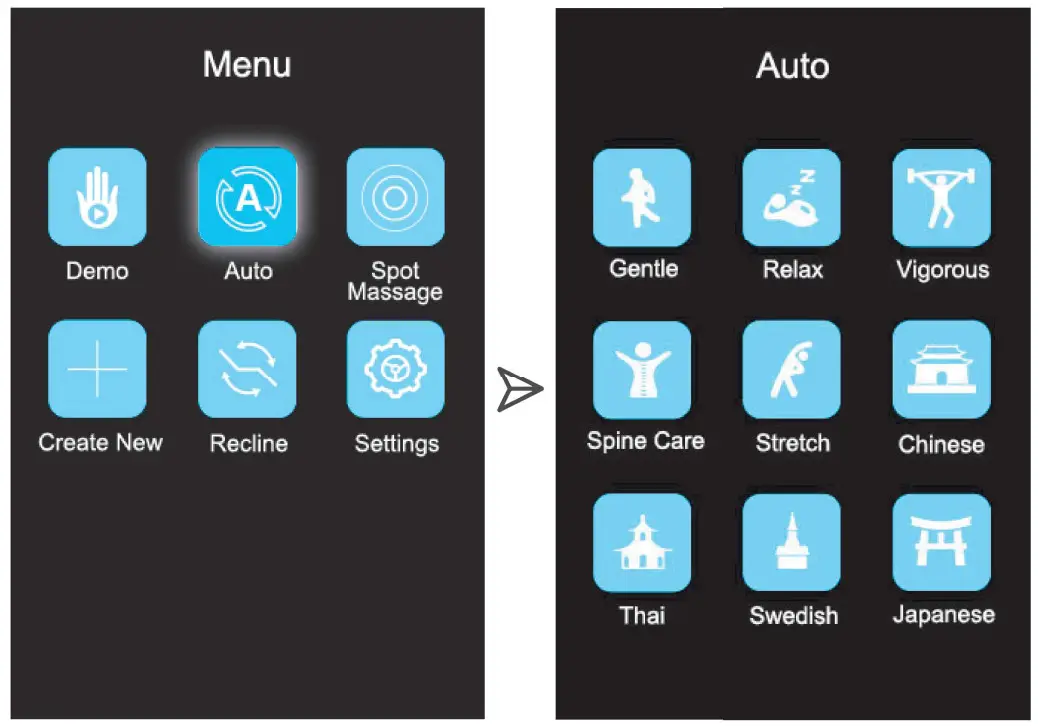
Choose “Auto” and press “OK” to get into the auto message interface
Auto Massage Interface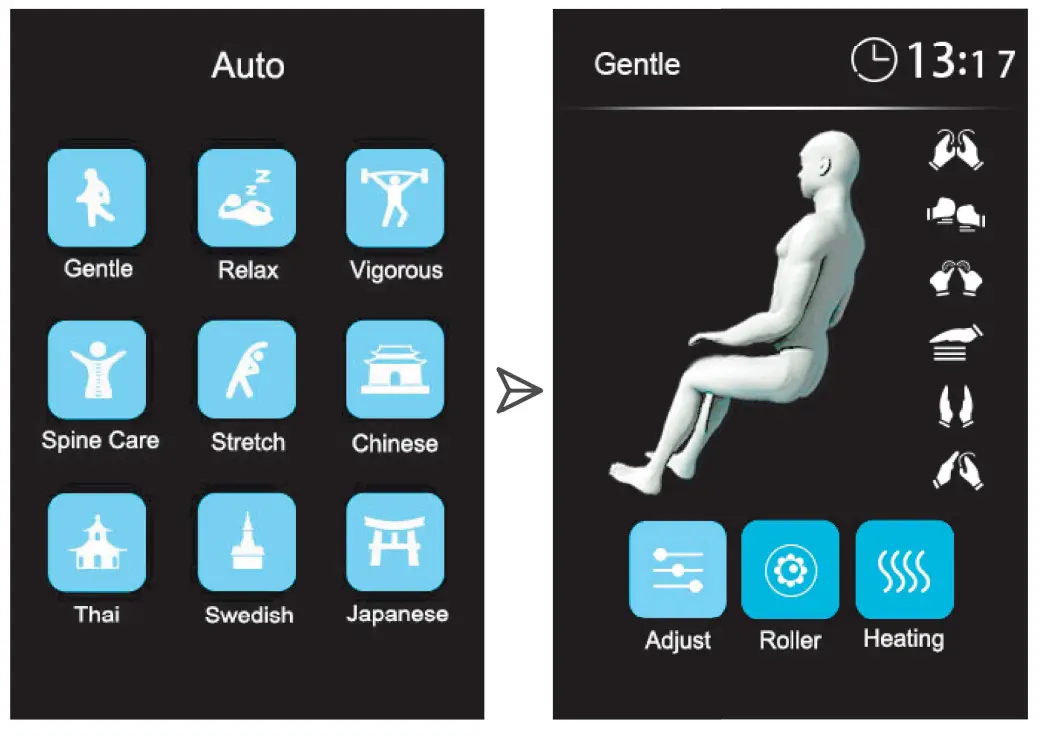 Choose 1 of our 9 auto massages (Gentle, Relax, Stretch, Vigorous, Spine Care, Stretch, Chinese, Thai, Swedish, Japanese)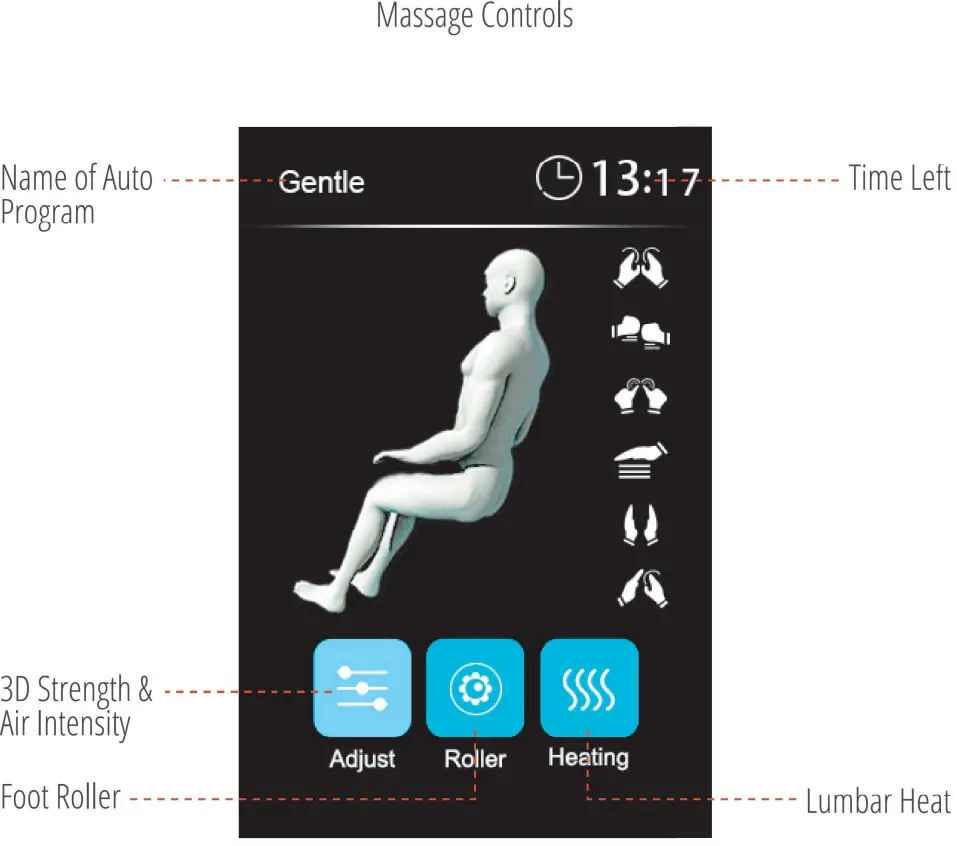
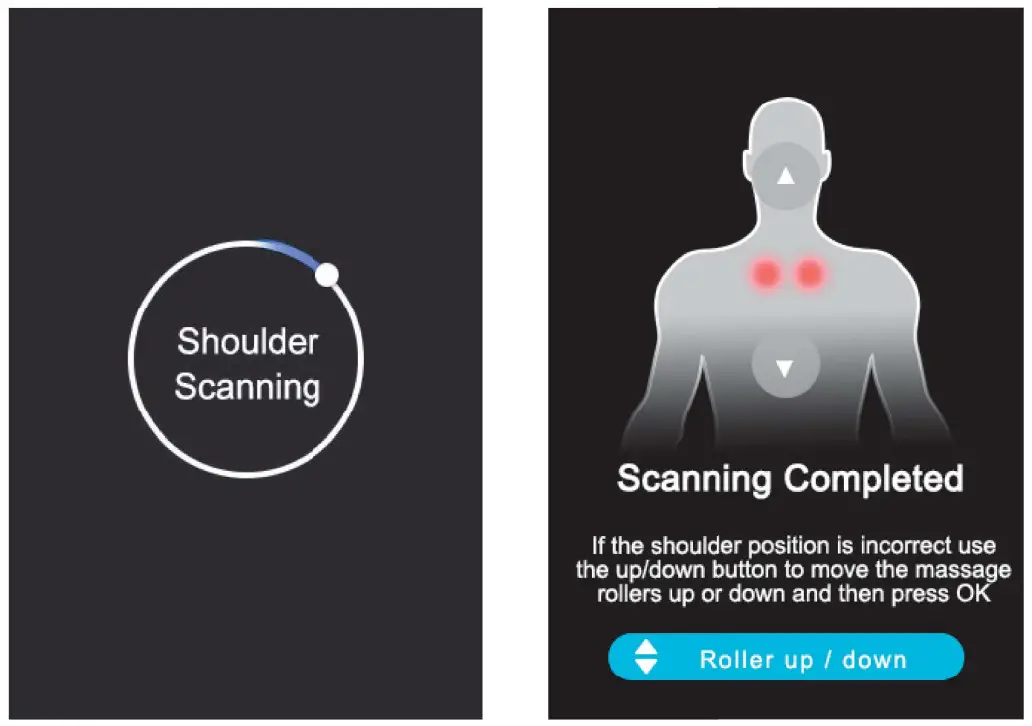 When you choose an auto program, the chair will detect your shoulder position automatically. You can adjust the massage roller higher or lower with the direction buttons
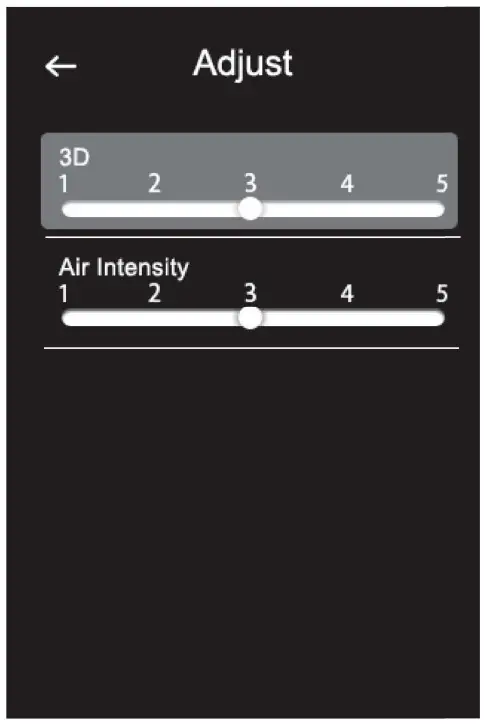 In this interface, you can adjust massage 3D strength and air intensity
SPOT MASSAGE
This is a fixed message area and actions program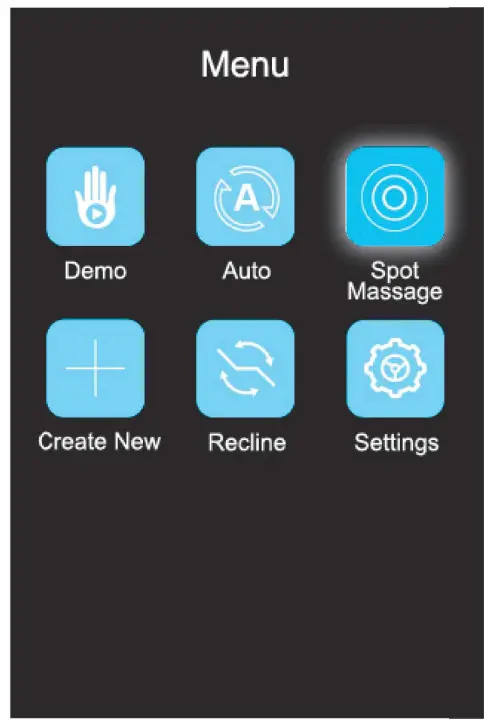 Choose “Spot Massage” and press tr to begin spot massage