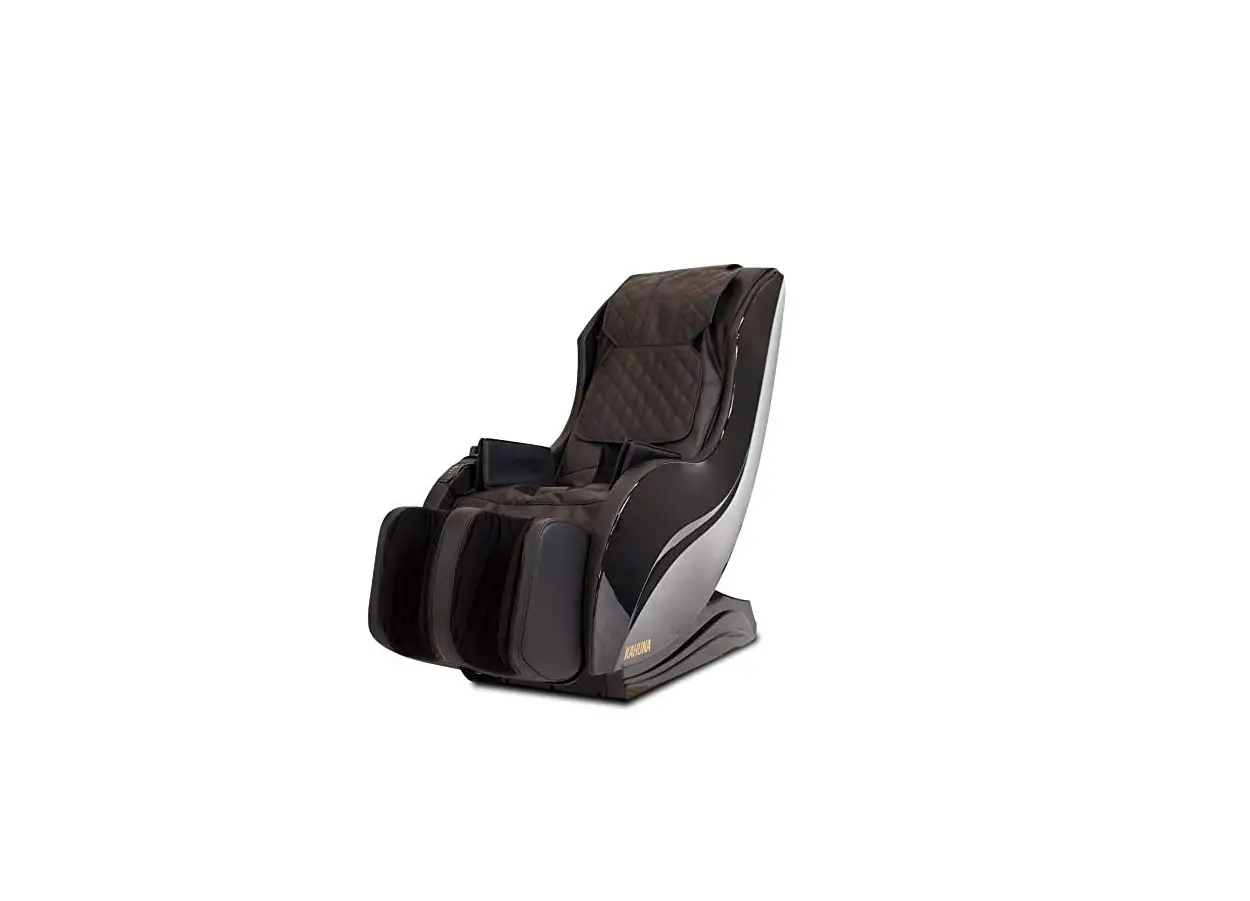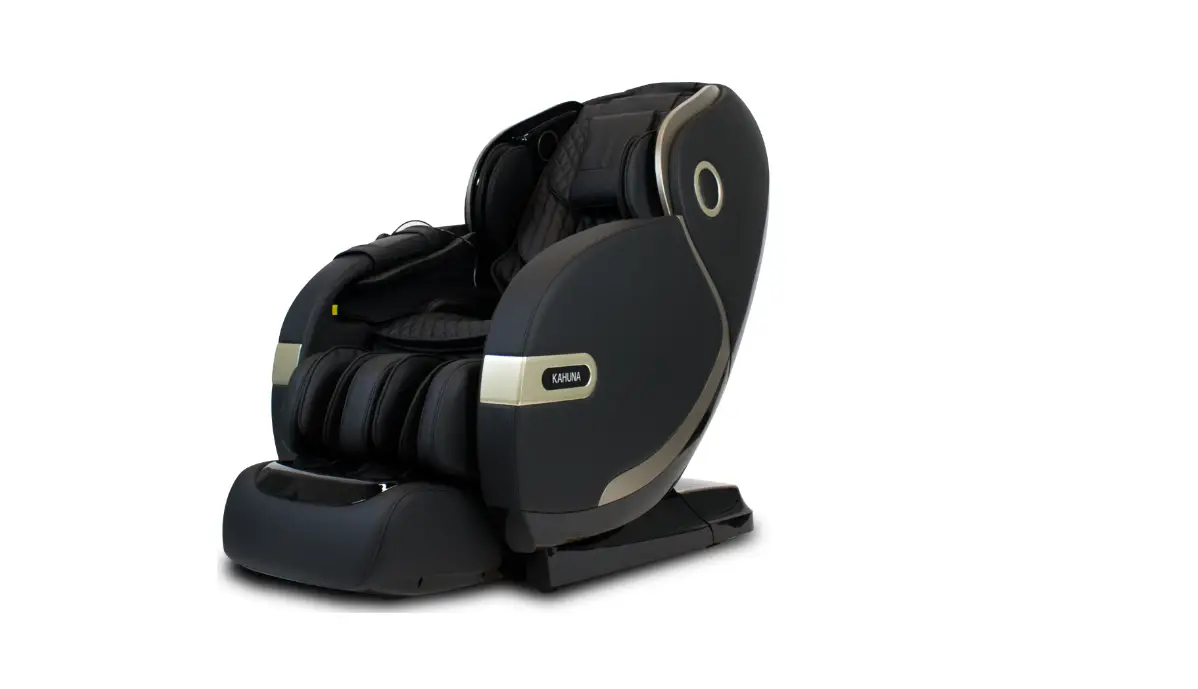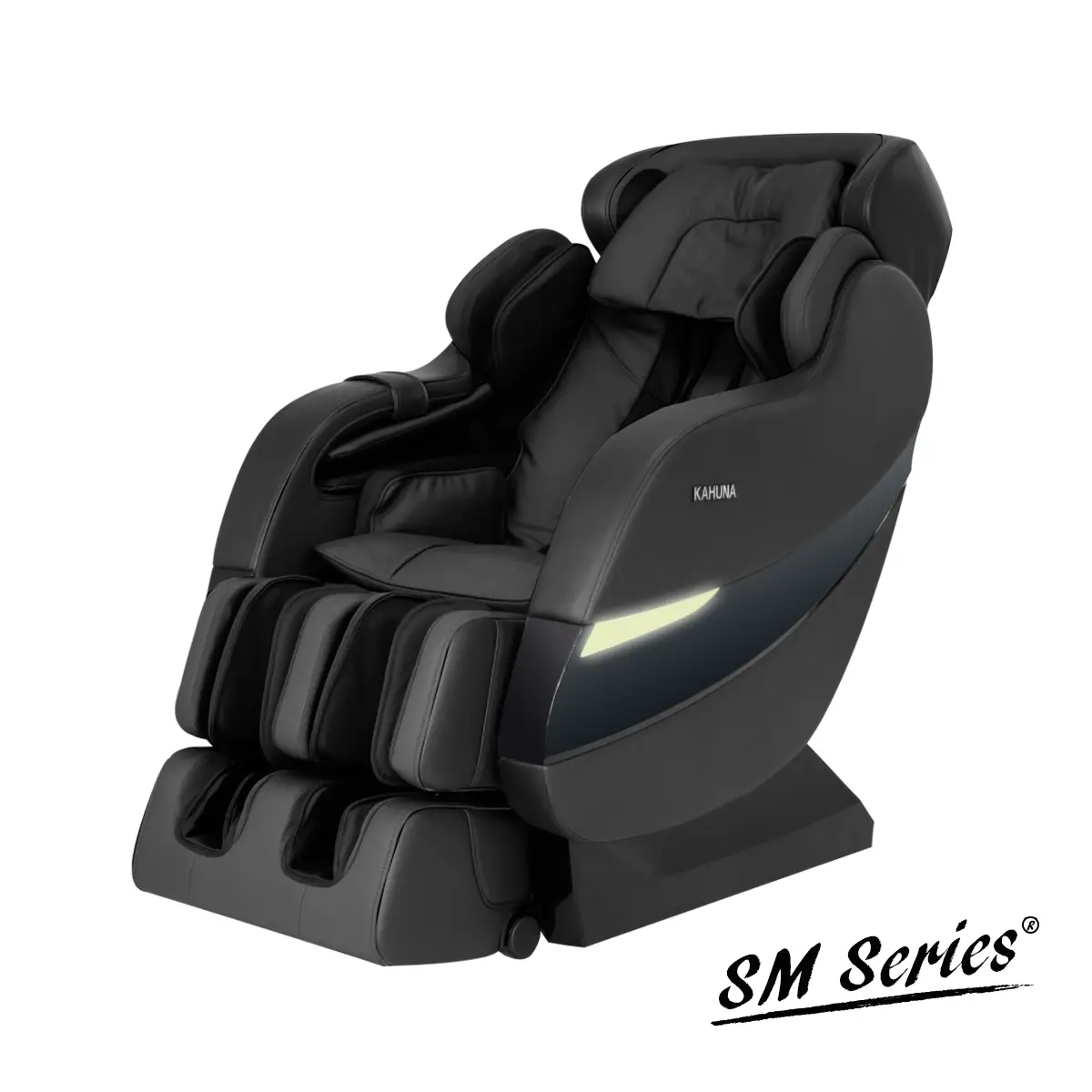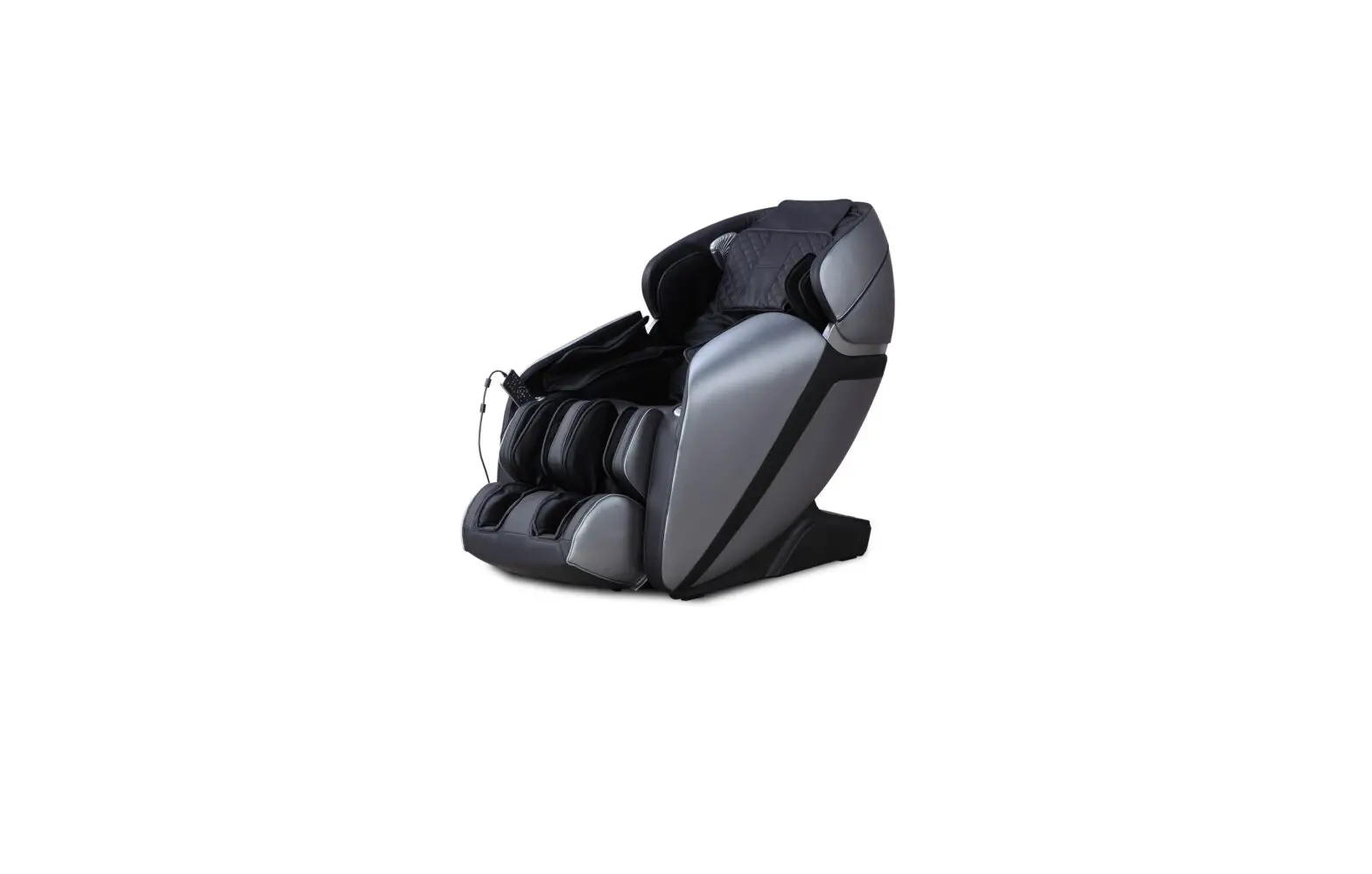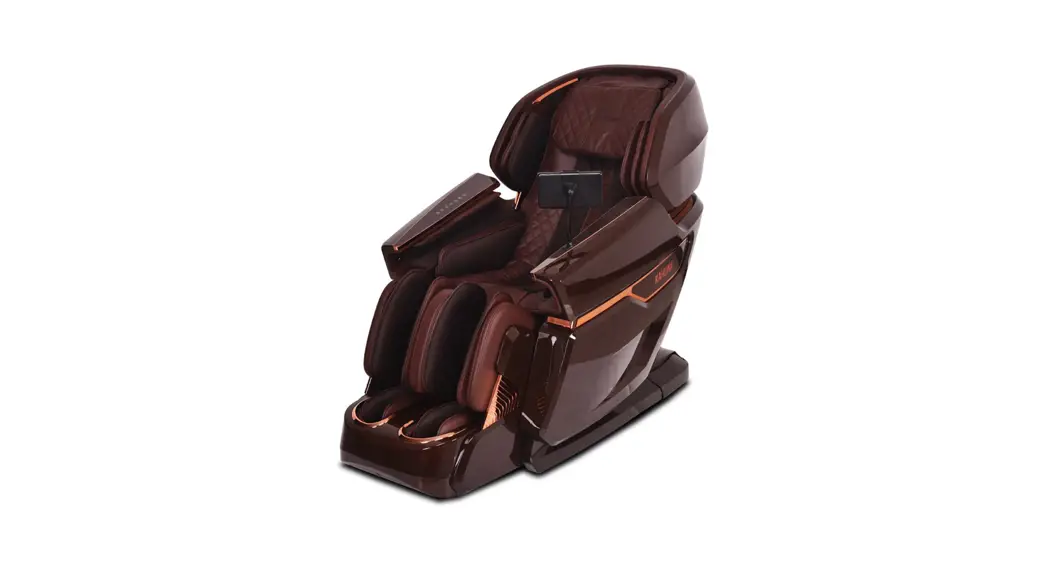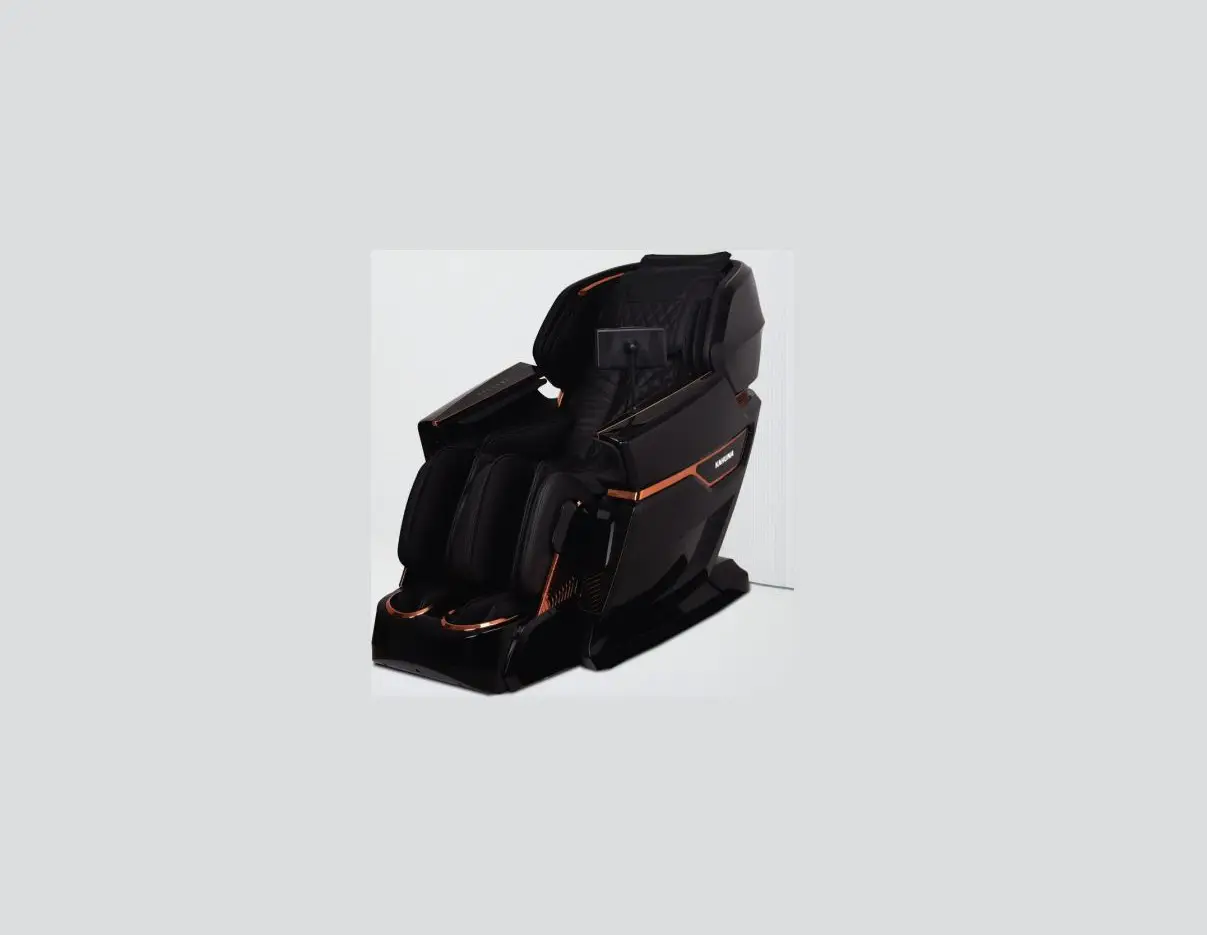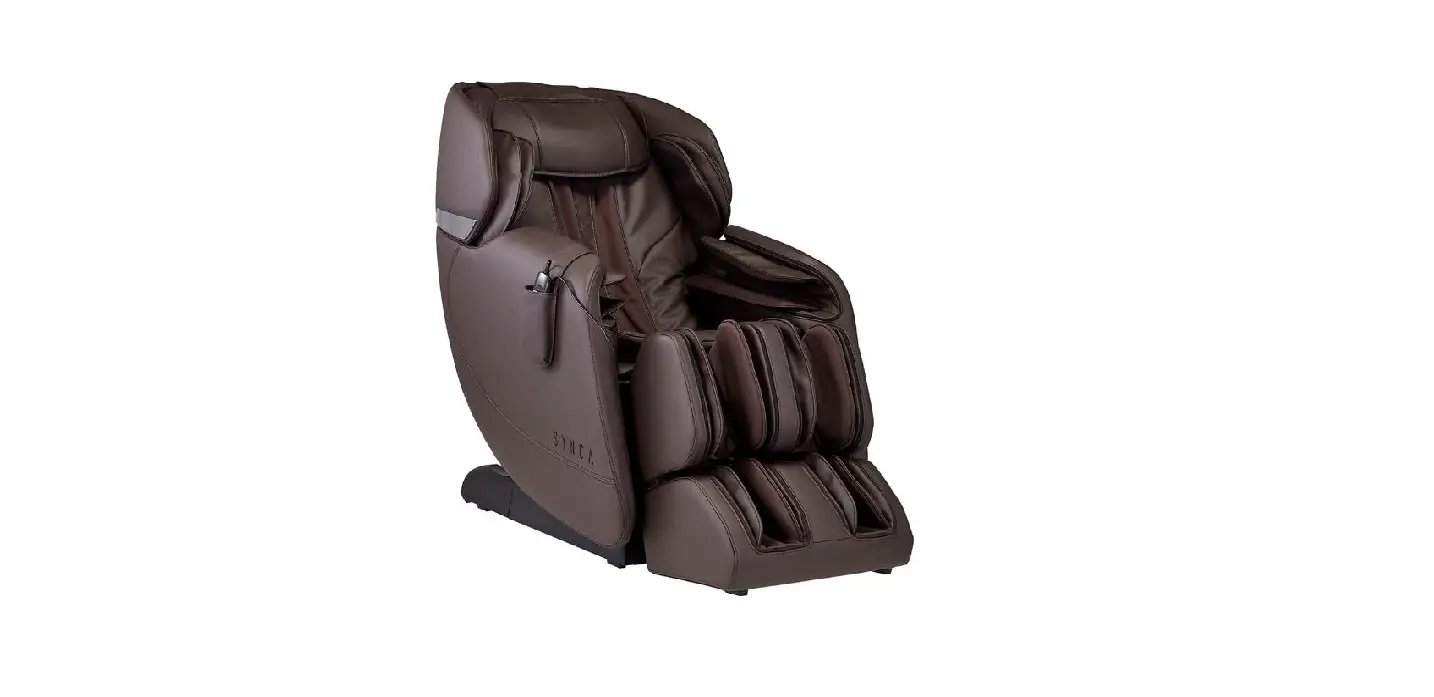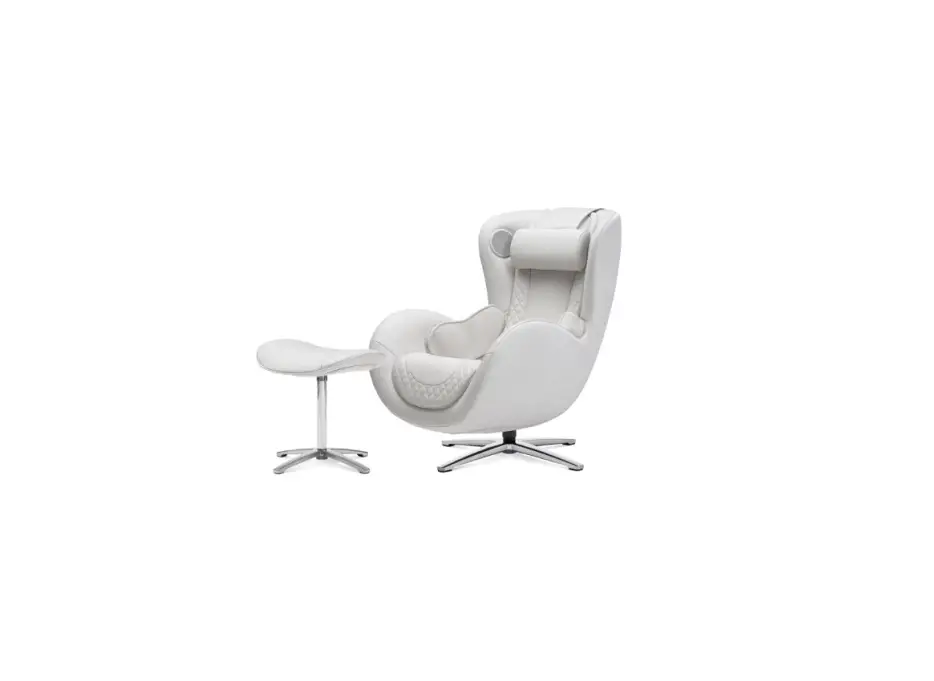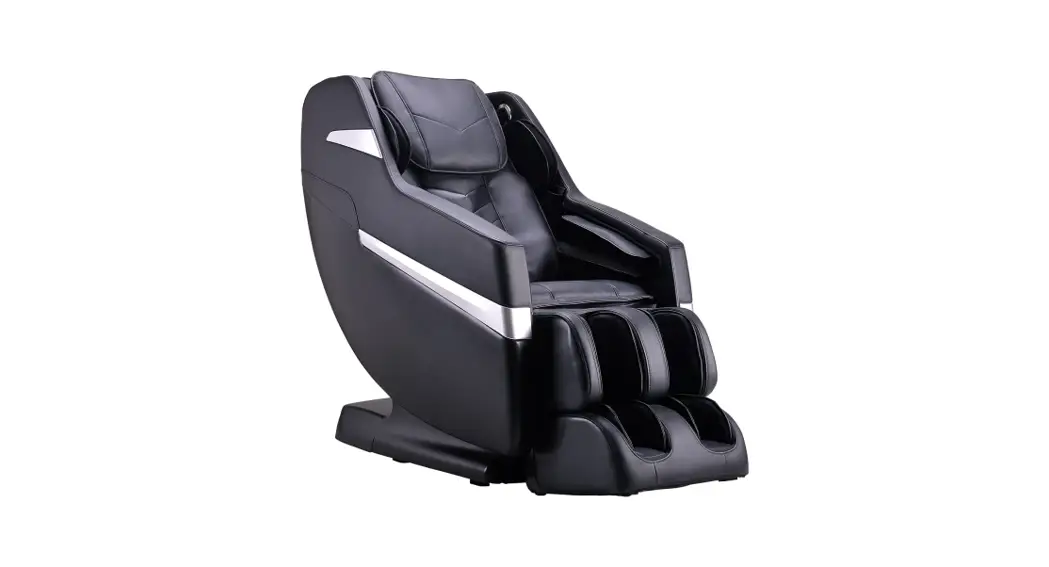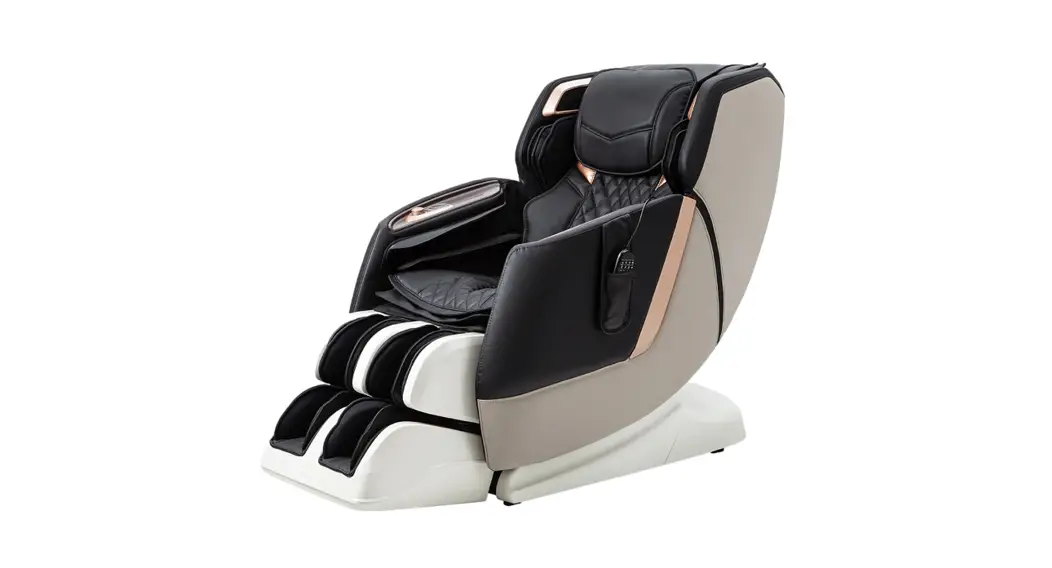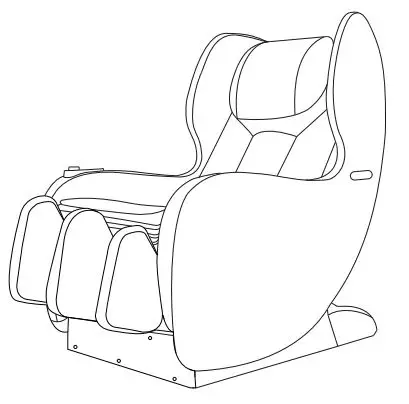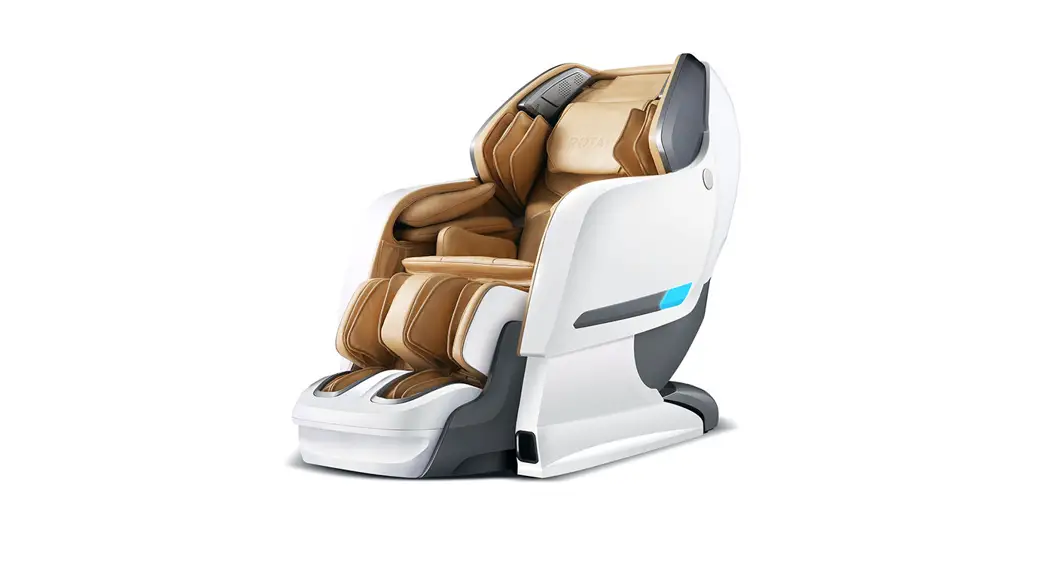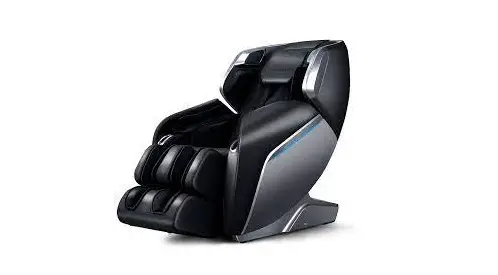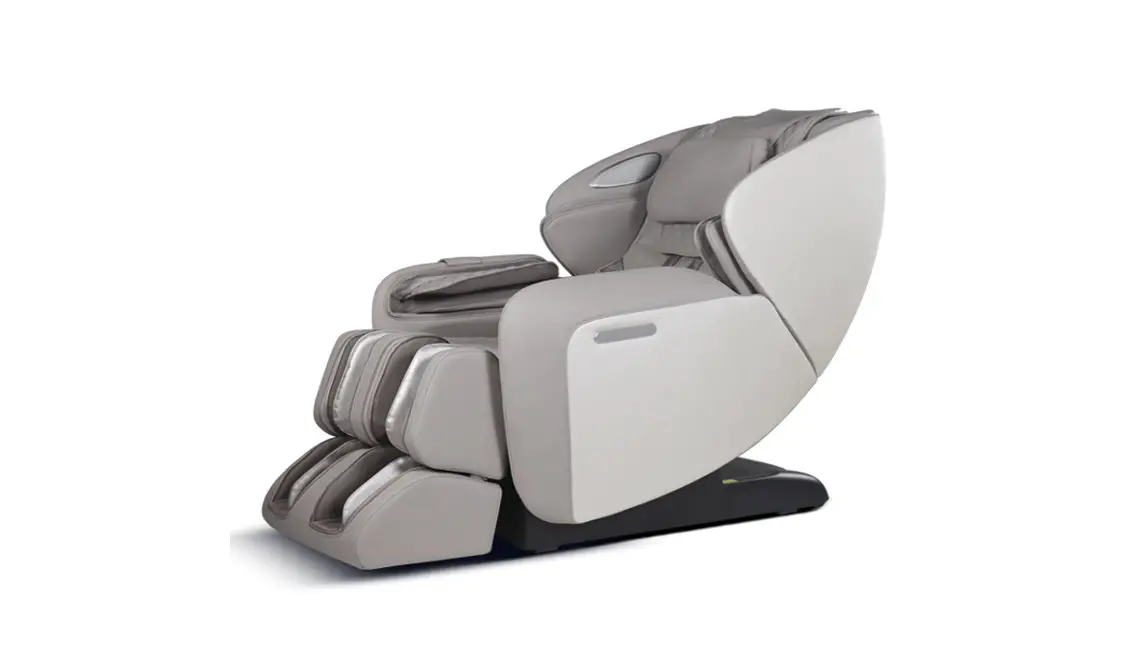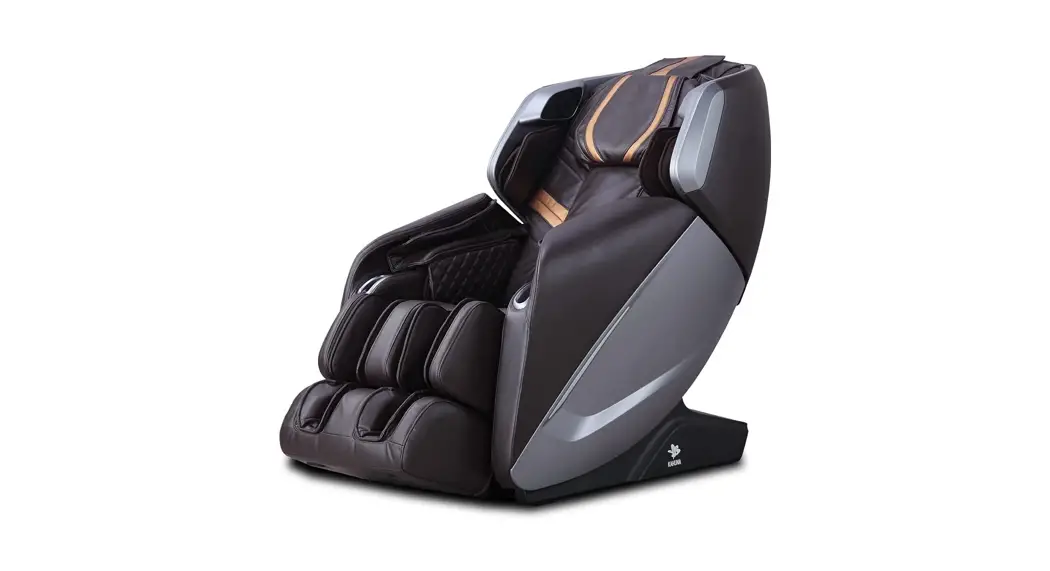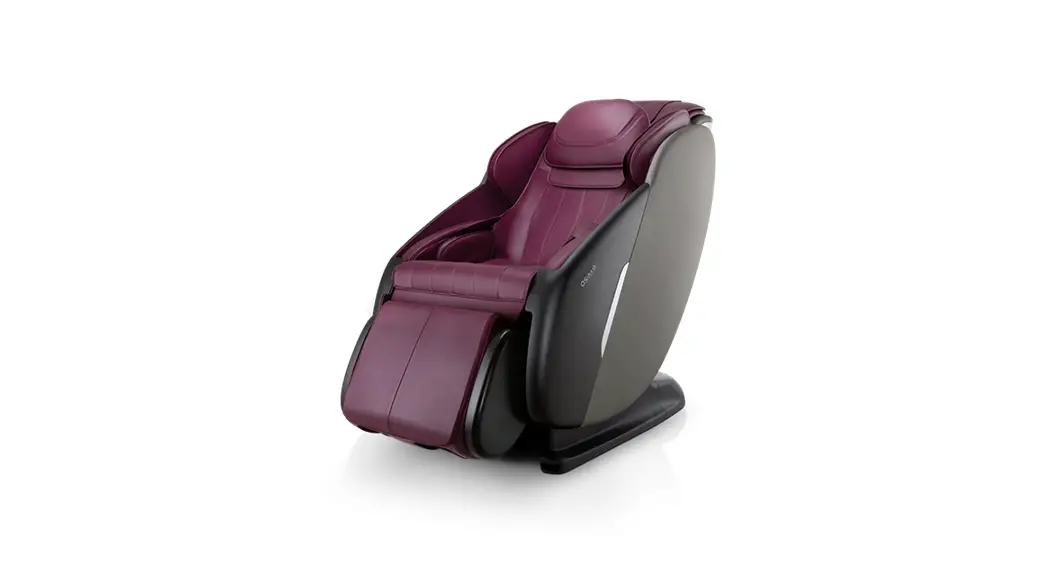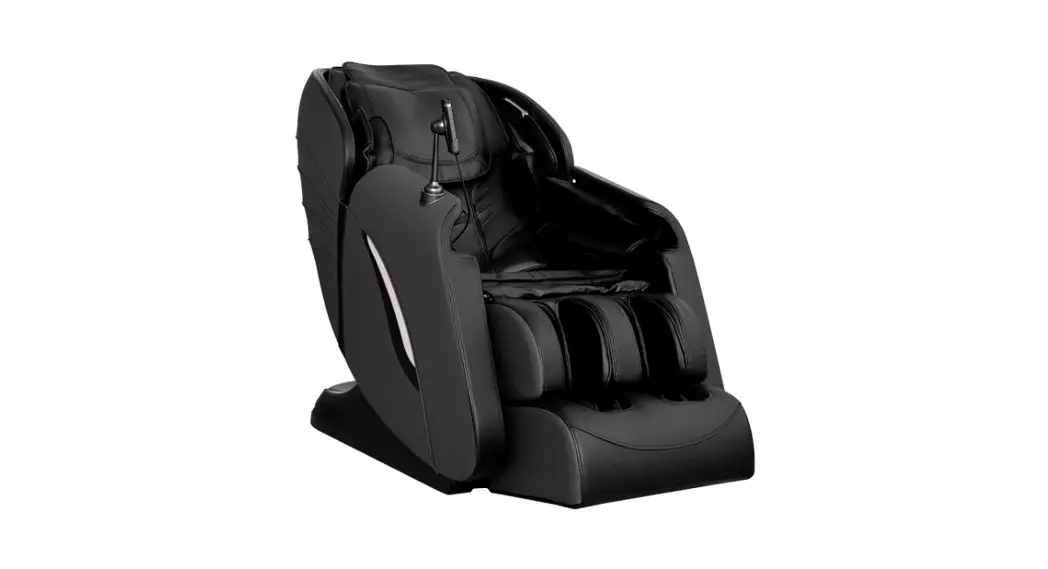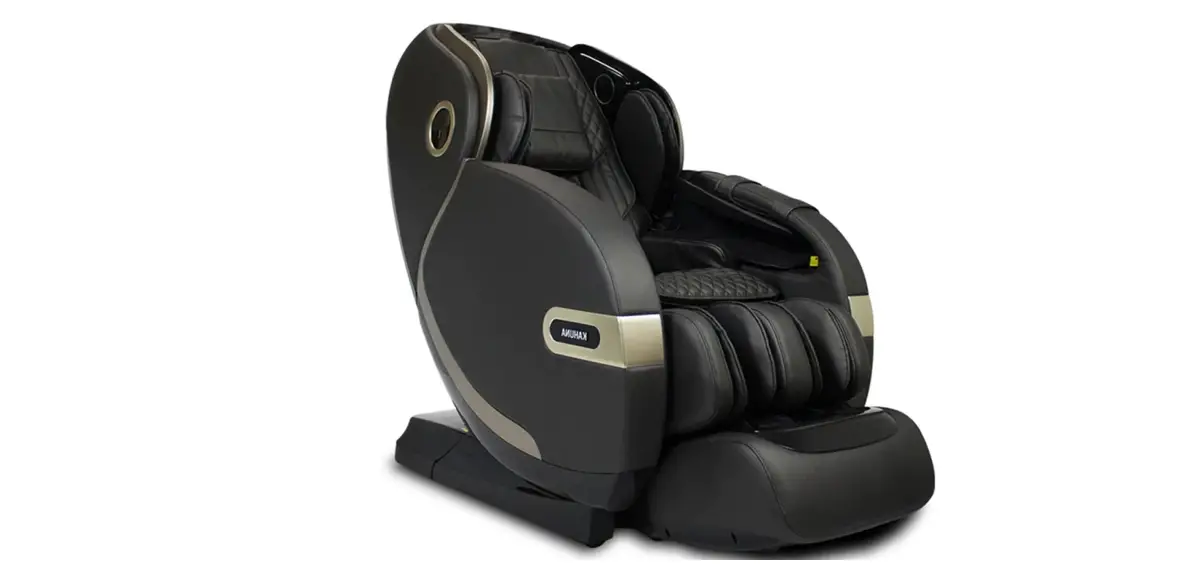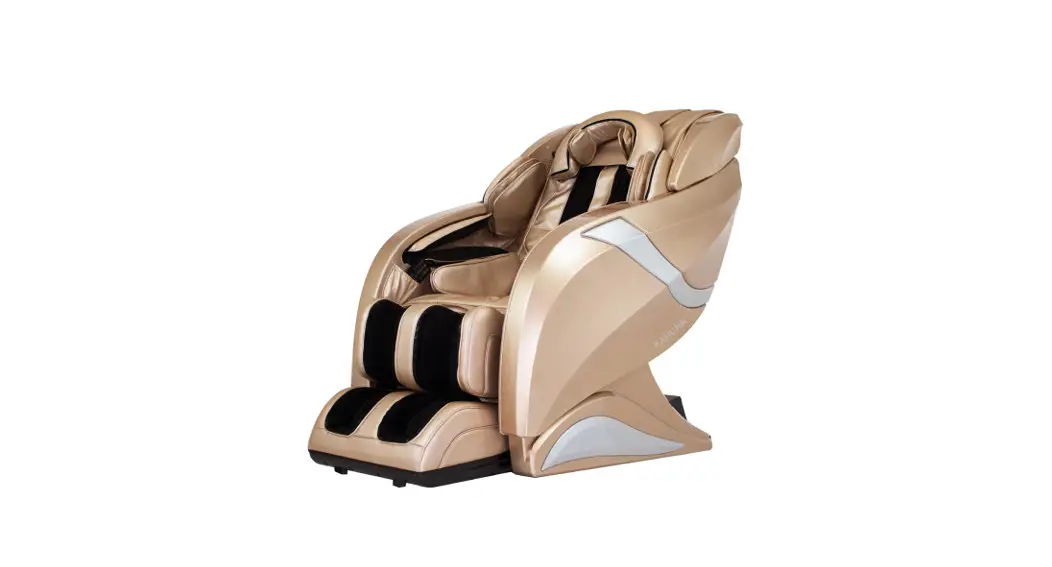
 KAHUNA MASSAGE CHAIR
HM-078 HUBOT
USE AND CARE MANUAL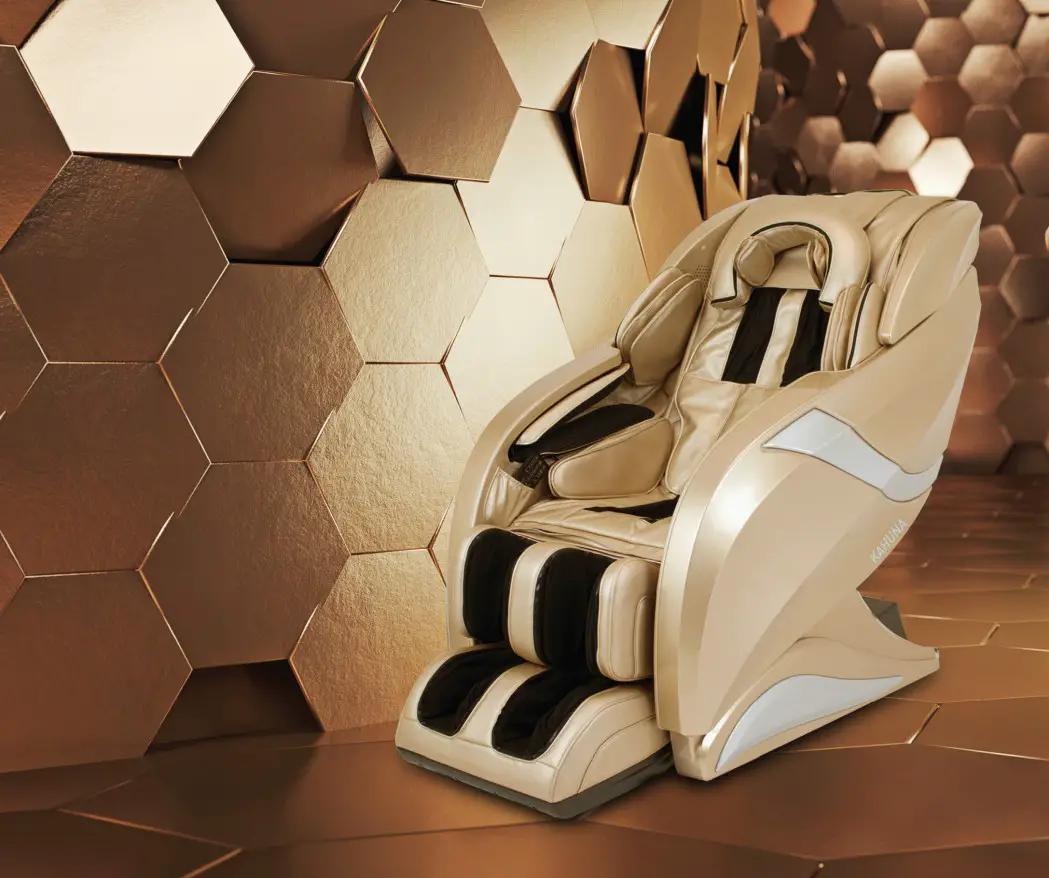
REMORT CONTROLER
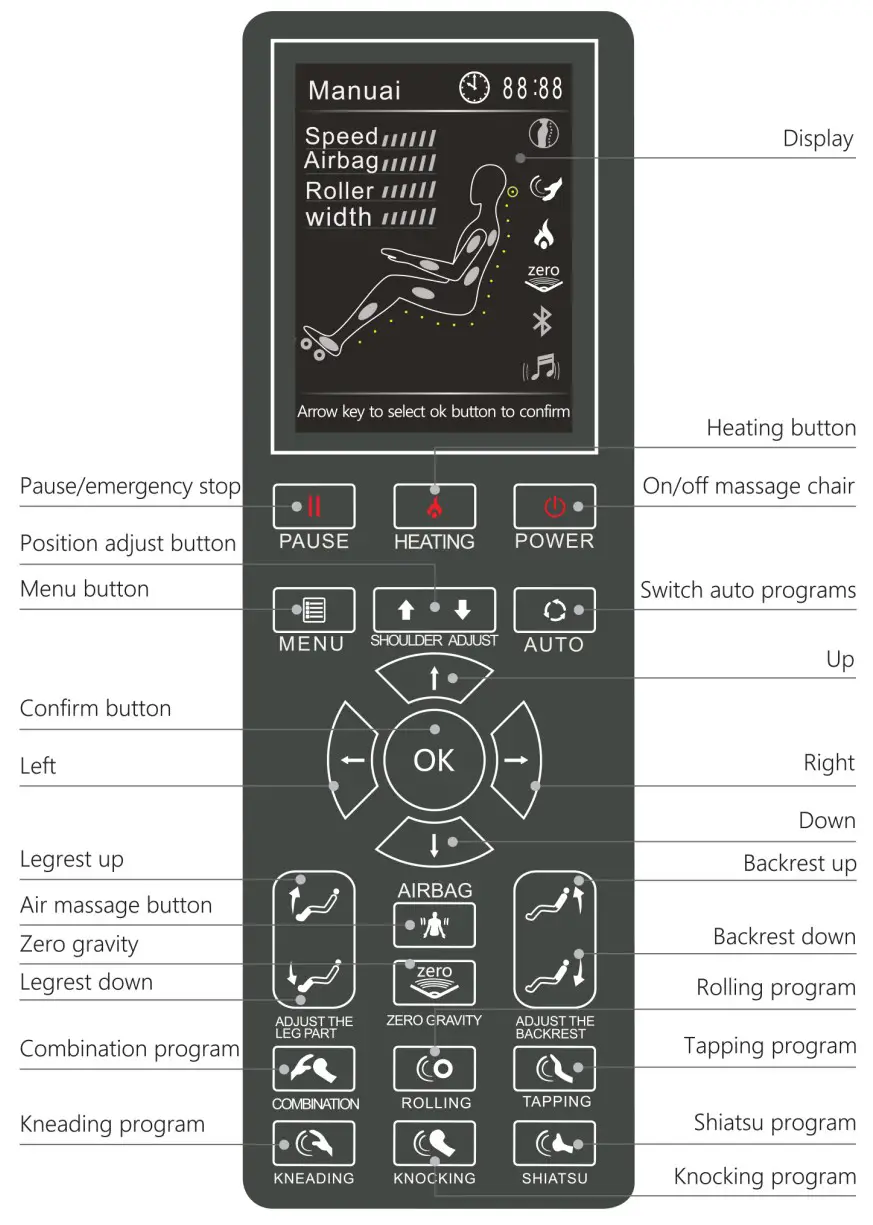
MANUAL CONTROL
Manual Mode Power: On/off key of the whole chair.
– Press this key, the chair will start to work.
– Press it again, the chair will shut down and go back to the reset position. Pause: When the chair is working, press this key, all actions will be suspended, press it again, all the actions will recover.
 Menu: You can choose programs, massage methods, setting functions by pressing this key.
 Shoulder position adjustment: Adjust the height of the back rollers by holding the down button for either direction.
 Auto program switch: Press this key to choose and switch the full-body program.
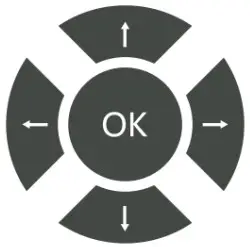 Direction: You can press the up/down key to choose, and press the right key to enter the sub-directory, press the left key to the back parent directory, the OK key is for confirming selections.
Leg extension position adjustment : The leg will manually extend the length
 Leg will manually shorten the length
 Zero gravity: Press this key to enter zero gravity position, the zero gravity icon on the display will be light up, and will turn off when you adjusting the backrest/leg part angle by manual, which will make the chair out of Zero-gravity position.
 Position up the legrest: By long-press this key, the leg part will lift up.
 Position down the legrest: By pressing this key for a while, the legrest will be put back down.
 Position up the backrest: By pressing this key for a while, the backrest will lift up.
 Position down the backrest: By pressing this key for a while, the backrest will be put back down.
 Airbag: Turn on/off the airbag massage system by the press this key.
 Heating: Pressing this key, the heating system will be turned on, and the heating icon on the display will be light up, press it again the heating system will be turned off, and the icon turns grey.
Auto programs
Press the “Power” button to enter the “Auto program when the power is ready. In the auto program menu.
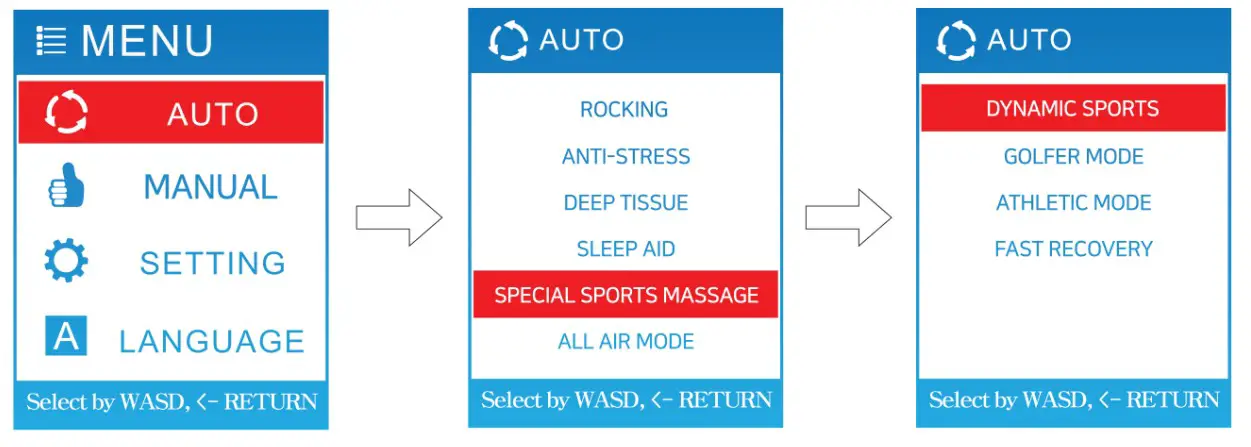
 Renew
Renew Kahuna Yoga-Stretching
 Twist Yoga-Stretching
 Active Yoga-Stretching
 Kahuna SV-Chiro
 Twist SV-Chiro
 Rocking
 Anti-Stress
 Deep Tissue
 Sleep Aid
 Special Sports Massage
Dynamic Sports
Golfer Mode
Athletic Mode Fast Recovery All Air mode
*Please check the detailed function of auto programs on the homepage.
Air cell
This subdirectory is for managing the airbag system, contains part and intensity options.
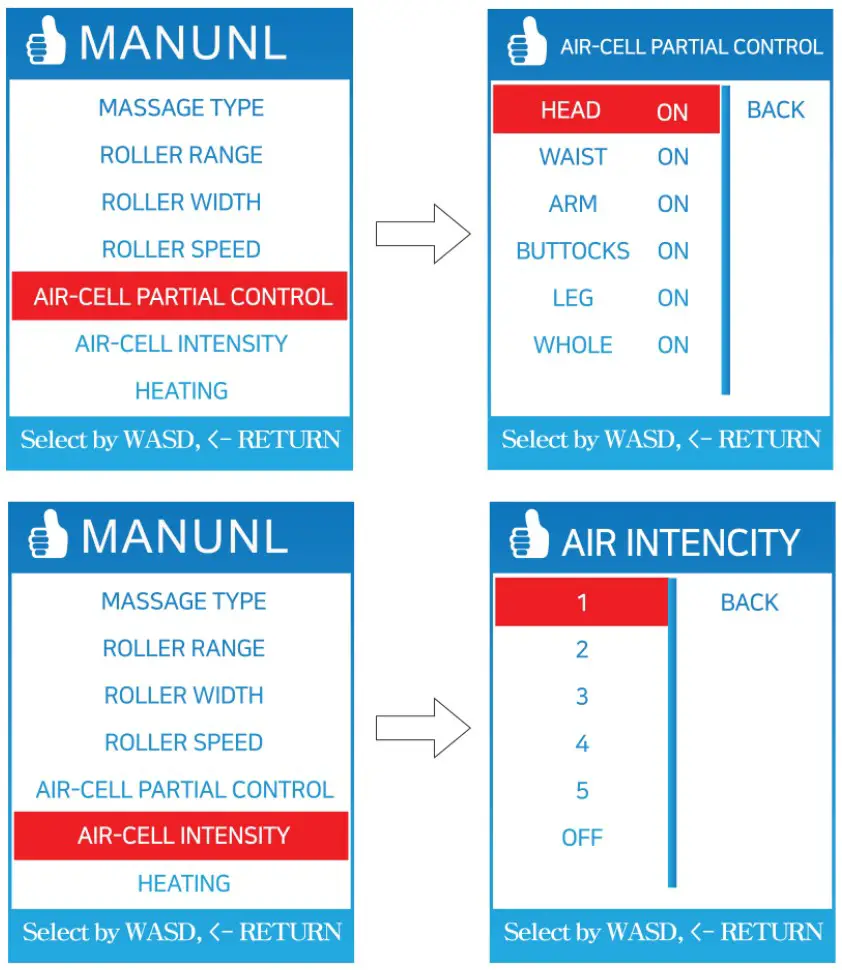
Partial: In this subdirectory, you can turn on / off some airbags by choosing it and select the off / on the button.
Intensity: This is for adjusting the air pressure intensity, offer S degree for option.
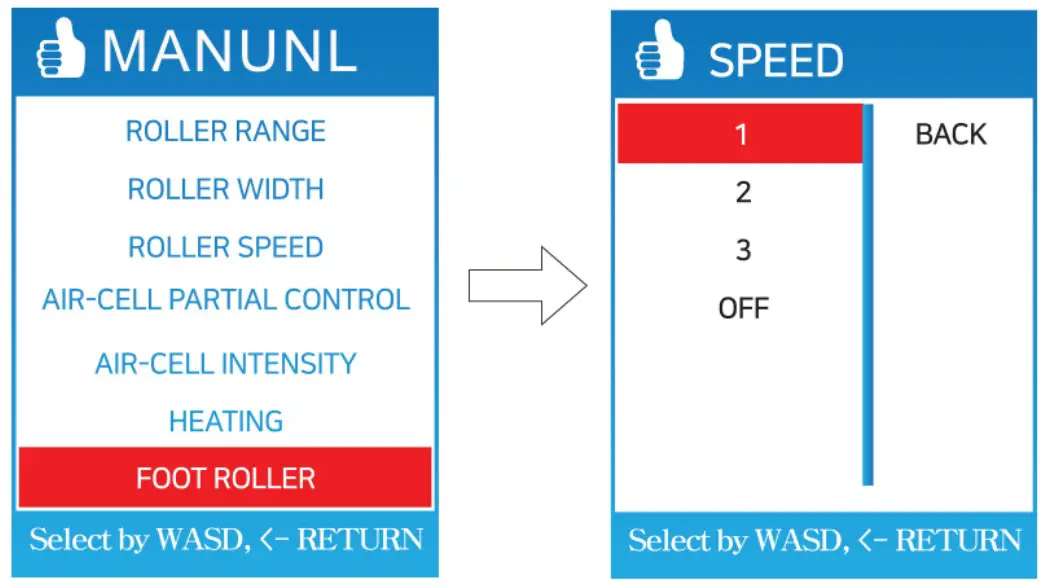
Foot roller
Choose roller, in the subdirectory, you can adjust the roller speed, offer 3 grades or options.
Manual mode
Click the “Menu’ button, then choose the “Manual” to start the manual program. Use the up/down key to choose, OK to confirm.
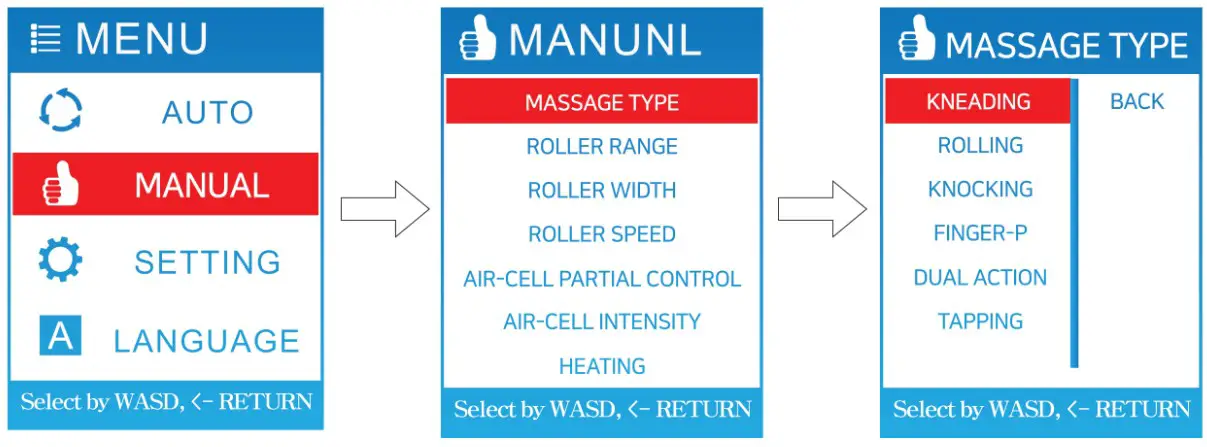 Massage method
In this subdirectory, you can use the up / down key to choose. There are six massage methods: Kneading, Tapping, Knocking, Shiatsu, Rolling, Combination.
Part:
This subdirectory is for back roller massage range, us up/down to choose. Offer 3 options: Full, partial, point.
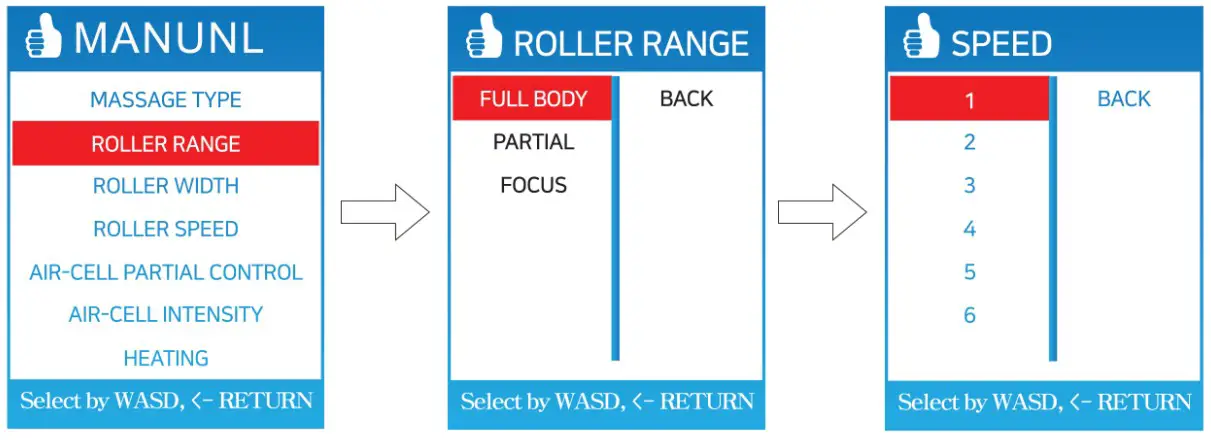
Width: This subdirectory is for adjusting the massage width of the back rollers. Offer wide, middle, narrow options.
Speed: This subdirectory -s for adjusting the massage speed of the back rollers. Offer 6 degrees for option.
Setting
Press the “Menu” key, choose “Setting”, enter the subdirectory.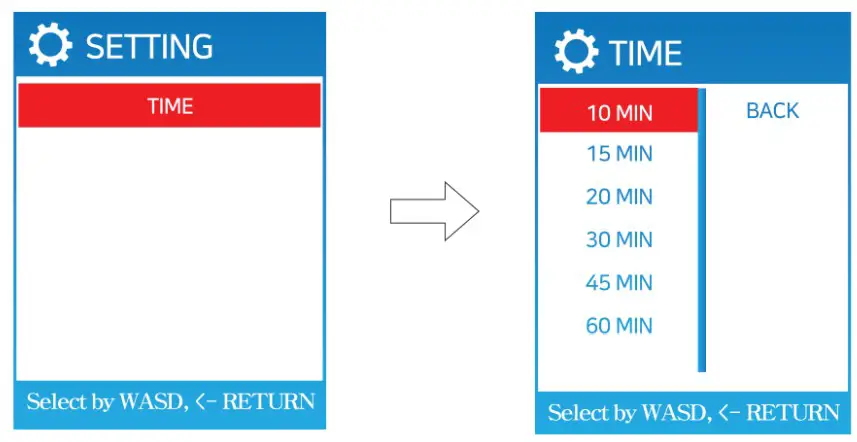 Time: Set time for massage programs.
Tips
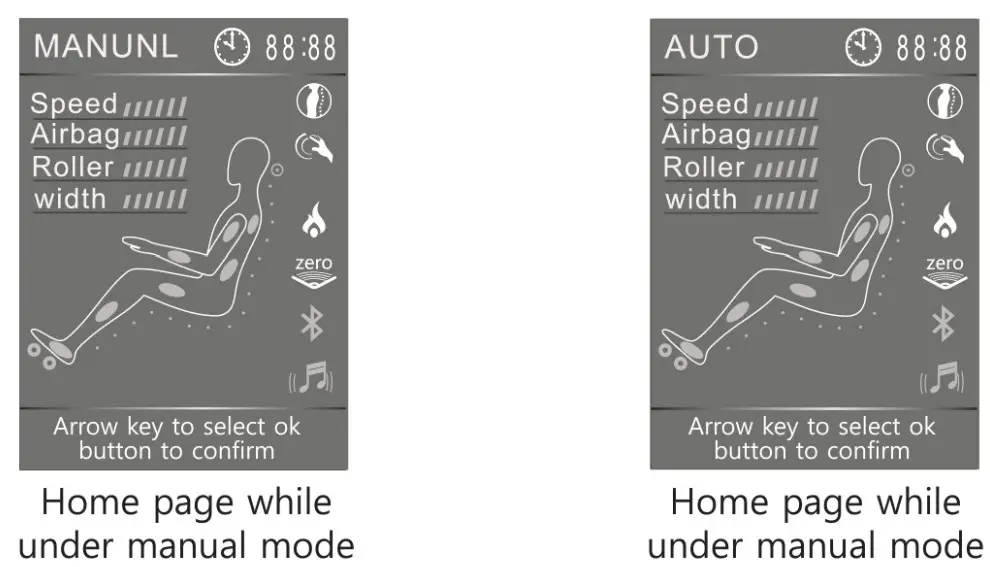
- Under auto / manual mode, the display will switch to the home page after 10 seconds without any operation.
 • During working, press “Menu” twice, it will go back to the home page immediately.
• On the home page, under manual / auto program, press the shoulder position key to adjust the highest position of the back rollers.
• Press the “auto” key to choose an auto program. - Before running the auto program, it will detect shoulder position first. After the detection, it will switch to the auto program.

 • During working, press “Menu” twice, it will go back to the home page immediately.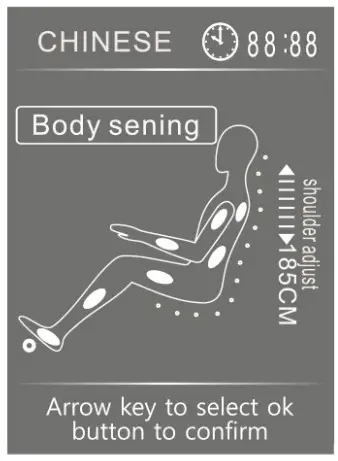
OPERATION GUIDE
Connect speaker via Bluetooth
To connect speaker, you must enable the audio function on Blue-tooth by going into the Bluetooth setting on your phone or device.
Please turn on the Bluetooth of your device, and connected it to the device named “HM-078”, then the audio system of the chair will be able to work.
After connecting to Bluetooth, please go to the Bluetooth setting and enable the auto option.
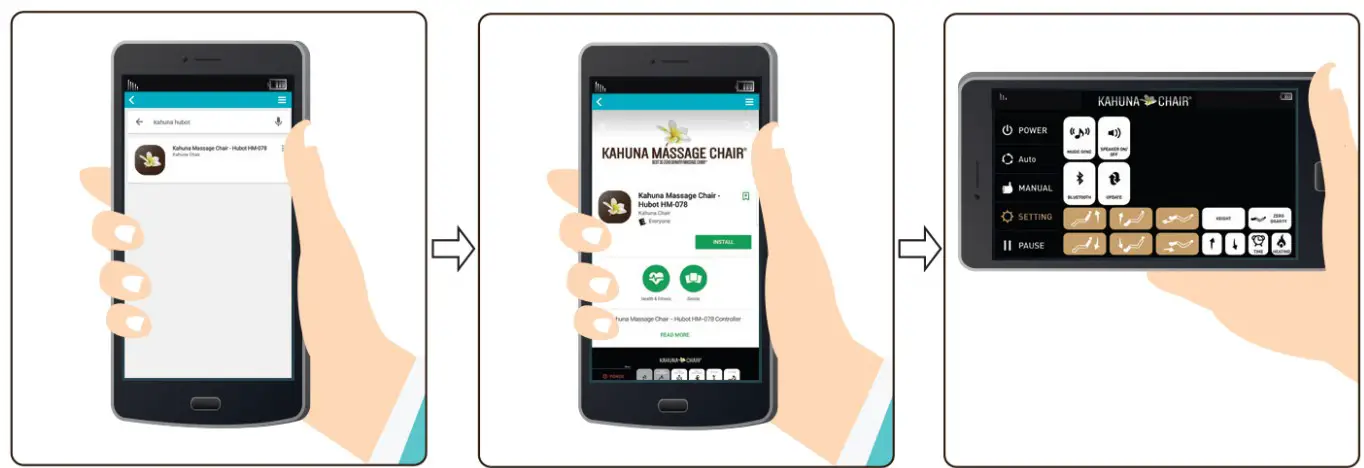
- Search for an app called -KAHUNA more This is a free, small-size application that you can download. Tap on the app when you find it.
- Install the app. Tap on Install” to download and “install ‘KAHUNA users onto your phone or tablet.
- After installing, launch the program by tapping the shortcut icon on your app screen. Once open, you will see all the applications currently installed and active apps on your device.

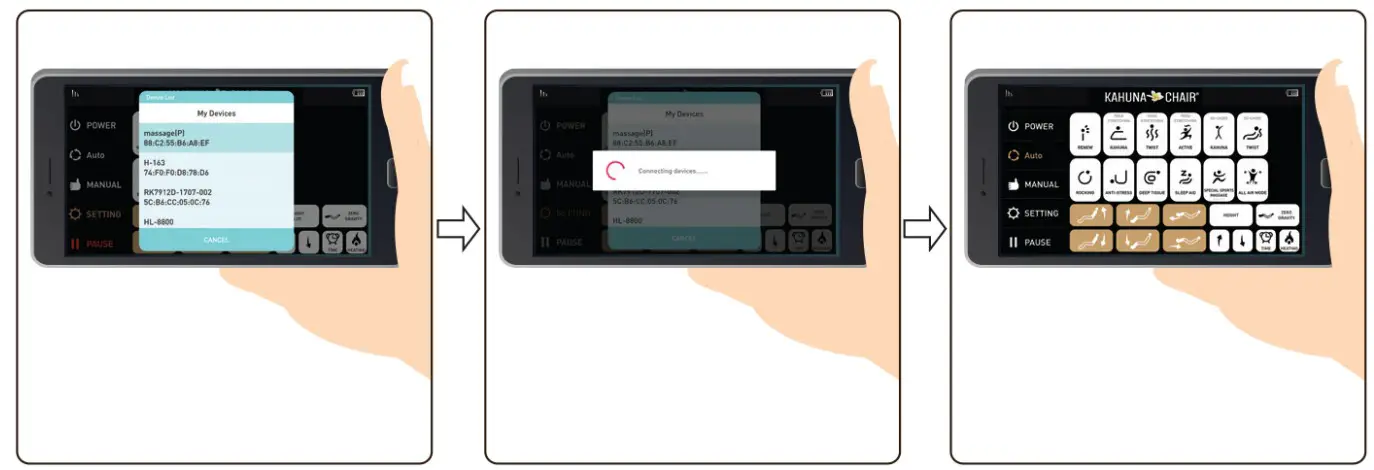
- Gin the list of connectable Bluetooth devices, tap on the name of your HUBOT.
- It should say something along the lines of “Connection to the device massagegep (the actual message depends on your device).
- Go to the main screen and enjoy a massage.
TROUBLESHOOTING
855.646.9500/1.714.388.2625, [email protected]
Trouble | Possible reasons | Troubleshooting |
| Can not work after supplied power | Didn’t turn on the power switch. | Turn on the switch |
| Didn’t choose a massage program. | Choose a massage program | |
| Bad connection between the plug | Connect again | |
| Power cord or plug damage. | Replace the power cord | |
| The fuse burned up. | Replace the fuse | |
| A fault in the controlling circuit | Contact with the maintenance department of the supplier | |
| Working with tap-tap-tap or hum sounds | Sounds from air pump, motor, or other mechanical parts. | Normal phenomenon |
| Different hight for the massage rollers | Rollers under alternate work. | Normal phenomenon |
| Ab normal sounds suddenly occurred while working | If after a long time works. | Cut down the power and check after 30 minutes. |
| Cause from long time work. | Contact with the maintenance worker. | |
| Suddenly stopped working | If after a long time works. | Supply power again. |
| Auto programmed time is up. | Cut down the power and use it after 30 minutes. | |
| Can not reline | Obstructer there; work overloaded automatically stopped work for protecting the machine. | To move the obstructer; stop work and use it after 30 minutes. |
| Can not restore after relined | Problem on electromotive pole l or purging under ba bad -i connection. | Contact with the maintenance worker. |
| Control panel overheat seriously | Cause from long time work. | Cut down the power and call the maintenance worker. |
| Abnormal overheat from power wire and plug | Work overloading. | Cut down the power and use it after 30 minutes. |
| Causes from other reasons. | Cut down the power and call the maintenance worker. |
 Note: if problems all are not from the above reasons, please stop power supply and contact us for maintenance
PRODUCT SPECIFICATIONS
Description | Specifications |
| Product Name | Kahuna Massage Chair HM Series |
| Model No. | HM-078 HUBOT |
| Rated Voltage | 110-120V- |
| Rated Frequency | 50/60Hz |
| Rated Power Consumption | 220 W Max. |
| Dimension (LxWxH) Inches | 49.6 x 52.3 x 35.4 inches |
| Weight (LBS) | Net Weight:305 lbs Gross Weight:418 lbs |
 KAHUNA CHAIR PRODUCT WARRANTY REGISTRATION https://www.kahunachair.com/services/
Product Massage Chair
Model HM-078 HUBOT
Developed by MX Distribution LLC
11125 Knott Ave, Suite D
Cypress, CA 90630
Tel 1-855-646-9500
Email [email protected]
 You must register warranty at www.kahunachair.com/services/
Please read this user manual thoroughly prior to operating the massage chair. Store this booklet for future reference.
INSTRUCTION MANUAL
MODEL: HM-078 HUBOT