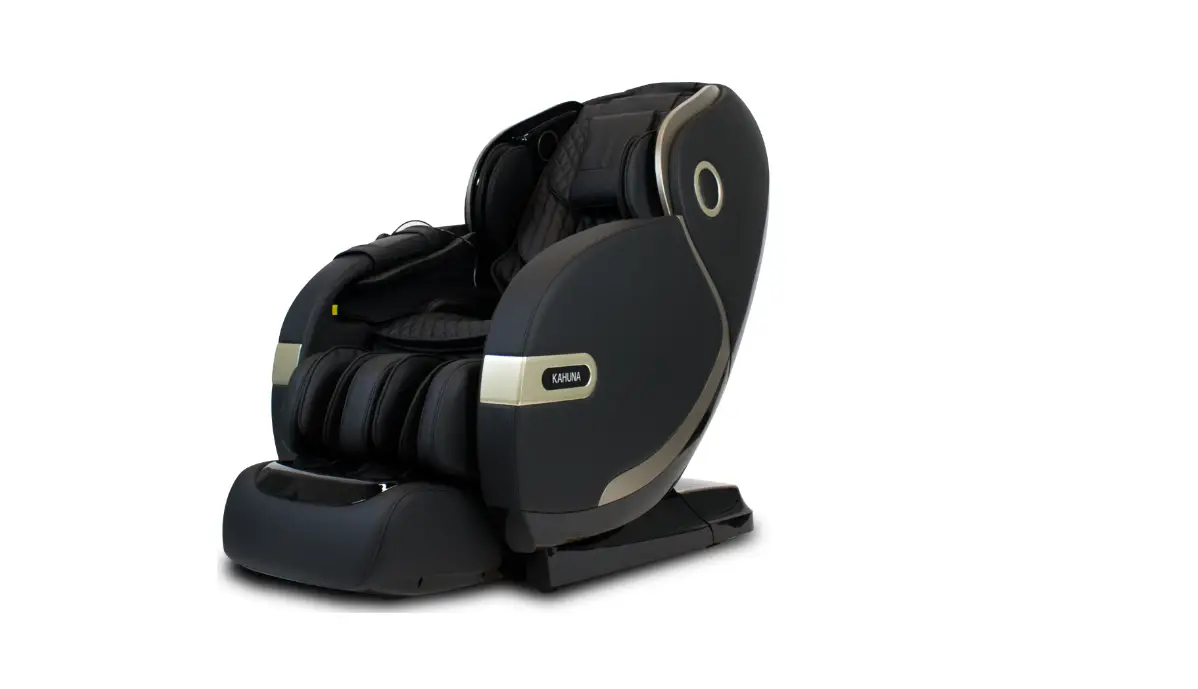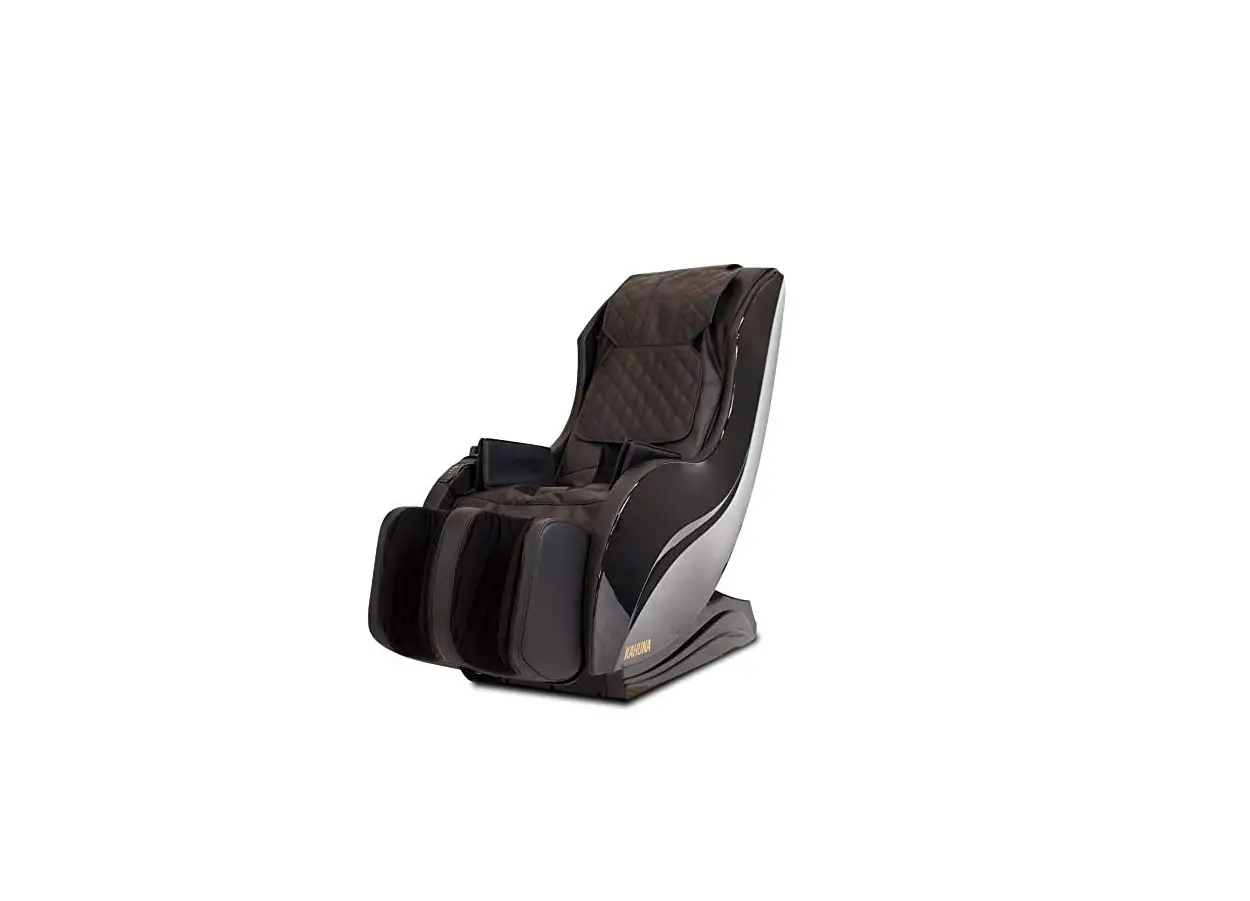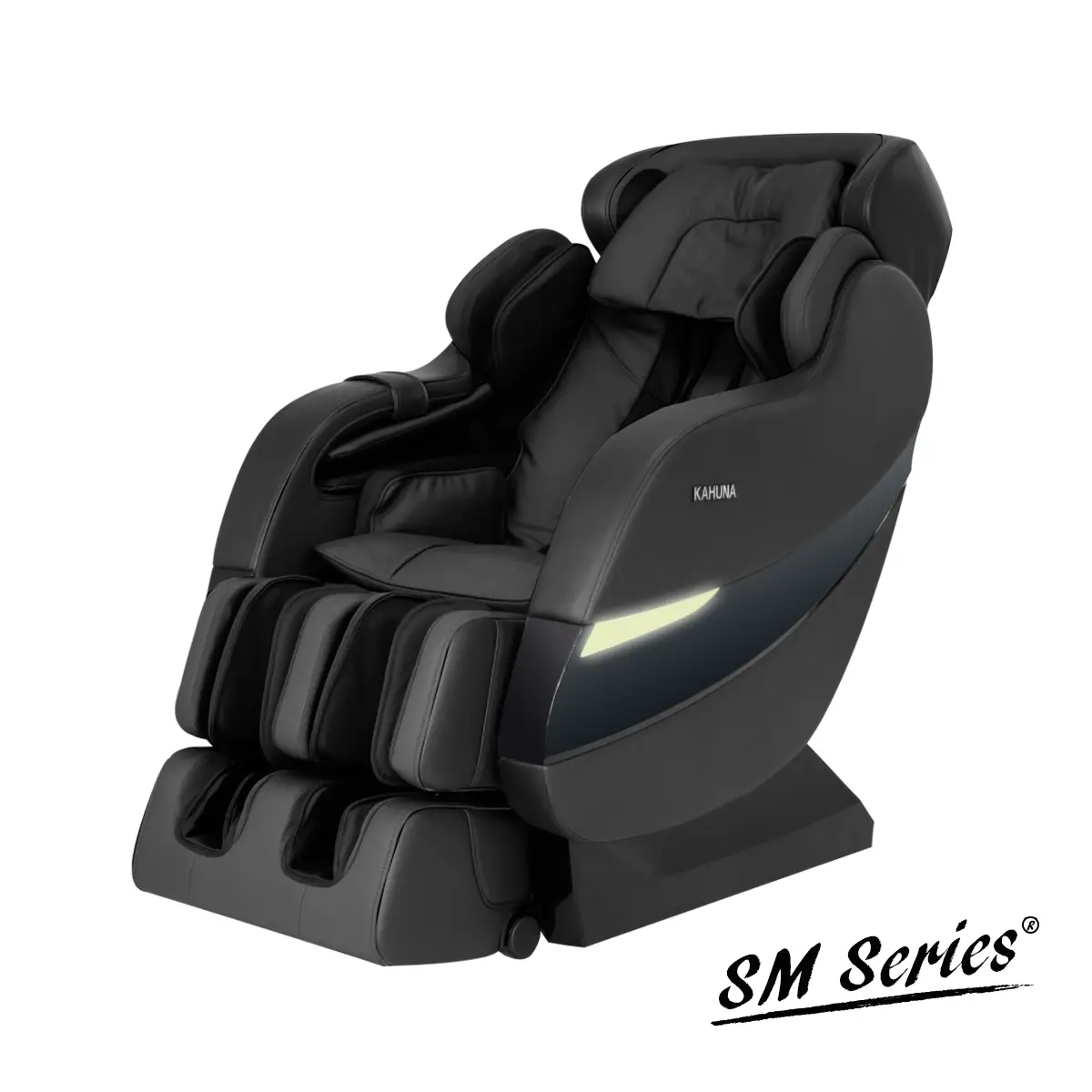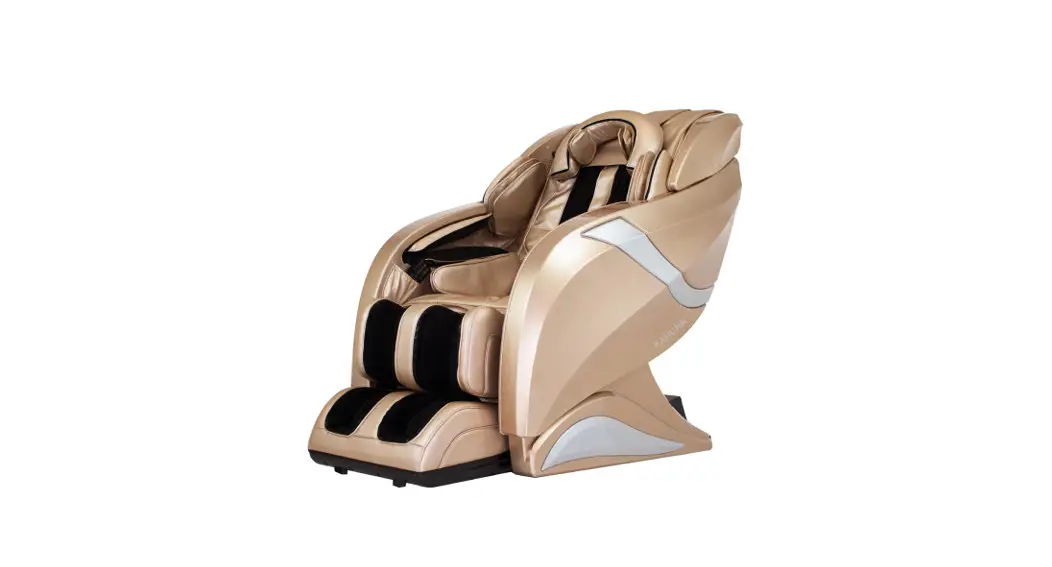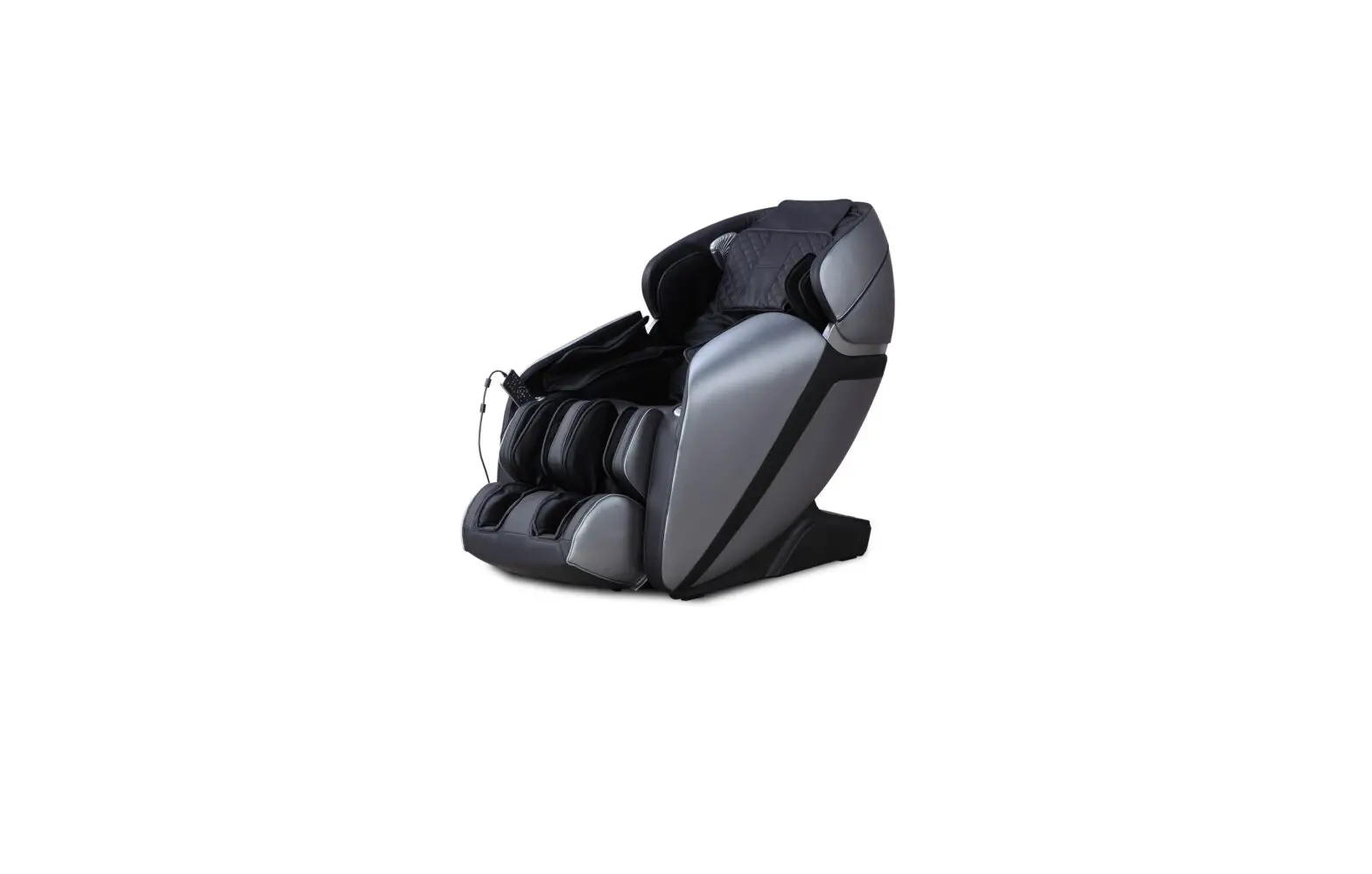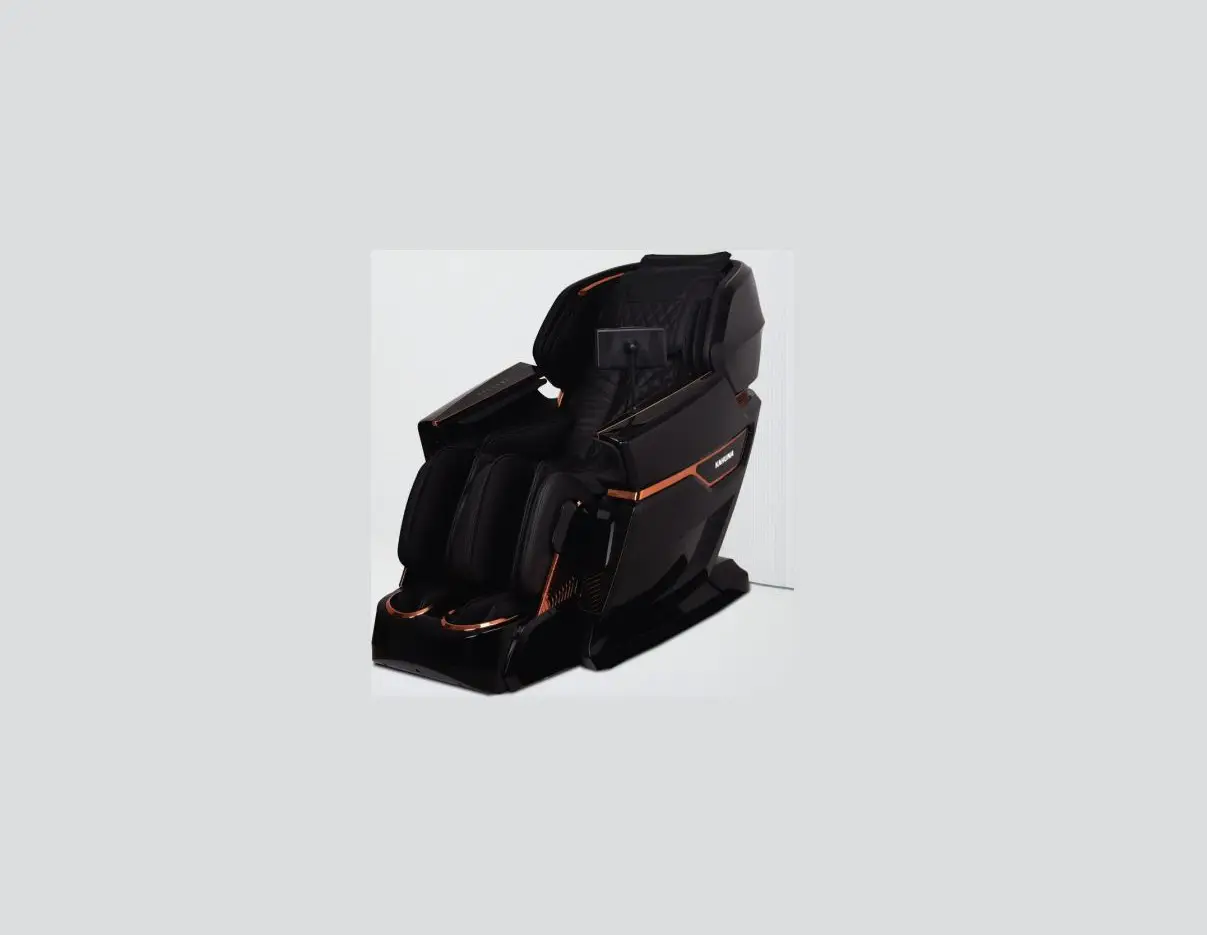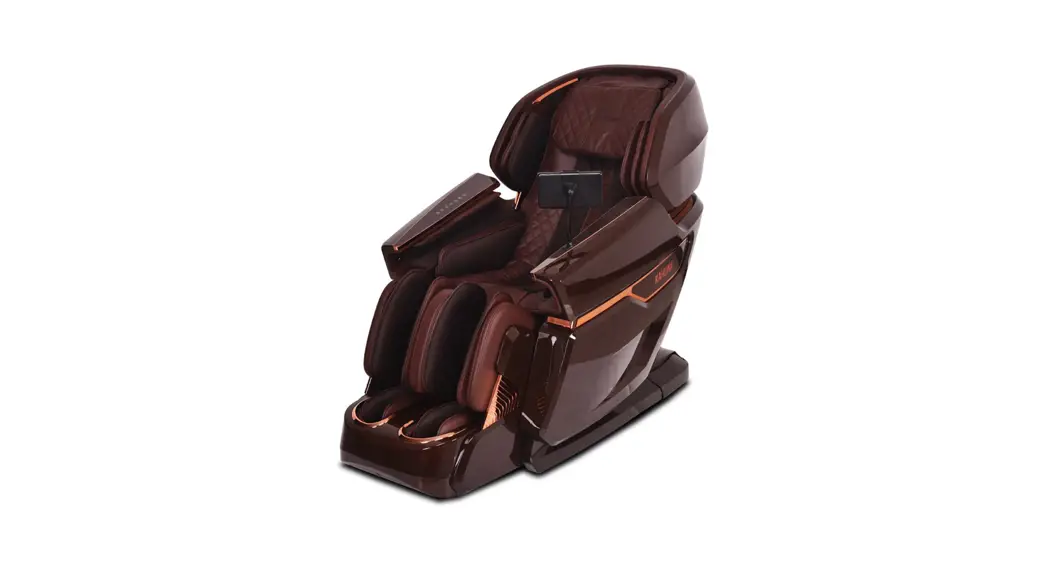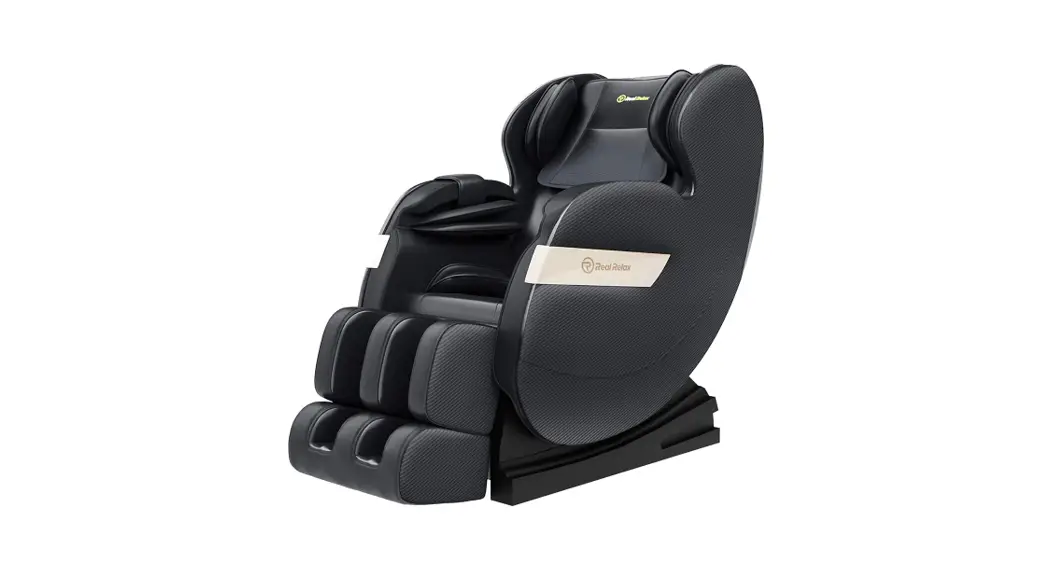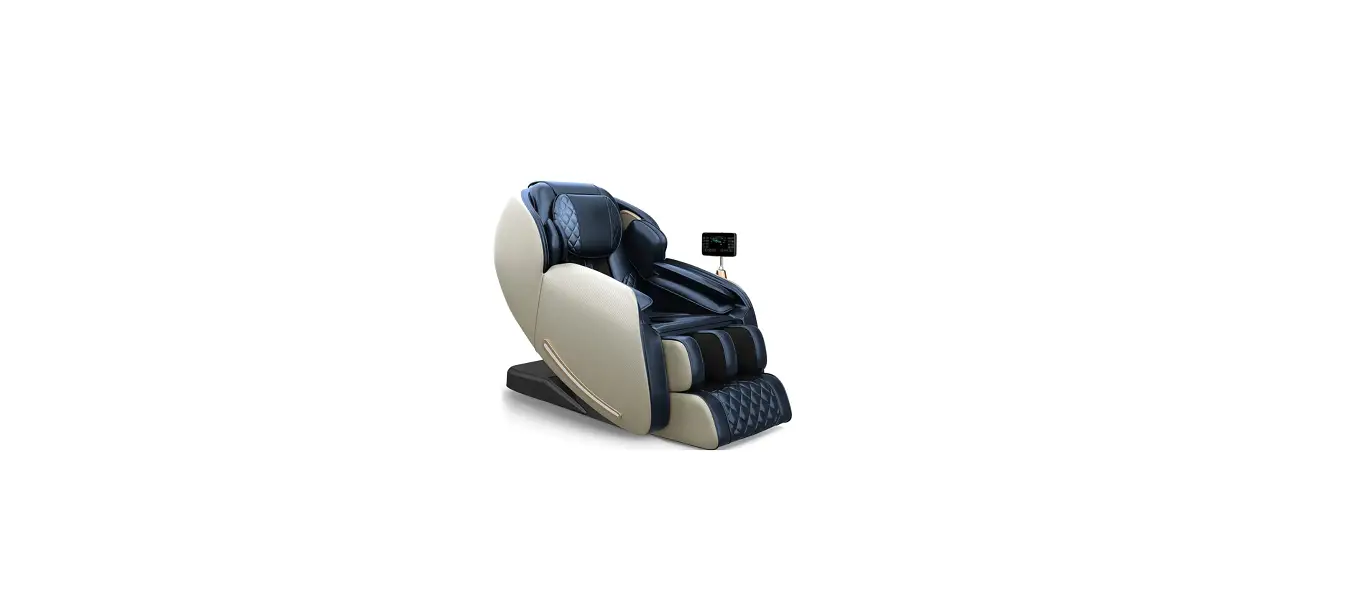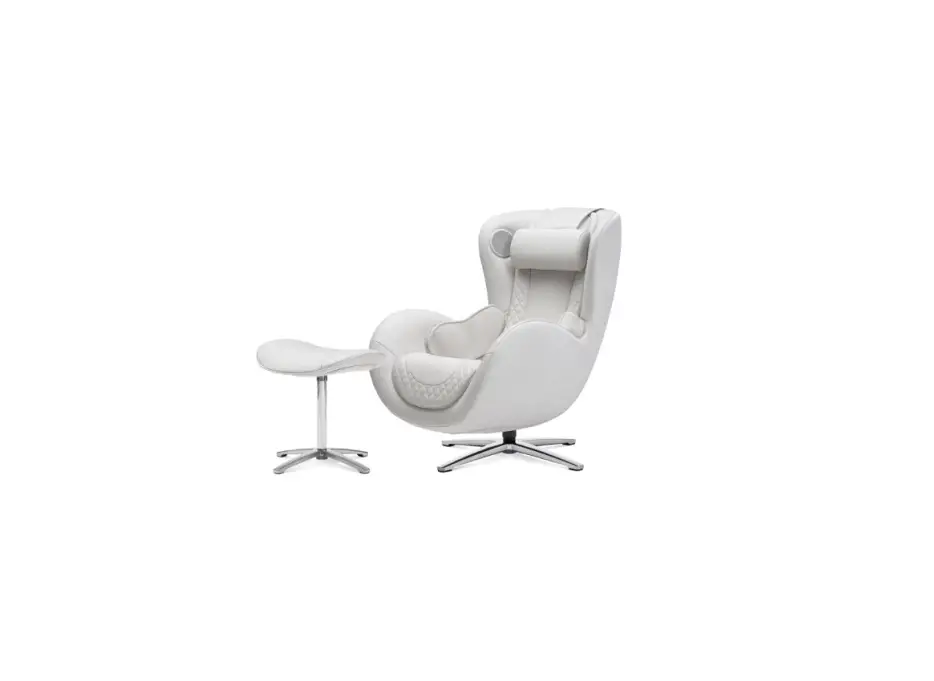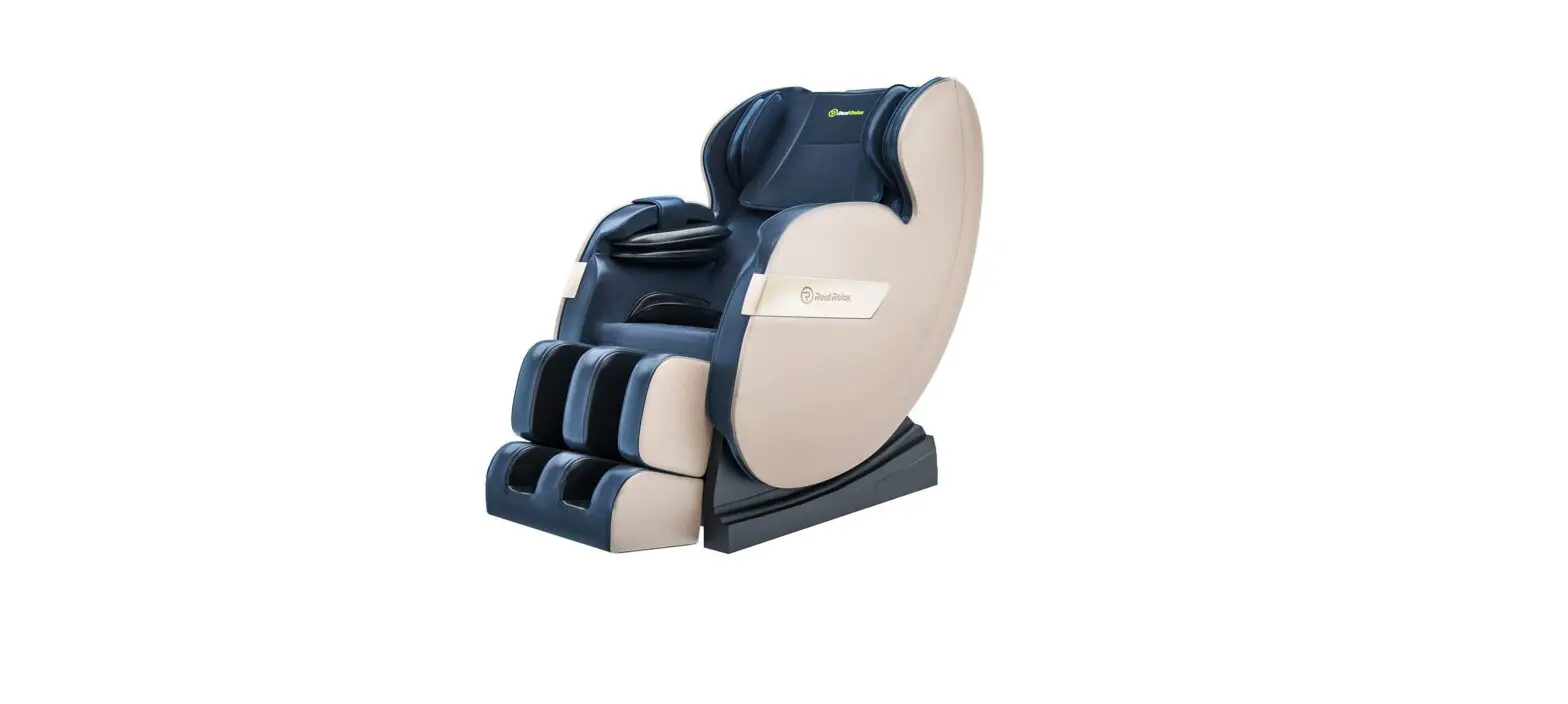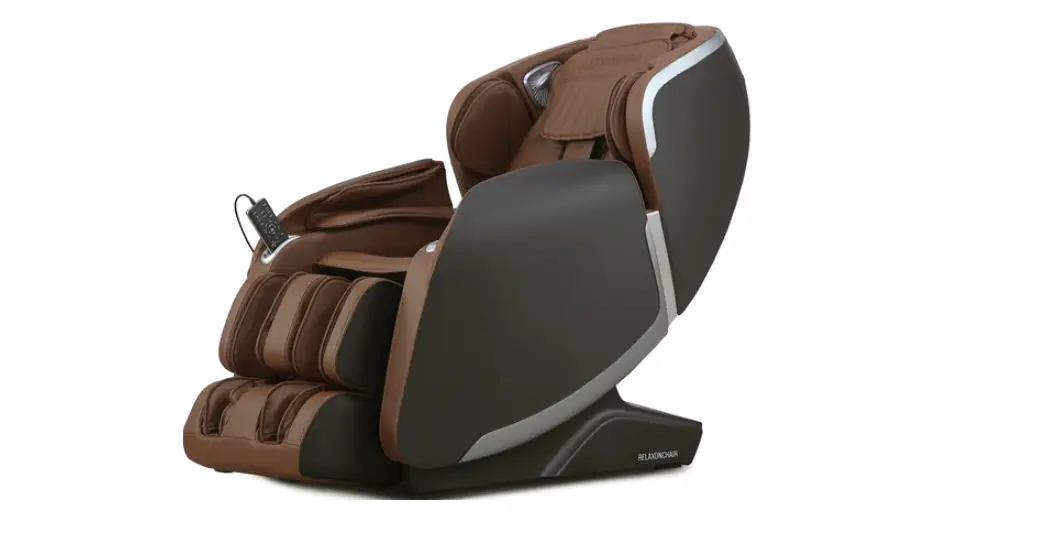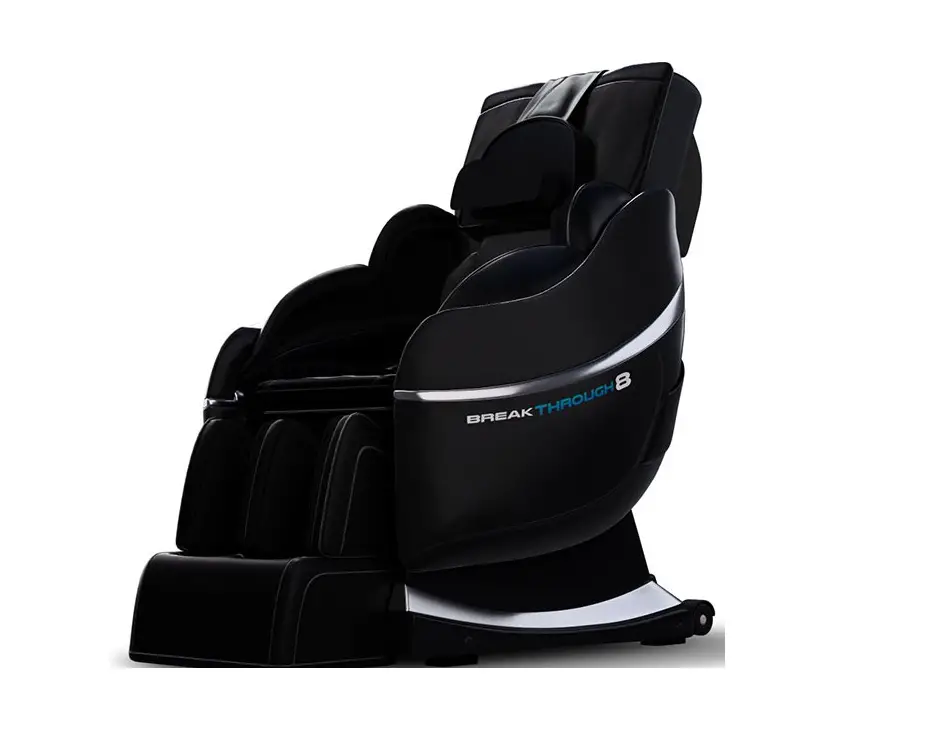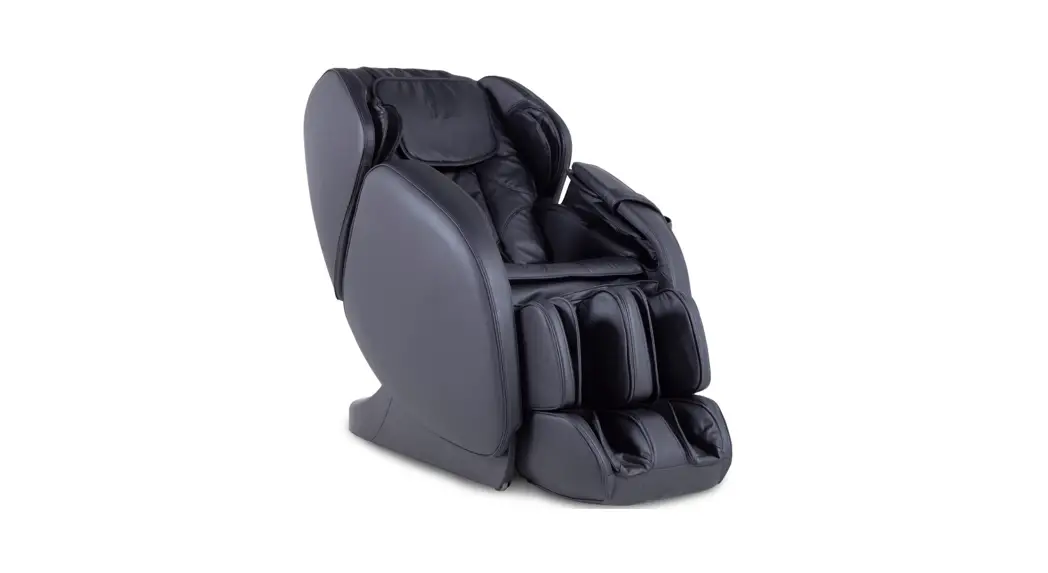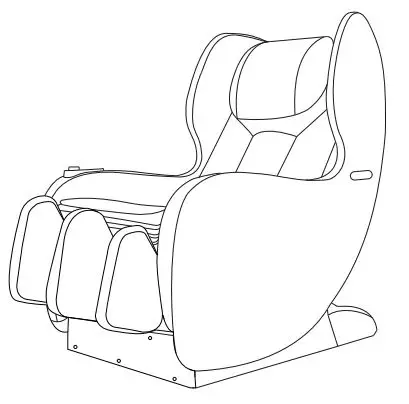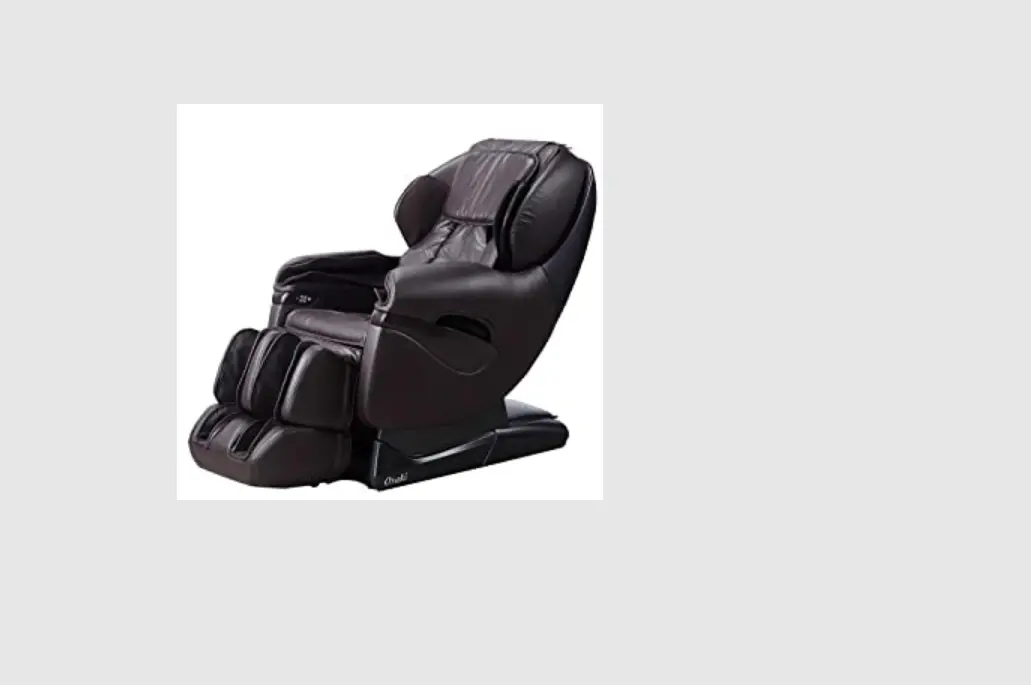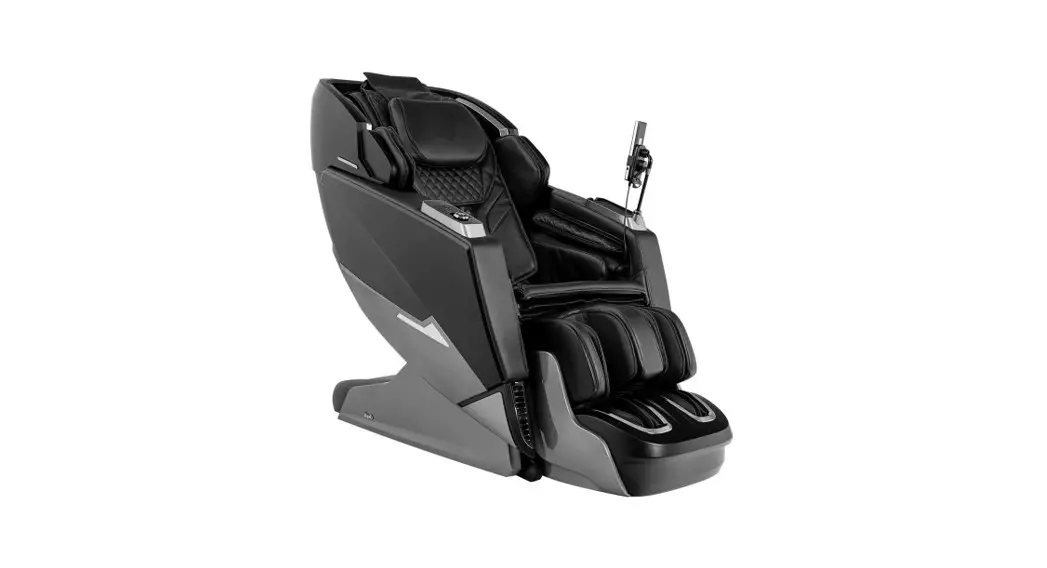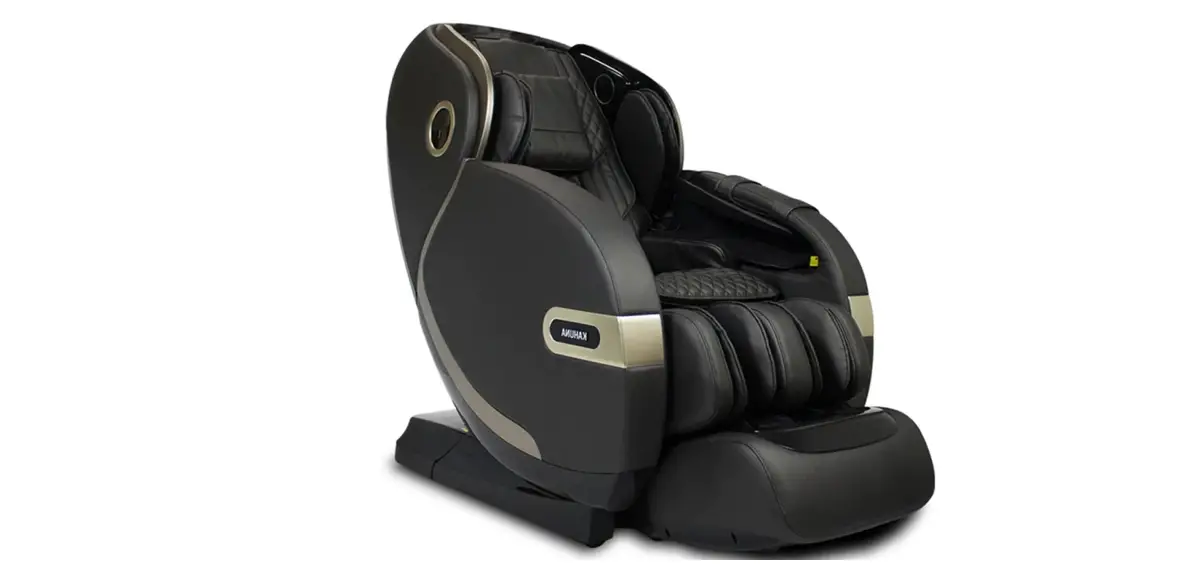

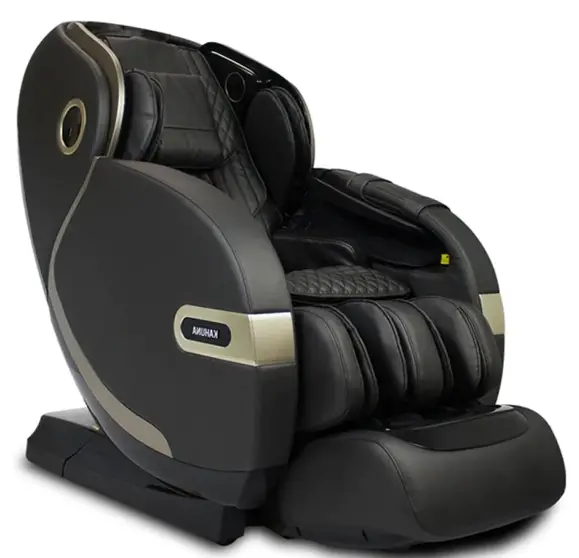
KAHUNA CHAIR SM-9300 Grey – 4D+@ Dual AIR Float Soothing and effective Massage 
REMOTE CONTROLLER 
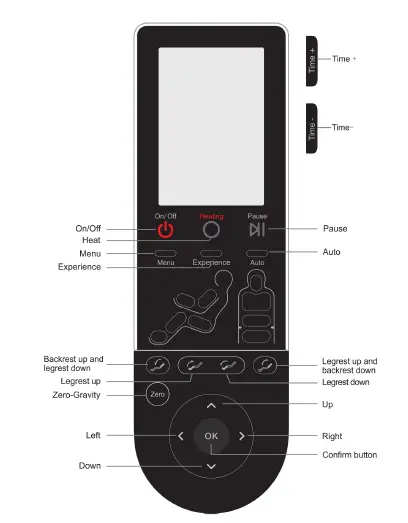
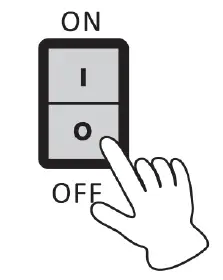
- In standby status press ON/OFF key , the massage chair go into the ON statues, then press the Menu key or another key to choose any auto massage program, the massage machine will detect shoulder height and start to massage, In ON status, press the ON/OFF key, the massage chair will turn off and return to original status, the legrest goes down to the lowest position, the backrest raises up to the top, the controller turns off in 3-5 seconds.
- In the status of the boot, press this button to control the heating switch.
- In the status of the boot, press this button to stop all the on-going massage immediately, all the buttons will not work, press this button again, the message will recover.
- Press this button in the Main interface to switch to the menu interface, user can set different functions for a massage chair. Press it in the Menu interface to return to main interface.
- In on status, press this key to enter the”Office person”automatic massage program. Default work time is 8 minutes.
- In ON status, press this key each time to change one kind of auto program, there are the following program for choice, “Recovery”,”Relief”,”Yoga Stretch”,”Renew”, “Music Sync”, “End of Day”, and”Stop” mode. There is a relative status screen display.
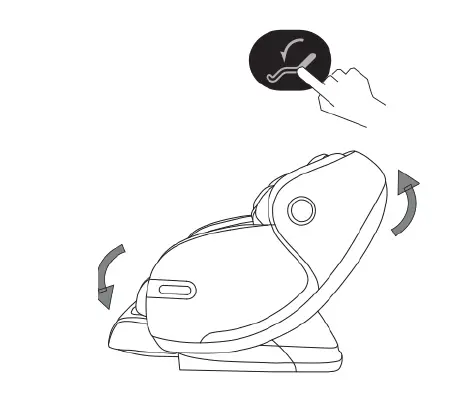
- Keep pressing this button, backrest goes up, legrest goes down, release it, backrest and legrest stop moving. The Controller screen will show position adjusting when adjusting the position of the massage chair.
- Keep pressing this button, legrest goes up, release it, legrest stop moving. The controller screen will show position adjusting when adjusting the position of the massage chair.
- Keep pressing this button, legrest goes down, release it, legrest stop moving. The controller screen will show position adjusting when adjusting the position of the massage chair.
- Keep pressing this button backrest go downle grest go uprelease this button, backrestandlegreststopmovingWhen adjusting sitting position, it shows seat position adjustingincontrollerscreen .
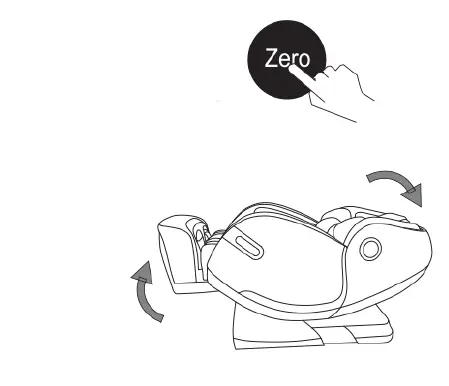
- In the boot status, press this button, the massage chair adjust into zero gravity status:it have 3 angle, 3 degree zero gravity will cycle in turn
- There are four direction buttons: Up, Down, Left and Right. In the menu interface, it is used as a navigation key: press Up and Down to quickly browse the menu, and press Left and Right key to go to previous and next menu. In manual mode, the Up and Down key can also be used to adjust massage roller position in body scanning and fixed point massage.
- In ON status of menu mode, press this button for confirmation to choose menu item or pop up at the next menu.
- In ON status, press time +or time- button to adjust the massage time, it has the following time for choice : 10 minutes, 20 minutes and 30 minutes. Press time + to make the massage time longer until 30 minutes, no more to add. Press time- to make the massage time shorter until 10 minutes, no more to reduce.
Display diagram
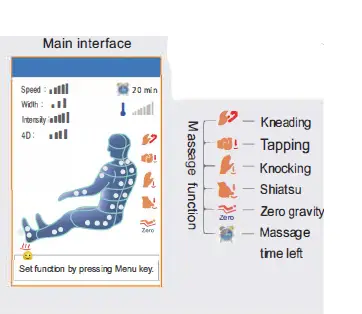
Press “on/off” button when power is on, a buzzer beeps once short and brittle. LCD screen display boot screen, after 2-3 seconds it displays the main interface and enter standby mode. Main interface show massage position, method, time, current massage status etc., all information will be updated timely when the chair start working. 11111 Massage speed(Level 1, 2, 3, 4, 5) Status Display ,11 Massage width(narrow, mid, wide) 11111 Air Intensity (Level 1, 2, 3, 4, 5) Status Display ,111 4D (Level 1, 2, 3, 4) I .1111 Ill Massage Temperature Machine Level of Heat -ill Heating
Menu interface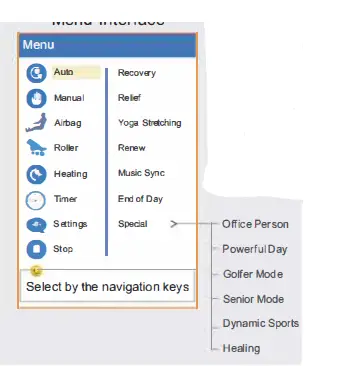
Press the “menu” button in the main interface, it will switch to the menu interface, user can set all massage function. Press the “menu” button in the menu interface will exit and return to the main menu interface. Auto Mode , Press Menu, select auto mode among “Recovery”, “Relief”,Yoga Stretching”, “Renew”,”Music Sync”, “End of Day” by pressing OK. And Special mode includes six programs: Office Person, Powerful day, Golfer Mode, Senior Mode, Dynamic Sports, Healing. e Manual Mode: Press Menu, select manual massage by navigation key, there are five options: Mode, Position, Width, Speed, 4D; “OK” button to enter next menu. Massage Select by the navigation keys method includes Kneading, Tapping, Knocking, Knead& Tap, and Shiatsu. Massage position: full body, shoulders, back, waist, seat, fixed point ; massage width and speed; 4D hand feeling. 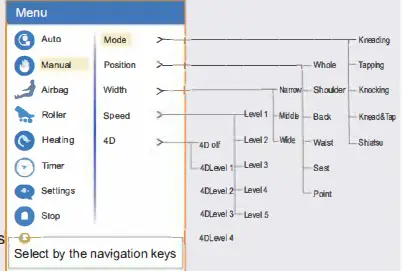
Airbag Massage: After pressing Menu button, choose Airbag through navigation key, press the “OK”button. there are two kinds of air pressure-related function: position and intensity; choose the corresponding function.then press “OK” to enter next menu and choose massage position between full-body , shoulder, hand and seat, leg and feet. Massage strength has 5 levels. 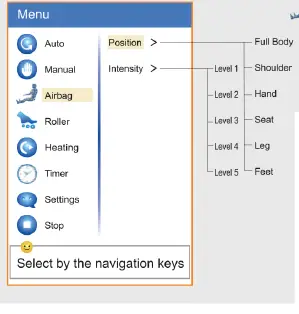
Foot Roller: Press “Menu” button, select Roller by the navigation key. Press “OK” button to choose “Quick” “Soft” or “Stop”. 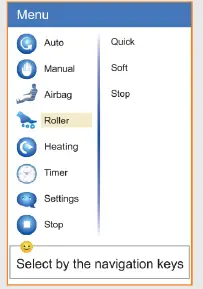
Heating: Press Menu, choose Heating by navigation key, press “OK “button to choose the heating function such as Back on, Foot on, TEMP 1 to TEMP 5(Hot). 0 Timer : press “menu” key, through the navigation key to select menu item timing , can choose massage time: 10 minute to 60 minutes, the default time is 20 minutes, the chair will turn off automatically after time is up. Settings: After pressing “Menu”key, select settings through the navigation key and choose the language. stop through the navigation key, it will stop massage, and get back to main interface. When power on, the first time you use the auto program, massage chair will start the body scan and ” body After the body scan is finished, the 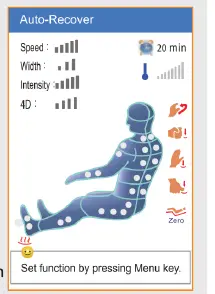
buzzer will tick 5 times(once every second). At this point, the massage rollers are in the shoulder position, you can press Up and Down to adjust. When adjusting, “shoulder height adjusting … ” will be displayed on the screen. The default working time is 20 minutes. The massage chair will turn off and reset to its upright position once the massage is over.
Annular functional area
- Legrest Up

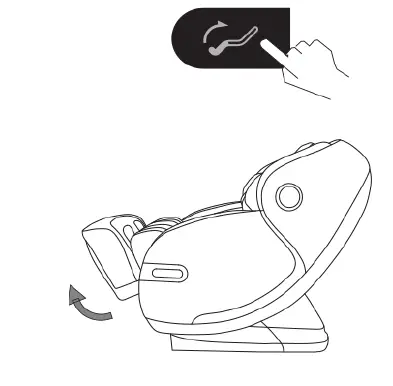
Press this button on the controller, legrest goes up. Release the button, lagrest stops moving, the angle is locked in this position.
- Legrest Down

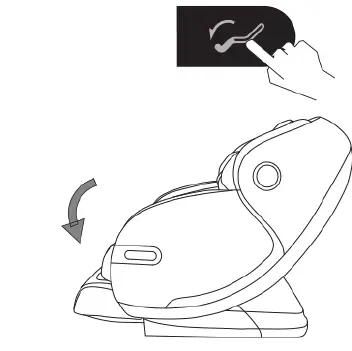
Press this button on the controller, legrest goes down. Release the button, legrest stops moving, the angle is locked in this position.
- Leg rest up and backrest down Press this button on the controller, backrest goes down and legrest goes up. Release this button, backrest and leg rest stops moving, the angle is locked in this position

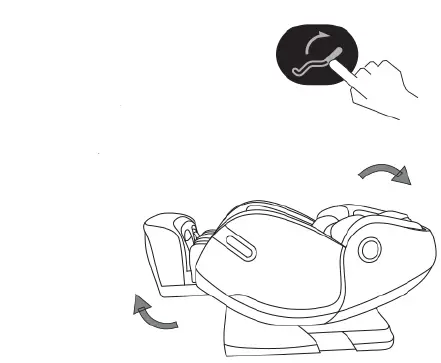
- Backrest up and Leg rest down Press this button on the controller, the backrest goes up and legrest goes down. Release this button, backrest and leg rest stops moving,the angle is locked in this position.

- Zero gravity
Press the “Zero Gravity” button on the remote control, the backrest will fall, the legs will rise, and adjust the angle to achieve a comfortable zero, gravity. It can effectively relieve the pressure on the spine and joints. Press this button again, the bac egress will fall, and
- Tips: Zero-gravity

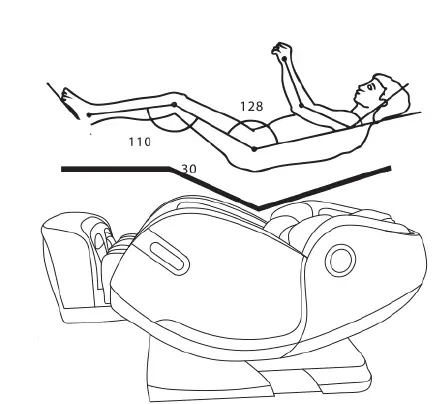
is according to the Space capsule “” relax theory, 0 through the back ,seat, leg rest three sections multi-angle changeable, making the leg rest up and seat down can make the angle 128 (+/-7 )degrees between Body and legrest..let the heart and knee at the same level, reducing the blood circulation pressure to the lowest,but all the body pressure will put on the buttocks,And because of the ZERO GRAVITY position design, increase the force area from the body and massage chair,so all the forces can be dispersed to the massage chair, reducing heart and spine pressure, realizing the best Zero gravity massage experience. creating a completely relax, natural.
CAUTION
- Please make sure there is no people,no pets or any stuff around the backrest to avoid unexpected hurt or property loss.
- When adjusting the backrest, be careful of the gap between the backrest and armrest.
- When the legrest is moving, please do not stand on or leave from the seat,do not stop the legrest from moving in case of causing damage to the chair.
- Please refer to control instructions for more details.
Legrest extend and retract
Legrest can extend and retract within 8.65inches automatically.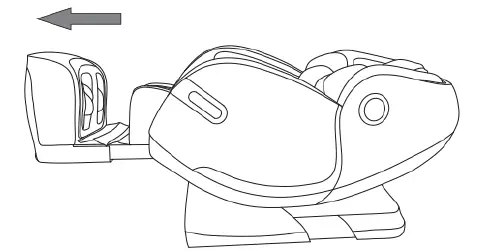
Arm massage
Massage chair use a space capsule-type armrest, with built-in pulse air pressure massage function. Put the arms between the armrest’s airbags. After filling air, achieve a kneading massage on the arms and hands. The arms could get a comfortable massage in any angle of the chair.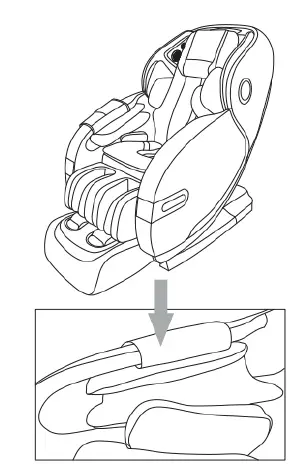
Shoulder massage
multilayers exposed airbags are located on both shoulders to assist with stretch function. The 4D massage rollers push forward your body, while the airbags grip your shoulders to provide the ultimate full-body stretch. 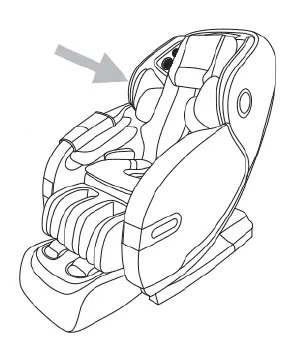
Warm foot therapy
Innovatively developed two -way rotary foot kneading technique, realizing the sole function of kneading foot, combined with foot heating, it can perform best foot massage experience, good for health.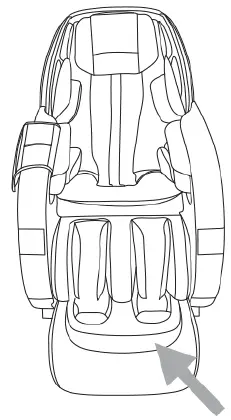
New Curve rail, Combination of back and buttocks massage.
Massage chair adopts 4D curved rail technology, combining with 4D massage mechanism patent, realizing multi-angle integrated massage for back and buttocks. It has broken through the traditional L shape rail’s function which can’t realize lying flat and stretching, and achieve best massage effect.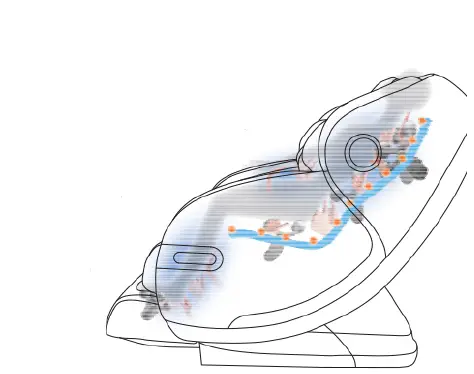
Music therapy
There are multiple speakers surrounding the headrest. The blue-tooth wireless music player can integrate music into the massage techniques with synchronic therapy, which allow the rollers to massage you to the beats of your music. Relaxing to your own tunes will improve your blood and ease fatigue.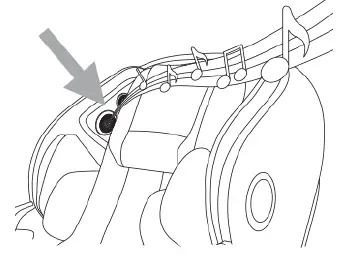
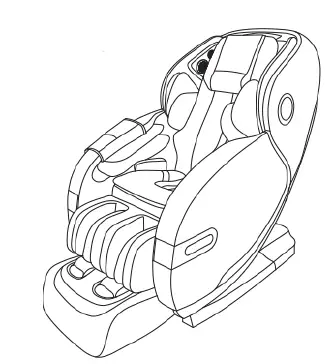
Attention
- After using, press ON/OFF to end all the massage method and wait for restoration. Make sure to cut the electricity to avoid any unexpected hurt to children or pets.
- After using, tum off the power, unplug the electricity. Avoid moisture, dirt and aging of insulation in case of causing damage.
Voice control operation
- When the massage chair is open or in stand-by made, say “Activate Kahuna” or press the vioce control wake-up button on the right armrest to wake up the voice control function.
- After the successful wake-up, the massage chair will reply “Ready to massage”. At this time, the voice control entry corresponding to the function is realized within 6 seconds. After the massage chair is responded, the corresponding voice control function can be realized;if did not correctly say any voice entry for more than 6 seconds, the voice control function automatically turns off and needs to be reawakened.
Voice control enter
| Voice control enter | ||
| Awakening words-‘Active Kahuna” Answer – Ready to massage | ||
| Serial No | Voice control entry | Answer entry |
| 1 | Active Kahuna | Ready to massage |
| 2 | Power OFF | Powering OFF |
| 3 | Change Position | Changing Position |
| 4 | Renew Massage | Start Renew Massage |
| 5 | Senior Massage | Start Senior Massage |
| 6 | Stretching Massage | Start Yoga Stretching |
| 7 | Heating ON | Heating ON |
| 8 | Heating OFF | Heating OFF |
After use
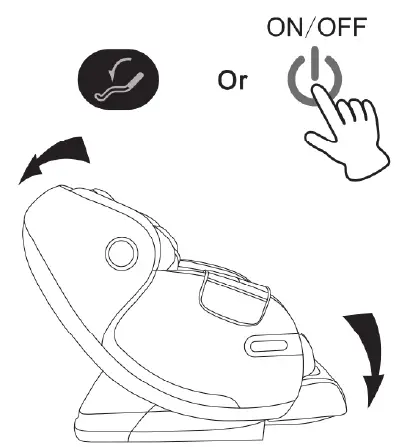
- After the massage program is completed return the massage chair to an upright position by turning off the massage chair. Please check the surroundings prior to adjusting the recline angle, paying special attention to children or pets that may be in close proximity.
- Press the power button to power off the massage chair and return the remote controller to the storage area on arm pocket.

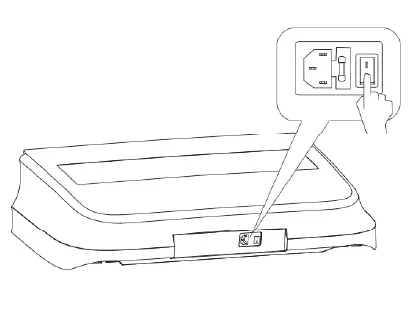
- Turn off main power switch when you are not using the chair for a long period of time. Remove Plug from the power outlet to avoid accidents by kids and pets.
- Do not operate with wet hands.

- Product KAHUNA Massage Chair Model SM 9300
- Distributed by AXJ Distribution INC 11125 Knott Ave, Suite D
- Cypress, CA 90630
- 1-855-646-9500
- INFO@KAHUNACH AIR.COM