MED3053 Azalea Assist
Product Information
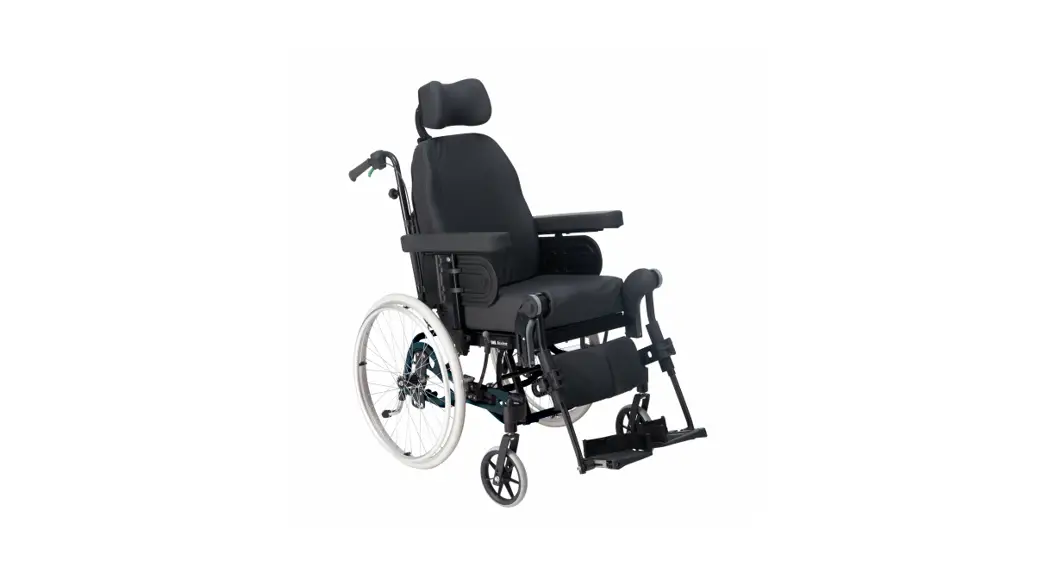
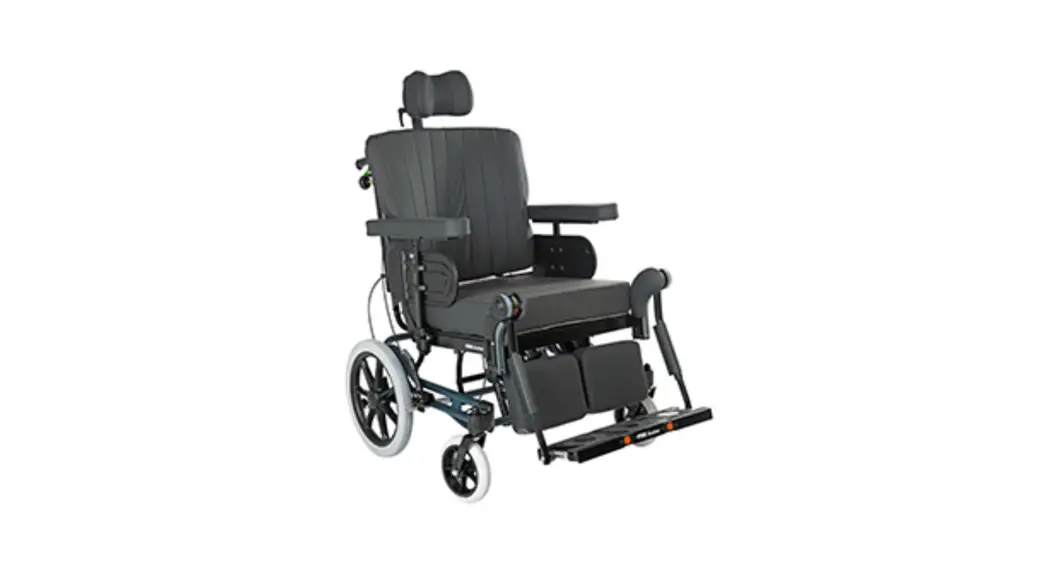
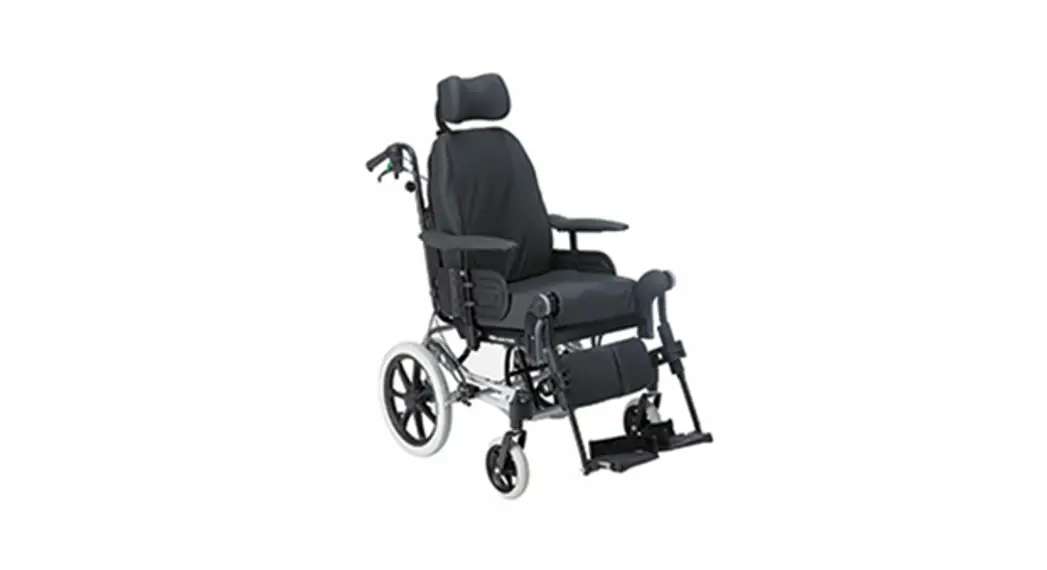
The Azalea Assist (Not Tall) MED3053 is a mobility aid designed
to assist individuals with mobility impairments. It features a
sturdy frame and is equipped with wheels for easy maneuverability.
The product comes with various brackets, screws, washers, and other
accessories for assembly and customization.
Assembly Instructions
- Start by removing the wheels on both sides of the Azalea
Assist. - Check that the stop pin is correctly positioned as shown in the
picture above. Ensure that no anti-tip devices are fitted to the
E-drive unit unless they are the original ones provided with the
product. - Assemble the plate on the right side according to the provided
picture. Use the following parts for mounting on one side:Item No. Part Number Qty Description 1 MED2000 1 Bracket
Note: The product manual provides additional instructions for
mounting the joystick, parallel arm, attendant control with
joystick controller, and attendant control with attendant
controller. Please refer to the manual for detailed instructions on
these specific assemblies.
If you need to mount the attendant control on the left side of
the Azalea Assist, you will need to separately order MED1643.
When assembling the attendant control unit, use either a bolt
with position 4 or 5, depending on which clamp is mounted on the
chair’s handle tube. The shorter bolt is suitable for the sheet
metal clip and the threaded aluminum clip, while the longer bolt is
for the aluminum clip without threads.
Assembly instructions for Azalea Assist (Not Tall) MED3053
1. Remove wheels on both sides.
2. Check that the stop pin is as shown in the picture above, and that no anti-tip devices are fitted to the E-drive unit. Remember to use original anti-tip devices. 2023-02-24
3. Assembly the plate (right side) according to picture. For mounting on one side, the following must be included.
Item No. Part Number
Qty
Description
1
MED2000
1
Bracket
2
XSM8BR
1
Plain Washer M8
3
XSM8ML
1
Locknut M8
4
XSM8X25
1
Screw M8 x 25
5
100 400 017
1
Spacer
6
HW069
1
Hubsleever M16x1/12,7
7
405239
1
Nordlock Washer M16
8
XSM16FJ
1
Single Coil Washer M16
9
XSM16M
1
Nut M16X1 Low
10
XSM12ML
2
Locknut M12
11
XSM12BR
2
Washer Plain M12
12
XSFM12X60
2
Screw Countersunk M12 x 60
13
MED1383R
1
Bracket(R=Right, L=Left)
There are two options to assemble the bracket. 2023-02-24
MED1414L Mounting the Joystick
MED1662
1. Loosen the screws and place the bracket so that it is clamped between the plates, assemble, and tighten the new screws in the slot.
Item No. Part number
Qty
1
MED1662
1
2
XOC-48160-B0
1
3
XSM6X16
2
4
XSM6ML
2
5
XSM6BR
2
6
XSM4X20
2
7
XSM4BR
2
Description Bracket Azalea Left SwingAway Bracket Screw rounded M6 x 16 Lock nut M6 Plain washer M6 Screw rounded M4 x 20 Plain Washer M4
2023-02-24
MED1414R Mounting the Joystick
MED1661
1. Loosen the screws and place the bracket so that it is clamped between the plates, assemble, and tighten the new screws in the slot.
Item No. Part number
Qty
1
MED1661
1
2
XOC-48160-B0
1
3
XSM6X16
2
4
XSM6ML
2
5
XSM6BR
2
6
XSM4X20
2
7
XSM4BR
2
Description Bracket Azalea Right SwingAway Bracket Screw rounded M6 x 16 Lock nut M6 Plain washer M6 Screw rounded M4 x 20 Plain Washer M4
2023-02-24
Mounting of Joystick with parallel arm MED1647 right. MED1648 left.
7 1 3
6
5
4
2
2. Loosen the screws and place the bracket so that it is clamped between the plates, assemble, and tighten the new screws in the slot.
Item No. Part number
Qty
1
MED1661
1
2
X0F-48160-D00
1
3
XSM6X16
2
4
XSM6ML
2
5
XSM6BR
2
6
XSM4X20
2
7
XSM4BR
2
Description Bracket Azalea Right Upper bracket paralell Screw rounded M6 x 16 Lock nut M6 Plain washer M6 Screw rounded M4 x 20 Plain Washer M4
2023-02-24
MED1356 Attendant control with Joystick controller
A
Item No. Part Number
Qty
1
MED1317
1
2
XSM6X35
1
3
XSM6X16
2
4
XSM6BR
3
5
XSM6ML
2
6
MED1316
1
7
XA2-2612K-00
1
8
XA2-2612E-00
1
Description Bracket Screw M6 x 35 Screw M6 x 16 Plain Washer M6 Locknut M6 Plate with pin Clamp with thread Clamp with hole
3. Assemble the Attendant control with the Joystick control on any side. If you change side you must move (A) to the other side.
2023-02-24
MED1226 Attendant control with attendant controller
4. For the attendant control unit, you need these parts.
Item No
Part Number
Qty
1
XSM6BRTG
1
2
X-Klamma2
1
3
XSM6X20
1
4
XSM6BR
1
5
MED1200
1
Description Torn washer Clamp 22 mm Screw M6 x 20 Plain Washer Assist control
2023-02-24
MED1643
The attendant control is also possible to mount on the left side. For this you need MED1643 which is ordered separately.
1
2 3
6 5
3 4 7
Use either a bolt with position 4 or 5 depending on which clamp is mounted on the chair’s handle tube. The shorter one fits the sheet metal clip and the threaded aluminum clip, the longer aluminum clip without threads.
1. For installation attendant control, the following must be included.
Item No. Part number
Qty
Description
1
XSM6M
1
Lock nut M6
2
XSM6BR
1
Plain washer M6
3
XSM6BRTG
2
Serrated lock washer M6
4
MED1640
1
Bracket attendant control left side
5
MC6SM6X60
1
Bolt M6x60
6
MC6SM6X35
1
Bolt M6x35
7
MC6SM6X16
1
Bolt M6x16
2. Assemble the back placed battery bag.
2023-02-24
1 2
5. Assemble the extended brake parts.
Item No.
Part Number
Qty
1
MC6SM5X35
1
2
100 400 018
1
6. Assemble the back placed battery bag.
Description Screw Socket M5 x 35 Spacer
2023-02-24
Om inget annat specificeras, använd följande åtdragningsmoment. Unless otherwise specified, use the following tightening torque.
Metriska grovgängor, stål. Metric coarse threads, steel.
Gänga / Thread M3 M4 M5 M6 M8 M10 M12
Åtdragningsmoment / Tightening torque 1,2 Nm 3 Nm 6 Nm 10 Nm 25 Nm 50 Nm 85 Nm
Gänga / Thread M16x1 M18x1
Navhylsor. Sleeve.
Åtdragningsmoment / Tightening torque 30 Nm 40 Nm
2023-02-24