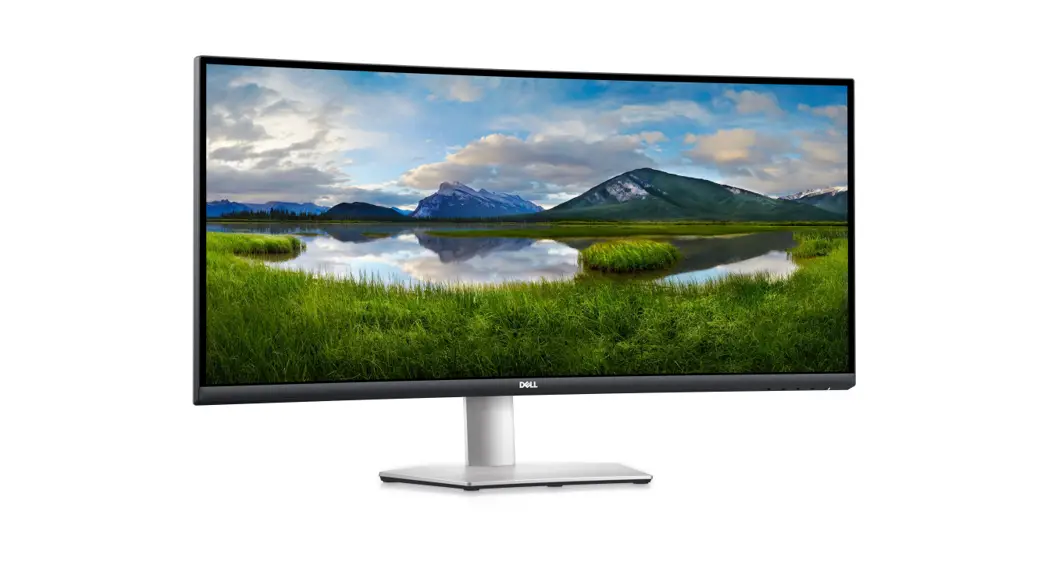
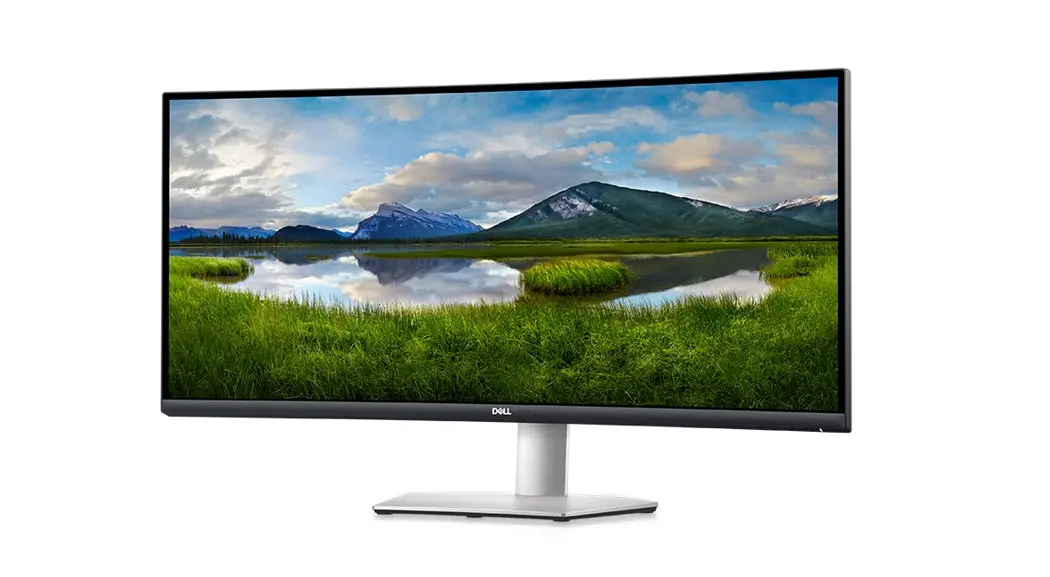
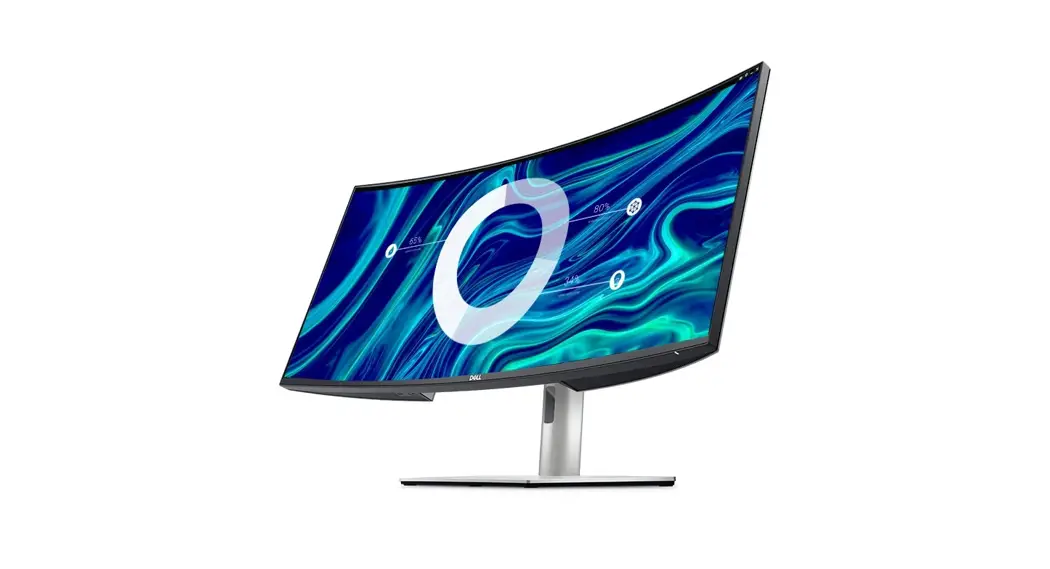
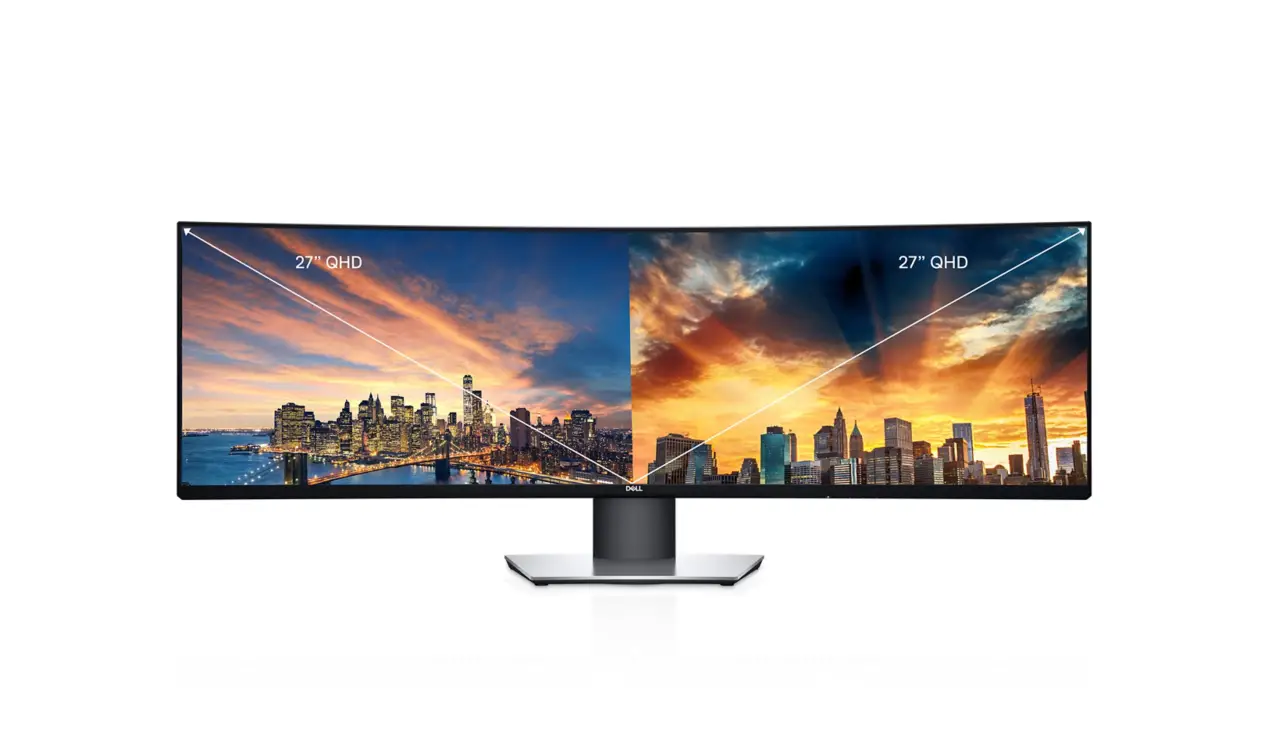
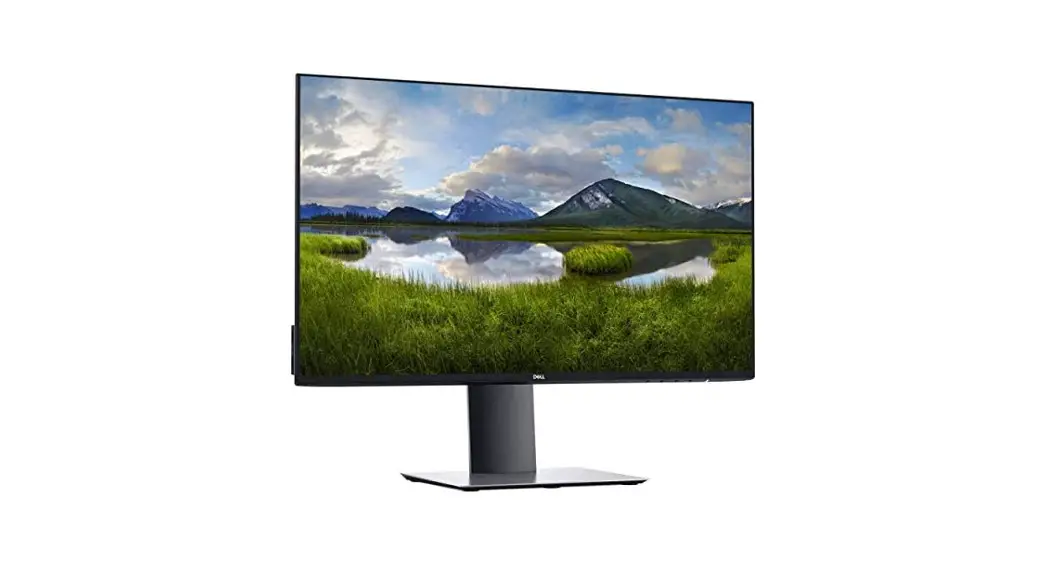
U4924DW UltraWide Curved Monitor
Product Information:
The Dell U4924DW monitor is designed to not save, retain, or
reproduce a signal to any internal or external component after
power has been removed and reapplied to the unit. The monitor
contains both volatile and non-volatile memory ICs. Volatile memory
loses its data immediately upon removal of power, while
non-volatile memory ICs retain their data even after power has been
removed. However, no input video data is written into these memory
ICs during operation.
List of Non-Volatile Components on System Board:
| Description | Reference Designator | Volatility Description | User Accessible for External Data | Remedial Action (Action Necessary to Erase Data) |
|---|---|---|---|---|
| System | U22 | Non-Volatile memory, 256 Kbit | No | NA (Not Applicable) |
| HDMI EDID | U10; U5 | Non-Volatile memory, 2 Kbit | No | NA (Not Applicable) |
| System | U4 | Non-Volatile memory, 128 Mbit | No | NA (Not Applicable) |
| PD Controller | U332 | Non-Volatile memory, 8 Mbit | No | NA (Not Applicable) |
| USB HUB | U321; U322; U323 | Non-Volatile memory, 4 Mbit | No | NA (Not Applicable) |
CAUTION: All other components on the system
board lose data if power is removed from the system. Primary power
loss (unplugging the power cord and removing the battery) destroys
all user data on the memory (DDR4, 2667 MHz). Secondary power loss
(removing the onboard coin-cell battery) destroys system data on
the system configuration and time-of-day information.
Product Usage Instructions:
To use the Dell U4924DW monitor:
- Ensure that the monitor is connected to a power source.
- Connect the desired input video source to the monitor.
- Press the power button to turn on the monitor.
- Adjust the display settings using the On-Screen Display (OSD)
if necessary. The OSD settings are stored in the non-volatile
memory (U22). - If using HDMI input, the HDMI Extended Display Identification
Data (EDID) is stored in the non-volatile memory (U10; U5). The
monitor automatically retrieves and uses this information for
optimal display performance. - Make sure to keep the monitor connected to a power source
during operation to maintain the display and settings. - When you are finished using the monitor, press the power button
to turn it off. - If you need to store or transport the monitor, ensure that it
is disconnected from the power source and any input video
sources.
For any further information or troubleshooting, please refer to
the complete user manual.
Statement of Volatility Dell U4924DW Monitor
CAUTION: A CAUTION indicates either potential damage to hardware or loss of data and tells you how to avoid the problem.
The purpose of this document is to certify that Dell’s U4924DW monitor will not save, retain or reproduce a signal to any internal or external component after power has been removed and reapplied to the unit.
The Dell U4924DW monitor contains both volatile and non-volatile (NV) memory ICs. Volatile memory(s) lose their data immediately upon removal of power. Non-volatile memory ICs continue to retain their data even after the power has been removed. However, no input video data is written into these memory ICs during operation.
Table 1. List of Non-Volatile Components on System Board
Description
Reference Designator
Volatility Description
User Accessible for external data
Remedial Action (action necessary to
erase data)
System
U22
Non-Volatile memory, 256 Kbit
No
NA
EEPROM:
for Storage of system setting (OSD)
HDMI EDID
U10; U5
Non-Volatile memory, 2 Kbit
No
NA
EEPROM:
for Storage of HDMI EDID
System
U4
Non-Volatile memory, 128 Mbit
No
NA
Flash:
for Storage of system firmware
PD Controller U332
Non-Volatile memory, 8 Mbit
No
NA
Flash:
for Storage of PD Controller firmware
USB HUB
U321; U322 U323 Non-Volatile memory, 4 Mbit
No
NA
Flash:
for Storage of USB HUB firmware
CAUTION: All other components on the system board lose data if power is removed from the system. Primary power loss (unplugging the power cord and removing the battery) destroys all user data on the memory (DDR4, 2667 MHz). Secondary power loss (removing the onboard coin-cell battery) destroys system data on the system configuration and time-of-day information.
Copyright © 2023 Dell Inc. or its subsidiaries. All rights reserved. Dell, EMC, and other trademarks are trademarks of Dell Inc. or its subsidiaries. Other trademarks may be trademarks of their respective owners.
February 2023