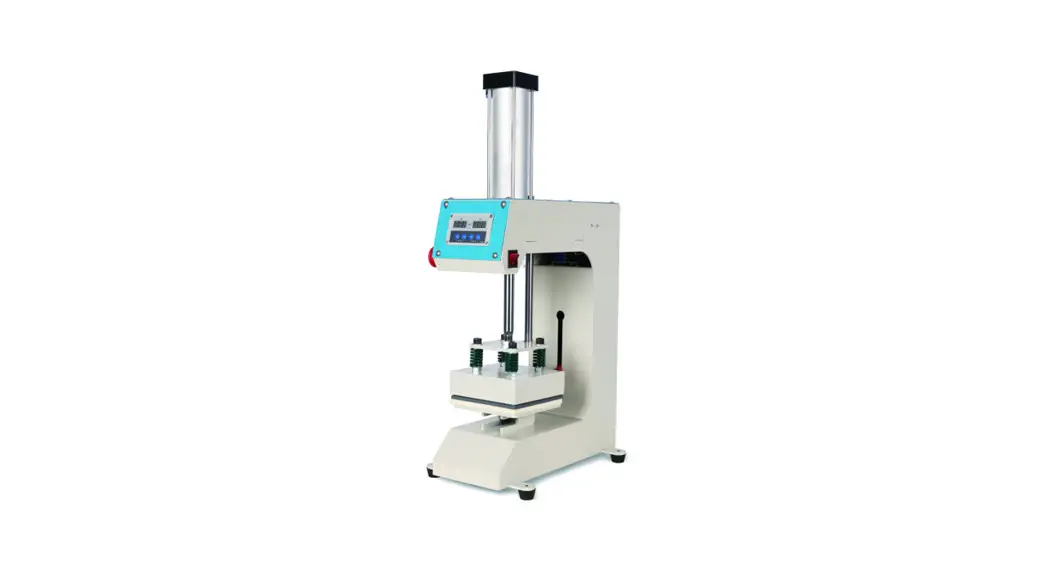
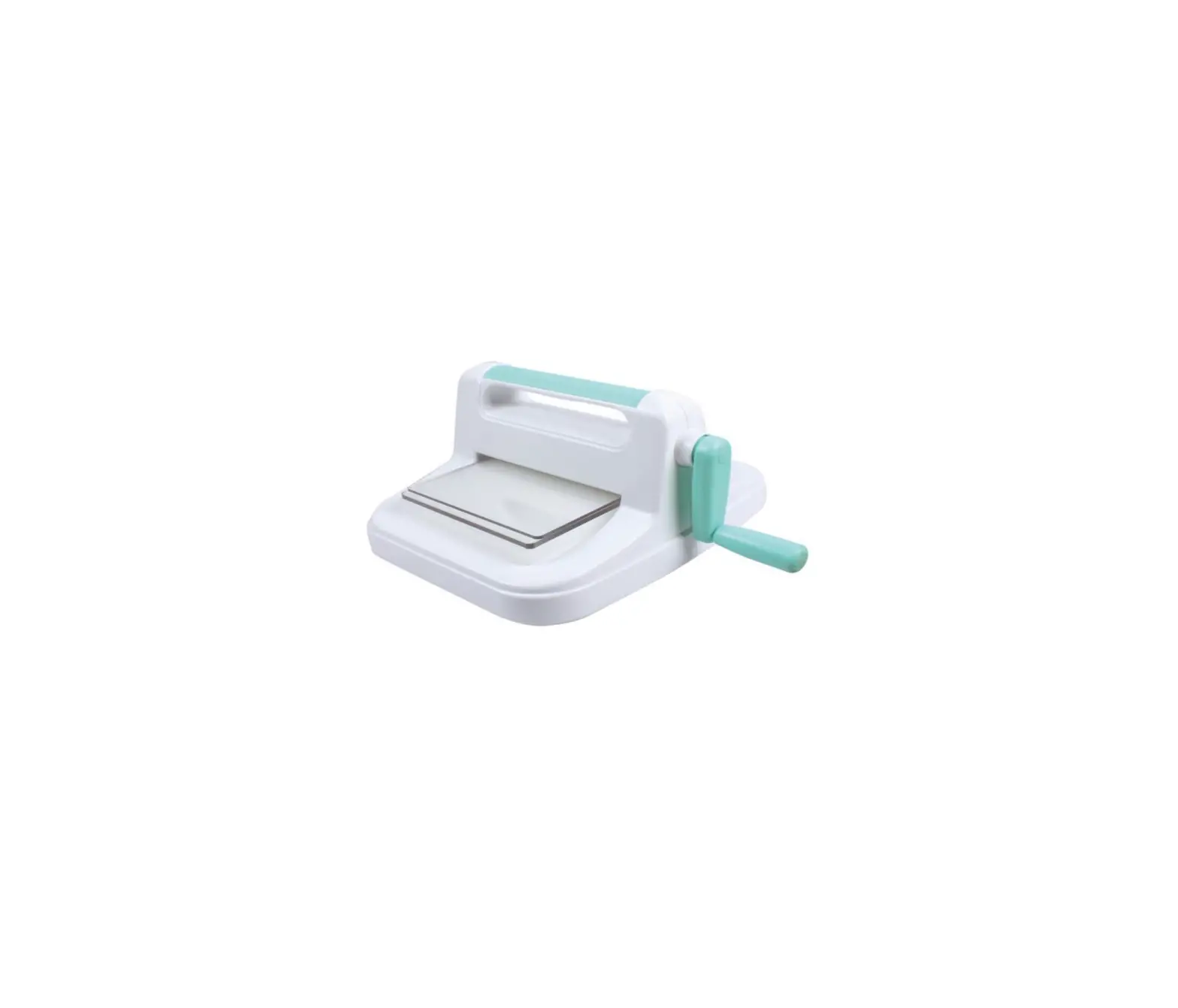
YJ-Z Embosser Stamping Machine
Industrial Manual Printer
Operating Manual
The Industrial Manual Printer is a semi-automatic hand-beat type
printer that allows you to print characters on various surfaces. It
comes with the following product parameters:
- Brand: Typeface
- Font: Far Built Song Typeface
- Character Content: Can print various
characters - Printing Depth: Adjustable
- Work Mode: Flat line printing one by one
- Print Direction: Can be adjusted according to
your needs - Applicable Scope: Can be used on various
surfaces such as paper, cardboard, wood, and plastic.
Product Usage Instructions
To use the Industrial Manual Printer, follow these steps:
- Place the printer on a flat and stable surface.
- Insert the characters you want to print into the printing
plate. Make sure they are placed in the correct order. - Adjust the word spacing according to your needs.
- Select the printing direction you want.
- Press the printer onto the surface you want to print on.
- Use a hammer or mallet to gently beat the printer until the
character is printed onto the surface. - Repeat steps 5 and 6 until you have printed all the characters
you need.
Note: Always wear protective gear such as gloves and goggles
when using the Industrial Manual Printer. Make sure to follow all
safety guidelines provided in the operating manual.
Industrial manual printer
operating manual
Product parameter
Brand Typeface
Far built Song typeface
Character content Prnting depth Work mode
Print direction Applicable scope
Number 0-9 English uppercase A-Z symbol . – × / 0.1mm-0.5mm (material hardness)
Semi automatic hand beat type can adjust the word spacing Flat line printing one by one
Thickness <1.5 mm stainless steel, copper, aluminum, iron, plastic
Model Font height
Printing speed Printing range Fixed mode
YJ-Z (aluminium section) 2mm 2.5mm 3mm 4mm 5mm 6mm optional 2-4 words /10 seconds
170mm x 130mm
Magnet fixing
Weight
8 kilograms
Packaging type
Foam, outer box size 360 × 330 × 300
Uses: Engraved in the metal plate on the parameters such as: specific type, date, batch number, serial number and so on. Typical application: All kinds of aluminum, copper, stainless steel, plastic nameplate for machinery, electrical machinery, water pump, valve, automobile and motorcycle, electric appliance
Production background: The traditional way of stamping often caused by percussion, font crooked, shades, inefficient. For a long time, how to improve the level of signs has plagued the engineering staff of industrial enterprises. Pneumatic marking machine (also known as: computer engraving machine needle) can imprint, but its high price is so many signs number of small and medium-sized enterprises prohibitive. Our factory developed and designed the sign parameter smashing machine completely solved the above defects and low price. Once the product was launched, it has been widely recognized by the market.
Working principle: The alloy steel high frequency quenching transfer case under external force (pressed by hand or rubber hammer), metal plate engraved printed in a certain depth (0.1~0.5mm depth) of the letters or numbers; After heat treatment of the steel plate can rotate to the desired letters or numbers, easily replace words; Embossing position, spacing by special mechanical stepless adjustment; Word spacing depends on manual adjustment; Different words by replacing the case to achieve high; The print range is less than 170 * 130mm signs can clamp various shapes stamped.
Characteristic:
It has the advantages of small size, light weight, convenient operation, neat printed handwriting, uniform and clear lines, and full range of fonts Technical parameter: Printing plate material: iron, aluminum, copper, stainless steel, plastic products Maximum size: < 195mm * 135mm label printing Round number contains: Capitalized English letters: A B C D E F G H I J K L M N O P Q R S T U V W X Y Z Arabia Digital: 1 2 3 4 5 6 7 8 9 0 Simple symbols: · × / (large amount of customized special symbols) Font height specification: 2mm 2.5mm 3mm 4mm 5mm 6mm
Instructions: 1,signs placed method The sign is placed in the top left corner of the work table according to the diagram, and the sign plate and the magnetic steel are pressed to make sure the sign is not loose 2,wheel loading and unloading First, use the wheel wrench to remove the wheel lock nut, select the right wheel, install the word wheel lock, nut, align the pointer 3,print and start position adjustment Put a good sign, separate the clutch handle, rotate the handwheel and spacing kerning handwheel, make the character wheel alignment character position just above the print frame after locking the carriage, the clutch handle, with the palm beat rubber cushion, to complete the first print, pressed kerning feeding handle, the work table to move left one (by adjusting hand wheel adjustment kerning, again with the palm kerning) beat rubber cushion, namely second print, back the same way. 4,fixed sign drawing:
print nameplate
magnet
magnet
working table
Decomposition diagram:
1,sliding anvil
7,word wheel
13,kerning caliper
2,hand beat rubber buffer
8,work table
14,adjust the handwheel kerning
3,head carriage
9,spacing adjustment handwheel 15,table quick moving handwheel
4,depth adjustment screw
10,kerning feed lever
16,foot decorative board
5,wheel press (or lock nut)
11,plate fixer
17,
6,Carriage locking handle
12,clutch operating handle
18,random with 1 word wheel
19,random tools: (outside six corners board hand 1, inside six corners board hand 2, drive belt 1, magnet steel 2)
Routine maintenance: 1The machine should be kept dry, clean, avoid internal parts corrosion, can regularly for the
relative sliding surface with appropriate amount of lubricating oil, in order to operate light, no
leakage of oil as good. 2it should be avoided that the rotary wheel is directly printed on the work table, resulting in
uneven surface, affecting the printing effect in the future, long-term need not unload the word
wheel 3To adjust the print starting position, you must release the clutch handle, such as mandatory
move fast moving table handwheel will damage the transmission belt, the feed or malfunction. No
kerning.
Common faults and adjustment methods:
Fault phenomenon
Failure cause
Troubleshooting
Typing symbols up and
1,the front and back of the word 1,lock the carriage, tighten the wheel nut
down arrangement is not wheel move
2,Re press the label
neat
2,the sign is loose and not pressed
1,feed kerning handle under pressure 1,the handle under the uniform pressure in
Kerning is not uniform
is not in place
place
2,the transmission belt is too loose or 2,adjust the belt tightness, or replace
worn surface
Pointer offset of wheel lock nut
1, the center axis of the wheel is loose 2, the wheel nut is too tight
1, remove the lower anvil, tighten the shaft screw 2, remove the anvil, adjust the move tight
The above methods have not been excluded, and need to be returned to the factory maintenance
Detailed step diagram of sign printing: 1,first adjust the depth of printing and word spacing;
2,Place the sign on the worktable and fix it with magnet.
3,Separate the lower right clutch and release the longitudinal carriage.
4,Turn the horizontal and vertical handwheel, the word wheel alignment printing position.
5, Close the clutch and lock the work table and lock the carriage.
6,Press the glue buffer to print a character.
7,Press the kerning feeding handle,the work table will shift to the left one
Dial parameters:
Material: steel 12CrMo Hardness: >60 degrees Thickness: 6 mm Diameter: 80 mm Axle hole: 14 mm The digital dial full circle positioning error of + 0.10 mm (avoid printing characters overlap or kerning cannot control) Code number: 40 English letters: A B C D E F G H I J K L M N 0 P Q R S T U V W X Y Z Arabia Digital: 1 2 3 4 5 6 7 8 9 0 Simple symbols: · × — Theoretical service life: stainless steel nameplate single character code continuous printing more than 200 thousand times Font height specification: 2 word code box: font high, 2mm font width 1 mm 2.5 word code box: font high, 2.5mm font width 1.2 mm 3 word code box: font high, 3mm font width 1.5 mm 4 word code box: font high, 4mm font width 2 mm 5 word code box: font high, 5mm font width 2.5 mm 6 word code box: font high, 6mm font width 2.8 mm Manufacturing process: Select high quality 12CrMo (short mold steel), “red dozen” into a piece of shape Under the high precision machining, full circle carving code Through vacuum quenching process, the deformation is small and the hardness is high Print nameplate materials: iron, aluminum, copper, stainless steel, plastic products