
VTTOUCHW Advance Touchscreen Control
Instruction Manual
The Broan AI-series wall controls line-up is modern, stylish, and user-friendly. It has been designed to please both homeowners and installers. The line-up offers various controls that have been created to meet specific needs and different applications.
This line-up is compatible exclusively with the AI series. Only the 20-40-60 control is compatible with the previous series.
From the basic wall control to the most advanced fresh air system wall control ever put on the market, there is a wall control to suit your needs.
Main Controls
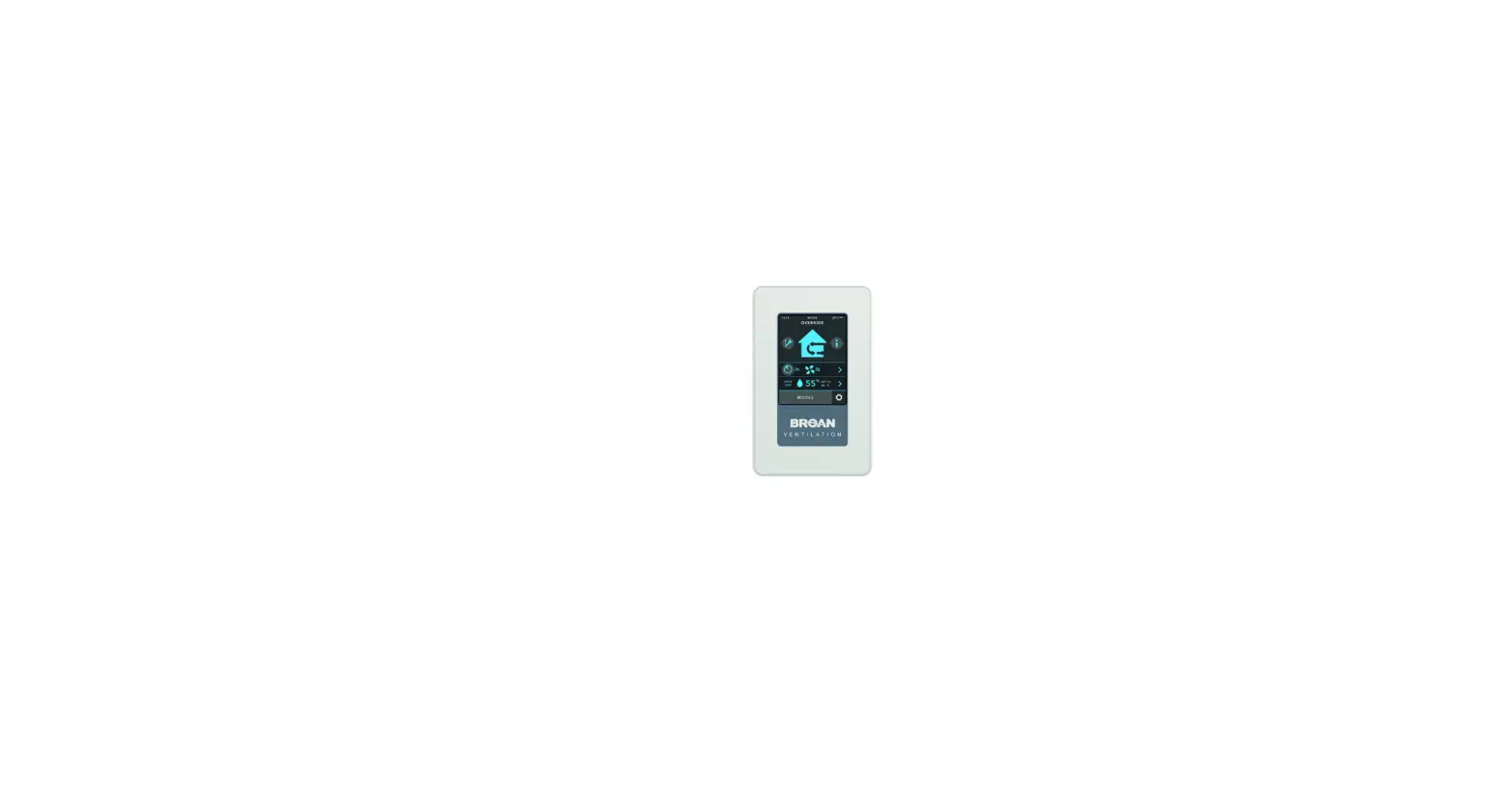
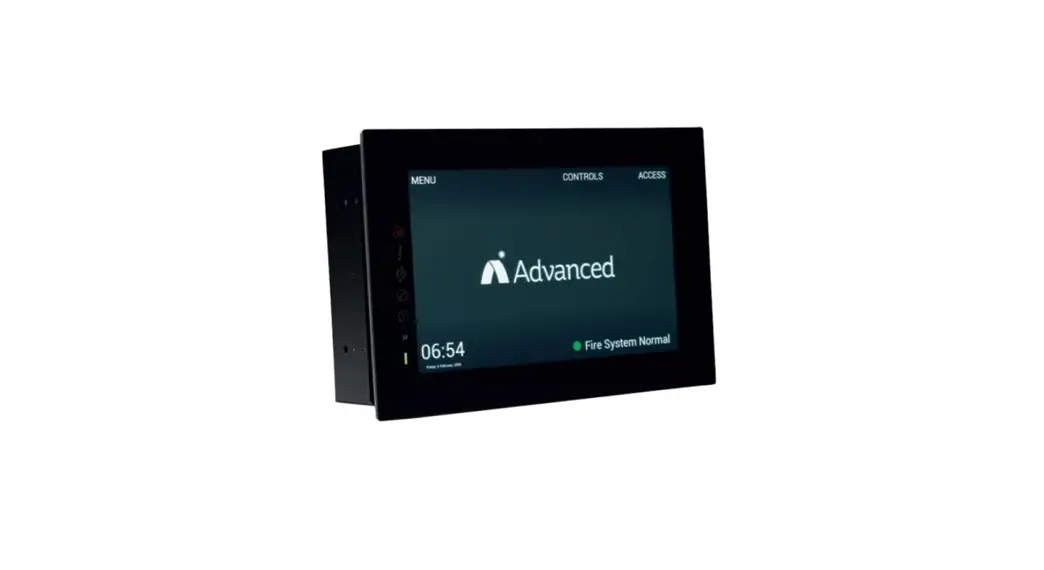
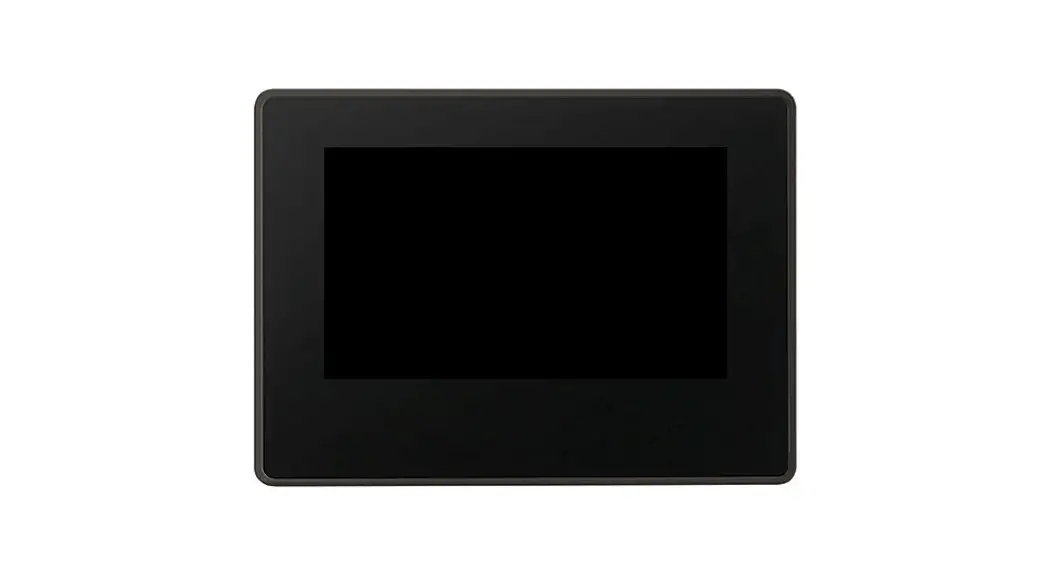
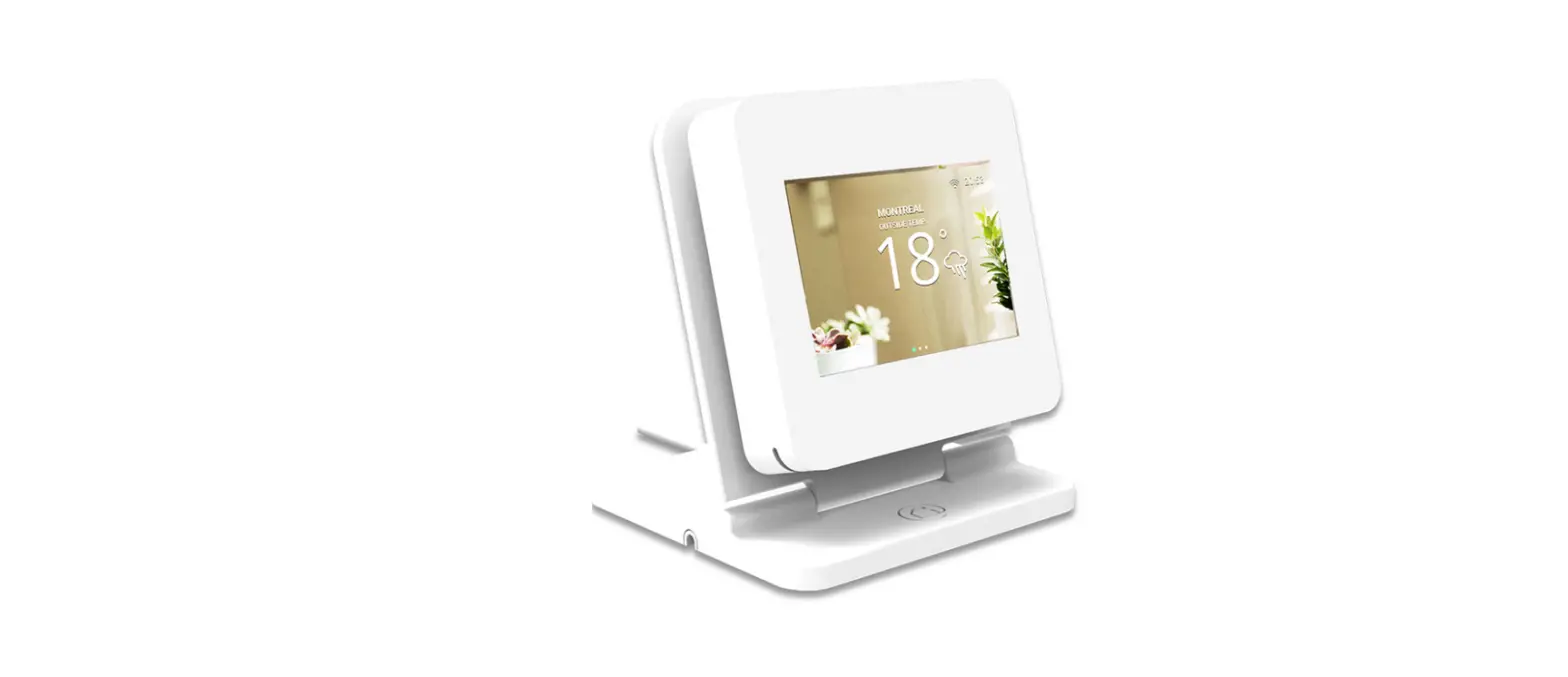
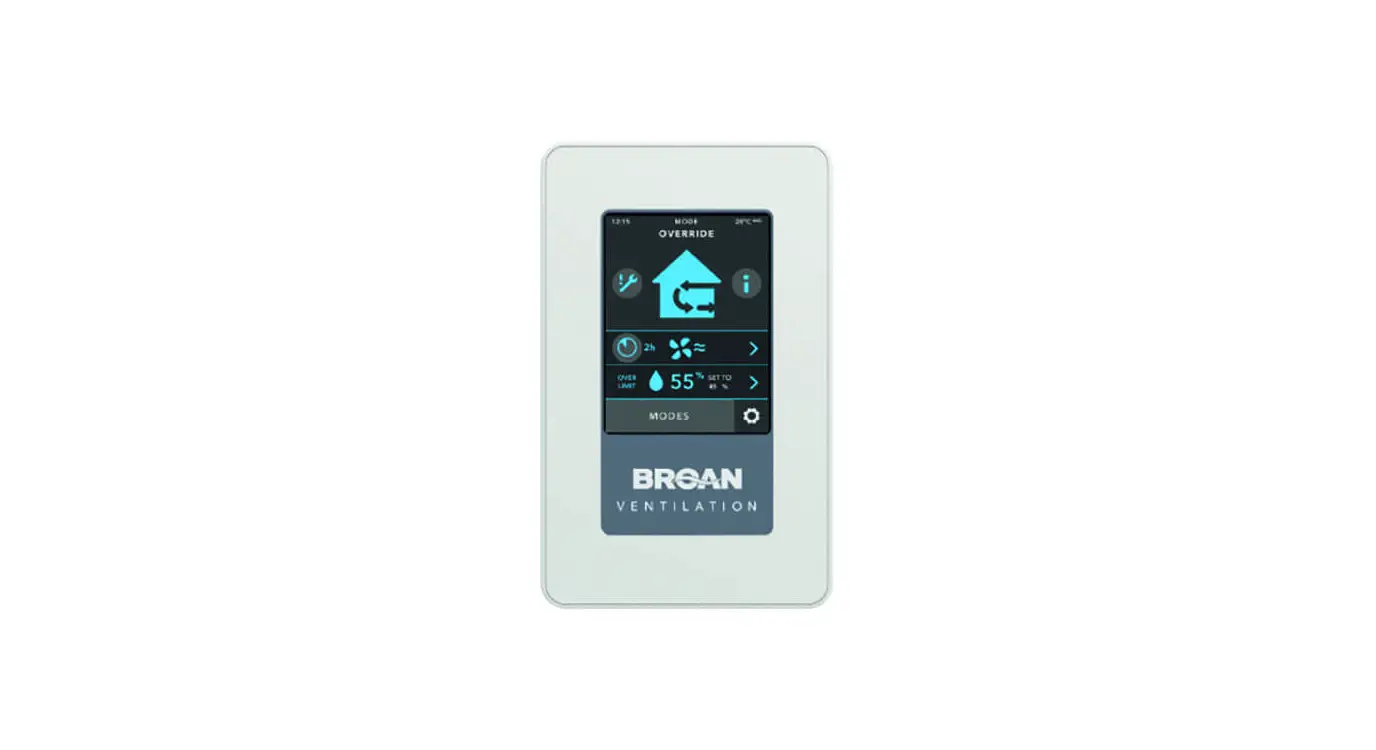
ADVANCED TOUCHSCREEN
It is the most advanced wall control thanks to Virtuo Air Technology™. It features intuitive, fully confi gurable modes via the touch screen. It is the perfect wall control for those who love technology. It offers bidirectional communication between the unit and the wall control to get detailed maintenance information. All unit settings are easy to program. The pairing with auxiliary control(s) is simple. The installer can also save a program to reuse it for a similar dwelling.
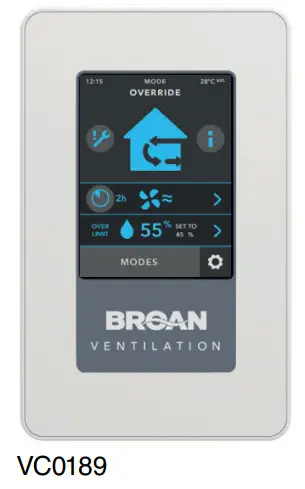
 SMART: The system will operate according to outdoor temperature and indoor temperature/humidity.
 CONT: MIN, MED or MAX speed continuous exchange ventilation.
 INT: Alternate between continuous exchange mode and standby or recirculation (if available) modes as per selected confi duration. Speed and time are adjustable.
 RECIRC (if available): Recirculate air inside the house at the selected speed.
 TURBO: 4-hour MAX speed exchange ventilation then comes back to its previous model.
 DEHUM/HUMIDISTAT: The wall control includes a programmable dehumidistat/ humidistat. The dehumidistat will deactivate if the outside temperature exceeds 75°F (24°C).
 SCHEDULING: It is possible to schedule the ventilation system operating modes for a week.
 The indicator lights up when filter maintenance is required and there is a detailed system error log for easier maintenance.
AWAY: When you are not home, the system provides minimum ventilation to your house.
STB: Standby mode
NOTE: The temperature displayed on ADVANCED TOUCHSCREEN wall control may vary by 9ºF (more or less) compared to the outside temperature since the temperature sensor is located inside the unit to ensure a reading that optimizes Virtuo Air Technology™ algorithms.
DEHUMIDISTAT
It is the perfect wall control to manage the humidity percentage in the house. It features an integrated humidity sensor to support the humidity level selected, which allows continuous comfort even in the changing seasons.
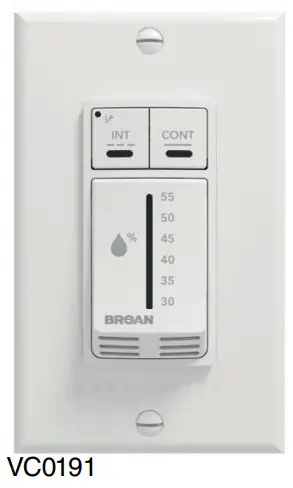
DEHUM: Select from 30% to 55% RH. If the setpoint is exceeded, the system will operate at MAX speed until the setpoint is reached. The dehumidistat will deactivate if the outside temperature exceeds 75°F (24°C).CONT: MIN speed (light LED indicator) continuous exchange ventilation.
MAX speed (dark LED indicator) continuous exchange ventilation.INT: 20 min in MIN speed continuous exchange ventilation and 40 min in standby or recirculation (if available) modes as per selected confi duration.The indicator lights up when filter maintenance is required and the indicator fl ashes when a system error is detected.
STB: Standby mode
AUTOMATIC
It is designed to make customer’s life easier. All basic features, as well as the most popular modes, are included with this wall control.
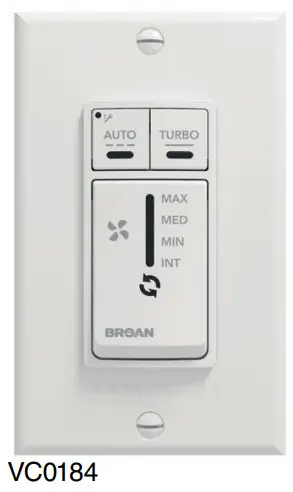
 AUTO: The system will operate according to the outdoor temperature.CONT: MIN, MED, or MAX speed continuous exchange ventilation.INT: 20 min in MIN speed continuous exchange ventilation and 40 min in standby or recirculation (if available) modes as per selected confi duration.RECIRC (if available): Recirculate air inside the house at MAX speed.TURBO: 4-hour MAX speed exchange ventilation then comes back to its previous model.The indicator lights up when filter maintenance is required and the indicator fl ashes when a system error is detected.
STB: Standby mode
SPEED SELECTOR
Thanks to the PMSM motors, it features various speed levels for continuous or intermittent ventilation. It offers a controlled sound environment without a change of state.
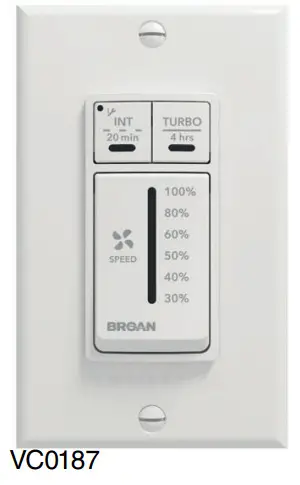
CONT: Select from 30% to 100% speed for continuous exchange ventilation.INT: 20 min in selected speed continuous exchange ventilation and 40 min in standby or recirculation (if available) modes as per selected confi duration.TURBO: 4-hour MAX speed exchange ventilation then comes back to its previous model.The indicator lights up when filter maintenance is required and the indicator fl ashes when a system error is detected.
STB: Standby mode
DIFFERENCE BETWEEN AUTOMATIC MODE AND SMART MODE
| AUTOMATIC MODE | SMART MODE |
| In AUTOMATIC mode, the system operates according to outdoor temperature. The system operates as follows: • Less than -25°C = 10 min/hr • -25°C to -7°C = 20 min/hr • 10°C to 25°C = MIN speed • 25°C to 28°C = 30 min/hr • 28°C to 33°C = 20 min/hr • Above 33°C = 10 min/hr | The SMART model uses indoor relative humidity level and outdoor temperature to manage the air exchange with the outdoors, in order to enhance comfort in the house. See graph below.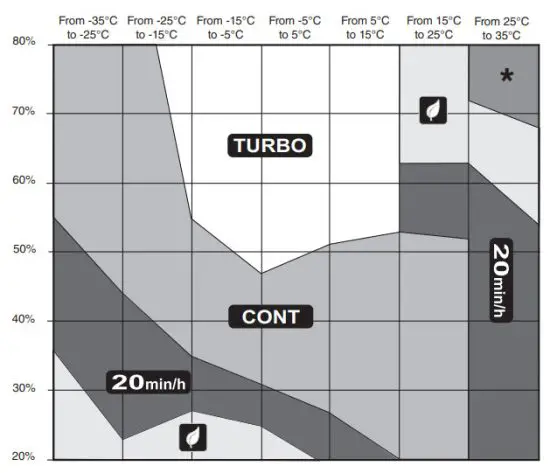 |
Auxiliary Controls
20-40-60
For installation in a bathroom, a laundry room, or a workshop. This wall control can be installed with any main control of the AI series.
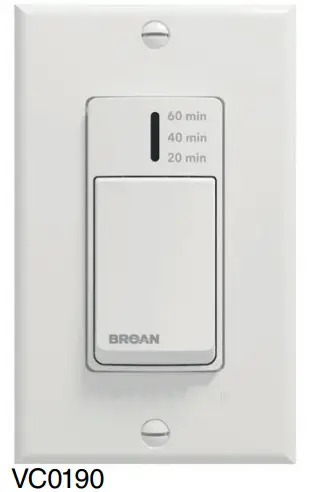
CONT: MAX speed exchange ventilation for 20, 40, or 60 minutes.
20-40-60 DELUXE
It is designed to make installers’ and customers’ life easier with its wireless and automatic RH detection. For installation in a bathroom, a laundry room, or a workshop. Bluetooth® wireless pairing with the ADVANCED TOUCHSCREEN main control (part no. VTTOUCHW).
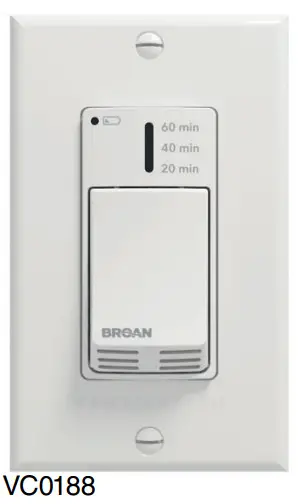
CONT: MAX speed exchange ventilation for 20, 40, or 60 minutes.An integrated sensor detects humidity rise and sets MAX speed for 20 minutes or as preselected confi duration. Wireless pairing with the ADVANCED TOUCHSCREEN main control.
 Low batteries indicator – requires 2 AAA 1.5 V batteries.
“The Bluetooth® word mark and logos are registered trademarks owned by Bluetooth SIG, Inc. and any use of such marks by Venmar Ventilation ULC is under license. Other trademarks and trade names are those of their respective owners.”

Broan-NuTone LLC, 926 West State Street, Hartford, WI 53027 1-800-558-1711
www.broan-nutone.com
Broan Controls AMd210322D