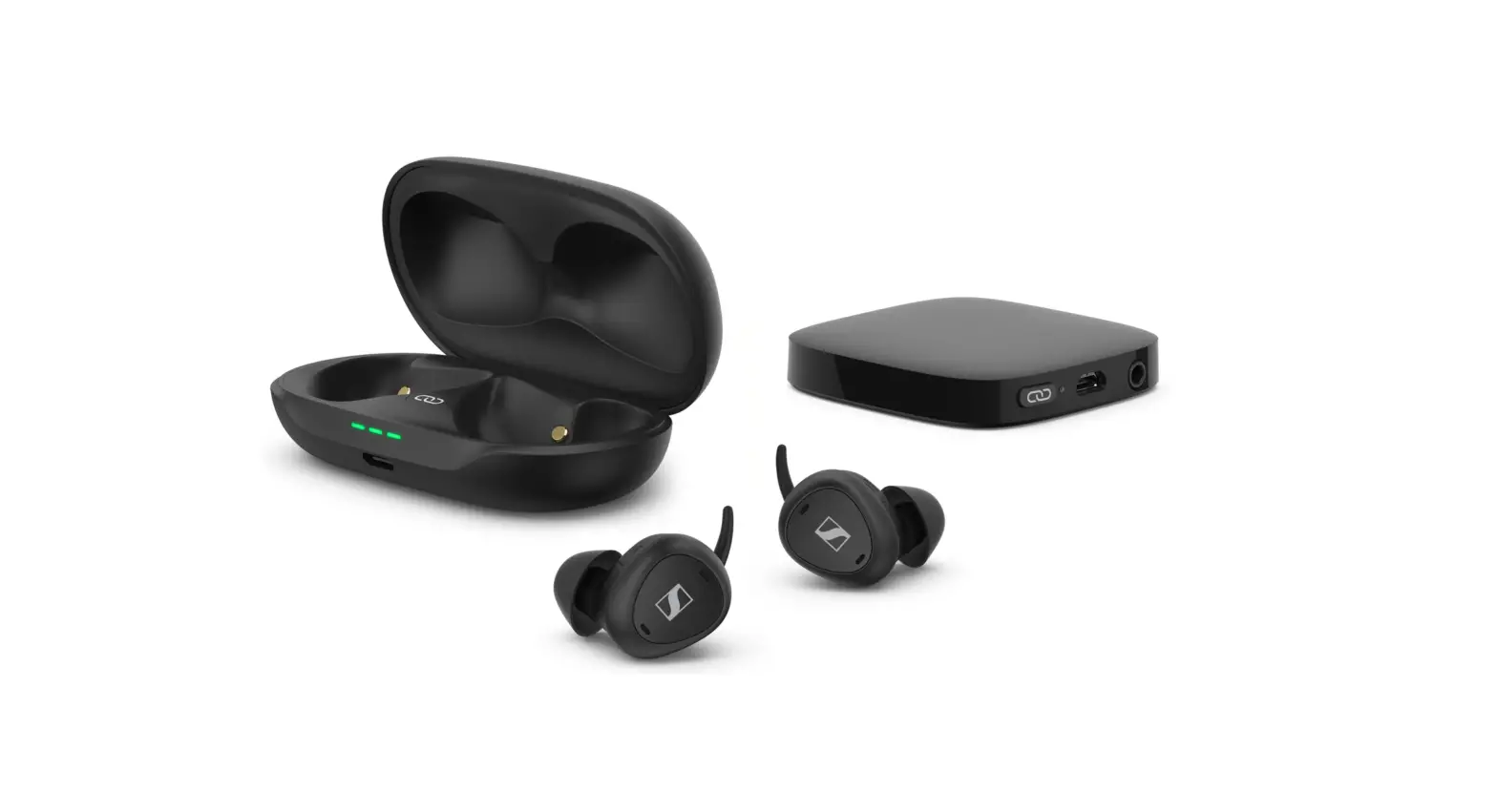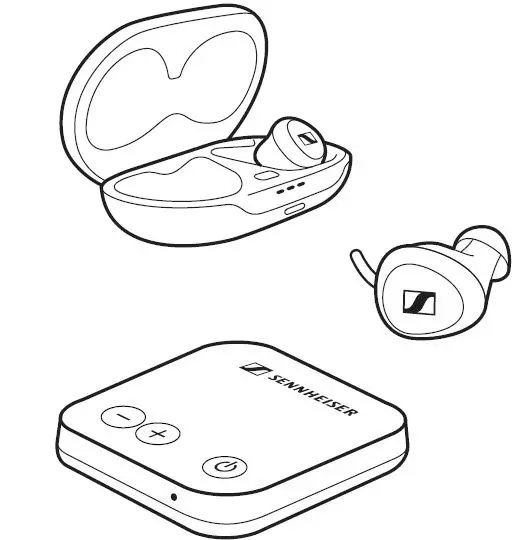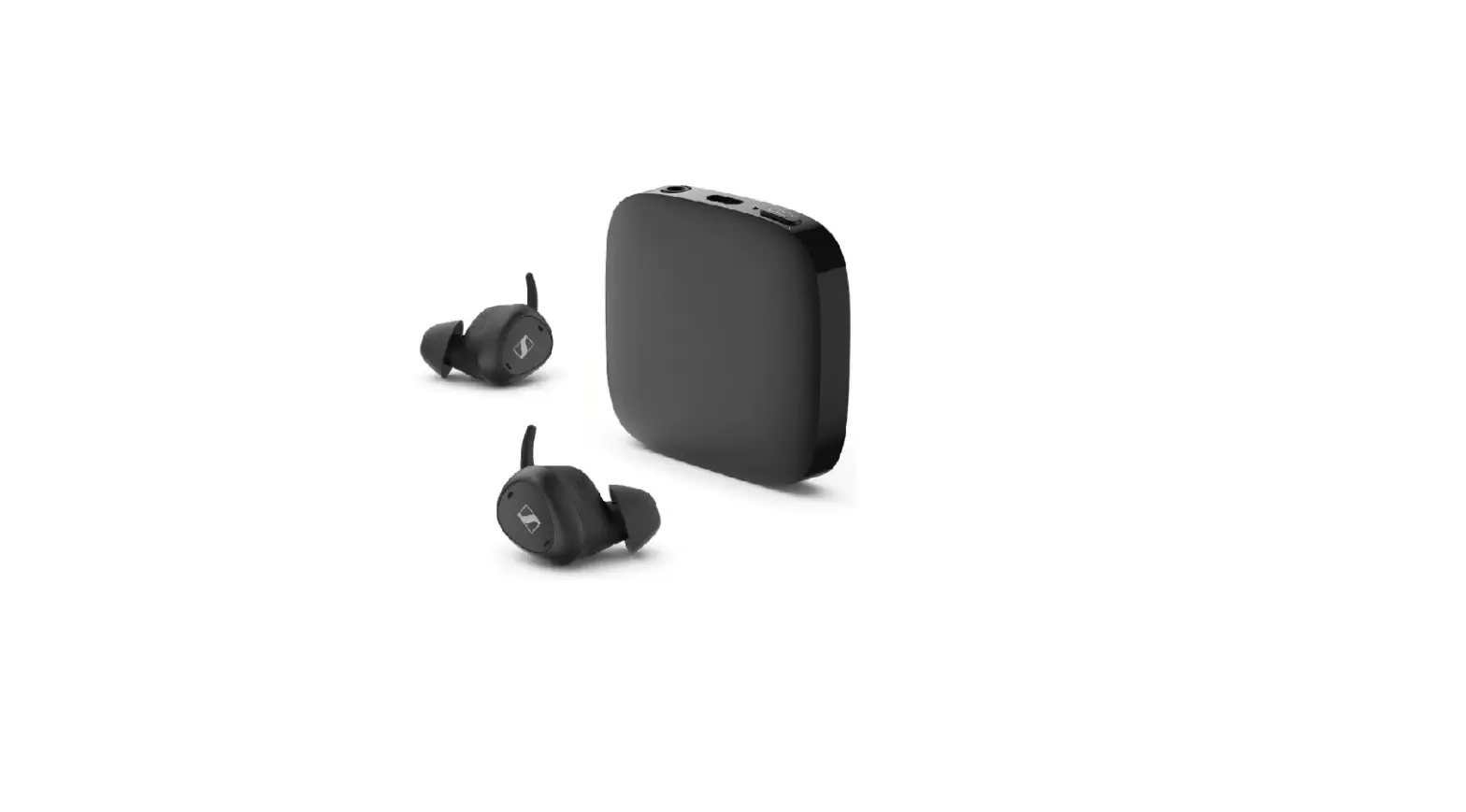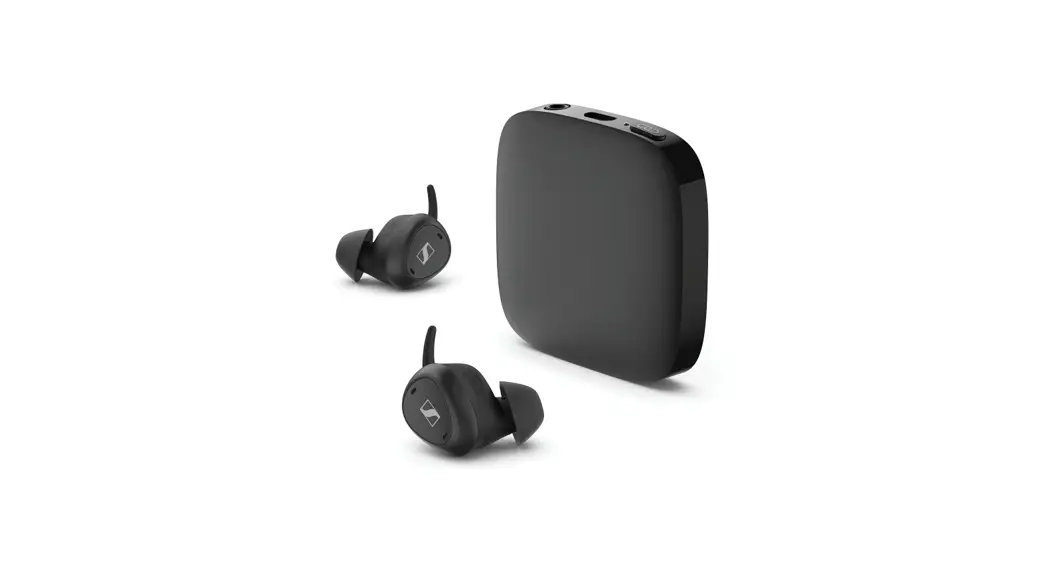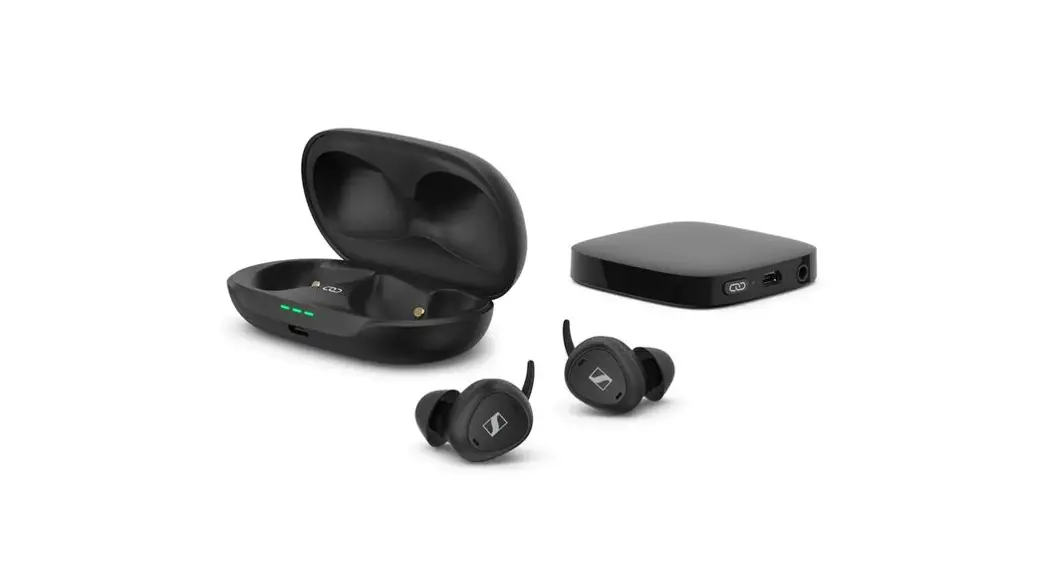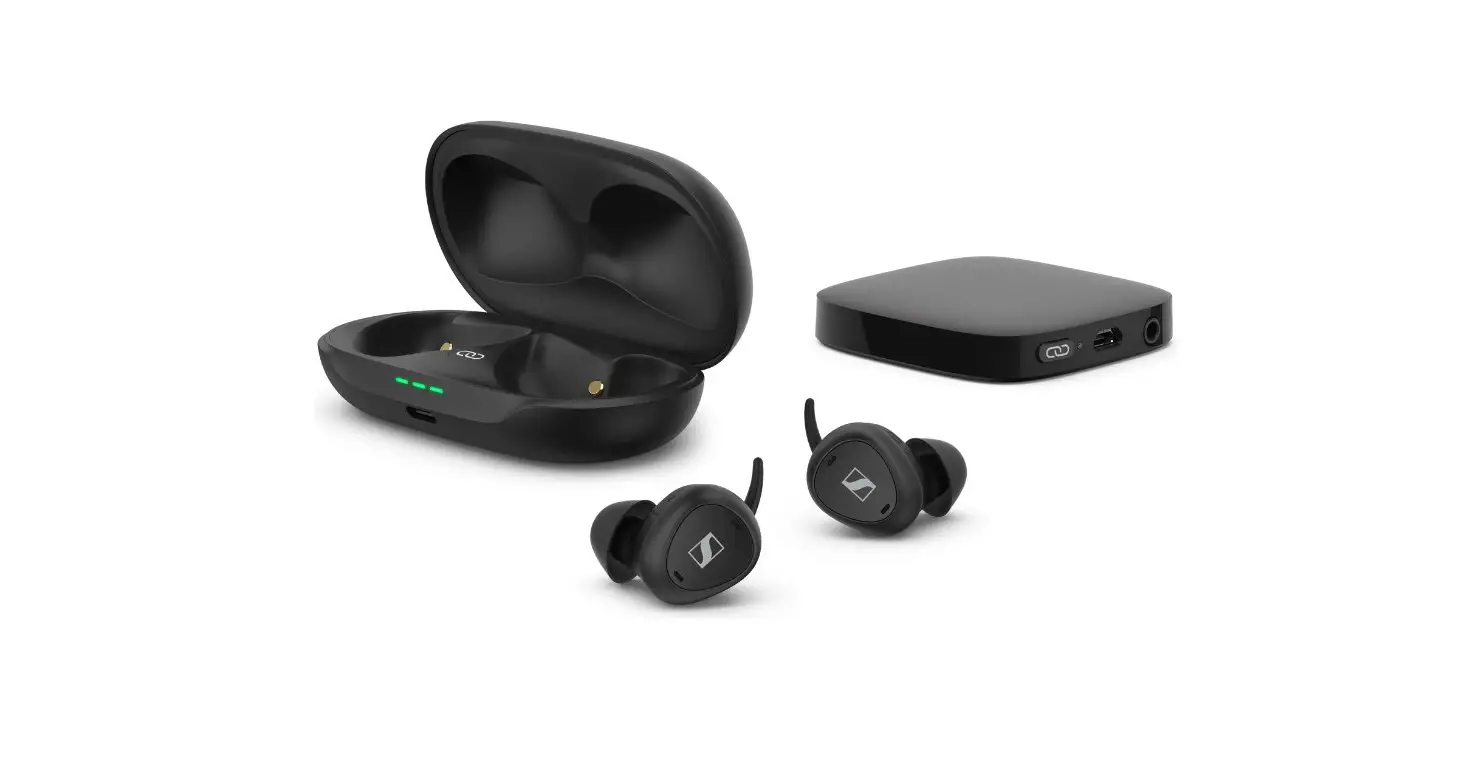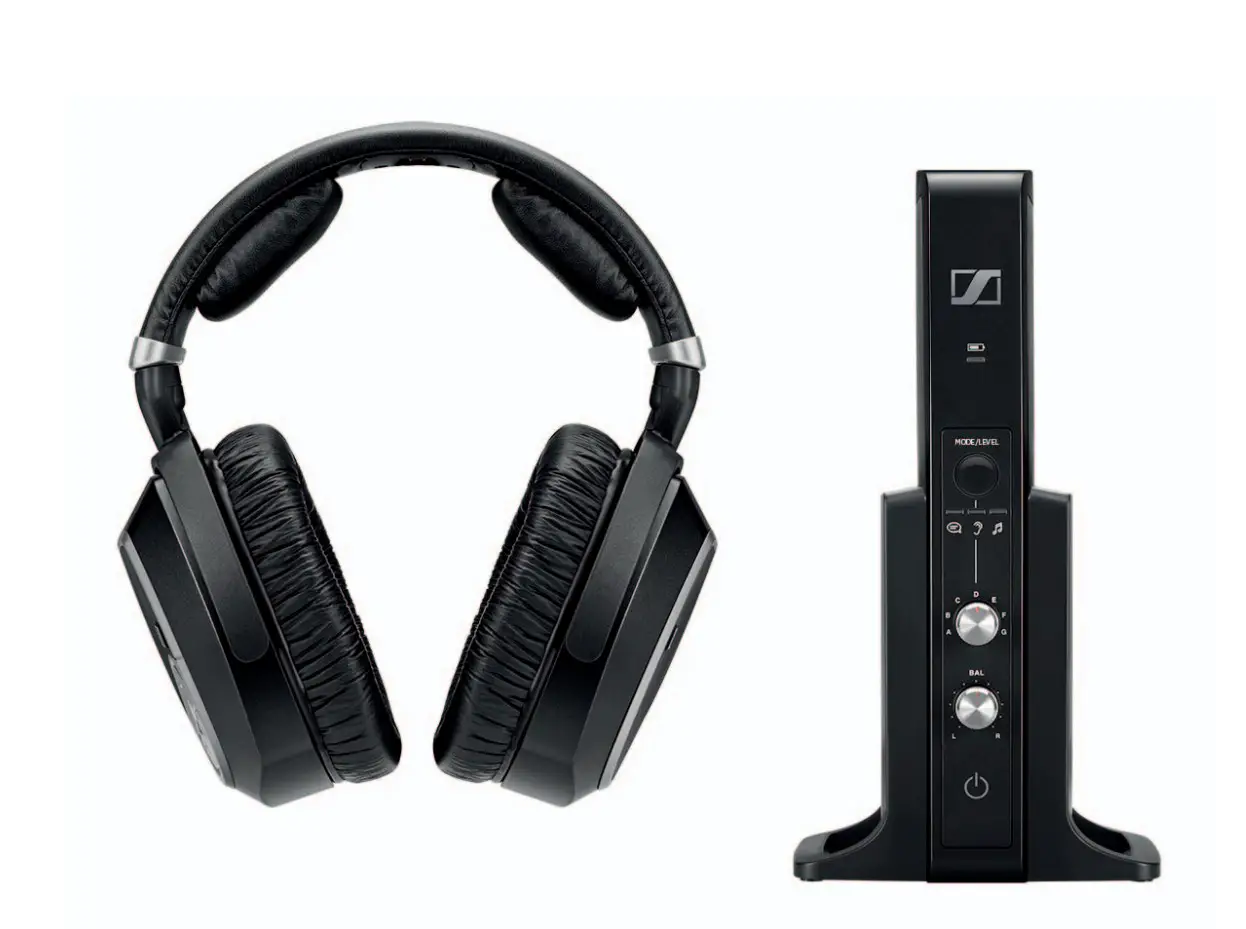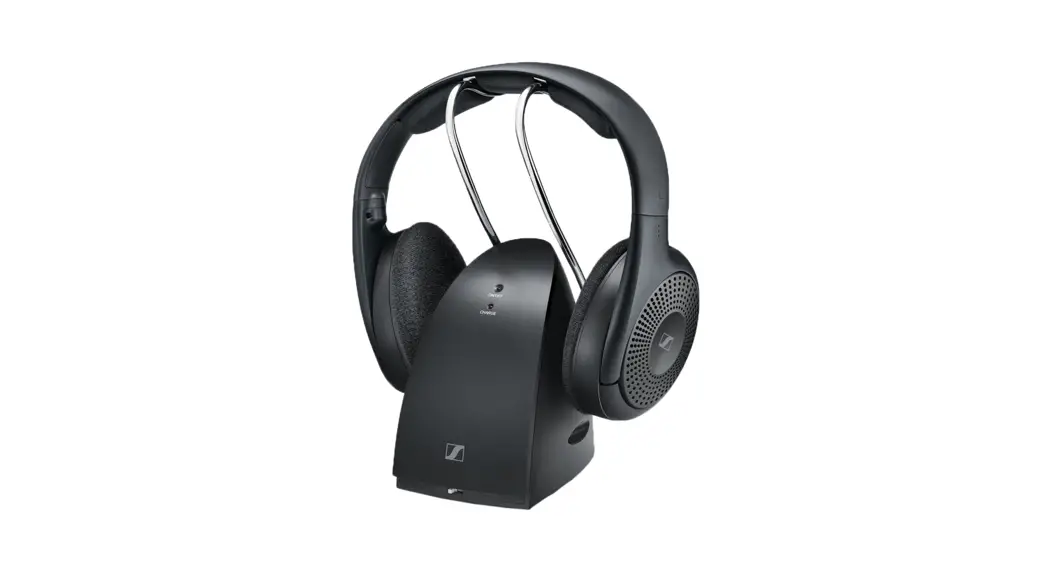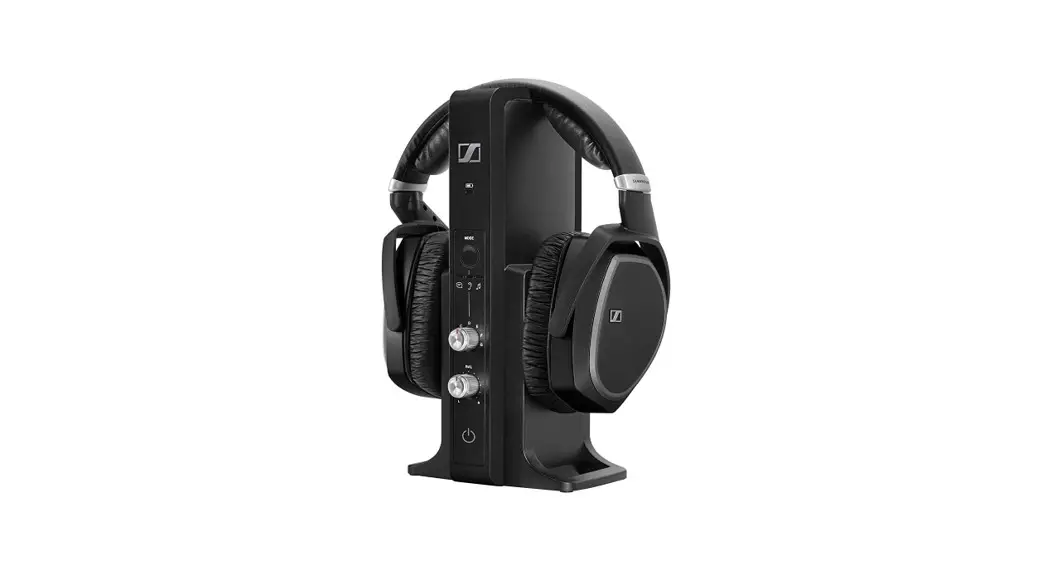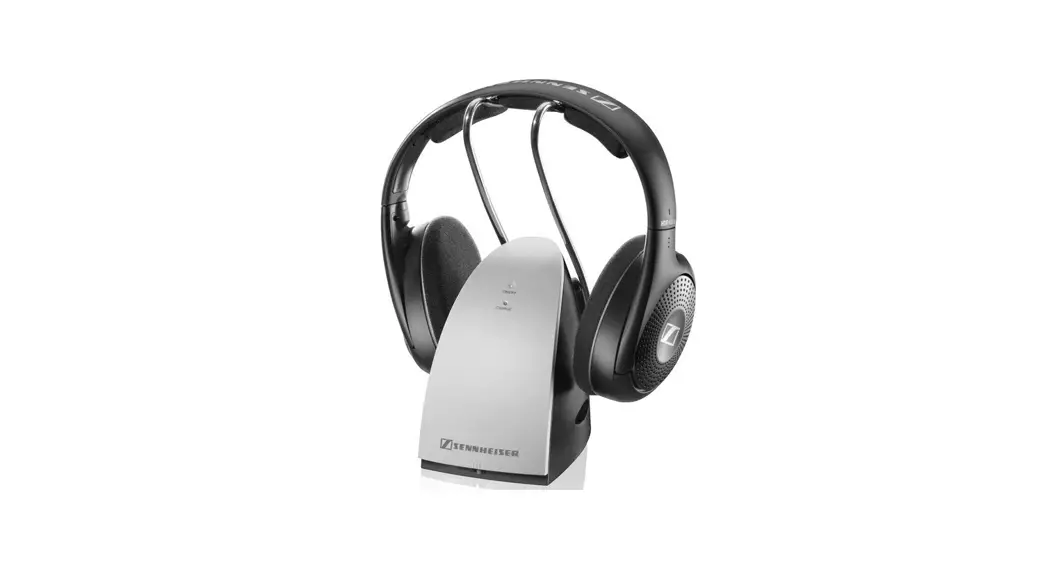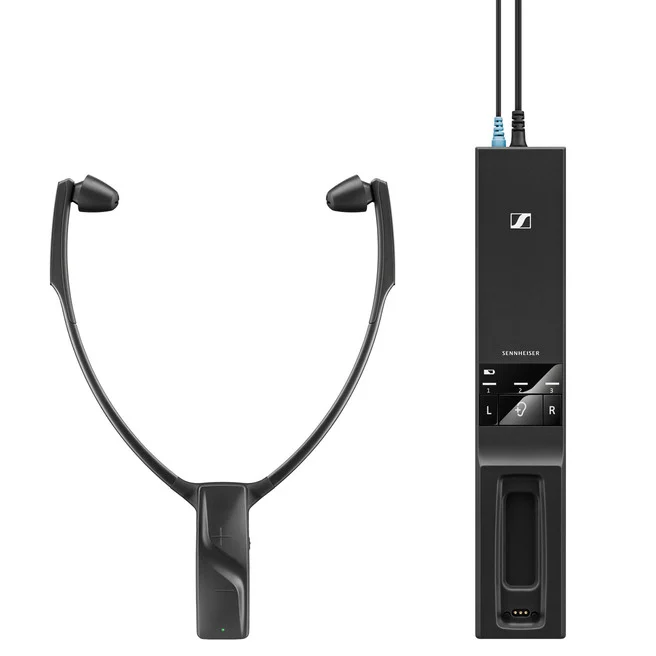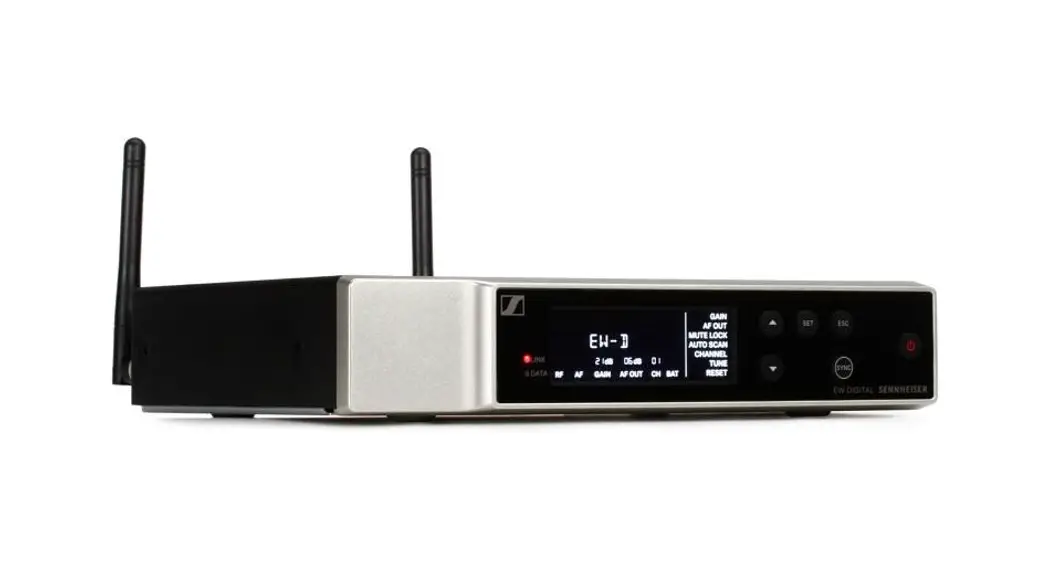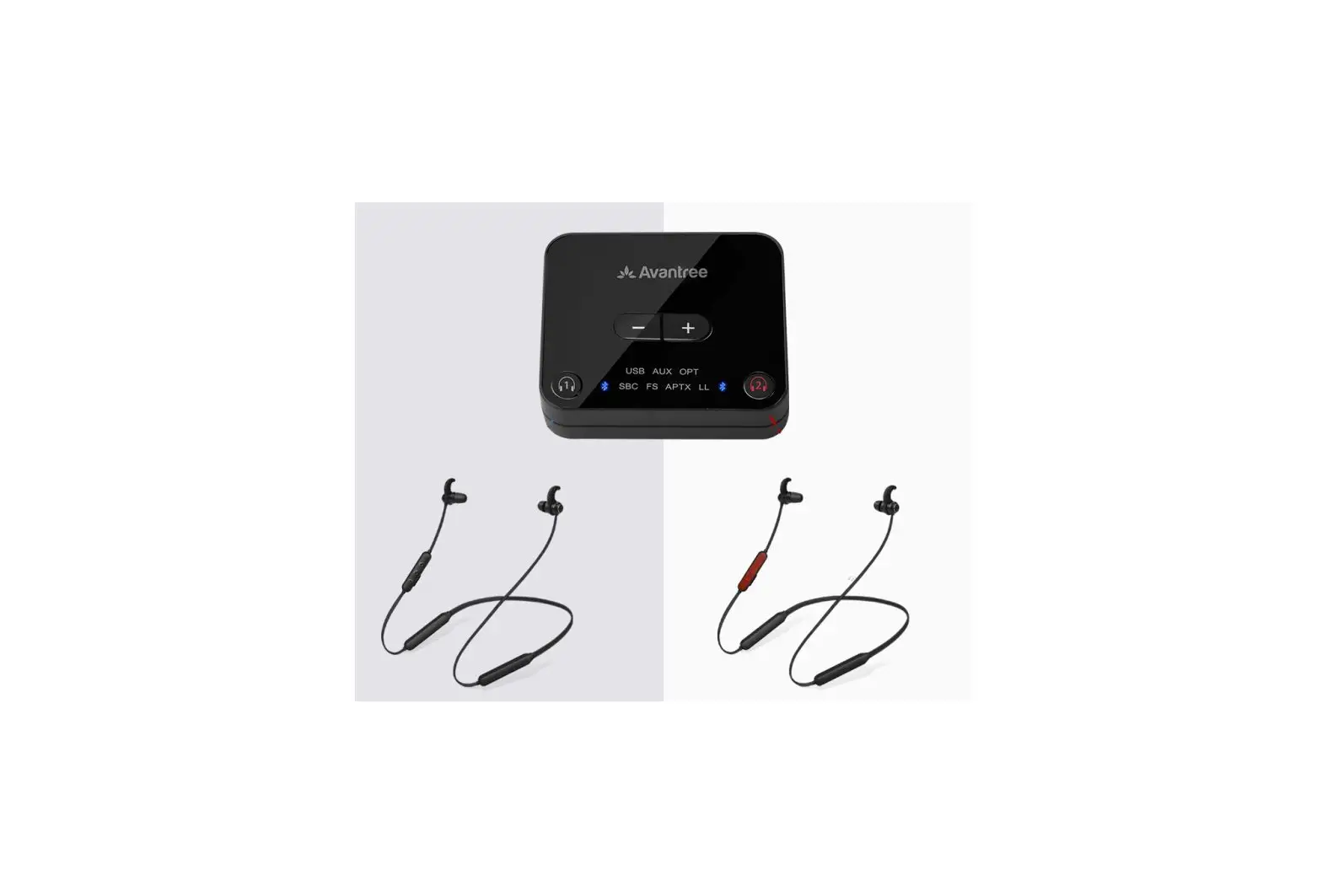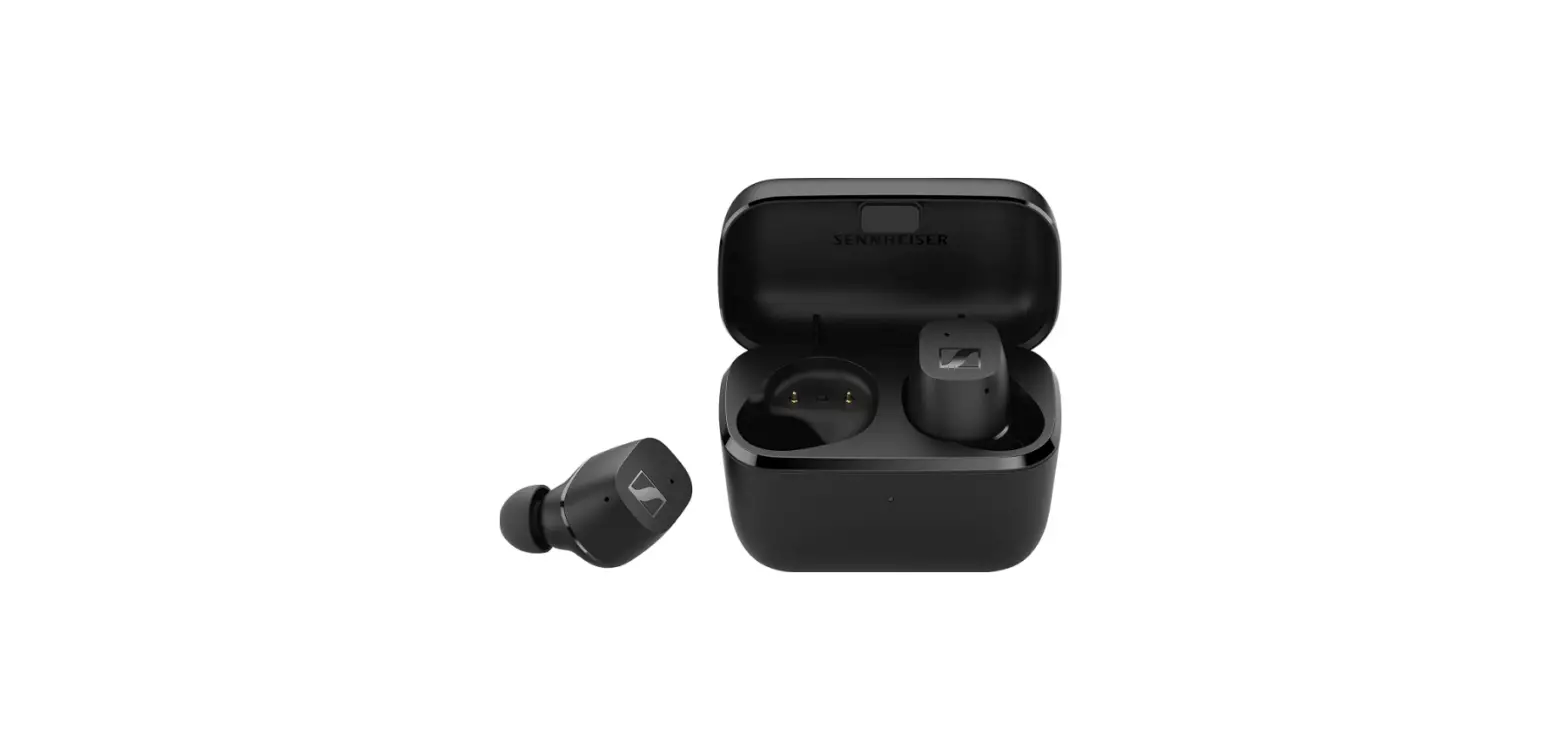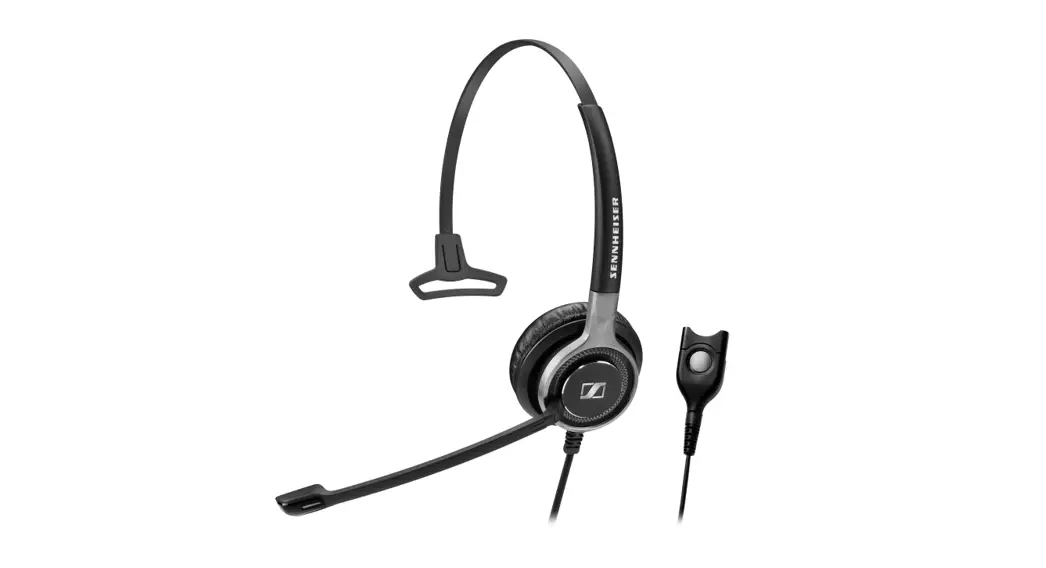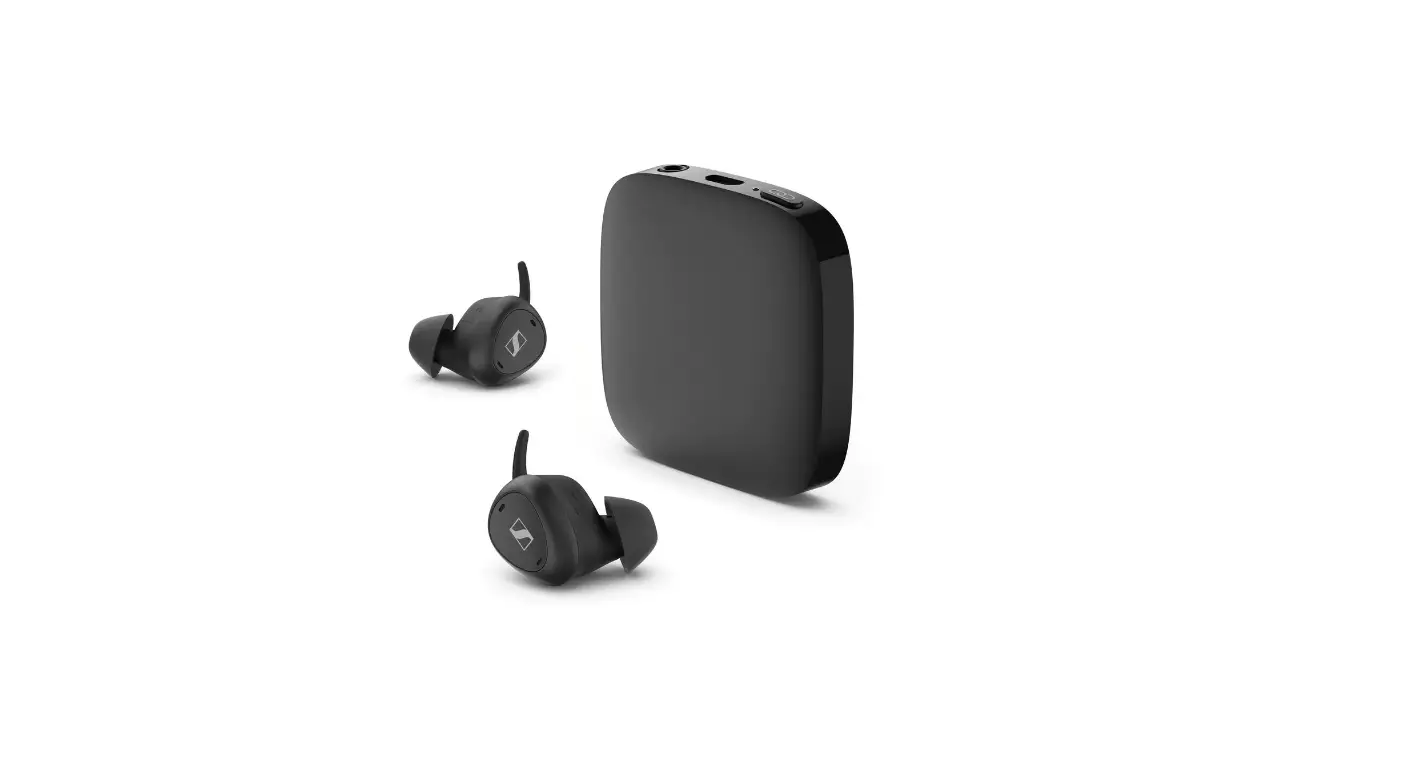

SENNHEISER TVC2-TX Transmitter 2 TV Clear Set
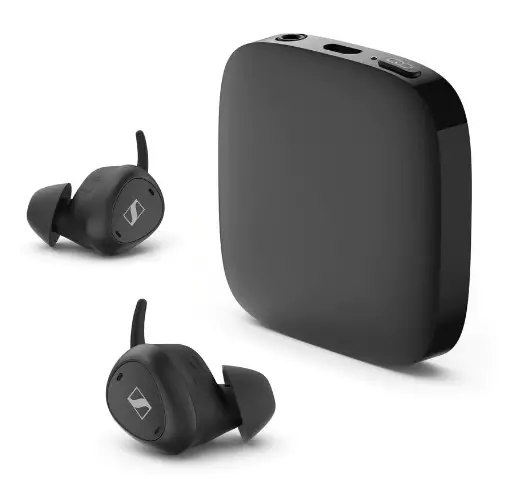
Product Information
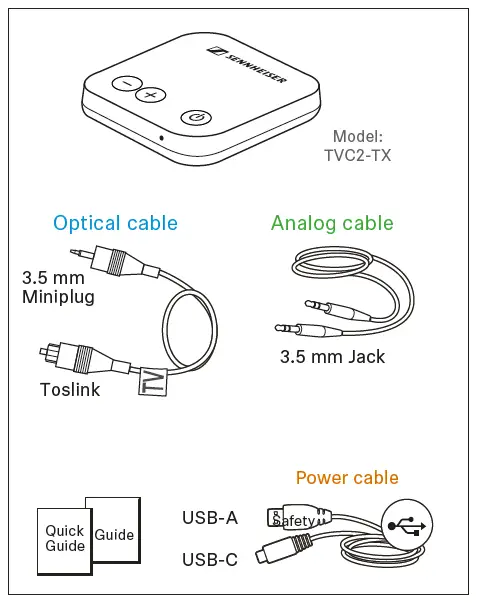
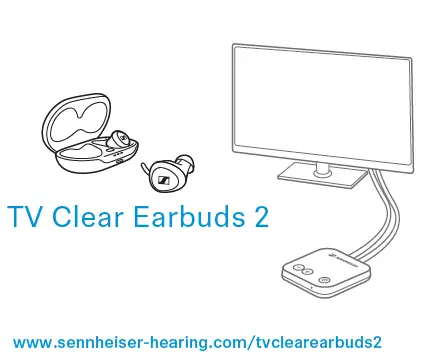
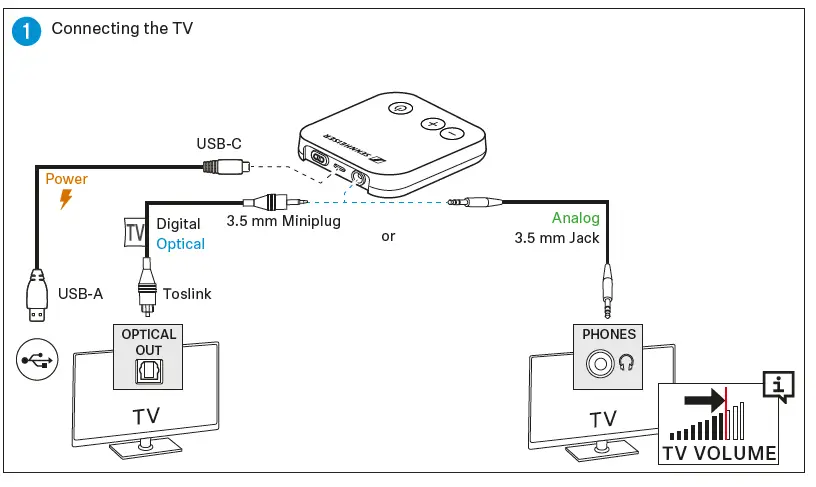
The TV Clear Transmitter 2 is a device that allows you to wirelessly connect your TV to the TV Clear Earbuds 2. The transmitter has two types of output ports – Optical and Analog. The Optical port supports Digital 3.5 mm Miniplug and Toslink cables, while the Analog port supports 3.5 mm Jack cables. The transmitter can be powered using a USB-C or USB-A cable.
Product Usage Instructions
- Connect the TV Clear Transmitter 2 to your TV using either the Optical or Analog port.
- Power the transmitter using a USB-C or USB-A cable.
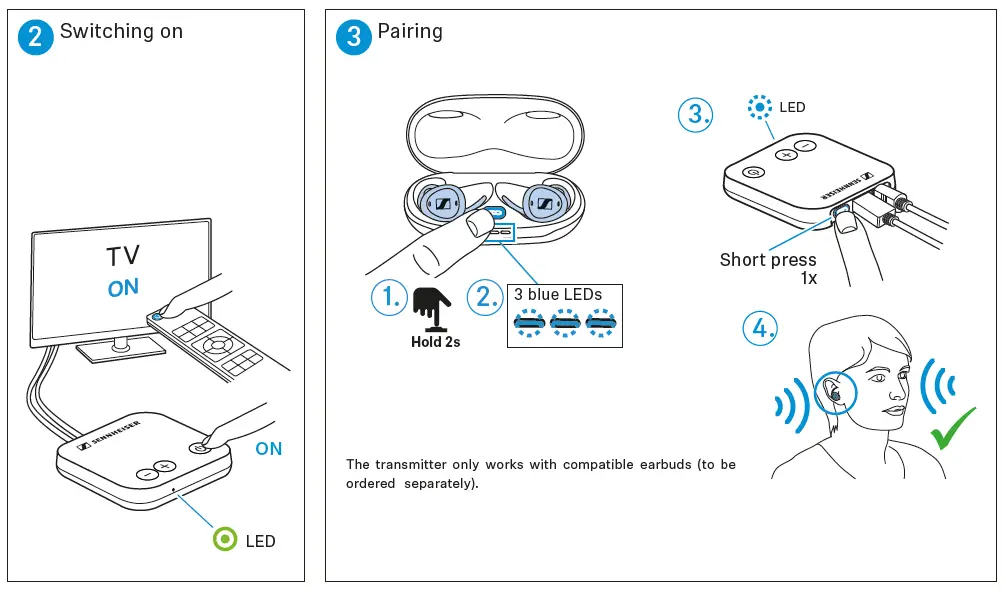
- Pair the TV Clear Earbuds 2 with the transmitter by following these steps:
- Press and hold the ON button on the earbuds for 2 seconds until the LED light flashes.
- Press the pairing button on the transmitter once.
- The LED light on the earbuds will turn solid blue when they are paired with the transmitter.
- Adjust the volume of the TV using the TV volume controls.
Note: The TV Clear Transmitter 2 only works with compatible earphones, which are not included in the package.
Content
Best TV results
INSTALLATION
www.sennheiser-hearing.com/tvcleartransmitter2

 Official website and online shop | Sennheiser