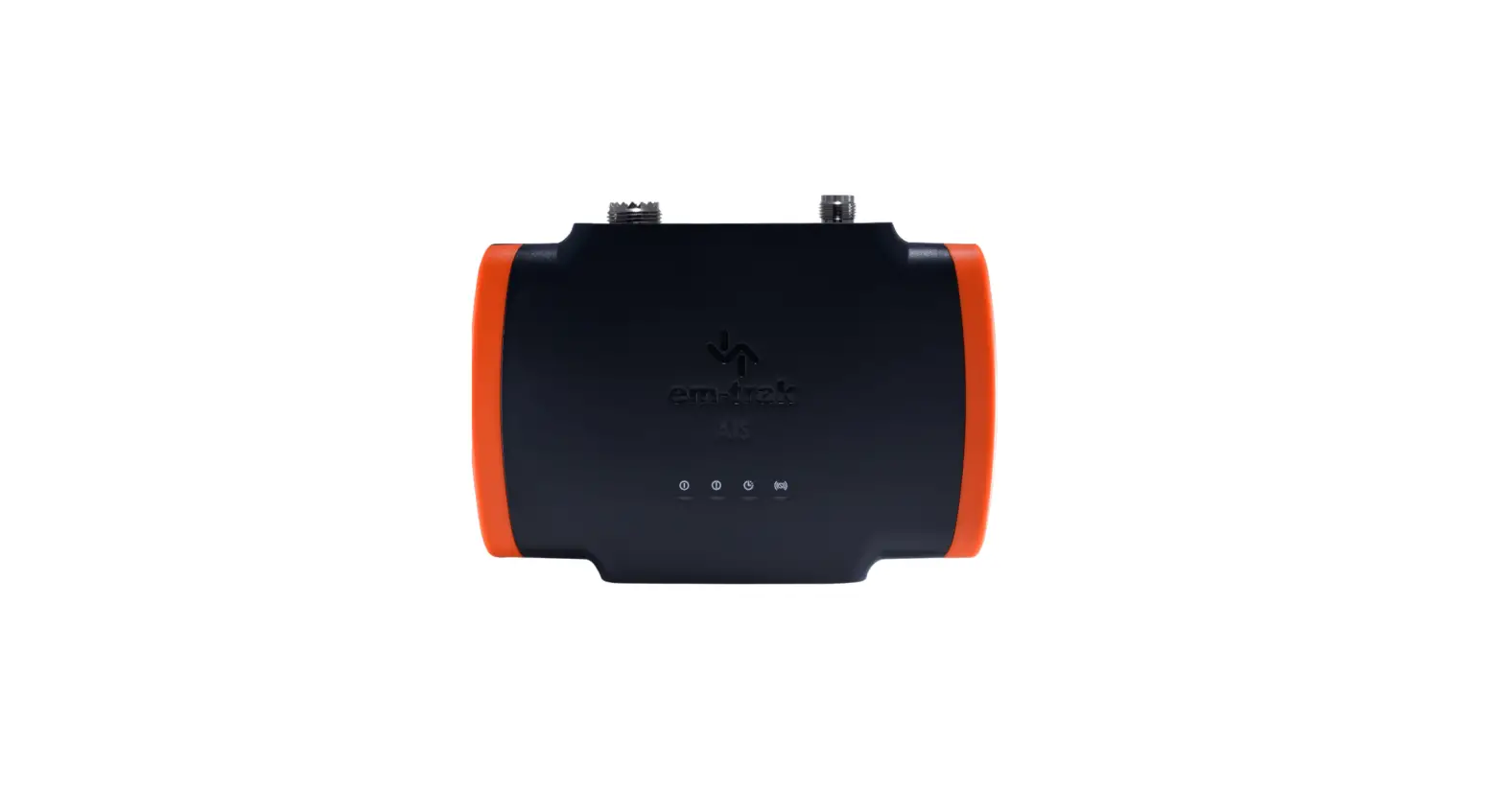

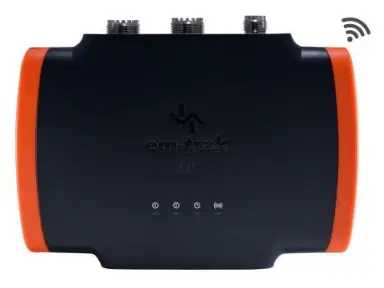
em-trak B954 Class B AIS Transceiver
Product Information: AIS Application Install Overview
The AIS Application Install Overview is a general guide to help users install an em-track AIS transceiver. This guide is applicable for offshore sailing and is compatible with the following products: B951, B952, B953, and B954. The AIS transceiver comes with an internal GPS antenna and can be installed without screws using a bracket. It requires connection to a VHF radio, VHF antenna, and power. An optional GPS antenna may be required if the AIS is not installed directly under a thin deck or next to the window. The AIS can be programmed with the vessel information using the CONNECT-AIS app or PROAIS2 PC software.
Product Usage Instructions
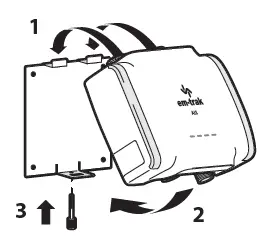
- Install the AIS transceiver using the bracket provided in a convenient storage/utility area.
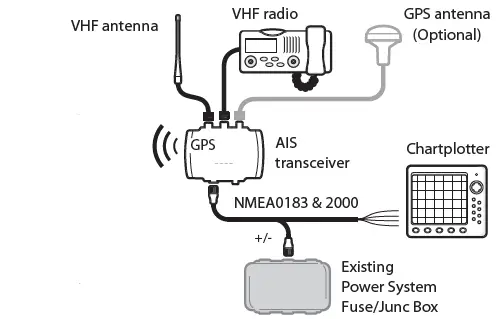
- Connect the transceiver to your VHF radio, VHF antenna, and power.
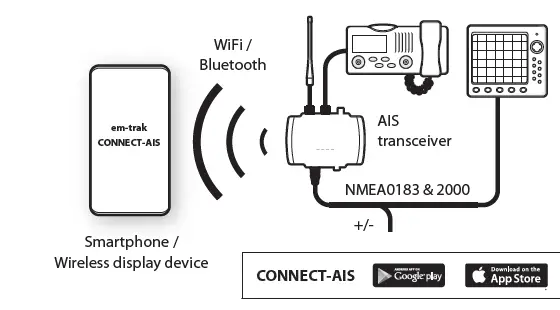
- Switch on the power and program the AIS with your vessel information using the CONNECT-AIS app or PROAIS2 PC software.
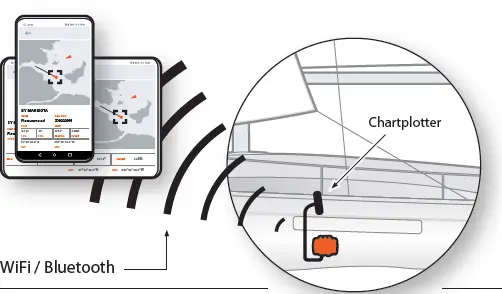
- View AIS targets and information on your chartplotter, Smartphones or other wireless devices using WiFi/Bluetooth connectivity.
For any questions, contact the support team at [email protected].
This is a general guide to show you how simple it is to install an em-trak AIS transceiver. If you have any questions at any time you can contact our team [email protected]
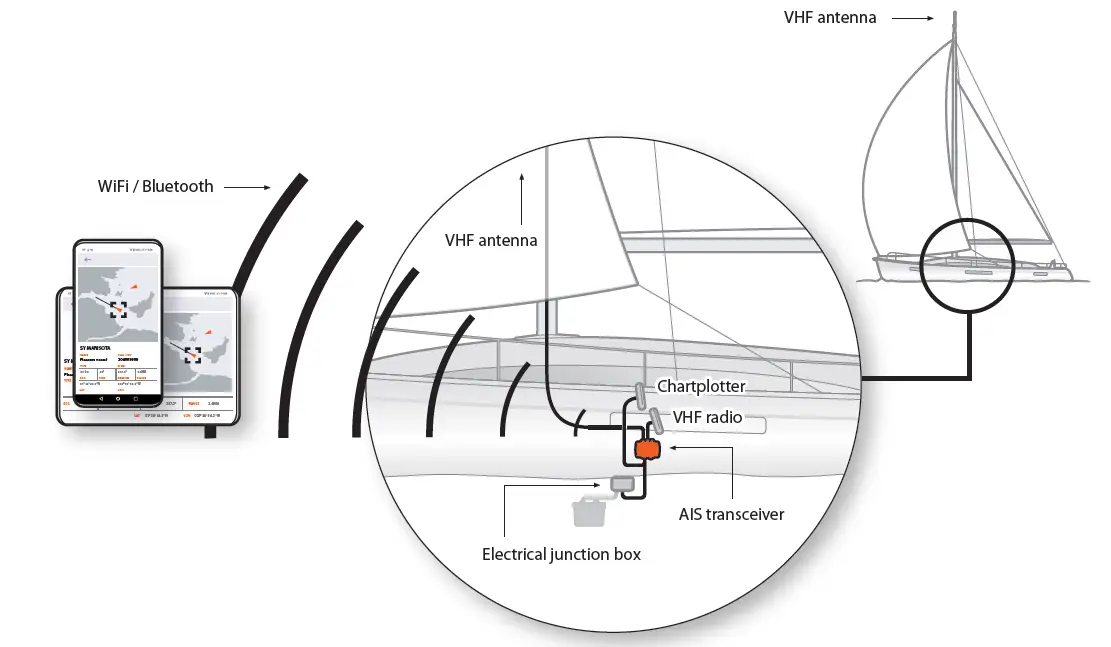
- AIS starts up automatically every time engine starts or when the power is switched on.
- Wireless connection to your phone and any other display device such as a chart plotter.
- See all AIS targets and vessel info.
- No screws are required! Use the bracket to AIS into a convenient storage/utility area.

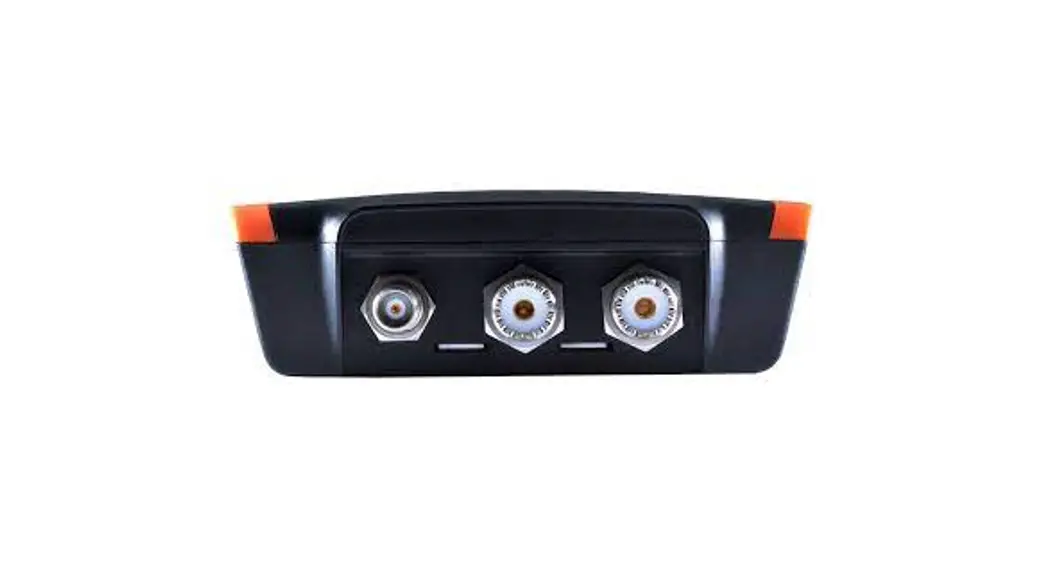
- Connect to your VHF radio, VHF antenna, and power. AIS has an internal GPS antenna. Therefore an external GPS antenna is optional if AIS is installed directly under a thin deck or next to the window. If not possible an external GPS antenna will be required.

- Switch power on and use the CONNECT-AIS app or PROAIS2 PC Software to program AIS with your vessel information.

- See AIS targets and information on your chartplotter, smartphone, and other wireless devices.