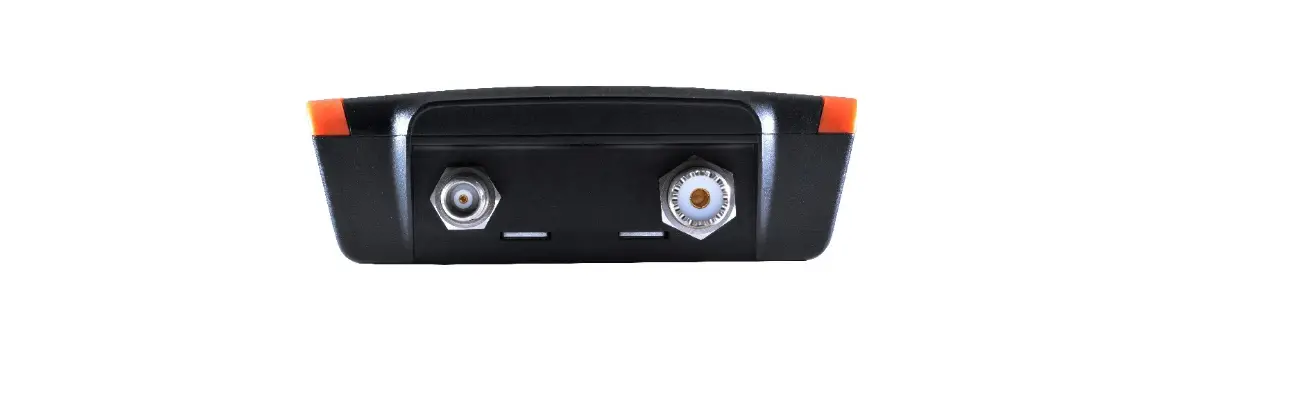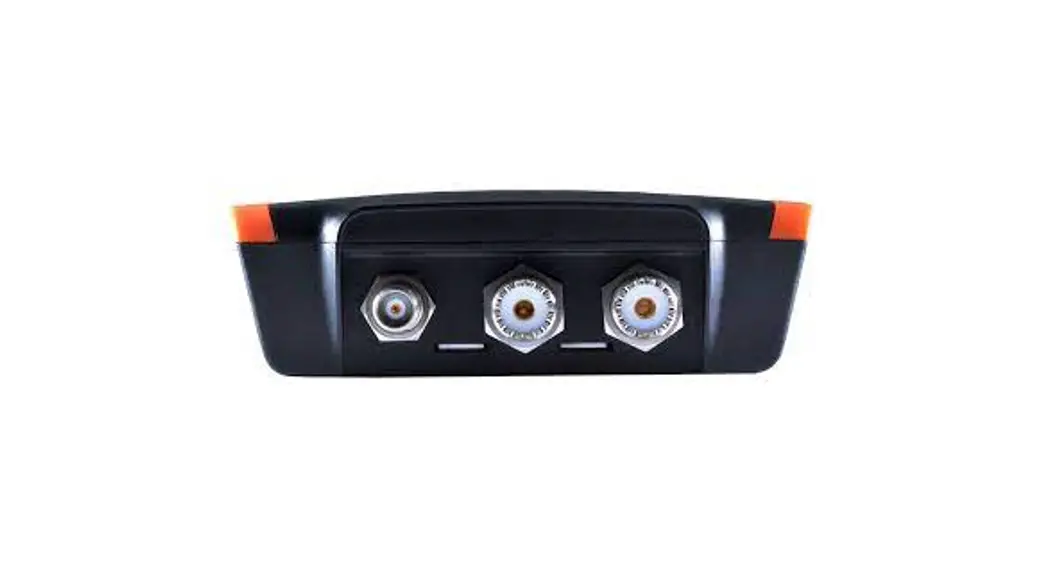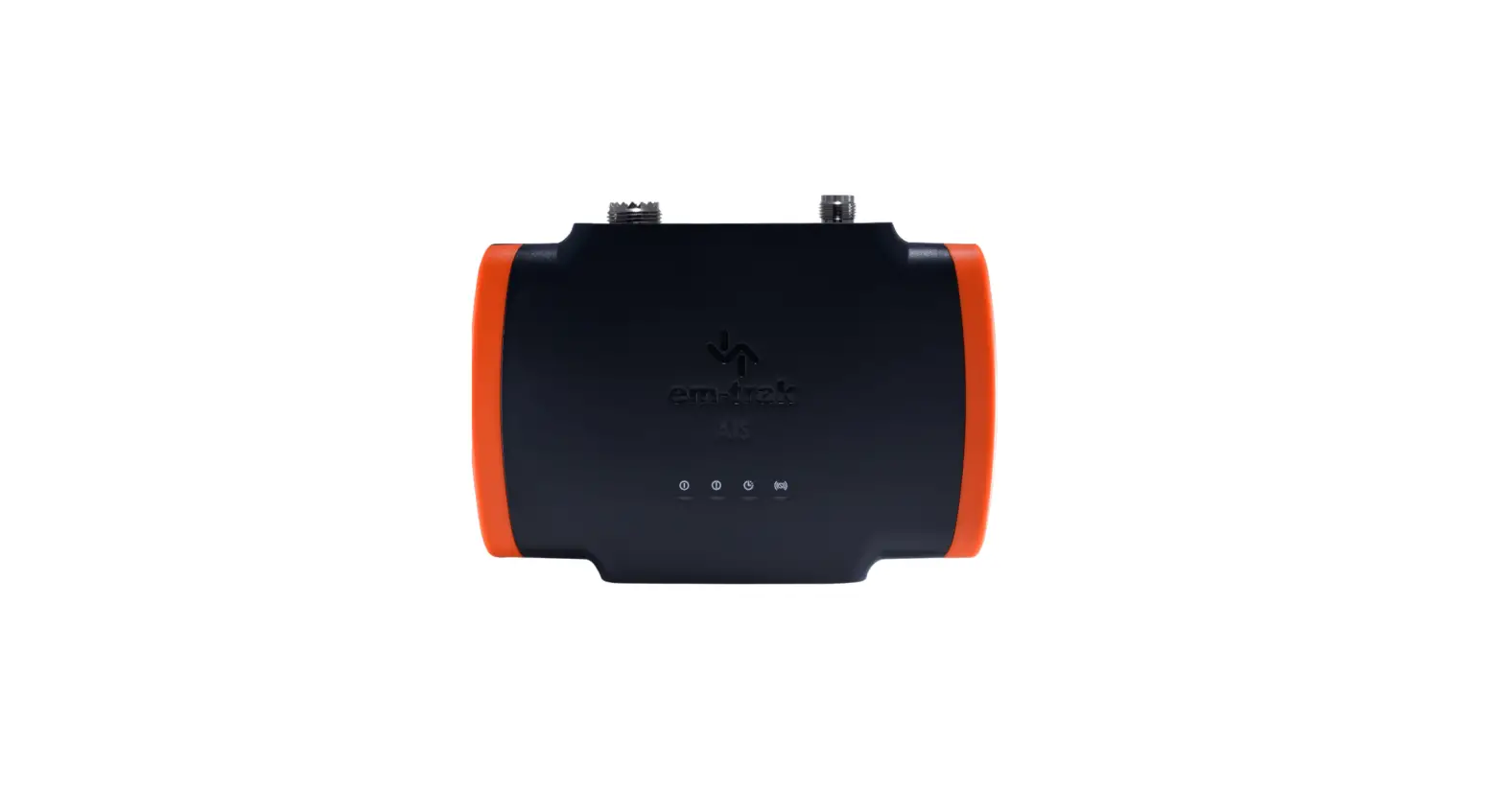

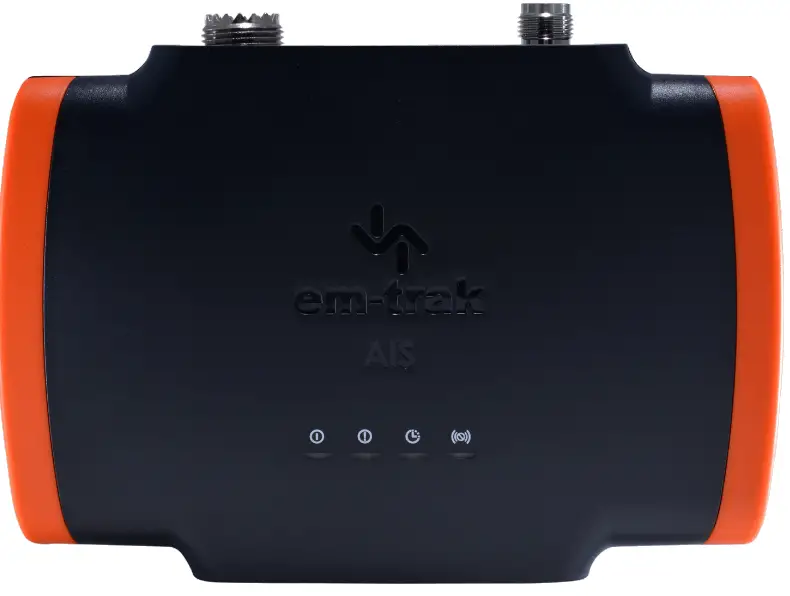
em-trak B900 Series Rib Class B AIS Transceiver
INTRODUCTION
This is a general guide to show you how simple it is to install an em-trak AIS transceiver. If you have any questions at any time you can contact our team [email protected].
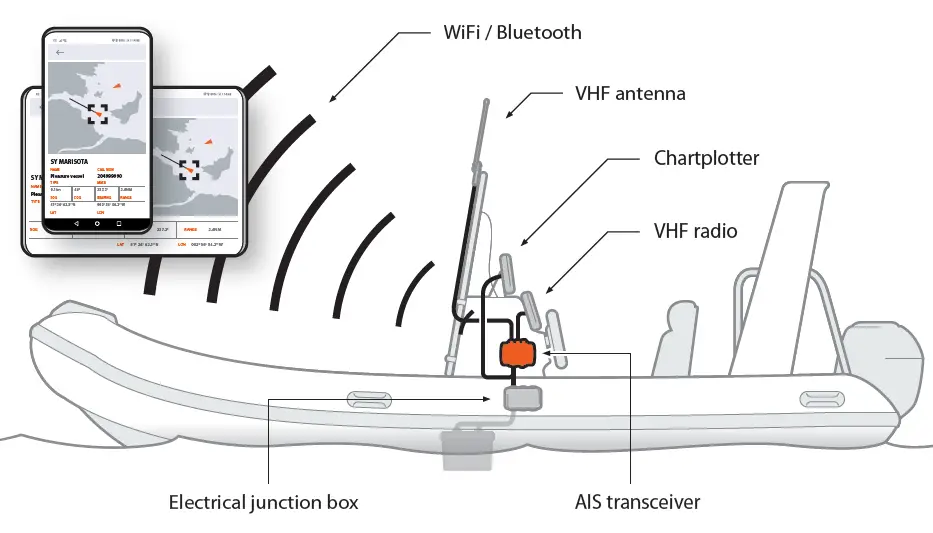
- AIS starts up automatically every time engine starts.
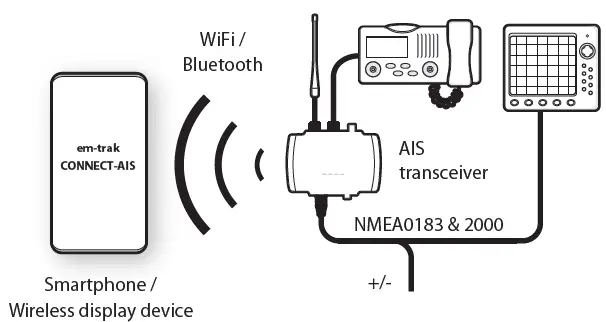
- Wireless connection to your phone and any other display device such as chart plotter.
- See all AIS targets and vessel info.
HOW TO USE
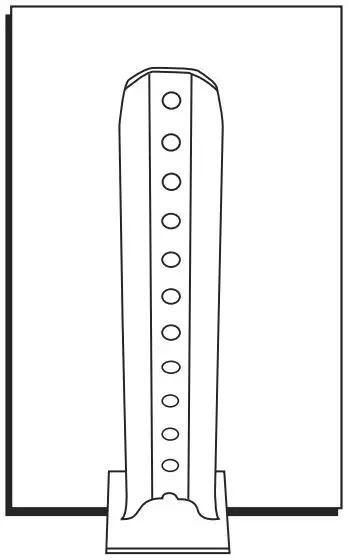
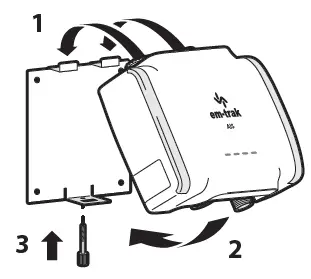
- No screws required! Use bracket to fit AIS into convenient storage/utility area.

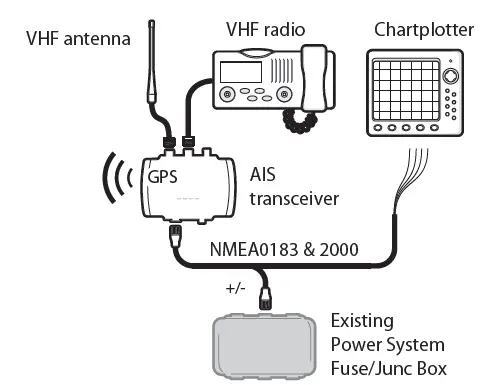
- Connect to your VHF radio, VHF antenna and power. AIS has internal GPS so if you install near a window, under a fibreglass deck or inside a centre console you will not need an external GPS antenna.

- Switch power on and use CONNECT-AIS app or PROAIS2 PC Software to program AIS with your vessel information.

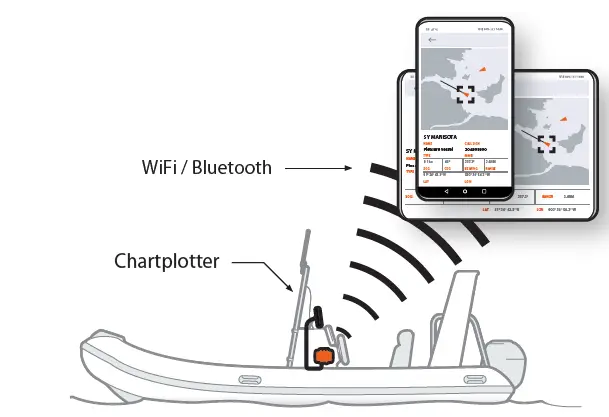
- See AIS targets and information on your chartplotter, smart phone and other wireless devices.

CONNECT-AIS