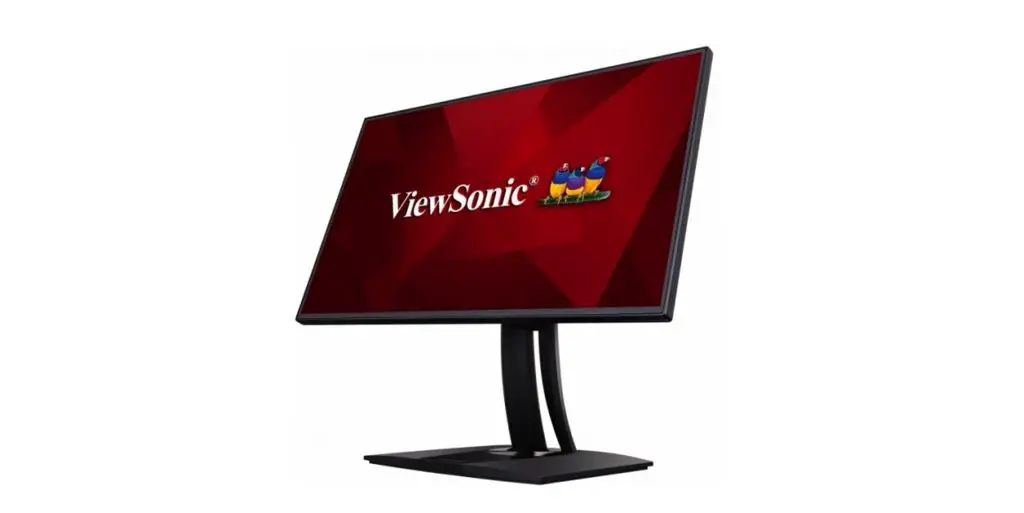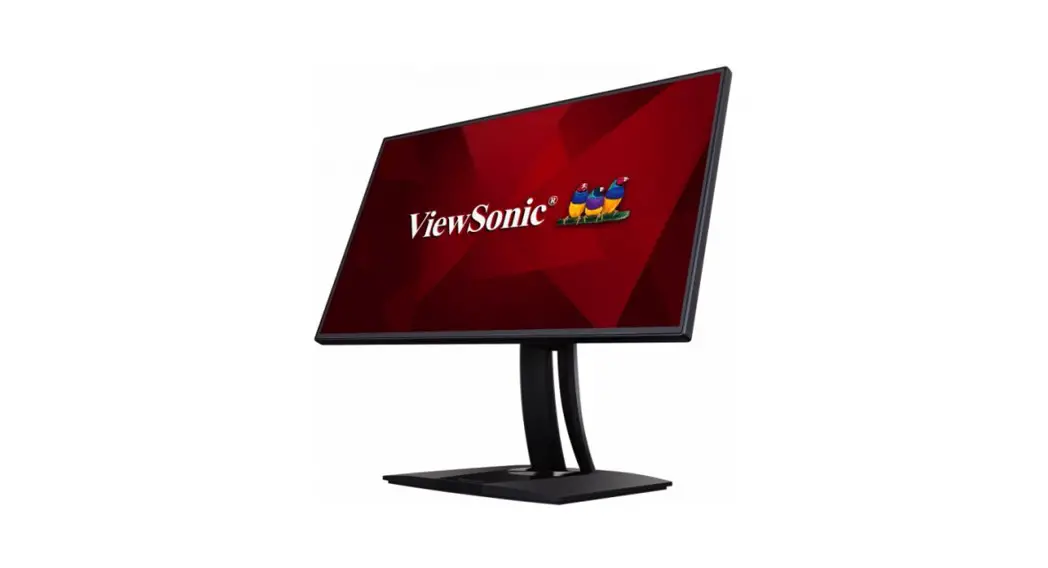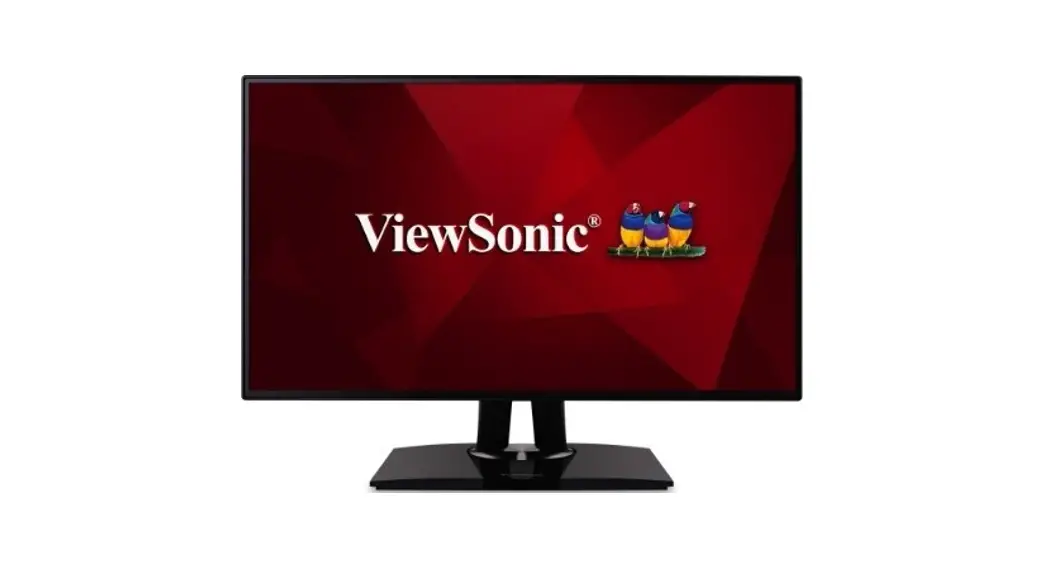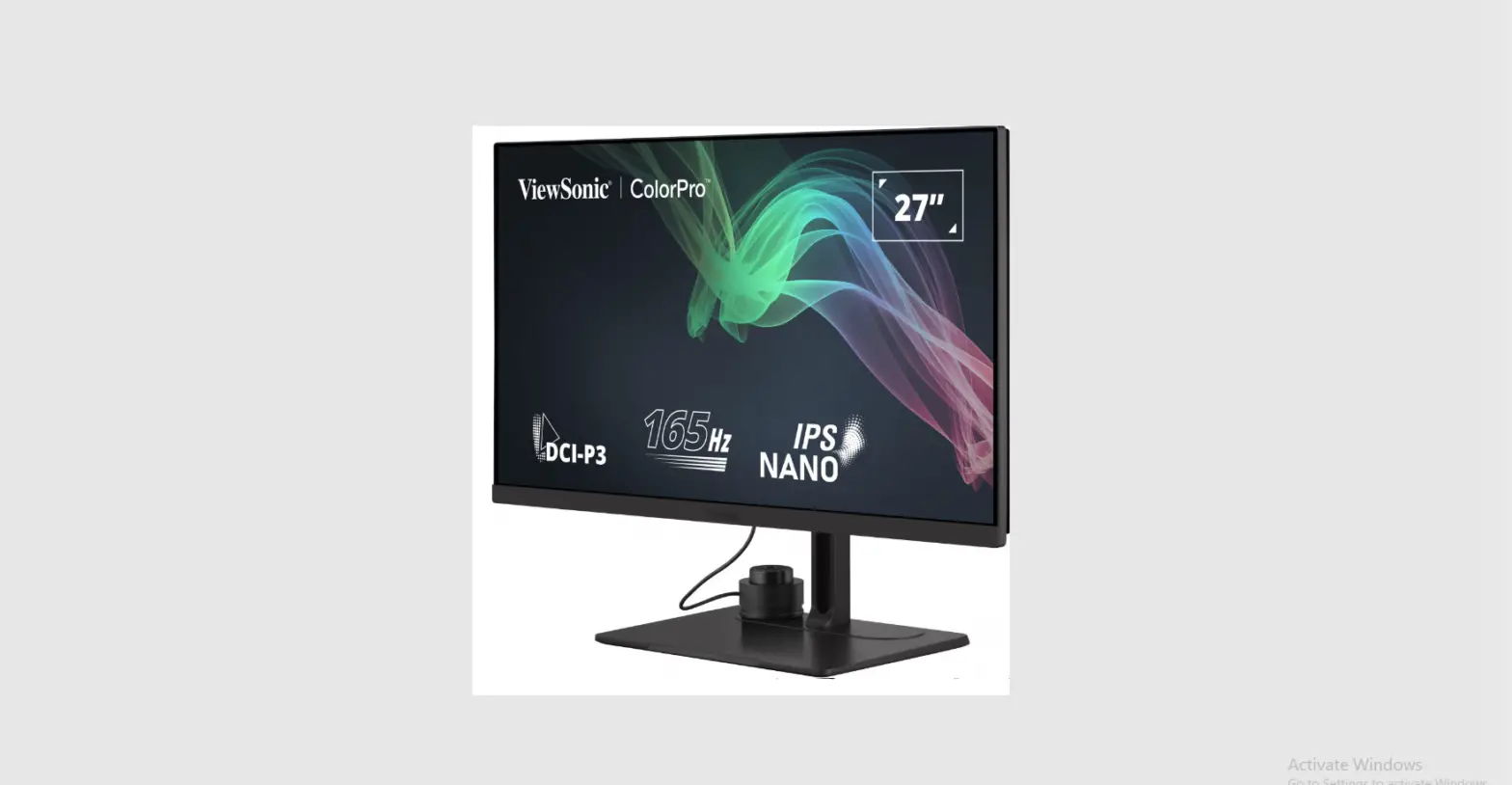

ViewSonic VP2776 ColorPro 27 Inch Pantone Validated Video Editing Monitor

Product Overview
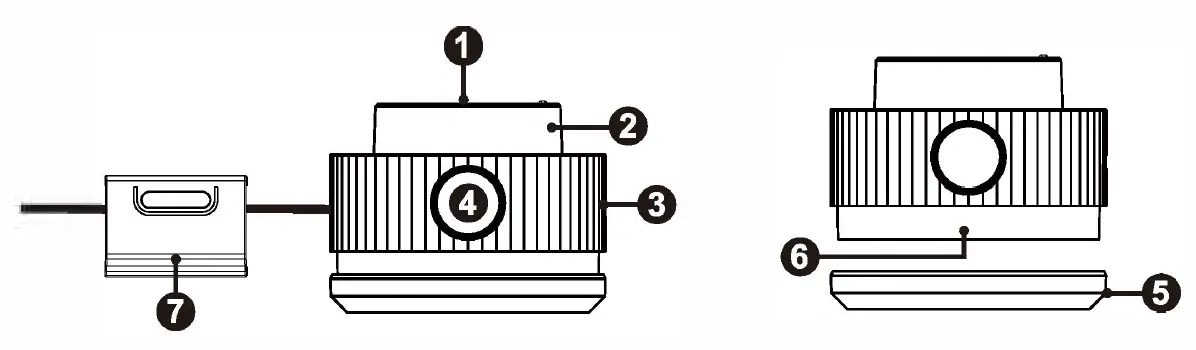
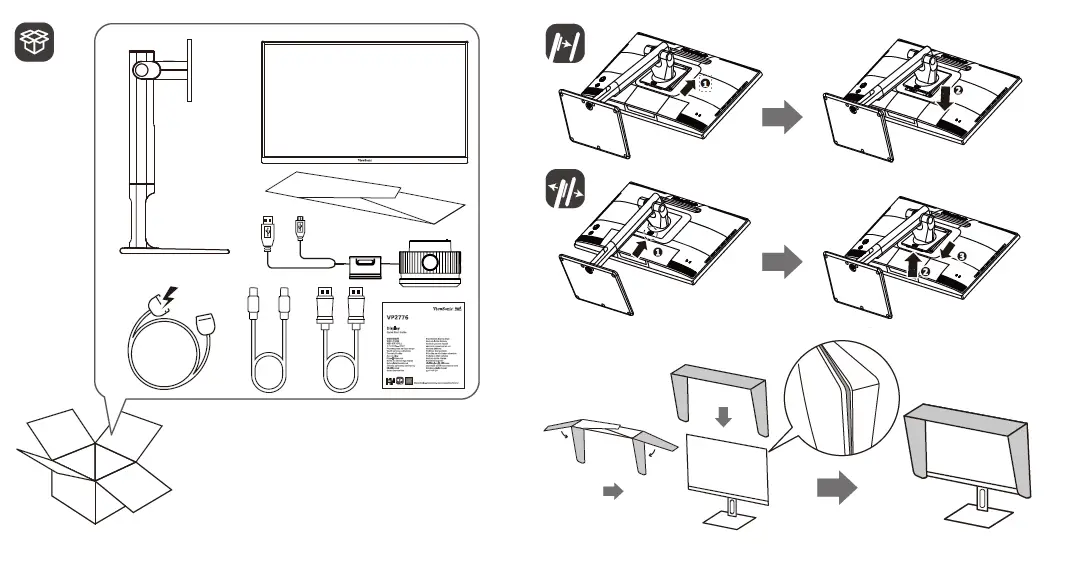
- Confirm Button
- Dial
- Grip
- Back Button
- Lens Cap
- Lens
- Adjustable Weight
Initial Setup
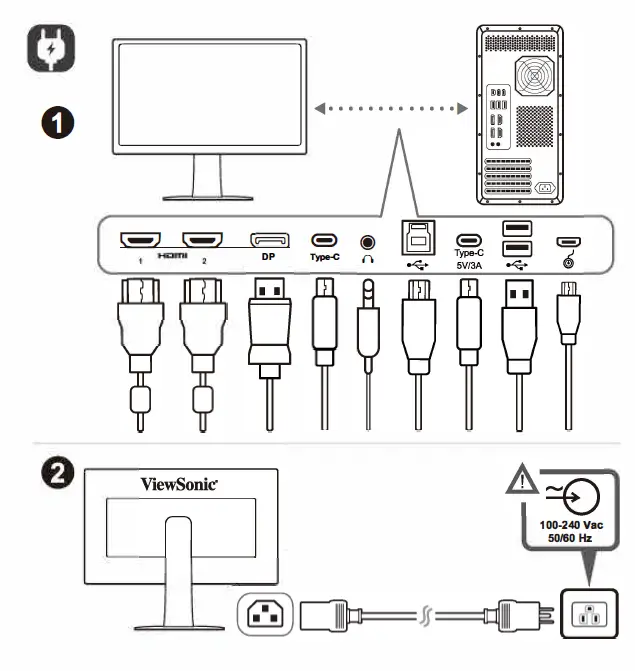
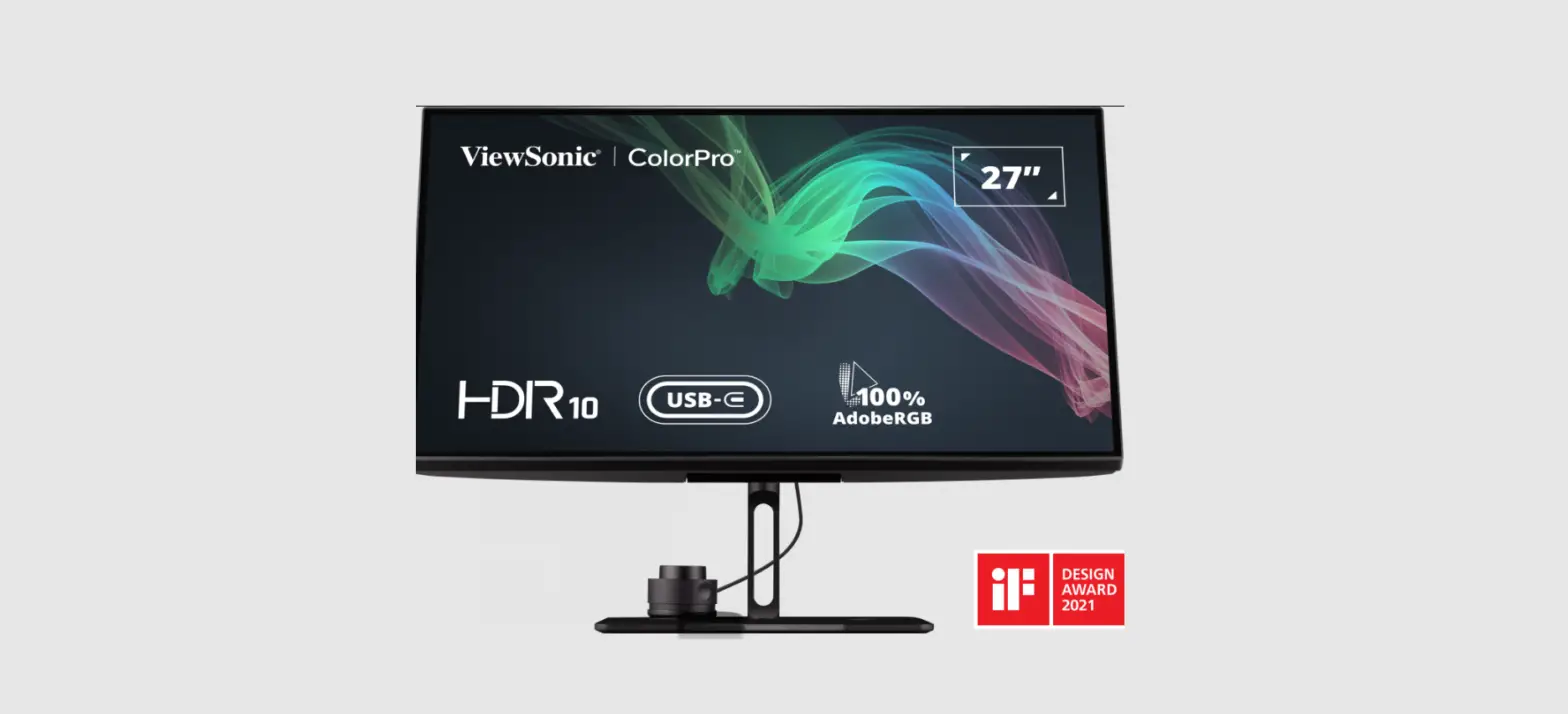
Connecting the ColorPro™ Wheel
Connect the USB Type A and Micro USB cable of the ColorPro” Wheel to the USB Type-A and Micro USB port of the monitor.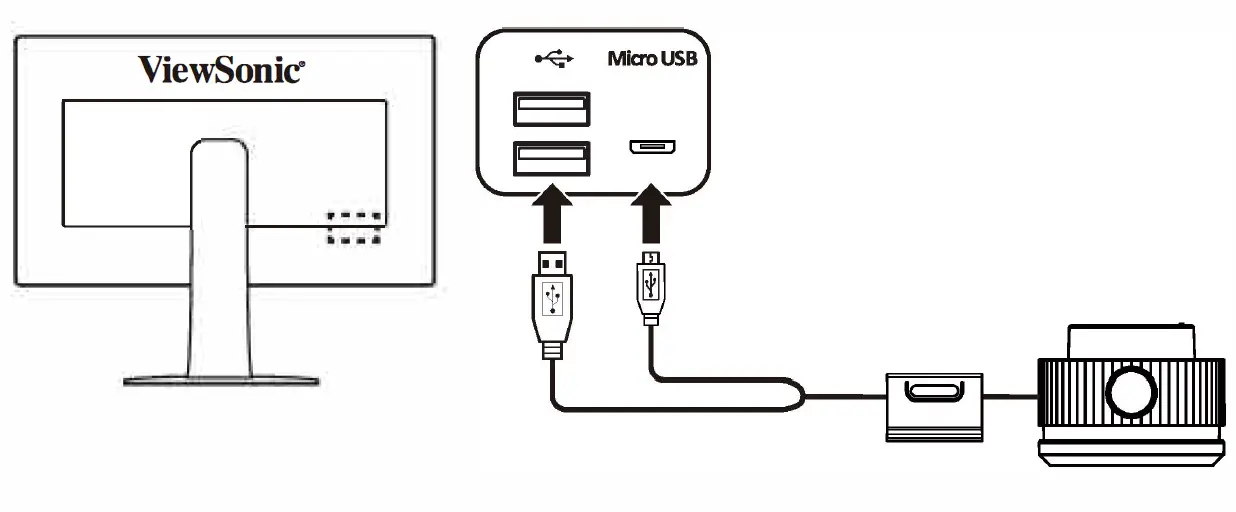
Using the Device
- Using the ColorPro™ Wheel
- Enter the On-Screen Display (OSD) Menu
- Enter the OSD Menu by pressing the Confirm Button.

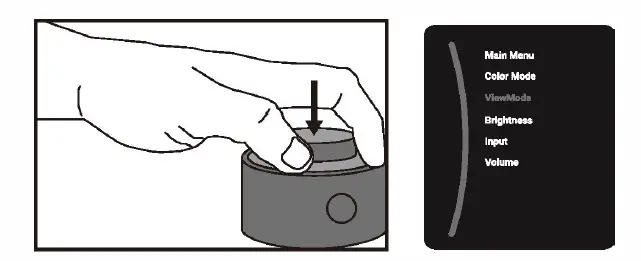
Select an Option and Confirm
Rotate the Dial to select an option, and press the Confirm Button to confirm.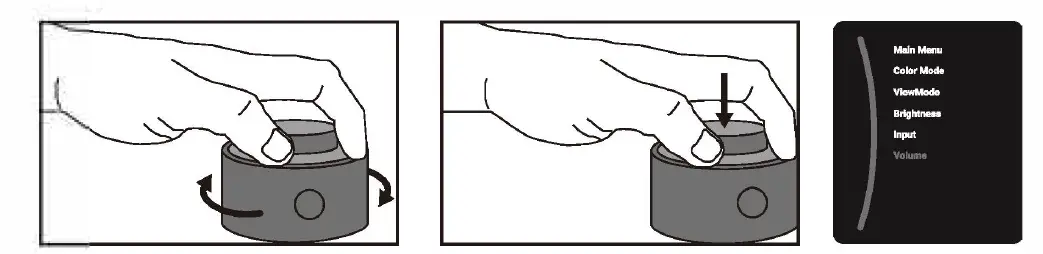
Adjust the Value
Rotate the Dial left or right to adjust the value of the selected option.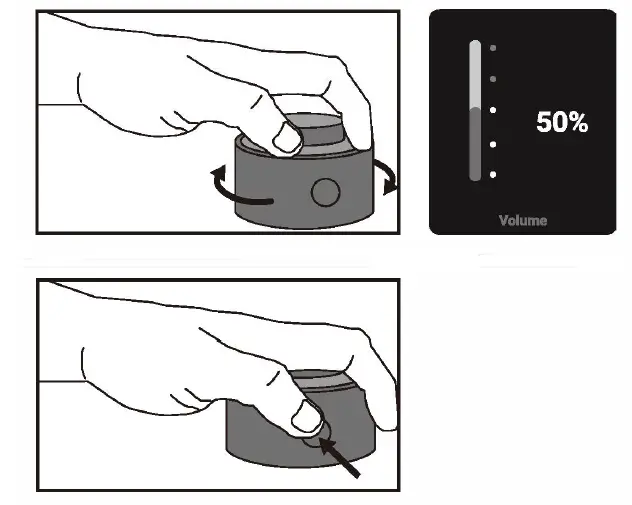
Back
Press the Back Button at any time to return to the previous option.
Please visit the “Download” section of the ViewSonic monitor product page to download your monitor drivers.
Don’t forget to register your ViewSonic monitor! Simply log in to the ViewSonic website in your region and dick on the “Support” tab on the front page.